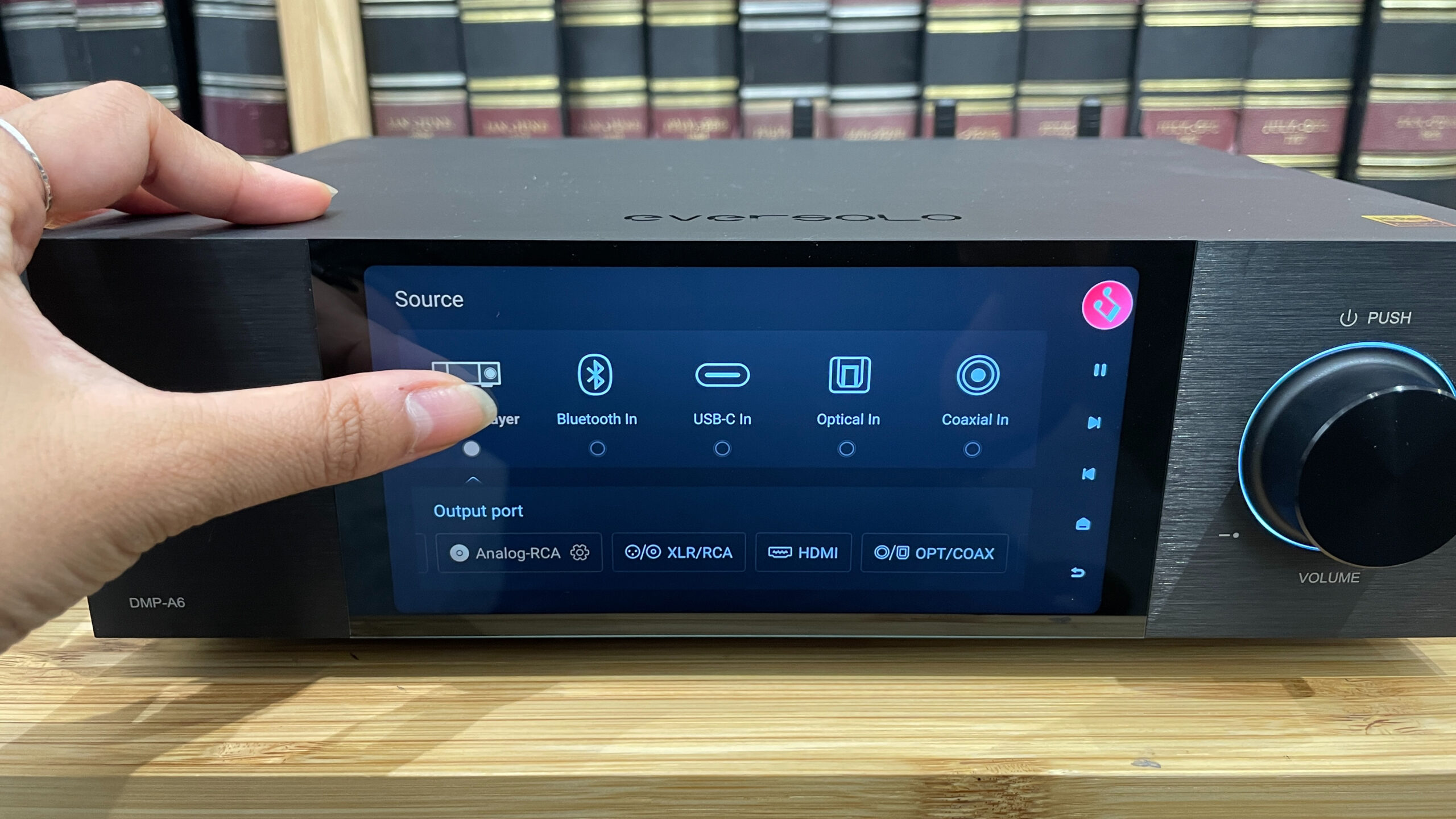

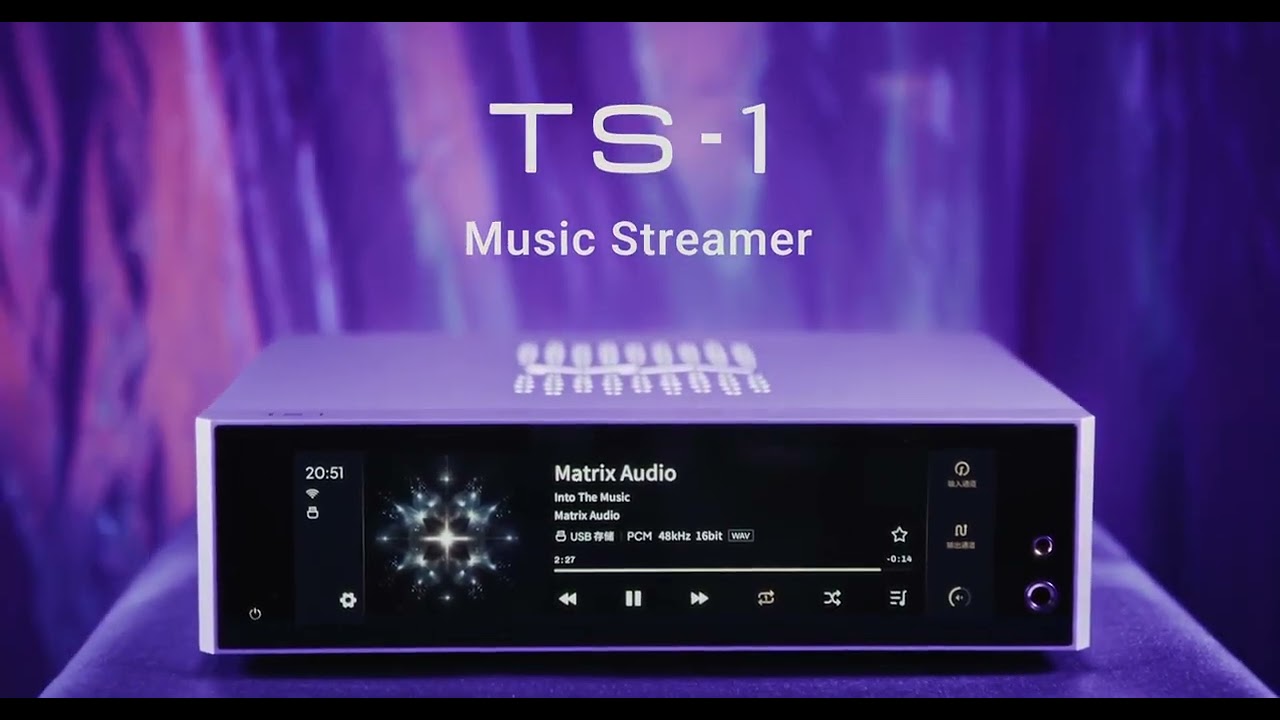
An audio streamer is a dedicated box that connects to your stereo amplifier or powered speakers, letting you play music from streaming services like Spotify, Tidal, or Apple Music without needing a phone or computer as the primary source. It sits in your system like a traditional component, but instead of a CD player or tuner, it pulls digital audio over your home network and sends it to your speakers. If you have a decent pair of speakers and an amplifier, an audio streamer is the most direct way to make them work with modern streaming without sacrificing sound quality.
What an Audio Streamer Actually Does
An audio streamer is a small computer optimised for one job: receiving digital audio from a network source and outputting it to an audio system. It typically has three main parts:
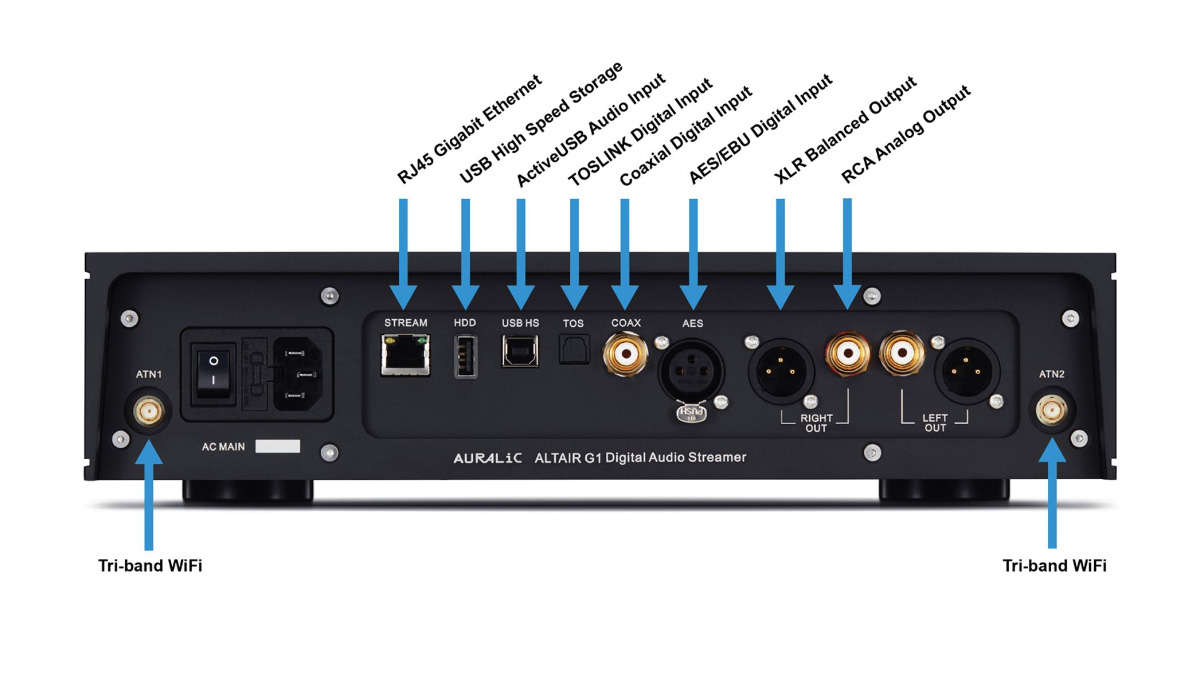
- A network interface, Wi-Fi or Ethernet to connect to your home network.
- A processor and software, to handle streaming protocols, decode audio formats, and run the control app.
- An audio output stage, usually analog (RCA or balanced XLR) and digital (optical, coaxial, or HDMI) to connect to an amplifier or powered speakers.
Many streamers also include a built-in digital-to-analog converter (DAC), which turns the digital stream into an analog signal your amplifier can use. Some streamers leave the DAC out and output only digital audio, letting you use a separate external DAC you already own or prefer.
You control the streamer from a phone or tablet app. The streamer itself has no screen or keyboard. You pick a song, playlist, or radio station on your phone, and the streamer fetches the audio directly from the internet. Your phone acts as a remote control, not as the audio source. That means you can leave the room, take a call, or even turn your phone off, and the music keeps playing.
How It’s Different from a Smart Speaker, Bluetooth Receiver, or Computer
People often stream music without realising they’re already using something similar. The confusion comes from the many ways to get audio into a system.
Smart speakers like the Amazon Echo or Sonos One are all-in-one devices. They contain a streamer, amplifier, and speakers in one box. An audio streamer is just the streaming part. It needs an external amplifier and speakers. That separation allows you to keep using the speakers you already own, which might sound much better than any smart speaker.
Bluetooth receivers are cheap and simple. They take audio from your phone wirelessly and send it to your stereo. But Bluetooth compresses audio, which can reduce sound quality, and it ties the music to your phone. Audio streamers use Wi-Fi, which can handle much higher resolution audio (up to 24-bit/192 kHz or even DSD) and doesn’t drop out when you walk into another room. Wi-Fi also lets you stream from multiple services simultaneously, like playing a playlist from Spotify while your partner listens to a different service in another room on a multi-room system.
Using a computer as a streamer works, but it’s clunky. You have to leave the computer on, deal with fan noise, operating system updates, and often a messy user interface. An audio streamer is silent, runs on low power, and boots up in seconds. It’s purpose-built for the task.
Using a phone or tablet directly is the most common way people stream music. You plug a cable into the headphone jack or use a Lightning-to-USB adapter. That works, but it means your phone is tied up, the audio quality is limited by the phone’s internal DAC, and you can’t use the phone for anything else without interrupting the music. An audio streamer frees your phone while potentially delivering better sound.
When an Audio Streamer Makes Sense
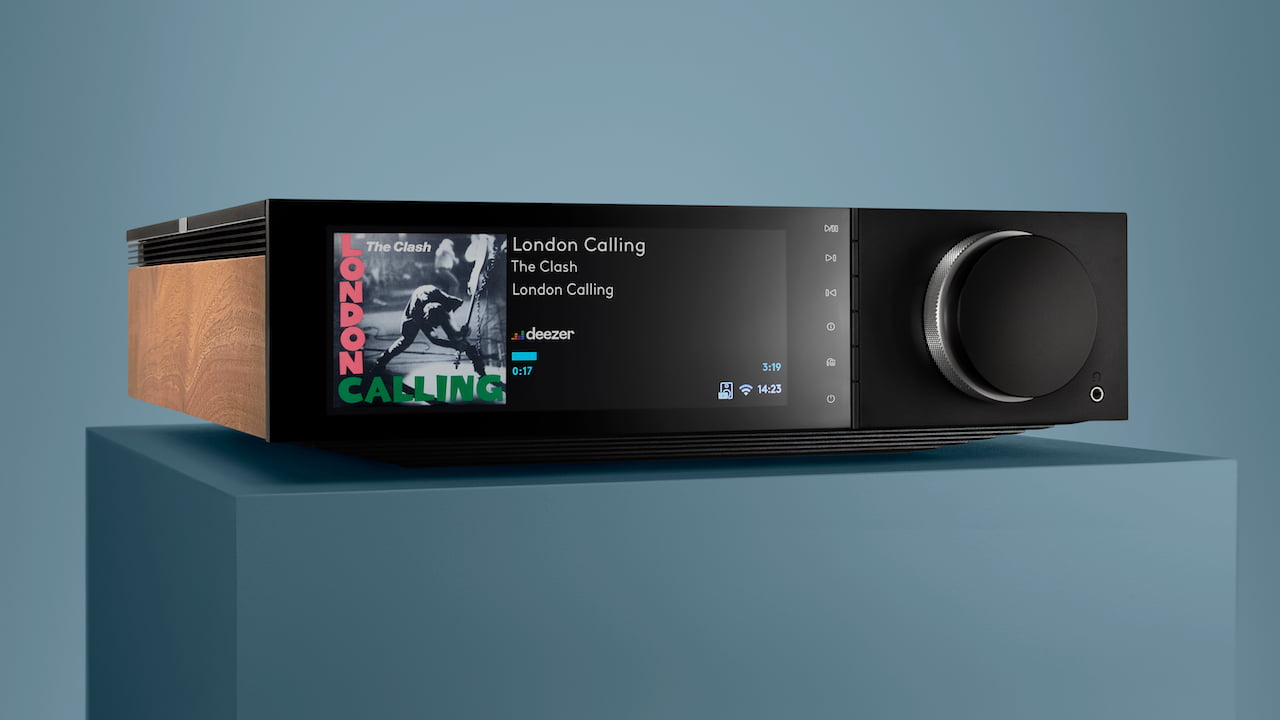
The honest answer is that most people don’t need one. If you listen to music mostly through a Bluetooth speaker, a smart speaker, or your car, an audio streamer would be overkill. But if you have a dedicated stereo system, own a pair of good passive speakers, or care about sound quality and convenience, an audio streamer can transform how you listen.
You are the right person for an audio streamer if:
- You have a traditional stereo amplifier and speakers that you love, and you want to stream music to them without adding a Bluetooth dongle trailing a cable.
- You subscribe to a high-resolution streaming service like Tidal or Qobuz and want to play back at full quality (Bluetooth cannot do that).
- You want to build a multi-room audio system where the same music plays in different rooms or different music in each room, all controlled from one app.
- You dislike the idea of your phone being the center of your music listening. You want a dedicated device that just works, with no notifications, low battery warnings, or dropped connections.
The Trade-Offs to Know Before You Buy
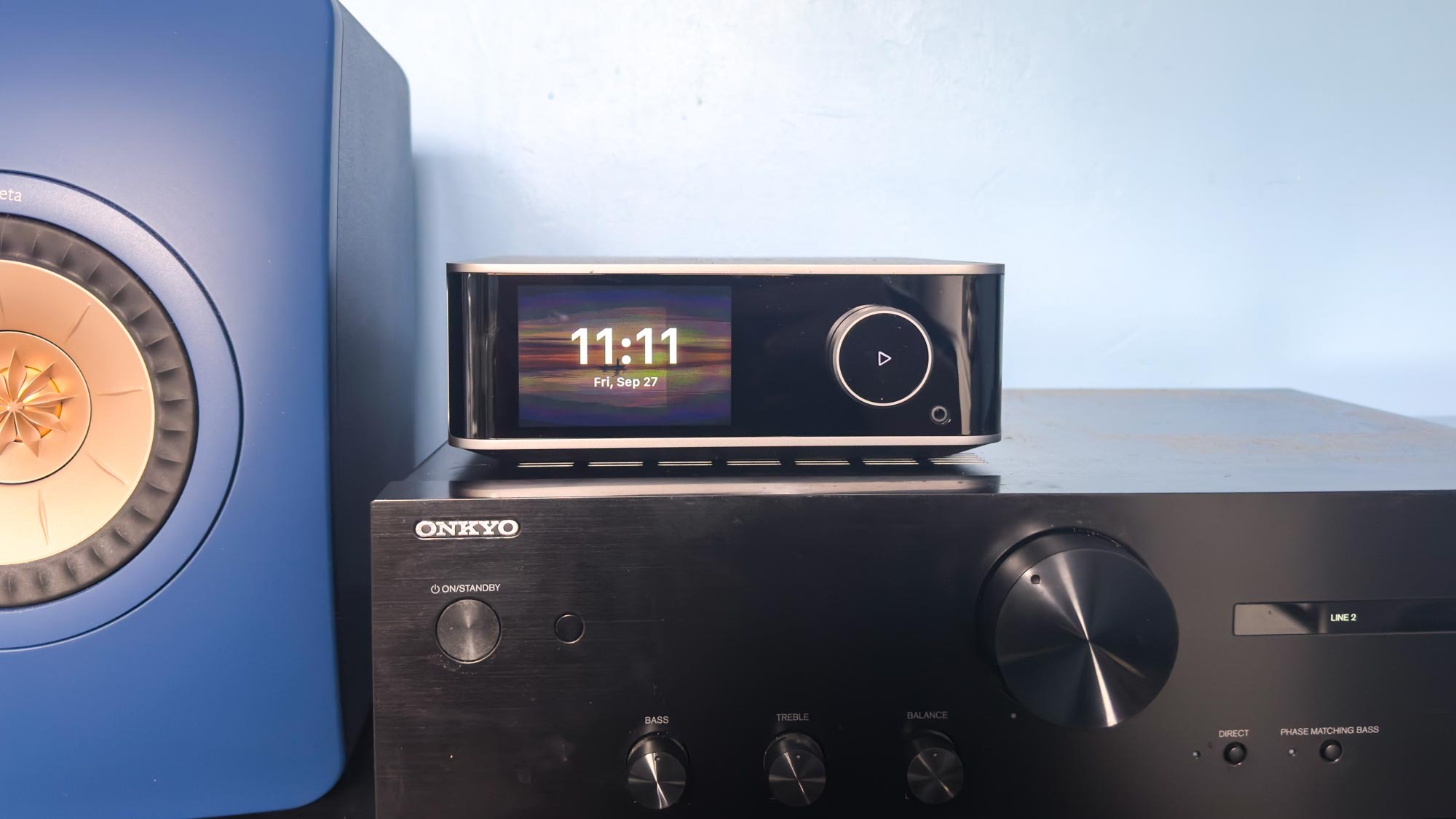
Audio streamers are not a perfect solution for everyone. Here are the limitations you should consider.
You Need a Wi-Fi Network That’s Actually Good
Streaming high-resolution audio over Wi-Fi is demanding. If your router is old, placed far from the streamer, or shared with many devices, you may experience dropouts or buffering. Most streamers have Ethernet ports, and a wired connection is always more reliable. If you cannot run a cable, you need a strong Wi-Fi signal in the room.
The App Is Everything
You control the streamer from an app. If the app is poorly designed, buggy, or unmaintained, the streamer becomes frustrating to use. Some brands have excellent apps (Bluesound, Wiim, Sonos), others are mediocre. This is a case where you should read recent user feedback about the app experience before picking a model.
You Might Need a Separate DAC
Cheaper streamers often have mediocre built-in DACs. If you already own a high-quality external DAC, you want a streamer that outputs digital audio only (optical or coaxial) so you can use your own. If you are buying a streamer as a one-box solution, pay attention to the DAC chip and the analog output quality. A streamer with a poor DAC can sound worse than a phone plugged into the same amplifier.
Multi-Room Is Not Universal
Not all streamers support multi-room audio. If you plan to buy two or three streamers for different rooms, make sure the brand’s ecosystem supports grouping them. Sonos and Bluesound are strong here. Some budget streamers only work as standalone devices.
Streaming Service Support Varies
Most streamers support Spotify, Tidal, Qobuz, and Apple Music, but not always the same way. Apple Music, for example, does not work with every streamer’s native app. Some streamers rely on AirPlay 2 to play Apple Music, which works but caps the resolution to 24-bit/48 kHz. If you are loyal to a specific service, check that the streamer supports it directly (not just via AirPlay or Bluetooth).
How to Decide Between a Streamer and a Connected Speaker
This is the most common fork in the road. If you do not already have a stereo system, a connected speaker (like a Sonos Era 100, Apple HomePod, or Wiim Amp) is often simpler and cheaper. You get streaming, amplification, and speakers in one box, with no extra cables. The trade-off is that you are locked into that speaker’s sound. If you later want to upgrade, you replace the whole thing.
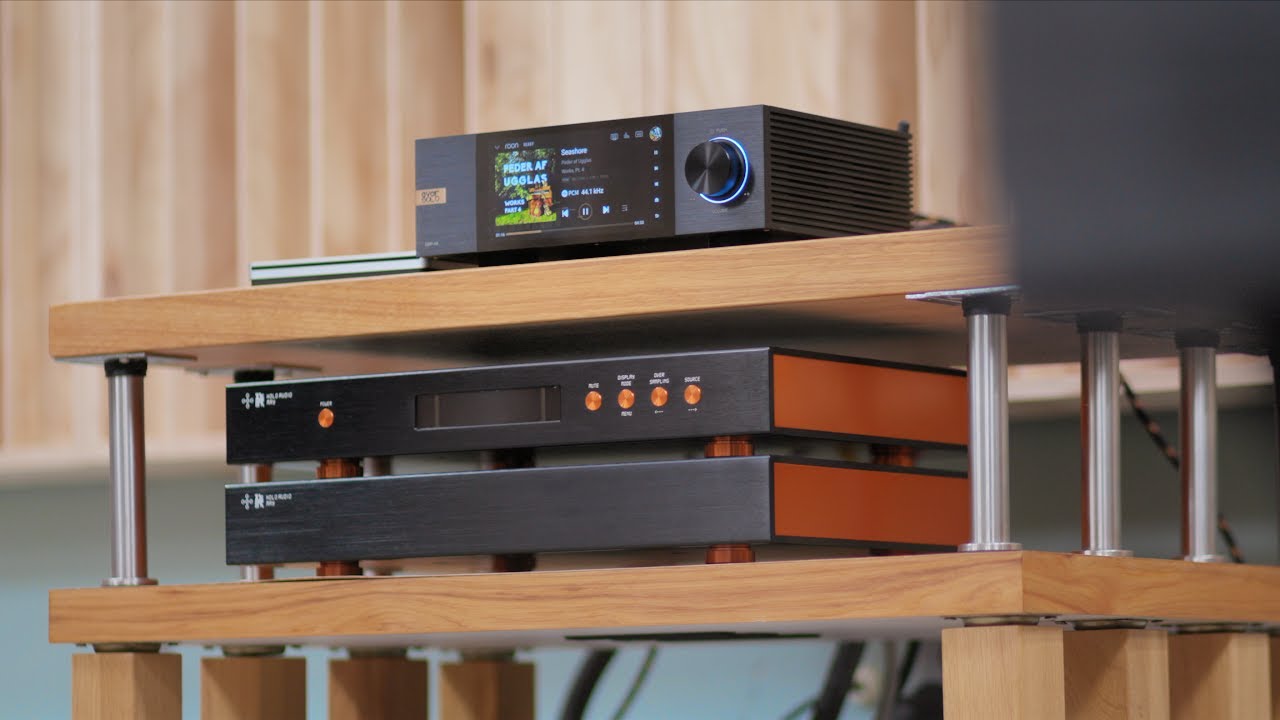
A streamer plus your own amplifier and speakers gives you flexibility. You can upgrade the speakers, the amplifier, or the streamer independently. The sound quality ceiling is higher, because you can choose each component to match your taste. But the upfront cost is higher, and the setup requires more cables and a little more patience.
Setting Up an Audio Streamer
The steps are straightforward, and they are similar across most models.
- Connect the streamer to your network. Use an Ethernet cable if possible. If using Wi-Fi, follow the app’s pairing process (usually pressing a button on the streamer while the app searches).
- Connect the streamer to your amplifier or powered speakers. Use analog RCA cables if the streamer has a built-in DAC. Use optical or coaxial if you are sending digital to an external DAC.
- Power on the streamer and the amplifier. Set the amplifier to the correct input.
- Install the streamer’s app on your phone or tablet. The app will guide you through linking your streaming service accounts.
- Start playing music. Pick a song from the app and adjust the volume. The streamer should appear as a playback device in the app.
Most people get this done in under 15 minutes. The only common sticking point is Wi-Fi setup. If the streamer does not appear in the app, try restarting your router and the streamer, or use a wired connection temporarily to get it on the network.
A Note on Wired vs. Wireless
Audio streamers are often advertised as “wireless, ” but that refers to the network connection. The connection to your amplifier should be wired. Some streamers do offer wireless speaker connections (like Sonos’s proprietary protocol or Bluetooth), but for the best sound quality, use a wired analog or digital cable between the streamer and the amplifier. Bluetooth is a compromise you should avoid if sound quality matters.
The Honest Limitation That Marketing Leaves Out
Audio streamers are fantastic for streaming, but they do not solve every source problem. They cannot play vinyl, they cannot play CDs, and they cannot play audio from a TV unless you route the TV’s audio output through the streamer (which some models support via HDMI ARC). If you want a single box that replaces a CD player, tuner, and turntable, a streamer is not that. It is a network audio player, period. For everything else, you need separate inputs on your amplifier.
FAQ
Can I use an old smartphone as an audio streamer?
Yes, you can. Leave the phone plugged into your amplifier, use a streaming app, and control it with another device or via the phone’s screen. It works, but the phone’s battery may swell if left plugged in 24/7, and the audio quality depends on the phone’s internal DAC. A dedicated streamer is more reliable and usually sounds better, but a phone is a zero-cost alternative to test if you want to know whether streaming to your stereo is something you’ll actually use.
Do I need a separate DAC with an audio streamer?
It depends on the streamer and your expectations. Many streamers include a competent DAC that sounds fine with most amplifiers and speakers. If you have a high-end system, or if you already own a separate DAC you like, choose a streamer that outputs digital audio so you can bypass its internal DAC. The difference is usually subtle, not night and day.
What is the difference between an audio streamer and a network audio player?
The terms are used interchangeably. Some manufacturers call a device a “network player” if it also includes a CD drive or other physical media playback. But a pure audio streamer has no disc mechanism. In practice, both refer to a device that plays digital audio from a network.
Can I stream audio from my computer’s music library to a streamer?
Yes, if the streamer supports DLNA, UPnP, or a protocol like Roon Ready. You set up a media server on your computer (like Plex, JRiver, or the built-in Windows Media Sharing). The streamer then sees that library and can play your local files. This works for lossless files like FLAC and ALAC.
Do I need a subscription to use an audio streamer?
No, but you need a subscription if you want to stream from a commercial service like Spotify or Tidal. You can stream your own digital music files from a computer or NAS drive without any subscription. The streamer itself does not charge a fee.