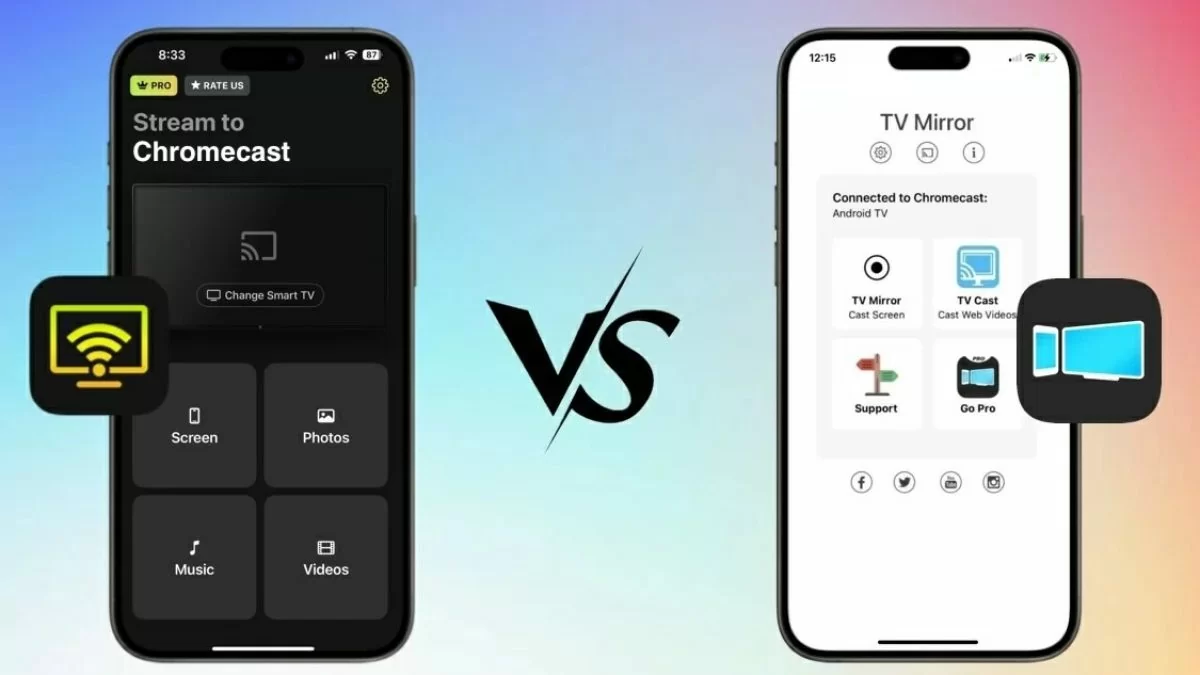

A phone screen is useful until several people need to see it. Then a presentation, recipe, video call, or photo slideshow becomes a crowd around a small display. The right wireless HDMI adapter turns an available TV, monitor, or projector into a much more practical shared screen.
The Best device for screen mirroring depends on the phones and computers involved. Some adapters support AirPlay, Miracast, and DLNA, while others are deliberately limited to iPhone and iPad. One product here is built for a car, and another is a specialist monitor for filming with a phone's rear camera.
HRpart 4K Adapter is our top pick, with the rest covering iOS-only simplicity, smoother 60Hz output, travel use, and in-car screen mirroring.
Comparison table
| # | Product | Award | Output | Compatibility | Best for |
|---|---|---|---|---|---|
| 1 | HRpart 4K Adapter | Best overall | 4K decoding | iOS, Android, Windows | Mixed-device households |
| 2 | Unitek 4K Wireless Dongle | Best for presentations | 4K at 60Hz | AirPlay, Miracast, DLNA | Meetings and classrooms |
| 3 | SmartSee Anycast | Best compatibility notes | 1080p | iOS, Android, Windows, MacBook | Careful buyers with varied devices |
| 4 | lulaven iOS Adapter | Best iPhone simplicity | 1080p at 30Hz | iPhone and iPad | Apple mobile devices only |
| 5 | JOYHOOD 1080P Dongle | Best for Mac multitasking | 1080p at 60Hz | iPhone, iPad, MacBook | Extended desktop use |
| 6 | LUCKSKY Selfie Monitor | Best for rear-camera filming | Up to 4K at 60fps | iOS 9.0 and Android 2.0 or above | Vlogs and selfies |
| 7 | zonsiton iShare Adapter | Best iOS travel option | 1080p | iPhone and iPad | Router-free mirroring |
| 8 | EOKBBC CarPlay Adapter | Best for cars | Not specified | iOS 10+, Android 11+ | Cars with wired CarPlay |
| 9 | AINBREC AirPlay Adapter | Best iOS 60Hz adapter | 1080p at 60Hz | iPhone, iPad, MacBook | Home and travel presentations |
1. HRpart 4K Adapter: Best Overall

Pros
- Supports iOS, Android, and Windows
- Offers 4K decoding
- Uses both 2.4GHz and 5GHz WiFi
- Works without an app or Bluetooth
Cons
- 4K output depends on the source and display
- Some subscription video apps may be restricted
- Requires USB power
Best for: households and offices that need one adapter for several device platforms.
The HRpart 4K Adapter is the least restrictive option in this group. It is designed for the common situation where one person has an iPhone, another uses Android, and a presentation arrives on a Windows laptop. Its Direct Mirror mode is the quick option for putting a device screen on a TV, monitor, or projector, while DLNA mode routes through a router for longer, steadier use.
The headline capability is 4K decoding, but that does not mean every source will appear in 4K. The listing makes clear that both the source device and the display must support the resolution. That caveat is important, but the extra decoding headroom still makes this a sensible choice for a modern 4K television. Its dual-band 2.4GHz and 5GHz WiFi gives you a way to favor reach or speed depending on the room and interference.
Setup is refreshingly straightforward. Connect the adapter to the display, power it from a USB port, and select the right input. There is no app or Bluetooth pairing step. For a mixed-device home, that simplicity matters more than a long compatibility list because guests can start with the wireless screen tools already built into their phones or computers.
The weakness is the familiar one for wireless display adapters: protected subscription content may not mirror correctly. That makes this less suitable as a replacement for a dedicated streaming player. If your main goal is watching supported video, a separate device that handles streaming apps directly on a TV is a better fit. Choose the HRpart when flexible screen sharing, documents, photos, and meetings matter more than app-based playback.
2. Unitek 4K Wireless Dongle: Best for Presentations

Pros
- Supports 4K output at 60Hz
- Works with AirPlay, Miracast, and DLNA
- Switches between landscape and portrait
- Offers dual-band WiFi
- Supports an open-space range up to 25 meters
Cons
- Interference can reduce the range to 5 meters
- iOS and macOS have HDCP restrictions
- Larger than several travel-focused adapters
Best for: people who need a flexible display adapter for meetings, teaching, and presentations.
The Unitek 4K Wireless Dongle is the presentation specialist of the first two picks. It supports Android and iOS devices, laptops, and tablets, so it can move between a classroom and a home theater without being tied to one operating system. Its support for AirPlay, Miracast, and DLNA covers the main wireless display methods used by those platforms.
Unitek specifies 4K at 60Hz, which is a more useful claim than resolution alone when the source can provide it. A 60Hz signal makes cursor movement, scrolling, and motion in a presentation look less choppy than a lower refresh rate. The adapter also has a one-touch landscape or portrait switch. Landscape suits video and games, while portrait can make a phone-based meeting or live stream use more of the available screen.
The stated open-space transmission range reaches 25 meters, though the manufacturer warns that heavy electronic interference may reduce it to 5 meters. That is the right way to read the claim. It should be capable in a clear room, but a crowded meeting space with many wireless devices can change the result. Dual-band 2.4GHz and 5GHz support gives it more flexibility than a single-band dongle.
The biggest limitation is content protection. iOS and macOS cannot use this adapter with HDCP-protected apps such as Netflix. The Unitek is a stronger choice than the HRpart for orientation control and specified 60Hz output, but the HRpart is easier to recommend when the household has a wider mix of devices and uses. Pick Unitek for teaching, office work, and presentations where document sharing is the priority.
3. SmartSee Anycast: Best Compatibility Notes

Pros
- Supports AirPlay, Miracast, and DLNA
- Works with iOS 9.0+, Android 5.0+, and Windows 10 devices
- Includes a mode switch for iOS or Android and Windows
- Receives automatic over-the-air firmware updates
- Compact design
Cons
- Does not support Google Pixel or Motorola devices
- Android and Windows devices must support Miracast
- Encrypted video apps are not supported
Best for: buyers who want broad platform support and clearly stated device limitations.
The SmartSee Anycast is a useful reminder that compatibility is more important than an impressive resolution label. It supports mirroring to a TV, projector, or monitor at up to 1080p and accepts signals from iPhone, iPad, Android, Windows, and MacBook devices. For everyday photos, files, presentations, and unencrypted movies, that is enough resolution for a large screen.
Its setup follows a simple three-step path: plug the dongle into the display, power it with the included USB WiFi antenna, and select the correct input. The on-screen Anycast interface recognizes the IP address and matches the local language. A physical mode switch separates AirPlay from Miracast, and holding the button for 3 to 5 seconds restarts the dongle when a connection gets stuck.
SmartSee is unusually direct about its weak spots. Google Pixel and Motorola phones are not supported, and Android or Windows devices need Miracast capability. It also excludes encrypted services including Netflix, Amazon Video, HBO Go, Hulu Plus, Sky Go, and DIRECTV. Those details make it easier to avoid an unhappy purchase, especially compared with generic adapters that simply claim broad compatibility.
The automatic over-the-air firmware updates are a worthwhile feature for a wireless device that has to keep working with changing operating systems. The HRpart offers 4K decoding and broader headline flexibility, while SmartSee makes the compatibility boundaries easier to understand. If your phone is not a Pixel or Motorola and your main content is local media or presentations, SmartSee is a sensible 1080p choice. Pixel and Motorola owners should skip it.
4. lulaven iOS Adapter: Best iPhone Simplicity

Pros
- Designed specifically for iPhone and iPad
- No app, Bluetooth, or WiFi network required
- Supports YouTube, TikTok, photos, Safari, and presentations
- Works with HDMI TVs, monitors, and projectors
- Includes a USB charging cable
Cons
- Does not work with Android, Windows, or Mac
- Output is 1080p at 30Hz
- Protected streaming apps are excluded
- Power adapter is not included
Best for: iPhone and iPad owners who want a focused, router-free setup.
The lulaven iOS Adapter takes a narrower approach than the HRpart and SmartSee. It is for iPhone and iPad, not Android, Windows, or Mac, and that limitation is the point. There is no need to work through Miracast compatibility or a home network. Connect it to the HDMI display, provide USB power, select the input, and use the iPhone or iPad's screen mirroring control.
The adapter supports iOS 7 and later and is described as compatible with both Lightning and USB-C iPhone and iPad models. It can mirror photos, Safari, PowerPoint, games, YouTube, and TikTok at 1080p. The listed 30Hz output is fine for slides, social media, and still images, but motion will not look as fluid as it does on the 60Hz JOYHOOD or AINBREC adapters.
A useful design detail is that the phone's charging port remains available while mirroring, according to the product description. That matters during a long presentation or a trip where the display is far from a convenient outlet. The included USB cable helps with the connection, but a 5V/1A power adapter is not included, so you need a suitable USB power source.
The trade-off is severe platform exclusivity. Android and Mac users should choose another product, and Netflix, Disney+, and other DRM-protected apps will not mirror. Compared with the zonsiton iShare Adapter, lulaven offers a similar iOS-first experience but a lower stated refresh rate. It is the right pick when the household is all Apple mobile and uncomplicated setup matters more than maximum smoothness.
5. JOYHOOD 1080P Dongle: Best for Mac Multitasking

Pros
- Supports 1080p at 60Hz
- Offers dual-band 5GHz and 2.4GHz transmission
- Includes extended mode for computer use
- Supports portrait and landscape switching
- Compact, USB flash drive sized design
Cons
- Focused on iPhone, iPad, and MacBook
- Protected streaming services may not mirror
- Laptops and tablets act as transmitters only
Best for: MacBook users who want a second display for videos, files, and presentations.
The JOYHOOD 1080P Dongle stands out because it is not limited to simple duplication. Its extended mode lets a computer play a video on the larger display while the computer remains available for other work. That makes it more interesting for a MacBook user than an adapter that only copies the laptop screen.
The stated output is 1080p at 60Hz, with 4K decoding. The 1080p limit is the practical display output, while 4K decoding describes what the adapter can process internally. At 60Hz, scrolling through a document, moving a pointer, or playing supported video should look smoother than on the 30Hz lulaven adapter. Portrait and landscape switching adds flexibility for phone content and vertical social video.
Dual-band transmission uses 5GHz and 2.4GHz to reduce interference and improve connection stability. JOYHOOD also describes the adapter as USB flash drive sized, making it easy to pack for a hotel TV or a meeting room. The plug and play setup does not require an app or Bluetooth, though the display still needs an HDMI input and the adapter needs power.
The compatibility story is narrower than the name of the category might suggest. The listing centers on iPhone, iPad, and MacBook, and says laptops and tablets transmit rather than receive content. Protected services such as Netflix, Amazon Prime Video, Hulu, and Chromecast TV may be blocked by HDCP. Choose JOYHOOD over lulaven if 60Hz and extended computer use matter. Choose HRpart if Android and Windows support are equally important.
6. LUCKSKY Selfie Monitor: Best for Rear-Camera Filming

Pros
- Shows a phone's rear-camera view in real time
- Supports up to 4K at 60fps according to the listing
- Includes a Bluetooth remote control
- Rotates 180 degrees
- Offers three brightness levels
- Works with a magnetic mount and included sticker
Cons
- It is a selfie monitor, not a general TV dongle
- Screen mirroring requires iOS 9.0 or Android 2.0 or above
- Magnetic mounting may require an adhesive sticker
- The product description does not specify monitor dimensions
Best for: vloggers and selfie shooters who need to frame shots with a phone's rear camera.
The LUCKSKY Selfie Monitor is the odd one out, but it solves a real screen mirroring problem. Instead of sending a phone screen to a television, it places the rear-camera view where the person filming can see it. That is useful for vlogs, live broadcasts, and selfies because rear cameras often offer a better shooting experience than a front camera.
The listing says the mirrored view can reach up to 4K at 60fps and remain within 33 feet. It also includes a Bluetooth remote control for starting or controlling shooting without reaching for the phone. Those capabilities are more relevant to framing and timing than to watching a movie on a large display.
A 180-degree rotation button prevents the screen from appearing upside down, and three brightness levels help it remain visible in different lighting. The built-in magnetic suction works with iPhone 12 through iPhone 17 and similar models, while the included magnetic sticker extends compatibility to phones such as Samsung Galaxy models and older iPhones. The package includes the monitor, remote, sticker, Type-C cable, and manual.
This is not a substitute for the HRpart or Unitek if you want to mirror a phone to a TV. It is a specialist accessory with a much more focused purpose, and the listing does not provide the monitor's screen dimensions. If your screen mirroring need is filming yourself with the rear camera, LUCKSKY is the clear choice. Everyone else should skip it and choose a conventional HDMI adapter.
7. zonsiton iShare Adapter: Best iOS Travel Option

Pros
- Requires no home WiFi router
- Supports iPhone and iPad models with Lightning or USB-C
- Offers 1080p output
- Leaves the mobile device available for charging
- Includes a one-year limited warranty
Cons
- Does not support Android
- Protected services such as Netflix and Hulu are excluded
- USB power adapter is not included
- Not intended for general Mac or Windows compatibility
Best for: iPhone and iPad users who need to mirror in hotels, offices, and other places without a trusted network.
The zonsiton iShare Adapter is built around a practical travel problem: the TV is available, but there is no convenient WiFi network to join. Its three-step setup uses the HDMI port, USB power, and the appropriate input selection. The phone or iPad then uses its screen mirroring control without an app, account, Bluetooth pairing, or home router.
It supports compatible iOS and iPadOS devices running 9.0 or later, including Lightning and USB-C models. The adapter is intended for photos, presentations, Facebook, Instagram, YouTube, TikTok, games, and other open-platform content. Its 1080p output is appropriate for a hotel television or meeting-room projector, though it does not offer the smoother 60Hz specification found on JOYHOOD and AINBREC.
A thoughtful feature is simultaneous charging. The adapter is designed to keep the iPhone's charging port available while mirroring, which helps during long presentations or extended video playback. It uses cellular data, so it can work in places without a suitable local network. The USB cable is included, but the recommended 5V/1A power source is not.
The iOS-only design is the main boundary. Android owners should look to SmartSee or HRpart, and anyone expecting Netflix, Hulu, Amazon Prime Video, or Disney+ to mirror should know that HDCP blocks those services. zonsiton is more travel-focused than lulaven because it emphasizes router-free use and charging flexibility. It is a good companion for an iPhone-led travel kit, not a universal display receiver.
8. EOKBBC CarPlay Adapter: Best for Cars

Pros
- Combines wireless CarPlay, Android Auto, AirPlay, and MirrorLink
- Supports USB-A and USB-C connections
- Adds wireless conversion to compatible wired systems
- Offers dual-band WiFi
- Includes lifetime firmware updates according to the listing
- Compact design with cooling
Cons
- Requires a car with OEM wired CarPlay or Android Auto
- Does not support cars with OEM wireless CarPlay
- Compatibility depends on the vehicle and phone
- A car screen is a different use case from a home TV
Best for: drivers with a compatible factory wired CarPlay or Android Auto system.
The EOKBBC CarPlay Adapter belongs in this roundup because it brings screen mirroring to a vehicle rather than a living-room display. It combines wireless CarPlay, wireless Android Auto, AirPlay, and MirrorLink. The result is a more versatile in-car connection, though it should not be mistaken for a universal HDMI receiver.
Compatibility is the first checkpoint. The adapter is intended for vehicles with OEM wired CarPlay or OEM wired Android Auto and a compatible touchscreen. It supports iPhones on iOS 10 or later and Android phones on Android 11 or later. The listing specifically says it does not support cars that already have OEM wireless CarPlay, so checking the factory system before buying is essential.
The adapter uses 2.4GHz and 5.8GHz WiFi and supports both USB-A and USB-C connections. Its compact body is designed to sit discreetly in the car, and a dual-vent cooling system is intended to help with longer use. The product description also claims support for video, movies, navigation, and phone mirroring through AirPlay or MirrorLink, but local laws and safe driving practices should govern what appears on a dashboard screen.
This is not the right answer for a hotel TV, classroom projector, or home monitor. For those needs, HRpart and Unitek are much better matched. If your target is a vehicle, compare the factory requirements with the more general advice in the discussion of wireless connections for compatible car systems. EOKBBC is the specialist pick for adding wireless connectivity and mirroring to a compatible wired setup.
9. AINBREC AirPlay Adapter: Best iOS 60Hz Adapter

Pros
- Supports 1080p at 60Hz
- Offers 4K decoding
- Works with iPhone, iPad, and MacBook
- Uses 5GHz and 2.4GHz bands
- Claims a range up to 65 feet in open environments
- Requires no app, Bluetooth, or external WiFi network
Cons
- Focused on Apple devices
- Protected streaming apps are not supported
- 1080p is the stated output despite 4K decoding
- Open-space range will vary indoors
Best for: Apple users who want smoother 60Hz mirroring for home or travel presentations.
The AINBREC AirPlay Adapter is a focused alternative to the broader HRpart. It is designed for iPhone, iPad, and MacBook, and the setup does not require an app, Bluetooth, or an external WiFi network. That makes it useful in a hotel, classroom, or office where connecting to local network equipment is inconvenient.
Its stated output is 1080p at 60Hz, with 4K decoding. As with the other decoding claims here, the output resolution is the figure that matters for the connected display. The 60Hz refresh rate is still useful for smooth scrolling, video calls, fitness content, and presentations with moving elements. AINBREC also supports both 5GHz for transmission speed and 2.4GHz for signal penetration.
The claimed open-environment range is up to 65 feet, or 20 meters. Walls and wireless congestion can reduce that, so it is best viewed as useful flexibility rather than a guaranteed indoor distance. The adapter can mirror Safari, Office, social media, local files, and free apps such as YouTube, which covers most presentation and personal-sharing tasks.
HDCP prevents mirroring from Netflix, Amazon Prime Video, Hulu, and other paid services. The JOYHOOD offers a similar Apple-focused 60Hz approach with an extended mode for computer use, while AINBREC puts more emphasis on range and travel. Choose AINBREC for straightforward iOS and MacBook mirroring. Choose HRpart if Android and Windows support are part of the plan.

How to choose best device for screen mirroring
The right adapter is determined by the source device, the display, and the type of content you want to show. Start with compatibility before comparing resolution claims.
Device compatibility
AirPlay is the relevant path for iPhone, iPad, and MacBook users. Android and Windows devices may rely on Miracast, while DLNA can support certain network-based media workflows. HRpart, Unitek, and SmartSee cover the broadest mix here, but SmartSee excludes Google Pixel and Motorola devices.
An iOS-only adapter can be easier to use when every source is an Apple mobile device. lulaven and zonsiton deliberately remove Android and Windows support, reducing flexibility but also reducing the number of platform-specific setup decisions.
Output resolution and refresh rate
1080p is suitable for most presentations, photos, social video, and typical hotel or classroom screens. 4K decoding is not the same as 4K output, so check what the adapter actually sends to the display. HRpart and Unitek offer 4K decoding, while Unitek specifies 4K at 60Hz.
Refresh rate affects motion. A 60Hz adapter should look smoother when scrolling, showing video, or moving a cursor than one listed at 30Hz. JOYHOOD and AINBREC specify 1080p at 60Hz, while lulaven specifies 1080p at 30Hz.
Protected content
Wireless screen mirroring is not the same as app streaming. HDCP can prevent Netflix, Hulu, Disney+, Amazon Prime Video, and similar services from appearing on the external display. The restrictions vary by adapter and platform, but the products in this list consistently warn about protected content.
Choose a mirroring adapter for sharing a screen, not as a guaranteed replacement for a streaming player.
If app-based television viewing is the main goal, a dedicated streaming device is usually the more appropriate category. For local files, photos, documents, presentations, Safari, and many free apps, these adapters are much better suited.
Network and setup
Some products create a direct wireless connection and do not require a home router. Others offer a mode that can use a router for extended use or stability. Direct setup is useful in hotels and classrooms, while a router-assisted mode can make sense for longer sessions in a familiar home network.
Look for clear setup steps, USB power requirements, and the need to select the correct HDMI input. zonsiton and lulaven do not include a USB power adapter, while SmartSee uses a USB WiFi antenna for power and connection.
Form factor and special features
A compact dongle is easier to carry between a laptop bag, hotel room, and office. Unitek adds portrait and landscape switching, JOYHOOD offers an extended computer mode, and AINBREC emphasizes dual-band operation and open-space range.
Specialist products need a closer fit. LUCKSKY is a rear-camera monitor with a remote, not a television receiver. EOKBBC is designed for vehicles with wired CarPlay or Android Auto. If your goal is a car display, the screen requirements that affect in-car viewing matter more than a home adapter's output claim.
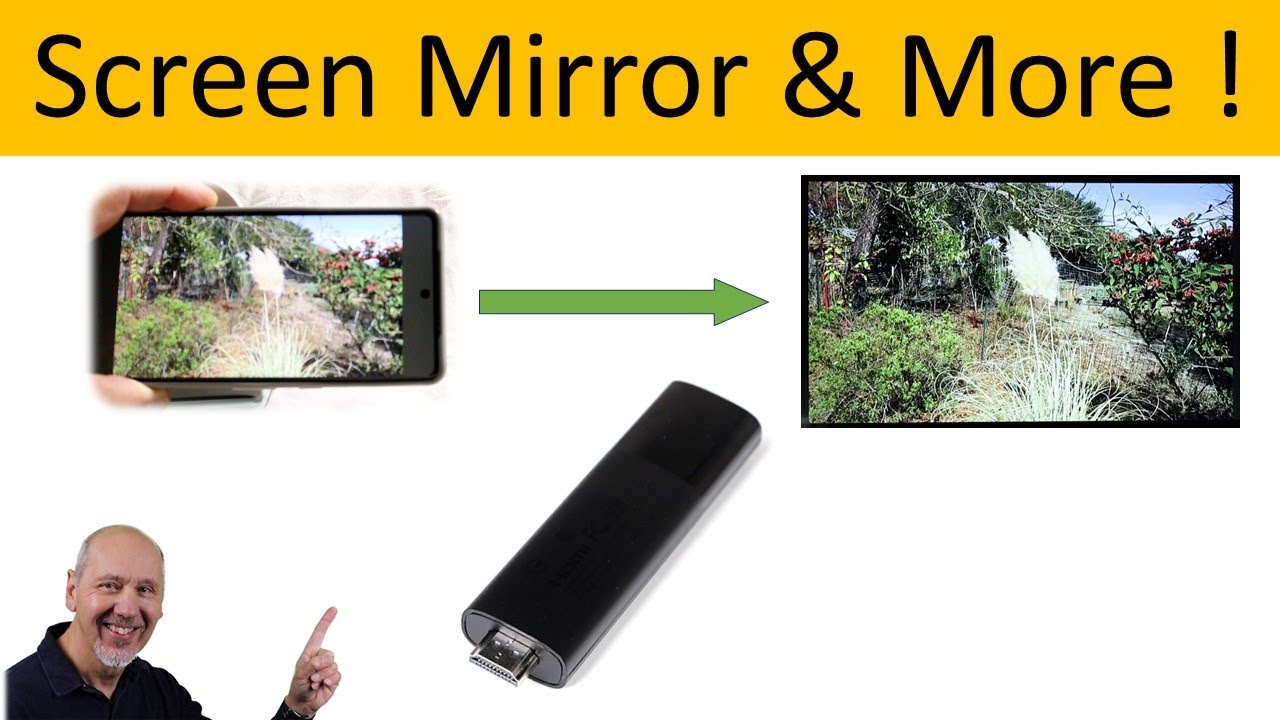
Frequently asked questions
Will these adapters mirror Netflix?
Most of the products state that protected services such as Netflix, Hulu, Disney+, or Amazon Prime Video may not mirror because of HDCP. YouTube, photos, Safari, documents, presentations, and other unprotected content are more likely to work. Check the individual adapter's compatibility notes before buying.
Do I need home WiFi for screen mirroring?
Not always. lulaven, zonsiton, and AINBREC describe direct setup without an external WiFi network, while HRpart includes a DLNA mode that can work through a router. The adapter still creates or uses a wireless connection between the source and display.
Can an Android phone use every adapter here?
No. HRpart, Unitek, and SmartSee support Android under their stated conditions. lulaven and zonsiton are iOS-only, while JOYHOOD and AINBREC focus on Apple devices. EOKBBC supports Android 11 or later, but only when used with a compatible vehicle system.
Does 4K decoding mean the picture is 4K?
No. Decoding describes what the adapter can process, while output describes what reaches the display. HRpart, Unitek, and JOYHOOD mention 4K decoding, but the source and display must also support the desired resolution.
Can I mirror a laptop to a TV?
Yes, when the laptop supports the required wireless display method and the adapter lists that platform. HRpart, Unitek, SmartSee, and JOYHOOD cover laptop-related use in their descriptions. JOYHOOD also lists an extended mode for using the computer separately from the larger display.
Do wireless HDMI adapters need USB power?
The adapters in this roundup require power through USB or a supplied cable. The HDMI port carries the display connection, but it may not provide enough power for the dongle. Check whether your TV, monitor, projector, or available USB adapter can power it.
Is the LUCKSKY monitor a normal TV mirroring dongle?
No. LUCKSKY is a small monitor designed to show a phone's rear-camera view while filming. Its remote, magnetic mounting, rotation control, and brightness settings target vlogging and selfies rather than television viewing.

The bottom line
The Best device for screen mirroring for most mixed-device homes is the HRpart 4K Adapter. It supports iOS, Android, and Windows, offers Direct Mirror and DLNA modes, and uses dual-band WiFi without requiring an app or Bluetooth. Its main limitation is the same one shared by many adapters here: protected streaming apps may not display.
For presentations and classroom use, the Unitek 4K Wireless Dongle is the stronger specialist, thanks to 4K at 60Hz, portrait and landscape switching, and support for AirPlay, Miracast, and DLNA. Apple users who want a simpler travel setup should choose the zonsiton or AINBREC instead.
If you are undecided, buy for the devices and content you already use, then choose the adapter that matches both without relying on a vague compatibility claim.
As an Amazon Associate we earn from qualifying purchases.