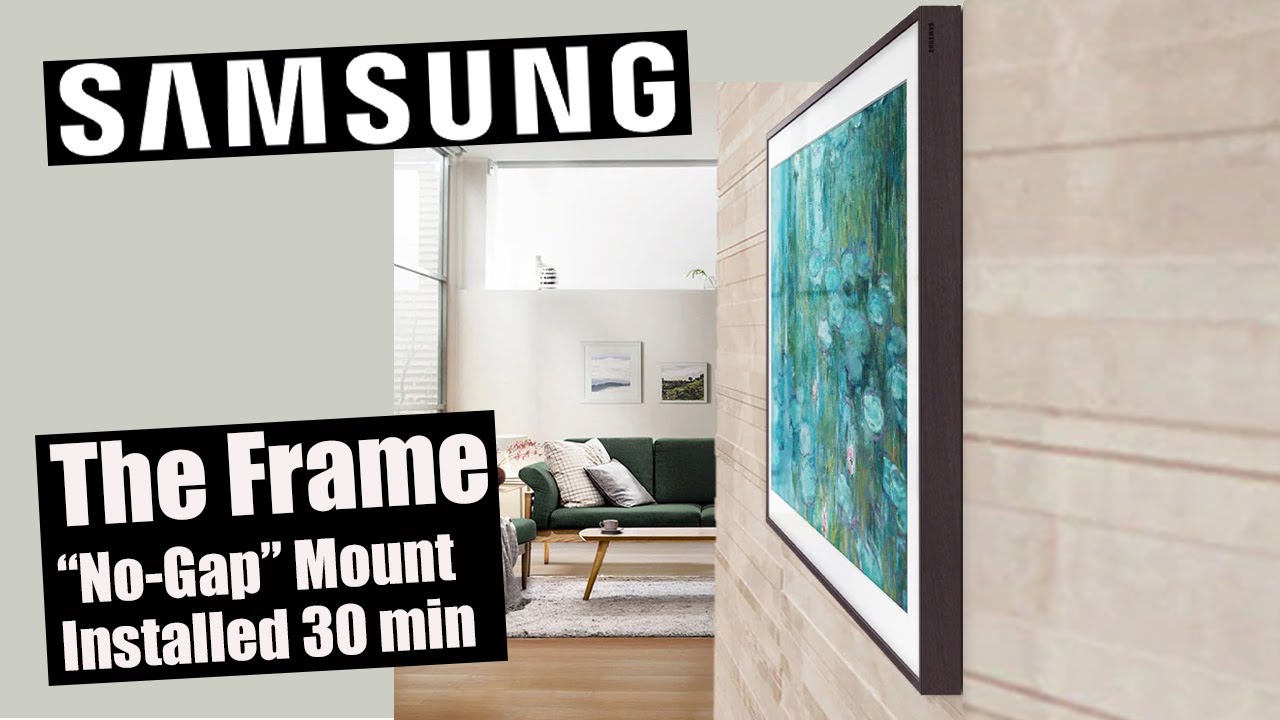

Hanging a Samsung Frame TV is different from hanging a regular television. The whole point of the Frame is that it sits flat against the wall like a real picture. To get that flush look, you need to use the included no-gap wall mount, manage the One Connect cable correctly, and position the TV at the right height. Here is how to do it from start to finish.
What You Need Before You Start
The Frame TV ships with a dedicated wall mount kit. That kit is not a standard VESA mount. It is a slim bracket that attaches to the TV first, then hooks onto a pair of rails you screw into the wall. You need a few tools that are probably not in the box.
- A stud finder. The mount must be secured to wall studs, not drywall alone. The Frame is heavy, even the 43-inch model, and a fall can damage the panel.
- A drill with a 3/16 inch masonry bit if you are drilling into concrete or brick. For wood studs, a standard drill with a Phillips head bit works for the included screws.
- A level. A 4-foot level is ideal for getting the rails straight.
- A pencil and measuring tape.
- A rubber mallet or hammer if you need to tap the TV into the final position.
- An extra pair of hands. The TV is thin and awkward to hold alone.
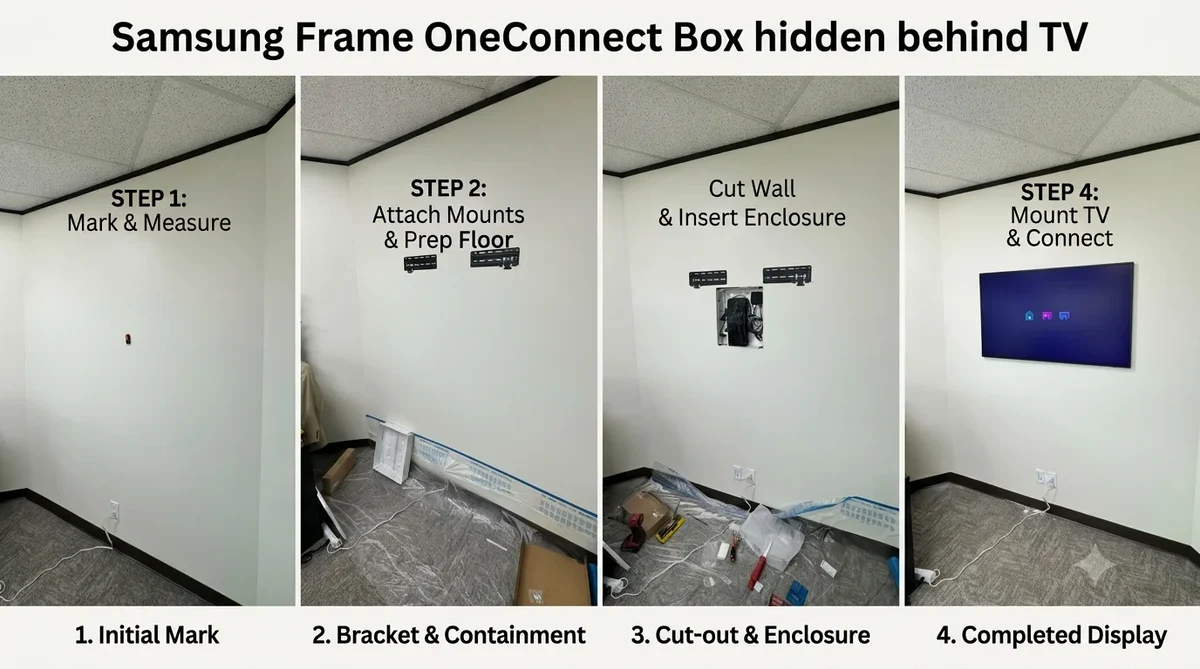
The One Connect box and its cable are also in the box. Plan where that box will sit before you start drilling. It needs a shelf, a cabinet, or a mount on the back of the TV (the included magnetic bracket lets you attach it to the back of the Frame, but that option only works if you have enough clearance behind the TV and an outlet nearby).
Step by Step Installation
These instructions assume you are mounting on a standard drywall wall with wood studs spaced 16 or 24 inches apart. If your wall is brick, concrete, or metal stud, the principles are the same but you may need different anchors.
1. Attach the Bracket to the TV
The two metal bars that come with the mount attach to the back of the Frame using a few screws. Lay the TV face down on a soft, clean surface like a blanket or a folded sheet. Line up the bars with the threaded holes on the back panel. The bars have arrows that indicate which direction faces up. Tighten the screws by hand, then give them a quarter turn with the included Allen key. Do not overtighten. The bars should be held firmly but not torqued.
2. Find Your Studs and Mark the Height
The ideal viewing height for a TV is with the center of the screen at eye level when you are seated. For a Frame, however, you might want it a few inches higher if you are treating it as art. A common compromise is 56 to 60 inches from the floor to the center of the screen.
Use a stud finder to locate the studs. Mark the center of each stud with a pencil. Measure the distance between the two brackets on the back of the TV. There are two possible spacing options: narrow and wide. Choose the one that best aligns with your studs. If your studs are 16 inches apart, the narrow setting usually works. For 24 inch spacing, use the wide setting.
Hold the wall rail up at your chosen height and mark the screw holes through the rail. Use a level to make sure the rail is absolutely horizontal. A crooked rail means a crooked TV.
3. Drill and Secure the Rail
Drill pilot holes at each mark. If you hit a stud, use the included lag screws (or the concrete anchors if needed). For drywall without a stud, a toggle bolt can work, but you should avoid relying on them for the Frame. The mount is designed to be held by two or three studs. If your studs are not in the right spots, consider adding a piece of plywood backing between two studs to create a solid mounting surface.
Screw the rail to the wall. Tighten until the rail is snug against the drywall, but do not strip the screw head.
4. Lift and Hang the TV
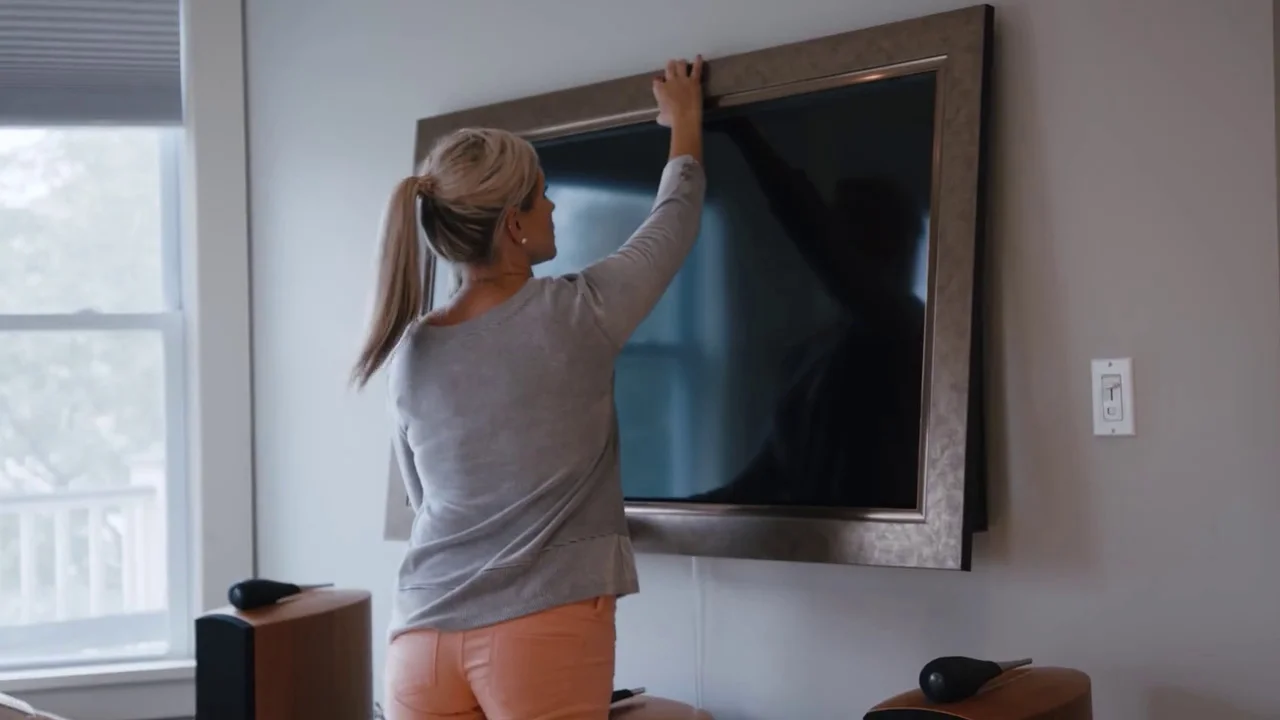
With a second person, lift the TV and hook the brackets on the back onto the wall rail. You will hear a click when the brackets engage. The Frame has a locking mechanism: on each bracket there is a small lever you can flip to lock the TV in place. Do this after the TV is hanging.
Once the TV is on the rail, it may not be perfectly level. The brackets have a micro-adjustment screw that lets you tilt the TV left or right by a few degrees. Turn the screw on the bottom of each bracket until the bubble in the built-in level shows centered.
5. Connect the One Connect Box
The One Connect cable is thin and flat. It runs from the back of the TV to the small black box. Feed the cable through the channel on the back of the TV if you are using the included cable management clips or channels. The goal is to hide the cable so it does not protrude from the side of the TV.
Plug the One Connect cable into the port on the TV and into the box. Then connect your other devices (HDMI, antenna, optical audio) to the box. Finally, plug the power cord into the wall.
6. Manage the Cable
The Frame ships with a thin cable channel that snaps over the One Connect cable. You can paint this channel to match your wall. For a completely invisible look, route the cable inside the wall cavity using an in-wall rated cable (check local codes). Otherwise, the channel runs flush down the wall and is barely noticeable when painted.
If you mounted the TV a few inches from the ceiling, you might need a longer One Connect cable. Samsung sells extended lengths, or you can use a third party cable as long as it is rated for the same bandwidth.
Where People Get Stuck
The most common mistake is not aligning the wall rail with the studs properly. Measure twice. The second is forgetting to locate the One Connect box before drilling. If you plan to hide the box behind the TV, you need a recessed outlet or a shallow box. The magnetic bracket works only if there is enough space.
Another frequent frustration is getting the TV perfectly level. The micro-adjustment screws can only correct small errors. If the rail itself is not level, the TV will not be level. Check the rail with a level at every screw hole as you tighten.
The One Connect cable can also be tricky to feed through the back channel. Take your time. If the cable pinches, the TV may lose signal. If you encounter problems after setup, common issues with Samsung smart TVs can help with picture or sound not working.
After Installation: Art Mode and Connections
Once the TV is on the wall, turn it on and run through the initial setup. The Frame automatically enters Art Mode when you turn it off, showing a matte digital picture. You can adjust the brightness and motion sensor in the settings. For best results, set the sensor so the TV activates Art Mode only when someone is in the room.
If you plan to add external audio, the Frame has an optical audio output and an eARC HDMI port. A soundbar can connect via HDMI ARC. If you want to cast from an iPhone or iPad, the Frame supports AirPlay 2. You can find setup details in how to AirPlay to your TV.
The Frame's thin profile makes it one of the better TVs for a clean setup, but it also means there is less room for thick speaker bars. A soundbar that is shorter than the TV width helps keep the clean look. If you are shopping for one, the trade-offs in soundbar options may help you choose.
Can You Use a Regular VESA Mount?
Technically yes. The Frame has VESA mounting holes behind a plastic cover. You can remove those covers and attach a standard VESA wall mount. However, a regular mount will push the TV out from the wall by two to four inches. The whole point of the Frame is the flush depth. If you use a VESA mount, you lose the picture frame look. The included no-gap mount is free and better.
FAQ
How far from the wall does the Samsung Frame TV sit?
With the no-gap mount, the TV sits about 0.5 inches from the wall. That is close enough that it looks like a framed picture. If you add the cable channel, it adds maybe another 0.1 inches.
Can I mount a Frame TV on a plaster or lath wall?
Yes, but you need to locate the lath or use toggle bolts that can grip the lath. Plaster is brittle, so drill pilot holes carefully. Screwing into a stud is still your best bet. If you cannot find studs, consider a wall cleat system or professional help.
Do I need to hire a professional installer?
The Frame is one of the easier TVs to mount because the bracket is simple and the TV is not unusually heavy. A capable DIY person can do it in an hour. If you are unsure about stud location, leveling, or have an unusual wall (brick, metal studs), hiring a pro is a good idea. The cost is usually around $150 to $200.
What if the One Connect cable is too short?
The cable that comes with the TV is about 16 feet. For most rooms, that is enough. Samsung sells a 50 foot extended One Connect cable separately. Third party cables exist but may not support full 4K bandwidth; check the rating.
Can I mount the TV with the One Connect box attached to the back?
Yes, for a cleaner look, you can attach the magnetic bracket to the back of the TV and snap the One Connect box onto it. This requires a recessed outlet or a low-profile power bridge so the box fits between the TV and the wall. If your wall has a standard protruding outlet, the box will push the TV out and break the flush look.