
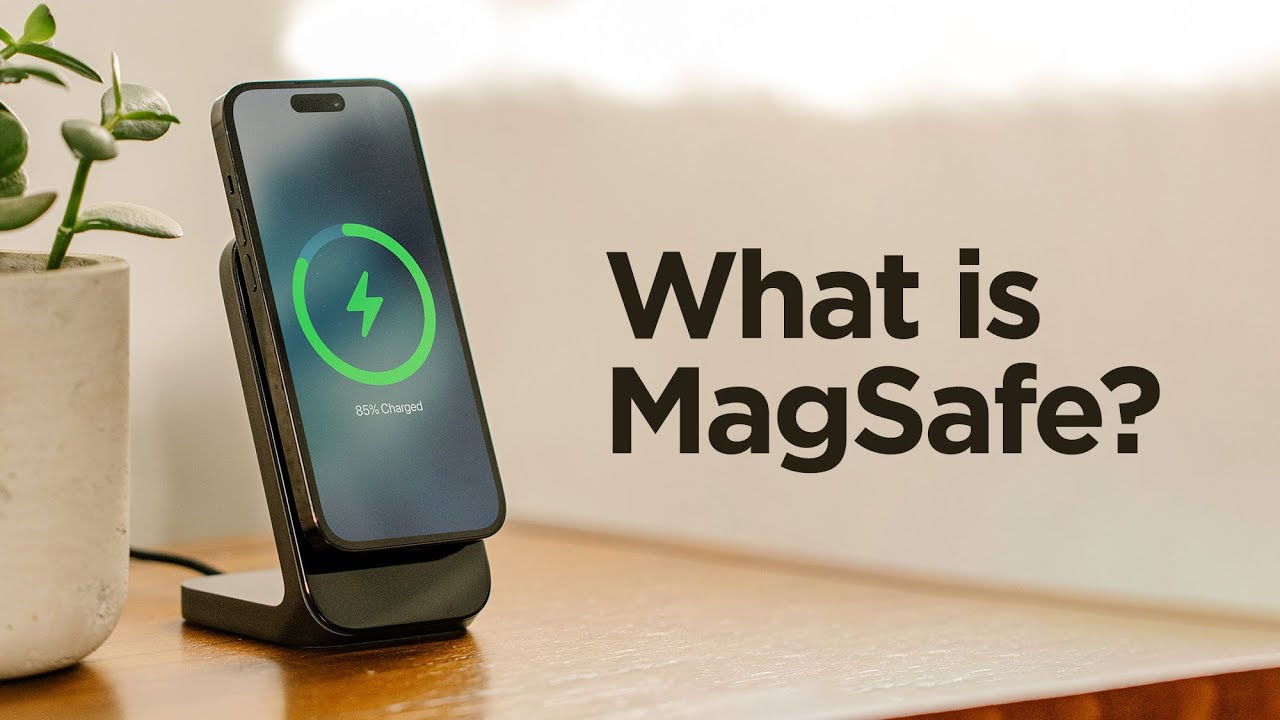
What Is MagSafe?
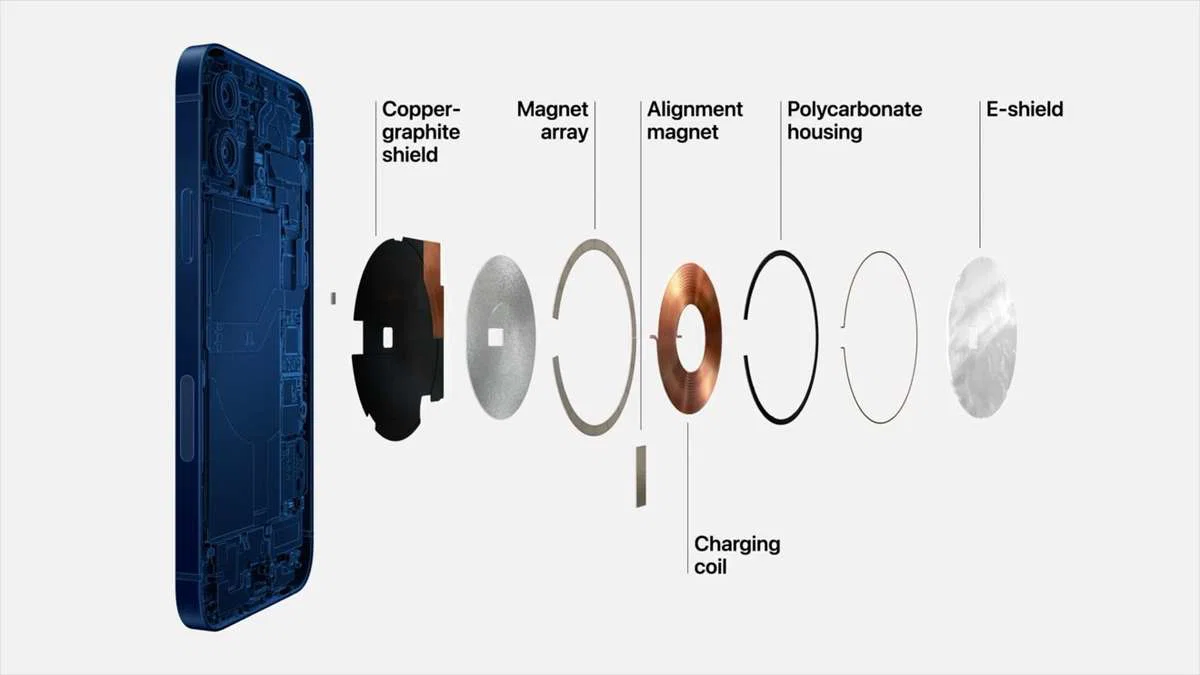
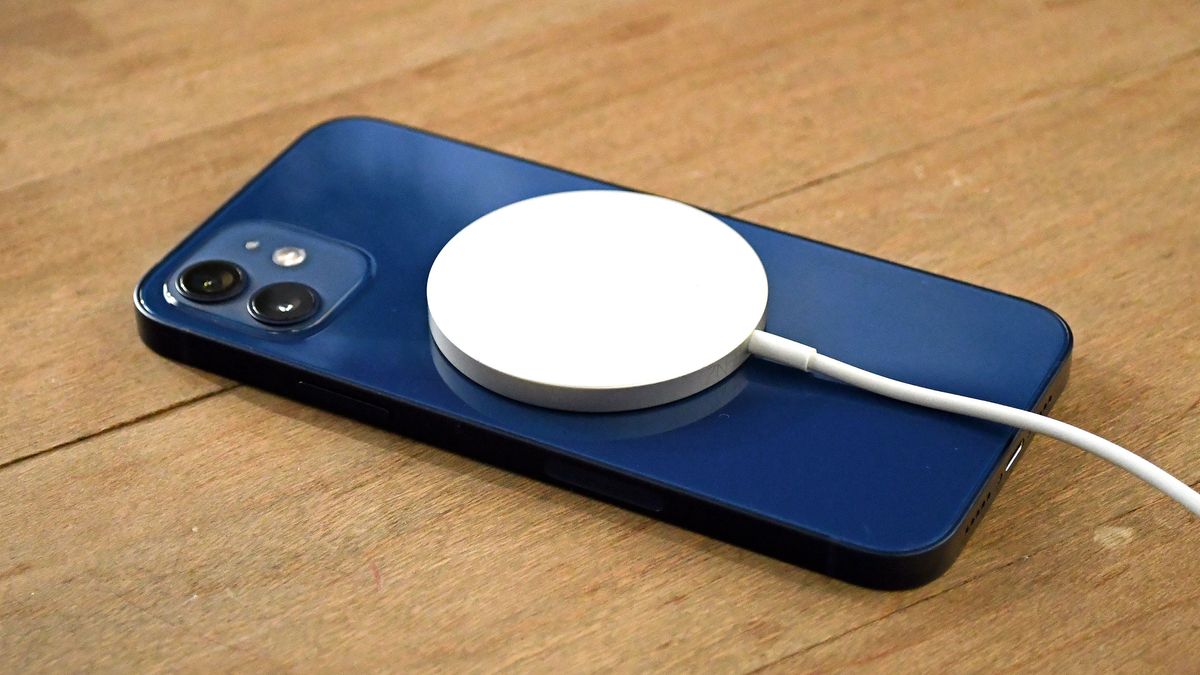
MagSafe is a system of magnets embedded in the back of recent iPhones that lets accessories snap on perfectly aligned. It was introduced with the iPhone 12 lineup in 2020, reviving a name Apple used for MacBook power connectors. The magnets do two things: they hold a wireless charger in the exact spot needed for efficient charging, and they attach wallets, cases, car mounts, and battery packs without fiddling.
If you have an iPhone 12 or newer, you already have MagSafe. If you are shopping for a new iPhone, MagSafe is a feature worth understanding because it changes how you charge and carry your phone.
How MagSafe Charging Works
MagSafe is built on the Qi wireless charging standard, but it adds a ring of magnets around the charging coil. When you bring a MagSafe charger near the back of the phone, the magnets pull it into place. That alignment means the charger can deliver up to 15 watts to an iPhone, compared to 7.5 watts for a standard Qi pad that has to work with less precise positioning.
The faster charging only works with Apple's own MagSafe charger or third-party accessories that are certified "Made for MagSafe." Non-certified magnetic chargers may still snap on, but the iPhone limits them to 7.5 watts. The difference is noticeable: a 15-watt MagSafe charger refills an iPhone from empty about 30 percent faster than a basic Qi pad.
MagSafe also communicates data through the magnets. The iPhone can detect what kind of accessory is attached and adjust its behavior accordingly. For example, a MagSafe battery pack will show its charge level on the lock screen, and a MagSafe wallet will trigger a notification when you remove it.
What MagSafe Is Not
It is easy to confuse MagSafe with other things. It is not a new charging standard. It is an enhancement of Qi, and a regular Qi charger will still work with a MagSafe iPhone, just at slower speeds. It is also not the same as the old MagSafe on MacBooks, which was a magnetic power connector that detached safely when tripped over. The iPhone version is for accessories, not for preventing cable damage.
MagSafe is not required for wireless charging. If you never use a magnetic mount or wallet, you can ignore the magnets and charge with any Qi pad. But you will be leaving the faster charging speed on the table.
Which iPhones Support MagSafe?
Every iPhone model from the 12 series onward has the magnets built in:
- iPhone 12, 12 mini, 12 Pro, 12 Pro Max
- iPhone 13, 13 mini, 13 Pro, 13 Pro Max
- iPhone 14, 14 Plus, 14 Pro, 14 Pro Max
- iPhone 15, 15 Plus, 15 Pro, 15 Pro Max
- iPhone 16, 16 Plus, 16 Pro, 16 Pro Max
- iPhone SE (3rd generation)
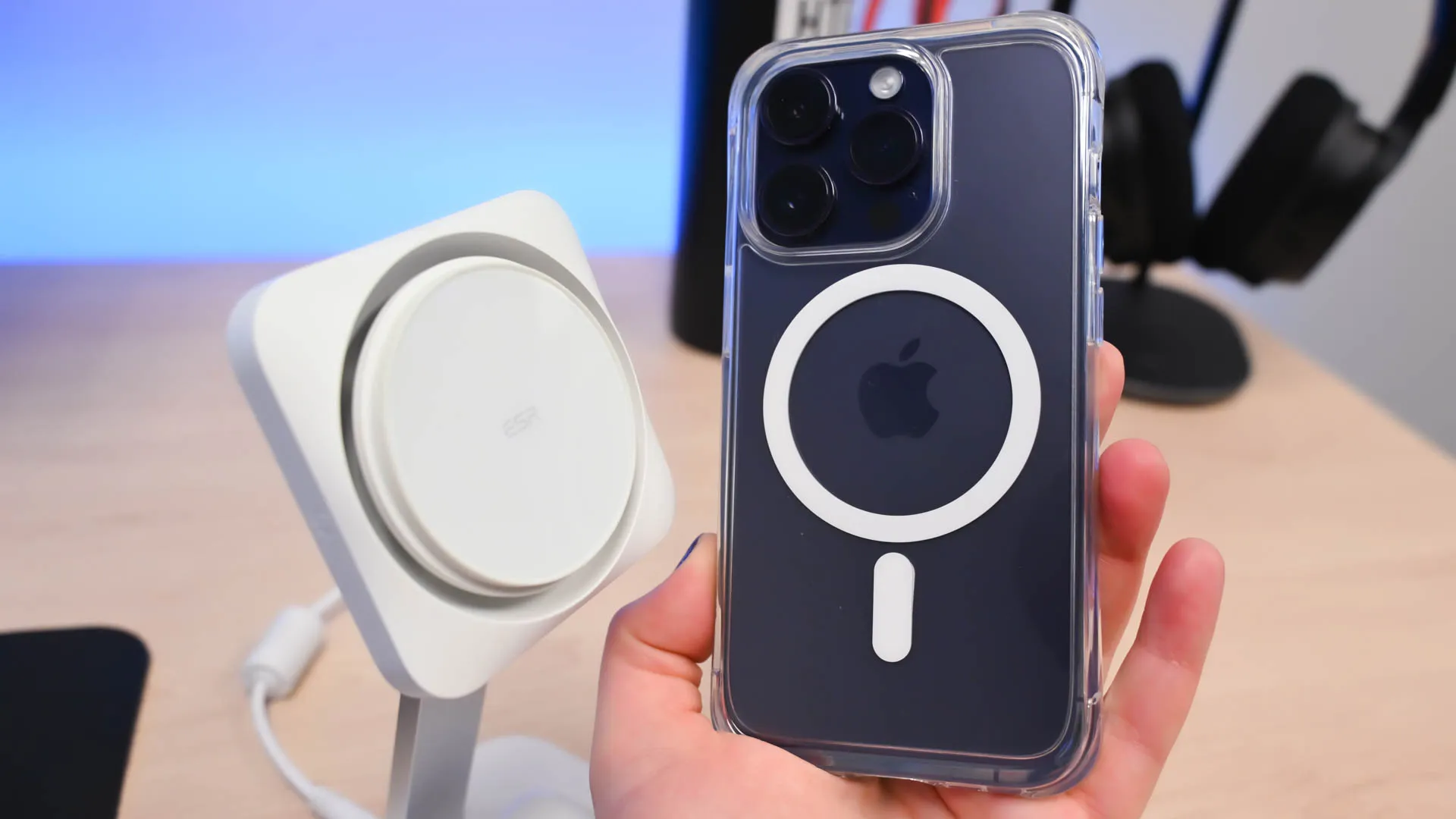
If you have an iPhone 11 or earlier, there are no magnets inside the phone. However, you can add a MagSafe case that contains a metal ring. That ring lets you use MagSafe chargers and mount accessories, but the charging speed will still be limited to 7.5 watts because the phone itself does not support the 15-watt negotiation.
If you are still deciding which iPhone is right for you, MagSafe support is one of the reasons to choose a model from the 12 lineup or later. The older iPhones work fine, but you miss out on the convenience of snap-on accessories and faster wireless charging.
What Accessories Work With MagSafe?
The accessory ecosystem has grown quickly. Here are the main categories.
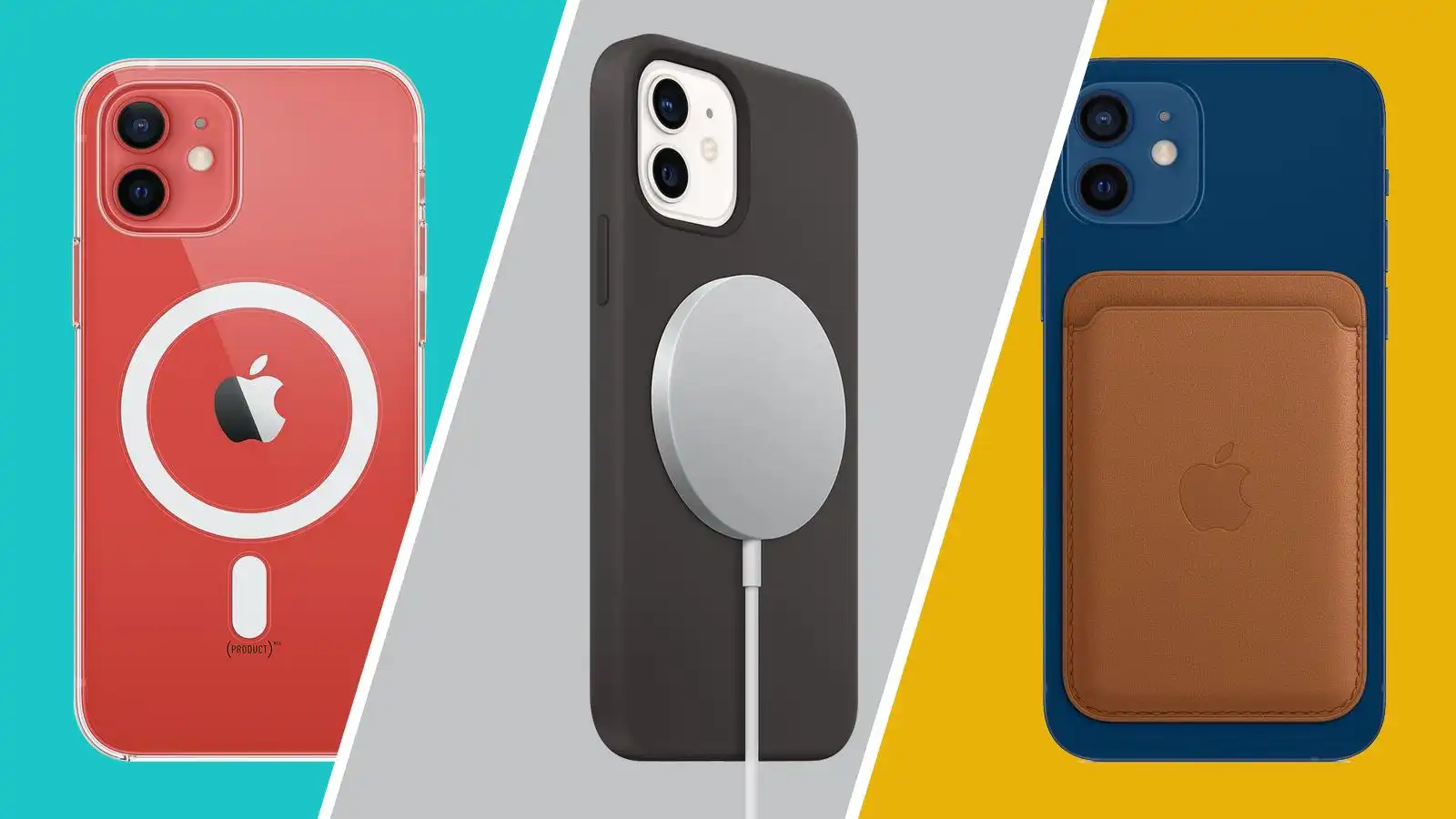
Chargers. Apple sells its own MagSafe Charger (a single puck) and the MagSafe Duo (which charges an iPhone and an Apple Watch). Many third-party brands make MagSafe-certified chargers, stands, and docks. Non-certified magnetic chargers cost less, but they will not deliver 15 watts.
Cases. A MagSafe case has magnets built into the back or a thin metal ring that aligns with the phone's magnets. Apple's silicone and clear cases are MagSafe-compatible, and many third-party case makers now include magnets. A case without magnets will still work, but the magnetic hold will be weaker and the charger may not snap on firmly.
Wallets. Apple's MagSafe Wallet attaches to the back of the phone and holds up to three cards. It has a shielded pocket to protect credit cards from demagnetization. Third-party wallets are also available, but they vary in how well they stay attached.
Mounts. Car mounts, desk stands, tripod adapters, and even bathroom mirror mounts all use MagSafe. You just stick the mount's magnet plate to your phone or case, and it stays put. No more clips that squeeze the phone or adhesive pads that lose grip.
Battery packs. Apple's MagSafe Battery Pack and similar products snap on and charge wirelessly. They are thicker than a standard case, but they add power without cables.
For a detailed look at how each iPhone generation differs, you can see which models support the latest MagSafe improvements. The iPhone 15 and 16 series, for example, added support for faster charging when used with a 20-watt USB-C adapter, while older models top out at 15 watts.
The Real Trade-Offs
MagSafe is convenient, but it has limits.
Slower than wired charging. A 15-watt MagSafe charger is slower than a 20-watt or 30-watt wired charger. If you need a fast top-up, plugging in a USB-C cable is still the better option. MagSafe is best for overnight charging or desk charging where speed is less critical.
Heat. Wireless charging generates more heat than wired charging, and MagSafe is no exception. The iPhone may throttle charging speed if it gets too warm, especially in a hot car or under direct sunlight. Some third-party chargers with built-in cooling fans help, but they are bulkier.
Accessory thickness. Attaching a wallet or battery pack makes the phone thicker. That may not be a problem for most people, but it can be noticeable when you slide the phone into a pocket or a tight bag.
Magnetic interference. The magnets in MagSafe are strong enough to affect credit cards, hotel key cards, and pacemakers. Apple's wallet has shielding, but third-party wallets may not. Always keep sensitive cards in a separate slot.
Case compatibility. A thick case, a case with a pop socket, or a case made of metal can weaken the magnetic hold. If you plan to use MagSafe accessories frequently, choose a case that is explicitly MagSafe-compatible.
How to Check If an Accessory Is MagSafe Certified
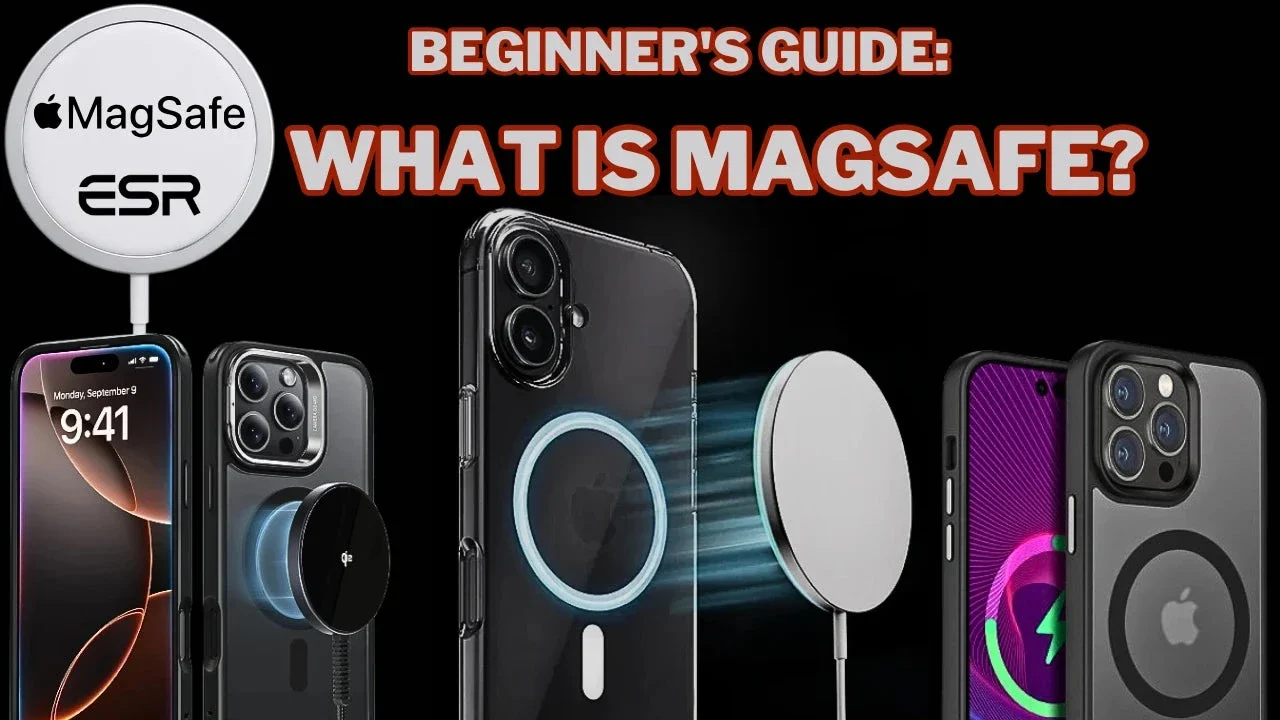
Look for the "Made for MagSafe" badge on the packaging or product page. Apple licenses this certification to manufacturers that pass testing for magnetic strength, alignment, and charging speed. A non-certified accessory may still work, but it may not charge at 15 watts, and the magnets may not hold as firmly.
If you are shopping for a car mount or a battery pack, reviews from other users often reveal whether the magnetic hold is strong enough for rough roads or heavy cases. The certification is a reliable shortcut, but it is not the only way to get a good accessory.
FAQ
Can I use MagSafe without a case?
Yes. The magnets are strong enough to hold a charger or mount directly against the glass back. However, the back glass can scratch over time, and a case adds grip. Many people use a thin MagSafe case to protect the phone while keeping the magnetic hold.
Does MagSafe work with iPhone 11?
Not directly. The iPhone 11 does not have built-in magnets. You can buy a case with a metal ring that adds magnetic attachment, but the charging speed will be limited to 7.5 watts, and the hold may not be as secure.
Is MagSafe charging faster than regular Qi wireless charging?
Yes. MagSafe can deliver up to 15 watts to iPhones 12 and newer, while standard Qi wireless charging tops out at 7.5 watts for iPhones. The difference is noticeable: a full charge takes about 30 minutes less with MagSafe.
Can I use a regular Qi charger with a MagSafe iPhone?
Yes. A regular Qi charger will work, but it will charge at 7.5 watts because the phone cannot align the coil without magnets. The charger will not snap on, so you may need to center the phone carefully.
Does MagSafe work through a case?
It depends on the case. A thin plastic or silicone case that is MagSafe-compatible will work well. A thick case, a case with a metal back, or a case with a built-in grip may reduce the magnetic strength or prevent the charger from snapping on. Always check the case's description for MagSafe compatibility.