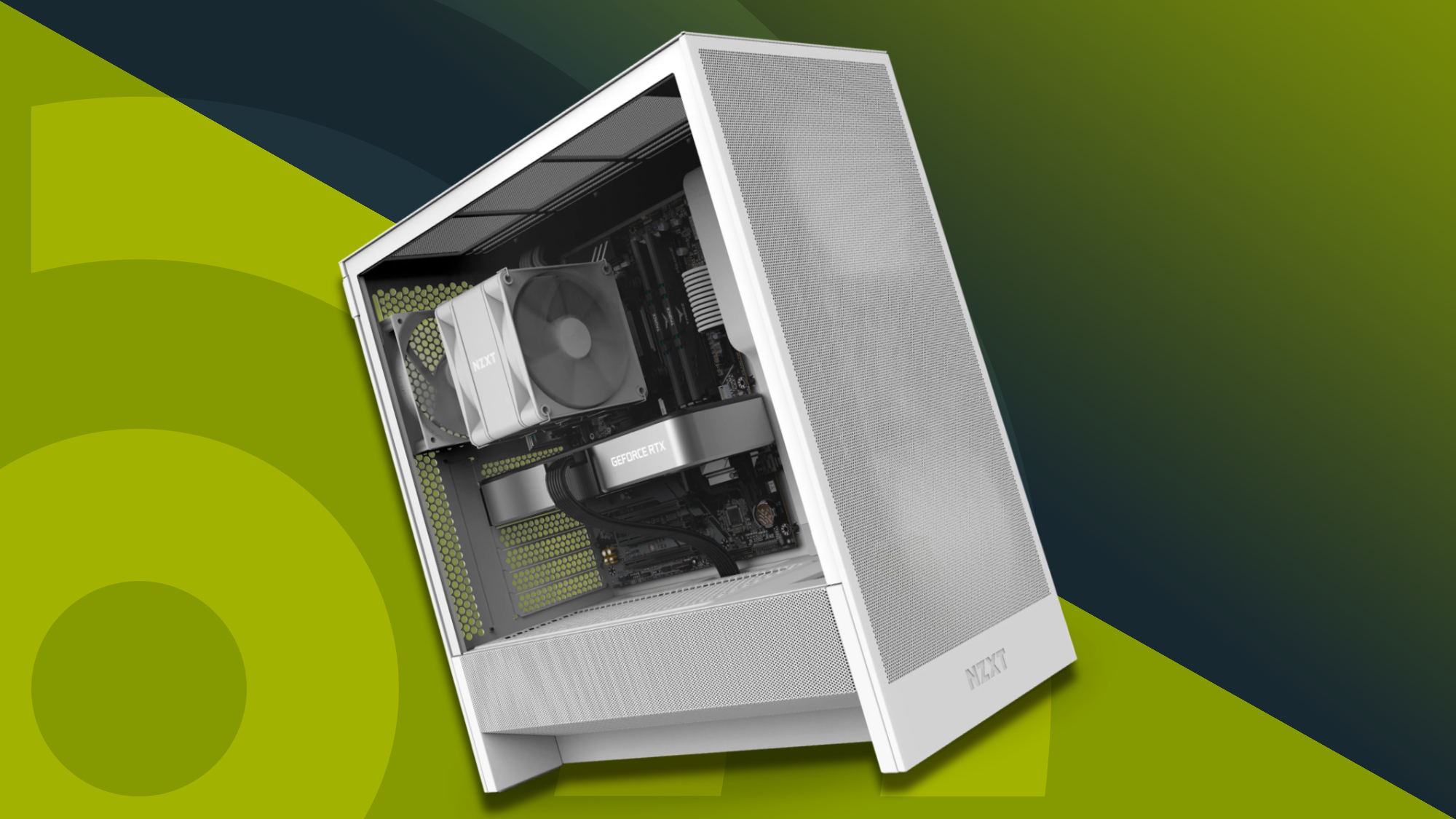

A gaming desktop can look ready for modern games while hiding a major limitation behind the glass. The OKAMUS, for example, has RGB fans and a current operating system, but its integrated graphics cannot compete with a dedicated graphics card. That distinction matters more than lighting or case design.
Our Best cheap gaming pc choices range from basic systems for lighter games to RTX-equipped towers built for demanding 1440p play. We have put the fastest and most capable systems first, then separated the entry-level machines by the kind of gaming they can realistically handle.
For most buyers, KOTIN RTX 5070 Gaming PC is the strongest all-round pick, while the KOTIN RTX 5060 Ti Gaming PC makes more sense for a smaller modern setup. The list also includes simpler desktops for casual gaming, older games, schoolwork, and easy upgrades.
Comparison table
| # | Product | Award | GPU | CPU | Memory and storage | Best for |
|---|---|---|---|---|---|---|
| 1 | KOTIN RTX 5070 Gaming PC | Best overall | RTX 5070 12GB | Ryzen 7 9700X | 32GB DDR5, 1TB NVMe SSD | High-refresh 1440p and 4K gaming |
| 2 | KOTIN RTX 5060 Ti Gaming PC | Best modern midrange system | RTX 5060 Ti 8GB | Ryzen 7 8700F | 16GB DDR5, 1TB SSD | 1080p and 1440p gaming |
| 3 | Alienware Aurora RTX 5070 | Best premium gaming tower | RTX 5070 | Core Ultra 7 265F | Not specified | Gaming and streaming |
| 4 | YAWYORE RTX 5060 Gaming PC | Best for multitasking | RTX 5060 8GB | Ryzen 7 5700X | 32GB DDR4, 1TB NVMe SSD | Gaming and content creation |
| 5 | STGAubron RX 580 Gaming PC | Best entry-level dedicated GPU | RX 580 8GB | Core i7 | 16GB RAM, 512GB SSD | Older and competitive games |
| 6 | suevery White Gaming PC | Best compact Radeon option | Radeon 4GB | Ryzen 5 | 16GB DDR4, 512GB NVMe SSD | Casual gaming and home use |
| 7 | YAWYORE Ryzen 5 Desktop | Best integrated-graphics platform | Radeon Vega Graphics | Ryzen 5 5600GT | 16GB DDR4, 1TB NVMe SSD | Light gaming and future upgrades |
| 8 | suevery Black Gaming PC | Best simple RX 560 system | RX 560 4GB | Ryzen 5 | 16GB DDR4, 512GB NVMe SSD | Everyday gaming |
| 9 | Dell GT 1030 Gaming Tower | Best basic renewed desktop | GeForce GT 1030 2GB | Core i5-7500 | 16GB DDR4, 256GB SSD | Older games and general use |
| 10 | OKAMUS Integrated Graphics PC | Best ultra-basic starter | Integrated graphics | Intel i5 up to 3.6GHz | 8GB RAM, 256GB M.2 SSD | Light games and schoolwork |
1. KOTIN RTX 5070 Gaming PC: Best Overall

Pros
- RTX 5070 graphics for demanding games
- Ryzen 7 9700X gives the system substantial CPU headroom
- 32GB DDR5 and a 1TB PCIe 4.0 NVMe SSD
- 360mm liquid cooler and 850W Gold power supply
- Built-in smart display shows system information
Cons
- Large and heavy tower
- More hardware than casual players need
- No monitor or peripherals are listed
Best for: someone who wants a powerful ready-to-use desktop for high-refresh 1440p and 4K gaming.
The KOTIN RTX 5070 Gaming PC is the one that feels least compromised in this group. It has the graphics hardware to anchor a serious gaming setup, but the rest of the build is not an afterthought. The Ryzen 7 9700X is an eight-core processor, and the 32GB of DDR5 memory gives games, browsers, voice chat, and background utilities room to run together without immediately crowding the system.
The RTX 5070 has 12GB of GDDR7 memory, which is useful for modern visual settings and higher-resolution gaming. KOTIN specifically positions the system for 1440p and 4K play, and the combination of that GPU with the Ryzen processor makes far more sense for demanding games than the integrated graphics in the OKAMUS or YAWYORE Ryzen 5 Desktop. The 1TB PCIe 4.0 NVMe SSD also gives the machine a sensible starting point for a game library, though large modern installations can still consume it quickly.
Cooling is unusually substantial for this list. A 360mm liquid cooler is paired with an 850W 80 Plus Gold power supply, so the machine has meaningful thermal and power headroom rather than relying on a minimal configuration. WiFi 7 is included, and the 11.3-inch smart display can show CPU and GPU temperatures, usage, and weather. That screen is more than decoration, although it also adds another visual element to an already busy gaming case.
The weakness is physical scale. At 30 pounds, and measuring 16.81 inches long, 14.25 inches high, and 8.66 inches wide, it needs a proper desktop location. It is also excessive for someone playing only lightweight games at modest settings. Buyers who want a smaller, simpler machine should look at the KOTIN RTX 5060 Ti Gaming PC instead. For anyone building around a fast gaming monitor and planning to keep the desktop for years, this is the most complete choice here.
2. KOTIN RTX 5060 Ti Gaming PC: Best Modern Midrange System

Pros
- RTX 5060 Ti with DLSS 4 and ray tracing support
- Ryzen 7 8700F has eight cores
- Fast DDR5 memory and a 1TB PCIe Gen4 NVMe SSD
- WiFi 7, Bluetooth, and three M.2 slots
- Digital CPU temperature display
Cons
- Only 16GB of memory
- Eight gigabytes of graphics memory may limit some demanding settings
- Air cooling is less elaborate than the top pick's liquid cooler
Best for: players who want a current graphics platform for 1080p and 1440p gaming without moving to the largest tower in the list.
The KOTIN RTX 5060 Ti Gaming PC is a more focused gaming build than the top pick. Its Ryzen 7 8700F has eight cores and can reach 5.0GHz, while the RTX 5060 Ti brings ray tracing and DLSS 4 support to a desktop that is easier to justify for 1080p and 1440p gaming. It is a good example of why a Best cheap gaming pc search should begin with the graphics card, not the RGB lighting.
The 16GB of DDR5 memory is adequate for gaming and ordinary multitasking, though it leaves less room than the 32GB systems above it. The 1TB PCIe Gen4 NVMe SSD is a stronger starting point than the 256GB drives used by the Dell and OKAMUS. KOTIN lists read speeds up to 6, 000 MB/s, which helps with booting and game loads, but storage speed does not change the underlying graphics performance.
The cooling arrangement uses a CPU air cooler with six copper heat pipes, five 120mm ARGB fans, and a digital display for CPU temperature. That is a practical combination for someone who wants visible hardware information without opening monitoring software. WiFi 7 and Bluetooth are built in, and four memory slots can support up to 256GB of DDR5 according to the listing. Three M.2 slots also make future storage expansion less awkward.
The main limitation is that the RTX 5060 Ti has 8GB of graphics memory, so the most demanding games may require sensible texture and ray tracing settings at higher resolutions. The KOTIN RTX 5070 Gaming PC is the better long-term choice for 4K, while the YAWYORE RTX 5060 Gaming PC offers 32GB of memory and a similar modern GPU tier. This KOTIN is the sharper pick for buyers who want newer platform features, fast storage, and a balanced 1440p desktop.
3. Alienware Aurora RTX 5070: Best Premium Gaming Tower

Pros
- GeForce RTX 5070 graphics
- Intel Core Ultra 7 265F processor
- AlienFX lighting zones and stadium lighting
- Alienware Command Center profiles and performance controls
- One-year onsite service
Cons
- Memory and storage capacities are not specified in the supplied listing
- Heavy 33.894-pound chassis
- Tall, deep case needs dedicated space
Best for: buyers who want a recognizable gaming tower with integrated lighting controls and manufacturer support.
The Alienware Aurora RTX 5070 is the most distinctive desktop here. Its appeal is not just the RTX 5070. The Aurora chassis has customizable AlienFX lighting zones, including stadium lighting, and Alienware Command Center software for performance modes and game-specific profiles. That makes it a more managed, branded experience than the plainer towers from YAWYORE or suevery.
The graphics card is the important gaming component. An RTX 5070 based on NVIDIA Blackwell architecture gives the Aurora the same broad class of capability that makes the KOTIN RTX 5070 Gaming PC suitable for demanding games. The Intel Core Ultra 7 265F is positioned for gaming, livestreaming, and multitasking, so the desktop should appeal to people who want to play while running recording or communication software.
There is one significant information gap. The supplied product details do not specify the installed memory or storage capacity. That makes it harder to judge the machine's day-to-day flexibility against the KOTIN RTX 5070, which clearly lists 32GB of DDR5 and a 1TB NVMe SSD. Anyone considering the Aurora should confirm those details on the product page before ordering, particularly if a large game library or heavy creative workload is part of the plan.
The chassis measures 18.05 inches long, 16.46 inches high, and 7.76 inches wide, with a listed weight of 33.894 pounds. It is not a compact desktop, even though its narrow width may help in some arrangements. The Alienware is the more polished choice for lighting, software, and onsite support, while the KOTIN is easier to evaluate from the published hardware. Choose the Aurora if the Alienware experience matters as much as raw component selection.
4. YAWYORE RTX 5060 Gaming PC: Best for Multitasking

Pros
- RTX 5060 with 8GB of GDDR7 graphics memory
- Ryzen 7 5700X has eight cores and 16 threads
- 32GB DDR4 and a 1TB NVMe SSD
- B550 motherboard
- WiFi and Bluetooth included
Cons
- DDR4 platform is older than the newer DDR5 systems
- Power supply is 650W Bronze
- Graphics card brand may vary
Best for: players who game, stream, edit, or multitask heavily and want ample installed memory.
The YAWYORE RTX 5060 Gaming PC stands out because it puts 32GB of memory beside an RTX 5060. That is a useful combination for someone who keeps a browser full of tabs open, streams gameplay, or works in creative applications between gaming sessions. Its Ryzen 7 5700X supplies eight cores and 16 threads, with boost speeds up to 4.6GHz.
The RTX 5060 has 8GB of GDDR7 memory and supports DLSS 4, ray tracing, and Reflex 2 features according to the listing. Those features give it a more current gaming profile than the RX 580, RX 560, or GT 1030 systems lower down. It is not positioned as a 4K powerhouse, but it is a much more credible choice for modern 1080p and 1440p play.
The 1TB M.2 NVMe PCIe SSD is a practical capacity for a new library, and the MSI B550M-A PRO motherboard gives the system a recognizable platform rather than an unspecified board. WiFi and Bluetooth cover basic wireless networking and peripherals. The 650W 80 Plus Bronze power supply is appropriately described as a stable, efficient part of the build, though it does not offer the same stated efficiency tier as the KOTIN RTX 5060 Ti Gaming PC.
The caveat is platform age. DDR4 is still perfectly usable, but the KOTIN RTX 5060 Ti uses DDR5 and offers more forward-looking expansion. YAWYORE also says the graphics card brand may vary, which is worth checking if a specific cooler or manufacturer matters to you. For buyers who prioritize 32GB memory now, this desktop is more appealing than the KOTIN. For buyers prioritizing the newer memory standard and expansion details, KOTIN has the cleaner specification sheet. If your desk doubles as a work area, how much memory gaming and streaming actually need together is a useful question to settle before choosing.
5. STGAubron RX 580 Gaming PC: Best Entry-Level Dedicated GPU

Pros
- Dedicated Radeon RX 580 with 8GB
- 16GB memory and 512GB SSD
- WiFi 6 and Bluetooth 5.0
- Four RGB fans
- Keyboard and mouse included
Cons
- Older graphics platform
- Core i7 model is not identified by generation
- Smaller SSD than the leading picks
Best for: players focused on popular competitive and older games who want a dedicated GPU and included peripherals.
The STGAubron RX 580 Gaming PC is where this roundup shifts from current graphics hardware to more modest dedicated-GPU systems. The RX 580 has 8GB of graphics memory, which gives it a clear advantage over the GT 1030 and integrated Vega graphics when a game needs more graphics throughput. It is aimed at players who care about playable settings in familiar titles rather than the newest rendering features.
STGAubron lists a Core i7 processor with speeds up to 3.9GHz, 16GB of memory, and a 512GB solid state drive. The processor model is not identified beyond the Core i7 name, so it is difficult to compare its age directly with the Ryzen chips in the YAWYORE and suevery desktops. The memory capacity is still a sensible baseline for gaming, and the SSD should make Windows and frequently used games feel much more responsive than a mechanical hard drive.
Connectivity is well covered. There is WiFi 6, Bluetooth 5.0, an RJ-45 port, HDMI, and DisplayPort. Four RGB fans add airflow and visual flair, while the included keyboard and mouse mean a new user has fewer separate pieces to arrange. STGAubron also lists Windows 11 Home, a one-year parts and labor warranty, and lifetime technical support.
The RX 580 is the real trade-off. It is an older card without the RTX 5060 systems' DLSS 4 and ray tracing features, and newer demanding games may require lower settings. The suevery White Gaming PC has a smaller Radeon card but a newer-sounding six-core Ryzen configuration, while the STGAubron remains the better fit when the dedicated GPU is the priority. It suits a player who mainly wants established games, competitive titles, and a straightforward desktop setup.
6. suevery White Gaming PC: Best Compact Radeon Option

Pros
- Dedicated Radeon 4GB graphics card
- Six-core Ryzen 5 processor
- 16GB DDR4 and 512GB NVMe SSD
- WiFi 6 and multiple USB ports
- Compact case dimensions
Cons
- Graphics performance is below the RX 580 and RTX systems
- Ryzen processor model is not specified
- Radeon card model is not specified in the feature text
Best for: a small desk, casual gaming, and general home use with a dedicated graphics card.
The suevery White Gaming PC is one of the smaller towers in this group. It measures about 13.35 inches long, 12.99 inches high, and 10.87 inches wide, so it is easier to place on a crowded desk than the KOTIN or Alienware machines. The white chassis and customizable RGB lighting also give it a more visible presence than a plain office desktop.
Its six-core, six-thread Ryzen 5 processor has a 3.6GHz base speed, a 4.1GHz boost speed, and 32MB of L3 cache. The listing does not provide the exact Ryzen model, so the numbers tell us more about the stated operating range than the processor's generation. The 16GB of DDR4 memory is enough for ordinary gaming and multitasking, and the 512GB M.2 PCIe NVMe SSD gives the system a responsive foundation.
The dedicated Radeon graphics card has 4GB of memory. That places it below the 8GB RX 580 in the STGAubron, but it is still a better starting point for graphics-heavy games than the integrated graphics in the YAWYORE Ryzen 5 Desktop. WiFi 6 is built in, and the port selection includes two USB 3.0 ports and four USB 2.0 ports. Those details matter if the desktop will serve as a household computer as well as a gaming machine.
The unclear GPU model makes this a harder recommendation than the more precisely described systems. Its size, memory, storage, and dedicated graphics make it interesting for a compact setup, but buyers should not expect RTX-class features or high-end performance. The black suevery Gaming PC has the same listed memory and storage capacities with an RX 560 4GB, so the choice between them is mainly about finish and the exact listing configuration. This white model is for the buyer who wants a tidy, compact desktop for lighter games and everyday tasks.
7. YAWYORE Ryzen 5 Desktop: Best Integrated-Graphics Platform

Pros
- Six-core Ryzen 5 5600GT processor
- 16GB DDR4 memory
- 1TB NVMe SSD
- 550W 80 Plus Bronze power supply
- WiFi and Bluetooth included
Cons
- No dedicated graphics card
- Integrated Vega graphics limit demanding games
- Less immediately gaming-ready than systems with a discrete GPU
Best for: light 1080p gaming, schoolwork, and buyers who may add a graphics card later.
The YAWYORE Ryzen 5 Desktop is not a conventional dedicated-GPU gaming tower, but it has a sensible foundation for a basic system. The Ryzen 5 5600GT is a six-core, 12-thread processor with a 3.6GHz base speed and up to 4.6GHz boost. That is enough CPU capacity for everyday work, browsing, and light gaming without making the desktop feel like a repurposed office box.
Its graphics come from AMD Radeon Vega Graphics integrated into the processor. YAWYORE says the machine is intended for mainstream 1080p games at quality frame rates, but integrated graphics share system resources and do not have the dedicated memory found in the STGAubron or suevery systems. This is the key distinction. It can be a reasonable starting point for lighter games, while modern visually demanding games will need more modest settings or a future GPU upgrade.
The 16GB of DDR4 3200MHz memory is a good fit for the integrated platform, since system memory helps support graphics tasks as well as ordinary applications. A 1TB M.2 NVMe PCIe SSD gives it more breathing room than the 256GB drives in the Dell and OKAMUS. The MSI A520M-A PRO motherboard, 550W 80 Plus Bronze power supply, five 120mm ARGB fans, WiFi, and Bluetooth round out the build.
The YAWYORE's best quality is upgrade flexibility, not out-of-box graphics strength. The KOTIN RTX 5060 Ti Gaming PC is dramatically better for current gaming, and even the suevery White Gaming PC has a dedicated Radeon card. The YAWYORE makes sense for someone who will start with lighter games and wants a full-size desktop platform for later changes. If that describes your plan, the upgrades that matter most after buying a starter desktop should guide the rest of your setup.
8. suevery Black Gaming PC: Best Simple RX 560 System

Pros
- Dedicated RX 560 4GB graphics card
- Six-core Ryzen 5 processor
- 16GB DDR4 and 512GB NVMe SSD
- WiFi 6
- Customizable RGB lighting
Cons
- Older graphics card
- Exact Ryzen 5 model is not specified
- Limited graphics memory for demanding games
Best for: casual gaming and everyday computing in a compact vertical tower.
The suevery Black Gaming PC is a straightforward step above an integrated-graphics desktop. Its dedicated Radeon RX 560 has 4GB of graphics memory, giving games their own graphics resource instead of drawing from the system's shared memory. That does not make it a modern high-end gaming machine, but it gives this desktop a clearer gaming identity than the OKAMUS or YAWYORE Ryzen 5 Desktop.
The processor is a six-core, six-thread Ryzen 5 with a 3.6GHz base speed, 4.1GHz boost speed, and 32MB of L3 cache. The exact model is not supplied, so the configuration cannot be compared precisely with the named Ryzen 5 5600GT in the YAWYORE. Still, the stated CPU setup should handle general multitasking, office work, and lighter games without difficulty.
The rest of the configuration is familiar and practical. There is 16GB of DDR4 3200MHz memory and a 512GB M.2 PCIe NVMe SSD. WiFi 6 supports wireless networking, while two USB 3.0 ports and four USB 2.0 ports provide room for common peripherals. The case includes customizable RGB lighting and a multi-fan cooling design, which helps the desktop look like a gaming machine rather than an office tower.
The RX 560 is the limiting part. The STGAubron's RX 580 has twice the listed graphics memory and is the better choice for games that lean heavily on the GPU. The suevery White Gaming PC appears closely related in its listed memory and storage configuration, with a Radeon 4GB card rather than an explicitly named RX 560. Choose this black model when you want a compact, ready-assembled desktop for older games, esports, and ordinary computing, not when you are targeting demanding new releases.
9. Dell GT 1030 Gaming Tower: Best Basic Renewed Desktop

Pros
- Dedicated GeForce GT 1030 graphics
- 16GB DDR4 memory
- Windows 11 Pro
- Keyboard and mouse included
- WiFi listed
Cons
- Older seventh-generation Core i5 platform
- Only 2GB of graphics memory
- 256GB SSD leaves limited room for games
- Renewed condition
Best for: older games, basic esports, schoolwork, and general desktop use.
The Dell GT 1030 Gaming Tower is best understood as a general-purpose desktop with an entry-level dedicated GPU. Its Intel Core i5-7500 is a seventh-generation processor with a 3.4GHz base speed and up to 3.8GHz turbo speed. That is an older platform than the Ryzen systems in this list, but it remains a recognizable four-core desktop configuration for everyday work and lighter games.
The GeForce GT 1030 has 2GB of GDDR5 graphics memory. That is substantially less than the 8GB RX 580 in the STGAubron and the 4GB cards in the suevery systems. It should therefore be aimed at older or less demanding games, with expectations set below those for a current gaming PC. The dedicated GPU still gives it a clearer gaming role than the OKAMUS, whose graphics are integrated only.
Storage is the other constraint. The 256GB SSD should make Windows 11 Pro responsive, but modern games can use a large portion of that space individually. The machine includes a keyboard and mouse, and WiFi is listed, so it can serve as a simple complete desktop for a student, family room, or casual player without requiring every accessory immediately.
This is a renewed computer, and that status matters more than the RGB lighting included with several newer towers. The STGAubron is a much stronger gaming choice because its RX 580 has 8GB of graphics memory, while the Dell is easier to recommend for basic use and older titles. Buyers seeking the smallest commitment to gaming hardware may find the Dell suitable, but anyone planning to play current demanding games should move higher in this list.
10. OKAMUS Integrated Graphics PC: Best Ultra-Basic Starter

Pros
- Intel i5 processor with speeds up to 3.6GHz
- WiFi 6 and Bluetooth 5.3
- Four RGB fans
- 256GB M.2 SSD
- Windows 11 Home included
Cons
- No dedicated graphics card
- Only 8GB of RAM
- 256GB storage is limited
- Shared memory restricts graphics performance
Best for: schoolwork, everyday computing, and light games that do not require a dedicated GPU.
The OKAMUS Integrated Graphics PC is the clearest example of a desktop that should not be judged by its gaming appearance. It has a matte black case, four RGB fans, a vertical CPU cooler, WiFi 6, Bluetooth 5.3, and Windows 11 Home. Those are useful features, but the listing explicitly says that the machine has integrated graphics only.
Its Intel i5 processor is listed with speeds up to 3.6GHz, but the exact generation and model are not provided. The system has 8GB of RAM and a 256GB M.2 SSD. That combination can handle basic browsing, schoolwork, streaming, and lighter games, but 8GB leaves less room for a game, browser tabs, voice chat, and background applications to run together.
The graphics limitation is more important than the fan count. Because there is no dedicated GPU, graphics performance depends on shared system memory. The Dell GT 1030 is a better fit for a buyer who specifically wants a discrete graphics card, and the YAWYORE Ryzen 5 Desktop offers twice the memory and four times the listed storage while still using integrated graphics. The OKAMUS is therefore a starter desktop, not a sensible match for someone expecting modern gaming performance.
Its 400W power supply and stated room for future upgrades give the system some potential, but the supplied information does not identify exactly which graphics card upgrades the case and power delivery can support. That uncertainty should be addressed before planning a major upgrade. Choose the OKAMUS for light games and ordinary computing, or skip it for one of the dedicated-GPU desktops if gaming is the main reason for buying.
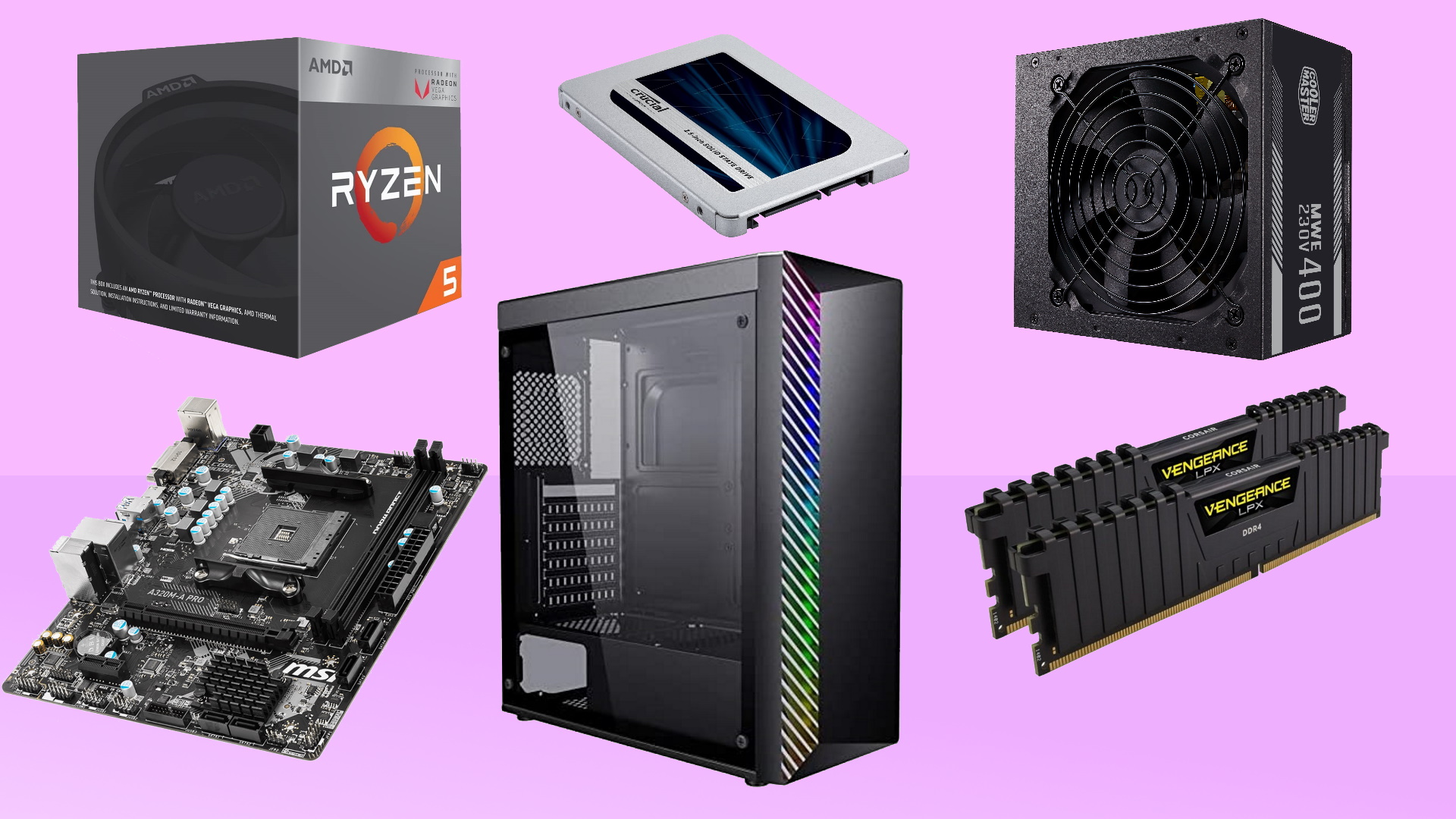
How to choose best cheap gaming pc
The right desktop depends less on the number of RGB fans than on the graphics card, memory, storage, and upgrade path.
Graphics card
The GPU determines most gaming performance. Dedicated cards such as the RTX 5070, RTX 5060 Ti, RTX 5060, RX 580, RX 560, and GT 1030 have their own graphics memory, while integrated graphics share system memory with the processor. For current demanding games, an RTX system is the strongest direction in this list. For older games, a dedicated Radeon card can still make sense.
A gaming desktop with no dedicated GPU is a starter computer first and a gaming computer second.
Processor
A modern six-core or eight-core processor gives a desktop room for games, voice chat, browsers, streaming, and general work. The Ryzen 7 9700X and Ryzen 7 8700F are the strongest clearly specified AMD processors here, while the Ryzen 7 5700X offers eight cores and 16 threads on an older DDR4 platform. The Dell's seventh-generation Core i5 and the unspecified OKAMUS i5 should be treated as basic CPU configurations rather than long-term performance leaders.
Memory
Sixteen gigabytes is a practical baseline for a gaming desktop. The 32GB systems, including the KOTIN RTX 5070 and YAWYORE RTX 5060 models, are better suited to streaming, editing, heavy multitasking, and demanding game launches. Eight gigabytes, as found in the OKAMUS, can work for light use but leaves little space for other applications.
Storage
An NVMe SSD makes Windows and game loading feel much more responsive than an older mechanical drive. Capacity matters just as much as interface speed. The 1TB systems are easier to live with than the 256GB Dell and OKAMUS desktops, while a 512GB SSD is a reasonable middle ground for a smaller game library.
Cooling and power
Cooling affects sustained performance and noise, while the power supply determines how much upgrade flexibility the tower has. KOTIN lists a 360mm liquid cooler and an 850W Gold supply in its RTX 5070 system. The YAWYORE RTX 5060 uses a 650W Bronze supply, and the integrated-graphics desktops have less demanding hardware. Look for a clearly identified power supply and enough physical airflow before adding a stronger GPU.
Frequently asked questions
Is an integrated graphics desktop suitable for gaming?
It can work for light games and some mainstream titles at modest settings. The OKAMUS and YAWYORE Ryzen 5 Desktop use integrated graphics, so they are more limited than systems with an RX 580, RX 560, or RTX card. Choose a dedicated-GPU system if modern gaming is the main purpose.
How much RAM should a gaming PC have?
Sixteen gigabytes is a sensible starting point for most gaming. Thirty-two gigabytes is more comfortable for streaming, editing, large browser sessions, and heavier multitasking. The OKAMUS has 8GB, which is better suited to basic use than demanding gaming.
Is an RTX 5060 enough for 1440p gaming?
The RTX 5060 systems in this list are intended for 1080p and 1440p gaming, with features such as DLSS 4 and ray tracing support. Actual performance depends on the game and settings. The RTX 5070 systems provide more headroom for high-resolution and demanding play.
Does SSD capacity matter for gaming?
Yes. SSD speed helps loading and responsiveness, while capacity determines how many games and applications can stay installed. A 1TB SSD is more practical for a larger library than a 256GB drive, which can fill quickly with modern games.
Should I choose DDR4 or DDR5 memory?
DDR5 is the newer memory platform and appears in the KOTIN RTX 5070 and RTX 5060 Ti desktops. DDR4 remains usable and appears in the YAWYORE RTX 5060 and several entry-level systems. Choose DDR5 when platform longevity and newer expansion matter most, and DDR4 when the complete configuration better fits your games and workload.
Can these desktops be upgraded?
Some can, but the available information varies by model. The KOTIN RTX 5060 Ti lists four memory slots and three M.2 slots, while the YAWYORE Ryzen 5 Desktop uses an MSI A520M-A PRO motherboard. The OKAMUS and Dell listings provide less detail, so confirm clearance, power supply capacity, and available slots before planning an upgrade.
The bottom line
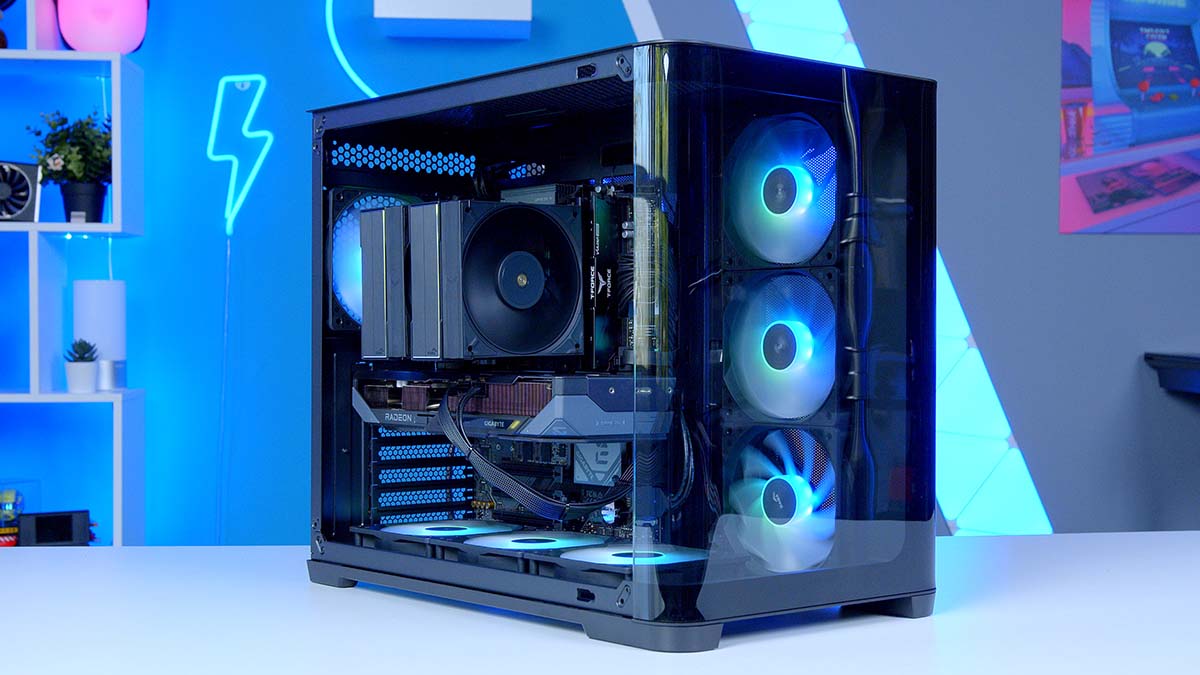
The KOTIN RTX 5070 Gaming PC is the strongest Best cheap gaming pc choice for buyers who want high-refresh 1440p or 4K gaming, ample memory, fast storage, and meaningful cooling headroom. The KOTIN RTX 5060 Ti Gaming PC is the better fit for a smaller modern build aimed at 1080p and 1440p play.
For lighter gaming, the STGAubron RX 580 Gaming PC has the most convincing older dedicated-GPU setup, while the YAWYORE Ryzen 5 Desktop is the sensible starting point for buyers who plan to add a graphics card later. The Dell and OKAMUS are better treated as general-use desktops with limited gaming hardware.
If you are undecided, choose the strongest dedicated graphics card your games require, then check memory, storage, and power supply before looking at the case lighting.
As an Amazon Associate we earn from qualifying purchases.