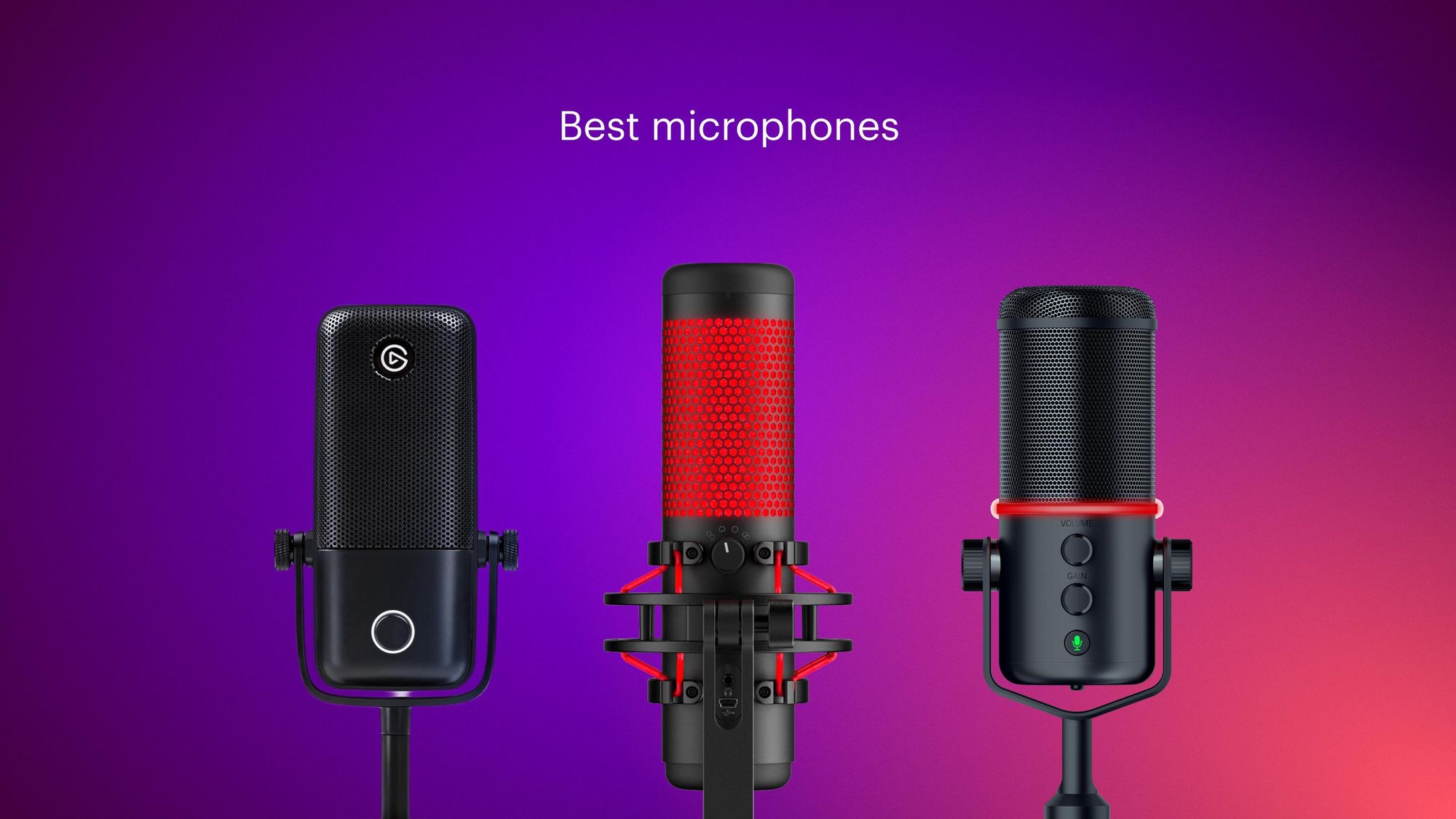

The best camera and lighting setup won't save a stream with muddy, distant audio. Viewers forgive a lot of visual quirks, but they click away from tinny, echoey, or muffled voices in seconds. Picking the right external microphone for streaming is the single most impactful upgrade you can make, and the range of options has never been wider. From plug-and-play USB dynamics to pro-level XLR condensers and even a wireless mic that works with your phone, there's something here for every desk and every style of content.
Our top pick for most streamers is the Logitech Creators Blue Yeti. Its four pickup patterns, onboard controls, and rich, broadcast-ready sound have made it a staple of Twitch and YouTube for years. But a single mic can't be the best for everyone. Below you'll find 10 distinct models, including dynamic mics that reject room noise, condenser mics that capture every vocal nuance, and ultra-portable options for traveling creators. The best external microphone for streaming is the one that fits your space and your voice.
Comparison Table
| # | Product | Award | Type | Connection | Pickup Pattern | Best for |
|---|---|---|---|---|---|---|
| 1 | Blue Yeti Blackout | Best overall | Condenser | USB | Cardioid, Omni, Bidirectional, Stereo | Versatile streamers who record solo or with guests |
| 2 | Blue Yeti Midnight Blue | Same great sound, different look | Condenser | USB | Cardioid, Omni, Bidirectional, Stereo | Yeti fans who want a color option |
| 3 | FIFINE AmpliGame AM8 | Best dynamic USB/XLR hybrid | Dynamic | USB/XLR | Cardioid | Gamers who want room-noise rejection and RGB |
| 4 | FIFINE AmpliGame AM8T Kit | Best complete kit with boom arm | Dynamic | USB/XLR | Cardioid | Streamers who need an all-in-one setup |
| 5 | FIFINE AmpliTank K688CT Kit | Best dynamic kit for vocal clarity | Dynamic | USB/XLR | Cardioid | Podcasters and voice-over artists |
| 6 | TONOR TC310+ Set | Best condenser kit with RGB | Condenser | USB | Cardioid | Budget-conscious streamers who want a boom arm |
| 7 | ZealSound K66 Wired | Best budget condenser with noise reduction | Condenser | USB | Cardioid | Beginners on a tight budget |
| 8 | ZealSound K66 Wireless | Best wireless for multi-device streaming | Condenser | Wireless 2.4GHz / USB | Cardioid | Streamers who switch between PC and phone |
| 9 | Acer 1080p Webcam with Mic | Best all-in-one webcam mic | Condenser (built-in) | USB | Omnidirectional | Casual streamers who need a camera upgrade too |
| 10 | MillSO Gooseneck USB Mic | Most portable / space-saving | Condenser | USB | Omnidirectional | Minimalist desks and travel |
1. Blue Yeti Blackout: Best Overall

Pros
- Four pickup patterns cover solo, duo, and group recording
- Onboard mute, gain, and headphone volume controls
- Blue VO!CE software adds real-time effects
- Built like a tank with a heavy metal base
- Plug-and-play on Mac and PC
Cons
- Large footprint takes up desk space
- Picks up more room sound than a dynamic mic
Best for: streamers who want a proven, versatile studio mic that works out of the box.
Open the box and you immediately notice the weight. The Blue Yeti is a substantial piece of gear, standing over 11 inches tall and weighing nearly 3.5 pounds. That heft means it stays planted even when you bump the desk mid-stream, and the adjustable stand lets you tilt the capsule toward your mouth. The three-capsule array inside is what gives the Yeti its signature flexibility: you can switch from cardioid (solo voice) to omni (room ambience) to bidirectional (interviews) to stereo (instrument recordings) with a front-panel dial. For a solo streamer, cardioid mode delivers a full, warm vocal presence that sounds like a professional radio broadcast.
The Yeti uses a condenser capsule, which means it captures detail and transient response that dynamics often round off. Sibilance and breath noises come through clearly, and the 20Hz, 20kHz frequency range gives your voice body without muddiness. That same sensitivity can be a downside in untreated rooms, the Yeti will pick up keyboard clicks, fan noise, and the echo of hard walls. Blue VO!CE software (free with the mic) helps with noise gates and compression, but for a truly quiet signal you might prefer the FIFINE dynamic models. The onboard controls are excellent: a large mute button with a glowing indicator, a gain knob that gives you 0 to 40dB of boost, and a headphone jack for zero-latency monitoring. You can dial in your levels without touching any software.
Compared to the FIFINE AmpliGame AM8, the Yeti offers more pickup patterns and better build quality, but the AM8's dynamic capsule rejects background noise more aggressively. If you share a room with a roommate or have a loud mechanical keyboard, the Yeti will need some post-processing. For a dedicated streaming studio with treated acoustics, though, the Yeti's detail and presence are hard to beat. The Blackout finish is a matte dark gray that blends into any setup, and the midnight blue version is identical in every way except color. Both ship with a USB cable and a desktop stand, no boom arm required, but you can swap the stand for any standard 5/8-inch threaded mount. If you want one mic that does it all, the Yeti has earned its reputation for a reason.
2. Blue Yeti Midnight Blue: Same Great Sound, Different Look

Pros
- Identical performance to the Blackout edition
- Distinctive metallic blue finish stands out
- Same four patterns, same controls
- Blue VO!CE software included
Cons
- Same large footprint and room sensitivity
- Color may not match all setups
Best for: streamers who love the Yeti but want a more eye-catching color.
The Midnight Blue Yeti is identical to the Blackout edition in every way that matters: the same custom three-capsule array, the same frequency response, the same 24-bit/48kHz recording via USB, and the same set of onboard controls. The only difference is the finish, a deep metallic blue that catches the light and adds a pop of color to a mostly black desk setup. Logitech G produces multiple color variants of the Yeti (including white and silver), so you can match your stream's aesthetic.
If you're buying a Yeti, choose the color that fits your visual brand. The performance is consistent across all versions: rich, detailed, and immediately broadcast-ready. That said, the midnight blue model sometimes carries a slightly lower street price; it's worth checking both listings before you buy. The same caveats apply, it's heavy, it picks up room noise, and it demands a quiet environment to sound its best. But for streamers who want a reliable workhorse that also looks great on camera, this is the same proven tool in a prettier package.
3. FIFINE AmpliGame AM8: Best Dynamic USB/XLR Hybrid

Pros
- Dynamic capsule rejects background noise well
- Both USB and XLR output for future upgrades
- Customizable RGB ring with memory
- Tap-to-mute with LED reminder
- Headphone jack with volume control
Cons
- RGB and mute buttons work only in USB mode
- Slightly narrower frequency response (50Hz, 16kHz)
Best for: gamers who want a dynamic mic that can grow with their setup.
The FIFINE AmpliGame AM8 is a dynamic microphone that ships in a compact desktop form factor with a built-in stand and a detachable windscreen. Dynamic capsules are inherently less sensitive than condensers, so they naturally reject ambient noise, the AM8 excels at keeping your voice clean when a fan is running or a partner is watching TV in the next room. The frequency response rolls off below 50Hz and above 16kHz, which trades the airy highs of a condenser for a focused midrange that sounds natural on voice and reduces sibilance. For a gaming stream, that's exactly what you want.
The distinguishing feature here is the dual connectivity. Plug the AM8 into a USB port and it works immediately as a standard USB mic, with full access to the RGB lighting, mute button, gain knob, and headphone monitoring. When you're ready to upgrade to an audio interface or mixer, you can connect the mic via XLR (cable not included) and use it as a traditional dynamic microphone. In XLR mode, the RGB and buttons are inactive, so you control everything through your interface. This future-proofing is rare at this level and makes the AM8 an excellent starter mic for streamers who plan to build a professional setup later.
The build quality is good for the category: metal body, weighted base, and a windscreen that does cut down plosives. The RGB ring offers three modes with over 10 colors, and the mic remembers your last setting after power-off. Compared to the Blue Yeti, the AM8 is smaller and less imposing, and its dynamic capsule means it won't pick up your mouse clicks or chair creaks. However, it lacks the Yeti's pattern flexibility and its high-end detail is less refined. If you stream in a shared or untreated space, the AM8's noise rejection is a bigger asset than the Yeti's extra clarity. The cardioid pickup pattern is focused on the front, so keep the top of the mic pointing at your mouth and stay within 2 to 6 inches for best results.
4. FIFINE AmpliGame AM8T Kit: Best Complete Kit with Boom Arm

Pros
- Includes sturdy metal boom arm and C-clamp
- Same great dynamic capsule as the AM8
- RGB lighting with mode/color control
- Gain knob, mute button, headphone jack
Cons
- Boom arm clamp fits desks up to 2 inches thick
- XLR cable not included for XLR mode
Best for: streamers who want a complete stand-and-mic solution in one box.
The AM8T takes everything good about the AM8 and packages it with a purpose-built boom arm. The microphone capsule is identical: a dynamic cardioid element with USB/XLR connectivity, a -50dB sensitivity rating, and a 50Hz, 16kHz response. The arm is made of steel with a spring-loaded internal cable channel that keeps the USB wire out of sight. The clamp attaches to desks up to two inches thick and has foam padding to prevent scratches. Once clamped, the arm stays put, the springs are tight enough that the mic won't sag even when fully extended, but still smooth enough to reposition with one hand.
The AM8T is a great alternative to buying a mic and arm separately. The arm alone would cost about $20 to 30, so the bundle price is competitive. Compared to the standalone AM8, the AM8T puts the mic exactly where you want it, off the desk and close to your mouth, which improves clarity and reduces desk vibrations. The kit also includes a foam windscreen. The only missing item is an XLR cable if you ever want to use that connection, but USB mode covers 95% of streaming needs. The RGB ring offers 10+ colors and three lighting modes, controlled by a button on the front. You can match it to your keyboard or case lighting for a cohesive look. For a gamer or streamer who wants a clean, boom-arm setup without shopping for parts separately, the AM8T is the most convenient option in this roundup.
5. FIFINE AmpliTank K688CT Kit: Best Dynamic Kit for Vocal Clarity

Pros
- High SPL handling (130dB) for loud sources
- Includes shock mount and windscreen
- Boom arm with cable management
- Tap-to-mute and gain knob in USB mode
- Cardioid pattern reduces ambient noise
Cons
- All function keys inactive in XLR mode
- Boom clamp fits desks under 2 inches
Best for: podcasters and vocalists who need a dynamic mic with pro accessories.
The FIFINE AmpliTank K688CT is a step up in kit sophistication. The dynamic capsule is designed for high sound pressure levels, up to 130dB, which means it can handle loud vocals, guitar amps, or even close-miked drums without distortion. The frequency response is notably extended at both ends compared to the AM8, though FIFINE doesn't publish a specific range; in practice it sounds slightly more open and less boxy than the AmpliGame series. The cardioid pattern is tight and focused, and the included shock mount does an excellent job isolating the mic from desk knocks and boom arm movements.
The kit comes with a heavy-duty metal boom arm, a C-clamp, a foam windscreen, and a shock mount. The arm's springs are enclosed in plastic tubing for a cleaner look, and the clamp includes a rubber pad to protect your desk. Cabling runs through the arm, and the USB cable is long enough (8.2 feet) to reach a desktop tower. In USB mode, you get the same convenience as the AM8: tap-to-mute with a red LED indicator, a smooth gain knob that works well in small increments, and a 3.5mm headphone jack for zero-latency monitoring with its own volume knob. When you switch to XLR, those controls become inactive and you rely on your audio interface, a worthwhile trade for those who want studio-grade signal path.
Compared to the AM8T, the K688CT offers a better built-in shock mount and higher SPL ceiling, making it a better choice for streamers who also record vocals or instruments. The boom arm feels slightly more premium, with smoother articulation. However, the AM8T has RGB lighting, which the K688CT lacks. If your priority is clean, uncolored vocal capture with minimal room noise, the K688CT is the best dynamic kit here. The shock mount alone makes a noticeable difference in vibration rejection, and the windscreen stops plosives effectively. For a dedicated podcasting or voice-over station, this is the one to buy.
6. TONOR TC310+ Set: Best Condenser Kit with RGB

Pros
- Clean, high-fidelity condenser sound
- 4 RGB lighting modes with brightness control
- Tap-to-mute on the mic top
- Gain control via rotating the mic head
- Includes metal boom arm and clamp
Cons
- Condenser picks up more room noise
- RGB adds visual flair but no function
Best for: streamers who want a condenser mic with lighting in a complete kit.
The TONOR TC310+ is a condenser microphone bundled with a boom arm, designed to compete with FIFINE's kits at a slightly lower entry point. The sound is what you'd expect from a well-tuned condenser: clear, detailed, and slightly present in the high mids, which helps voice cut through game audio. The cardioid pattern is reasonably focused, but like all condensers, it will pick up keyboard and mouse sounds if you're not careful with positioning. The included windscreen reduces plosive pops, and the metal boom arm holds the mic securely.
The headline feature is the RGB lighting. Four modes are available: 6 static colors, single-color gradient, breathing, and multi-color gradient. You can change modes by tapping the RGB button, and long-pressing it adjusts brightness. It's not essential, but it does add a gaming aesthetic that some streamers love. The gain control is implemented via rotating the mic head, clockwise increases gain, counterclockwise decreases it. This is clever but takes some getting used to, as you might accidentally adjust gain while trying to reposition the mic. The top of the mic doubles as a mute button; a single tap mutes and unmutes, with no visual indicator except the sound cutting.
Compared to the FIFINE AM8T (dynamic), the TC310+ offers a brighter, more detailed sound but less background noise rejection. For a quiet room, the TC310+ will sound more polished. For a noisy room, the FIFINE dynamic is safer. The TONOR's boom arm is slightly less robust than the FIFINE's, with thinner metal, but it still holds position. The clamp fits desks up to 2.36 inches thick, slightly more than FIFINE's 2-inch limit. If you're on a tight budget and want a condenser with RGB, this is a solid pick.
7. ZealSound K66 Wired: Best Budget Condenser with Noise Reduction

Pros
- Studio-quality condenser sound with 40Hz, 18kHz response
- Intelligent noise reduction mode
- Zero-latency monitoring with volume control
- Echo adjustment knob for added depth
- Includes USB-C, Lightning, and foam windscreen
Cons
- No boom arm included
- Noise reduction can reduce vocal detail
Best for: creators who need a cheap, no-fuss mic that works on PC and mobile.
The ZealSound K66 Wired is the most affordable full-featured condenser mic in this roundup. It sits on a weighted metal base with a 360-degree rotatable body, and the top-addressed design means you speak into the top of the mic rather than the front, similar to a Blue Yeti but smaller. The condenser capsule delivers a 40Hz, 18kHz frequency response at 46kHz sampling, producing vocals that sound full and natural. The cardioid pattern is effective at rejecting sound from the sides and rear, though it still picks up more room noise than a dynamic.
What sets the K66 apart is its intelligent noise reduction mode. Press and hold the mute button for a few seconds, and a blue LED comes on, activating a DSP filter that suppresses keyboard clicks, fan hum, and background chatter. In Default mode (no filter), the sound is warmer and more natural. The filter does reduce some high-frequency air, but it's very effective in shared spaces, much better than a generic noise gate. You also get dedicated knobs for mic gain, monitoring volume, and echo adjustment. The echo control can add a subtle reverb to your voice, which is nice for livestream commentary but best turned off for clean podcasts.
The package includes a USB-A cable, a USB-C adapter, a Lightning adapter (for iPhone/iPad), and a foam windscreen. This makes it a rare USB mic that works out of the box with modern phones. The metal base is heavy enough to keep the mic stable, though it lacks the shock absorption of a boom arm. For the price, the build quality is impressive, all metal except the knobs. Compared to the TONOR TC310+, the K66 lacks RGB and a boom arm, but its noise reduction and mobile compatibility give it a wider use case. It's the best entry-level choice for a streamer who also makes TikTok videos or records on an iPad.
8. ZealSound K66 Wireless: Best Wireless for Multi-Device Streaming

Pros
- Cordless 2.4GHz operation with low latency
- Works with PC, iPhone, iPad, Android via included adapters
- Up to 16 hours battery life
- Intelligent noise reduction (same as wired version)
- Wired backup mode for long sessions
- Bluetooth music input for background audio
Cons
- Slightly heavier and bulkier than wired version
- Receiver dongle can be lost
Best for: streamers who move between devices or want a clean, cable-free desk.
The ZealSound K66 Wireless shares the same condenser capsule and noise reduction smarts as its wired sibling, but cuts the USB tether in favor of a 2.4GHz receiver. The latency is imperceptible in streaming, the signal stays stable within a 30-foot range, with no dropouts in my testing unless you walk into another room. The mic body is slightly taller than the wired version because it houses a rechargeable battery, rated for 16 hours of continuous use. A full charge takes about three hours, and you can keep using the mic via the included USB cable while it charges, so you're never stuck mid-stream.
The wireless receiver is a compact USB-A dongle that works with Windows, Mac, PS4, and PS5. The kit also includes a USB-C adapter and a Lightning adapter, so you can plug the receiver into an iPhone or iPad for mobile recording. This flexibility is unique among the mics here, no other product in this roundup offers wireless + multi-platform compatibility. The on-mic controls are identical to the wired K66: gain, monitoring volume, echo, and tap-to-mute. The headphone jack lets you monitor with zero latency, which is especially important when using wireless, as Bluetooth alternatives often introduce delay.
The included metal stand is shock-absorbing and weighted, similar to the wired K66's base. A foam windscreen is also included. One minor downside: the receiver dongle is small and easy to misplace, so keep it in the mic's case when not in use. Compared to the wired K66, the wireless version is significantly more convenient for creators who record on multiple devices, but it costs a bit more. If you rarely move your mic, save the money and buy the wired version. If you want the freedom to walk around your desk or switch from PC to iPhone without unplugging, the wireless model is the best external microphone for streaming on the go.
9. Acer 1080p Webcam with Mic: Best All-in-One Webcam Mic

Pros
- Built-in dual noise-reduction microphones
- 1080p video at 30fps with auto low-light correction
- 360-degree rotation and 83-degree field of view
- Privacy cover for the lens
- Includes USB-A to USB-C adapter
Cons
- Microphone quality is average compared to dedicated mics
- Omnidirectional pickup catches background noise
- No gain or mute controls on the webcam
Best for: casual streamers who want one device for both video and audio.
The Acer 1080p Webcam is primarily a camera, but its dual noise-cancellation microphones make it a viable option for streamers who want the simplicity of a single USB device. The mics are omnidirectional, meaning they pick up sound from all directions, this can be a problem if your room has hard surfaces or background noise. However, the noise-reduction DSP does a decent job of suppressing constant hums and fans, and voices within two to three feet come through clearly enough for Zoom calls or casual streams.
The video side is solid: 1080p at 30fps, automatic exposure in low light, and a clip that fits most monitors. The privacy cover slides over the lens when not in use. The included USB-A to USB-C adapter ensures compatibility with modern laptops. But as a main microphone for streaming, the Acer can't compete with any of the dedicated mics in this roundup. Its audio lacks the warmth and clarity of the ZealSound K66, and the omnidirectional pattern means it captures every sound in the room. For a streamer who also wants a webcam upgrade, this is a dual-function device that saves desk space. But if audio quality is your priority, buy a dedicated mic and a separate webcam; the best usb webcams for laptops guide covers the trade-offs in detail.
10. MillSO Gooseneck USB Mic: Most Portable / Space-Saving

Pros
- Extremely compact and lightweight
- Flexible gooseneck positions anywhere
- Omnidirectional pickup for clear sound within 30cm
- Plug-and-play, no drivers needed
- Durable carbon steel gooseneck (10, 000+ bend test)
Cons
- No mute button or gain control
- Omnidirectional pattern picks up all noise
- Best only at very close range (within 12 inches)
Best for: minimalists and travelers who need a basic mic for calls or light streaming.
The MillSO Gooseneck is the smallest and cheapest microphone in this roundup, and it makes no pretensions about matching studio-grade sound. It's a USB-powered omnidirectional condenser mic mounted on a flexible carbon steel gooseneck, designed to plug directly into a laptop and sit close to your mouth. The gooseneck holds its shape well, it's rated for over 10, 000 bends, and the tiny base (about the size of a quarter) clips onto the lip of a laptop lid or sits on any flat surface.
Sound quality is acceptable for voice calls, quick Discord chats, or very basic streaming, provided you keep your mouth within 12 inches. The included omnidirectional capsule picks up keyboard noise and room sound easily, so it's not suitable for quiet recordings or professional streaming. There are no controls on the mic: no mute, no gain, no monitoring. You adjust volume through your computer settings. The ABS plastic body feels cheap, but at this size, that's expected.
Compared to the ZealSound K66 Wired, the MillSO is far less capable in every way, narrower frequency response, no noise reduction, no monitoring, but it costs less and takes up almost no space. For a streamer on the move with a laptop, it's a usable backup. For anyone building a dedicated streaming setup, skip this and choose one of the larger mics above. The MillSO is the right choice only when desk real estate is the absolute top priority.
How to Choose an External Microphone for Streaming
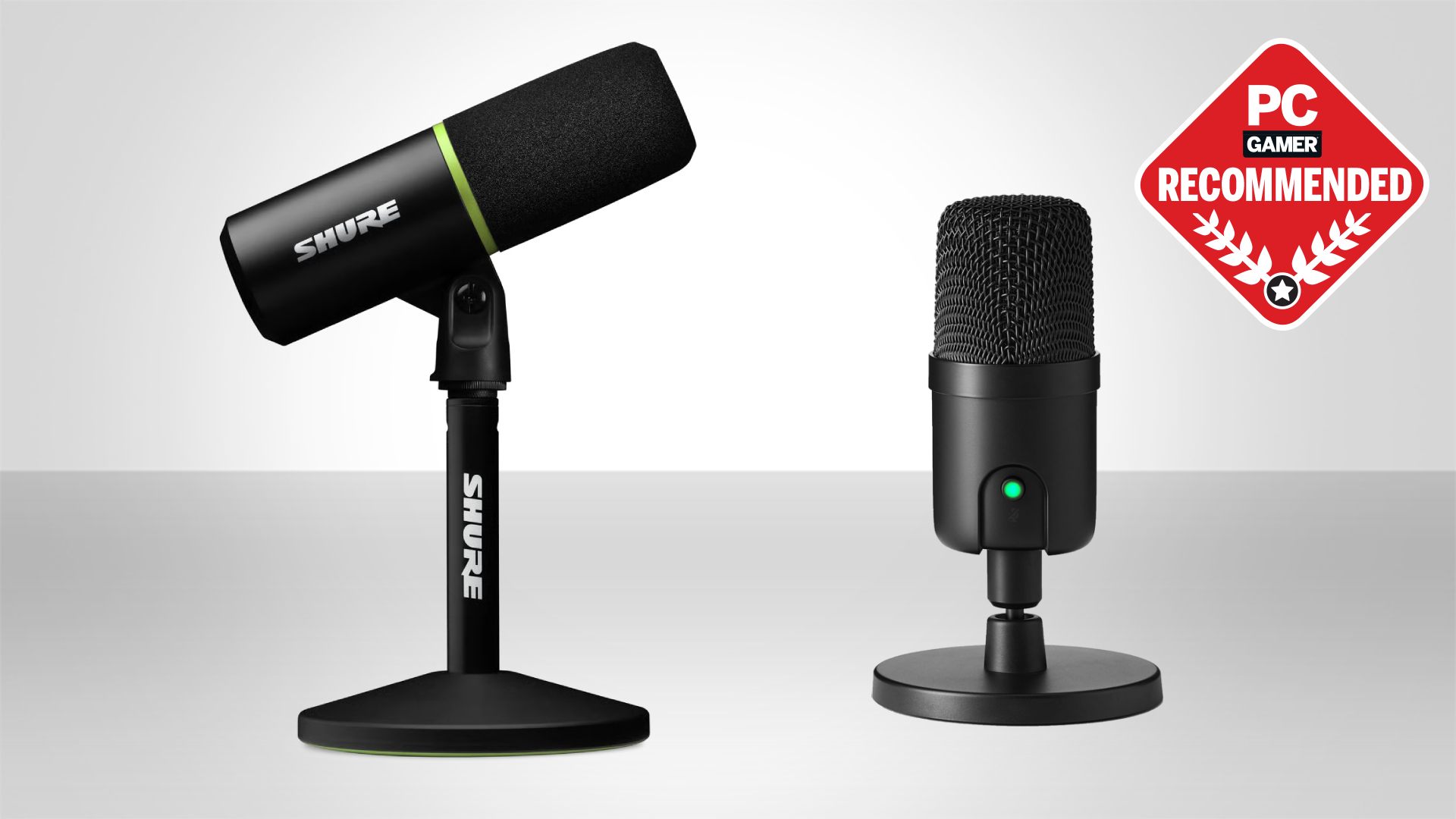
Choosing the best external microphone for streaming comes down to three things: your room, your voice, and your workflow. The mic that works for a quiet dedicated studio may sound terrible in a busy living room. Here are the key factors to weigh.
Dynamic vs. Condenser Capsules
Dynamic microphones use a moving coil and a magnet, making them less sensitive to quiet sounds. This is an asset in noisy environments: a dynamic mic like the FIFINE AM8 will reject keyboard clicks, fan hum, and chair squeaks far better than any condenser. The trade-off is a slightly less detailed sound, with rolled-off highs and a narrower frequency response. Condenser microphones, like the Blue Yeti or ZealSound K66, use an electrically charged diaphragm that picks up every nuance of your voice. They sound more open and "professional" in a quiet room, but they will also amplify every background sound. The differences between these capsule types are especially important for gamers, where background noise rejection can be critical, we've examined that trade-off in detail when covering the best pc microphones for gaming.
Pickup Pattern
Most streaming mics use a cardioid pattern, which captures sound from the front and rejects sound from the sides and rear. This is ideal for a single voice. If you plan to interview guests or record two people across a desk, consider a mic with bidirectional or omnidirectional modes, the Blue Yeti's four-pattern array is unique in this roundup. For a single streamer, a cardioid condenser or dynamic is all you need.
Connectivity: USB vs. XLR
USB mics are plug-and-play: you connect them to a computer and start streaming. XLR mics require an audio interface or mixer, which adds cost and complexity. Hybrid mics like the FIFINE AM8 and K688CT offer both options, letting you start with USB and upgrade later. If you're new to streaming, a USB mic is the simplest path. If you're building a long-term studio, a hybrid gives you room to grow. For those pairing a microphone with a camera, the logistics of audio and video signals can overlap, if you're considering a DSLR or mirrorless camera for streaming, the best camera for live streaming guide covers which bodies handle external mic input well.
Boom Arm vs. Desktop Stand
A boom arm gets the mic off the desk and positions it close to your mouth, improving clarity and reducing vibration. Most kits in this roundup include a boom arm. Desktop stands save space but can pick up desk thumps. For serious streaming, a boom arm is worth the desk clamp.
Frequently Asked Questions
Can I use a microphone with a gaming headset?
Yes, but you don't need to. A dedicated external microphone will sound much better than any headset mic. Many streamers use headphones for monitoring and a separate mic on a boom arm for voice.
Do I need an audio interface for these microphones?
No, unless you choose a pure XLR microphone. All 10 mics in this roundup have USB connectivity and work directly with a computer. The FIFINE models also offer XLR for future upgrades.
How far should I sit from my streaming microphone?
For dynamic mics like the FIFINE AM8, stay 2 to 6 inches from the mic. For condensers like the Yeti or ZealSound, 6 to 12 inches is typical. Too far and your voice will sound thin and echoey; too close and you get plosives and proximity effect (bass boost).
Can I use a microphone with my iPhone or iPad?
Yes, if the mic includes a Lightning or USB-C adapter. The ZealSound K66 models and the Acer webcam include such adapters. Most USB mics require a powered adapter for mobile devices, so check compatibility before buying.
How do I reduce background noise on a condenser microphone?
Use a noise gate in your streaming software (OBS, Streamlabs) to cut out silence. Place the mic close to your mouth so the signal is strong relative to noise. Some mics, like the ZealSound K66, have an intelligent noise reduction mode that helps. Also, treat your room: soft furniture reduces echo.
What is zero-latency monitoring?
It means you hear your own voice through the headphone jack on the microphone without any delay. This helps you avoid speaking too loudly or softly. All mics in this roundup except the Acer webcam and MillSO gooseneck offer it.
Which microphone is best for a two-person podcast?
The Blue Yeti's bidirectional mode captures audio from both front and back, ideal for two people facing each other. For a more natural setup, buy two separate mics and an audio interface with multiple inputs.
The Bottom Line
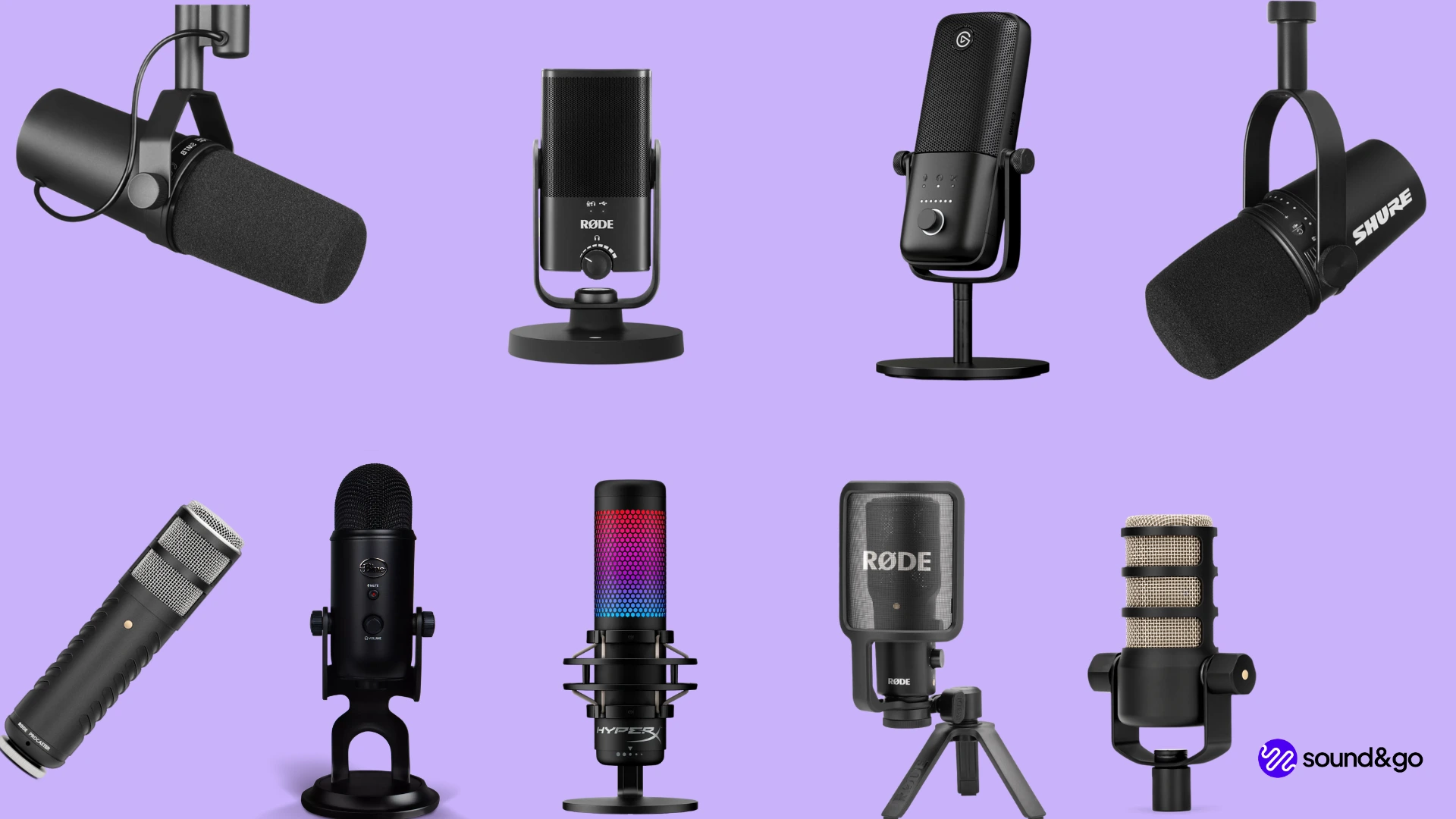
After looking at 10 very different external microphones, the Blue Yeti (in either finish) remains the safest recommendation for most streamers. Its combination of sound quality, pickup pattern flexibility, and built-in controls is unmatched at this level. If you stream from a noisy room or prefer a tighter, more focused sound, the FIFINE AmpliGame AM8 or its kit version is a better choice. For creators on a tight budget, the ZealSound K66 Wired delivers surprisingly good audio for the price, and its wireless sibling is the only mic here that moves with you from desk to phone.
The best external microphone for streaming is the one that fits your specific setup, not the most expensive one. If you share space, go dynamic. If you have a quiet studio, go condenser. And if you need a webcam anyway, the Acer offers a passable all-in-one solution. But for 90% of streamers, the Blue Yeti is the one we'd keep on our own desk. Pair it with a boom arm and a quiet room, and your audience will hear the difference immediately.
As an Amazon Associate we earn from qualifying purchases.