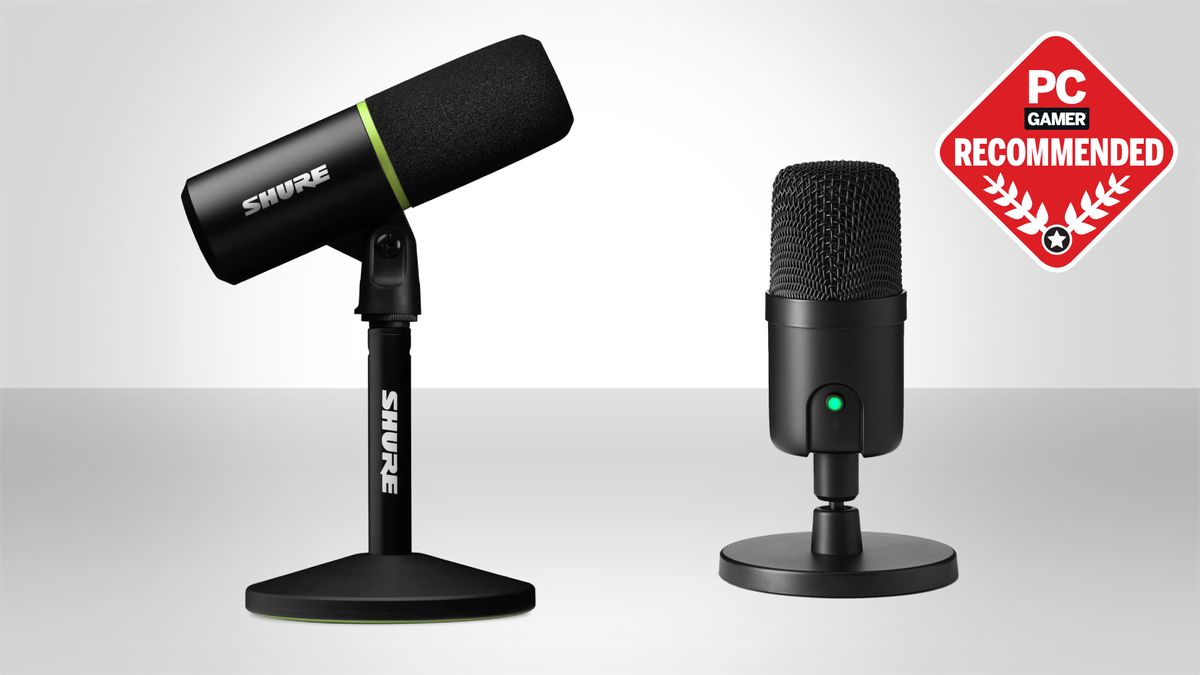

A microphone that sounds fine in a quiet room can fall apart when a keyboard, cooling fan, or game controller enters the picture. The right model for a PC setup needs to make your voice clear without turning every desk bump into a loud interruption.
This guide to the Best best microphone for pc options covers simple USB models, dynamic microphones for noisy rooms, condenser designs with RGB, and flexible USB/XLR picks that can grow into a more serious recording setup. We have also separated kits with boom arms from microphones that expect you to provide a stand.
FIFINE AmpliGame AM8 is our top pick for most PC users. The lineup also includes a feature-rich classic, complete boom-arm kits, compact options, and microphones with stronger built-in voice processing.
Comparison table
| # | Product | Award | Connection | Pickup / control | Best for |
|---|---|---|---|---|---|
| 1 | FIFINE AmpliGame AM8 | Best overall | USB, XLR | Cardioid dynamic, mute, gain, headphone monitoring | Gaming and streaming |
| 2 | Logitech Blue Yeti Blackout | Best versatile condenser | USB | Four pickup patterns, mute, gain | Podcasts and shared recording |
| 3 | TONOR TC310+ | Best complete starter kit | USB | Condenser, mute, gain, RGB | New streamers |
| 4 | FIFINE AmpliGame AM8T | Best dynamic kit | USB, XLR | Cardioid dynamic, mute, gain | A boom-arm setup |
| 5 | Razer Seiren V3 Mini | Best compact microphone | USB | Supercardioid condenser, tap mute | Small desks |
| 6 | FIFINE AmpliTank K688CT | Best podcasting kit | USB, XLR | Cardioid dynamic, mute, gain | Voice recording |
| 7 | Shure MV6 | Best voice processing | USB-C | Cardioid dynamic, auto level, denoiser | Polished live audio |
| 8 | Logitech Blue Yeti Midnight Blue | Best multi-pattern alternative | USB | Four pickup patterns, mute, gain | Flexible desktop recording |
| 9 | COCONISE PC Microphone | Best RGB desktop pick | USB | Cardioid condenser, mute, headphone monitoring | Casual gaming |
| 10 | FIFINE AmpliGame A6T | Best condenser kit | USB | Cardioid condenser, mute, gain | Streaming with a boom arm |
1. FIFINE AmpliGame AM8: Best Overall

Pros
- Dynamic capsule helps reject off-axis noise
- USB and XLR connections provide an upgrade path
- Tap mute, gain, and headphone controls are easy to reach
- RGB can be controlled directly from the microphone
Cons
- XLR cable is not included
- RGB and onboard controls do not work over XLR
- Requires close positioning, around 2 to 6 inches
Best for: PC gamers and streamers who want a clear USB microphone now and XLR flexibility later.
The FIFINE AmpliGame AM8 gets the important decision right. It is a dynamic microphone with a cardioid pattern, so it focuses on the person speaking into its end while reducing sound arriving from the sides. That makes it a more forgiving desk companion than a sensitive condenser when a mechanical keyboard or room fan is nearby. It is not a microphone to place across the desk and forget, though. FIFINE suggests a recording distance of 2 to 6 inches, and that close position is part of getting the strongest voice from it.
Its 50Hz to 16KHz frequency response is suited to speech, game chat, and streaming rather than trying to be a universal studio microphone. Voices should come through with a controlled, intelligible character instead of exaggerating every room sound. The USB connection is the easy route for a PC or MacBook, with a tap-to-mute control, LED mute reminder, gain knob, headphone jack, and headphone volume control. Those physical controls are more useful during a live call than software controls hidden behind another window.
The XLR connection gives the AM8 a longer life in a more developed recording setup. Connect it to an audio interface or mixer with a separate XLR cable, and it can move from a straightforward computer microphone into a conventional audio chain. The trade-off is important: RGB and the function key are inactive over XLR. Its built-in 3/8-inch and 5/8-inch threads also help it fit a variety of microphone stands without an adapter, while the supplied windscreen helps with plosive sounds and nearby electrical hum.
Compared with the Razer Seiren V3 Mini, the AM8 takes up more space but offers a more adaptable connection system and more hands-on control. The Shure MV6 goes further with automatic processing, but the AM8 is less dependent on an app and does not force you into USB-only use. Its weakness is the need to stay close and the missing XLR cable. Skip it if you want a tiny microphone that can sit well away from your face. For gaming, streaming, and a future audio-interface upgrade, this is the one we would keep.
2. Logitech Blue Yeti Blackout: Best Versatile Condenser

Pros
- Four pickup patterns cover several recording arrangements
- Onboard mute, gain, pattern, and headphone controls
- Adjustable desktop stand and no-latency monitoring
- Blue VO!CE software adds voice effects and processing
Cons
- Heavy desktop design takes up noticeable room
- Condenser capsule can hear more of the surrounding space
- USB-only connectivity limits later expansion
Best for: creators who record alone, with guests, or around instruments and want one flexible desktop microphone.
The Logitech Blue Yeti Blackout remains unusually useful because it does not assume every recording happens in the same way. Its three-capsule array supports cardioid, omnidirectional, bidirectional, and stereo pickup patterns. Cardioid is the sensible starting point for a solo streamer. Omnidirectional can suit a group around the microphone, bidirectional is designed for two people facing each other, and stereo is useful when left and right placement matters.
That flexibility is paired with a substantial adjustable desktop stand. The microphone is 11.61 inches high, 4.92 inches long, 4.72 inches wide, and weighs 3.51 pounds, so it is not a subtle addition to a crowded desk. The weight helps it stay planted, while the pivoting design lets you aim the microphone toward the sound source. Headphone volume, gain, pattern selection, and instant mute are all available on the unit, and no-latency monitoring helps prevent a distracting delay in headphones.
Blue VO!CE software is the distinguishing feature beyond the hardware. It provides broadcast-style vocal adjustments, effects, modulation, and audio samples for supported recording and streaming workflows. That gives the Yeti more room to shape a voice than the simpler TONOR TC310+, while the four pickup modes make it more suitable for a podcast conversation or instrument recording than the cardioid-only models here.
The limitation is the condenser design. It can capture more detail, but that also means it is less forgiving of a loud room, desk tapping, or a noisy PC than the dynamic FIFINE AmpliGame AM8. The USB-only design is another boundary. Choose the Yeti Blackout if you want a single desktop microphone for varied recording layouts, not if your priority is maximum rejection of background noise. For readers comparing different ways to record a voice at a desk, this is the most adaptable traditional USB option in the group.
3. TONOR TC310+: Best Complete Starter Kit

Pros
- Includes a metal boom arm and desk clamp
- Four RGB modes with brightness adjustment
- Tap mute and top-mounted gain control
- Joints allow flexible positioning
Cons
- Clamp fits desks no thicker than 2.36 inches
- Condenser design may pick up a lively room
- USB connection only
Best for: first-time streamers who need a microphone and boom-arm arrangement in one setup.
The TONOR TC310+ is aimed at the person who does not want to assemble a microphone setup piece by piece. The kit includes a metal boom arm, a desk clamp, and the microphone, so the result can move off the desktop and closer to the speaker. That positioning matters as much as the capsule itself because a microphone near your mouth can capture a stronger voice while letting you keep the computer keyboard farther from the pickup area.
Controls are straightforward. Tap the top to mute, then rotate the top of the microphone to adjust gain. Four RGB modes include static colors, a single-color gradient, a breathing effect, and a mixed-color gradient. A long tap adjusts brightness, which is a thoughtful touch for anyone who finds bright lighting distracting during a late session. The light is decoration rather than an audio feature, but the controls keep it from becoming a software chore.
The TC310+ uses a USB condenser design intended for clear vocal communication. It should suit game chat, calls, and streaming in a reasonably controlled room. Its desk clamp fits surfaces up to 2.36 inches thick, and the multiple arm joints help clear a monitor or bring the microphone into a comfortable speaking position. The FIFINE AmpliGame AM8T is the stronger alternative for people who want dynamic noise rejection and XLR expansion, but the TONOR is simpler when the goal is an all-in-one USB kit.
The boom arm is also the main point to inspect before buying. A thick desk, an unusual edge, or a setup that needs the clamp in an awkward position could make installation less convenient. The microphone is not the right choice for a very noisy room where a dynamic capsule would have an advantage. Pick it for a clean starting setup, a visible RGB style, and easy physical controls rather than for studio expansion.
4. FIFINE AmpliGame AM8T: Best Dynamic Kit

Pros
- Dynamic cardioid microphone with noise-conscious positioning
- Boom arm, clamp, windscreen, and USB cable included
- USB and XLR connections
- Headphone monitoring, mute, gain, and RGB over USB
Cons
- XLR cable is not included
- USB-only controls become inactive over XLR
- Clamp is designed for desks under 2 inches thick
Best for: streamers who want a dynamic microphone with a boom arm and a practical XLR route.
The FIFINE AmpliGame AM8T is essentially the setup-focused answer to the AM8. It pairs a dynamic microphone with a metal boom arm, C-clamp, USB to USB-C cable, and external windscreen. That changes the ownership experience because the microphone can be positioned close to the speaker without occupying the center of the desk. The arm uses springs for support and can be adjusted for position and angle.
Its cardioid pattern and stated sensitivity of -50dB are intended to keep the focus on the voice. In a gaming setup, that can help reduce the attention paid to sounds behind or beside the microphone, though placement remains important. The windscreen helps with plosives, and the headphone jack provides real-time monitoring. Gain and headphone volume controls are available when using USB, alongside the mute button and RGB controls.
USB operation is plug and play for PC streaming and recording, with compatibility mentioned for software such as OBS and Streamlabs. XLR operation opens the door to a mixer or sound card and suits podcasting, voiceover, or musical-instrument work. There is a clear boundary here: the XLR cable is not supplied, and RGB plus the microphone function controls are inactive when the XLR connection is in use. Control then moves to the interface or mixer.
Compared with the TONOR TC310+, the AM8T is the better fit for a room where background noise is a concern and for anyone who may add an audio interface later. The TONOR has a simpler condenser setup and a broader RGB emphasis. The FIFINE AmpliTank K688CT adds a shock mount and claims a 130dB SPL, but it is heavier and more podcast-oriented. Choose the AM8T if you want an arm-mounted gaming microphone with a genuine connection upgrade path. Check your desk thickness first, because the clamp is limited to less than 2 inches.
5. Razer Seiren V3 Mini: Best Compact Microphone

Pros
- Small footprint for crowded desks
- Supercardioid pattern narrows side pickup
- Tap-to-mute sensor and LED status indicator
- Built-in shock absorber and detachable stand
Cons
- USB-only
- No onboard gain knob listed
- Compact body provides fewer physical controls
Best for: PC users who need clear voice chat from a small desktop microphone.
The Razer Seiren V3 Mini solves a physical problem first. At 6.38 inches high, 3.59 inches long, and 3.59 inches wide, with a listed weight of 0.52 pounds, it is easy to place beside a keyboard or monitor without turning the desk into a recording booth. The included stand tilts, and the microphone can be detached for a boom-arm setup.
Its custom condenser capsule is designed to capture vocal detail, while the supercardioid pickup pattern is tighter than a standard cardioid pattern. That directional focus can reduce the intrusion of typing and mouse clicks when the microphone is aimed carefully. It is still a condenser microphone, so a loud fan or echoing room can remain audible. The compact body does not change that basic behavior.
A tap-to-mute sensor sits on top, with an LED indicator showing whether the microphone is active. USB plug-and-play operation works with a PC and applications including Discord, OBS Studio, and XSplit without extra drivers. Razer Synapse adds access to sample-rate settings and separate playback and audience volume mixes. That software route provides more configuration than the basic physical design suggests.
The Seiren V3 Mini gives up the AM8's XLR connection, gain knob, and headphone controls. It also lacks the complete boom-arm kit included with the FIFINE AmpliGame A6T. What it does better is stay out of the way. Pick it for a compact setup, simple mute control, and a tighter pickup pattern. Skip it if you need hardware-level monitoring or intend to build a conventional XLR chain.
6. FIFINE AmpliTank K688CT: Best Podcasting Kit

Pros
- USB and XLR connectivity
- Boom arm and shock mount help isolate desk noise
- Cardioid dynamic design for focused speech
- Tap mute, gain, headphone monitoring, and volume control
Cons
- Heavy kit at 2.89 pounds
- XLR cable is not included
- Onboard controls work only over USB
- Clamp fits desks under 2 inches thick
Best for: podcasters and voice-focused creators who want a supported, close-positioned dynamic microphone.
The FIFINE AmpliTank K688CT is built around the physical realities of voice recording. Its heavy-duty boom arm keeps the microphone away from the desk, while the included shock mount helps reduce the effect of bumps and vibrations. That arrangement is more purposeful for spoken-word work than a basic desktop stand. The microphone itself is a cardioid dynamic model, so it is designed to put the speaker ahead of ambient sound.
FIFINE lists a 130dB SPL capability, which gives the K688CT room for loud sources without suggesting that it is limited to quiet narration. For speech, the practical instruction is more important: the recommended recording distance is 2 to 6 inches. The windscreen helps with explosive consonants, and the arm makes it easier to maintain that close distance without leaning over the desk.
USB mode includes a tap-to-mute control, gain knob, headphone monitoring jack, and volume knob. That is a useful control set for a live podcast or stream because it keeps mute and monitoring within reach. XLR mode supports a mixer or audio interface for a more traditional recording arrangement, but the microphone's function keys are inactive there. The included C-clamp fits desks under 2 inches thick, so installation needs a quick measurement first.
The K688CT is more substantial than the FIFINE AmpliGame AM8, and its shock mount makes it the more considered podcast kit. The AM8 is easier to treat as a gaming microphone, especially with its RGB controls. The Shure MV6 offers more automatic digital processing, but the K688CT provides a clearer hardware path into XLR equipment. Choose this model if stable arm positioning and spoken-word control matter more than lighting or a small footprint. It is not ideal for a minimalist desk or for anyone who does not want to manage an arm clamp.
For a deeper look at microphone placement and voice-focused recording, keeping a spoken voice consistent from session to session matters more than adding decorative features.
7. Shure MV6: Best Voice Processing

Pros
- Voice Isolation Technology targets room distractions
- Auto Level Mode and real-time denoiser
- Digital Popper Stopper processing
- USB-C and zero-latency headphone monitoring
Cons
- USB-only connection
- Heavier design at 3.75 pounds
- App-based features add another layer of setup
Best for: streamers who want automatic help with level balance, noise, and plosive control.
The Shure MV6 is the most processing-focused microphone in this group. Rather than leaving every cleanup task to the recording software, it includes Voice Isolation Technology, Auto Level Mode, a real-time denoiser, and Digital Popper Stopper processing. Those tools are aimed at the problems that make live voice difficult: keyboard clicks, fan noise, room echo, uneven speaking distance, and harsh plosives.
It uses a dynamic cardioid design, which gives the microphone a focused starting point before digital processing enters the picture. The intended connection is simple USB-C to a PC or Mac, and the built-in 3.5mm headphone output supports monitoring without latency. A tap-to-mute button provides quick control during a stream or a team chat. These are sensible choices for someone who wants to stay in the conversation rather than constantly adjust a mixer.
The MOTIV Mix desktop app provides customization for the monitor mix and microphone audio settings. That makes the MV6 more configurable than its plug-and-play label implies, though users who prefer a completely hardware-led workflow may find the app unnecessary. There is no XLR output, so the microphone is designed to remain in a USB-centered computer setup rather than transition into an audio interface.
The MV6's 3.75-pound listed weight gives it a solid presence, but it is not the compact option for a small desk. The FIFINE AmpliGame AM8 is the better match for XLR expansion, and the Razer Seiren V3 Mini is easier to place in a tight space. Choose the MV6 when automatic voice shaping is the priority. Skip it if you want RGB, an XLR output, or the simplest possible microphone with no software layer.
8. Logitech Blue Yeti Midnight Blue: Best Multi-Pattern Alternative

Pros
- Four pickup patterns from a three-capsule array
- Onboard gain, mute, pattern, and headphone controls
- Adjustable desktop stand
- Blue VO!CE software support
Cons
- Large and heavy for a desktop microphone
- USB-only design
- Condenser capsule can expose room noise
Best for: creators who want the Blue Yeti feature set in a different finish.
The Logitech Blue Yeti Midnight Blue is the same kind of flexible desktop tool as the Blackout edition, with the finish as the practical distinction between the two entries here. Its three-capsule array supports cardioid, omnidirectional, bidirectional, and stereo pickup patterns. That makes it suitable for a solo voice, a pair of speakers, a group around the microphone, or stereo recording where the direction of sound matters.
The stand is adjustable and lets the microphone pivot toward the sound source. A 3.5-pound listed weight and dimensions of roughly 11.6 by 4.9 by 4.7 inches make it a substantial object, but that mass can help keep it steady on a desk. Headphone volume, mic gain, pattern selection, and instant mute are available on the microphone itself, and no-latency monitoring helps with live use.
Blue VO!CE software adds effects, modulation, and vocal shaping for supported streaming and recording applications. Those features make the Midnight Blue more versatile than the fixed-pattern Razer Seiren V3 Mini. It is also a better fit for a conversation or multi-person recording than the dynamic models, provided the room is quiet enough not to overwhelm a sensitive condenser capsule.
The weaknesses match the Blackout model. It has no XLR output, takes up more desk space than most gaming microphones, and can hear room reflections and nearby noise. The FIFINE AmpliTank K688CT is a better fit for close, focused spoken-word recording in a less controlled room. Choose the Midnight Blue if the four patterns and desktop controls are the features you will actually use, not simply features you might explore once.
9. COCONISE PC Microphone: Best RGB Desktop Pick

Pros
- Cardioid condenser design for front-focused pickup
- Tap mute turns off the RGB indicator
- Headphone jack and volume control
- Weighted base, shock mount, and metal anti-splash screen
Cons
- USB-only
- Limited product information about software control
- Condenser design may reveal room noise
Best for: casual PC and console users who want RGB lighting and simple desktop controls.
The COCONISE PC Microphone is designed to be visible and easy to operate. Its gradient RGB lighting cycles through colors, and the lights turn off when the microphone is muted, making the status clear without checking a software panel. A touch mute control sits on the microphone, while a rotary volume control and 3.5mm headphone jack provide basic monitoring and adjustment from the desk.
Its cardioid pattern is intended to prioritize sound in front of the capsule and reduce pickup from the sides. COCONISE also lists a 25mm condenser diaphragm and a sampling rate up to 192kHz. Those details suggest a design focused on capturing fine audio detail, but they do not remove the need for sensible placement. A condenser microphone can still capture keyboard noise, fans, and room reflections if it is too far from the speaker or aimed poorly.
The physical support is more elaborate than the name suggests. A weighted carbon-steel base helps resist movement during active gaming, while the detachable metal anti-splash screen is designed to reduce plosive sounds. A rubber elastic band in the shock mount helps limit vibration from keyboard and mouse activity. The detachable 180cm USB cable gives some flexibility for positioning between the computer and the microphone.
The Razer Seiren V3 Mini is smaller and has a tighter supercardioid pattern, while the FIFINE AmpliGame A6T provides a boom arm and more developed streaming controls. The COCONISE is the more straightforward desktop choice when lighting, a weighted base, and a headphone jack matter. Skip it if you need XLR, automatic denoising, or a compact stand that takes very little space. It suits casual chat and gaming better than a demanding untreated-room recording setup.
10. FIFINE AmpliGame A6T: Best Condenser Kit

Pros
- Complete boom-arm, shock-mount, and pop-filter kit
- Cardioid condenser capsule for energetic vocals
- Tap mute and large volume knob
- Two-tone gradient RGB lighting
- Long 8.2-foot USB cable
Cons
- USB-only
- Clamp fits desks up to 2 inches thick
- Condenser capsule is more exposed to room noise
- Requires careful arm and clamp adjustment
Best for: streamers who want a warm condenser sound and a boom arm included.
The FIFINE AmpliGame A6T is a complete streaming arrangement rather than just a microphone. The kit includes a shock mount, pop filter, boom arm with adapter, C-clamp, and an 8.2-foot USB-C to USB-A or USB-C cable. The arm can rotate nearly 180 degrees up and down, allowing the microphone to move close during a game and fold away when the desk needs to be clear.
FIFINE describes the capsule as an upgraded cardioid condenser designed for energetic, warm vocals. A front-focused pattern helps keep the speaker clear for team communication, and the external pop filter is placed to reduce plosive sounds without blocking the screen. The condenser design can produce a detailed voice, but it is less naturally resistant to a noisy room than the dynamic FIFINE AmpliGame AM8T.
The A6T keeps its controls simple. A top touch button handles quick muting, while the large bottom volume knob can be adjusted without leaving the game screen. Two-tone automatic gradient RGB adds a visual effect without requiring a separate lighting system. The C-clamp fits desks up to 2 inches thick, and the shock mount helps reduce vibration from the desk and boom arm.
This microphone makes more sense than the TONOR TC310+ if you prefer the A6T's warm condenser description and want the long USB cable and pop-filter arrangement. The TONOR offers more stated RGB modes and a clamp that accommodates a slightly thicker desk. The Razer Seiren V3 Mini is easier to place, but it does not include this kind of arm-mounted kit. Choose the A6T for a ready-to-position streaming setup. Skip it if room noise is your central problem or if you want XLR expansion.
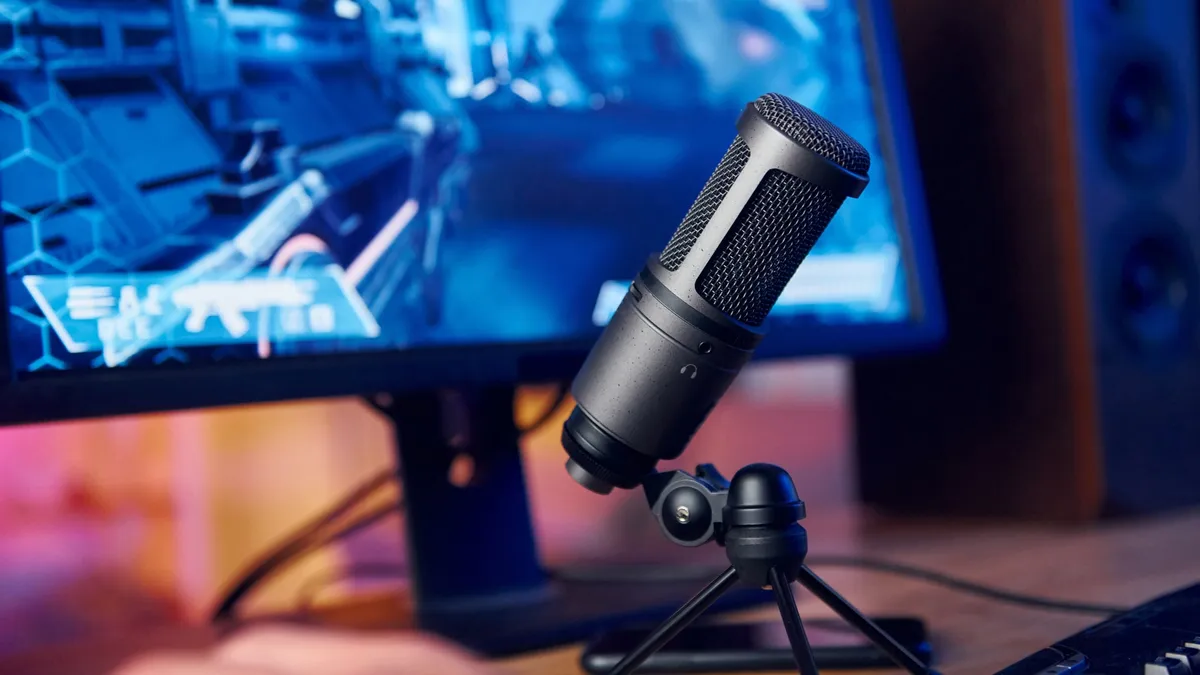
How to choose best microphone for pc
The right microphone depends less on a long feature list than on your room, speaking distance, and willingness to manage controls during a call or stream.
Capsule type
Dynamic microphones such as the FIFINE AM8, AM8T, K688CT, and Shure MV6 generally suit noisy PC rooms because they are designed for close vocal use and can be less revealing of distant sounds. Condenser microphones such as the Blue Yeti, Razer Seiren V3 Mini, TONOR TC310+, COCONISE, and A6T can capture more vocal detail, but they benefit from quieter surroundings.
A dynamic model is not automatically clearer, and a condenser is not automatically more professional. Think about whether the microphone will sit close to your mouth and whether a fan, keyboard, or room echo is active nearby.
Pickup pattern
Cardioid pickup focuses on sound from the front and is the normal starting point for gaming, calls, and solo streaming. Supercardioid designs narrow that focus further, which is why the Razer can help with side noise when aimed correctly.
The Blue Yeti's four patterns are useful only when you will record different arrangements. Omnidirectional, bidirectional, and stereo modes are meaningful for groups, interviews, and instruments. They are unnecessary complexity for a single speaker who wants to keep a keyboard out of the recording.
A tighter pickup pattern cannot fix a microphone aimed at the keyboard instead of the speaker.
USB and XLR connections
USB is the simplest route to a PC. It carries the microphone signal directly into the computer and usually makes setup quick. Every control remains convenient on models such as the Blue Yeti and Razer, though some software features depend on the manufacturer application.
XLR connects to an audio interface or mixer and gives a more expandable recording path. The AM8, AM8T, and K688CT support both connection types. Remember that their onboard USB controls do not function over XLR, and the AM8 and AM8T do not include an XLR cable.
Monitoring and mute controls
A headphone jack with zero-latency monitoring lets you hear the microphone without the delay that can make speech feel disconnected. Gain controls adjust the input level, while headphone volume controls affect what you hear. Tap-to-mute buttons are particularly useful when a stream, game chat, or meeting changes unexpectedly.
The Shure MV6 adds Auto Level Mode, a real-time denoiser, and Digital Popper Stopper processing. The AM8 and K688CT keep more of the adjustment physical. Choose based on whether you prefer automatic processing or direct control.
Stand, arm, and desk fit
A desktop stand is quick to place, but it can transmit knocks and take up valuable room. Boom arms move the microphone closer to your mouth and free the center of the desk, but their clamps need a compatible edge. The TONOR clamp fits desks up to 2.36 inches thick, while the AM8T, K688CT, and A6T list limits of under or up to 2 inches.
Shock mounts and windscreens reduce some bumps and plosives, but they are not substitutes for a stable clamp. Measure the desk before choosing a complete kit.
Software and lighting
RGB has no effect on recorded sound, but it can suit a visible streaming setup and can communicate mute status. The Blue Yeti uses Blue VO!CE software for effects and vocal shaping, while Razer Synapse provides customization for the Seiren V3 Mini. The Shure MOTIV Mix app handles monitor mix and microphone settings.
If you want the fewest setup steps, prioritize plug-and-play USB and onboard controls. If you enjoy shaping a stream's sound, software can be useful, but it adds another layer to maintain.
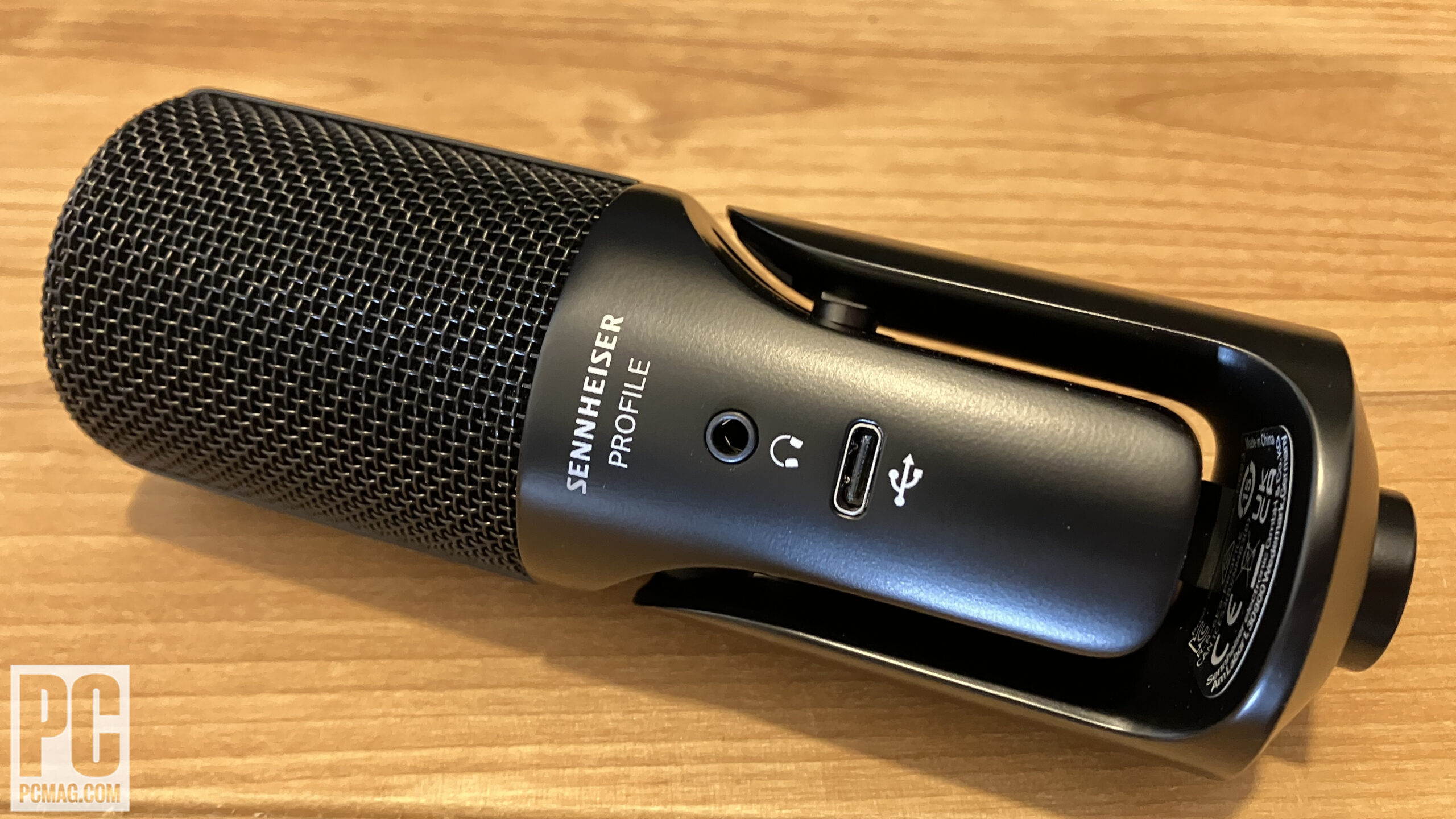
Frequently asked questions
Is a dynamic or condenser microphone better for PC gaming?
A dynamic microphone is often easier to manage in a room with keyboard noise, fans, or other distractions. A condenser can capture more vocal detail, but it usually benefits from closer attention to room sound and microphone placement. The right choice depends on the room as much as the game.
Do I need an XLR microphone for streaming?
No. USB microphones connect directly to a PC and are suitable for gaming, calls, and streaming. XLR is useful when you already have an audio interface or want to add one later, which is why the FIFINE AM8, AM8T, and K688CT offer more expansion than USB-only models.
What pickup pattern should I use for one person?
Cardioid is the sensible default for one speaker. Aim the front of the microphone toward your mouth and keep the keyboard, speakers, and loudest room noise behind or to the side of the pickup area. Supercardioid can narrow side pickup further, but it rewards more careful positioning.
Does RGB improve microphone quality?
No. RGB is an appearance feature and can provide a visual mute indicator on some microphones. It does not improve clarity, noise rejection, or monitoring. Select it for the look or status feedback, not as an audio specification.
Should a PC microphone be on a boom arm?
A boom arm can bring the microphone close to your mouth and reduce the amount of room sound it captures. It also keeps the desk clearer. A desktop stand is simpler, while an arm requires a suitable clamp edge and careful adjustment to prevent vibration.
Can I monitor my voice through these microphones?
Models with a headphone jack support direct monitoring, including the Blue Yeti, FIFINE AM8, AM8T, K688CT, COCONISE, and Shure MV6. The Shure specifically lists zero-latency monitoring. Headphone monitoring helps you catch an overly high level, unwanted noise, or an active mute state before other people do.
Which microphone suits a noisy room?
The FIFINE AmpliGame AM8 and AM8T are strong starting points because they combine dynamic capsules with cardioid pickup. The Shure MV6 adds Voice Isolation Technology and real-time denoising. A condenser model can still work in a noisy room, but it generally demands more careful positioning and room control.
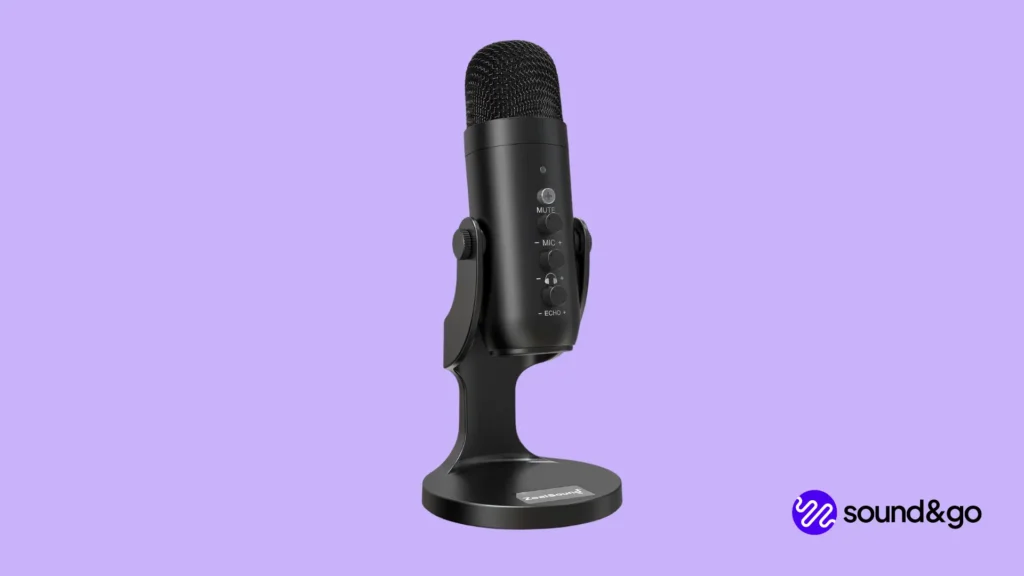
The bottom line
The FIFINE AmpliGame AM8 is the Best best microphone for pc for most gamers and streamers because it combines a close-use dynamic capsule, simple USB controls, headphone monitoring, and an XLR upgrade path. The Logitech Blue Yeti Blackout is the better pick for creators who need four pickup patterns and plan to record more than one person or arrangement.
Choose the Shure MV6 when automatic level balancing and noise processing are more important than XLR expansion. For a complete boom-arm setup, the FIFINE AmpliGame AM8T is the more flexible dynamic choice, while the Razer Seiren V3 Mini makes the most sense when desk space is limited.
If you are undecided, choose the AM8 for a noisy gaming desk, the Blue Yeti for flexible recording, and the MV6 for built-in voice processing.
As an Amazon Associate we earn from qualifying purchases.