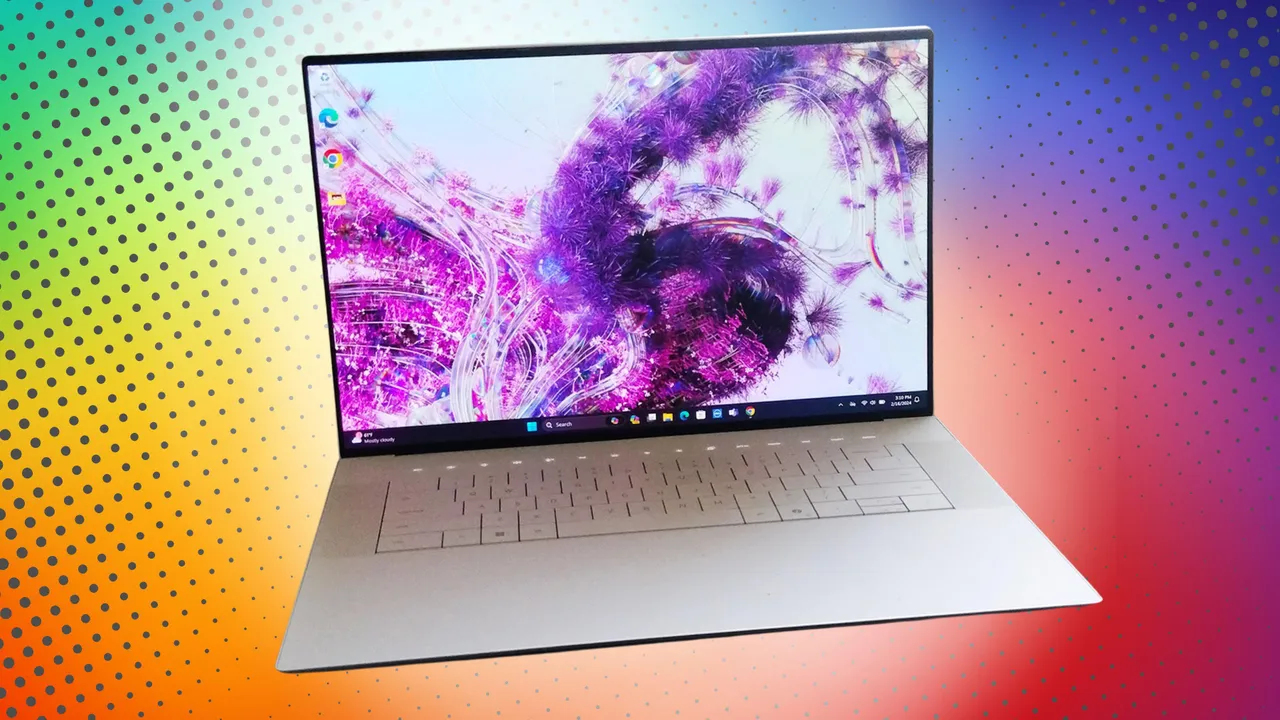

Running AI locally changes what matters in a desktop. A compact computer needs more than a fast processor. It needs enough memory for models, graphics hardware that can share that memory intelligently, cooling that can sustain long workloads, and ports that fit the rest of your setup. Our Best best pc for ai picks cover compact workstations, upgradeable desktops, and one serious gaming tower.
The BOSGAME M5 is the strongest choice for demanding local AI work because its 128GB unified memory and Radeon 8060S graphics give large models room to run without adding a separate graphics card. The rest of this list ranges from capable everyday mini PCs to the Lenovo tower, which is the better fit when CUDA software and dedicated graphics matter most.
Comparison
| # | Product | Award | Processor | Memory and graphics | Best for |
|---|---|---|---|---|---|
| 1 | BOSGAME M5 | Best overall | Ryzen AI Max+ 395, 16 cores | 128GB LPDDR5X, Radeon 8060S | Large local models |
| 2 | GMKtec EVO-X2 128GB | Best for flexible power modes | Ryzen AI Max+ 395, 16 cores | Up to 128GB LPDDR5X, Radeon 8060S | AI and gaming |
| 3 | GEEKOM A9 Max | Best balanced mini PC | Ryzen AI 9 HX 370, 12 cores | Radeon 890M, up to 128GB DDR5 | Coding and creation |
| 4 | GMKtec EVO-X2 64GB | Best compact AI workstation | Ryzen AI Max+ 395, 16 cores | 64GB LPDDR5X, Radeon 8060S | Local 32B models |
| 5 | GEEKOM A7 MAX | Best upgradeable option | Ryzen 9 7940HS, 8 cores | 16GB DDR5, Radeon 780M | Everyday AI tools |
| 6 | Lenovo Legion Tower 5i | Best dedicated GPU desktop | Core Ultra 7 265F | 32GB DDR5, RTX 5070 Ti | CUDA and gaming |
| 7 | MINISFORUM X1 Pro-470 | Best for expansion | Ryzen AI 9 HX 470, 12 cores | 32GB DDR5, Radeon 890M | External GPU users |
| 8 | ACEMAGIC M1A PRO+ | Best high-memory alternative | Ryzen AI Max+ 395, 16 cores | 128GB LPDDR5X, Radeon 8060S | AI and 4K creation |
| 9 | GMKtec EVO-X2 64GB 2TB | Best for large local storage | Ryzen AI Max+ 395, 16 cores | 64GB LPDDR5X, Radeon 8060S | Models and media files |
1. BOSGAME M5: Best Overall

Pros
- 128GB unified LPDDR5X memory
- Up to 96GB configurable as VRAM
- Radeon 8060S graphics
- Four independent 8K display support
- Wi-Fi 7 and 2.5G Ethernet
Cons
- Memory is onboard and not user-upgradable
- Compact integrated graphics cannot match a dedicated GPU in every workload
- Full 240W workloads need active cooling
Best for: developers and creators who want to run substantial AI models locally in a compact desktop.
The BOSGAME M5 is the easiest recommendation here because it addresses the main limitation of compact AI computers: memory capacity. Its Ryzen AI Max+ 395 combines 16 cores and 32 threads with an integrated NPU, while the 128GB LPDDR5X pool can be shared with the Radeon 8060S graphics. That gives the system a much wider operating envelope than a mini PC with ordinary integrated graphics and a smaller memory allocation.
The useful detail is not simply the 8000MT/s memory speed. AMD Variable Graphics Memory lets you allocate up to 96GB as dedicated VRAM. That is the feature that makes the M5 interesting for local language models, where model size and memory footprint often matter more than a short burst of CPU speed. The listing says it can run 128B models in suitable 4-bit formats, while higher precision 32B models remain within reach. Those claims depend on software, quantization, and workload, but the hardware has the headroom that the smaller GEEKOM A7 MAX does not.
Connectivity is unusually strong for a mini PC. Two USB4 ports run at 40Gbps and support display output, power delivery, and daisy chaining. HDMI 2.1 and DisplayPort 1.4 join them for four independent displays, with support for 8K at 60Hz through the listed outputs. Wi-Fi 7, Bluetooth 5.4, 2.5G Ethernet, and an SD 4.0 reader make it practical as a workstation rather than a computer that needs a pile of adapters.
The weakness is the same thing that makes it compact. The memory is onboard, so there is no later RAM upgrade, and the integrated Radeon graphics will not replace a dedicated NVIDIA card for every AI framework. The M5 also runs a full 240W workload with a vapor chamber and fan system, so quiet office operation should not be confused with silence under sustained compute. Compared with the GMKtec EVO-X2 128GB, the BOSGAME has the cleaner workstation pitch and a stated 1-year full warranty with 3-year hardware parts protection. Choose it when local model capacity is the priority.
2. GMKtec EVO-X2 128GB: Best for Flexible Power Modes

Pros
- Ryzen AI Max+ 395 with 16 cores and 32 threads
- Up to 128GB LPDDR5X memory
- Three selectable performance modes
- Four-screen 4K and 8K output
- Wi-Fi 7 and SD 4.0 reader
Cons
- Onboard memory cannot be replaced
- Performance mode raises power and cooling demands
- Product naming overlaps with other EVO-X2 configurations
Best for: users who want to switch between quiet office work and high-output AI or gaming workloads.
The GMKtec EVO-X2 128GB is a close relative of the BOSGAME M5, built around the same Ryzen AI Max+ 395 platform and Radeon 8060S class graphics. Its distinction is the more explicit focus on user-selectable operating modes. A dedicated power button can switch between Quiet at 54W, Balanced at 85W, and Performance at 140W, so the machine does not have to run at its loudest setting for email, browsing, or light coding.
For AI work, the combination of 16 Zen 5 cores, 32 threads, a 50-plus TOPS XDNA 2 NPU, and the large unified memory pool is the important part. The graphics can use the available memory for local models, and the listing describes support for up to 96GB of VRAM through AMD software. That makes this configuration more suitable for larger models than the GMKtec EVO-X2 64GB, though the actual model experience will still depend on quantization and application support.
The display and networking selection suits a multi-monitor developer desk. HDMI 2.1, DisplayPort 1.4, and two USB4 ports support four displays, with the listed outputs reaching 8K at 60Hz in supported configurations. A 2.5GbE port handles fast local network transfers, while Wi-Fi 7 and Bluetooth 5.4 cover wireless peripherals and network access. The SD 4.0 reader is a small but useful addition for photographers and video editors.
GMKtec uses three fans, three heat pipes, and 360-degree airflow. Quiet Mode is listed at 35dB, but Performance Mode is a different proposition when the computer is sustaining heavy AI or graphics work. The onboard memory also means you need to choose the right capacity at purchase. The BOSGAME M5 is the more convincing pick for maximum local model capacity and a quieter specification on paper, while the GMKtec is better for someone who wants a quick power-mode switch and a gaming-friendly design with RGB lighting.
3. GEEKOM A9 Max: Best Balanced Mini PC

Pros
- Ryzen AI 9 HX 370 with 12 cores and 24 threads
- Up to 80 TOPS AI performance
- Radeon 890M graphics
- Dual 2.5GbE ports
- Dual PCIe Gen4 SSD support
Cons
- Radeon 890M is below the 8060S options for large models
- Listed memory and storage capacities depend on configuration
- No dedicated graphics card
Best for: programmers, creators, and office users who need strong general computing without the size of a tower.
The GEEKOM A9 Max is the most balanced mini PC in this group. It does not chase the enormous unified memory pool of the BOSGAME M5 or the dedicated GPU in the Lenovo Legion Tower 5i. Instead, it combines a 12-core, 24-thread Ryzen AI 9 HX 370 with Radeon 890M graphics and a dedicated XDNA 2 NPU. That is a sensible arrangement for coding, image generation, 4K editing, and multitasking.
The headline AI figure is up to 80 TOPS, including 50 TOPS from the NPU. That can help supported AI-assisted applications run locally, but TOPS alone does not determine how large a language model the system can load. The A9 Max supports up to 128GB of DDR5 memory and dual PCIe Gen4 SSDs up to 8TB, according to the listing. Those expansion options matter more to a developer who expects a growing model library than a fixed memory number does.
Its all-metal chassis measures 5.32 by 5.2 by 1.8 inches and weighs about 3.66 pounds. GEEKOM pairs it with IceBlast 2.0 cooling, copper heat sinks, and dual heat pipes. The result should be easier to place in a compact workspace than the Lenovo tower, while dual 2.5GbE ports add useful options for a NAS, firewall, or separated networks. Four 8K displays are supported through dual USB4 and dual HDMI 2.1 ports.
The A9 Max is not the right pick for someone whose first question is whether a 70B model can run entirely in memory. The GMKtec EVO-X2 128GB and ACEMAGIC M1A PRO+ have a much stronger memory and graphics story for that use. The A9 Max makes more sense when your workload mixes local AI with software development, Adobe applications, virtualization, and video work. Its 3-year limited warranty also gives it a stronger long-term ownership position than several alternatives here.
4. GMKtec EVO-X2 64GB: Best Compact AI Workstation

Pros
- 16-core Ryzen AI Max+ 395 processor
- 64GB unified LPDDR5X memory
- Radeon 8060S graphics
- 140W performance mode
- Four-display output and 2.5GbE networking
Cons
- Less model headroom than the 128GB version
- Memory is soldered onboard
- One-year limited warranty
Best for: developers who want the Ryzen AI Max+ platform but mainly work with smaller local models.
The GMKtec EVO-X2 64GB brings the same core platform as the larger EVO-X2 configuration into a more focused workstation setup. Its Ryzen AI Max+ 395 has 16 Zen 5 cores, 32 threads, 64MB of L3 cache, and boost speeds up to 5.1GHz. The Radeon 8060S uses 40 RDNA 3.5 compute units, which is unusually substantial for a mini PC with integrated graphics.
The 64GB memory pool is the dividing line. The listing specifically describes local use of a 32B model such as DeepSeek 32B, while the 128GB configuration is aimed at larger models. That makes this machine a credible choice for coding assistants, retrieval workflows, image generation, and smaller language models, but it is not the one to choose if you already know your work will require the largest possible local model.
Like the other EVO-X2 configuration, it supports Quiet, Balanced, and Performance modes at 54W, 85W, and 140W. It also includes HDMI 2.1, DisplayPort 1.4, dual USB4 ports, Wi-Fi 7, Bluetooth 5.4, a 2.5GbE port, and an SD/TF 4.0 card reader. Four-screen output makes it practical for a developer or trader who needs several windows open, and USB4 can carry data, display, and power through compatible accessories.
The hard limitation is upgradeability. LPDDR5X is onboard, so there is no route from 64GB to 128GB later. The MINISFORUM X1 Pro-470 is a better fit if you want replaceable DDR5 and an OCuLink route to an external graphics card. Pick the GMKtec instead when the compact fixed configuration is enough and the 8060S graphics matter more than future expansion.
5. GEEKOM A7 MAX: Best Upgradeable Option

Pros
- Ryzen 9 7940HS with 8 cores and 16 threads
- User-upgradable DDR5 memory
- Radeon 780M graphics
- Dual 2.5G LAN ports
- Four performance modes
Cons
- 16GB starting memory limits larger local models
- Radeon 780M is behind the 8060S and 890M options
- Older platform than the Ryzen AI Max systems
Best for: everyday computing, coding, and lighter AI workflows with room to upgrade memory.
The GEEKOM A7 MAX is the practical outlier. Its Ryzen 9 7940HS has eight cores, 16 threads, and boost speeds up to 5.2GHz, while the Radeon 780M handles graphics and supported AI-assisted creative work. It is not built for the same local model sizes as the 128GB mini PCs, but it is a more conventional computer internally.
That conventional design matters because the included 16GB of DDR5 can be expanded to 128GB through its dual memory slots. The 1TB PCIe Gen4 by four NVMe SSD can also be upgraded to 4TB, and the UHS-II card slot supports cards up to 2TB. Those are useful paths for a user who would rather start with a manageable configuration and expand when an AI workflow proves worth keeping.
The A7 MAX also offers four performance modes, dual 40Gbps USB4 ports, dual HDMI 2.0 outputs, and support for four displays. Its 5.47 by 5.2 by 1.71-inch all-aluminum chassis is easy to place, while IceBlast 2.0 cooling uses dual copper heat pipes and a fan. Dual 2.5G LAN ports can separate a work network from an internet connection or connect the system to a NAS and a switch.
The weakness is immediate memory capacity. A 16GB system is fine for local assistants and ordinary productivity, but it is a poor starting point for large language models. The GEEKOM A9 Max has a newer AI processor and a more capable Radeon 890M, while the A7 MAX wins on straightforward upgradeability. If your computing life includes gaming as much as AI, our guide to choosing hardware for demanding game workloads covers the dedicated graphics trade-offs in more detail. Choose the A7 MAX for a compact desktop that can grow, not for maximum local AI performance on day one.
6. Lenovo Legion Tower 5i: Best Dedicated GPU Desktop

Pros
- Dedicated NVIDIA GeForce RTX 5070 Ti
- Intel Core Ultra 7 265F processor
- 32GB DDR5 memory
- Tool-less side panel
- Expandable memory up to 128GB
Cons
- Much larger than every mini PC here
- AI software support varies by framework
- Wi-Fi 6E rather than Wi-Fi 7
Best for: users who need dedicated NVIDIA graphics for gaming, creation, and CUDA-oriented AI software.
The Lenovo Legion Tower 5i is the obvious choice when “AI PC” means a desktop with a real graphics card. Its Core Ultra 7 265F processor is paired with an NVIDIA GeForce RTX 5070 Ti, giving it a different software profile from the Radeon integrated graphics used by the mini PCs. For many creative applications and CUDA-based tools, that distinction matters more than the mini PCs’ impressive memory claims.
The included 32GB of DDR5 is a reasonable starting point for gaming, streaming, development, and creative work. Lenovo says the system can expand to 128GB of 5600MHz DDR5, which is a more useful upgrade path than the soldered memory in the BOSGAME M5 and GMKtec EVO-X2. The dedicated GPU also has its own graphics memory, though the supplied data does not specify its capacity, so we will not infer how large a model it can hold.
The tower measures 19.31 inches long, 16.3 inches high, and 8.31 inches wide, and weighs about 33.07 pounds. That is not a desk-corner mini PC, but the added space supports a tool-less transparent side panel, customizable RGB lighting, and easier internal access. Lenovo also lists 2.5G Ethernet, Wi-Fi 6E, versatile I/O, and air cooling rated for up to 180W.
The Legion is not the quiet, compact answer. It takes more room, uses an older wireless standard than the Wi-Fi 7 mini PCs, and a dedicated GPU does not automatically make every local AI application faster. Still, it is the strongest fit for a buyer who wants gaming and AI creation in the same machine. If your focus is a broader desktop setup for games and creative work, the tower format is easier to maintain and expand than any mini PC here.
7. MINISFORUM X1 Pro-470: Best for Expansion

Pros
- Ryzen AI 9 HX 470 with 12 cores and 24 threads
- Up to 86 TOPS local AI performance
- OCuLink for external graphics
- Three M.2 SSD slots
- Dual 2.5GbE ports
Cons
- Included 32GB memory is less than the largest mini PCs
- External GPU adds another device and cable
- Radeon 890M is integrated graphics
Best for: users who want a compact AI computer now and a clear graphics expansion route later.
The MINISFORUM X1 Pro-470 is the most flexible compact computer in this group. Its Ryzen AI 9 HX 470 has 12 cores, 24 threads, and boost speeds up to 5.2GHz, with local AI performance listed at up to 86 TOPS. Radeon 890M graphics handle ordinary creative and multimedia work, but the important port is OCuLink, which can connect an external dedicated GPU.
That route changes the buying decision. The X1 Pro-470 does not need to be the final graphics solution, so it suits someone building a workstation in stages. Its 32GB of DDR5 can support coding, office work, and lighter model workloads, while the system supports up to 128GB. Three M.2 SSD slots provide a total possible capacity of up to 12TB, which is useful for keeping models, datasets, and project files on separate drives.
The connectivity is ready for a workstation. USB4, DisplayPort 2.0, HDMI 2.1, and OCuLink support up to four 4K displays. Wi-Fi 7 and dual 2.5GbE ports cover modern wireless and wired networking, while the built-in power supply, fingerprint sensor, microphone, and dual speakers reduce the accessory clutter that often follows a mini PC.
The trade-off is that expansion is part of the appeal, not a replacement for a dedicated card included in the box. The Lenovo Legion Tower 5i is faster for buyers who want RTX graphics immediately, and the GEEKOM A9 Max offers a more polished all-around configuration if no external GPU is planned. Pick the MINISFORUM when storage, memory upgrades, and OCuLink matter more than an out-of-box graphics advantage.
8. ACEMAGIC M1A PRO+: Best High-Memory Alternative

Pros
- Ryzen AI Max+ 395 with 16 cores and 32 threads
- 128GB LPDDR5X unified memory
- Radeon 8060S graphics
- 2TB PCIe 4.0 SSD
- OCuLink external GPU support
Cons
- Plastic chassis with a metal side panel
- Memory is not user-upgradable
- Triple-display support is less expansive than some rivals
Best for: AI developers who want a large fixed memory pool, substantial storage, and external GPU support.
The ACEMAGIC M1A PRO+ takes the same broad idea as the BOSGAME M5 and adds a more explicit expansion story. Its Ryzen AI Max+ 395 has 16 cores, 32 threads, a boost speed up to 5.1GHz, and a second-generation XDNA 2 NPU. ACEMAGIC lists 50 TOPS of dedicated NPU performance and 126 TOPS of combined NPU, GPU, and CPU performance.
Its 128GB of LPDDR5X memory runs at 8000MHz and can allocate up to 96GB as VRAM. That gives local AI applications a large shared pool, while the 2TB PCIe 4.0 NVMe SSD leaves more room for models and media than the smaller storage configurations in this list. The Radeon 8060S has 40 graphics cores and a listed 2900MHz graphics speed, making this one of the more capable integrated graphics systems here.
ACEMAGIC also includes OCuLink for an external dedicated GPU, Wi-Fi 7, dual 2.5G LAN, USB4, HDMI 2.1, and DisplayPort 2.1. The listing specifies support for three 4K displays at 144Hz. Its dual-fan cooling system is designed for the listed 120W full-power operation, and Windows 11 Pro is installed for business and development use.
The plastic body with a metal side panel feels less substantial on paper than the all-metal GEEKOM A9 Max. Its memory is also fixed, so buyers should treat 128GB as the configuration they will keep. The BOSGAME M5 remains our first choice because it has the clearest large-model workstation brief and four-display support, but the M1A PRO+ is the better alternative for someone who wants 2TB of storage and a future external GPU path in a compact package.
9. GMKtec EVO-X2 64GB 2TB: Best for Large Local Storage
Pros
- Ryzen AI Max+ 395 processor
- 64GB LPDDR5X memory
- 2TB PCIe storage configuration
- Radeon 8060S graphics
- Wi-Fi 7 and 2.5GbE
Cons
- Less memory than the 128GB EVO-X2
- Onboard RAM cannot be upgraded
- Same compact cooling limits as the other EVO-X2 models
Best for: users who need room for local models and media files but do not need the largest memory pool.
The GMKtec EVO-X2 64GB 2TB is the storage-focused version of the EVO-X2 idea. It uses the Ryzen AI Max+ 395 with 16 cores, 32 threads, and boost speeds up to 5.1GHz, plus Radeon 8060S graphics with 40 RDNA 3.5 compute units. The 64GB unified memory pool is enough to make the platform interesting for local AI, but the 2TB SSD configuration gives it a more comfortable home for models, datasets, games, and creative files.
The same XDNA 2 NPU and 50-plus peak AI TOPS claim apply here. As with the other 64GB EVO-X2, the practical target is smaller local models rather than the largest configurations. The GPU can draw from the shared memory pool, and the listing specifically points to a 32B model as a suitable use case. That is a more useful distinction than treating every Ryzen AI Max+ 395 computer as interchangeable.
It retains the family’s four-display output through HDMI 2.1, DisplayPort 1.4, and dual USB4. Wi-Fi 7, Bluetooth 5.4, 2.5GbE, and an SD/TF 4.0 reader make it useful for a mixed office and creator setup. Quiet, Balanced, and Performance modes are listed for the EVO-X2 line, though the supplied information for this configuration does not specify the same mode wattages found in the other EVO-X2 listing.
The GMKtec EVO-X2 64GB with its smaller storage configuration is the better match for a lean development setup, while the GEEKOM A7 MAX gives you more conventional memory and SSD upgrades. This model makes sense when 2TB of built-in space is more useful than an upgrade path and your AI work fits within 64GB of shared memory.
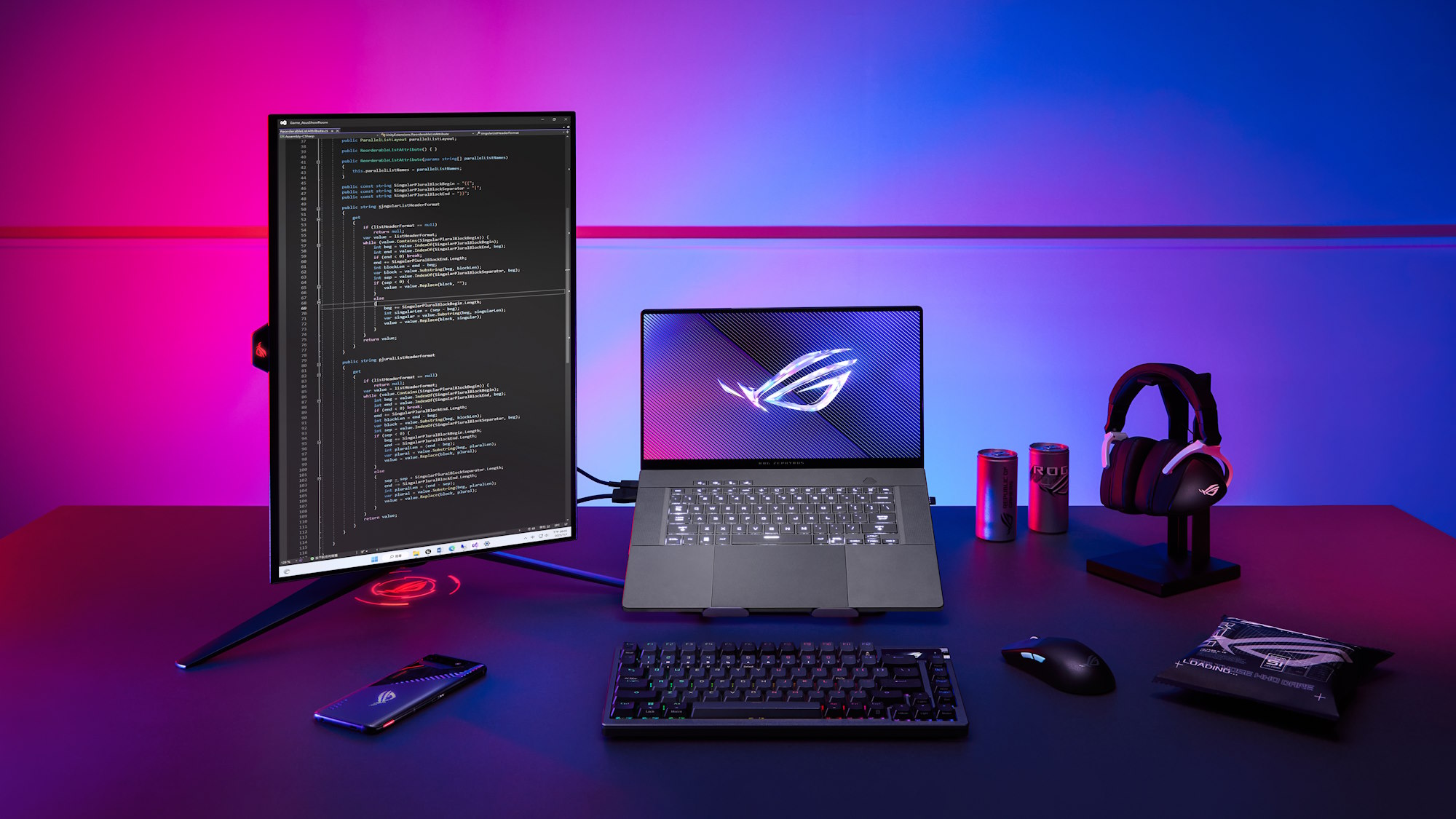
How to choose best pc for ai
The right computer depends on the models you run, the software that supports them, and how much of the system you expect to change later.
Memory capacity
Memory is usually the first limit for local language models. A 16GB system such as the GEEKOM A7 MAX is suited to lighter workflows, while 64GB configurations can handle more demanding quantized models. The 128GB systems have much more room, especially when the graphics processor borrows system memory.
Unified memory can be useful because the CPU and integrated GPU share one pool, but it is usually onboard and cannot be replaced. DDR5 in upgradeable slots is slower in some configurations, yet it gives you a route to expand later.
AI processor and NPU
A CPU with more cores helps with compiling, preprocessing, virtualization, and multitasking. An NPU accelerates supported AI functions at lower power, but an NPU rating does not tell you the maximum model size. Check whether the applications you use support the relevant acceleration paths.
The Ryzen AI Max+ 395 systems lead this group for integrated AI hardware and memory flexibility. The Ryzen AI 9 HX 370 and HX 470 options offer a more balanced mix of CPU, NPU, and Radeon 890M graphics.
Graphics hardware
Integrated Radeon graphics keep a mini PC small and can share system memory. That is particularly useful when a machine has 128GB available. A dedicated NVIDIA GPU, as found in the Lenovo Legion Tower 5i, is the safer choice for CUDA-dependent software, demanding games, and applications that benefit from dedicated graphics memory.
For local AI, buy for the model size you actually plan to run, not for the processor label alone.
Upgrade paths
Look for replaceable DDR5 memory and accessible M.2 slots if your workload may grow. The MINISFORUM X1 Pro-470 is especially flexible because it supports up to 128GB of memory, multiple SSDs, and an external GPU through OCuLink.
Fixed LPDDR5X can be extremely fast, but you must select the right capacity from the beginning. Storage is easier to solve than memory, provided the computer has an open M.2 slot or accessible drive bay.
Cooling and power modes
AI inference, compilation, rendering, and model conversion can keep a processor busy for long periods. A mini PC needs a cooling system that can sustain performance without making the desk unpleasant. Performance modes can increase output, while quiet modes are better for ordinary work.
Towers have more room for airflow and future hardware. Mini PCs are easier to place, but their compact fans and heat pipes have less physical space to absorb sustained heat.
Ports and networking
Multiple displays, fast external storage, a NAS, and an external GPU can quickly use every port on a small computer. USB4 is valuable because it can carry data and display signals, while OCuLink is more specific to external graphics expansion.
Wi-Fi 7 and 2.5GbE are useful for fast local transfers, but dual Ethernet ports can matter more for a business workstation that separates networks or connects to multiple devices.
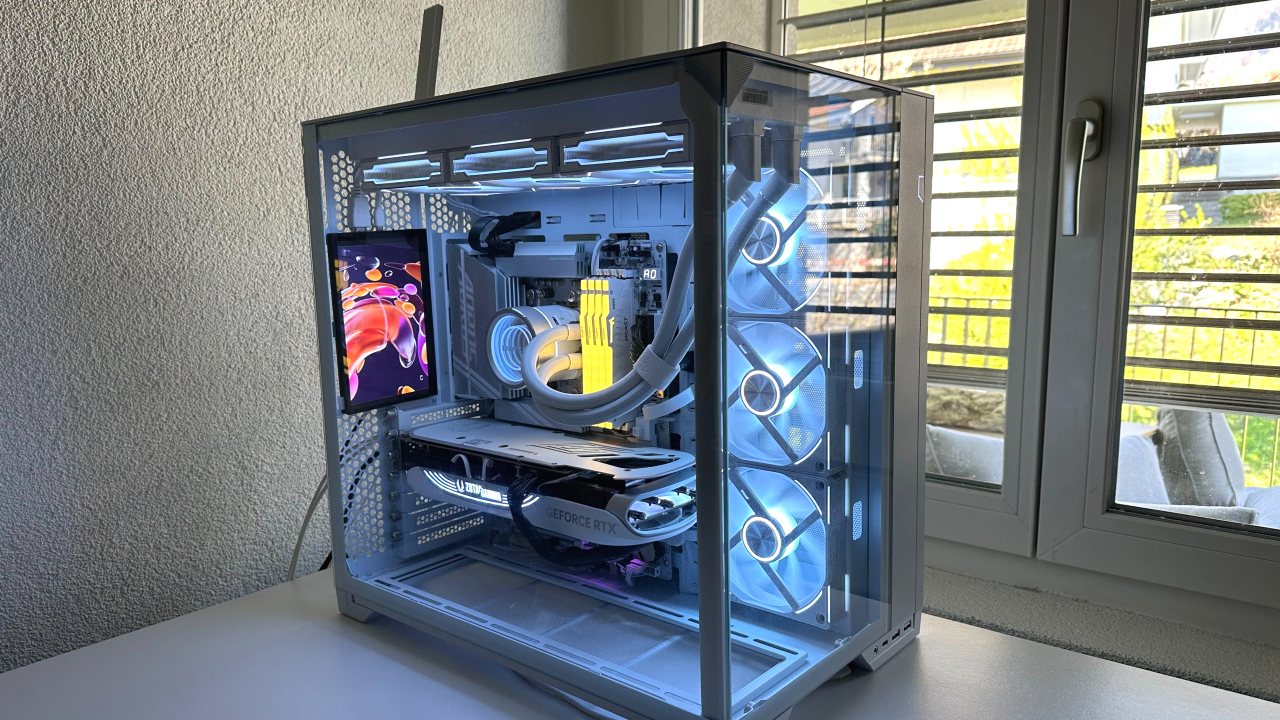
Frequently asked questions
Can a mini PC run AI models locally?
Yes, provided the model fits in available memory and the software supports the computer's CPU or GPU acceleration. The 64GB and 128GB mini PCs here are better suited to local models than the 16GB GEEKOM A7 MAX.
Is a dedicated NVIDIA GPU better for AI?
It is often the safer choice for software that depends on CUDA or NVIDIA-specific acceleration. The Lenovo Legion Tower 5i has a GeForce RTX 5070 Ti, while the other systems rely mainly on integrated Radeon graphics and shared memory.
How much memory should an AI PC have?
It depends on model size and precision. A 16GB computer is intended for lighter tasks, 64GB is more flexible for local development, and 128GB gives substantially more room for larger quantized models.
Are Ryzen AI TOPS numbers enough to compare computers?
No. TOPS describes theoretical AI throughput, not model capacity or application performance. Memory capacity, GPU architecture, software support, storage speed, and cooling all affect the result.
Can these mini PCs be upgraded?
Some can. The GEEKOM A7 MAX and MINISFORUM X1 Pro-470 support replaceable DDR5 memory, while the BOSGAME M5, ACEMAGIC M1A PRO+, and EVO-X2 configurations use onboard LPDDR5X. Storage expansion varies by model.
Which computer is better for gaming as well as AI?
The Lenovo Legion Tower 5i is the strongest gaming choice because it has a dedicated GeForce RTX 5070 Ti. The Ryzen AI Max+ mini PCs can handle gaming with their Radeon 8060S graphics, but they do not offer the same dedicated graphics design.
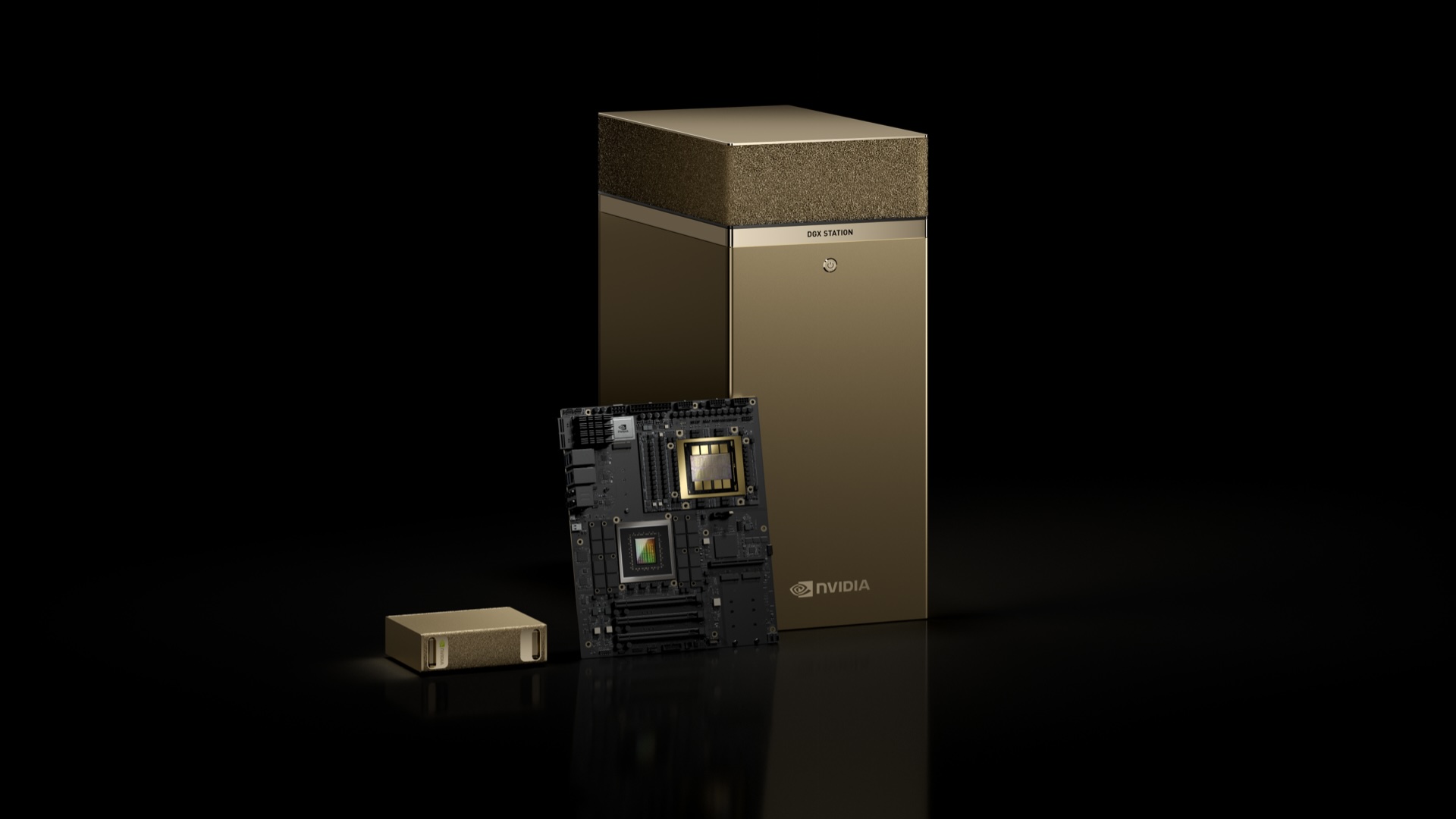
The bottom line
The Best best pc for ai in this group is the BOSGAME M5. Its 128GB unified memory, Radeon 8060S graphics, four-display support, fast connectivity, and local model focus make it the most capable compact workstation for demanding AI users.
Choose the Lenovo Legion Tower 5i if dedicated NVIDIA graphics and gaming are central to your work, or the MINISFORUM X1 Pro-470 if you want a smaller system with replaceable memory, multiple SSD slots, and OCuLink expansion.
If you are undecided, choose the BOSGAME M5 for local model capacity and the Lenovo Legion Tower 5i for CUDA software and dedicated graphics.
As an Amazon Associate we earn from qualifying purchases.