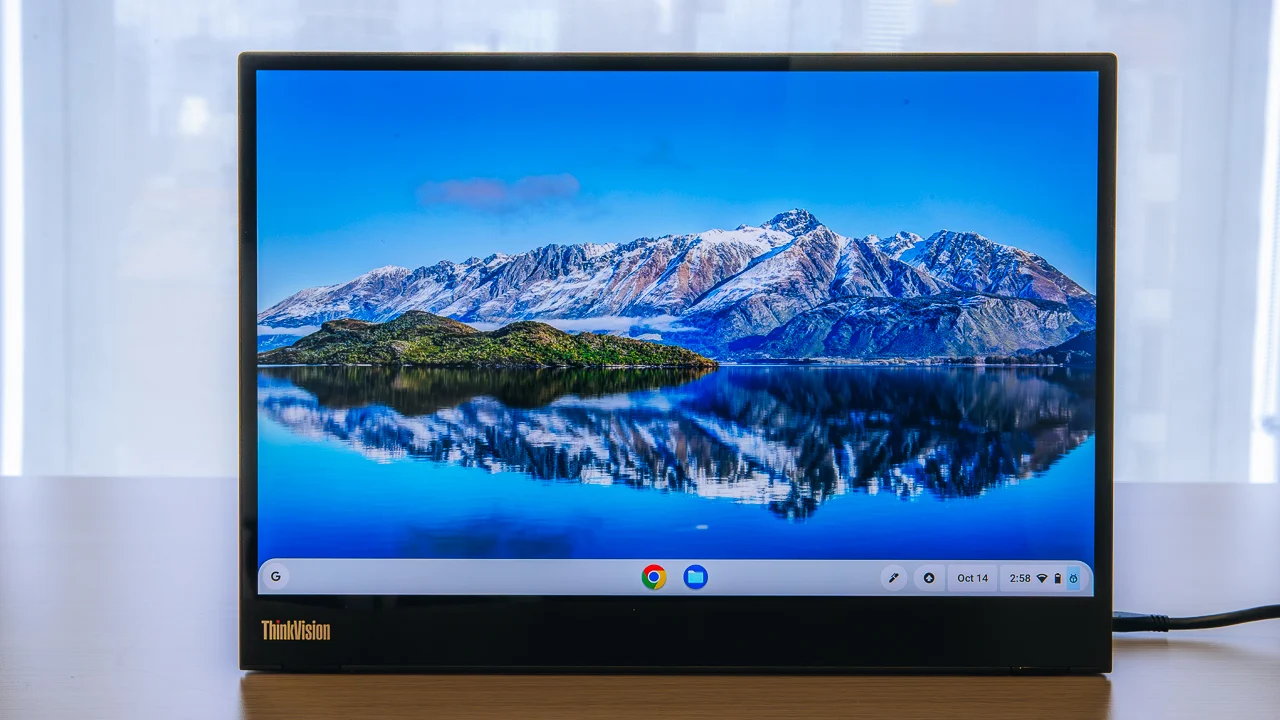

A laptop screen is fine until a spreadsheet, video call, browser window, and reference document all need to stay visible at once. A portable monitor solves that problem, but the differences between models show up quickly in cable requirements, stands, viewing angles, and how much space the screen takes in a bag. The Best portable monitors for laptops should make a second display feel nearly as simple as opening the computer.
We compared nine portable screens ranging from lightweight 15.6-inch 1080p work companions to larger high-refresh gaming displays. The cocopar 15.6-inch Travel Monitor is our top pick, while the rest cover larger workspaces, lighter travel, flexible mounting, and console gaming.
Comparison table
| # | Product | Award | Screen | Refresh rate | Connections | Best for |
|---|---|---|---|---|---|---|
| 1 | cocopar 15.6-inch Travel Monitor | Best overall | 15.6-inch, 1080p IPS | 60Hz | 2 USB-C, HDMI | Flexible work setups |
| 2 | MNN 15.6-inch FHD Monitor | Best for simple travel | 15.6-inch, 1080p IPS | 60Hz | 2 USB-C, HDMI | Work and casual play |
| 3 | KYY 15.6-inch Portable Monitor | Best with built-in audio | 15.6-inch, 1080p IPS | Not specified | 2 USB-C, mini HDMI, 3.5mm | Compact entertainment |
| 4 | VisionOwl 18.5-inch Monitor | Best large-screen workstation | 18.5-inch, 1080p IPS | 100Hz | 2 USB-C, HDMI | A roomier second screen |
| 5 | MSI Pro MP165 E6 | Best lightweight build | 15.6-inch, 1080p IPS | 60Hz | USB-C, HDMI | Frequent commuters |
| 6 | EVICIV 18.5-inch Gaming Monitor | Best for high-refresh gaming | 18.5-inch | 120Hz | Not specified | Fast-moving games |
| 7 | InnoView 15.6-inch Adjustable Monitor | Best adjustable stand | 15.6-inch, 1080p IPS | Not specified | 2 USB-C, HDMI | Presentations and travel |
| 8 | ForHelp 15.6-inch Portable Monitor | Best matte display | 15.6-inch, 1080p IPS | Not specified | 2 USB-C, mini HDMI | Glare-prone spaces |
| 9 | InnoView 15.6-inch Monitor | Best for portrait work | 15.6-inch, 1080p IPS | Not specified | 2 USB-C, HDMI | Documents and multitasking |
1. cocopar 15.6-inch Travel Monitor: Best Overall

Pros
- Two full-featured USB-C ports and HDMI
- One-cable USB-C display and power connection
- VESA mounting supports landscape and portrait use
- HDR and low blue light modes
- Protective smart stand case included
Cons
- Requires DP Alt Mode for one-cable USB-C operation
- 60Hz refresh rate is not aimed at competitive gaming
- Cover increases the carrying weight
Best for: laptop owners who want the most flexible second-screen setup for work and travel.
The cocopar 15.6-inch Travel Monitor is the easiest recommendation here because it handles the awkward parts of portable-monitor ownership better than most of its rivals. It is thin enough for a laptop bag, includes a cover that doubles as a stand, and does not force you into a single desk orientation. For a temporary office, the ability to switch between landscape and portrait use matters more than flashy design.
Its 15.6-inch IPS panel runs at 1920 by 1080 with a 60Hz refresh rate, a sensible combination for documents, video calls, web browsing, and console play. The listed 85% color gamut, 178-degree viewing angle, HDR support, and low blue light mode give it a more useful range than a bare office display. HDR is not a substitute for a high-end desktop panel, but it can add punch to video and games when the source supports it.
Connectivity is a strong point. There are two full-featured USB-C ports and one HDMI port, and a compatible laptop can send the image and power over one USB-C cable. That requires Thunderbolt 3 or 4, or USB 3.1 Type-C with DP Alt Mode, so buyers should check the laptop before assuming one-cable operation. The screen also supports power pass-through reverse charging, which can make a travel setup less cluttered. If your laptop lacks video-capable USB-C, HDMI remains available.
The cocopar is more flexible than the MNN 15.6-inch FHD Monitor and KYY 15.6-inch Portable Monitor because its two VESA holes open up stand and arm mounting. It measures 4mm at its slimmest point and weighs 1.5 pounds without the magnetic cover. With the cover attached, the listed weight is 2.4 pounds, so it is portable rather than featherlight. The weak spot is gaming speed: 60Hz is perfectly usable, but the VisionOwl and EVICIV are better choices for smoother motion.
Skip it if you want a genuinely large display or a high-refresh gaming panel. Choose it if your second screen may move from a kitchen table to a hotel desk to a permanent monitor arm. The cocopar is the one we'd keep for mixed work, presentations, and entertainment.
2. MNN 15.6-inch FHD Monitor: Best for Simple Travel

Pros
- 1920 by 1080 IPS display
- Two full-featured USB-C ports
- Landscape and portrait display modes
- HDR mode and low blue light features
- Cover protects the screen and acts as a stand
Cons
- One-cable use depends on DP Alt Mode
- Cover stand offers limited positioning choices
- Refresh rate is limited to 60Hz
Best for: travelers who need a straightforward second screen for work, study, and casual gaming.
The MNN 15.6-inch FHD Monitor is a no-nonsense travel screen. It does not try to turn a portable display into a full desktop workstation. Instead, it focuses on the features most laptop users actually need: a full HD IPS panel, a cover that protects it in a bag, and enough connection options for common computers and consoles.
The 15.6-inch 1920 by 1080 screen has a 178-degree viewing angle, which helps when the display is not directly in front of one person. Its glossy IPS panel is designed for bright color and detail, while HDR mode can improve highlights and contrast with compatible content. Low blue light and flicker reduction are useful for long documents or study sessions, although they do not change the basic 60Hz character of the screen.
Two full-featured USB-C ports allow a compatible laptop, phone, or game console to send both signal and power through one cable. The important qualification is that the source must support Thunderbolt 3 or USB 3.1 Type-C DP Alt Mode. HDMI is also supported, giving the MNN a fallback for devices that cannot send video through USB-C. Buyers using HDMI should expect to plan for separate power and display connections.
At 1.53 pounds and 0.3 inches thick, the MNN is one of the easier models to slip into a bag. Its PU leather smart cover adds protection and supports both landscape and portrait positioning, though the cover's grooves are less versatile than the cocopar's VESA mounting or MSI's tripod support. The MNN is a more direct travel tool than the larger VisionOwl 18.5-inch Monitor, which gives you more workspace but takes up more room.
The limitation is not hidden: this is a 60Hz display with a cover-based stand and no listed VESA support. Serious gamers should look at the EVICIV, while people who need a stable arm-mounted setup should choose the cocopar. For a student, remote worker, or frequent traveler who wants a light screen without extra setup, the MNN keeps things pleasantly simple.
3. KYY 15.6-inch Portable Monitor: Best With Built-in Audio

Pros
- Built-in stereo speakers
- 3.5mm audio input
- 1080p IPS panel with HDR
- USB-C and mini HDMI connectivity
- Landscape and portrait modes
Cons
- Uses mini HDMI rather than standard HDMI
- Cover stand has only two viewing grooves
- No refresh rate is specified beyond the standard display description
Best for: users who want a portable screen that can handle laptop work, movies, and console audio without extra speakers.
The KYY 15.6-inch Portable Monitor stands out because it treats sound as part of the travel setup. Many portable monitors include speakers as an afterthought, but KYY also provides a 3.5mm audio input, giving you a practical way to use headphones or external audio when the built-in speakers are not enough. That makes it a more self-contained screen for a hotel room or a shared workspace.
Its 15.6-inch IPS panel uses 1920 by 1080 resolution and a 178-degree viewing angle. HDR support is intended to add brighter highlights and stronger image depth in compatible games and video. The screen also includes low blue light and flicker reduction features for longer viewing. It is a good fit for text, video, and ordinary console play, but the data does not specify a high refresh rate, so competitive players should favor the 120Hz EVICIV.
The connection layout covers the usual devices. Two full-function USB-C ports support a one-cable setup when the laptop has Thunderbolt 3 or USB 3.1 Type-C DP Alt Mode. A mini HDMI port handles systems that need a more traditional video connection. Mini HDMI is less convenient than the standard HDMI used by the cocopar, MSI, and InnoView Adjustable Monitor, so cable selection matters when packing for a trip.
The KYY is 0.3 inches thick in its slim profile and weighs 1.7 pounds. Its scratch-resistant PU leather cover protects the panel and acts as a stand, with two grooves for viewing-angle choices. That is adequate on a desk, though the integrated stand on the VisionOwl is more substantial and the MSI has a tripod mount for more controlled positioning. KYY's landscape and portrait support still makes it useful for coding, documents, and vertical chat windows.
The main compromise is the mini HDMI connection and basic cover stand. It is not the screen to buy for a fixed workstation or the fastest gaming setup. It makes more sense for someone who wants one compact display for laptop work, streaming, and console use, with speakers available when carrying a separate audio setup would be inconvenient.
4. VisionOwl 18.5-inch Monitor: Best Large-Screen Workstation

Pros
- Large 18.5-inch 1080p screen
- 100Hz refresh rate
- 125% sRGB and 8-bit color depth
- Integrated metal stand
- 75 by 75mm VESA mounting
- Two USB-C ports and standard HDMI
Cons
- Larger and heavier than 15.6-inch alternatives
- 1080p is less dense across the bigger panel
- Less convenient for small laptop bags
Best for: remote workers who want a noticeably larger second screen without moving to a conventional desktop monitor.
The VisionOwl 18.5-inch Monitor changes the meaning of portable. It can travel, but its real appeal is a spacious work surface that remains easier to read when the laptop is positioned at a distance. Two side-by-side windows feel less cramped than they do on a 15.6-inch screen, and the integrated stand is more convincing for repeated desk use than a folding cover.
The 18.5-inch IPS panel runs at 1920 by 1080 and 100Hz. Full HD is enough for documents and video, though it spreads the same pixel count over a larger area than the 15.6-inch models. The 100Hz refresh rate is a worthwhile step up from 60Hz for scrolling, cursor movement, and games. VisionOwl also lists 125% sRGB, 88% NTSC, 8-bit color depth, and 16.7 million colors, which gives it a stronger color specification than the cocopar and most of the compact office screens.
Connectivity is well suited to a mixed setup. Two USB-C ports and one standard HDMI port cover modern laptops as well as PCs and consoles. A single USB-C cable can handle display and power when the source provides Thunderbolt 3, 4, or 5, or a full-featured USB-C port. That caveat is important, especially for phones and older laptops. The standard HDMI port is more convenient than the mini HDMI connections on the KYY and ForHelp.
Its construction is a major reason to choose it. The metal back panel and integrated metal stand are designed for regular use, while standard 75 by 75mm VESA holes allow it to attach to an arm, wall bracket, or desk mount. At 2.6 pounds in the product information, it is still manageable, but it is not the screen we'd choose for a small backpack. For a more portable workstation, the sizes that still work in tight spaces can help frame how much room a second display really needs.
The VisionOwl's weakness is the tradeoff between size and pixel density. A 1080p image looks less crisp across 18.5 inches than on a 15.6-inch model, and the chassis is too large for some travel routines. It beats the MSI and MNN when workspace is the priority, while the EVICIV is the better gaming-first choice because it reaches 120Hz. Pick VisionOwl when the second screen will spend as much time on a desk as it does in a suitcase.
5. MSI Pro MP165 E6: Best Lightweight Build

Pros
- 15.6-inch 1080p IPS panel
- 0.78kg listed weight
- 1.38cm slim profile
- Built-in tripod mount
- VESA mounting support
- Flicker Free and TÜV Rheinland certified Low Blue Light
Cons
- 60Hz refresh rate
- No protective cover is listed in the provided features
- Tripod and VESA accessories are separate considerations
Best for: commuters and presenters who need a light screen with more mounting flexibility than a folding cover provides.
The MSI Pro MP165 E6 feels purpose-built for people who carry a screen often. Its 0.78kg weight and 1.38cm thickness make it easier to pack than the larger VisionOwl and lighter than the product-information weight listed for the older InnoView Monitor. MSI also keeps the design useful after the trip, with mounting options that can turn it into a more permanent display.
The 15.6-inch IPS panel has 1920 by 1080 resolution, 60Hz refresh, and 178-degree horizontal and vertical viewing angles. That is a familiar office-monitor specification, suited to writing, spreadsheets, presentations, and general media. TÜV Rheinland certified Low Blue Light and Flicker Free features are more relevant for someone who spends a full workday reading than for a player looking for fast motion.
USB-C and HDMI provide the basic connection paths for laptops, MacBooks, phones, Nintendo Switch, PS5, Xbox, and PCs. USB-C video requires DisplayPort 1.2a Alt Mode, so the laptop still needs the right port. Built-in speakers remove the need for a separate audio device for a quick presentation or casual gaming session. The L-shaped cable plugs are a small but useful detail because they keep connectors from protruding awkwardly beside the screen.
The standout feature is the built-in quarter-inch tripod mount. It allows the screen to sit at a chosen height or angle on a standard camera tripod or flexible mount, which is useful for presentations, content creation, and temporary workstations. VESA compatibility offers another route for fixed mounting. That flexibility gives MSI an edge over the MNN and KYY, whose covers are quicker to deploy but less adjustable.
The weakness is portability beyond the chassis itself. The provided features do not list a protective cover or sleeve, so buyers may need to think about how the panel will be protected in a bag. Its 60Hz refresh rate also puts it behind VisionOwl and EVICIV for fluid gaming. Choose the MSI when low carrying weight, eye-comfort features, and tripod support matter more than a cover-based all-in-one package.
6. EVICIV 18.5-inch Gaming Monitor: Best for High-Refresh Gaming

Pros
- 120Hz refresh rate
- 1ms response time
- 18.5-inch screen with thin bezels
- 125% sRGB color coverage
- 75 by 75mm VESA support
- 360-degree adjustable bracket
Cons
- Larger than most travel-focused options
- Product data does not specify the connection ports
- Gaming features matter less for office-only use
Best for: laptop and console players who want a large portable screen with faster motion than ordinary 60Hz models.
The EVICIV 18.5-inch Gaming Monitor is the specialist in this group. Its appeal is not a cover that disappears into a backpack or a one-cable office setup. It is the combination of a large 18.5-inch screen, 120Hz refresh rate, and listed 1ms response time, all aimed at making fast games look more immediate.
The feature list does not provide a resolution, so it would be wrong to assume the panel matches the 1080p specification of VisionOwl. It does list 125% sRGB, which points to a broad color presentation, and the 18.5-inch size gives games more visual room than a 15.6-inch portable display. The 120Hz refresh rate can make camera movement and scrolling look smoother when the connected laptop or console can supply the necessary frame rate.
EVICIV also focuses on positioning. The screen supports 75 by 75mm VESA mounting and comes with a 360-degree adjustable bracket that can be bent for different workflows. That is more adaptable than the two fixed grooves on the ForHelp cover. It can sit upright, tilt toward a low gaming position, or attach to a wall or monitor arm. A sleeve with multi-layer shock absorption foam and a microfiber interior is included for carrying protection.
The main practical question is connectivity. Unlike the other products in this roundup, the supplied product data does not specify the ports, so buyers should confirm the exact connection arrangement before ordering for a particular laptop or console. That uncertainty makes the cocopar or MSI a safer general-purpose purchase. EVICIV wins on refresh rate, not on the simplicity of its connection story.
At 16.7 inches wide and 10 inches high in the listed dimensions, this is a substantial portable monitor. It is best for someone who travels with gaming gear, moves between rooms, or needs a fast display for a temporary setup. Office users who spend their time in documents should choose the VisionOwl or cocopar instead. Players who care most about motion clarity should choose EVICIV, provided its connection requirements match their hardware.
7. InnoView 15.6-inch Adjustable Monitor: Best Adjustable Stand

Pros
- Built-in stand adjusts through 90 degrees
- Standard HDMI connection
- Two full-function USB-C ports
- 1200:1 contrast ratio
- Protective sleeve included
- HDR and low blue light features
Cons
- One-cable USB-C use requires DP Alt Mode
- Listed weight is higher than some compact rivals
- No refresh rate is specified
Best for: travelers who want a built-in stand rather than balancing a monitor on a cover.
The InnoView 15.6-inch Adjustable Monitor takes a more practical approach to setup than the cover-stand designs. Its integrated stand adjusts within 90 degrees, so the screen can be positioned without folding a magnetic flap into one of a couple of predetermined grooves. That is helpful on uneven hotel desks or when the laptop and monitor sit at different heights.
Its 15.6-inch IPS panel runs at 1920 by 1080. InnoView lists a 1200:1 contrast ratio, HDR, a 178-degree viewing angle, low blue light, and flicker reduction. Those features give the screen a solid role as a work display, with enough image depth for games and video. The data does not specify its refresh rate, so buyers should not select it expecting the high-motion performance of the EVICIV or VisionOwl.
The connectivity is generous for the category. Two full-function USB-C ports and one standard HDMI port support laptops, phones, tablets, and consoles. A compatible laptop can use one USB-C cable for image and power, with power pass-through reverse charging also supported. InnoView specifically requires Thunderbolt 3 or 4, or USB 3.1 Type-C DP Alt Mode for that arrangement. HDMI is a useful alternative, though the product notes that an HDMI connection needs a separate power cable, which is not included.
The monitor measures about 13.9 by 8.7 by 0.25 inches according to the feature description and includes a protective sleeve. The product information lists a 2-pound weight, so it is not the lightest 15.6-inch option despite its slim profile. Its stand is the main reason to choose it over the MNN. MSI offers an even more flexible tripod mount, but InnoView is more self-contained for ordinary desk use.
The tradeoff is that this is a conventional 60Hz-class work screen with no stated high refresh rate, and its weight is not as low as the headline dimensions might suggest. It is a better fit for presentations, writing, and remote work than for fast competitive games. If you want a screen that opens quickly and stays at a controlled angle without a separate accessory, this InnoView is the stronger InnoView model in the lineup.
8. ForHelp 15.6-inch Portable Monitor: Best Matte Display

Pros
- Matte IPS display
- 1920 by 1080 resolution
- Aluminum alloy body
- Two built-in speakers
- Two USB-C ports and mini HDMI
- Smart cover included
Cons
- Mini HDMI needs the right cable
- Cover offers only two angle grooves
- No refresh rate is specified
Best for: laptop users who work under overhead lights or near windows and prefer a matte screen surface.
The ForHelp 15.6-inch Portable Monitor earns its place through the screen surface. Its 15.6-inch IPS panel is described as matte, which can make text and dark images easier to manage in rooms with reflections. That is a meaningful distinction from glossy portable displays when a second screen is used in a bright office, classroom, or café.
The panel has 1920 by 1080 resolution and a 178-degree viewing angle. HDR mode is intended to improve highlights and image depth, while low blue light and flicker reduction support longer viewing sessions. The refresh rate is not specified, so this should be treated as a general work and entertainment screen rather than a high-refresh gaming monitor. Two built-in speakers make it more complete for casual games and video.
ForHelp uses two full-featured USB-C ports and one mini HDMI port. USB-C is a one-cable solution only when the source supports Thunderbolt 3 or 4, or USB 3.1 Type-C DP Alt Mode. Mini HDMI expands compatibility with laptops and consoles, but it adds another cable standard to a travel kit. The HDMI port sits on the left side according to the product notes, a small placement detail that may matter if the screen is set beside a laptop.
The aluminum alloy body is listed at 1.52 pounds and 0.3 inches thick. A magnetic smart cover protects the display and acts as a stand, with two grooves for angle selection. That makes ForHelp lighter than the product-information weight listed for the second InnoView, while the cocopar offers a more flexible VESA-based setup. The cover is convenient, but it cannot match the 90-degree integrated stand on the InnoView Adjustable Monitor.
The biggest limitation is the combination of mini HDMI and unspecified refresh rate. ForHelp is not the right pick for someone who wants a fast gaming screen or a standard HDMI cable at every destination. It makes sense for office users who are more bothered by reflections than by motion speed, and for anyone who wants a light, covered display with built-in audio.
9. InnoView 15.6-inch Monitor: Best for Portrait Work

Pros
- 15.6-inch 1920 by 1080 IPS panel
- Two full-function USB-C ports
- Standard HDMI
- Landscape and portrait modes
- Protective cover doubles as a stand
- Built-in speaker
Cons
- Listed weight is 2.65 pounds
- HDMI setup needs a separate power cable
- One-cable USB-C use depends on DP Alt Mode
Best for: readers, programmers, and office workers who want a portable screen that can turn vertically.
The second InnoView 15.6-inch Monitor is the more traditional cover-stand option from the brand. It is designed around the familiar portable-monitor routine: place the screen beside a laptop, connect one or two cables, and use the protective case to support it. Its portrait mode makes it especially useful for long documents, coding windows, messaging apps, and web pages.
The 15.6-inch A+ IPS display has 1920 by 1080 resolution and a 178-degree viewing angle. HDR is included for compatible content, while low blue light and flicker reduction are aimed at more comfortable extended viewing. No refresh rate is specified, so this model belongs with the work and casual-play screens rather than the high-refresh VisionOwl and EVICIV.
Two full-function USB-C ports and one HDMI port give it broad device support. Compatible laptops can use one USB-C cable for display and power, with power pass-through reverse charging supported. The source must support Thunderbolt 3 or 4, or USB 3.1 Type-C DP Alt Mode. When HDMI is used, the product notes that a separate power cable is needed and is not included, a detail worth remembering before taking it on a trip.
The protective PU leather cover doubles as a stand and uses two grooves to hold the display. It supports landscape and portrait orientations, so the screen can adapt to a document-heavy day and then return to a standard second desktop. The product information lists dimensions close to 14.37 by 9 inches and a weight of 2.65 pounds, making it notably heavier than the MNN and ForHelp. If your bag is already full, the gear that makes a laptop workspace easier to carry may be a more useful companion than adding another heavy accessory.
This InnoView is less compelling for people who want the lightest possible travel display. It also lacks a stated high refresh rate and relies on cover grooves rather than a fully adjustable integrated stand. Its advantage is the combination of portrait support, standard HDMI, a protective case, and built-in audio. Choose it for document-heavy work where vertical orientation matters more than minimum carrying weight.
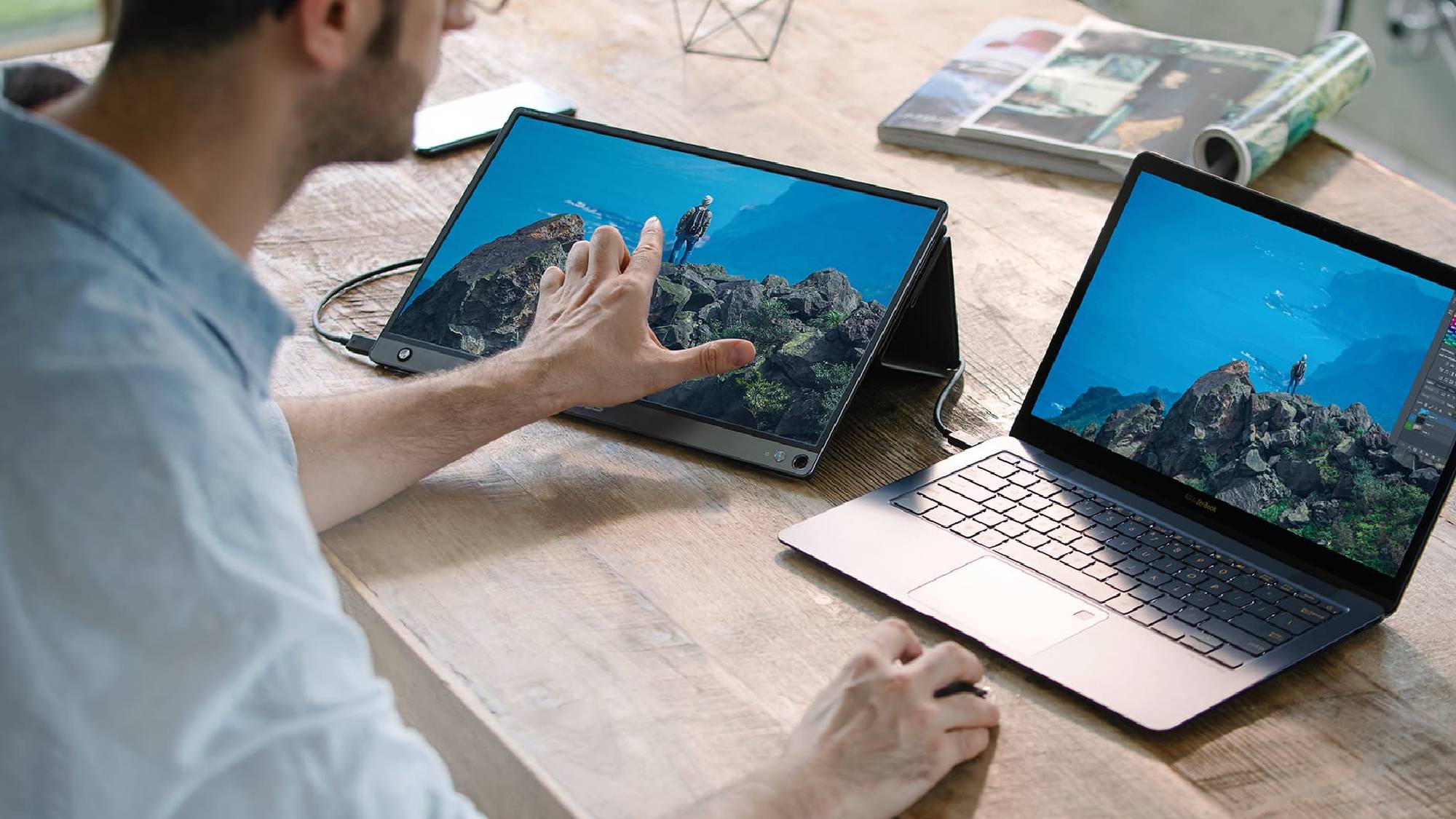
How to choose the best portable monitors for laptops
The right portable display depends less on a long feature list than on how your laptop, bag, and working surface fit together.
Panel size and resolution
Most portable screens here use 15.6-inch IPS panels at 1920 by 1080. That combination keeps text reasonably sharp while leaving enough room for two documents or a browser beside a laptop screen. The 18.5-inch VisionOwl and EVICIV offer more physical workspace, but full HD is spread over a larger area, so the image is not as dense.
IPS panels are useful when the screen will be viewed from an angle, such as during presentations or shared gaming. A 178-degree viewing angle is common in this group. For a portable work display, a good panel should make text readable without forcing you to sit directly in front of it.
USB-C video requirements
A USB-C socket does not automatically mean a laptop can send video through it. One-cable operation on these monitors generally requires Thunderbolt 3 or 4, or USB 3.1 Type-C with DP Alt Mode. If the laptop lacks that capability, HDMI can work, but it may require a separate power connection.
Check the computer's port specifications before choosing a screen. The cocopar, MSI, and both InnoView models use standard HDMI, while KYY and ForHelp use mini HDMI. The VisionOwl also lists standard HDMI, making it easier to pair with common cables.
Stands and mounting
A cover stand is compact and protects the panel, but its viewing angles are usually limited to a few grooves. An integrated stand, such as the one on the VisionOwl or InnoView Adjustable Monitor, is easier to reposition. The MSI's tripod mount is useful when the display must sit above a desk, beside a camera, or at a precise height.
VESA support matters if the monitor will spend part of its life on an arm or wall bracket. The cocopar, VisionOwl, MSI, and EVICIV list mounting support. That makes them more adaptable than a screen intended only for a cover-based travel setup.
Refresh rate and response time
A 60Hz display is suitable for office applications, video calls, documents, and ordinary console play. Higher refresh rates make scrolling and camera movement smoother when the source device can provide enough frames. VisionOwl reaches 100Hz, while EVICIV lists 120Hz and a 1ms response time.
Choose 120Hz for fast games, not for the promise of a bigger number on an office screen.
The other models do not specify a high refresh rate, so they should not be treated as direct gaming-speed alternatives. They can still show games, but players who prioritize motion clarity should start with EVICIV or VisionOwl.
Weight and protection
A portable monitor has to survive being carried as well as fit into the bag. The MNN is listed at 1.53 pounds, ForHelp at 1.52 pounds, and cocopar at 1.5 pounds without its cover. The second InnoView is listed at 2.65 pounds, which is a significant difference for daily commuters.
A sleeve or smart cover protects the panel from scratches and gives the screen a stand. EVICIV includes a sleeve with shock-absorbing foam, while several 15.6-inch models use a PU leather cover. MSI is notably light, but the provided features do not list a protective cover, so the carrying plan deserves attention.
Frequently asked questions
Can any laptop use a portable monitor over USB-C?
No. The laptop's USB-C port must support video output through Thunderbolt or DisplayPort Alt Mode. If it does not, use an HDMI connection when the monitor supports it, along with a separate power connection if required.
Do portable monitors need their own power?
It depends on the laptop and connection. A compatible USB-C port can often provide both the display signal and power through one cable. HDMI connections generally need separate power, and some laptops may still need an adapter if their USB-C output is not strong enough.
Is 1080p enough on a portable monitor?
For a 15.6-inch screen, 1920 by 1080 is a practical resolution for documents, web browsing, video calls, and gaming. The larger 18.5-inch models provide more physical workspace, but 1080p is spread across more screen area and may look less dense.
Are portable monitors useful for gaming?
Yes, especially when paired with a laptop, PS5, Xbox, or Switch. Standard 60Hz models are fine for casual play, while the VisionOwl's 100Hz panel and EVICIV's 120Hz panel are better suited to fast movement.
Can these monitors be used vertically?
Several can. The cocopar, MNN, KYY, and both InnoView models list portrait or vertical use. VESA mounting on models such as the cocopar, VisionOwl, MSI, and EVICIV gives you more control over vertical positioning.
Do portable monitors include speakers?
Some do. KYY, VisionOwl, MSI, ForHelp, and the second InnoView list built-in speakers. The KYY also includes a 3.5mm audio input, which gives it more flexibility when headphones or external speakers are needed.
Which portable monitor is easiest to carry?
The listed weights are close among several 15.6-inch models. MNN is listed at 1.53 pounds, ForHelp at 1.52 pounds, and cocopar at 1.5 pounds without its cover. MSI lists a 0.78kg weight and a slim 1.38cm profile, but it does not list a protective cover in the supplied features.
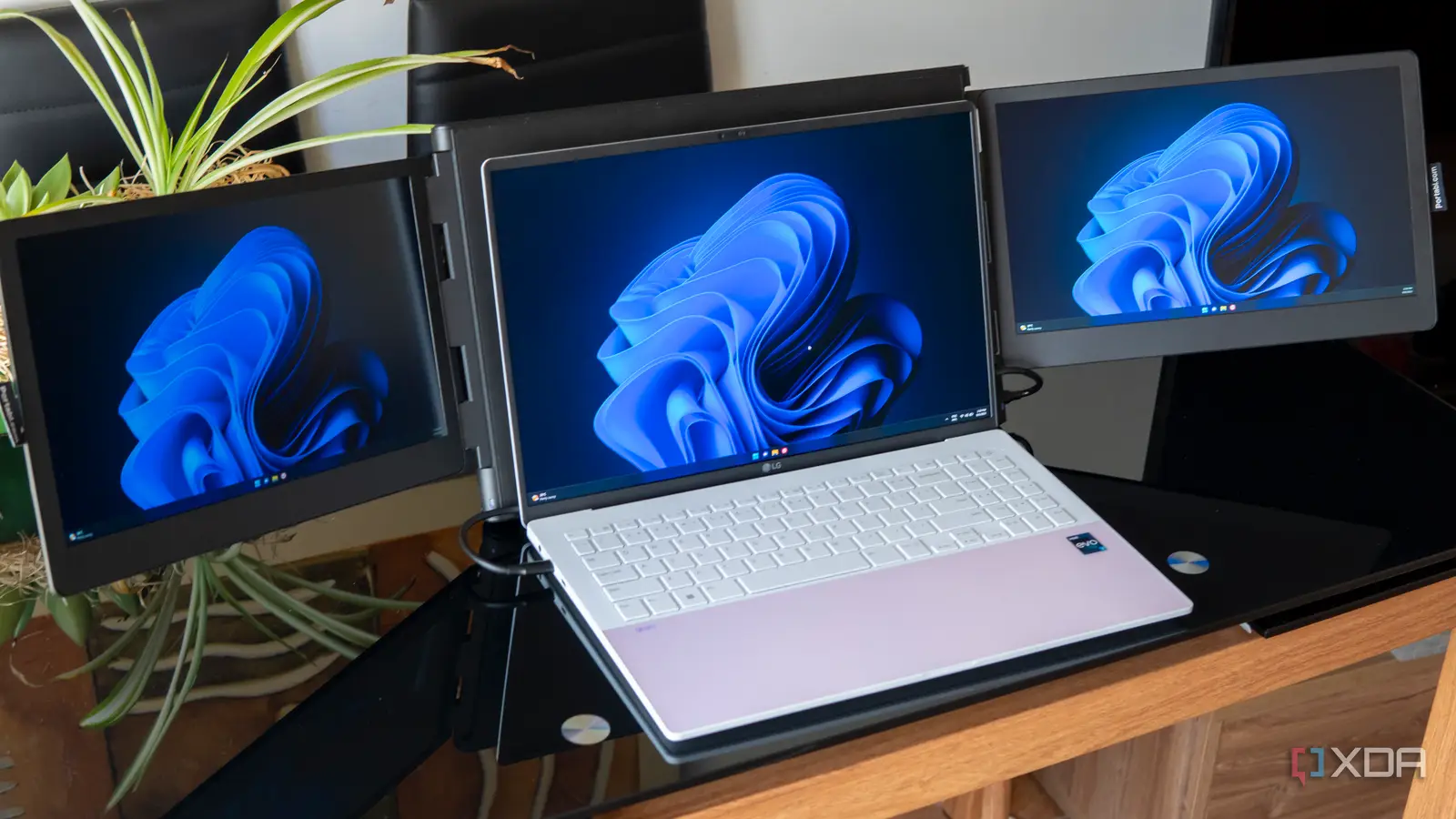
The bottom line
The Best portable monitors for laptops start with the cocopar 15.6-inch Travel Monitor because it balances a useful 1080p IPS panel, two USB-C ports, standard HDMI, VESA mounting, portrait support, and a protective stand case. It is the most adaptable choice for work, travel, and occasional gaming, though its 60Hz refresh rate is not intended for competitive play.
Choose the VisionOwl 18.5-inch Monitor when a larger workspace matters more than a compact bag, or the EVICIV 18.5-inch Gaming Monitor when 100Hz or 120Hz motion is the priority. The MSI is the better lightweight mounting option, while MNN and ForHelp make sensible choices for simple covered travel setups.
If you are undecided, choose the cocopar for mixed use, VisionOwl for desk space, and EVICIV for fast games.
As an Amazon Associate we earn from qualifying purchases.