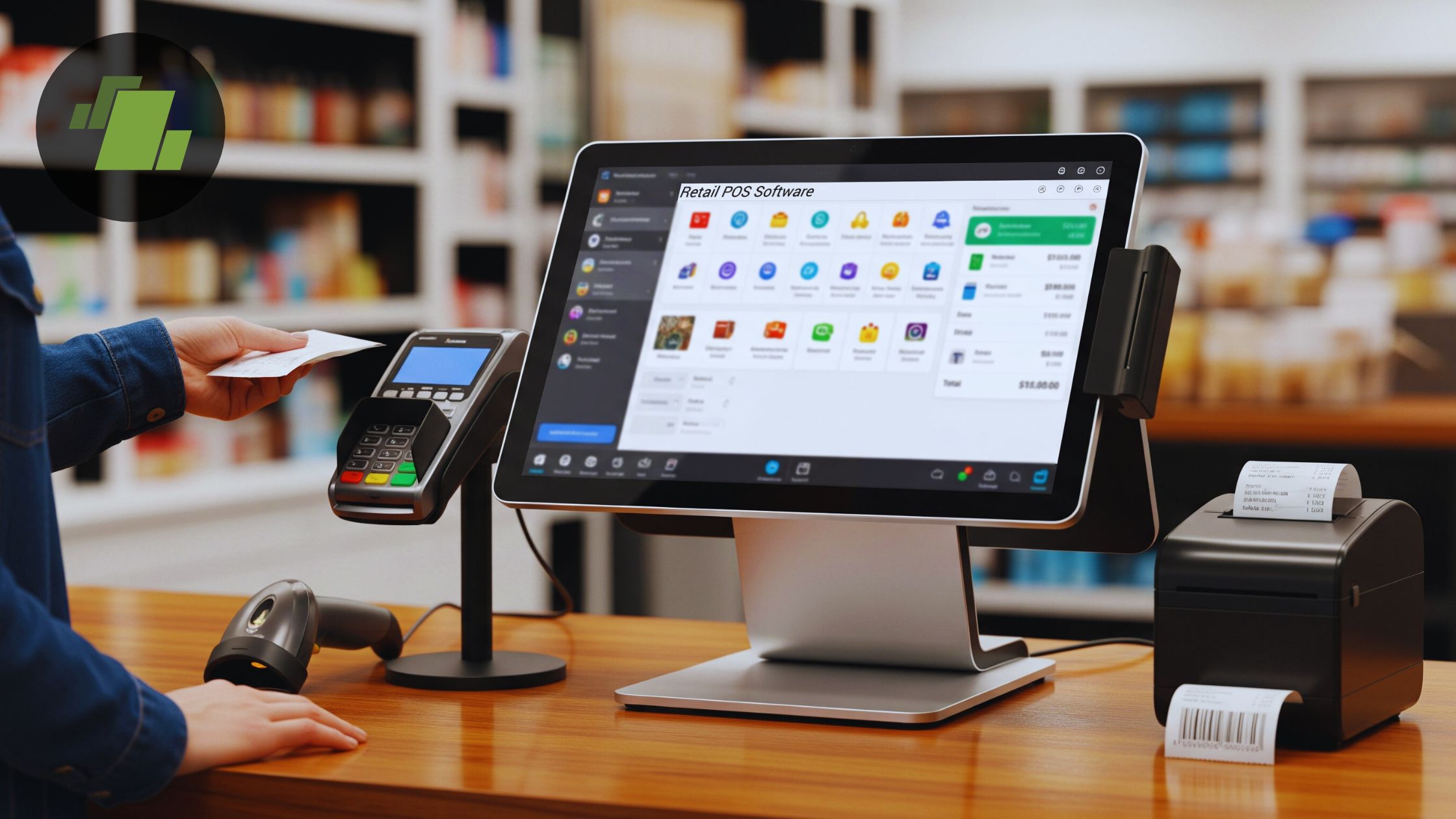

A point of sale setup can become a tangle of mismatched hardware quickly. One business needs a touchscreen terminal and scanner, another needs a mobile payment device, and a third only needs a dependable drawer and receipt printer. Choosing the wrong kind of system leaves you paying for equipment you will not use or discovering that essential parts are missing.
The Best POS systems in this roundup range from complete Windows terminals to Square-compatible accessories and thermal paper. The POS STORE M8W Terminal is our top pick for its large touchscreen, Windows compatibility, useful ports, and compact all-in-one design. The rest cover specialized needs, including restaurant ordering, dual-screen checkout, tablet-based registers, and simple cash handling.
| # | Product | Award | Screen or format | Included or supported hardware | Best for |
|---|---|---|---|---|---|
| 1 | POS STORE M8W Terminal | Best overall | 15.6-inch touchscreen | USB, serial, Ethernet | Windows-based retail and service counters |
| 2 | ZHONGJI SET04 POS | Best complete retail kit | 15-inch touchscreen plus 11.6-inch customer display | Printer, drawer, scanner, keyboard, mouse | Retail stores and grocery counters |
| 3 | Ezeetab 19-inch Restaurant POS | Best for restaurants | 19-inch touchscreen | Kitchen printer and two 8-inch ordering tablets | Restaurants and bars |
| 4 | NRS POS System Plus | Best turnkey package | Dual monitor touchscreen setup | Printer, scanner, drawer, software | Small retail operations |
| 5 | KONGQXIAA Dual Screen POS | Best integrated printer | Dual 15.6-inch touchscreens | Built-in 58mm printer, drawer | Retail and café counters |
| 6 | Datio Fire Tablet POS | Best tablet-based setup | Supports a 10-inch Fire tablet | Printer, drawer, stand | Small shops and salons |
| 7 | Square Handheld POS Bundle | Best mobile option | Handheld | Square payment support | Food trucks, pop-ups, and mobile sellers |
| 8 | EOM-POS Square Bundle | Best Square counter add-on | Countertop accessory bundle | Epson printer and cash drawer | Square Stand and Register users |
| 9 | Volcora 13-inch Cash Drawer | Best standalone drawer | 13-inch drawer | Four bill and five coin slots | Adding cash handling to an existing POS |
| 10 | CLIPRA Thermal Paper Rolls | Best paper supply | 3 1/8-inch rolls | Ten 230-foot rolls | Compatible thermal receipt printers |
1. POS STORE M8W Terminal: Best Overall

Pros
- Large 15.6-inch touchscreen
- Windows 11 platform supports a wide range of POS software
- USB, serial, and Ethernet connectivity
- Aluminum alloy construction
- Compact countertop footprint
Cons
- Does not include a receipt printer or cash drawer
- Storage and memory are fixed at 128GB and 8GB
- Requires separate POS software and peripherals
Best for: a business that wants a capable Windows terminal and the freedom to choose its own POS equipment.
The POS STORE M8W Terminal is the most sensible foundation in this group because it gives you a proper computer rather than locking the whole checkout around one bundled ecosystem. The 15.6-inch touchscreen is large enough for product menus, order entry, and inventory screens without making the counter feel dominated by a monitor. Its aluminum alloy construction also fits the sort of commercial setting where a plastic tablet stand can look and feel out of place.
The important detail is Windows 11. That opens the door to a wide range of Windows-compatible POS applications, which is a better long-term fit for a business that already has software in mind. The 5th-generation Intel Core i5 processor, 8GB of RAM, and 128GB SSD are aimed at transaction processing, inventory work, and running several business applications together. They are not specifications for demanding creative work, but they make sense for a terminal that needs to stay responsive while handling routine checkout tasks.
Connectivity is where the M8W separates itself from the Square Handheld POS Bundle and the tablet-based Datio Fire Tablet POS. USB, serial, and Ethernet ports give you practical ways to attach a scanner, receipt printer, cash drawer, card reader, or network equipment. The stated 45 by 36 by 13 centimeter footprint keeps the terminal reasonably compact, although you still need to account for the extra hardware that this bare terminal does not include. For a broader look at the hardware needed for a smaller operation, the equipment choices that shape a small checkout are useful to consider before ordering.
Its weakness is also its defining compromise. This is not a ready-to-run register bundle, so the screen alone will not print receipts, store cash, or process payments. A buyer who wants everything in one box should look instead at the ZHONGJI SET04 POS or NRS POS System Plus. The M8W is the better choice for someone who values software flexibility and wants to build a system around a known Windows workflow.
2. ZHONGJI SET04 POS: Best Complete Retail Kit

Pros
- 15-inch touchscreen with an 11.6-inch customer display
- Includes thermal receipt printer and cash drawer
- Desktop barcode scanner is included
- Six USB ports plus HDMI, VGA, LAN, and audio outputs
- Includes retail POS software and keyboard and mouse
Cons
- Uses Windows 10
- Larger bundle needs substantial counter space
- Product configuration is less flexible than a standalone terminal
Best for: a conventional retail counter that needs a customer display and most core peripherals in one package.
The ZHONGJI SET04 POS is built around the old-fashioned idea that a retail register should arrive as a complete station. There is a main 15-inch touchscreen for the cashier, an 11.6-inch display for the customer, a thermal receipt printer, a cash drawer, and a desktop scanner. That collection makes it more immediately useful than the POS STORE M8W Terminal, which is a stronger computer but leaves the rest of the checkout to you.
The customer display is especially relevant in a store where shoppers need to see items and transaction details as they are scanned. It also gives the counter a more traditional checkout layout than a single-screen system. The included scanner should speed up packaged-goods transactions, while the printer and drawer cover the two physical tasks that a touchscreen alone cannot handle.
The underlying hardware includes an Intel i5 processor, 8GB of RAM, and a 128GB SSD. The system runs Windows 10, and its six USB ports, HDMI, VGA, LAN, and two audio outputs provide room for additional equipment. Those ports are more useful than a long list of theoretical compatibility claims because retail counters tend to accumulate peripherals over time. The included keyboard and mouse are practical for setup and administration, even if most cashiers will spend their time on the touchscreen.
The SET04 is a better fit than the NRS POS System Plus when you want clearly described connectivity and a stated lifetime software service. The NRS package is more turnkey in presentation, but its listing provides much less detail about the software and hardware specifications. The SET04's downside is its footprint and aging operating system. A small boutique with limited counter depth may prefer the more compact M8W, while a store that wants a traditional multi-part register can choose this kit with fewer missing pieces.
3. Ezeetab 19-inch Restaurant POS: Best for Restaurants

Pros
- Large 19-inch touchscreen
- Includes POS controller and software
- Kitchen order printer is included
- Two wireless 8-inch ordering tablets
- Tablets list 12-hour battery life
Cons
- Built around restaurant use rather than general retail
- Requires a Wi-Fi network for wireless ordering
- Large primary display needs a generous counter
Best for: a restaurant or bar that needs front-counter checkout and distributed order taking.
The Ezeetab 19-inch Restaurant POS is the most purpose-built restaurant package here. Its 19-inch touch display gives a cashier or host plenty of room for menus and order details, while the included kitchen order printer moves tickets away from the front counter. The two wireless 8-inch ordering tablets extend that workflow into the dining room or around a bar, rather than forcing every order through one fixed screen.
The large screen is useful when menus are complicated or staff need to review modifiers before sending an order. It is also physically larger than the 15-inch and 15.6-inch displays in the ZHONGJI SET04 POS and POS STORE M8W Terminal. That extra space can make navigation more comfortable, but it demands a counter that can accommodate the monitor and the rest of the package.
This is described as a complete POS system with a built-in controller and POS software. The package also includes a cash drawer and customer receipt printer, so it covers the basic front-of-house transaction flow. The kitchen printer has a 25-foot cord, which gives you some placement flexibility when the kitchen is not directly behind the register. The two ordering tablets are listed with 12-hour battery life and require a Wi-Fi network for their wireless operation.
The trade-off is specialization. A clothing store or convenience shop will not gain much from the kitchen printer and ordering tablets, and the 19-inch display may be unnecessary in a tight retail space. The system also gives you less freedom than the Windows-based M8W because it is presented as a complete restaurant environment. Choose it when order routing and table-side or roaming entry matter more than a small footprint.
For a restaurant comparing screen layouts, the practical question is how many ordering points your staff really needs rather than simply choosing the largest monitor. This package makes sense when those extra points will be used every service.
4. NRS POS System Plus: Best Turnkey Package

Pros
- Dual-monitor touchscreen configuration
- Includes printer, scanner, and cash drawer
- POS software is included
- Designed for the USA market
- Single package covers the main checkout components
Cons
- NRS Pay locked model
- Limited published technical detail
- Large countertop footprint
Best for: a US-based retail business that wants a packaged NRS checkout system rather than a self-selected collection of components.
The NRS POS System Plus is for the buyer who would rather receive a complete station than research every cable and peripheral. Its dual-monitor touchscreen layout, printer, scanner, cash drawer, and POS software form a conventional retail register in one package. That makes it more approachable than the standalone POS STORE M8W Terminal for an owner who does not already have a Windows POS application or hardware plan.
The second display can serve a customer-facing role, though the listing does not spell out the exact monitor arrangement or screen sizes. That lack of detail matters. The product clearly includes dual monitors and the main peripherals, but buyers should confirm how the screens are configured and what the software supports before committing to a particular store workflow.
The phrase “NRS Pay locked model” is the most important limitation in the listing. This is not the open-ended Windows terminal that the M8W is. The lock may be exactly what an NRS customer wants because it keeps the package within one payment and software environment, but it is a reason to skip the system if you need to select independent software or payment hardware.
The listing gives dimensions of 16 by 17 by 17 inches, so this is not a minimalist counter solution. The Datio Fire Tablet POS or Square Handheld POS Bundle takes up less space, while the ZHONGJI SET04 POS provides more explicitly described ports and specifications. Pick the NRS when the appeal is a guided, preassembled retail station and you are comfortable with its locked platform.
5. KONGQXIAA Dual Screen POS: Best Integrated Printer

Pros
- Two 15.6-inch touchscreens
- Built-in 58mm receipt printer
- 8GB RAM and 128GB SSD
- Four USB ports, HDMI, and LAN
- Adjustable-angle display
Cons
- Large and heavy countertop unit
- Barcode scanner is compatible but not included
- Product listing leaves the software platform unspecified
Best for: a retail or café counter that wants dual touchscreens and an integrated receipt printer.
The KONGQXIAA Dual Screen POS takes a different approach from the M8W. Instead of giving you a flexible terminal and asking you to add a printer, it builds a 58mm receipt printer into a dual-screen station. That can make the counter cleaner and reduce the number of separate boxes, especially in a café or retail environment where the customer needs to see the transaction.
Both displays measure 15.6 inches, and the listing describes the screen as adjustable-angle. That combination should make the checkout interface easy to see from the operator's side while giving the second screen a useful customer-facing position. The size is generous without reaching the 19 inches of the Ezeetab restaurant package, although the complete unit still measures roughly 19.29 inches long, 14.17 inches wide, and 20.87 inches high.
The internal hardware includes 8GB of RAM and a 128GB SSD. Four USB ports, HDMI, and LAN provide connection options for a barcode scanner and other peripherals. The printer uses 58mm paper, which is narrower than the 80mm paper used by the EOM-POS printer and the CLIPRA rolls in this roundup. That distinction affects ongoing supply compatibility, so confirm the required roll width before stocking paper.
The missing scanner is the key compromise. The system is described as barcode-scanner compatible, not as including one, and the software platform is not identified in the supplied details. The ZHONGJI SET04 POS is a safer pick for a retail buyer who wants a scanner in the box, while the M8W is better for someone who wants a clearly flexible Windows foundation. Choose KONGQXIAA when integrated printing and dual screens matter more than platform transparency.
6. Datio Fire Tablet POS: Best Tablet-Based Setup

Pros
- Includes register base, receipt printer, cash drawer, and stand
- Works with a 10-inch Amazon Fire tablet
- Datio POS app can be tried before subscribing
- Supports Datio or an approved payment terminal
- Suitable for retail, restaurants, and salons
Cons
- Amazon Fire tablet is not included
- Requires a monthly software subscription
- Smaller display than the main touchscreen systems
Best for: a small business that already wants a Fire tablet-based register and Datio's software ecosystem.
The Datio Fire Tablet POS is not a complete computer terminal, and that is the point. It supplies the physical register base, thermal printer, cash drawer, and stand while using a separate 10-inch Amazon Fire tablet as the screen and computing device. The result is less imposing than the dual-screen systems and easier to imagine on a salon reception desk or a small counter.
The hardware package covers the pieces that are often overlooked when someone starts with a tablet. A printer handles customer receipts, the drawer provides secure cash storage, and the stand gives the tablet a fixed checkout position. Compared with the Square Handheld POS Bundle, this is a stationary setup. Compared with the POS STORE M8W Terminal, it depends on a particular tablet family and the Datio application rather than offering broad Windows software flexibility.
The tablet itself is not included, which needs to be treated as a central part of the buying decision rather than a footnote. The system is designed for a compatible 10-inch Amazon Fire tablet, and the Datio POS app can be tried before subscribing. The software subscription includes software, updates, support, and warranty, and the listing states that it can be canceled at any time. Those recurring software requirements make this a different type of purchase from the ZHONGJI SET04 POS, which describes lifetime software use.
Payment options are also specific. Datio offers credit card payments through Worldpay, with a terminal available on approval, or you can use your own terminal for cash-only tracking. That flexibility may help a small operator, but it is not the same as receiving an open payment system with every possible processor supported. Before choosing, decide whether the software and payment setup your shop already uses can work within this ecosystem.
The Datio is a sensible pick for a small operation that wants a modest tablet station and accepts the subscription model. Skip it if you want a large display, independent Windows software, or a package that includes every computing component.
7. Square Handheld POS Bundle: Best Mobile Option

Pros
- Portable handheld format
- Pre-programmed for a Square account
- Supports chip, contactless, Apple Pay, and Google Pay
- Includes setup assistance and ongoing US-based support
- Fits mobile businesses and pop-up operations
Cons
- Available only for new Square accounts
- Account must be activated through Advantage POS Store
- Square ecosystem limits platform flexibility
Best for: a mobile seller, food truck, salon, or pop-up that wants a compact Square payment terminal with guided setup.
The Square Handheld POS Bundle is the clearest answer here for a business that does not have a permanent checkout counter. Its handheld format suits food trucks, pop-up shops, mobile service providers, and any operation where carrying a register from one location to another is part of the job. It is much less equipment than the EOM-POS Square Bundle, which is designed to stay on a counter with a printer and drawer.
The bundle is pre-programmed with account information and key settings, and the seller offers remote setup assistance and ongoing US-based support. That can shorten the awkward first stage of getting a new terminal ready. The catch is that the account must be activated through Advantage POS Store before the equipment ships, and the special arrangement applies only to new Square accounts.
Payment support is broad within that ecosystem. The listing names EMV chip cards, contactless tap payments, Apple Pay, Google Pay, and traditional credit and debit cards. That gives a mobile operator the essential ways customers expect to pay without assembling a separate reader, display, and card workflow. It does not, however, turn the device into an open Windows POS system like the M8W.
The weakness is platform dependence, not portability. A business already committed to another processor or one that needs a cash drawer, full-size receipt printer, and detailed inventory workstation should look at the Datio Fire Tablet POS or a full retail terminal instead. The Square bundle makes the most sense when fast onboarding, mobility, and card acceptance matter more than customization.
8. EOM-POS Square Bundle: Best Square Counter Add-On

Pros
- Includes Epson USB thermal printer with auto-cut
- Includes EOM-100 cash drawer
- Works with Square Stand and Square Register
- Printer connects to Square Stand by USB
- Two-year full warranty and lifetime technical support
Cons
- Requires a Square Stand or Square Register
- Needs 80mm or 3 1/8-inch thermal paper
- Large countertop footprint
Best for: a Square user who already has the register hardware and needs physical receipts and cash storage.
The EOM-POS Square Bundle is an accessory package, not a standalone point of sale system. It includes an Epson USB thermal receipt printer with auto-cut and an EOM-100 cash drawer, making it a useful extension for someone who already owns a Square Stand or Square Register. It is a much more focused purchase than the complete NRS POS System Plus or the ZHONGJI SET04 POS.
Setup is designed around Square's hardware. The printer connects to the USB ports on the Square Stand, while the drawer connects to the printer through the included RJ12 or RJ11 cable. That arrangement allows the drawer to open automatically during a transaction instead of requiring a cashier to use a separate key for every sale.
The printer uses thermal technology, so it does not need ink or toner. It requires 80mm, or 3 1/8-inch, paper, which is the same width supported by the CLIPRA Thermal Paper Rolls. That makes paper sourcing straightforward if your existing Square setup already uses the same format. The printer's auto-cut feature is a small but useful detail for busy counters because receipts separate cleanly without a manual tear.
Its limitation is compatibility. If you do not already have a Square Stand or Square Register, this bundle does not provide the screen, payment software, or main register. The 28 by 18 by 8 inch listed dimensions also make it a substantial piece of counter equipment. Choose it when you are expanding a Square counter, not when you are starting from an empty desk.
9. Volcora 13-inch Cash Drawer: Best Standalone Drawer

Pros
- Four bill slots and five coin slots
- Removable coin compartment
- Three-position key lock
- RJ11 and RJ12 connection with included cable
- Metal frame and front media compartment
Cons
- Cannot connect directly to a POS through USB
- Requires a compatible receipt printer for automatic opening
- Does not include a printer or touchscreen
Best for: adding organized cash storage to an existing POS and receipt printer.
The Volcora 13-inch Cash Drawer is the simplest product in this roundup, but it solves a real problem. If your POS screen and payment system are already working, the missing piece may be a sturdy drawer that keeps bills and coins organized. The removable coin compartment creates four bill slots and five coin slots, while the front media compartment holds larger bills, checks, or receipts without opening the main drawer.
The drawer measures 13 by 13.25 by 4 inches according to the feature listing, and the product information lists a weight of 9.28 pounds. Its metal frame gives it a more substantial feel than a lightweight plastic cash box. The three-position key lock provides manual open, automatic open through a printer or POS, and locked modes. Six keys are included, which is useful when more than one cashier needs access.
Connection details are critical here. The drawer uses an included RJ11 or RJ12 cable and is designed to connect to a receipt printer, which then connects to the POS. It is compatible with major printer brands including Star, Citizen, JAY, and Bixolon. There is no USB port, so it cannot connect directly to a POS computer by USB. That makes the EOM-POS Square Bundle a more complete choice for Square users who also need a printer.
This is not a replacement for a complete register. It has no screen, printer, scanner, or payment hardware, and automatic opening depends on the right printer connection. The Volcora is the right add-on for an existing counter that needs a lockable drawer and a conventional bill-and-coin layout. If you are starting from scratch, choose one of the full packages instead.
10. CLIPRA Thermal Paper Rolls: Best Paper Supply

Pros
- Ten rolls in the pack
- Each roll is 3 1/8 inches wide and 230 feet long
- BPA-free thermal paper
- End-of-roll warning stripe
- Compatible with many listed printer models
Cons
- Only fits printers designed for 80mm paper
- Paper is a consumable rather than a POS system
- Roll dimensions should be checked against the printer
Best for: keeping an 80mm receipt printer supplied with standard thermal rolls.
The CLIPRA Thermal Paper Rolls are not a register, but they are the kind of supply that can stop a working checkout when nobody remembers to reorder it. The pack contains 10 rolls, each measuring 3 1/8 inches, or 80mm, wide and 230 feet long. That format matches the EOM-POS printer and many of the printer models named in the listing.
The paper is 55 GSM and designed for thermal printing, so it needs no ink or toner. The claimed purpose is clear, crisp receipt output without jamming, while the end-of-roll warning stripe gives staff a visual cue before the roll runs out. For a busy counter, that stripe is more useful than it sounds because it reduces the chance of discovering an empty roll in the middle of a transaction.
Compatibility still needs checking. The KONGQXIAA Dual Screen POS uses a built-in 58mm printer, while these CLIPRA rolls are 80mm wide. They are not interchangeable simply because both are thermal paper. The listing names a long set of compatible Star, Epson, Citizen, and other printer models, but the printer's required width should remain the deciding detail.
The rolls are BPA-free and individually wrapped for protection against dust and moisture, with a five-ply box for shipping. Those features matter for storage, though they do not change the basic role of the product. Choose CLIPRA as a supply purchase for an 80mm printer, not as an alternative to a complete POS system.
How to choose best pos systems
The right POS setup depends less on the word “all-in-one” than on which parts of the checkout your business already owns.
Software platform
A Windows terminal such as the POS STORE M8W Terminal gives you room to choose compatible POS software, while a locked or proprietary package narrows the available workflow. Tablet systems and Square hardware are easier to standardize but tie the register more closely to one ecosystem. Confirm the operating system, software included, and any subscription requirement before comparing screens or peripherals.
Screen layout
A single 10-inch tablet can suit a small salon, while a 15.6-inch touchscreen is more comfortable for a busy product catalog. Dual screens add a customer-facing view, and the 19-inch display in the Ezeetab Restaurant POS is useful when staff work through detailed food menus. Larger displays need more counter depth, so measure the station rather than judging screen size in isolation.
Included peripherals
A touchscreen does not automatically mean a complete register. Check for a cash drawer, receipt printer, barcode scanner, card reader, and customer display. The ZHONGJI SET04 POS includes most of those retail essentials, while the M8W requires you to select them separately. A missing printer or drawer can matter more to daily operation than a faster processor.
A POS system is only complete when it can take the sale, print or record the transaction, and handle the payment method your customers use.
Printer and paper format
Thermal printers avoid ink and toner, but paper widths are not universal. The EOM-POS printer and CLIPRA rolls use the 80mm, or 3 1/8-inch, format, while KONGQXIAA specifies a built-in 58mm printer. Match the roll width and printer connection before ordering supplies, especially when replacing an existing unit.
Connectivity and counter space
USB, serial, Ethernet, HDMI, and LAN ports determine how easily a terminal can grow with scanners, printers, payment devices, and network equipment. The M8W and ZHONGJI systems offer several connection options, while a handheld Square device is intentionally simpler. Also check the physical dimensions. A full dual-screen station can consume most of a shallow counter, whereas a tablet or mobile terminal leaves more room for merchandise and customer interaction.
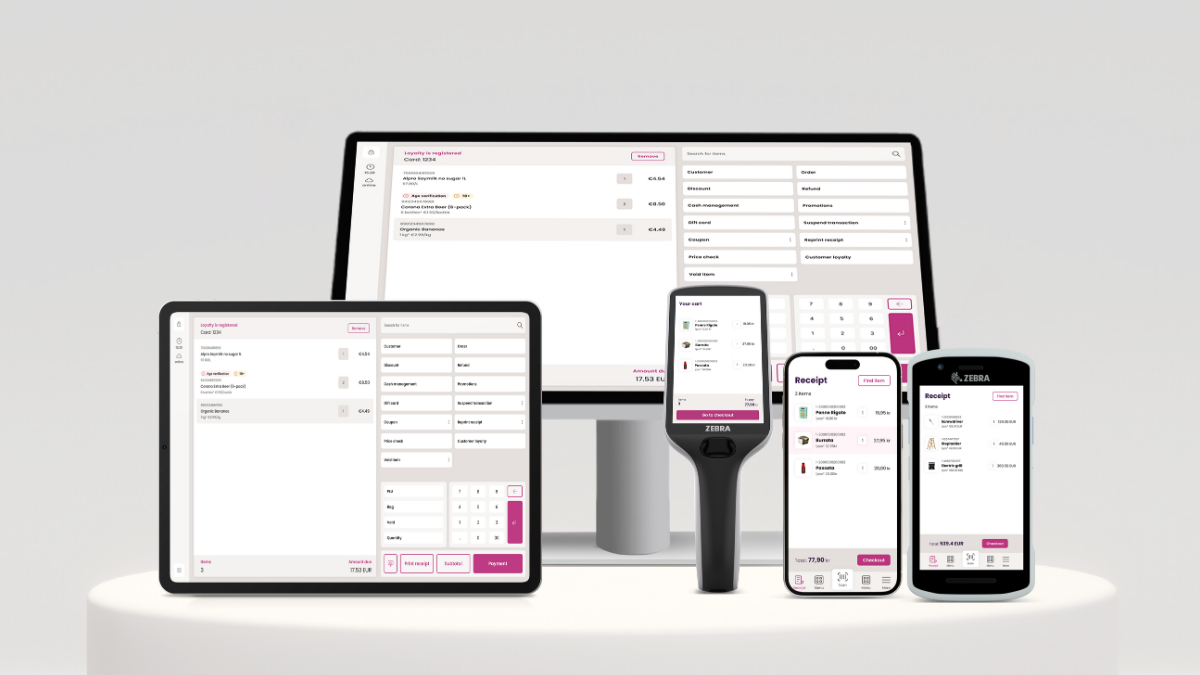
Frequently asked questions
Do all POS systems include a cash drawer?
No. The POS STORE M8W Terminal is a computer terminal that needs separate peripherals, while the Volcora Cash Drawer is itself an add-on rather than a complete system. Packages such as the ZHONGJI SET04 POS and Datio Fire Tablet POS include a drawer.
Can a POS system work without a receipt printer?
Some businesses can operate with digital receipts or a payment terminal that handles the transaction record, but a printer is still important for customers who request paper receipts. The EOM-POS bundle adds a printer and drawer to an existing Square setup, while KONGQXIAA includes a built-in 58mm printer.
What is the difference between a POS terminal and a complete POS system?
A terminal is usually the screen and computer that runs the software. A complete system may also include a cash drawer, printer, scanner, customer display, and payment hardware. The M8W is primarily a terminal, while the NRS and ZHONGJI packages combine several checkout components.
Is a tablet-based POS suitable for a small business?
It can be, especially when the business has a modest product catalog and wants a compact counter. The Datio Fire Tablet POS requires a compatible 10-inch Fire tablet and a Datio software subscription, so the buyer should be comfortable with those requirements before choosing it.
Which POS setup works best for a food truck?
A handheld system is usually easier to carry and operate in a small service area. The Square Handheld POS Bundle is designed for mobile businesses and supports chip and contactless payments. A restaurant package such as the Ezeetab system is more suitable when the operation also needs kitchen ticket printing and multiple ordering points.
Do thermal receipt printers need ink?
No. Thermal printers create receipts using heat-sensitive paper, so they do not use ink or toner. They do require the correct roll width, such as the 80mm paper used by the EOM-POS printer or the 58mm paper specified for the KONGQXIAA built-in printer.
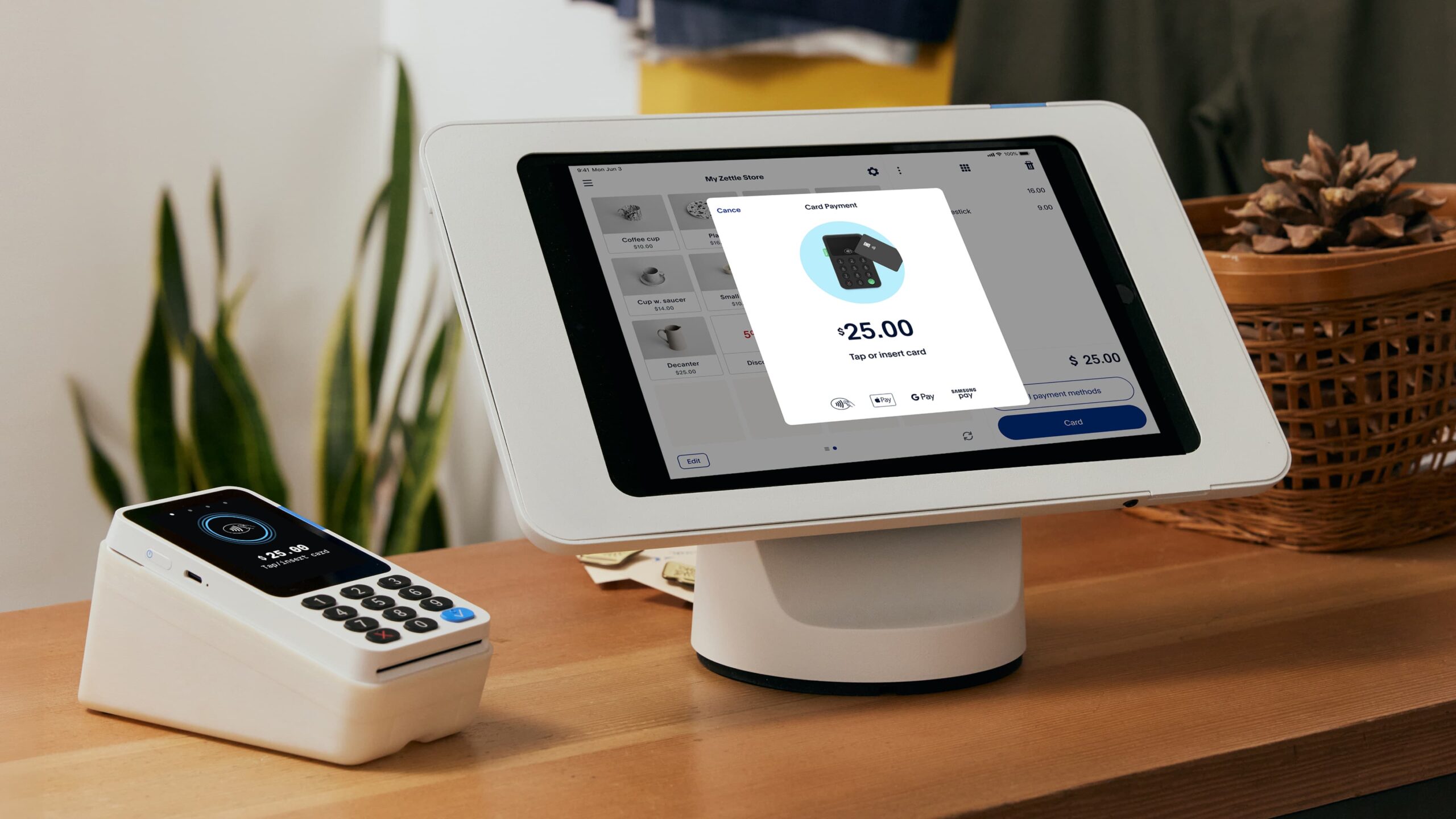
The bottom line
The POS STORE M8W Terminal is the strongest foundation for a business that wants Windows flexibility, a large 15.6-inch touchscreen, and practical ports for building a system around its existing software. The ZHONGJI SET04 POS is a better fit when a retail owner wants the scanner, printer, drawer, customer display, and software together.
Restaurants should choose the Ezeetab 19-inch Restaurant POS when kitchen tickets and wireless ordering tablets are central to service. Mobile sellers should choose the Square Handheld POS Bundle, while existing Square counter users can add the EOM-POS Square Bundle without replacing their main register.
For undecided buyers comparing the Best POS systems, start by listing the peripherals and software you already have, then choose the smallest complete setup that supports the way you actually take orders.
As an Amazon Associate we earn from qualifying purchases.