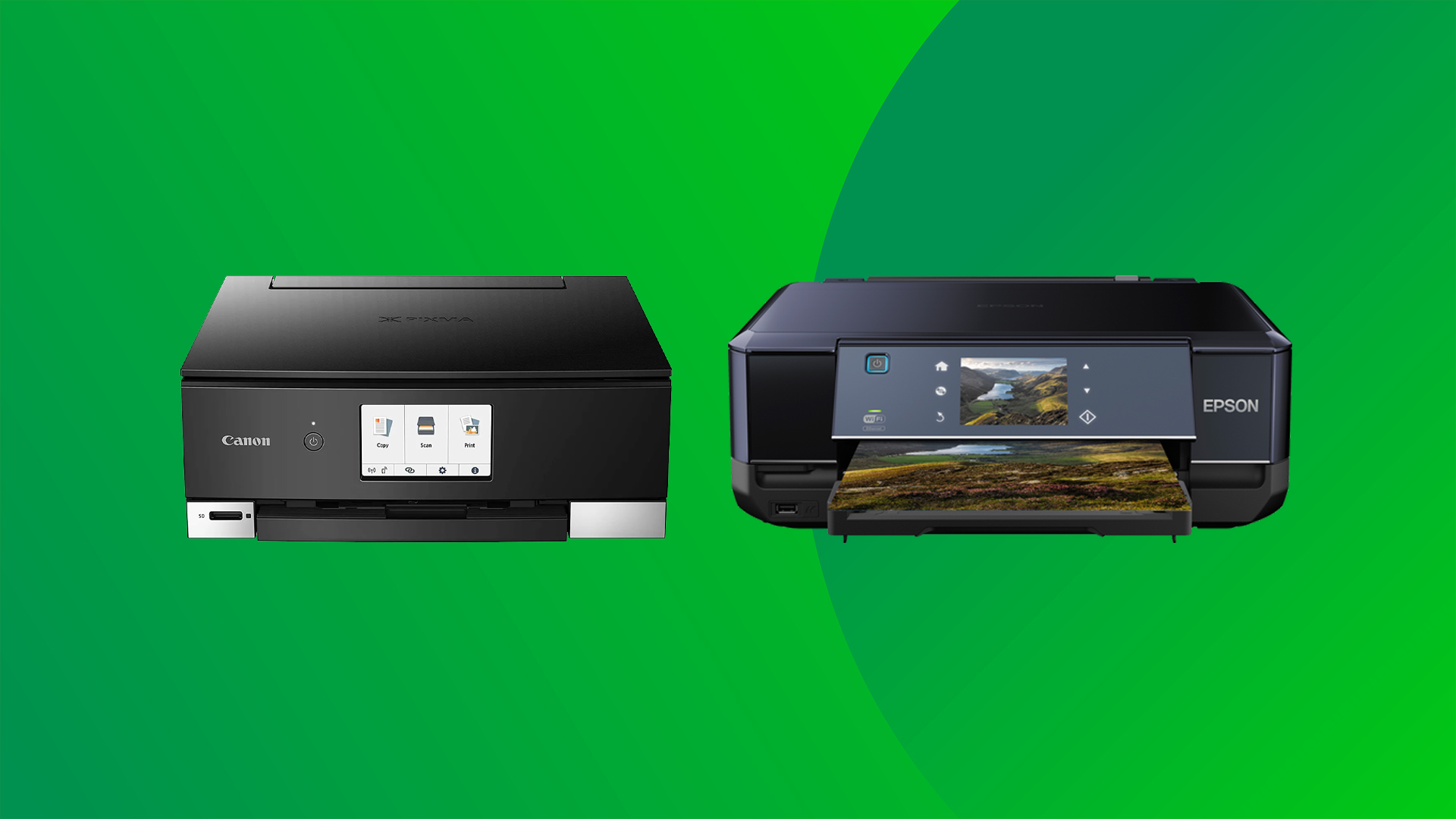

A Mac can make printing feel harder than it should. The printer may support wireless connections, but the real test is finding one that works smoothly with AirPrint, handles documents without fuss, and gives you the features you actually need.
The Best printer for mac picks below cover compact home printers, photo-friendly color models, office all-in-ones, and black-and-white laser printers. Canon PIXMA TS6520 is our top pick, with the HP OfficeJet Pro 8139 and HP LaserJet Pro MFP 3101fdw close behind for heavier workloads.
Comparison table
| # | Product | Award | Print type | Duplex | Best for |
|---|---|---|---|---|---|
| 1 | Canon PIXMA TS6520 | Best overall | Color inkjet | Automatic | Mac users who want a compact all-in-one |
| 2 | HP OfficeJet Pro 8139 | Best for home offices | Color inkjet | Automatic | Reports, forms, and mixed office work |
| 3 | HP LaserJet Pro 3101fdw | Best office laser | Black-and-white laser | Automatic | Small teams printing large document batches |
| 4 | Canon PIXMA TS4320 | Best compact Canon | Color inkjet | Automatic | Everyday home printing |
| 5 | Brother MFC-J1360DW | Best for home office multitasking | Color inkjet | Automatic | Scanning, copying, and cloud workflows |
| 6 | Canon PIXMA TR4720 | Best with fax | Color inkjet | Automatic | Home users who need an ADF and fax |
| 7 | HP DeskJet 2955 | Best for basic printing | Color inkjet | Not listed | Occasional home documents |
| 8 | HP Envy 6155 | Best for color photos | Color inkjet | Automatic | Homework and borderless photos |
| 9 | HP Smart Tank 5000 | Best ink tank | Refillable color inkjet | Not listed | High-volume home printing |
| 10 | HP LaserJet M110w | Best small laser | Black-and-white laser | Not listed | Small teams that only print documents |
1. Canon PIXMA TS6520: Best Overall

Pros
- Compact all-in-one design
- Automatic two-sided printing
- Dual-band Wi-Fi and Apple AirPrint
- OLED status display
- Handles documents and photos
Cons
- Two-cartridge ink system
- No automatic document feeder listed
- Monochrome display is small
Best for: Mac users who want one compact printer for documents, scans, copies, and occasional photos.
The Canon PIXMA TS6520 is the easiest printer here to recommend to a typical Mac owner. It does not try to be an office machine. Instead, it keeps the familiar home-printer formula intact: color printing, scanning, copying, wireless setup, and automatic two-sided pages in a relatively compact body. The 14.8-inch length and 14-inch width make it easier to place beside a MacBook or iMac than the larger office models.
Canon gives it dual-band Wi-Fi, supporting both 2.4GHz and 5GHz connections. That matters when a Mac and printer are on a busy home network, since the faster band can reduce congestion when the router and location support it. Apple AirPrint is included alongside the Canon PRINT App and Mopria Print Service, so you can send a document from macOS or a mobile device without building your workflow around a cable.
The two-cartridge hybrid ink system is designed for sharp text and vivid color. Automatic duplex printing is the feature that changes daily use most: reports, schoolwork, and household documents can use both sides of a sheet without manually turning pages. The printer also handles media up to 8.5 by 11 inches, with borderless printing for compatible photos and documents.
The 1.42-inch monochrome OLED display is useful for checking status and ink information, but it is not a substitute for a full touchscreen. The Canon PIXMA TS4320 is a simpler alternative with much of the same basic appeal, while the Brother MFC-J1360DW is more capable for multi-page scanning because it includes an ADF. Choose the TS6520 if your Mac printing is a blend of documents and photos and you want the best balance of size, connectivity, and convenience.
2. HP OfficeJet Pro 8139: Best for Home Offices

Pros
- Fast color and black document printing
- Automatic document feeder
- 225-sheet input tray
- Automatic duplex printing
- Large color touchscreen
Cons
- Larger footprint than compact home models
- Uses original HP cartridge circuitry
- Fax is unnecessary for many Mac users
Best for: a home office that prints reports, forms, presentations, and multi-page documents.
The HP OfficeJet Pro 8139 is the practical step up when a basic home printer starts feeling slow or limited. Its 20 pages-per-minute black speed and 10 pages-per-minute color speed are suited to a home office that regularly prints several-page documents. It also has the paper handling to match, with a 225-sheet input tray that reduces the need to refill it during a busy workday.
Its automatic document feeder is the main reason to choose it over the Canon PIXMA TS6520. You can place a stack of pages on top for scanning, copying, or faxing rather than feeding each page individually. Automatic two-sided printing helps keep reports and forms tidy, while the color touchscreen gives you a clearer control surface than the small OLED and icon displays on several compact models.
Wireless printing is built around dual-band Wi-Fi and the HP app. The printer supports printing, scanning, copying, and faxing from a phone, while Mac users can use the computer workflow or AirPrint. HP also includes a formatting feature that can remove unwanted content from web pages and emails, which is useful when a browser printout would otherwise include large empty areas or stray page elements.
The biggest limitation is its physical size. At 18.12 inches wide, 13.29 inches long, and 9.17 inches high, it needs a real desk or printer shelf rather than a narrow corner. The supplied information also says the printer is intended to work only with cartridges using original HP chips or circuitry, with firmware updates maintaining that restriction. If your household runs like a small office, the OfficeJet Pro 8139 is the more comfortable choice. For mostly black text, the HP LaserJet Pro 3101fdw is faster and more office-focused.
3. HP LaserJet Pro 3101fdw: Best Office Laser

Pros
- Up to 35 black-and-white pages per minute
- Automatic duplex printing
- Automatic document feeder
- Scan, copy, and fax functions
- Ethernet and Bluetooth included
Cons
- Black-and-white printing only
- Large and heavy
- More capability than occasional users need
Best for: Mac-connected small teams that need fast black-and-white documents and office features.
The HP LaserJet Pro 3101fdw is the serious document machine in this group. It prints black-and-white pages at up to 35 pages per minute in single-sided mode, which puts it in a different class from the color inkjet models. If your Mac is mainly used to send reports, invoices, forms, and internal documents, the laser engine is a better match for that workload.
This is a multifunction printer rather than a single-purpose desktop laser. It can print, scan, copy, and fax, with automatic duplex printing and an automatic document feeder for handling multi-page work. The ADF is particularly useful for scanning or copying a packet, while duplex output keeps longer documents from becoming unnecessarily bulky.
The connection choices are unusually broad here. HP lists intelligent Wi-Fi, Ethernet, and Bluetooth, along with compatibility with Mac, AirPrint, Android, Chromebook, Microsoft devices, PCs, and tablets. Ethernet gives a small office a stable wired option, while wireless printing keeps the printer available from a MacBook or iPad without relocating the computer.
The trade-off is size. At 19.25 inches long and 19.25 inches wide, and weighing more than 23 pounds, this is not a printer to move around casually. It also cannot produce color pages or photos. The HP LaserJet M110w is much easier to fit into a tight workspace, but it lacks the scanner, copier, fax, and ADF. Pick the 3101fdw when multiple people need fast document handling. If color matters, the OfficeJet Pro 8139 is the better office fit.
4. Canon PIXMA TS4320: Best Compact Canon

Pros
- Automatic two-sided printing
- Compact body
- Dual-band Wi-Fi
- Scanner and copier included
- Borderless printing up to 8.5 by 11 inches
Cons
- No ADF listed
- Slower than office-oriented printers
- Two-cartridge ink system
Best for: Mac users who need a small wireless color printer for everyday household tasks.
The Canon PIXMA TS4320 is a straightforward home printer with few distractions. Its compact design is the main attraction, especially for a desk shared with a MacBook, monitor, or other equipment. At 14 inches wide and 14.8 inches long, it has the same basic footprint as the TS6520, while its listed weight is 14.8 pounds.
Canon includes the functions most households actually use: print, scan, and copy. Automatic two-sided printing is welcome for school documents, recipes, and forms. The printer can also produce color documents and borderless output up to 8.5 by 11 inches, so it is not restricted to plain black text.
For Mac connectivity, the TS4320 supports dual-band Wi-Fi, the Canon PRINT App, Apple AirPrint, and Mopria Print Service. That gives you several ways to send a document from macOS, an iPhone, or an iPad. Setup is described as simple, and the wireless design means the printer does not need to sit directly beside the computer.
It is less suited to a busy office than the Brother MFC-J1360DW because no ADF is listed, and it does not have the OfficeJet Pro 8139's larger paper tray or faster document speeds. The two-cartridge hybrid system also means this is a conventional cartridge inkjet rather than a refillable tank design. Choose it when compact dimensions and uncomplicated color printing matter more than high-volume features.
5. Brother MFC-J1360DW: Best for Home Office Multitasking

Pros
- Automatic duplex printing
- 20-sheet automatic document feeder
- 150-sheet paper tray
- Color display and cloud connections
- USB and wireless connectivity
Cons
- Slower color speed than the HP OfficeJet Pro 8139
- Uses LC501 series inks
- Larger than the most compact home models
Best for: a home office that scans, copies, and prints regularly from a Mac or cloud service.
The Brother MFC-J1360DW has the most convincing home-office feature set among the smaller color inkjets. Its automatic document feeder holds 20 sheets for single-sided scanning or copying, and its 150-sheet paper tray is a useful middle ground between a compact home printer and a larger office machine. Those features matter more than an especially small footprint when paperwork is part of your week.
Brother lists speeds of up to 16 pages per minute in black and 9 pages per minute in color. That is enough for routine home-office work, although the OfficeJet Pro 8139 is faster in black and color. Automatic duplex printing is included, so the printer can handle two-sided reports without manual page turning.
The 1.8-inch color display makes the printer easier to operate without reaching for the Mac. Brother also supports printing to and scanning from cloud services such as Google Drive, Dropbox, Box, and OneDrive. Wireless and USB connections are available, while the Brother Mobile Connect app handles printing, copying, scanning, and device management from a mobile device.
The 15.4-inch width and 13.5-inch length are still manageable, but it is not as small as the Canon PIXMA TS4320. It also uses LC501 series inks, a detail to keep in mind when setting up your supply routine. Readers comparing several home-office models may also want to consider how much an automatic document feeder changes daily paperwork, since that feature separates this Brother from the simpler Canon models. Choose the MFC-J1360DW when scanning and cloud access are nearly as important as printing.
6. Canon PIXMA TR4720: Best With Fax

Pros
- Automatic document feeder
- Built-in fax
- Automatic two-sided printing
- Borderless document and photo printing
- Compact all-in-one design
Cons
- Slow color document speed
- 100-sheet capacity
- Older design than some newer Canon models
Best for: home users who need an ADF and fax in a relatively compact color printer.
The Canon PIXMA TR4720 earns its place by offering features that many compact printers omit. It is a four-function machine with print, copy, scan, and fax capability, and its automatic document feeder can handle multi-page jobs. For a home user who still exchanges faxed forms or regularly scans several pages, that makes it more useful than the smaller TS4320.
Canon lists a black document speed of approximately 8.8 images per minute and a color document speed of approximately 4.4 images per minute. Those figures make the TR4720 a deliberate, steady printer rather than a fast office tool. It also prints a 4 by 6 borderless photo in approximately 65 seconds, and it supports borderless output up to 8.5 by 11 inches.
Automatic two-sided printing reduces manual handling for longer documents. The 100-sheet capacity is enough for ordinary home use, though the Brother MFC-J1360DW holds more paper and offers a larger ADF. The TR4720 is also compact at 17.2 inches wide, 11.7 inches long, and 7.5 inches high.
This is not the model to choose for a shared office or frequent large batches. Its slower color speed and smaller paper capacity make that clear. It is a better fit for the household that wants one device for occasional photos, documents, scans, copies, and faxing. For a broader look at the features that matter in a shared household printer, the ADF and duplex functions should be near the top of the list.
7. HP DeskJet 2955: Best for Basic Printing

Pros
- Small and lightweight
- Print, scan, and copy functions
- Dual-band Wi-Fi
- Mobile printing
- Uses recycled plastic content
Cons
- Slowest listed print speeds here
- 60-sheet input tray
- No automatic duplex or ADF listed
Best for: occasional printing of letters, recipes, lists, and simple color documents.
The HP DeskJet 2955 is built for the lightest workload in this roundup. It handles color printing, scanning, and copying, and its compact body weighs only 7.55 pounds. That makes it easy to place on a shelf or move when the desk needs to serve another purpose.
Its listed speeds are up to 7.5 pages per minute in black and 5.5 pages per minute in color. Those figures suit a short document or a few pages of household paperwork, not a stack of reports. The 60-sheet input tray reinforces the same message: this printer is for occasional jobs rather than a busy home office.
Mac users get dual-band Wi-Fi and mobile printing through the HP app. HP also lists an icon LCD instead of a full color touchscreen. It is a basic control panel, but that is consistent with a printer meant for straightforward print, scan, and copy tasks.
The absence of listed automatic duplex printing and an ADF makes the DeskJet 2955 less flexible than the Canon PIXMA TR4720 or Brother MFC-J1360DW. HP says it is made with at least 70 percent recycled plastics and is ENERGY STAR and EPEAT certified, which adds a practical environmental detail. Skip it if you print long documents. For occasional home pages and a small footprint, it remains a sensible simple pick.
8. HP Envy 6155: Best for Color Photos

Pros
- Automatic two-sided printing
- 2.4-inch color touchscreen
- Borderless photo support
- Dual-band Wi-Fi
- 100-sheet input tray
Cons
- No ADF listed
- Original HP cartridge circuitry required
- Tall, narrow body may not suit every shelf
Best for: home users who want everyday documents and vivid borderless color photos.
The HP Envy 6155 is the color-focused HP in this group. It is aimed at homes that print homework, everyday documents, and borderless photos, with HP's P3 technology intended to keep printed documents and photos visually close to what appears on screen. That makes it more interesting for image-heavy Mac users than the basic DeskJet 2955.
HP lists speeds up to 10 pages per minute in black and 7 pages per minute in color. Automatic duplex printing is included, and the 100-sheet input tray is adequate for ordinary household work. The 2.4-inch color touchscreen is more comfortable for changing settings than an icon-only panel.
Wireless printing uses dual-band Wi-Fi, and the HP app supports printing, scanning, copying, and faxing from a smartphone. HP also includes a formatting feature designed to remove unwanted content from web pages and emails. That can help when printing from a browser, where stray menus and blank areas often waste pages.
The Envy 6155 has a distinctive shape, measuring 17.05 inches long, 5.35 inches wide, and 14.21 inches high. No ADF is listed, so multi-page scanning remains a manual process. The product information also says it is intended to work only with cartridges using original HP chips or circuitry. Choose it over the DeskJet 2955 when photo output and a better control screen matter, but choose the Canon PIXMA TS6520 for a more balanced compact all-in-one.
9. HP Smart Tank 5000: Best Ink Tank
Pros
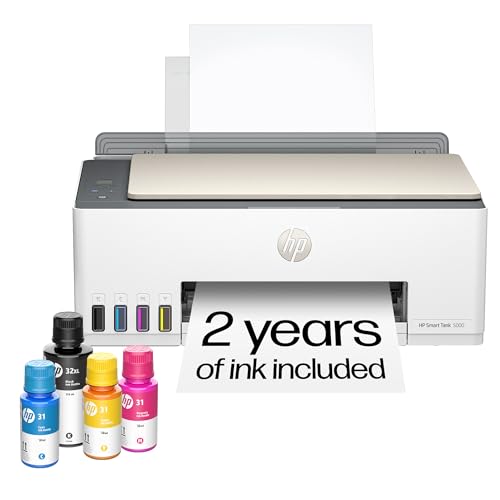
- Refillable cartridge-free design
- Up to two years of ink included
- Up to 6, 000 black or color pages listed
- Mess-free refill system
- Print, scan, and copy functions
Cons
- No duplex or ADF listed
- Larger than compact cartridge printers
- Better suited to regular printing than occasional use
Best for: households that print frequently and want a refillable ink system.
The HP Smart Tank 5000 takes a different approach from every cartridge model here. Instead of replacing cartridges, you refill built-in ink tanks with bottles. HP says the printer includes up to two years of ink and can produce up to 6, 000 black or color pages out of the box. Those claims make it the natural candidate for a household that prints often rather than letting the printer sit idle for months.
HP describes the refill process as mess-free: the bottle plugs into the tank and drains without squeezing. That is a more approachable design than older refill systems, especially for users who want to avoid handling loose ink. The printer also supports print, scan, and copy functions, with HP AI formatting for web pages and emails.
The Smart Tank 5000 measures 17.11 inches long, 14.23 inches wide, and 6.19 inches high. Its footprint is not extreme, but it needs a stable location where the tanks remain accessible. The cartridge-free design is the key feature, not a rich office control system.
No automatic duplex printing or ADF is listed, so the Brother MFC-J1360DW is more capable for two-sided office paperwork and multi-page scans. The Smart Tank 5000 is a better choice when regular color printing and fewer cartridge interruptions matter most. If you only print a few pages every month, the simpler Canon PIXMA TS4320 is easier to justify.
10. HP LaserJet M110w: Best Small Laser

Pros
- Up to 21 black-and-white pages per minute
- Compact laser design
- Wireless and mobile printing
- Works with Mac and AirPrint
- HP Smart app support
Cons
- Print-only design
- Black-and-white output
- No automatic duplex listed
Best for: one to three people who need quick black-and-white documents in a tight space.
The HP LaserJet M110w is the cleanest answer for a Mac user who only needs to print documents. It does not scan, copy, or fax, but that simplicity keeps the printer small and focused. HP describes it as the world's smallest laser in its class, and the listed dimensions support its compact role: 13.63 inches wide, 7.45 inches long, and 6.26 inches high.
The printer reaches up to 21 black-and-white pages per minute in single-sided printing. That is considerably faster than the basic color inkjets, making it a good fit for meeting notes, shipping documents, forms, and other text-heavy work. Laser output also suits users who want crisp monochrome pages without the color features they will not use.
Wireless printing works from a Mac, mobile device, PC, or tablet, and HP lists AirPrint compatibility. The HP Smart app can print or copy from a smartphone and scan documents to the cloud, although the printer itself has no scanner. A self-resetting wireless connection is intended to help it stay connected during normal use.
The missing features are straightforward. There is no color, no ADF, no built-in scanner, and no automatic duplex printing listed. The HP LaserJet Pro 3101fdw is the clear upgrade for a small team that needs multifunction office work, while the M110w makes more sense for one to three people with limited desk space. Pick it when printing is the job and everything else is unnecessary.
How to choose best printer for mac
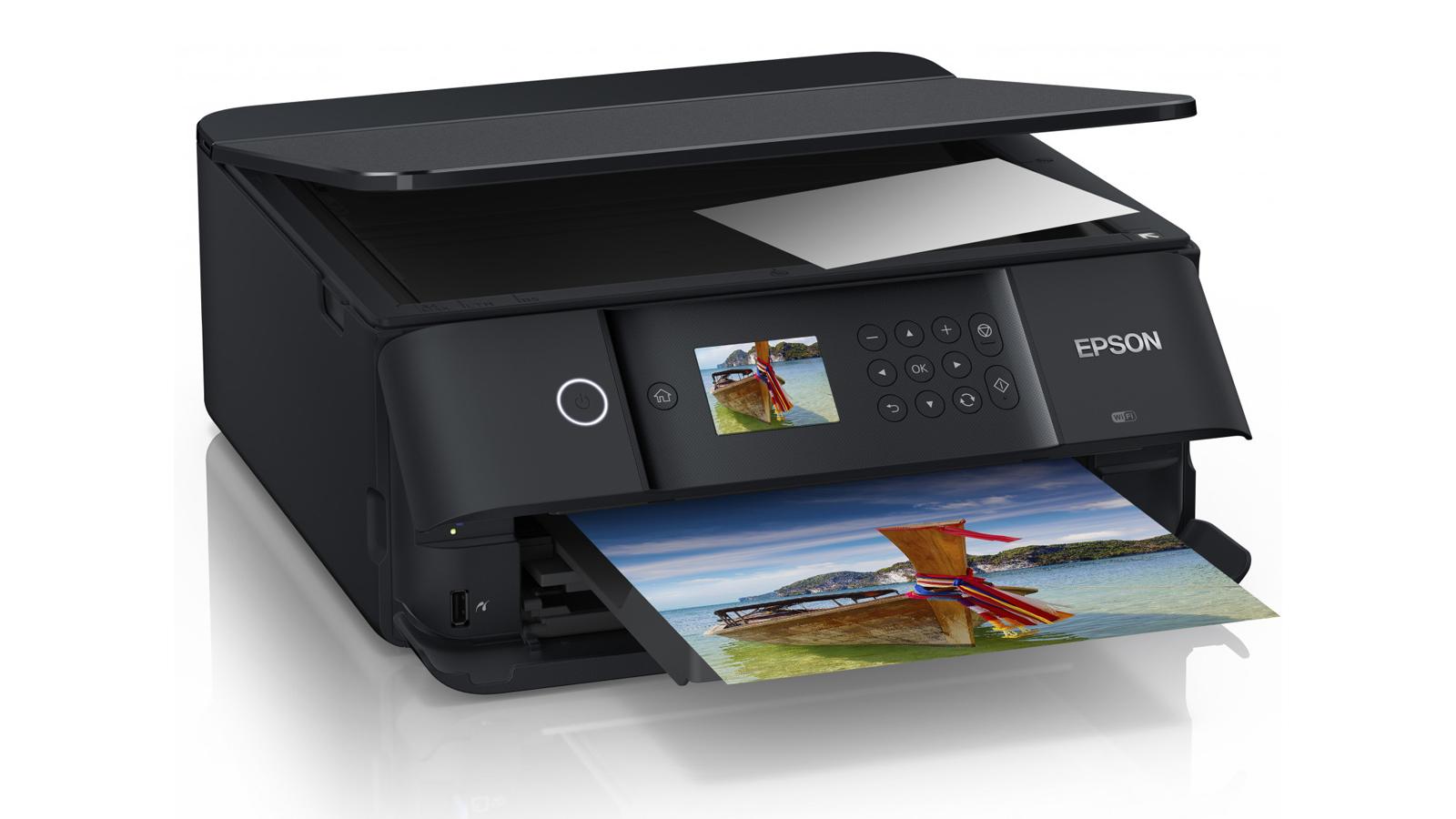
The right Mac printer depends less on the computer and more on the documents, photos, and scanning jobs you expect it to handle.
AirPrint and wireless setup
AirPrint is the simplest path from macOS, iPhone, or iPad to a compatible printer. Dual-band Wi-Fi can help when your home network supports both 2.4GHz and 5GHz connections. Look for a model that also has a useful manufacturer app, especially if you need scanning, copying, cloud access, or printer management from a phone.
Inkjet, laser, and ink tank designs
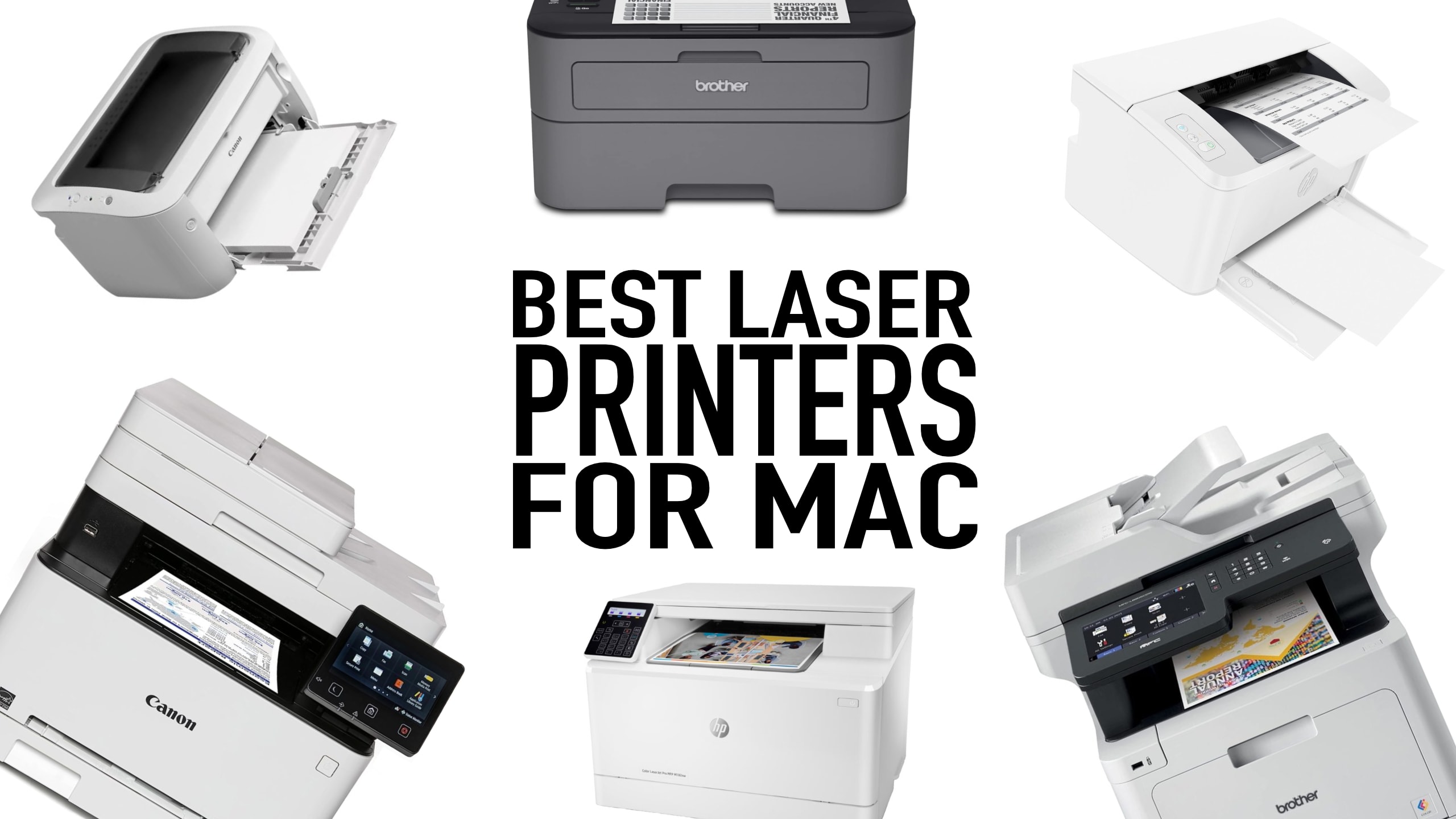
Color inkjets suit photos, schoolwork, and mixed documents. Black-and-white laser printers are better aligned with fast text output, while refillable ink tanks are aimed at households that print color pages regularly. The HP Smart Tank 5000 is the only ink tank model here, while the HP LaserJet M110w and HP LaserJet Pro 3101fdw cover monochrome laser printing.
Automatic duplex printing
Automatic duplex printing turns pages internally and prints on both sides without manual intervention. It is useful for reports, forms, and school documents, but it does not appear in every model's listed features. The Canon PIXMA TS6520, Canon PIXMA TS4320, Brother MFC-J1360DW, Canon PIXMA TR4720, HP OfficeJet Pro 8139, and HP Envy 6155 all list automatic duplex printing.
For a Mac printer, wireless compatibility gets you connected, but an ADF and automatic duplex determine how much work the printer saves.
Automatic document feeders
An ADF is valuable when you scan, copy, or fax multiple pages. The OfficeJet Pro 8139, LaserJet Pro 3101fdw, Brother MFC-J1360DW, and Canon PIXMA TR4720 list an ADF. Models without one require you to place each page on the scanner glass.
Paper capacity and print speed
A larger tray reduces interruptions, while faster pages matter when several people share the printer. The OfficeJet Pro 8139 lists a 225-sheet tray, the Brother MFC-J1360DW lists 150 sheets, and the Canon PIXMA TR4720 lists 100 sheets. For speed, the HP LaserJet Pro 3101fdw reaches up to 35 black-and-white pages per minute, while the HP LaserJet M110w reaches up to 21.
Frequently asked questions
Which printer is best for a Mac?
The Canon PIXMA TS6520 is the strongest all-around match for most Mac users because it combines wireless connectivity, AirPrint, scanning, copying, automatic duplex printing, and color output in a compact body. The HP OfficeJet Pro 8139 is better for a home office, while the HP LaserJet M110w is better for black-and-white documents only.
Do these printers work with Apple AirPrint?
The Canon PIXMA TS6520, Canon PIXMA TS4320, HP LaserJet Pro 3101fdw, and HP LaserJet M110w explicitly list AirPrint or Mac compatibility. Other models list wireless printing and manufacturer apps. Check the printer's setup instructions for the exact macOS version and network requirements before installation.
Should I choose an inkjet or laser printer for a Mac?
Choose an inkjet for color documents, photos, and mixed home use. Choose a laser model when most of your work is black-and-white text and you want faster document output. The HP LaserJet Pro 3101fdw adds scanning, copying, fax, and an ADF, while the HP LaserJet M110w is a smaller print-only option.
What does an automatic document feeder do?
An automatic document feeder pulls pages through the scanner one at a time. It is useful for copying, scanning, or faxing multi-page documents. The Brother MFC-J1360DW has a 20-sheet ADF, while the Canon PIXMA TR4720, HP OfficeJet Pro 8139, and HP LaserJet Pro 3101fdw also list ADF support.
Are refillable ink tanks useful for home printing?
A refillable ink tank is most useful when a household prints color pages frequently. The HP Smart Tank 5000 includes up to two years of ink and lists output of up to 6, 000 black or color pages. Occasional users may prefer the simpler setup of a conventional cartridge printer.
Which printer is best for black-and-white documents?
The HP LaserJet Pro 3101fdw is the strongest document printer here, with listed output of up to 35 black-and-white pages per minute and multifunction office features. The HP LaserJet M110w is a better fit when you only need printing and have limited space.
The bottom line
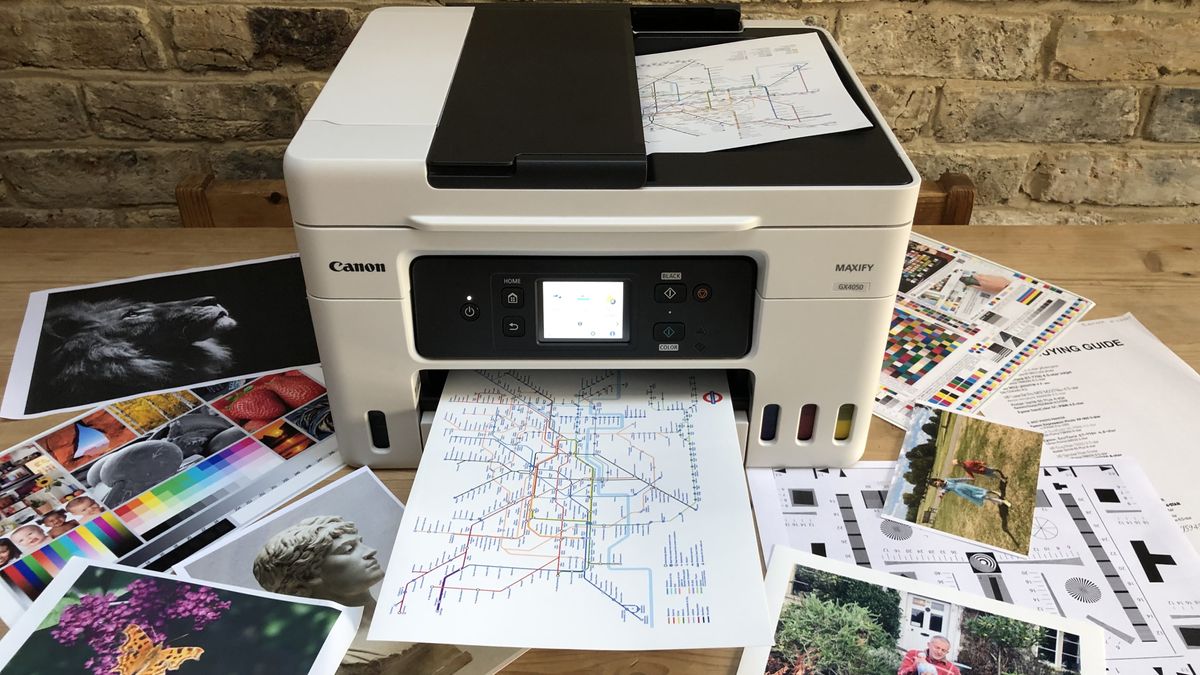
The Canon PIXMA TS6520 is the Best printer for mac for most households. It combines AirPrint, dual-band Wi-Fi, automatic duplex printing, scanning, copying, and color output without taking up the space of a full office machine. The HP OfficeJet Pro 8139 is the better pick when an ADF, a larger paper tray, faster color documents, and fax support matter.
For black-and-white office work, choose the HP LaserJet Pro 3101fdw. For a small print-only workspace, the HP LaserJet M110w is the more compact answer. Readers who print color pages constantly should consider the HP Smart Tank 5000, while the Brother MFC-J1360DW is the most useful middle ground for scanning and cloud-connected home-office tasks.
If you are undecided, choose the Canon PIXMA TS6520 unless your work clearly demands a laser engine, an ADF, or a refillable ink tank.
As an Amazon Associate we earn from qualifying purchases.