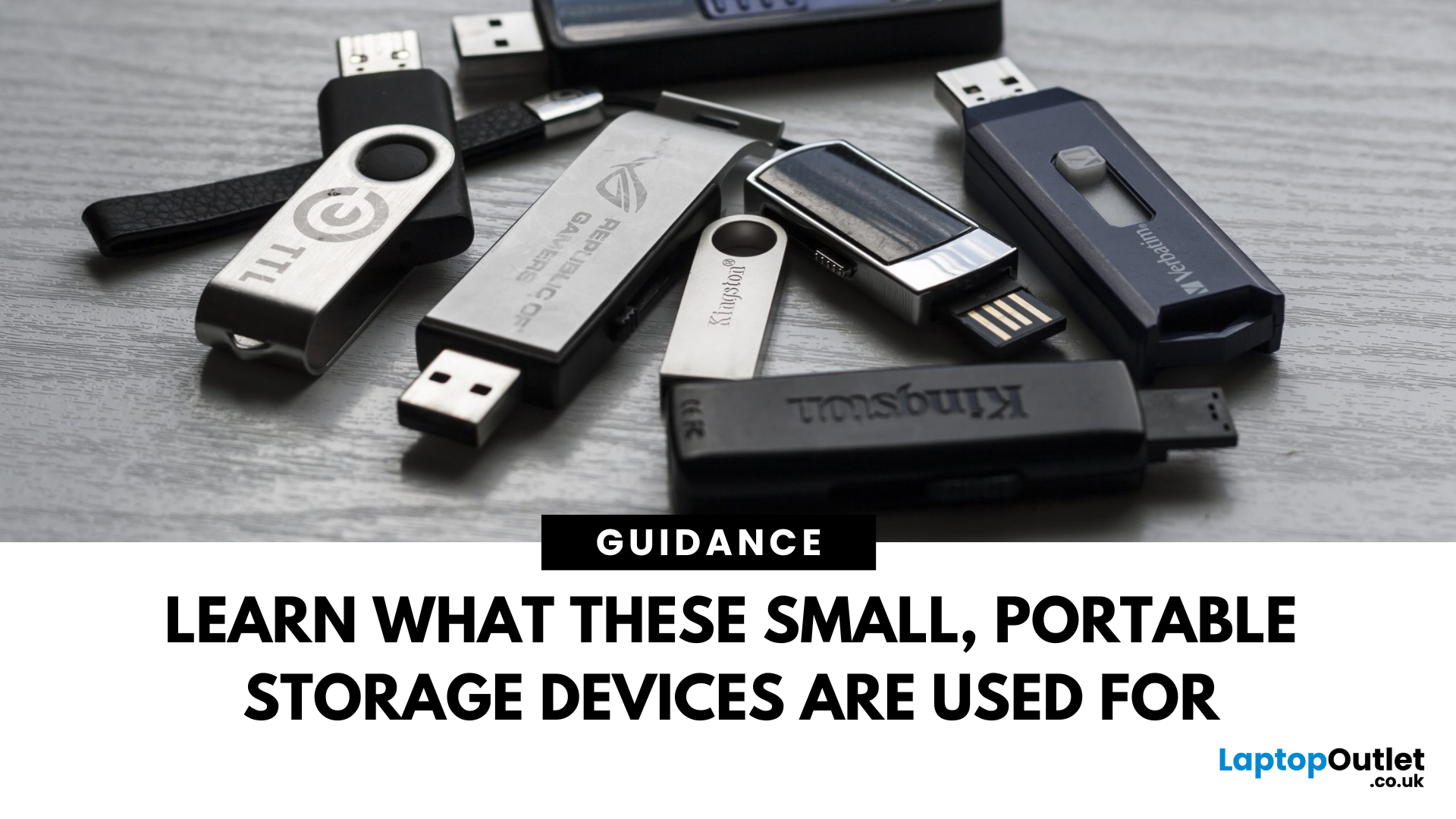

Moving files between a USB-C phone and an older laptop is still needlessly awkward when a drive has only one connector. The best thumb drives solve that problem without asking you to carry an adapter, while also making room for photos, videos, documents, and backups.
We compared ten compact flash drives covering single-drive purchases, multipacks, USB-A models, and dual-connector designs. The Lexar D40E 128GB is the best all-around pick, while the list also includes a faster SSK model, high-capacity options, and practical multipacks.
Comparison table
| # | Product | Award | Capacity | Ports | Best for |
|---|---|---|---|---|---|
| 1 | Lexar D40E 128GB | Best overall | 128GB | USB-C and USB-A | Most people |
| 2 | Lexar A30E 64GB 3-Pack | Best multi-drive set | 64GB each | USB-A | Sharing and spares |
| 3 | Lexar A30E 128GB 2-Pack | Best two-pack | 128GB each | USB-A | Larger everyday transfers |
| 4 | SanDisk Ultra Flair 128GB | Best USB-A performer | 128GB | USB-A | Fast PC transfers |
| 5 | Lexar D40E 256GB | Best high-capacity dual drive | 256GB | USB-C and USB-A | Large phone and laptop libraries |
| 6 | JOIOT 128GB Dual Drive | Best stated read speed | 128GB | USB-C and USB-A | Phone backups |
| 7 | PNY Turbo Attaché 3 5-Pack | Best basic bulk set | 128GB each | USB-A | Offices and classrooms |
| 8 | Gigastone 64GB 5-Pack | Best dual-port bulk set | 64GB each | USB-C and USB-A | Mixed-device households |
| 9 | SSK 128GB Dual Drive | Best high-speed option | 128GB | USB-C and USB-A | Large, frequent transfers |
| 10 | Amazon Basics 256GB Dual Drive | Best simple high-capacity design | 256GB | USB-C and USB-A | Straightforward expansion |
1. Lexar D40E 128GB: Best Overall

Pros
- USB-C and USB-A connectors in one drive
- Swivel design avoids a loose cap
- Metal enclosure and 256-bit AES encryption
- Compact 26g body
- Three-year limited warranty
Cons
- Stated transfer speed is lower than the fastest drive here
- Swivel body is longer than a tiny single-connector drive
Best for: people who regularly move files between USB-C and USB-A devices.
The Lexar D40E 128GB is the drive we'd hand to someone who is tired of checking which port a computer has. Its USB-C and USB-A connectors cover current phones, tablets, laptops, Macs, and older computers, and the 360-degree swivel makes changing ends simple. There is no cap to misplace, which matters more than it sounds when a drive lives in a desk drawer or travel bag.
Lexar rates transfers at up to 100MB/s, with actual performance depending on the host device, interface, and files being moved. That is a sensible ceiling for photo libraries, documents, music, and ordinary video transfers. The drive has a metal enclosure, weighs 26g, and measures 70.4 by 16.9 by 11.7mm. It feels more substantial than the very light A30E drives, though it also takes up a little more room beside a crowded laptop.
The D40E also brings a useful security feature that is absent from several simpler entries. Its security software supports 256-bit AES encryption, and Lexar backs it with a three-year limited warranty. That does not make it a replacement for a proper backup, but it is a welcome layer when the drive carries work files or personal documents. For readers comparing broader removable-storage options, the difference between portable flash storage and larger backup drives is worth understanding before choosing capacity.
The weakness is speed ambition. The SSK 128GB Dual Drive claims much higher read and write figures, and SanDisk's Ultra Flair has a higher stated read speed on USB-A systems. The D40E wins by being easier to use across devices, not by promising the highest throughput. Choose it if compatibility and a tidy physical design matter more than chasing maximum transfer speed.
2. Lexar A30E 64GB 3-Pack: Best Multi-Drive Set

Pros
- Three separate drives for easy distribution
- Up to 100MB/s transfer speed
- Push-button retractable connector
- Lanyard loop
- DataShield password protection
Cons
- USB-A only
- 64GB capacity per drive limits large video collections
Best for: households, classrooms, and teams that need several compact USB-A drives.
The Lexar A30E 64GB 3-Pack makes more sense as a distribution tool than as one person's main archive. Three separate drives can stay in different bags, go to different family members, or be assigned to different projects. That separation is often more convenient than repeatedly erasing one large drive.
Each drive uses USB-A and has a push-button retractor instead of a removable cap. The sliding mechanism keeps the connector covered when it is not plugged in, while the lanyard loop gives it an obvious place to attach. At 7.41g, the A30E is dramatically lighter than the dual-port D40E. Its compact body is easy to carry, although the wider shape may still occupy adjacent space on some tightly packed ports.
Lexar lists transfer speeds of up to 100MB/s and says the drive works with tablets, laptops, Macs, and traditional USB-A devices without software installation. That speed claim is conditional, as it is with every drive in this group, and the host port remains important. The included DataShield software can create a password-protected safe with auto-encryption, including secure deletion of files placed inside it.
The obvious limitation is the USB-A connector. It is a poor fit for a USB-C-only phone or a thin laptop unless an adapter is available. The A30E 128GB 2-Pack is the better version for larger individual files, while the D40E 128GB is the more flexible choice for mixed USB-C and USB-A use. Pick this set when having three separate drives is the point.
3. Lexar A30E 128GB 2-Pack: Best Two-Pack

Pros
- 128GB on each drive
- Two drives for parallel use or backup rotation
- Up to 100MB/s transfer speed
- Retractable USB-A connector
- DataShield encryption feature
Cons
- No USB-C connector
- Push-button body lacks the dual-device flexibility of the D40E
Best for: users who want two full-capacity USB-A drives for separate jobs.
The Lexar A30E 128GB 2-Pack is a straightforward upgrade over the smaller A30E set. The appeal is not a novel connector or an unusual shape. It is having two drives, each with enough room for a substantial folder of photos, documents, or videos. One can remain in a computer bag while the other stays at home or goes to another user.
Like the 64GB version, each drive weighs 7.41g and uses a slim USB-A body with a push-button retractor. The connector slides into the enclosure when the drive is loose, so there is no cap to lose. A lanyard loop adds a practical attachment point. These drives are lighter than the Lexar D40E, but they do not offer that model's metal enclosure or second connector.
Lexar quotes transfer speeds of up to 100MB/s. That figure should be read as a maximum under the right conditions, not a promise that every phone, computer, or file will reach it. The drives support plug-and-play use with compatible tablets, laptops, Macs, and USB-A devices. DataShield adds a password-protected safe with auto-encryption and secure deletion, which gives the pair a more thoughtful security story than a barebones office drive.
The choice between this set and the A30E 64GB 3-Pack is simple: choose the 128GB pair when capacity per drive matters more than having a third unit. SanDisk's Ultra Flair may be the more compelling single USB-A drive for readers prioritizing its stated read performance, while the D40E remains better for USB-C devices. Skip this pair if your main device lacks USB-A.
4. SanDisk Ultra Flair 128GB: Best USB-A Performer

Pros
- Stated read speed up to 150MB/s
- Compact metal casing
- 128GB capacity
- Password protection with 128-bit AES encryption
- Designed for USB 3.0 systems
Cons
- USB-A only
- SecureAccess requires software on Mac
Best for: PC and Mac users who want a compact USB-A drive with a strong stated read-speed claim.
The SanDisk Ultra Flair 128GB is the most focused drive in this roundup. It does not try to connect to a phone and a laptop with different plugs. Instead, it is a small USB-A stick built around quick access to files on compatible USB 3.0 hardware. The metal casing gives it a sturdier feel than a basic plastic drive without turning it into a bulky object.
SanDisk lists read speeds of up to 150MB/s and says transfers to the drive can be up to 15 times faster than standard USB 2.0. The company also cites a full-length movie transfer in less than 30 seconds under a specific USB 3.0 test setup. Those figures vary with drive capacity, host hardware, file attributes, and usage conditions, but they make the Ultra Flair a natural pick for moving sizeable files between USB-A computers.
Its physical footprint is notably compact, and the 128GB capacity is enough for routine work folders, media, and photo transfers. The trade-off is connector choice. Unlike the Lexar D40E 128GB, the Ultra Flair cannot plug directly into a USB-C phone or USB-C-only laptop. That distinction matters more than a small difference in headline speed when a drive is used across several generations of hardware.
SanDisk includes password protection through SecureAccess, using 128-bit AES encryption. On Mac, the software requires a download, so it is not as immediate as a purely plug-and-play drive. This is the best fit for a USB-A-centered setup, but the D40E is the more sensible all-rounder for a mixed-device household. If your computer is a Mac, checking which ports and file systems your storage needs can prevent an irritating compatibility surprise.
5. Lexar D40E 256GB: Best High-Capacity Dual Drive

Pros
- 256GB capacity
- USB-C and USB-A connectors
- 360-degree swivel design
- Metal enclosure
- 256-bit AES encryption and three-year warranty
Cons
- 26g body is heavier than the A30E drives
- Stated transfer speed is up to 100MB/s
Best for: people moving large libraries between current USB-C devices and older USB-A hardware.
The Lexar D40E 256GB takes the same useful design as the top pick and gives it more room. That extra capacity is the reason to choose it, especially when the drive will hold phone video, photo collections, or several working folders rather than a handful of documents. The dual-connector layout also makes it easy to move files from a USB-C tablet to a USB-A desktop without carrying a dongle.
Its USB-C and USB-A ends sit in a 360-degree swivel body, so switching connectors is quick and the protective cap problem disappears. Lexar lists dimensions of 70.4 by 16.9 by 11.7mm and a weight of 26g. That is still portable, but it is more noticeable in a pocket than the 7.41g A30E. The metal enclosure should also tolerate ordinary handling better than an ultra-light plastic stick.
Transfers are rated at up to 100MB/s, with the usual dependence on the host interface, device, and type of data. The D40E is aimed at broad compatibility rather than the highest speed claim in this group. It supports plug-and-play use with USB-C phones, tablets, laptops, Macs, and traditional USB-A equipment. Lexar's 256-bit AES security software and three-year limited warranty give the larger drive a useful ownership advantage.
The SSK 128GB Dual Drive is the better choice for people who move large files constantly and have hardware capable of taking advantage of its higher stated speeds. The Amazon Basics 256GB Dual Drive also offers the same headline capacity and dual-port idea, but the Lexar adds a stated warranty and a more clearly described security solution. Choose the D40E 256GB when capacity and compatibility are more important than maximum throughput.
6. JOIOT 128GB Dual Drive: Best Stated Read Speed

Pros
- USB-C and USB-A connectors
- Stated read speed up to 130MB/s
- Stated write speed up to 35MB/s
- Plug-and-play support across several systems
- Compact capped design
Cons
- Not compatible with Lightning devices
- Plastic enclosure lacks the metal feel of some rivals
Best for: USB-C phone owners who want direct photo and video transfers.
The JOIOT 128GB Dual Drive is aimed squarely at the phone-to-computer handoff. Its USB-C plug can connect to compatible Android phones, iPhone 15 and later models listed in the product details, tablets, and Macs, while the USB-A plug handles older computers, consoles, and car audio systems. That makes it more useful than a single-ended drive for a mixed collection of devices.
JOIOT states read speeds of up to 130MB/s and write speeds of up to 35MB/s. The split between those figures matters. Reading files back can be relatively quick, while writing a large video collection may take longer than the read number suggests. Performance also depends on the phone, computer, port, and file type. The drive is backward compatible with USB 2.0 ports and supports Windows, Android, Linux, and Mac OS without additional software.
The body measures 63.5 by 17.8 by 8.4mm and weighs about 0.0176 pounds according to the supplied product information. A cap protects the connectors from dust and damage, though a cap can be lost in a way the Lexar D40E's swivel design avoids. JOIOT says the plastic enclosure is designed for heat dissipation, and the compact shape is easy to keep in a pocket.
The main exclusion is Lightning hardware. It is not for older Lightning iPhones or iPads, so users with those devices need a different solution. The Lexar D40E 128GB is the more polished general-purpose choice, while the JOIOT is appealing when its higher stated read figure and direct phone use are the priority. It is a practical pick for moving camera-roll files, provided the phone has the right port.
7. PNY Turbo Attaché 3 5-Pack: Best Basic Bulk Set

Pros
- Five separate 128GB drives
- Up to 100MB/s read speed
- Sliding collar protects the connector
- Cap-less design
- USB 3.0 and USB 2.0 compatibility
Cons
- USB-A only
- No USB-C support
- Security software is not listed among the supplied features
Best for: offices, classrooms, and families that need several identical USB-A drives.
The PNY Turbo Attaché 3 5-Pack is built around quantity and simplicity. Five individual 128GB drives are useful when several people need their own removable storage, or when a workplace wants identical drives for distributing files. It also makes sense for backup rotation, though important files should never exist in only one place.
Each drive has a sliding collar and cap-less design. The connector retracts into the body when the drive is not in use, which is less fiddly than keeping track of five separate caps. PNY describes the design as durable and lightweight, and the drives work with most USB 3.0 PC and Mac computers while remaining backward compatible with USB 2.0.
The stated read speed reaches up to 100MB/s, with transfers described as up to ten times faster than standard USB 2.0 drives. That is enough to make routine file transfers less tedious on a suitable USB 3.0 port. The drives are also explicitly positioned for movies, videos, photos, music, and documents, so their capacity is not limited to small office files.
The compromise is the connector. The PNY set cannot attach directly to a USB-C phone or USB-C-only laptop. The Lexar A30E sets offer a similar USB-A-first approach with a documented DataShield feature, while the Gigastone five-pack adds USB-C to each drive. Choose PNY when five matching 128GB units are more useful than dual-port flexibility.
8. Gigastone 64GB 5-Pack: Best Dual-Port Bulk Set

Pros
- Five drives with USB-C and USB-A
- USB 3.2 Gen 1 interface
- Stated speed up to 100MB/s
- Works with computers, phones, TVs, and car audio systems
- Five-year limited warranty
Cons
- 64GB capacity per drive
- Bulk pack is unnecessary for one-user setups
- No specific encryption feature is listed
Best for: mixed-device households or teams that need several dual-port drives.
The Gigastone 64GB 5-Pack is the answer when the connector problem affects several people at once. Each drive has USB-C and USB-A, so one person can use it with a phone, another with a laptop, and another with a TV or car audio system. That flexibility gives it a clear advantage over the PNY five-pack, even though each Gigastone drive holds less.
Gigastone lists a USB 3.2 Gen 1 interface and transfer speeds of up to 100MB/s. The drives are compatible with USB 2.0, USB 3.0, and USB 3.1 systems, so they can move between older and newer hardware. The product is also described for photo, video, music, and movie storage, along with use in tablets, gaming consoles, TVs, and car audio systems.
The head-cap design protects the connectors, but it introduces the usual risk of a loose cap. The supplied product details list a body length of about 2.44 inches and a width of about 0.79 inches. Gigastone also states that the set has a five-year limited warranty. There is no specific encryption feature listed, so confidential files need protection handled by the operating system or another tool.
The 64GB capacity is the deciding limitation. It is comfortable for documents, music, and modest photo collections, but large video libraries will fill it quickly. The Lexar D40E models are better single-drive choices, and the JOIOT offers more capacity in one unit. Pick Gigastone when five dual-port drives solve a real sharing problem, not simply because a large pack sounds convenient.
9. SSK 128GB Dual Drive: Best High-Speed Option

Pros
- USB-C and USB-A dual-port design
- Stated read speed up to 550MB/s
- Stated write speed up to 500MB/s
- Zinc alloy shell
- exFAT format and broad compatibility
Cons
- Larger and heavier than several rivals
- Lightning devices are not supported
- Real speed depends heavily on host hardware
Best for: users transferring large files frequently from compatible USB 3.2 Gen 2 hardware.
The SSK 128GB Dual Drive is the most ambitious performance pick here. It combines USB-C and USB-A in one device and is designed for moving high-resolution photos, video, and other large files between phones, tablets, Macs, and Windows computers. Its stated speed claims stand well above the 100MB/s figures common elsewhere in this roundup.
SSK lists read speeds up to 550MB/s and write speeds up to 500MB/s, describing the drive as USB 3.2 Gen 2. Those numbers require suitable host equipment and interfaces, and real transfers can be lower because of file sizes, device limits, and usage conditions. On older USB 3.0 or USB 2.0 ports, the advantage will be constrained by the port rather than the drive.
The construction is more substantial than the JOIOT or A30E. SSK uses a zinc alloy shell and a double-head protective cover, with the casing described as resistant to drops and abrasion and able to dissipate heat. The drive measures about 3.07 by 0.81 by 0.34 inches and weighs about 0.0816 pounds. That is still portable, but it is not the barely-there option in the group.
The high-speed hardware is not useful if the connected device cannot support it. The Lexar D40E 256GB gives you twice the capacity with a more restrained speed claim, while the SSK is the specialist choice for repeated large transfers. Its default exFAT format supports Windows, Linux, Mac OS, and Android, but Lightning devices remain incompatible. Choose SSK when your ports and workflow can actually use its performance.
10. Amazon Basics 256GB Dual Drive: Best Simple High-Capacity Design

Pros
- 256GB nominal capacity
- USB-C and USB-A ports
- Metal exterior casing
- Rotating open and close design
- Default exFAT format
Cons
- No stated transfer speed
- Lightning devices are not supported
- Heavier than several compact alternatives
Best for: users who want a large dual-port drive without a complicated feature set.
The Amazon Basics 256GB Dual Drive keeps its pitch simple: a large flash drive with USB-C and USB-A ports. That makes it useful for moving files between phones, tablets, and computers without an adapter. The rotating open and close design protects the connectors while avoiding a detachable cap.
The listed capacity is 256GB nominal, though the operating system may show less because storage manufacturers and operating systems use different measurement standards. Amazon Basics says available capacity is higher than 230GB. That is enough space for a broad collection of photos, documents, music, and video, assuming the drive is used as portable storage rather than the only copy of important files.
The metal exterior casing should hold up better to ordinary pocket and bag use than a very light plastic body. The product information lists a weight of about 0.110 pounds, making it the heaviest drive in this group by the supplied figures. It comes formatted as exFAT, which supports broad compatibility and avoids the older file-size limits associated with some formats.
The largest omission is performance information. Unlike the SSK, JOIOT, SanDisk, and several Lexar drives, this model does not provide a specific read or write speed in the supplied features. The Lexar D40E 256GB is the stronger pick when speed expectations and security details matter, while Amazon Basics is easier to recommend for uncomplicated capacity and dual-port access. It is not for Lightning devices, and it should be skipped if measured transfer speed is central to the purchase.
How to choose best thumb drives
The right drive depends less on its shape than on the devices it must connect to and the files it will carry.
Connector type
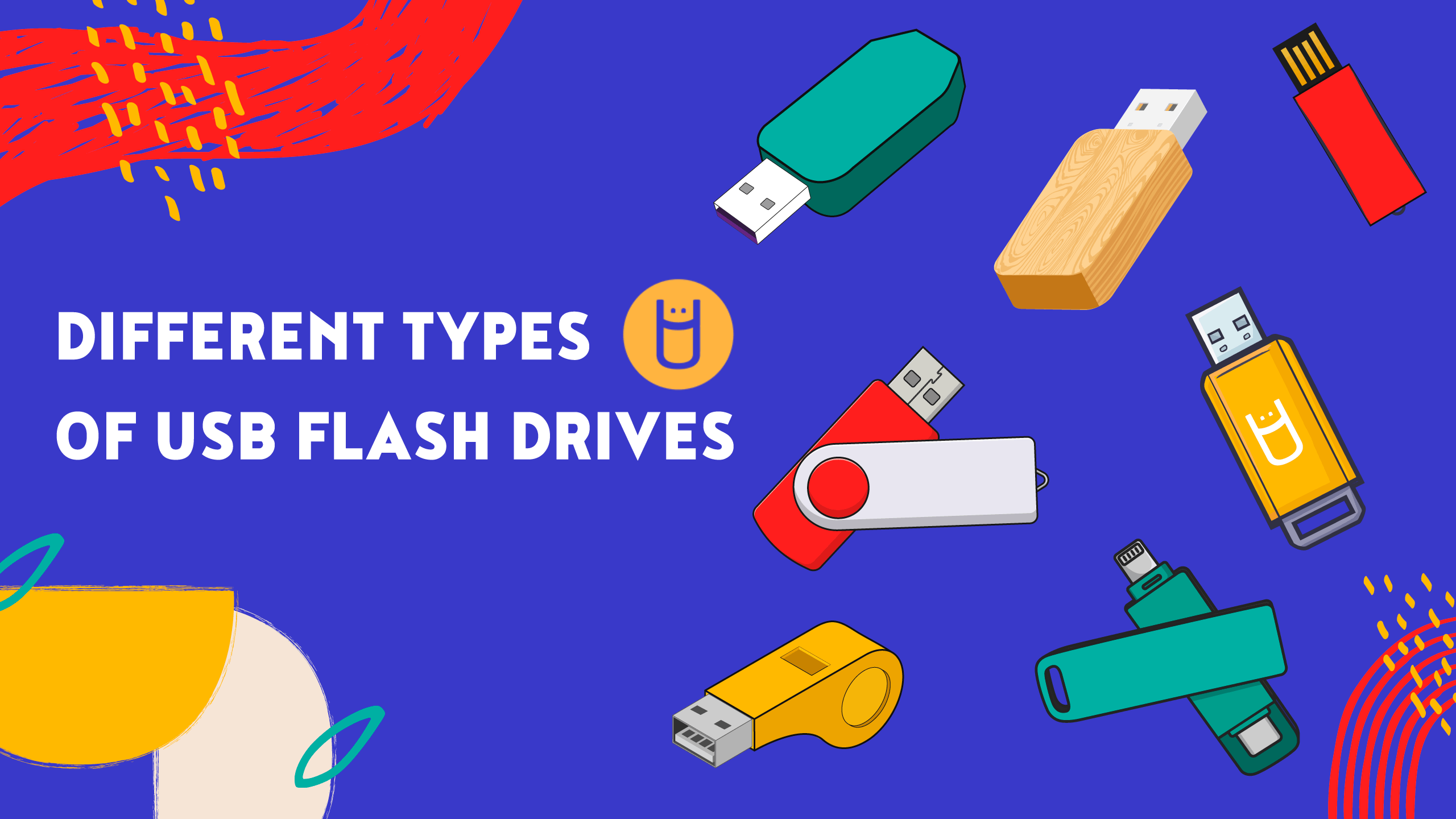
USB-A remains common on desktops, older laptops, TVs, consoles, and car audio systems. USB-C is increasingly standard on phones, tablets, Macs, and newer laptops. A dual-port drive such as the Lexar D40E or SSK avoids adapters, but a single USB-A drive can be perfectly sensible for a USB-A-only setup.
A drive with the wrong connector is slower than any drive with the right one, because it cannot be used directly.
Check the port on every device in the handoff, not just the computer you use most. The JOIOT, Gigastone, and Amazon Basics models do not support Lightning devices, so older Lightning iPhones and iPads need a different approach.
Capacity
Capacity should match the largest group of files you regularly move, not merely the number of documents you currently have. A 64GB drive suits smaller transfers and general sharing, while 128GB is a more comfortable middle ground for photos, videos, and work folders. A 256GB drive makes more sense for large media libraries.
Remember that the usable space shown by the operating system can be lower than the nominal capacity. More capacity also does not replace a backup. A thumb drive is portable and convenient, but a second copy on another device is safer for irreplaceable files.
Transfer speed
Speed claims are usually maximum figures measured under controlled conditions. The host port, file size, device, interface, and file type all affect the result. Small documents often behave differently from one large video, and a USB 2.0 port will limit a drive designed for USB 3.0 or USB 3.2.
SanDisk lists read speeds up to 150MB/s, JOIOT lists up to 130MB/s read and 35MB/s write, and SSK lists much higher figures that require compatible hardware. If your routine transfers are modest, connector convenience may matter more than a large headline number. For large, frequent transfers, look for both read and write information.
Physical design
Retractable and swivel designs reduce the chance of losing a cap. The Lexar A30E uses a push-button retractor, the PNY Turbo Attaché 3 uses a sliding collar, and the Lexar D40E uses a 360-degree swivel. Capped models can still protect connectors well, but the cap becomes another small part to keep track of.
Metal bodies may feel sturdier, but they can weigh more. The A30E is listed at 7.41g, while the dual-port designs are generally larger and heavier. Consider how often the drive will stay plugged in, whether nearby ports are crowded, and whether it will live on a key ring or in a drawer.
Security and file format
Some drives include security software. Lexar lists DataShield on the A30E and 256-bit AES encryption on the D40E, while SanDisk lists SecureAccess with 128-bit AES encryption. These tools can help protect sensitive files, but they should not be confused with a complete backup strategy.
The Amazon Basics and SSK drives are listed with exFAT, a format commonly used across Windows, Mac, and other systems. Before moving a drive between devices, check that the target hardware supports its file system and that safely ejecting it is possible.

Frequently asked questions
Are dual-port thumb drives better?
They are more versatile when files move between USB-C and USB-A devices. A single-port drive can be smaller or simpler, but it may require an adapter when the device has a different connector.
Can these drives connect directly to an iPhone?
The JOIOT, SSK, and other USB-C models are intended for USB-C iPhones such as the iPhone 15 and later models listed in their product details. The supplied information says that Lightning devices are not compatible, so older iPhones and iPads need a Lightning-compatible solution.
Is 128GB enough for photos and videos?
For everyday photo transfers and a moderate video collection, 128GB is a practical capacity. If you regularly move large recordings or keep several media libraries on the drive, a 256GB model such as the Lexar D40E or Amazon Basics drive gives more breathing room.
Do USB 3.0 and USB 3.2 drives work in older ports?
They generally work in compatible USB 2.0 ports, but the older interface can limit transfer performance. The drive may also use a physically compatible connector while still being limited by the device's supported standard.
Should a thumb drive be used as a backup?
It can hold a backup copy, but it should not be the only copy of important files. Thumb drives are easy to lose, damage, or overwrite, so valuable photos and documents should exist on another storage device as well.
What is the fastest drive in this roundup?
The SSK 128GB Dual Drive has the highest stated read and write figures, at up to 550MB/s and 500MB/s. Those figures depend on compatible USB 3.2 Gen 2 hardware, so they should not be expected from every computer or phone.
The bottom line
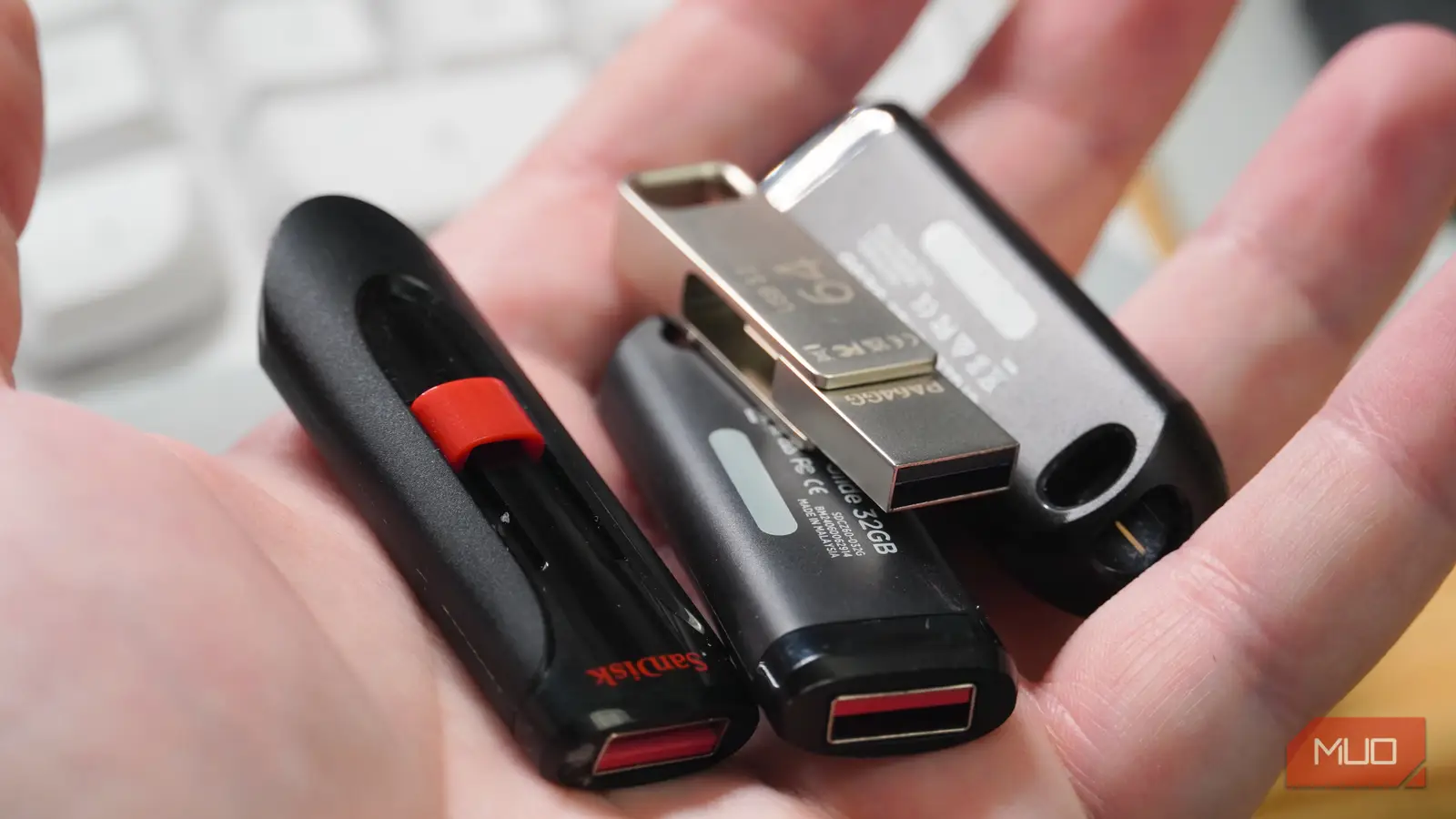
The Lexar D40E 128GB is the best thumb drives pick for most people because it combines USB-C and USB-A access, a compact swivel design, metal construction, security software, and a three-year limited warranty. The Lexar D40E 256GB is the better choice for large photo and video libraries, with the same basic advantages and twice the nominal capacity.
Choose the SSK 128GB Dual Drive if fast transfers are central to your work and your devices can support its stated performance. For several users, the Gigastone 64GB 5-Pack brings dual-port convenience to a bulk set, while the PNY pack is the simpler USB-A alternative.
If you are undecided, choose the Lexar D40E 128GB unless you specifically need more capacity, higher stated speed, or multiple drives.
As an Amazon Associate we earn from qualifying purchases.