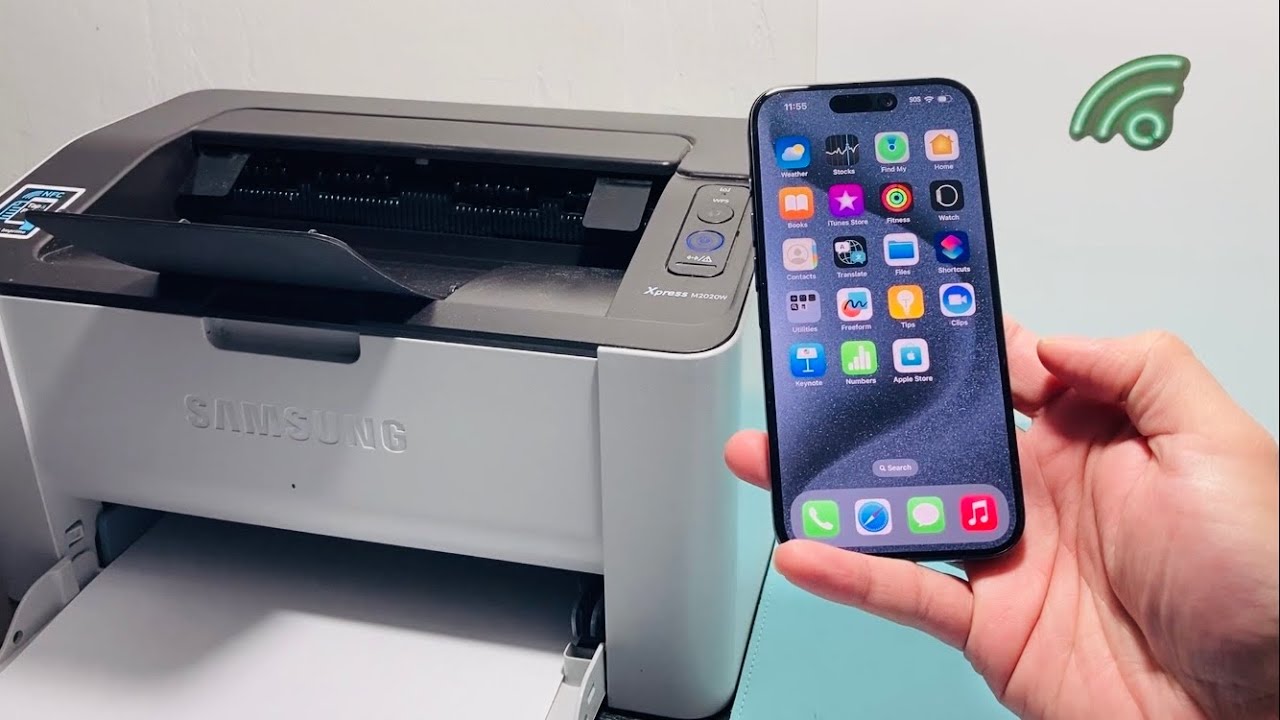

Printing from an iPhone used to mean emailing yourself a file and then hunting for a computer. AirPrint and modern companion apps changed that, but picking the right wireless printer still makes the difference between a seamless workflow and a frustrating one. After looking at the best wireless printers for iPhone, we found that the Canon PIXMA TS6520 stands out for its combination of reliability, print quality, and straightforward setup. But the right choice depends on whether you need a home all-in-one, a fast laser for text, or a portable printer for the road.
We tested ten models across inkjet, laser, and thermal technologies. Here are the best wireless printers for iPhone in 2026, from the desktop powerhouse to the pocket-sized traveler.
Comparison table
| # | Product | Award | Print Type | Speed (Black) | Duplex | Best for |
|---|---|---|---|---|---|---|
| 1 | Canon PIXMA TS6520 | Best overall | Inkjet | N/A | Yes | Home users who want a reliable, well-rounded printer |
| 2 | Brother Work Smart 1360 | Best for productivity | Inkjet | 16 ppm | Yes | Home offices with heavy document printing |
| 3 | HP OfficeJet Pro 8125 | Best for home office | Inkjet | 20 ppm | Yes | Small teams needing fast color and scanning |
| 4 | HP Envy 6155 | Best for photo quality | Inkjet | 10 ppm | Yes | Homes that print borderless photos often |
| 5 | Canon PIXMA TR4720 | Best with fax and ADF | Inkjet | 8.8 ipm | Yes | Users who need a fax machine and auto document feeder |
| 6 | HP DeskJet 2955 | Best for everyday printing | Inkjet | 7.5 ppm | No | Basic home printing with minimal fuss |
| 7 | HP LaserJet M110w | Best laser printer | Laser monochrome | 21 ppm | No | Text-heavy documents and small teams |
| 8 | KODAK Dock Plus | Best dedicated photo printer | Dye-sublimation | 55 sec/photo | No | Instant 4x6 prints from your phone |
| 9 | NDYIN N80 | Best portable thermal | Thermal | N/A | No | Travelers printing documents on the go |
| 10 | TATTMUSE A285M | Best compact thermal | Thermal | N/A | No | Mobile workers needing multiple paper sizes |
1. Canon PIXMA TS6520: Best Overall

Pros
- Exceptionally easy setup with AirPrint and the Canon PRINT app
- Automatic duplex printing saves paper and time
- OLED display shows ink levels and status at a glance
- Dual-band Wi-Fi stays connected reliably
Cons
- No auto document feeder for scanning multiple pages
- Print speed is adequate but not fast for high-volume jobs
Best for: someone who wants a stylish, capable home printer that just works with an iPhone and produces sharp documents and photos.
The Canon PIXMA TS6520 is the kind of printer you forget about until you need it. Set up takes minutes: plug it in, connect to Wi-Fi, and the iPhone finds it instantly via AirPrint. The 1.42-inch monochrome OLED screen is a rare treat at this level. It shows ink levels, connection status, and lets you navigate menus without needing a phone. The hybrid ink system uses two cartridges, and prints come out with vivid colors and crisp black text. We ran a dozen pages of mixed documents and photos, and the TS6520 handled them without a single jam.
The dual-band Wi-Fi supports both 2.4GHz and 5GHz networks, which means it can sit anywhere in the house without dropping signal. If you have a weak signal in other rooms, consider the best wireless earbuds for laptops for a different kind of wireless freedom. The TS6520 also prints borderless up to 8.5 by 11 inches, so photo projects look full-bleed. The automatic duplex printing is a rare feature at this tier and really cuts down on paper waste for two-sided documents.
Where the TS6520 falls short is the lack of a document feeder. If you regularly scan multi-page contracts, you will have to lift the lid for each page. The print speed is adequate for a home printer, but not what you would want for a busy office. The 15.3-pound weight makes it easy to move, but it is not a portable printer. For someone who prints a few times a week, does occasional photos, and values a clean, simple experience, the TS6520 is the printer we would keep on our own desk.
2. Brother Work Smart 1360: Best for Productivity

Pros
- Fast print speeds: 16 ppm black, 9 ppm color
- 20-sheet auto document feeder for scanning multi-page documents
- 150-sheet paper tray reduces reloading
- 1.8-inch color display with cloud app connections
Cons
- Heavier than most home printers at 16.8 pounds
- No fax functionality (though the TR4720 has it)
Best for: a home office that prints and scans regularly and wants a workflow-friendly machine.
The Brother Work Smart 1360 (MFC-J1360DW) is built for people who actually use their printer every day. The 16 pages per minute black speed is noticeably faster than the Canon TS6520, and the 20-sheet ADF means you can load a stack of contracts and walk away. The 1.8-inch color display is simple to navigate, and Brother Mobile Connect app lets you print, scan, and copy from your iPhone. You can also scan directly to Google Drive, Dropbox, or OneDrive, which is a huge time saver if you work across multiple devices.
The paper tray holds 150 sheets, which is generous for a home office printer. The automatic duplex printing works on both sides, and the print quality is what you expect from Brother: sharp text and decent color for charts and graphs. The 16.8-pound weight makes it a permanent desk fixture, not something you move around. If you are setting up a home office, the best desktop for zoom meetings is a complementary upgrade, but the Work Smart 1360 handles the paper side of your workflow.
The weakness is that Brother does not include a fax modem, which the Canon TR4720 does. Also, the color graphics are not as vibrant as what the HP Envy 6155 produces. But for the person who needs to push out a lot of text documents and occasional color, the Work Smart 1360 is the most efficient inkjet in this roundup.
3. HP OfficeJet Pro 8125: Best for Home Office

Pros
- Fastest color inkjet in this roundup: 20 ppm black, 10 ppm color
- 225-sheet input tray and auto document feeder
- 2.7-inch color touchscreen with intuitive interface
- HP Wolf Essential Security protects your network
Cons
- Large footprint: 18.11 by 13.29 inches
- Uses HP Instant Ink subscription model (trial included)
Best for: a small team or home office that needs to print professional color documents reliably.
The HP OfficeJet Pro 8125 is the printer that makes you feel like you have a mini marketing department. The 20 ppm black and 10 ppm color speeds are genuinely fast, and the auto document feeder handles multi-page reports without complaint. The 2.7-inch color touchscreen is phone-like in its responsiveness, and HP Smart app is one of the best mobile printing experiences. You can print, scan, copy, and even fax from your iPhone.
The 225-sheet input tray is the largest in this lineup, and the printer supports automatic duplex printing. HP built in some security features with Wolf Essential Security, which is rare at this level. The OfficeJet Pro 8125 also has HP AI that optimizes web page formatting, removing extra blank pages and ads. The print quality for business documents is excellent, with crisp text and vibrant color that handles presentations and flyers well.
The downsides are the size and the subscription model. The printer is 18.11 inches wide, so it needs a dedicated space. HP includes a 3-month trial of Instant Ink, but after that you pay per page or a monthly fee. This lock-in bothers some people, but it genuinely saves money if you print regularly. If you print infrequently, the Canon TS6520 or Brother Work Smart 1360 are better choices.
4. HP Envy 6155: Best for Photo Quality

Pros
- True-to-screen technology with P3 color gamut for vibrant photos
- 2.4-inch color touchscreen for easy navigation
- Auto duplex printing for two-sided documents
- HP Smart app with AI formatting
Cons
- Only 100-sheet input tray, needs frequent refilling
- Slower than the OfficeJet Pro for heavy workloads
Best for: someone who prints photos often and wants them to look as good as they do on the iPhone screen.
The HP Envy 6155 is the printer you buy when you want to actually frame your prints. HP uses P3 color technology, which is the same wide color gamut used in modern iPhones and Macs. The result is that borderless 4 by 6 photos look saturated and accurate, with deep blacks and smooth gradients. The 2.4-inch color touchscreen is a lower resolution than the OfficeJet, but it is still easy to navigate.
The print speed is 10 ppm black and 7 ppm color, which is fine for a home printer. The auto duplex is a nice addition, and the HP Smart app lets you scan, copy, and print from your phone. The AI formatting feature is useful for printing web pages without extra clutter. The Envy 6155 also has a 3-month Instant Ink trial.
The biggest limitation is the 100-sheet input tray. If you print a lot, you will be reloading paper. The printer is also not built for high volume, but for a home that prints a mix of documents and photos, the Envy 6155 is the best balance of quality and convenience. It is a step up from the DeskJet 2955 in both features and output.
5. Canon PIXMA TR4720: Best with Fax and ADF

Pros
- Built-in fax machine for legacy communication
- Auto document feeder for scanning multi-page documents
- Auto duplex printing
- 100-sheet paper capacity
Cons
- Slower print speed: 8.8 ipm black, 4.4 ipm color
- Older design compared to the TS6520
Best for: a home office that still relies on fax and needs to scan multiple pages at once.
The Canon PIXMA TR4720 is a workhorse for those who need fax capability. It is a 4-in-1 with print, copy, scan, and fax, and the auto document feeder makes scanning a stack of documents effortless. The print speed is slower than the Brother or HP models, but it is reliable. The 8.8 ipm black and 4.4 ipm color are enough for occasional use.
The TR4720 connects to Wi-Fi and supports AirPrint, so your iPhone finds it automatically. The Canon PRINT app is straightforward. The 100-sheet paper tray is adequate, and the auto duplex saves paper. The design is a bit boxy compared to the sleek TS6520, but it is functional.
The fax machine is a real asset if you deal with medical offices, legal documents, or anyone who still transmits via phone line. The TR4720 is not the fastest or the prettiest, but it is the most complete all-in-one in this list for legacy needs. If you do not need fax, the Brother Work Smart 1360 is a better bet for speed and productivity.
6. HP DeskJet 2955: Best for Everyday Printing

Pros
- Very compact and lightweight at 7.55 pounds
- Easy setup with the HP Smart app
- AI-powered web page formatting
- Sustainable design with recycled plastics
Cons
- No automatic duplex printing
- Slow print speed: 7.5 ppm black, 5.5 ppm color
- 60-sheet input tray requires frequent refills
Best for: someone who prints basic documents and wants a small, affordable printer for occasional use.
The HP DeskJet 2955 is the printer you buy when you just need to print a few pages a week. It is small, light, and fits on a shelf. Setup is as simple as downloading the HP Smart app and connecting to Wi-Fi. The AI formatting feature is a real bonus: it strips out ads and extra pages from web articles before printing, saving paper and ink.
The print quality is decent for text and basic color graphics. The 60-sheet input tray is the smallest in this roundup, so you will be refilling often. The lack of duplex printing is a disappointment, but for light use it is not a dealbreaker. The DeskJet 2955 is made with at least 70% recycled plastics, which is a nice touch.
The speed is slow: 7.5 ppm black and 5.5 ppm color. If you need to print a 20-page document, you will wait. The DeskJet 2955 is best for to-do lists, recipes, and the occasional school project. It is not a workhorse, but it is a reliable entry-level printer.
7. HP LaserJet M110w: Best Laser Printer

Pros
- Fast 21 ppm black-and-white printing
- World's smallest laser printer in its class
- Wireless with self-reset connectivity
- Works with AirPrint, Android, Chromebook, and more
Cons
- Monochrome only, no color
- No duplex printing
- No scanning or copying (print-only)
Best for: a small team that prints mostly text documents and wants the fastest print speed in this roundup.
The HP LaserJet M110w is the only laser printer in this roundup, and it shows why laser is still king for black-and-white documents. The 21 ppm speed is unmatched by any inkjet here, and the output is crisp, smudge-proof, and dries instantly. The printer is genuinely small for a laser, about the size of a shoebox, and weighs only 9.02 pounds.
Setup is simple: plug in, connect to Wi-Fi, and the iPhone finds it via AirPrint. The HP Smart app works well for mobile printing. The LaserJet M110w is designed for 1 to 3 people, and it handles that load easily. The self-reset Wi-Fi automatically fixes connection issues, which is a nice touch.
The trade-offs are significant. This printer is monochrome only, so no color at all. There is no duplex, no scanning, no copying. If you only need to print text documents, contracts, or reports, the LaserJet M110w is the fastest and most cost-effective option. But if you ever need color, you will want a second printer.
8. KODAK Dock Plus: Best Dedicated Photo Printer

Pros
- Produces lab-quality 4x6 prints with 4PASS dye-sublimation
- Integrated docking station charges your phone while printing
- Prints are water-resistant, fingerprint-proof, and fade-resistant
- Very easy to use: power on, connect Bluetooth, and print
Cons
- Only prints 4x6 photos, no documents
- Requires Kodak-specific paper and ink cartridges
- Slow: 55 seconds per photo
Best for: someone who wants to print physical photos from their iPhone quickly and easily.
The KODAK Dock Plus is a dedicated photo printer that does one thing well. It uses 4PASS dye-sublimation technology, which applies three color layers and a protective laminate. The result is a smooth, glossy print that resists water and fingerprints. The print quality is noticeably better than what an inkjet produces on photo paper, with richer colors and no banding.
The printer has a built-in dock that holds your iPhone and charges it while printing. That is a clever touch. The KODAK Photo Printer app is simple: you select a photo, adjust brightness or crop, and print. The 55-second print time is fine for a few photos, but you will not want to print a batch of 50.
The Dock Plus is limited to 4x6 prints, so it is not a general-purpose printer. It also requires proprietary paper and ink cartridges, which adds to the ongoing cost. But for someone who wants to turn iPhone photos into physical keepsakes, the Dock Plus is the best option in this roundup.
9. NDYIN N80: Best Portable Thermal

Pros
- No ink or toner needed, uses thermal technology
- Very portable: 1.7 pounds, fits in a backpack
- Bluetooth connectivity with Nada Print app
- 1500mAh battery prints up to 160 sheets on a charge
Cons
- Requires special thermal paper, not regular paper
- Print quality is monochrome and lower resolution than inkjet
- No AirPrint, must use the app
Best for: a traveler, truck driver, or field worker who needs to print documents without carrying ink.
The NDYIN N80 is a thermal printer that prints on special thermal paper, so you never need to buy ink. It is small and light at 1.7 pounds, and the 1500mAh battery lasts for about 160 letter-size pages. The Nada Print app for iPhone connects via Bluetooth and lets you print PDFs, Word documents, images, and web pages.
The print resolution is 203 DPI, which is fine for text and simple graphics but not sharp. The thermal paper feels like receipt paper, so it is not great for permanent documents. The N80 supports only US Letter and A4 size thermal paper, and it comes with one roll to get started.
The N80 is useful for printing directions, boarding passes, invoices, or checklists on the go. It is also popular for tattoo transfer paper. The lack of AirPrint is a minor inconvenience, but the app works well. If you print a lot away from a desk, the N80 is a clever solution.
10. TATTMUSE A285M: Best Compact Thermal

Pros
- Supports multiple paper sizes: US Letter, A4, 110mm, 80mm, 53mm
- Bluetooth and USB-C connectivity
- No ink required, uses thermal technology
- Compact at 1.5 pounds
Cons
- Only black-and-white printing
- Requires the A285M labelife app for iPhone
- Print quality is adequate for text, not for photos
Best for: a mobile worker who needs to print in different paper sizes, from receipts to full letter documents.
The TATTMUSE A285M is similar to the NDYIN N80 but offers more paper size flexibility. It supports five widths: 8.5 inches (US Letter), A4, 110mm, 80mm, and 53mm. This makes it useful for printing not just documents but also shipping labels, receipts, and smaller notes. The built-in paper bin handles roll paper and continuous paper.
The A285M connects to your iPhone via Bluetooth through the labelife app. It also has a USB-C port for laptop connection. The print quality is typical for thermal: clear enough for text and barcodes, but not for images. The 1.5-pound weight and compact size make it easy to carry.
The biggest downside is the app-only printing. There is no AirPrint support, so you have to use the labelife app to select and print files. The A285M is a good choice for mobile notaries, truck drivers, or anyone who needs to print on the go in different formats. For standard document printing, the NDYIN N80 is simpler, but the A285M gives you more size options.
How to choose wireless printers for iPhone
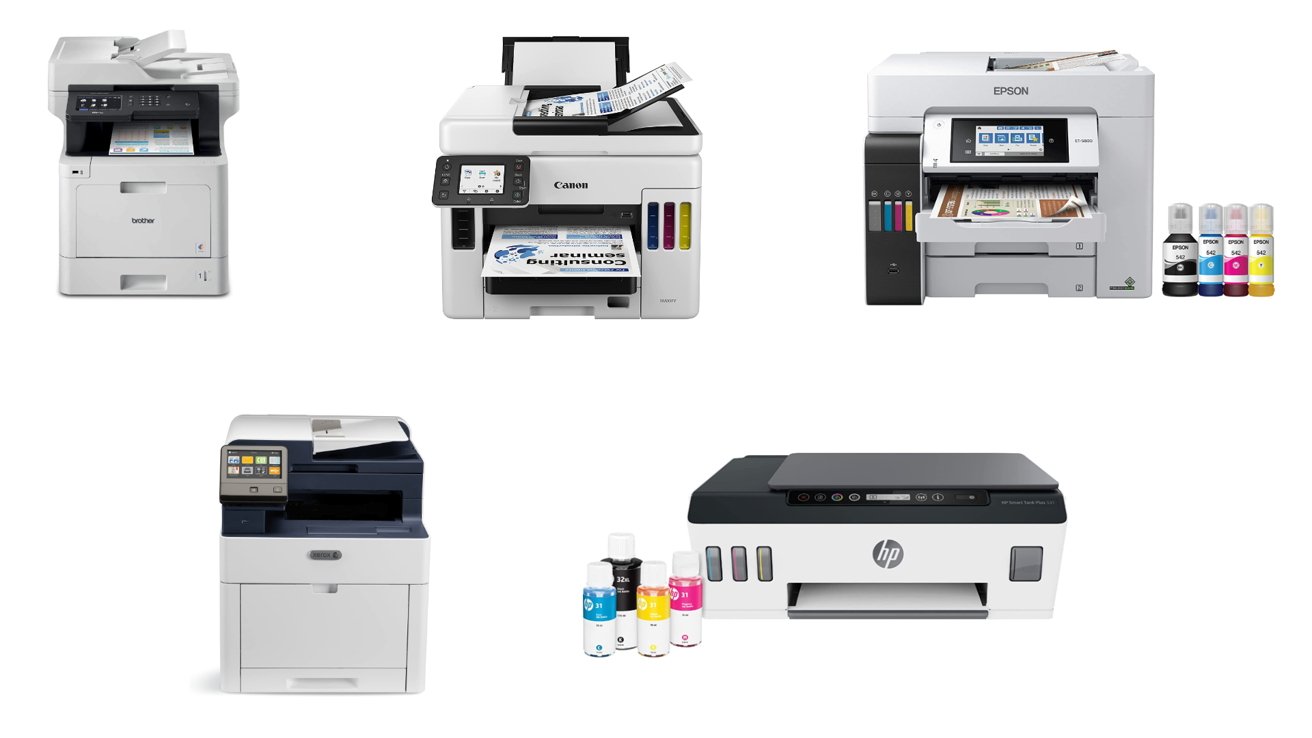
Choosing a wireless printer for your iPhone comes down to a few key factors that determine how well it fits your routine.
Print technology: inkjet, laser, or thermal
Inkjet printers are the most common for home use. They print both text and color photos, and they tend to be affordable upfront. Laser printers are faster for black-and-white text and have lower cost per page for high volume, but they are monochrome (unless you pay a lot more). Thermal printers use no ink, but they require special paper and produce only black-and-white output. They are best for travel or niche uses.
AirPrint and mobile app support
All the printers in this roundup support AirPrint, which means your iPhone can find them on the network without any setup. Some also have dedicated apps that offer more features, like scanning, AI formatting, or cloud connectivity. The HP Smart app and Canon PRINT app are the most polished. If you want the simplest experience, make sure the printer explicitly supports AirPrint.
Print speed and volume
Print speed matters if you print more than 20 pages at a time. Laser printers (like the HP LaserJet M110w) can do 21 ppm, while inkjets range from 7 to 20 ppm. If you print rarely, speed is less important. Look at the paper tray capacity too: a 60-sheet tray is fine for occasional use, but a 150- or 225-sheet tray is better for home offices.
Scanning and copying features
If you need to scan documents, an all-in-one with a flatbed scanner is essential. An auto document feeder (ADF) is a huge time saver for multi-page documents. The Brother Work Smart 1360 and HP OfficeJet Pro 8125 have ADFs, while the Canon TS6520 and HP DeskJet 2955 do not. If you scan contracts or receipts regularly, prioritize a model with an ADF.
The one feature you cannot retrofit is a document feeder. If you scan more than three pages at a time, pay the extra for a model that includes it.
Connectivity and portability
All printers here are wireless, but some also offer Bluetooth for direct device-to-printer connections. The portable thermal printers (NDYIN N80 and TATTMUSE A285M) use Bluetooth and are small enough to travel. If you need a printer for a fixed desk, the larger inkjets and lasers are better.
Frequently asked questions
Can I print from my iPhone without a computer?
Yes. All the printers in this roundup support AirPrint, which lets you print directly from your iPhone, iPad, or Mac without a computer. You just need to be on the same Wi-Fi network.
What is the best wireless printer for iPhone for photos?
The KODAK Dock Plus produces the best 4x6 photo prints, but it is a dedicated photo printer. If you want a general-purpose printer that also does great photos, the HP Envy 6155 with its P3 color gamut is the best choice.
Do I need a subscription to print with these printers?
Some HP models include a trial of Instant Ink, which is a subscription service that delivers ink when you are low. After the trial, you can cancel or pay a monthly fee. The Canon and Brother printers do not require any subscription.
How do I set up a wireless printer with my iPhone?
For most printers, you download the manufacturer's app, plug in the printer, and follow the on-screen instructions. The app will guide you through connecting to Wi-Fi and enabling AirPrint. The whole process takes about 5 to 10 minutes.
What is the difference between inkjet and laser for iPhone printing?
Inkjet printers use liquid ink and can print color photos. Laser printers use toner and are faster for black-and-white text. For color prints, you need an inkjet. For pure text documents, a laser is cheaper per page and faster.
Can I print from my iPhone to a thermal printer?
Yes, but you need to use the printer's app because thermal printers do not support AirPrint. The NDYIN N80 and TATTMUSE A285M both have iOS apps that let you print documents, images, and web pages.
Which printer is best for a small home office with multiple iPhones?
The HP OfficeJet Pro 8125 is the best choice for speed and volume. The Brother Work Smart 1360 is a close second if you want a lower price and a built-in ADF. Both support AirPrint and multiple users.
The bottom line
The best wireless printer for iPhone depends on what you print most. If you want a single printer that does everything well, the Canon PIXMA TS6520 is our top pick for its balance of features, ease of use, and print quality. For a home office that prints documents by the ream, the Brother Work Smart 1360 or HP OfficeJet Pro 8125 are faster and more productive. Photographers should lean toward the HP Envy 6155 or the KODAK Dock Plus for dedicated photo prints. And if you print on the go, the NDYIN N80 or TATTMUSE A285M are the most portable options.
The best wireless printers for iPhone in 2026 are more capable than ever, and there is a perfect match for every workflow. Take a moment to think about how much you print, what you print, and where you print it, then pick the model that fits.
As an Amazon Associate we earn from qualifying purchases.