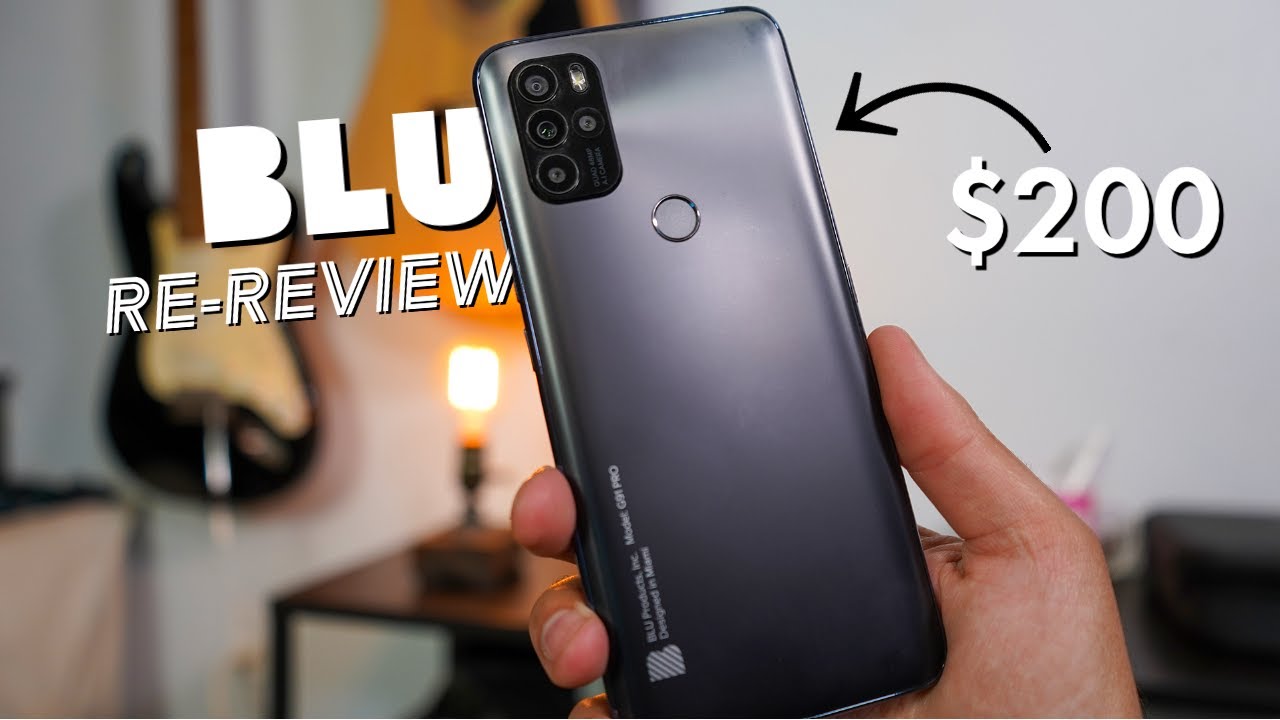

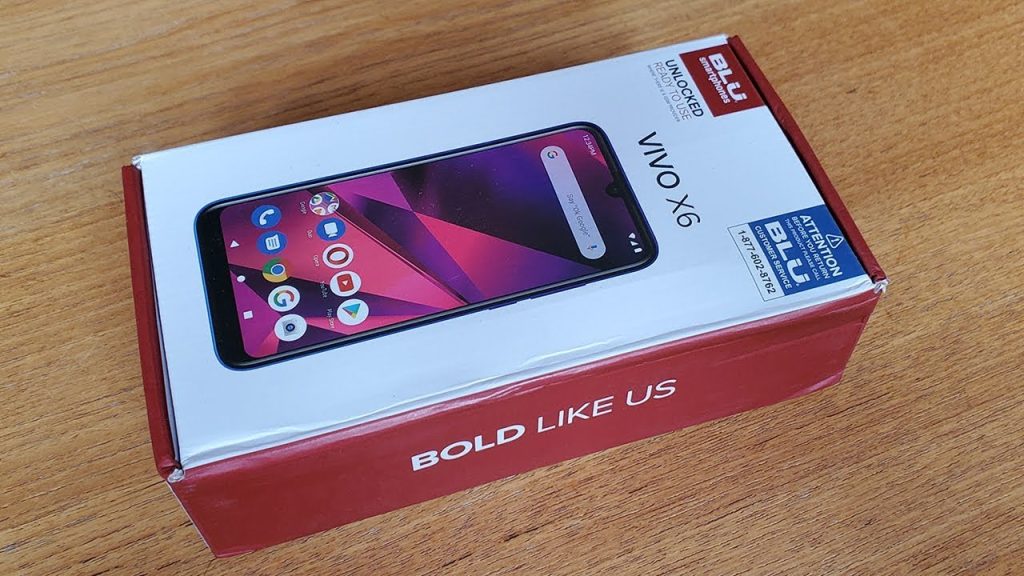
BLU phones are budget devices that deliver a usable smartphone experience for a fraction of what a flagship costs, but you give up reliable software updates, strong customer support, and consistent performance after a few years. They make sense for a specific set of users: someone who needs a basic phone for calls, texts, and light apps, or who wants a cheap backup device. If you expect the polish of a Samsung or a Pixel at this price, you will be disappointed.
BLU Products, a Miami-based company, has been selling unlocked Android phones in the United States for over a decade. Their phones are almost always priced below $200, often well below $100. The brand is most visible on Amazon, where you will find models like the BLU Advance, Studio, and G series. The question is not whether they are objectively good phones. It is whether they are good for what you need.
What BLU Gets Right
BLU phones are genuinely cheap. You can buy a new, unlocked Android phone for less than $60. That is a price point that few other brands touch. For that money, you get a device that runs Android, has a screen, a camera, and basic connectivity. It works. That is a real achievement.
The phones are also lightweight and often have a removable battery, something that has all but disappeared from mainstream phones. If you want a phone you can swap a battery in without tools, BLU is one of the few brands still offering that. They also tend to include a 3.5mm headphone jack, which matters to anyone who still uses wired headphones.
BLU offers a wide range of models. Some have big screens, some have small screens. Some have Android Go (a lighter version of the OS for low-end hardware), some run full Android. This variety means you can find a phone that fits your specific size and feature preference, as long as you have modest expectations.
Where BLU Falls Short
The biggest weakness of any BLU phone is software support. BLU usually ships a phone with Android that is already a version or two behind, and it rarely receives any major OS updates. Security patches are sporadic at best, often stopping within a year. If you use a phone for banking, email, or anything that involves personal data, this is a real concern. An outdated Android phone is more vulnerable to security exploits.
Performance is another area where BLU phones are not competitive. The processors and RAM are entry-level. You can expect stutters when switching between apps, slow camera processing, and lag in games or heavy apps. Even basic tasks like loading web pages can feel sluggish compared to a phone that costs twice as much.
The cameras are passable in bright daylight but produce noisy, soft images in any other condition. Low-light photos are usually unusable. The screens are low-resolution LCD panels with poor viewing angles and weak brightness. Using the phone outdoors can be difficult.
Build quality is plastic throughout. The phones feel cheap, and they are. The screen glass scratches easily. The charging ports can become loose over time. BLU does not have a strong reputation for reliability; many users report issues within a year of ownership.
Customer support is minimal. If something goes wrong, you are largely on your own. BLU offers a warranty, but getting it honored can be a hassle. This is a company that sells through volume, not through service.
How BLU Compares to Other Budget Phones
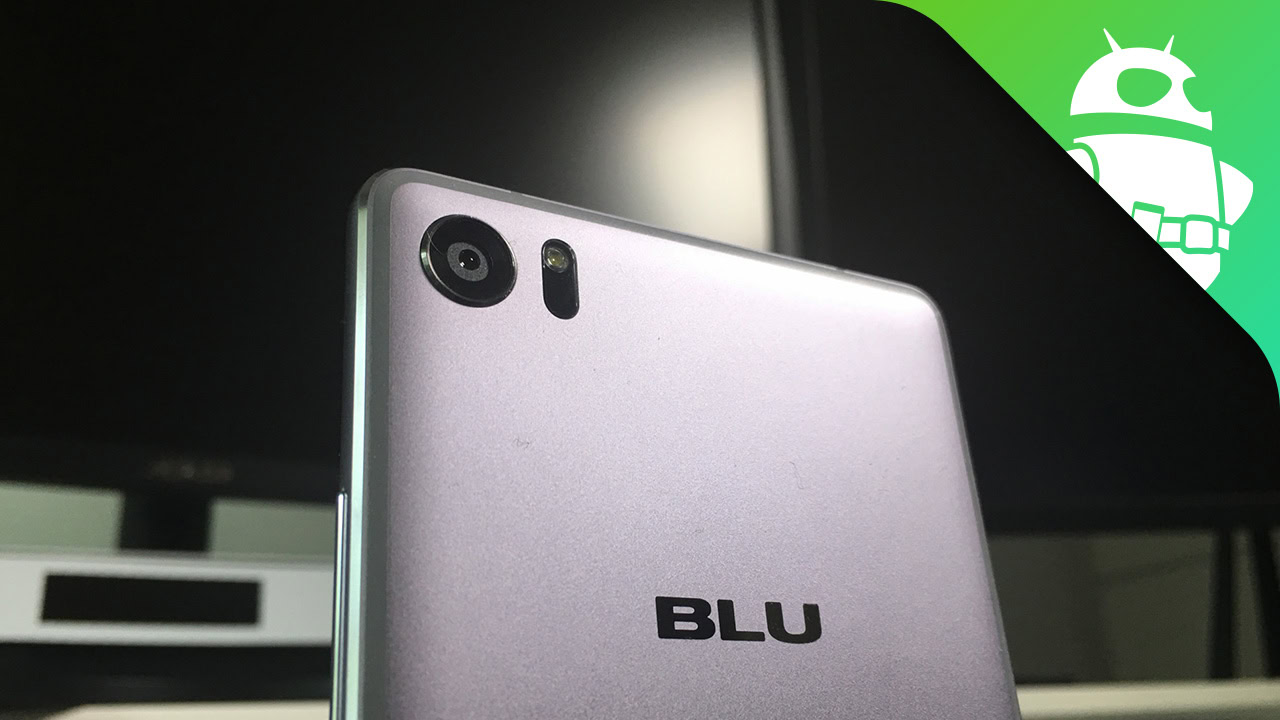
BLU competes with brands like TCL, Nokia, and Motorola in the sub-$200 segment. Motorola, in particular, offers phones like the Moto G Play that are more expensive than a BLU but also more reliable, with slightly better cameras and a promise of at least one OS update. Nokia has a track record of better build quality and cleaner software. TCL offers phones with bigger screens and better displays.
The gap is not huge at the lowest price tier. A $60 BLU phone and a $120 Motorola phone are different in subtle ways. The Motorola will feel faster, take better photos, and get a security update a few months after purchase. The BLU will be slower and may never get an update. Whether that difference matters depends on what you plan to do with the phone.
If you are considering a BLU phone for a child, a senior, or as a backup device, the trade-offs may be acceptable. If you need a daily driver for social media, navigation, and moderate use, you will want to spend a little more.
Who Should Buy a BLU Phone
BLU phones are a good fit for three groups:
People who need a basic phone for calls and texts. If you want to stay off social media, avoid app overload, and just have a device that makes calls and sends texts, a BLU phone works. The low price means you can leave it in a drawer and not worry about it. You can also use it as a temporary phone while traveling, or as a second line for work.
Parents buying a first phone for a young child. A cheap phone that can be lost or broken without a financial sting is appealing. BLU phones are perfectly adequate for a child who needs to call home, play a few games, and use a kids' messenger app. The limited software support is less of a concern if the phone is used under supervision.
Someone who wants a phone for a specific niche use. A BLU phone can serve as a dedicated music player, a GPS unit for the car, or a device for a specific app that does not need high performance. The removable battery and headphone jack make it attractive for these uses.
Who Should Avoid BLU
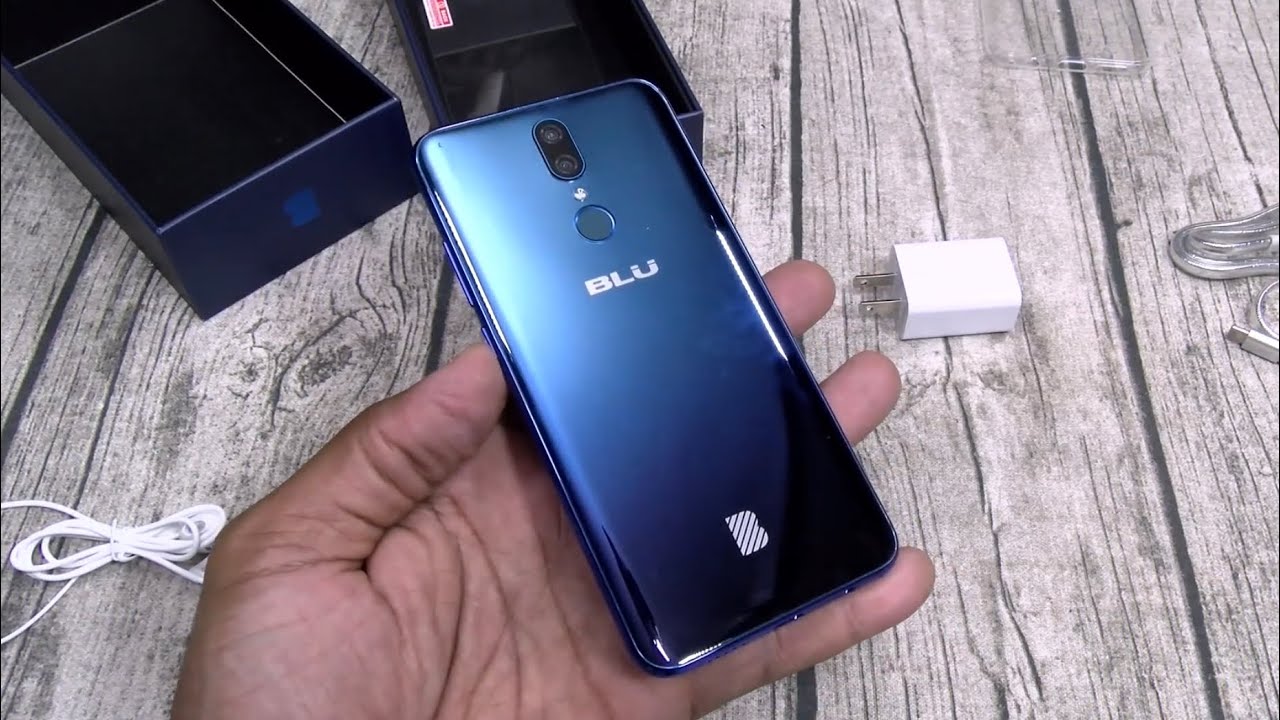
Avoid BLU if you rely on your phone for work, banking, or any sensitive data. The lack of security updates is a real risk. Also avoid it if you take many photos, play games, or need a phone that stays fast for more than a year. The hardware will not age gracefully. If you want a phone that will last three years, you need to spend more.
How to Make the Most of a BLU Phone
If you already own a BLU phone or are determined to buy one, there are a few things you can do to improve the experience.
First, install a lightweight launcher and disable any apps you do not use. This helps the phone feel a little faster. Second, use a microSD card for storage and keep the internal storage as empty as possible. Third, consider using a third-party keyboard that is less resource-heavy than the default. Fourth, do not expect to use the camera for anything important. Keep a separate camera or use your phone's camera only in good light.
If you are buying a BLU phone as a burner phone or a temporary device, you will want to understand what a burner phone actually is and how BLU fits that role. For a device that is used purely for calls and texts, a BLU is one of the cheapest ways to get an unlocked Android phone that works on US carriers.
The Bottom Line
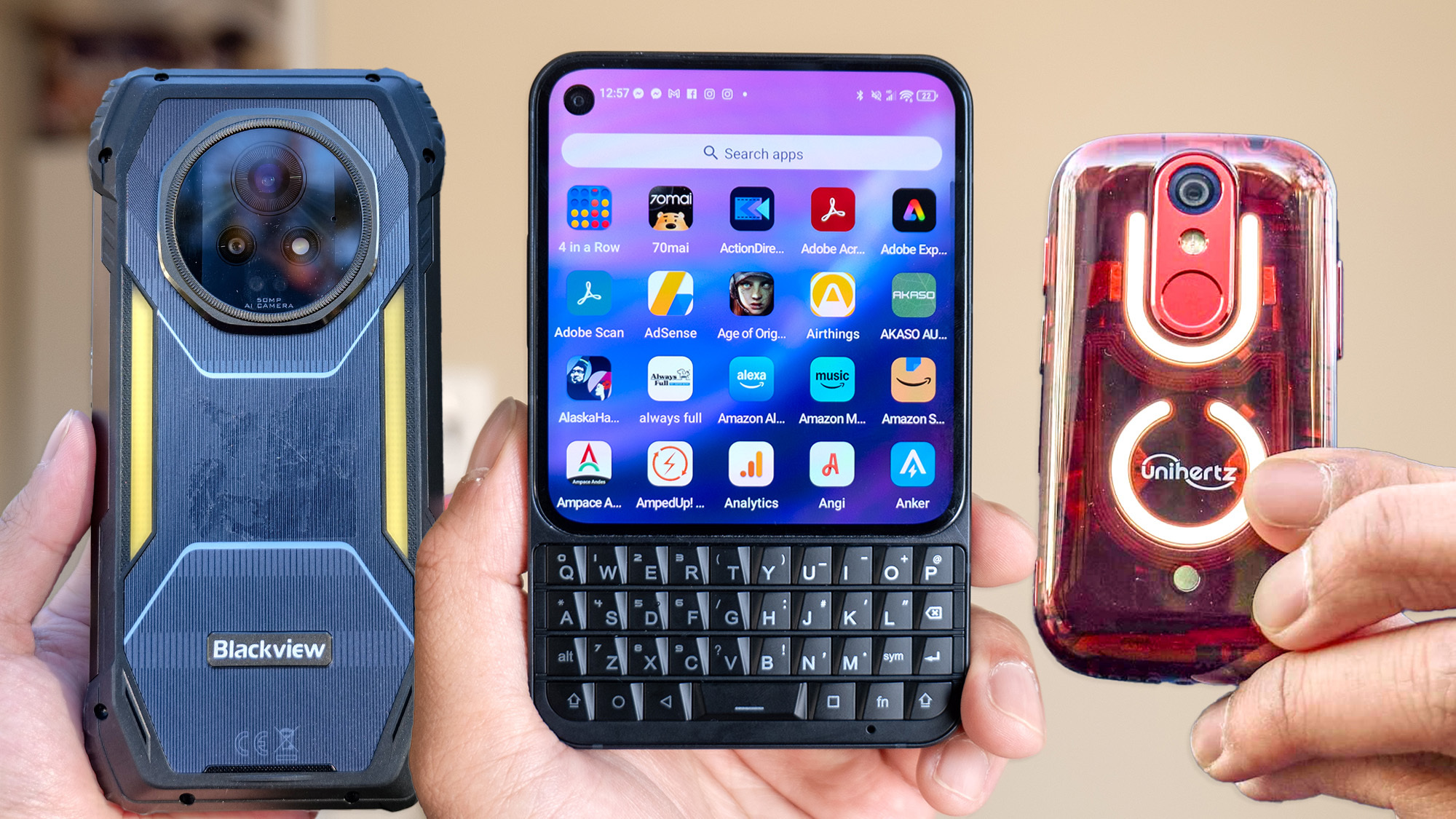
BLU phones are not good in the way a Samsung or a Pixel is good. They are good in the way a cheap tool is good: it gets the job done for a low price, but you cannot expect it to last or perform like a premium product. If you understand the trade-offs, a BLU phone can be a fine choice for a specific use case. If you want a phone that does everything well, look elsewhere.
For a phone that is primarily used for calling and texting, you might also consider what is the best phone for texting and whether a BLU actually meets those needs. And if you are buying for a senior family member, the considerations around ease of use and screen size are worth exploring in our guide to the best cell phones for seniors. BLU phones are not the only option, and for some users, a slightly more expensive phone avoids a lot of frustration.
FAQ
Do BLU phones work on all US carriers?
BLU phones are unlocked and typically work on GSM carriers like AT&T and T-Mobile. They do not support CDMA networks like Verizon or Sprint, though some newer models may have limited compatibility. Check the specific model's band support before buying.
How often do BLU phones get Android updates?
BLU phones rarely receive major Android version updates. They may get a security patch or two in the first year, but after that, updates stop. This is a key difference from brands like Motorola or Nokia.
Are BLU phones good for kids?
Yes, if you want a cheap phone that can be used for calls and limited apps. The low price means less worry about damage or loss. Just be aware that the lack of security updates means the phone is not ideal for a child who uses the internet unsupervised.
Can I use a BLU phone as a media player?
Yes. The headphone jack and microSD slot make it a good option for music and video playback. The screen quality is not great, but for offline media, it works fine.
What is the best BLU phone model?
There is no single best model because the lineup changes frequently. Look for a model with at least 3GB of RAM and Android Go (not full Android) for the smoothest experience on low-end hardware. Avoid models with less than 32GB of storage.