

If you own an Android phone, almost every smartwatch sold today will sync with it, except for the Apple Watch. That one exception is the only mainstream smartwatch that refuses to pair with Android. Beyond that, the choice is wide: Wear OS watches from Samsung, Google, and others; fitness trackers from Fitbit, Garmin, and Amazfit; and hybrid watches from Fossil, Skagen, and Withings all work directly with Android phones. The real question is not whether they sync, but how well they sync and what features you might lose depending on the watch brand and the phone model.
The Two Exceptions You Need to Know
The Apple Watch is the only major smartwatch that does not sync with Android at all. Apple deliberately limits it to iPhones. If you try to pair an Apple Watch with an Android phone, you will get nowhere, the watch requires the Watch app, which is iOS-only. There is no workaround.
The second exception is more subtle: some older smartwatches that rely on third-party apps (like the Pebble after its servers shut down) have limited or broken support. But those are not currently sold as new. For any new watch you buy today, the rule is simple: if it is not an Apple Watch, it will sync with Android.
What Sync Means in Practice
When we say a watch syncs with Android, we mean it connects to your phone via Bluetooth and uses a companion app to transfer notifications, activity data, watch faces, and settings. The watch becomes an extension of your phone on your wrist. You can see incoming calls, texts, emails, app alerts, and control music playback. Many watches also let you reply to messages with pre-written responses or voice dictation.
The quality of that sync depends on two things: the watch's operating system and the phone's manufacturer. Let's break those down.
Wear OS by Google
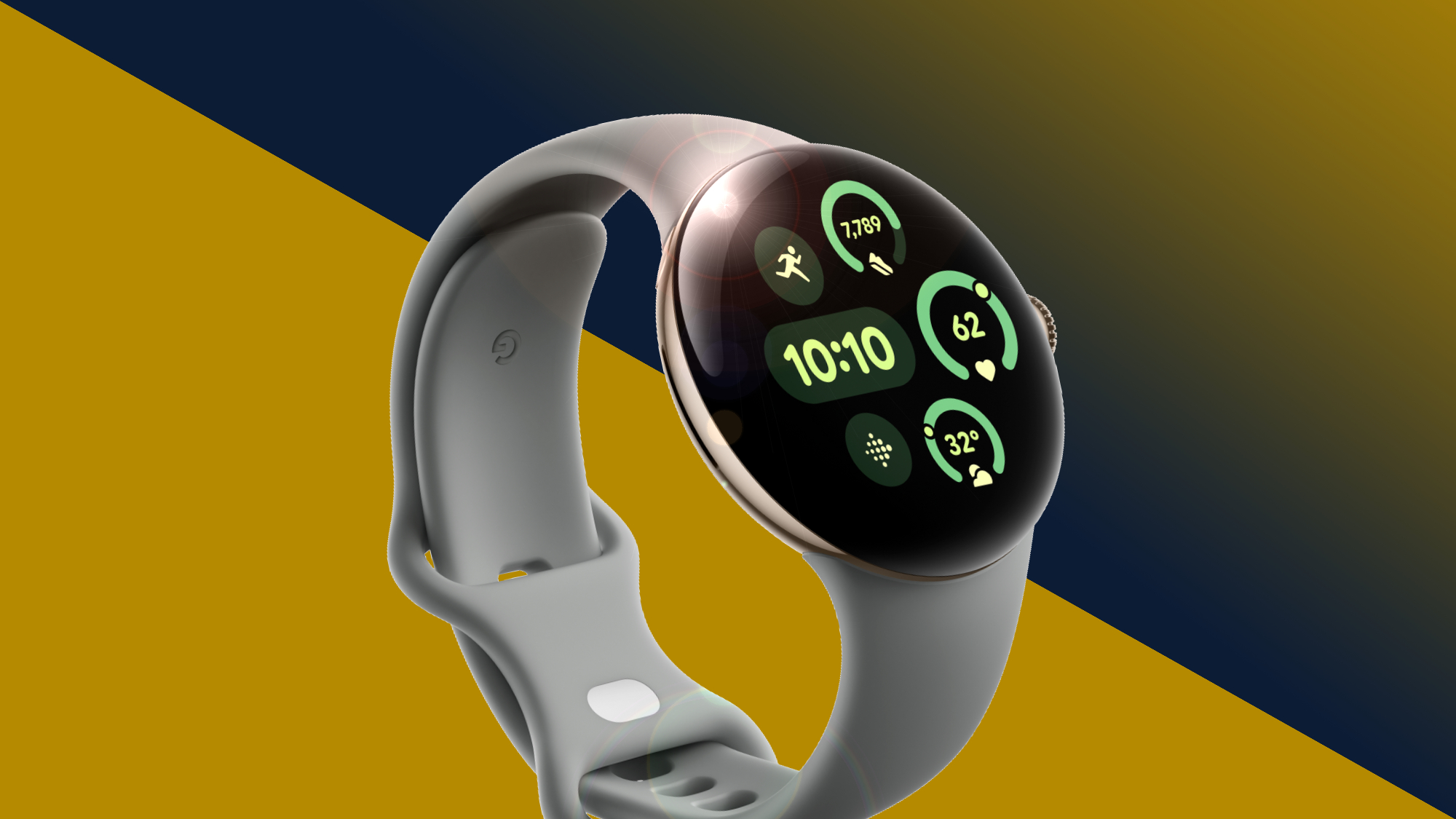
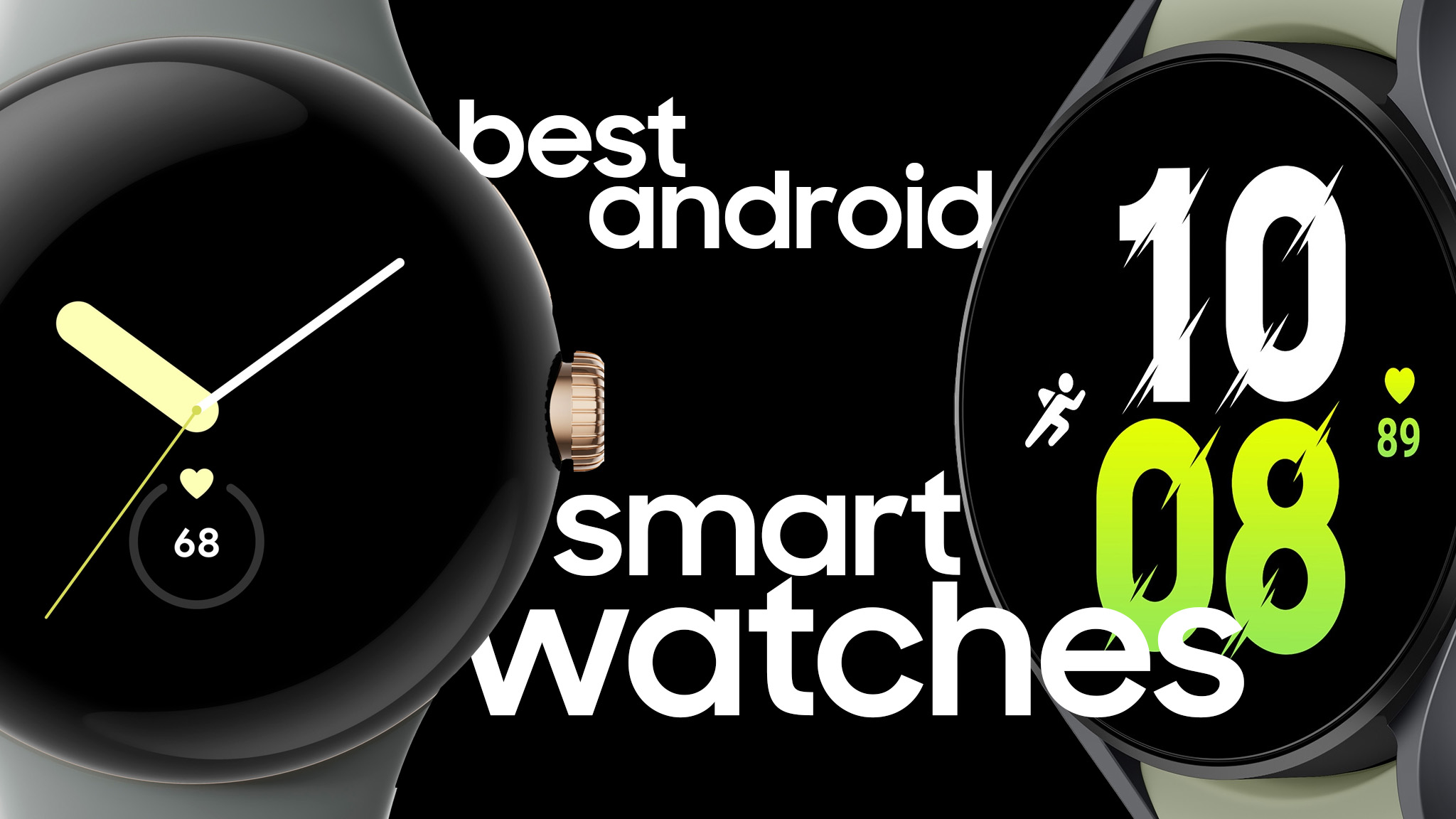
Wear OS is Google's own smartwatch platform, used by Samsung (Galaxy Watch series), Google (Pixel Watch), and several other brands. It is designed to work seamlessly with Android. You get full Google Assistant, Google Maps, Google Wallet, and the Play Store right on your wrist. The companion app is the Wear OS app, which is available on any Android phone running Android 6.0 or later. Sync is reliable and feature-rich.
Samsung's Galaxy Watches use a modified version of Wear OS (with Samsung's One UI Watch skin). They sync perfectly with non-Samsung Android phones, but you need to install the Samsung Health app and the Galaxy Wearable app. Some Samsung-only features, like ECG and blood pressure monitoring, may require a Samsung phone. But the core sync (notifications, apps, fitness tracking) works on any Android.
Fitbit and Google Integration
Fitbit trackers and smartwatches (Versa, Sense, Charge, Inspire, Luxe) sync with Android via the Fitbit app. The experience is good for notifications, step counting, sleep tracking, and heart rate data. One catch: reply to messages from a Fitbit watch only works on Android phones, not iPhones. So Android users actually get better notification sync with Fitbit than iPhone users do. Fitbit now uses Google accounts, and the integration is smooth.
Garmin and Other Fitness Brands
Garmin watches (Venu, Forerunner, Fenix, Instinct) sync with Android via the Garmin Connect app. They are excellent for fitness and outdoor use, but the notification mirroring is more basic than Wear OS: you can see texts and calls, but you cannot reply from the watch on most models. Sync is reliable for data transfer, but the smartwatch features are lighter.
Amazfit, Xiaomi, Huawei, and Others
These brands use their own proprietary operating systems (like Zepp OS for Amazfit, or Lite OS for Xiaomi). They all have Android companion apps and sync reliably for notifications and activity tracking. The trade-off is a smaller app ecosystem and less polished user interface compared to Wear OS. But they are often more affordable and have long battery life.
What Changes the Answer: Phone Manufacturer and OS Version
Your Android phone's manufacturer can affect how well a watch syncs. Some Chinese brands (Xiaomi, Huawei, Oppo) have aggressive battery optimization that can kill background apps. If the companion app is killed, the watch may lose connection or notifications stop arriving. You may need to whitelist the watch app in your phone's battery settings.
Also, watches that require Google Play Services (like Wear OS) need a phone that has Google services installed. Huawei phones after the US ban do not have Google services, which means Wear OS watches will not sync properly with them. Huawei's own watches (Watch GT series) use their own OS and sync fine with Huawei phones, but they have limited third-party app support.
The Android version matters less. Any watch released in the last few years will work with Android 8.0 and above. Some older watches may require Android 6.0 or 7.0, but that is rarely a problem. If you are using an older Android phone, you might want to check the specific watch's compatibility list. For a deeper look at what an unlocked phone means for device compatibility, that can help if you are considering a carrier-locked phone.
How to Check for Yourself
Do not rely on a store description alone. Before buying a watch, do this:
- Search the watch's name plus "Android compatibility" or "companion app". Look for the official app page on Google Play. If the app is listed and says "compatible with your device", you are good.
- Check the watch's specifications on the manufacturer's website. They usually list "Compatible with Android 6.0+ and iOS 12+" or similar.
- Read recent user reviews on Amazon or forums. Look for people who mention their phone model and watch model together. If you see reports of sync issues with your specific phone brand, proceed with caution.
- If you are buying for a senior or someone who is not tech-savvy, consider a watch that is known for reliable sync out of the box. Some of the best cell phones for seniors also pair well with simple fitness trackers that require minimal setup.

Do You Lose Anything by Going Android?
The Apple Watch has the best third-party app ecosystem and the most seamless integration with an iPhone. On Android, you cannot use the Apple Watch. But you gain flexibility: you can choose a watch that lasts 14 days on a charge (Amazfit, Garmin), or one that runs Google Assistant and Google Maps (Wear OS), or one that looks like a traditional analog watch but still tracks steps (Withings, Skagen). You also get access to Google's ecosystem, which many people prefer.
The only real loss is the Apple Watch's fall detection, crash detection, and emergency SOS via satellite. If those features are critical, you need an iPhone and an Apple Watch. Otherwise, Android watch owners have a richer set of choices.

FAQ
Will a Fitbit Versa 4 sync with a Samsung Galaxy S24?
Yes. The Fitbit Versa 4 syncs with any Android phone running Android 8.0 or later, including the Galaxy S24. You need the Fitbit app from Google Play. Notifications, sleep tracking, and all fitness features work. The only potential issue is if you have battery optimization turned on, which may delay notifications.
Can I use a Samsung Galaxy Watch with a Pixel phone?
Absolutely. The Galaxy Watch (any model running Wear OS) works with Pixel phones. You need to install the Galaxy Wearable app and Samsung Health. The core features sync perfectly, though some Samsung-only health sensors (like blood pressure) require a Samsung phone and the Samsung Health Monitor app.
Do cheap smartwatches from random brands actually sync with Android?
Many do, but reliability varies. Watches from reputable brands like Amazfit, Xiaomi, or Huawei will sync. But generic "smartwatches" sold on Amazon with no brand name often use a generic app that may not be updated regularly and may lose sync or have poor notification support. Stick to known brands.
Does my watch need to be on the same Wi-Fi network as my phone?
No. Sync is done via Bluetooth and, for some data uploads, via the internet through the companion app. Wi-Fi is not required for daily sync. However, some watches can use Wi-Fi for firmware updates or for standalone apps like Spotify, but that is separate.
What if my watch stops syncing after a phone update?
First, update the watch's companion app. Then restart both devices. If that fails, unpair and re-pair the watch. Android updates can sometimes break background app permissions, so check that the companion app is not being killed by battery optimization.