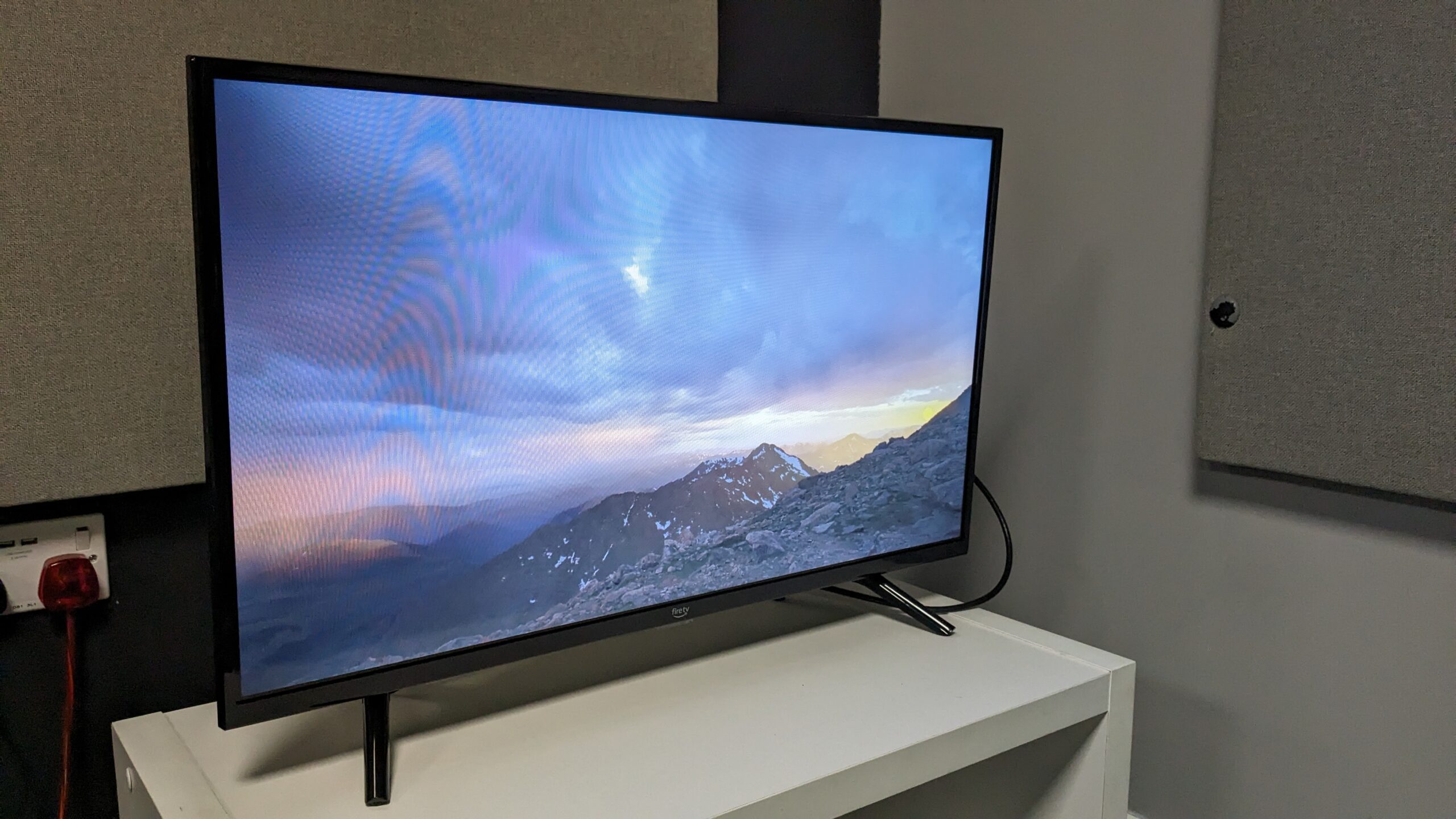

A 40-inch television has to do more than fit a narrow cabinet. It needs a usable interface, clear dialogue, sensible connections, and a picture that does not look flat when viewed from across a bedroom or kitchen. The Best 40 inch smart TV options also need to make streaming simple without forcing you through endless menus.
We compared ten closely sized models across Roku, Fire TV, Tizen, VIDAA, and Xumo platforms. The Samsung F6000 is our top pick, while the rest cover straightforward streaming, stronger color, extra gaming features, and more flexible connections.
Comparison table
| # | Product | Award | Resolution | Smart platform | Best for |
|---|---|---|---|---|---|
| 1 | Samsung F6000 | Best overall | Full HD | Tizen | A polished everyday TV |
| 2 | Roku Select Series | Best for simple streaming | 1080p Full HD | Roku TV | First-time smart TV owners |
| 3 | Insignia FE Series | Best for Fire TV basics | 1080p | Fire TV | Alexa and app access |
| 4 | Hisense QD4SR Roku | Best for color | Full HD | Roku TV | More vivid streaming |
| 5 | Amazon Ember 2-Series | Best Fire TV experience | Full HD 1080p | Fire TV | Fast navigation and Alexa |
| 6 | Insignia F40 Series | Best for connections | 1080p | Fire TV | Older and newer components |
| 7 | Samsung U8000H | Best for 4K detail | 4K | Tizen | A slightly larger screen |
| 8 | Hisense QD4SV VIDAA | Best for a clean interface | Full HD | VIDAA | Voice navigation |
| 9 | Westinghouse Xumo TV | Best for device flexibility | 1080p Full HD | Xumo TV | AirPlay and Bluetooth |
| 10 | Hisense QD4QF Fire TV | Best for built-in Alexa | Full HD | Fire TV | Voice-controlled viewing |
1. Samsung F6000: Best Overall

Pros
- Full HD picture with HDR support
- Tizen provides broad streaming access
- Object Tracking Sound Lite adds positional audio
- Knox Security protects the smart TV experience
- Slim three-bezel design
Cons
- Resolution stops at Full HD
- Q Symphony requires a compatible Samsung soundbar
- Sound features are more ambitious than the built-in hardware can fully reproduce
Best for: someone who wants a refined 40-inch TV with a mature smart platform.
The Samsung F6000 feels like the most complete television here rather than a basic display with streaming software added afterward. Its slim profile and three-bezel design keep attention on the picture, which matters when the TV sits in a bedroom or on a small living-room stand. At 40 inches, Full HD remains a sensible match for ordinary viewing distances.
HDR support expands the range between bright and dark parts of compatible scenes. Samsung's PurColor and Mega Contrast features are intended to make colors look more lifelike while preserving separation in darker material. The set also supports mobile-to-TV sound mirroring, so compatible phones can share content without adding another device to the HDMI inputs.
The smart side runs on One UI Tizen. That gives the F6000 access to Samsung's app and channel ecosystem, including more than 2, 700 free channels through Samsung TV Plus. Object Tracking Sound Lite attempts to place sound in relation to the action, while Q Symphony can combine the TV with a compatible Samsung soundbar instead of muting the built-in speakers.
The weakness is easy to identify: this is still a Full HD screen, and the sound processing cannot substitute for a proper external audio system in a large room. The Roku Select Series is simpler, and the Hisense QD4SR offers a more color-focused specification, but the F6000 has the most balanced combination of picture processing, security, design, and software. It is the one we would keep for mixed streaming, live TV, and everyday viewing.
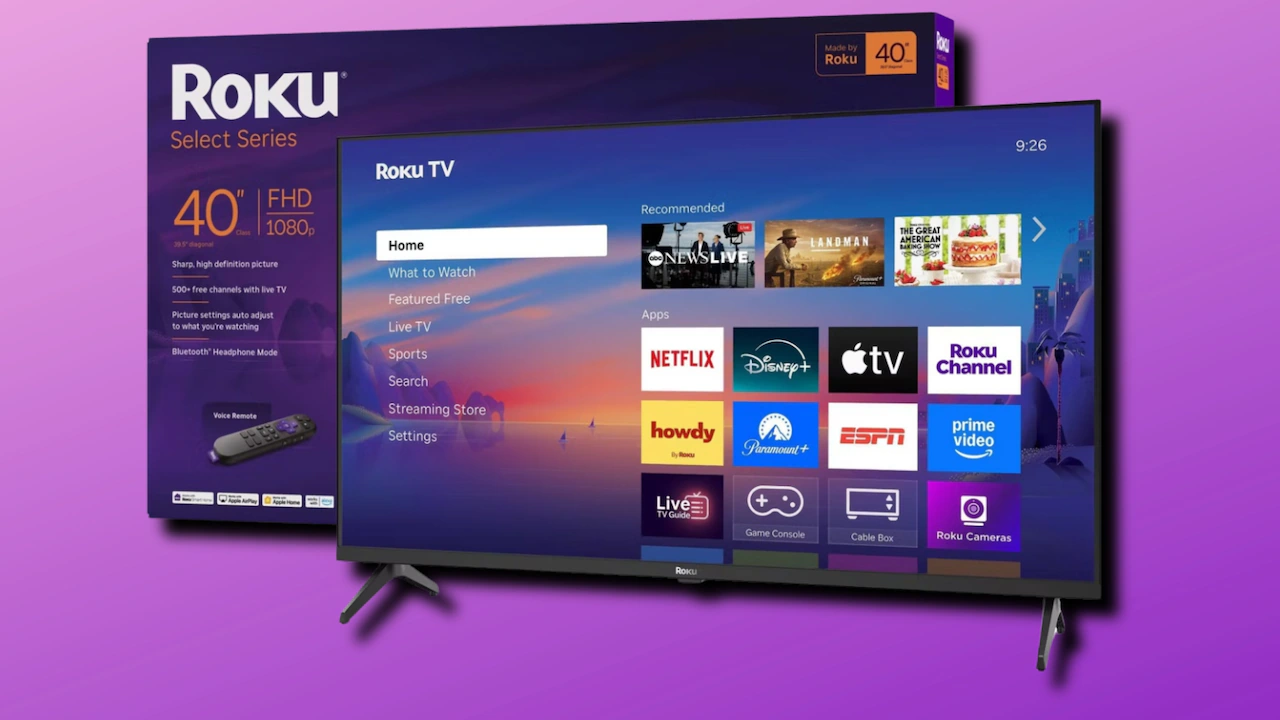
2. Roku Select Series: Best for Simple Streaming

Pros
- Bright 1080p Full HD picture
- Straightforward Roku home screen
- Voice control and AirPlay support
- Bluetooth headphone mode
- Automatic software updates
Cons
- Less advanced picture hardware than the QLED models
- Sound is focused on clarity rather than cinematic depth
- Roku interface may feel too simple for power users
Best for: a bedroom, kitchen, or guest room where fast access matters more than extra picture modes.
The Roku Select Series gets the important thing right immediately: you can turn it on and understand the home screen without studying a manual. Its 40-inch 1080p panel is a natural fit for close and medium-distance viewing, and Roku Smart Picture adjusts incoming signals and picture modes without making the user dig through technical menus.
Roku's advantage is organization. Personalized picks, sports and entertainment shortcuts, voice search, and free live channels are placed in the same general environment. Apps are designed to launch quickly, and automatic updates keep the platform current. Voice control works through Roku, Siri, Alexa, or Google Assistant, while Apple AirPlay makes it easy to share photos, music, and video from compatible Apple devices.
Sound is tuned for understandable speech and increased loudness, which is useful for news and dialogue-heavy programs. Bluetooth Headphone Mode is an especially practical feature for late-night viewing. The remote also has a function that can turn off the display while audio continues, a small touch that suits music or spoken content.
The Select Series gives up the Samsung F6000's HDR and sound positioning features, and the Hisense QD4SR has more ambitious color hardware. It is also not the right pick for someone who wants a deep settings menu or a dramatic home theater presentation. For everyone else, it is a calm, approachable smart TV that makes streaming feel less like operating a computer.
3. Insignia FE Series: Best for Fire TV Basics

Pros
- 1080p high-definition picture
- Alexa Voice Remote included
- Access to major streaming services
- Live TV and music in one interface
- Compact 35.1-inch width
Cons
- No advanced color technology listed
- The feature set is relatively basic
- Fire TV recommendations can feel busy
Best for: viewers who already use Alexa and want a conventional Fire TV setup.
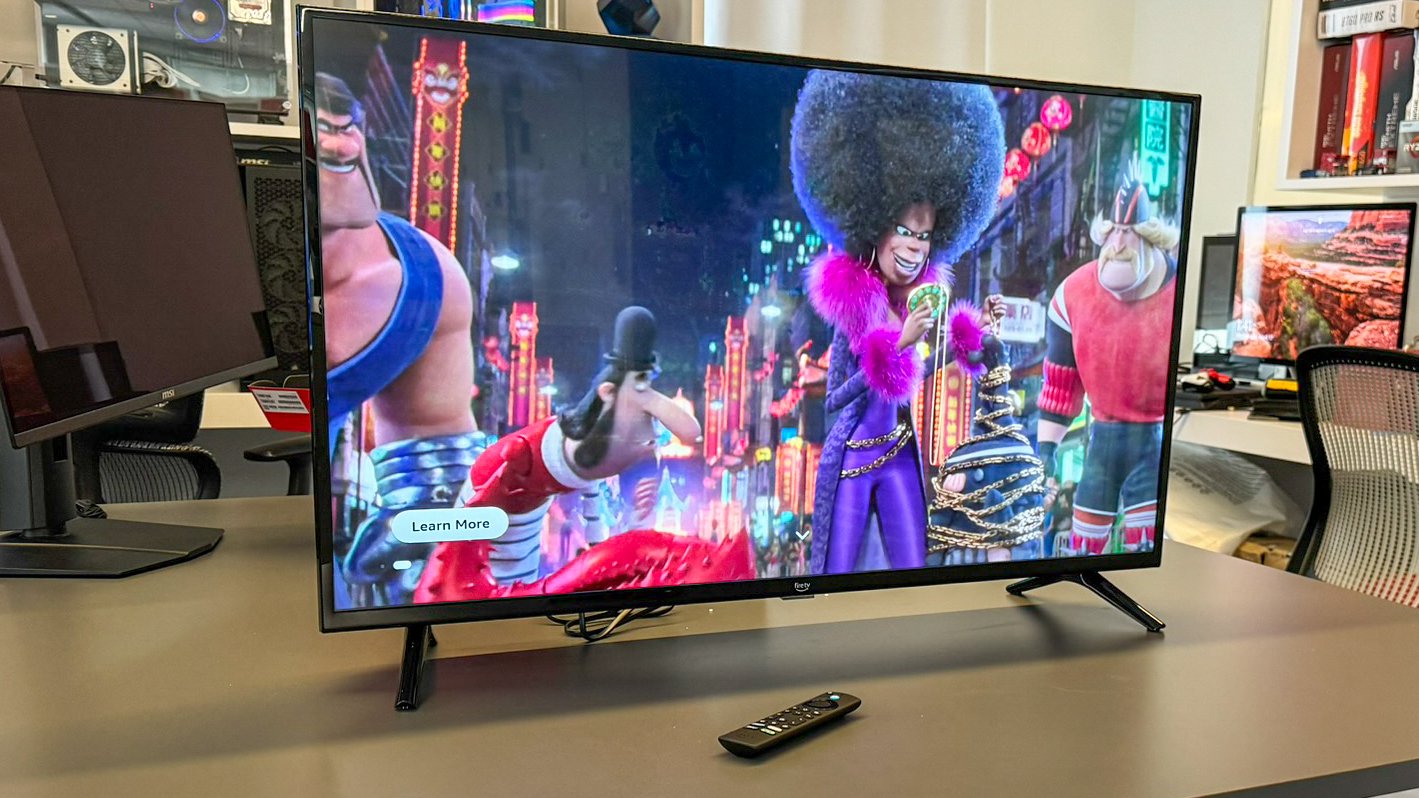
The Insignia FE Series is the uncomplicated Fire TV option in this group. It uses an LED-backlit LCD screen with 1080p resolution, enough for clear streaming, broadcast content, and casual console play on a 40-inch display. The stated 35.1-inch width makes it easy to plan around a narrow shelf or cabinet.
Its main appeal is the familiar Fire TV interface. Netflix, Prime Video, Disney+, and other services are available alongside live and free TV, music, and games. The Alexa Voice Remote lets you search and open content without typing titles character by character, which is particularly useful when the TV is used by several people.
Picture technology is straightforward. There is no QLED color layer, HDR feature, or dedicated game response figure listed, so this model should be viewed as a dependable Full HD screen rather than a picture-quality specialist. That keeps the decision simple, but it also means the Samsung F6000 and Hisense QD4SR have more visual tools to work with.
The Insignia FE Series is a better fit than the Roku Select Series for households already organized around Fire TV and Alexa. It is not the one to choose for the richest color or the most flexible physical connections, but it makes a sensible bedroom television for users who want familiar apps and voice control without extra complexity.
4. Hisense QD4SR Roku: Best for Color

Pros
- Hi-QLED color technology
- Full Array LED backlight
- Dolby Audio support
- Game Mode with a stated 16ms delay
- Roku interface with automatic updates
Cons
- Still limited to Full HD
- Roku platform may not suit Fire TV households
- Dolby processing cannot replace dedicated speakers
Best for: streaming viewers who want stronger color and occasional gaming features.
The Hisense QD4SR is the most interesting picture-first choice among the true 40-inch models. Its Hi-QLED technology is designed to produce richer shades and more convincing skin tones, while the Full Array LED backlight is intended to keep the 1080p image crisp and bright. That combination gives it a more ambitious visual brief than the basic Insignia models.
Noise Reduction scans and filters frames to reduce grain in fast-moving or darker material. That does not turn ordinary broadcast video into native high-definition cinema, but it can help older shows and compressed streams look less distracting. Dolby Audio adds processing for a wider, more immersive presentation, though the physical limits of compact TV speakers remain.
The Roku software is essentially the same type of easy-to-navigate experience found on the Roku Select Series. It includes free live content, automatic updates, Smart Picture adjustments, and Backdrops. Hisense also specifies a Game Mode with a 16ms delay, making this a more credible casual gaming screen than a generic bedroom television.
The QD4SR beats the Roku Select Series on color hardware and gaming detail, while the Samsung F6000 has the more polished design and broader Samsung ecosystem. Its main compromise is that the panel remains Full HD, so shoppers seeking the extra fine detail of 4K should look at the Samsung U8000H. Choose this Hisense when vivid color matters more than resolution.
5. Amazon Ember 2-Series: Best Fire TV Experience

Pros
- Full HD 1080p display
- Wi-Fi 6 support
- Quad-core processor
- Alexa+ voice features
- Two HDMI inputs and AirPlay
Cons
- HD specification needs careful reading because the display is Full HD
- Only two HDMI inputs are listed
- Ambient features may not matter to every viewer
Best for: people who want fast Fire TV navigation and deep Alexa integration.
The Amazon Ember 2-Series is built around speed and convenience. Its Full HD 1080p screen suits the size, but the more distinctive hardware is Wi-Fi 6 support paired with a quad-core processor. Those features are aimed at quicker app loading and smoother movement through the Fire TV interface, which is where many inexpensive televisions feel sluggish.
The 2026 Fire TV experience organizes content into dedicated categories and allows more favorite apps to be pinned. Alexa+ adds natural-language searching across apps, smart home control, and broader questions through the enhanced voice remote. That is more useful than a simple title search when you know the mood but not the exact show.
Built-in sensors wake the display when someone enters, showing artwork or making it ready for viewing. Dolby Audio is included for a more spacious sound presentation, and the TV supports AirPlay for compatible devices. Two HDMI inputs cover a streaming box and one console or soundbar, but households with several devices may need to swap cables.
The Ember is more responsive than the basic Insignia FE Series on paper, while the Insignia F40 Series offers a much wider connection selection. The Samsung F6000 remains the stronger choice for picture processing and design. Pick the Ember when Fire TV is central to the purchase and fast menus matter more than advanced panel features.
6. Insignia F40 Series: Best for Connections

Pros
- Full HD resolution
- Two HDMI ports plus composite inputs
- Optical audio and headphone outputs
- DTS Virtual:X processing
- HDMI ARC support
Cons
- Basic LED picture hardware
- Heavier listed build than several rivals
- Fire TV interface is not especially minimal
Best for: a mixed setup with a console, cable box, disc player, antenna, or soundbar.
The Insignia F40 Series earns its place by being unusually accommodating around the back. Along with two HDMI ports, it includes composite AV inputs, digital optical output, USB, a headphone jack, a coaxial jack, and Wi-Fi. That makes it a practical replacement for an older television whose job extends beyond streaming apps.
The 1080p screen is suitable for movies, shows, and games, but the data does not point to a special panel layer or advanced backlight. Its strength is compatibility rather than image refinement. DTS Virtual:X tries to create a three-dimensional sound field from the TV speakers, and HDMI ARC can send audio to a compatible soundbar or receiver with fewer cables.
Fire TV supplies voice search through Alexa and access to a large range of apps and channels. Parental controls can block content or entire channels behind a PIN, which gives this model a useful household advantage. It is also wall mountable, although buyers should plan the mounting position around the listed 35.2-inch width.
The Westinghouse Xumo TV is even more flexible for AirPlay and Bluetooth, but the Insignia F40 Series is the better fit for legacy AV equipment. The Amazon Ember is faster and more modern in its Fire TV design, yet has only two HDMI inputs listed. Choose the F40 when physical connectivity is the deciding factor.
7. Samsung U8000H: Best for 4K Detail

Pros
- 4K resolution
- 4K upscaling for lower-resolution content
- Crystal Processor picture enhancement
- Motion Xcelerator for sports and games
- Larger 43-inch screen
Cons
- Not a 40-inch model
- Listed motion performance tops out at 4K 60Hz
- Takes more room than the compact options
Best for: viewers who can accommodate a 43-inch screen and want sharper 4K sources.
The Samsung U8000H is the outlier here, and that is exactly why it deserves separate consideration. It has a 43-inch screen rather than a 40-inch one, but the extra width brings a real upgrade: 4K resolution. For viewers sitting close enough to notice fine detail, that is a more meaningful difference than another minor smart interface variation.
The Crystal Processor sharpens details and handles 4K upscaling, so older Full HD or lower-resolution content can look cleaner on the denser panel. Color Booster is intended to add intensity to individual shades, while Motion Xcelerator estimates and adjusts frame transitions for clearer sports and game movement. Samsung specifies up to 4K 60Hz performance, which is appropriate for standard console and streaming use.
Tizen provides the same general Samsung smart environment as the F6000, including Samsung TV Plus and its large collection of free channels. The set is 37.7 inches wide according to the listed dimensions, so it needs noticeably more cabinet space than the 35.1-inch Roku and Insignia models.
The trade-off is simple. The Samsung F6000 is the better answer when 40 inches is a firm limit, while the U8000H is the better display when sharper detail matters more. Anyone comparing sizes should also consider how a slightly larger screen changes viewing distance before choosing. This is the pick for a small living room, office, or bedroom that can stretch to 43 inches.
8. Hisense QD4SV VIDAA: Best for a Clean Interface

Pros
- Hi-QLED color technology
- Full HD screen
- VIDAA interface with voice navigation
- Voice assistant supports 28 languages
- DTS Virtual:X sound processing
Cons
- VIDAA has a smaller ecosystem than Roku or Fire TV
- No detailed connection list is provided
- Sound claims are more ambitious than the compact form suggests
Best for: viewers who want a simple interface with broad voice-language support.
The Hisense QD4SV uses the same basic picture idea as the QD4 family, pairing a Full HD screen with Hi-QLED color. That should make colorful shows, animation, and sports more lively than a conventional LED display, while the 40-inch size remains easy to place in a compact room.
Its defining difference is VIDAA OS. The platform is designed around quick access and personalized content, with free channels, shows, movies, and live broadcasts brought together in one interface. Voice navigation supports 28 languages, giving this model an advantage in multilingual households or for anyone who would rather speak than type.
Hisense lists DTS Virtual:X and describes an immersive audio presentation. As with every television here, the effect depends on the room and the small built-in speaker system, so an external soundbar remains the more convincing route for film sound. There is also less connection information available for this model than for the Westinghouse or Insignia F40.
The QD4SR is the better choice for Roku users who want the same family of color technology, while the QD4QF makes more sense for Alexa households. The QD4SV is a quieter, more focused option for someone who values voice access and a less familiar but straightforward platform.
9. Westinghouse Xumo TV: Best for Device Flexibility

Pros
- 1080p Full HD resolution
- Three HDMI inputs
- Apple AirPlay support
- Bluetooth for audio devices
- Xumo universal voice search
Cons
- Xumo is less familiar than Roku or Fire TV
- No advanced color system is listed
- Dolby Atmos processing cannot create true speaker placement alone
Best for: households connecting several devices and sharing content from Apple hardware.
The Westinghouse Xumo TV is a sensible utility player. Its 40-inch 1920 by 1080 screen has the expected Full HD sharpness, while Xumo TV puts major streaming apps, free live channels, and on-demand content in one place. Universal search can look across services by title, actor, genre, or keyword through the voice remote.
Connectivity is the star. Three HDMI inputs are joined by USB, composite video, optical digital audio, built-in Wi-Fi, and Bluetooth. That gives the TV room for a game console, cable box, soundbar, and another source without immediately requiring an HDMI switch. Bluetooth can also pair wireless headphones or speakers.
Apple AirPlay lets compatible iPhone, iPad, and Mac users mirror or stream content directly to the television. Xumo Play adds more than 350 free live channels and a large on-demand catalog, so the platform is not dependent on a single paid service. Dolby Atmos is listed as part of the audio feature set, although a soundbar or speaker system is still the route to genuinely spacious sound.
The Insignia F40 Series is a close rival, but the Westinghouse has the edge for Apple households and Bluetooth accessories. The Roku Select Series has the more familiar interface, and the Hisense models offer more aggressive color hardware. Choose this TV when inputs and device sharing matter more than panel extras.
10. Hisense QD4QF Fire TV: Best for Built-In Alexa

Pros
- Hi-QLED quantum dot color
- Full Array LED backlight
- DTS Virtual:X sound
- Game Mode with a stated 16ms delay
- Alexa Voice Remote
Cons
- Full HD rather than 4K
- Fire TV can feel crowded with recommendations
- No detailed port list is provided
Best for: Alexa users who want stronger color and a responsive casual gaming mode.
The Hisense QD4QF combines the most appealing parts of the QD4 line with Fire TV. Hi-QLED color gives it a more vivid target than the basic Insignia FE Series, and the Full Array LED backlight is intended to produce a sharper, brighter Full HD image. Its slim bezel design also keeps the 40-inch screen from looking bulky on a small stand.
DTS Virtual:X handles the audio processing, with clearer dialogue and a simulated surround effect among the advertised benefits. The Alexa Voice Remote can launch apps, change channels, search for shows, and control compatible smart home devices. That makes the QD4QF a natural match for homes already using Alexa speakers or other connected devices.
Hisense also lists Game Mode with a 16ms delay. That is useful for casual console play because actions should feel more immediate than they do in a television with heavy picture processing left enabled. It is not a substitute for a high-refresh gaming display, and the Full HD resolution places a clear limit on fine detail.
The QD4SR is the better match for Roku households, while the Amazon Ember is the more speed-focused Fire TV alternative. The QD4QF stands between them, offering richer color and a gaming mode without leaving Amazon's interface. It suits a viewer who wants Alexa convenience but does not need 4K.
How to choose best 40 inch smart tv
The right 40-inch television depends on the room, the streaming platform, and the equipment you plan to connect, not just the badge on the bezel.
Resolution and screen size
Most 40-inch options here use 1080p Full HD, which is sharp enough for ordinary bedroom and kitchen viewing. The Samsung U8000H is larger at 43 inches but moves to 4K, making it the choice for closer seating, detailed games, and newer 4K streams. Confirm the actual width of the set as well as its stated screen size because bezels and stands affect placement.
Picture technology
A conventional LED-backlit LCD can produce a clear image for everyday television. Hi-QLED models such as the Hisense QD4SR, QD4SV, and QD4QF add a color-focused layer, while Full Array LED backlighting is designed to distribute light across the panel. HDR, contrast processing, and upscaling can improve compatible content, but they do not change a Full HD panel into a 4K display.
Smart platform
Roku is the cleanest choice for simple navigation and broad voice compatibility. Fire TV makes more sense for Alexa users and offers extensive app access, while Tizen integrates neatly with Samsung features and Samsung TV Plus. VIDAA and Xumo are worth considering when voice language support, AirPlay, or a particular interface matters more than platform familiarity.
A smart TV is only convenient when its home screen gets you to the next thing faster than the remote can frustrate you.
Audio features
Compact televisions usually need processing to make dialogue and effects feel larger. Object Tracking Sound Lite on the Samsung F6000, Dolby Audio on selected Hisense and Roku models, and DTS Virtual:X on several others can alter the presentation. For a larger room, prioritize HDMI ARC, optical output, Bluetooth, or another confirmed way to connect better speakers.
Connections and gaming
Count HDMI inputs before buying if you use a console, cable box, streaming stick, and soundbar. The Westinghouse offers three HDMI inputs, while the Insignia F40 includes HDMI ARC, optical audio, composite, USB, and a headphone jack. Hisense lists Game Mode with a 16ms delay on the QD4SR and QD4QF, which is useful for casual gaming, but none of these sets should be treated as high-refresh gaming monitors.
Frequently asked questions
Is 40 inches large enough for a bedroom?
Yes. A 40-inch screen can work well in a bedroom, office, kitchen, or small living room when the viewing distance is moderate. Measure the cabinet and wall first, since the television width can be several inches different from the diagonal screen measurement.
Is Full HD enough on a 40-inch television?
Full HD is usually sufficient for streaming, broadcast television, and casual gaming at common bedroom or kitchen distances. The Samsung U8000H is the exception in this group, with 4K resolution and a slightly larger 43-inch screen for viewers who sit closer or want more fine detail.
Which smart TV platform is easiest to use?
Roku generally has the clearest layout and simplest search experience. Fire TV is a strong fit for Alexa users, while Samsung Tizen is appealing if you already use Samsung TV services or compatible devices.
Can these televisions connect to Bluetooth headphones?
The Roku Select Series explicitly includes Bluetooth Headphone Mode. The Westinghouse Xumo TV lists Bluetooth for headphones, soundbars, and speakers. Check the individual listing for other models before assuming Bluetooth audio is supported.
Which model is best for gaming?
The Hisense QD4SR and Hisense QD4QF list Game Mode with a 16ms delay. That should help casual gaming feel more responsive, but these are still Full HD televisions with no listed high-refresh specification. The Samsung U8000H adds Motion Xcelerator and supports up to 4K 60Hz performance.
Do these TVs need a separate streaming device?
No. Every model in this roundup includes a smart TV platform with access to streaming content. A separate streaming device can still be useful if you prefer a different interface, need an app unavailable on the television, or want to keep streaming performance separate from the TV.

The bottom line
The Best 40 inch smart TV for most rooms is the Samsung F6000. It combines Full HD HDR support, Tizen, a slim design, useful sound processing, mobile mirroring, and Knox Security without narrowing its appeal to one type of viewer.
Choose the Roku Select Series for the easiest interface, the Hisense QD4SR for stronger color and casual gaming, or the Westinghouse Xumo TV when several HDMI devices and Apple connectivity matter. If you can fit a slightly larger screen, the Samsung U8000H brings a meaningful 4K upgrade.
If you are undecided, buy the Samsung F6000 unless your streaming platform or connection needs clearly point elsewhere.
As an Amazon Associate we earn from qualifying purchases.