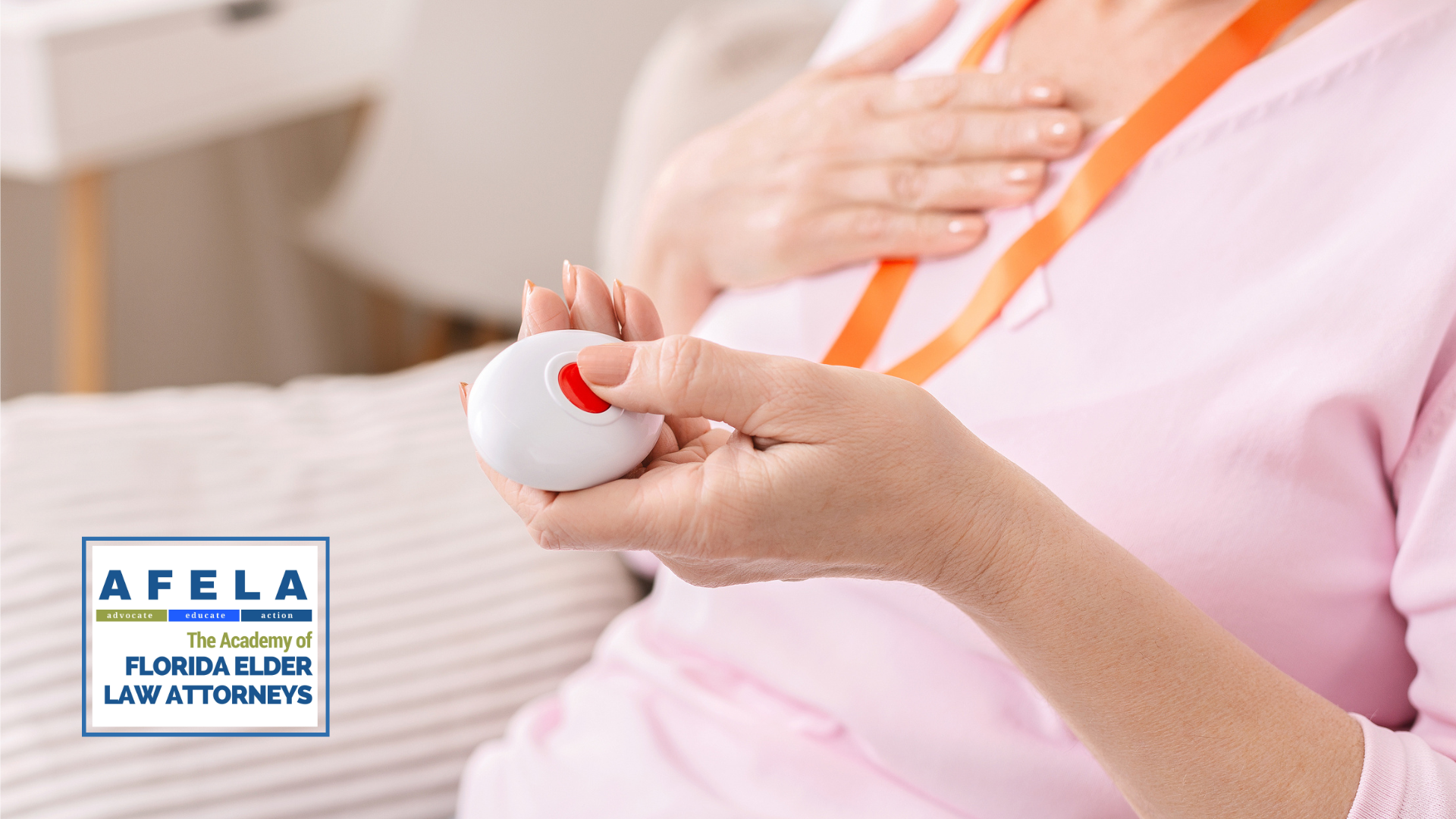

A medical alert device is only useful if an older adult can reach it during a fall, understands what happens after pressing it, and will actually keep it nearby. That makes the choice more complicated than picking the loudest pager or the smallest pendant. The best medical alert systems elderly shoppers can buy range from simple in-home call buttons to cellular devices with live operators, location tracking, and caregiver apps.
We ranked these ten products by the kind of protection they provide, how much infrastructure they need, and how clearly their features fit real homes. Some are designed to call family members nearby, while others connect to professional monitoring. Our top pick is the Connected Caregiver Safety+, and the list also includes capable home-only alternatives, landline systems, and a clever voice-controlled option.
Comparison table
| # | Product | Award | Connection | Main alert features | Best for |
|---|---|---|---|---|---|
| 1 | Connected Caregiver Safety+ | Best monitored system | Nationwide 4G | Fall detection, GPS, caregiver app | Older adults who need support at home and away |
| 2 | Bay Alarm SOS Mobile GPS | Best mobile alert | 4G LTE | Two-way speaker, GPS, optional fall detection | Users who leave home regularly |
| 3 | Bay Alarm SOS Micro | Best compact monitored device | Verizon 4G LTE | Two-way speaker, location tracking | Users who want a small wearable |
| 4 | CallToU Caregiver Pager | Best multi-room pager | Wireless | Two call buttons, three receivers | Larger homes with nearby caregivers |
| 5 | Assistive Technology Landline Alert | Best landline system | Landline | Wrist and pendant buttons, programmable calls | Homes with a dependable landline |
| 6 | STECHRO Caregiver Pager | Best long-range pager | Wireless | 1, 500-foot claimed range, 58 tones | A simple home alert with expansion room |
| 7 | TurboSense WiFi Alert | Best Wi-Fi starter system | 2.4GHz Wi-Fi | App notifications, pendant, wrist button | Family caregivers within app range |
| 8 | PRNBRH 2.4GHz Alert | Best shared alert system | 2.4GHz Wi-Fi and wireless signal | Two buttons, app alerts, numbered receiver | Several caregivers sharing one system |
| 9 | MT EXESPR WiFi Alert | Best waterproof home pager | 2.4GHz Wi-Fi and 433MHz | IPX6 button, app alerts, 656-foot range | Homes needing a bathroom-ready button |
| 10 | Joner AI Voice Alert | Best hands-free alert | Wi-Fi | Voice commands, tapping, two-way calling | Users who may struggle with a small button |
1. Connected Caregiver Safety+: Best Monitored System

Pros
- Nationwide 4G connectivity
- Automatic fall detection
- GPS and caregiver app access
- Up to six days of battery life
- Smartphone is not required
Cons
- Requires activation and ongoing monitoring service
- Fall detection cannot guarantee every fall will be identified
- More involved than a basic in-home pager
Best for: older adults who need professional help and caregiver visibility both at home and away.
The Connected Caregiver Safety+ is the most complete system here because it addresses the two situations that simple home pagers cannot: being alone outside the house and being unable to press the button after a fall. Pressing the wireless call button connects the wearer with a trained emergency monitoring operator over nationwide 4G. The device can also send information through the caregiver app, giving family members access to location, activity, steps, battery status, and emergency notifications.
Automatic fall detection is the headline feature, but the everyday design matters just as much. The unit can be worn on the included lanyard or attached to a waistband with the belt clip. It comes with a charging dock and claims up to six days of battery life on one charge. That is a much more manageable routine than charging a phone every night, although a family member still needs to make sure it returns to the dock regularly.
The Safety+ is a service-based system, not a standalone button that simply rings a receiver in the next room. It includes the first month of monitoring and requires a call to activate it, then continued service is available afterward. That commitment is the main difference between this and products such as the TurboSense WiFi Alert or CallToU Caregiver Pager. Those are better when a trusted caregiver is close enough to respond directly, while Safety+ is designed for an operator to assess the emergency and contact services or designated people.
The device is water-resistant for showers and rain, but the product information does not provide an immersion rating. The app and GPS features are useful for relatives who cannot be physically present, yet they introduce setup and account requirements that a basic pager avoids. Choose this one when professional monitoring, fall detection, and out-of-home protection matter more than having the simplest possible alarm.
2. Bay Alarm SOS Mobile GPS: Best Mobile Alert

Pros
- Standalone 4G GPS device
- Two-way speaker connects to an operator
- Under 2 ounces
- Several days of battery life
- Wearable with a lanyard or belt clip
Cons
- Requires a service plan for full functionality
- Fall detection is optional
- No smartphone connection does not mean no activation process
Best for: seniors who spend time outside the home and need a direct line to trained operators.
The Bay Alarm SOS Mobile GPS is a straightforward mobile medical alert device with an important advantage over home pagers: it works independently of the home Wi-Fi network. Pressing its single button connects the wearer with a trained operator through a built-in two-way speaker. The device uses 4G LTE and includes GPS, so it is aimed at people who go on walks, visit friends, or run errands without carrying a smartphone.
At under 2 ounces, it should be easier to remember than a larger pendant, and the dimensions are listed as 2.72 by 1.38 by 0.57 inches. It can be worn around the neck or clipped to clothing. The water-resistant protection is helpful for ordinary exposure, but the listing does not state that it can be submerged, so it should not be treated like a shower-safe wrist button without checking the manufacturer’s instructions.
The companion app lets caregivers monitor device status, battery level, and activity. Battery life lasts up to several days depending on use and network conditions, which is practical but less specific than the six-day claim made for the Connected Caregiver Safety+. Bay Alarm Medical also lists optional fall detection. That gives families a way to tailor the system, but they should not assume it is active without confirming the selected service.
The weakness is the ongoing service requirement. This is not a family pager that can be installed and left to ring when a button is pressed. It is a professionally monitored system, and the product listing says a subscription is needed for full functionality. For a mobile user who values operator support, the arrangement makes sense. For someone who never leaves home and has a caregiver in the next room, the STECHRO Caregiver Pager is the less complicated fit.
3. Bay Alarm SOS Micro: Best Compact Monitored Device

Pros
- Weighs less than 1.2 ounces
- Verizon 4G LTE connection
- Two-way communication with live operators
- IP67 water resistance
- Caregiver location and battery tracking
Cons
- Battery life is up to 36 hours
- Professional monitoring requires a subscription
- Fall detection is optional
Best for: users who want a discreet monitored wearable with several wearing options.
The Bay Alarm SOS Micro is the smallest-feeling option among the professionally monitored devices in this group. It weighs less than 1.2 ounces and can be worn on the wrist, around the neck with a lanyard, or on the included belt clip. That flexibility is useful for an older adult who dislikes pendants or changes clothing often.
Its IP67 water-resistance rating is more informative than the vague water-resistant language used by several competitors. It is intended to withstand wet environments such as a shower or rain, but it should not be submerged. Pressing the alert button opens a two-way conversation with a live operator at a US-based monitoring center, and the product says the center is available around the clock.
The SOS Micro includes a caregiver app for checking location and battery level, and it does not require a smartphone or separate network provider. Its 4G LTE connection is the key reason to choose it over the PRNBRH 2.4GHz Alert, which is fundamentally a home Wi-Fi system. The tradeoff is battery life. The SOS Micro is rated for up to 36 hours, so charging discipline is especially important.
This device needs professional monitoring, and the listing states that the service requires a monthly subscription. Its compact size also means there is less battery endurance than in the Connected Caregiver Safety+. For someone who wants a small alert button and accepts daily charging, the Micro is a clean, focused design. Those who need several days between charges should look at Safety+ instead.
For relatives comparing wearables, the alert button should be judged alongside comfort and routine. A separate guide to wearable health tools that support independent living can help when the goal extends beyond emergency calls.
4. CallToU Caregiver Pager: Best Multi-Room Pager

Pros
- Three receivers and two call buttons
- More than 500 feet of claimed open-area range
- 55 ringtone choices
- Five volume levels
- Both buttons and receivers are waterproof and dustproof
Cons
- Receivers need electrical outlets
- It alerts nearby caregivers rather than professional operators
- Open-area range will vary inside walls
Best for: households that need alerts heard in several rooms.
The CallToU Caregiver Pager is the most useful choice when the real problem is hearing an alert across a house. It includes two call buttons and three receivers, so one receiver can stay near the caregiver, another can cover the bedroom, and another can cover the living area. The receiver must be plugged into an outlet, but it can then be moved from room to room as needed.
CallToU claims an open-area range of more than 500 feet. That is generous for a home pager, though walls, floors, and appliances will reduce practical coverage. The system gives caregivers 55 ringtone choices and five volume levels from 0 to 110 decibels. The range of volume is particularly helpful for households where one person needs a quiet setting while another needs a prominent alert.
Both the call buttons and receivers are described as waterproof and dustproof. A button can be worn as a pendant with the neck strap, mounted with a bracket, or placed using the included adhesive. That lets a user keep one button on the body and another near the bed or bathroom. The package is more flexible than the single-button STECHRO Caregiver Pager, which is better suited to a one-person, one-room setup.
CallToU does not provide GPS, automatic fall detection, or a professional monitoring connection. A press only helps if someone nearby hears it and can respond. That limitation rules it out for a senior living alone, but it is precisely why the system works well in a multigenerational home or care setting. Choose it when coverage and multiple receivers matter more than remote contact.
5. Assistive Technology Landline Alert: Best Landline System

Pros
- Programmable emergency contacts
- Wrist and necklace buttons
- Waterproof wearable controls
- Plug-and-play setup
- 150-foot remote range
Cons
- Requires a landline or optional cell phone adapter
- Calls programmed contacts rather than a monitoring center
- 150-foot range is narrower than several wireless pagers
Best for: a home with a reliable landline and family contacts ready to answer.
The Assistive Technology Landline Alert takes a traditional approach. The base unit connects to a landline, and the wearer can trigger it from a wrist button or necklace button. When pressed, it calls 911 or emergency contacts that the owner programs. That gives the household control over who gets called, rather than routing every alert through a professional monitoring center.
Setup is intended to be plug and play, with no expert installation required. The wearable controls are waterproof, so the system is designed to stay with the user in the tub or shower. Its remote range is 150 feet from the base unit and is described as covering more than 70, 000 square feet, though the distance figure is the more useful one for judging a typical home.
This system is less flexible than the Bay Alarm SOS Mobile GPS because it depends on a fixed telephone connection and does not travel with the user as an independent cellular device. It also requires a family member or emergency contact to answer and act. That can be an advantage for households that want direct contact, but it is a serious limitation if the listed contacts are frequently unavailable.
The landline requirement is the deciding factor. A household that has already abandoned its landline should not buy this expecting the base unit to work by itself. For the right home, however, the programmable calling and two wearable options make it more purposeful than a basic receiver-only pager. It is a sensible fit for a user who stays within the property and has a dependable call chain.
6. STECHRO Caregiver Pager: Best Long-Range Pager

Pros
- Claimed 1, 500-foot wireless transmission
- Supports up to 30 call buttons
- Supports multiple receivers
- 58 ringtone choices
- IP55 water and dust resistance
Cons
- One call button and one receiver are included
- No app or professional monitoring
- Indoor range depends heavily on walls and construction
Best for: homes that want a basic pager now with room to expand later.
The STECHRO Caregiver Pager is a simple call button and receiver, but its expansion capability makes it more interesting than the package suggests. The system supports up to 30 call buttons and multiple receivers. That could suit a larger home, a small care environment, or a family that expects to add alert points over time.
Its advertised wireless transmission distance reaches 1, 500 feet, measured in the open area. Inside a house, walls and floors will cut that distance, so the figure should be treated as a ceiling rather than a guarantee. Still, it gives STECHRO more range headroom than the MT EXESPR WiFi Alert, whose listed open-area range is 656 feet.
The receiver has 58 ringtones and five adjustable volume levels from 0 to 120 decibels. That wide volume range helps the alert stand out in a noisy home, while the choice of tones makes it possible to distinguish this device from other household alerts. The call button is rated IP55 for water and dust resistance and is intended to work from minus 4 to 140 degrees Fahrenheit.
What it does not do is just as important. There is no listed smartphone app, GPS, automatic fall detection, or live operator. The receiver has to be close enough for someone to hear it and respond. The included 18-month warranty is reassuring for a straightforward device, but families needing remote notifications should choose the TurboSense WiFi Alert or a monitored cellular system.
7. TurboSense WiFi Alert: Best Wi-Fi Starter System

Pros
- Pendant and wrist button included
- Receiver sounds locally
- App push notifications
- Designed for several rooms in the home
- No subscription for the basic alarm function
Cons
- Supports only 2.4GHz Wi-Fi
- Family members must respond to app alerts
- No professional monitoring or GPS
Best for: families wanting a local pager with smartphone notifications.
The TurboSense WiFi Alert bridges the gap between a plain caregiver pager and a monitored medical alert device. The package includes one waterproof call button, one SOS watch button, and one receiver. The wearer can use the button as a necklace, a wrist device, or a fixed control near a daily care area, while the receiver alerts anyone nearby.
Its useful extra is app notification over 2.4GHz Wi-Fi. A button press sounds the plug-in receiver and sends a push notification to connected family members. That means a caregiver can be in another part of the home or receive an alert on a phone, but the system still depends on relatives noticing and acting on the notification. It does not put a trained operator between the user and help.
The 2.4GHz restriction deserves attention during setup. A modern router may use both bands, but the receiver needs the supported network rather than assuming any Wi-Fi connection will work. The product is designed for locations such as bedrooms, bathrooms, kitchens, hallways, and wheelchair use, so placement can be tailored around where the user spends time.
Compared with the PRNBRH 2.4GHz Alert, TurboSense has a less elaborate alert-identification system and a simpler package. PRNBRH is the better fit when multiple buttons and shared caregivers matter. TurboSense is easier to understand as a one-person system with two wearing options. It is not suitable for someone who needs emergency services contacted automatically, but it makes sense when family is reachable through the app.
8. PRNBRH 2.4GHz Alert: Best Shared Alert System

Pros
- Two neck buttons and one wrist remote
- Receiver identifies buttons by number
- App sharing supports multiple caregivers
- Wireless signal can reach through doors and walls
- Waterproof wrist remote
Cons
- Only the wrist remote is described as waterproof
- Requires 2.4GHz Wi-Fi for app functions
- Text messages require an additional subscription
Best for: households where several people need to receive and identify alerts.
The PRNBRH 2.4GHz Alert is built around shared caregiving. Its package includes two neck buttons, one wrist remote, and one receiver. Each button corresponds to a different number on the receiver, which can help a caregiver tell which person or location triggered the alert without first checking a phone.
The listing describes two alert paths: a Wi-Fi channel and a wireless signal that can penetrate walls and doors up to 300 feet. It also claims uninterrupted pager operation during internet outages through the wireless connection. That makes the local receiver more dependable than an app-only alert, although app notifications still rely on the home network.
The wrist remote is waterproof for shower use, while the listing does not extend that protection to every control. That distinction matters when deciding which button should stay on the wearer. The app can be linked with Tuya Smart or Smart Life and shared with other people, so several family members can receive notifications.
PRNBRH is more configurable than the TurboSense WiFi Alert, but the extra controls and shared-device setup can make it less approachable for a senior who wants one obvious button. It also does not provide a live monitoring center, location tracking, or automatic fall response. Choose it for a household with multiple caregivers and clear responsibility for responding to alerts. Skip it when the user lives alone or needs help outside the home.
9. MT EXESPR WiFi Alert: Best Waterproof Home Pager

Pros
- IPX6 waterproof emergency button
- Necklace and watch-button wearing options
- Local receiver flashes and sounds
- App notifications over 2.4GHz Wi-Fi
- Four adjustable volume levels
Cons
- SMS and phone alerts require an additional subscription
- Receiver range is listed for open areas
- No professional monitoring or GPS
Best for: a home where the bathroom and wet areas are the main concern.
The MT EXESPR WiFi Alert is a home pager with a particularly clear use case: keeping an alert button on someone in wet areas. It includes one waterproof SOS call button, one watch button, and one receiver. The call button is rated IPX6 and can be worn as a necklace or wrist control, while the receiver flashes and sounds when activated.
It uses a 433MHz signal with a claimed open-area range of up to 656 feet, alongside 2.4GHz Wi-Fi for app notifications. Four volume levels and customizable ringtones let caregivers tune the receiver to the room. That local alert remains the core feature, while the app extends the notification to connected family members who may be elsewhere.
The system does not automatically call emergency services or a monitoring center. The listing also says SMS and phone call alerts require an additional subscription, so buyers should distinguish between app push notifications and direct calls. This is a family communication tool, not a substitute for professional emergency response.
The STECHRO Caregiver Pager has a longer claimed range and more ringtone choices, but MT EXESPR offers a stronger stated water rating for the wearable button and a second route through Wi-Fi. Its 2.4GHz requirement can complicate setup, and the range will vary with the home’s construction. It is a good choice for relatives who are responsible for responding and who want the senior to keep a button within reach of the shower.
10. Joner AI Voice Alert: Best Hands-Free Alert

Pros
- Voice, tapping, knocking, and button activation
- Two-way intercom
- App notices for up to four family members
- Custom voice commands and multilingual support
- No wearable required
Cons
- Needs Wi-Fi setup
- Family members must respond to notifications
- Not a cellular or professionally monitored system
Best for: users who may not be able to find or press a small wearable button.
The Joner AI Voice Alert solves a problem that pendants and wrist buttons cannot: the user may be unable to reach them. The main unit can sit on a nightstand, bathroom counter, or living room table, and an alert can be triggered by two taps, a spoken “Help, ” continuous tapping or knocking, the physical button, or the included pull cord. For someone with limited dexterity or poor vision, that range of inputs is compelling.
The system sends real-time push notifications to up to four family members, and its two-way intercom allows relatives to speak with the user. Custom voice commands and multilingual voice support broaden its usefulness in a mixed-language household. The adjustable volume also matters because a voice alert needs to be heard from the places where the unit is installed.
Joner says the device can be set up with Wi-Fi in two minutes, though actual setup depends on the home network and the family member managing the account. It has no wearable requirement and no battery to charge daily, which removes two common failure points. The tradeoff is that the unit must remain within hearing and speaking distance, and it needs a network connection.
This is a different proposition from the Bay Alarm SOS Micro. The Micro travels with the user and contacts a professional monitoring center over cellular service. Joner stays in the home and relies on family members through the app. It is the better design for someone who often forgets a pendant or cannot reliably press one, but not for someone who needs protection while walking around the neighborhood.
A voice alert can complement, rather than replace, a wearable. Families also considering a connected timepiece may want to think about how a senior actually interacts with a wearable each day before adding another device to the routine.

How to choose best medical alert systems elderly
The right system starts with the response chain. Decide where the user spends time, who will answer an alert, and whether help is needed outside the home before comparing buttons and connectivity.
Professional monitoring
Professionally monitored systems connect the user to a trained operator who can assess the situation and contact emergency services or designated caregivers. The Connected Caregiver Safety+, Bay Alarm SOS Mobile GPS, and Bay Alarm SOS Micro take this approach. A local pager only alerts people who are close enough to hear it, so it is unsuitable as the sole safeguard for someone who lives alone unless another response plan is in place.
Cellular coverage
Cellular alerts work away from the home router and do not require the senior to carry a smartphone. The Bay Alarm devices use 4G connections, while Safety+ provides nationwide 4G as part of its monitoring service. Confirm that the user will wear or carry the unit, since cellular protection is not useful if the device is left on a dresser.
Wi-Fi and wireless range
Wi-Fi systems can notify relatives through an app, while a separate wireless signal may keep a local receiver working inside the home. The TurboSense, PRNBRH, and MT EXESPR systems support 2.4GHz Wi-Fi, and their app functions may not work on a router configured only for 5GHz. Claimed open-area range is a helpful comparison, but walls and floors are the real test in a house.
A button that stays on the nightstand is less protective than a simpler button the user wears every day.
Fall detection
Automatic fall detection can send an alert when the wearer may not be able to press a button. Safety+ includes it, while the Bay Alarm systems list it as optional. No fall sensor catches every incident, so the feature should supplement a manual button rather than replace it.
Wearability and water resistance
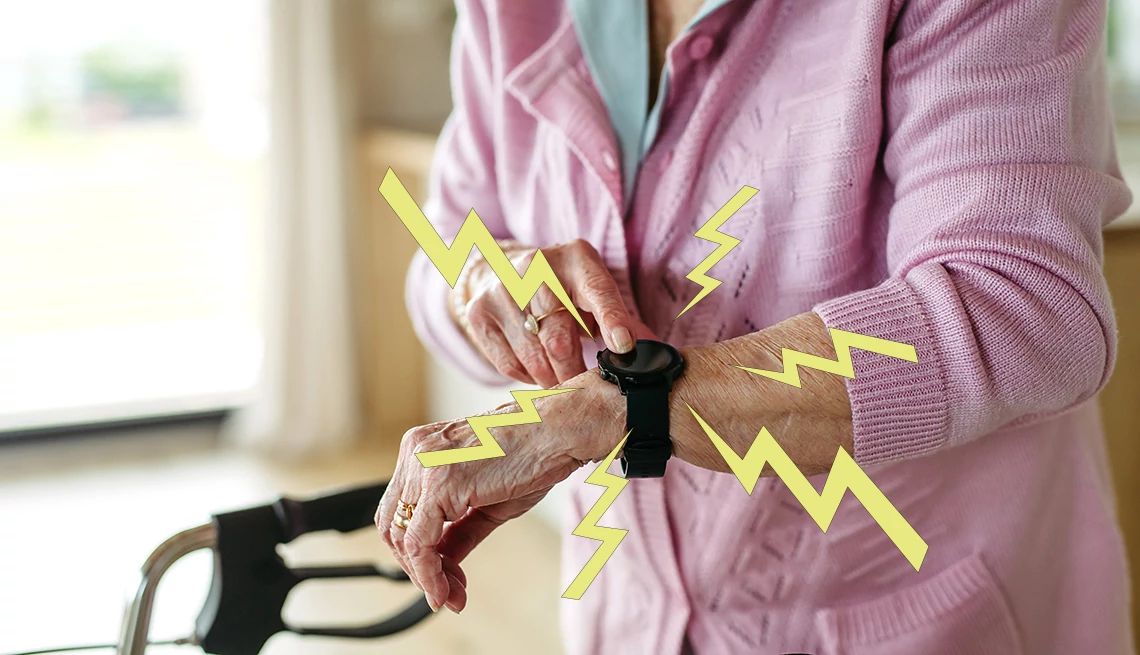
The best control is the one the user can reach in the bathroom, bedroom, and kitchen. Look for a pendant, wristband, belt clip, or fixed unit that fits the person’s habits. The Bay Alarm SOS Micro weighs less than 1.2 ounces, the Safety+ device includes a lanyard and belt clip, and several home systems include waterproof buttons. Check which component has the stated water rating, since it may apply to the wearable but not the receiver.
Frequently asked questions
Do these medical alert systems require a phone?
No. The Bay Alarm SOS Mobile GPS, Bay Alarm SOS Micro, and Connected Caregiver Safety+ operate as standalone cellular devices. Wi-Fi systems such as TurboSense and Joner need a home network for app features, but the senior does not necessarily need to carry a smartphone.
Which system is suitable for someone who lives alone?
A professionally monitored cellular device is the safer fit for someone who may not have a nearby caregiver. The Connected Caregiver Safety+ includes monitoring, GPS, and fall detection, while the Bay Alarm systems provide two-way access to live operators. A local pager should not be treated as equivalent because it depends on another person hearing and answering.
Can a caregiver use these devices in the shower?
Several products include water-resistant or waterproof wearable controls. The Assistive Technology Landline Alert says its wrist and necklace buttons are waterproof, the MT EXESPR call button is rated IPX6, and the Bay Alarm SOS Micro is IP67 water resistant. Always check the rating for the specific button or device and follow its instructions about submersion.
Do these systems detect falls automatically?
Not all of them. Connected Caregiver Safety+ lists automatic fall detection as included, and both Bay Alarm systems list fall detection as an available option. The home pager products generally require the user to press a button or activate the system manually.
What happens when a home pager button is pressed?
The receiver sounds or flashes, and Wi-Fi models may send a push notification to connected family members. The pager does not automatically provide a trained operator unless the product’s service arrangement specifically says it does. Families should decide in advance who will respond and what happens if nobody answers.
Can these devices work outside the house?
Cellular systems such as Bay Alarm SOS Mobile GPS, Bay Alarm SOS Micro, and Safety+ are designed for use away from home. The other pagers depend on a receiver, local wireless signal, landline, or home Wi-Fi and are primarily intended for the property where they are installed.
The bottom line
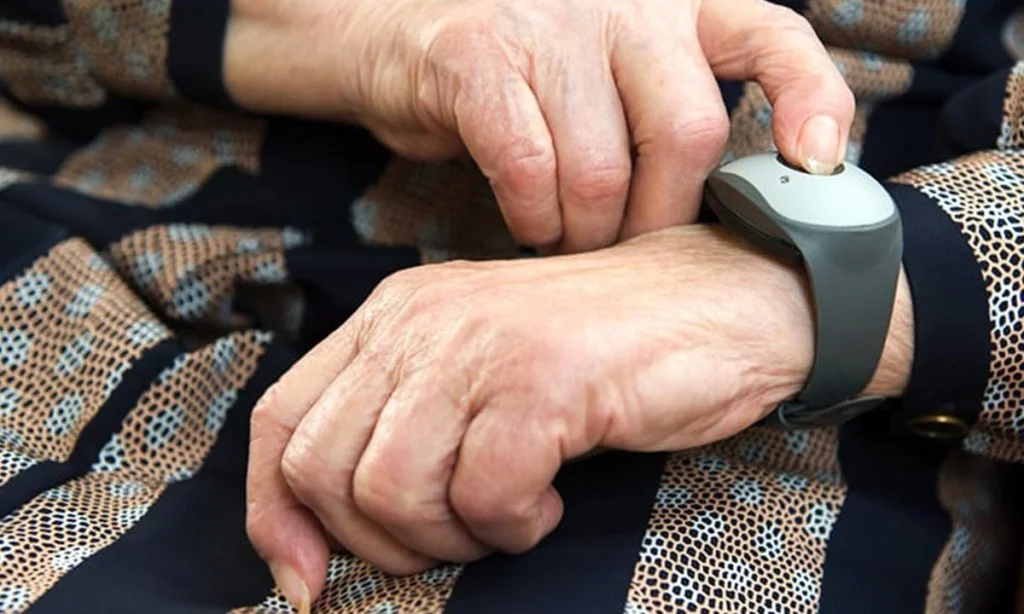
The Best medical alert systems elderly shoppers should start with is the Connected Caregiver Safety+ when professional monitoring, fall detection, GPS, and caregiver app access are all important. It is the most complete option here, though its service requirement and activation process make it more involved than a household pager.
The Bay Alarm SOS Mobile GPS is the better pick for an older adult who regularly leaves home, while the CallToU Caregiver Pager is the practical choice for a family that needs several receivers inside one property. For a user who may not be able to press a button, the Joner AI Voice Alert offers the most distinctive alternative through voice, tapping, and two-way family communication.
If you are undecided, choose the system that matches the person’s daily location and the people who can reliably respond.
As an Amazon Associate we earn from qualifying purchases.