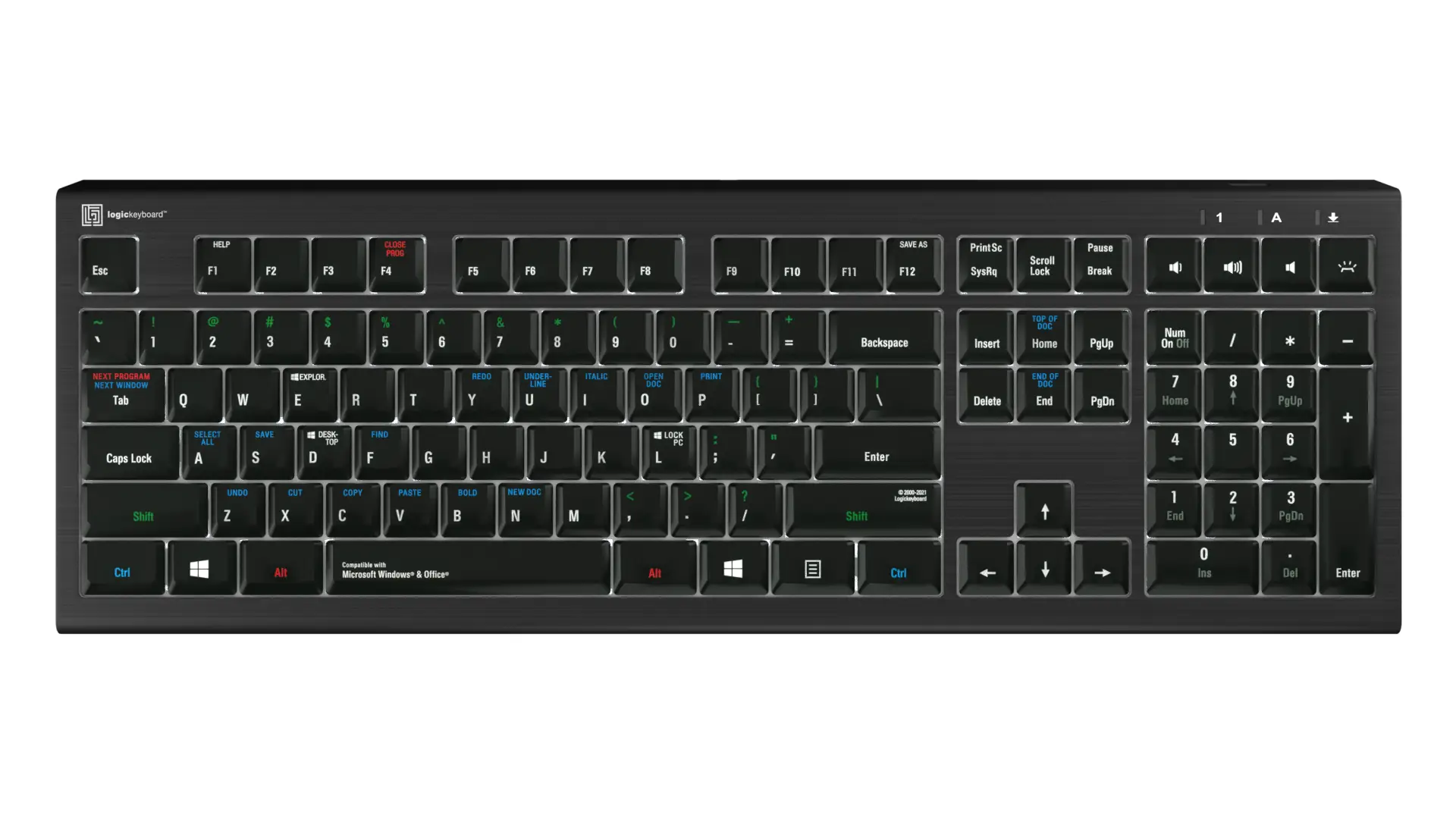

A keyboard can make a Windows 10 computer feel either effortless or oddly frustrating. The wrong one rattles through a quiet office, wastes a USB port, or leaves the number pad and useful media controls off the desk. The right one works as soon as you connect it and stays comfortable through a long document or spreadsheet.
Our Best keyboards for Windows 10 picks include dependable wired models, wireless options, quiet low-profile designs, a backlit keyboard, and two keyboard-equipped computer setups. Logitech K120 is the best all-around pick, with the Logitech K270, B.FRIENDIT KB1430, and Logitech MK295 covering the most useful alternatives.
Comparison table
| # | Product | Award | Connection | Layout or standout feature | Best for |
|---|---|---|---|---|---|
| 1 | Logitech K120 | Best overall | USB wired | Full size, number pad, spill-resistant | Reliable everyday typing |
| 2 | B.FRIENDIT KB1430 | Best quiet wired | USB wired | 105 scissor-switch keys, 2 mm travel | Quiet offices and study |
| 3 | Logitech K270 | Best wireless keyboard | 2.4 GHz wireless | Full size, eight hotkeys, number pad | Cable-free desks |
| 4 | Emetok Surface Pro Keyboard | Best Surface Pro keyboard | Bluetooth | Trackpad, backlight, pen holder | Compatible Surface Pro tablets |
| 5 | QAZIPO 2-in-1 | Best keyboard-equipped tablet | Detachable keyboard | 10.1-inch touchscreen, Windows 11 | Portable typing and tablet use |
| 6 | Arteck HW192 Combo | Best keyboard and mouse set | 2.4 GHz wireless | Stainless steel keyboard, rechargeable | A complete desktop setup |
| 7 | Dilter Backlit Keyboard | Best backlit wired keyboard | USB wired | Colorful backlight, number pad | Typing in dim rooms |
| 8 | Logitech MK295 | Best quiet wireless combo | 2.4 GHz wireless | SilentTouch, keyboard and mouse | Quiet cable-free work |
| 9 | Amazon Basics Keyboard | Best simple media keyboard | USB wired | Full size, media controls | Straightforward home use |
1. Logitech K120: Best Overall

Pros
- Familiar full-size layout with number pad
- Plug-and-play USB connection
- Spill-resistant design
- Adjustable tilt legs
- Anti-fade keys
Cons
- Wired connection limits desk placement
- Deep-profile keys are not as quiet or slim as scissor designs
- No dedicated media hotkeys
Best for: anyone who wants a dependable full-size keyboard for a Windows desktop or laptop.
The Logitech K120 is the keyboard we would hand to someone who simply wants their Windows computer to work without fuss. Connect its USB cable, and the full-size layout is ready immediately. There is no pairing process, battery compartment, receiver to misplace, or software installation to manage. That simplicity is its central strength.
The layout includes the familiar F-key row and a dedicated number pad, which makes a real difference for spreadsheets, invoices, data entry, and calculator-heavy work. Its dimensions are 17.7 inches wide and 6.1 inches high, so it needs a proper amount of desk space, but the broad layout avoids the cramped feel of smaller keyboards. The one-pound body is easy to move, while the sturdy tilt legs let you adjust the typing angle.
The keys use a deep-profile design rather than the low, laptop-like feel found on the B.FRIENDIT KB1430. That gives the K120 a more traditional stroke and clear physical separation between keys. It is not the quietest option here, but it feels familiar to people who have spent years on standard office keyboards. The key surfaces are designed to resist fading, so frequently used letters should remain legible through regular use.
Logitech also gives the K120 a spill-resistant design, though that should not be mistaken for permission to pour liquid over it. The wired connection is its main limitation. A cable keeps the keyboard reliably connected, but it also rules out the uncluttered setup offered by the Logitech K270 and Logitech MK295. There are no media keys either, so volume and playback controls require Windows shortcuts or the mouse.
The K120 is a stronger everyday choice than the Amazon Basics Keyboard if you prefer tilt adjustment and a more established office design. The B.FRIENDIT is better for quiet rooms, while the K270 is better when cable-free placement matters. For ordinary Windows 10 typing, though, the K120 gets the important things right and avoids unnecessary complications.
2. B.FRIENDIT KB1430: Best Quiet Wired

Pros
- 105 scissor-switch keys
- 2 mm key travel
- Low-profile design saves desk space
- Quiet typing feel
- Includes a keyboard cover and one-year replacement warranty
Cons
- Wired connection cannot be moved freely
- No number of dedicated media shortcuts is specified
- Less traditional feel than the Logitech K120
Best for: people who type in shared rooms and want a quiet full-size Windows keyboard.
The B.FRIENDIT KB1430 makes the most sense when keyboard noise is the problem you are trying to solve. Its 105 scissor-switch keys produce a quieter, more laptop-like action than the deep keys on the Logitech K120. That does not make it silent, but the shorter, lighter movement is much less intrusive in a bedroom, study area, or shared office.
Its 2 mm key travel gives each press a relatively compact stroke, and the scissor mechanism is intended to provide a responsive rebound. People who prefer a tall, old-school desktop key may find it less satisfying than the K120. People who like laptop keyboards will probably adjust quickly. The low-profile body measures 17.3 by 4.8 by 0.3 inches, making it slightly narrower and dramatically thinner than a conventional full-size board.
The full-size arrangement still gives you the number pad and standard QWERTY layout, so the slim design does not require giving up useful keys. A built-in folding stand raises the rear and changes the wrist angle. That stand is a practical touch for long sessions, particularly if you prefer a slight incline, though the keyboard remains light enough to shift if you push against it forcefully.
B.FRIENDIT says the keys are designed for up to five million keystrokes and uses matte UV-coated keycaps. Those surfaces should be easier to wipe clean than glossy plastic, while the included cover gives the keyboard some protection between uses. The Windows compatibility list includes Windows 10, Windows 11, Windows 8, Windows 7, Windows 2000, XP, and Vista. It connects over USB and needs no additional drivers.
Compared with the Logitech K120, this is the better office neighbor and the weaker choice for someone who wants a deep, traditional keypress. It also lacks the wireless freedom of the Logitech K270. If a quiet, slim, full-size board matters more than cable-free placement, the KB1430 is one of the most focused options among the Best keyboards for Windows 10.
3. Logitech K270: Best Wireless Keyboard

Pros
- Full-size layout with number pad
- Eight convenient hotkeys
- Wireless range up to 33 feet
- Spill-resistant keys
- Unifying receiver can connect additional devices
Cons
- Requires a wireless receiver
- Uses replaceable batteries rather than a rechargeable battery
- Larger than compact travel keyboards
Best for: Windows users who want a full-size wireless keyboard with useful shortcut keys.
The Logitech K270 removes the cable without turning the keyboard into a compact compromise. It keeps the full number pad and adds eight hotkeys, making it a better fit than the K120 for desks where media control and quick commands matter. The keyboard is still a conventional office shape, but its 0.75-inch profile is a little less bulky than some standard boards.
Its 2.4 GHz wireless connection is rated for a distance of up to 33 feet. That gives you plenty of flexibility for a desk, a home office, or a computer connected to a larger display across the room. The small receiver is the one item you need to keep track of. It connects through USB, so a thin laptop with few ports may need a hub, and the wireless arrangement is less self-contained than Bluetooth.
The K270 has a full-size layout with arrow keys and a number pad, which makes it comfortable for office applications and numeric work. Its UV-coated keys are intended to resist wear, while the spill-resistant construction offers some protection against everyday accidents. As with any spill-resistant keyboard, the sensible response to a drink tipping over is still to disconnect it and clean it promptly.
The keyboard measures 17.25 inches wide by 5.75 inches deep and weighs 1.1 pounds. That is close enough to the K120 for the desk footprint to feel familiar, but without the cable running from the rear. The main compromise is power. Unlike the rechargeable Arteck HW192 Combo, the K270 uses batteries, so it is not the pick for someone who wants every peripheral charged by USB.
For a clutter-free Windows 10 desk, the K270 is more convenient than the K120 and less specialized than the quiet B.FRIENDIT. It is a particularly sensible match for a desktop computer that stays in one place. Readers deciding between this and other cable-free designs can compare the practical trade-offs of wireless keyboard layouts before choosing a format.
4. Emetok Surface Pro Keyboard: Best Surface Pro Keyboard

Pros
- Built for 13-inch Surface Pro 11, 10, 9, 8, and X models
- Integrated multi-touch trackpad
- Seven-color backlight with three brightness levels
- USB-C rechargeable 750mAh battery
- Magnetic pen holder
Cons
- Not compatible with Surface Pro 7 or earlier models
- Not compatible with Surface Go models
- Magnetic strip does not charge or connect the tablet
Best for: Surface Pro owners with a compatible 13-inch model who need a keyboard and trackpad cover.
The Emetok Surface Pro Keyboard is not a general desktop keyboard. It is a specialized cover and input device for the 13-inch Surface Pro 11, 10, 9, 8, and X. That narrow compatibility is the first thing to check, because it does not work with Surface Pro 7, 7 Plus, 6, 5, 4, or 3, and it is not compatible with Surface Go models.
Once the tablet matches, the design is much more useful than a plain Bluetooth board. The built-in multi-touch trackpad lets you scroll, swipe, and zoom without carrying a mouse. The magnetic pen holder keeps a Surface Pen nearby for storage, though the holder does not charge the pen. The magnetic strip secures the keyboard to the tablet, but it does not charge or connect it.
The keyboard uses its own 750mAh battery and charges through USB-C. The stated charging time is two hours, with up to 50 hours of use. That is a reasonable arrangement for mobile work, though it introduces one more battery to monitor compared with the always-ready Logitech K120. Bluetooth pairing begins with Fn plus C, followed by the normal Windows Bluetooth device setup.
This keyboard also adds a seven-color backlight with three brightness levels. That is useful in dim transport, classrooms, or conference rooms, although the backlight is a feature for visibility rather than a replacement for a proper desktop keyboard. At 0.26 inches thin and 0.9 pounds, it is designed to travel with the tablet and close as a screen cover.
The Emetok is a better choice than every full-size keyboard here for a compatible Surface Pro because it adds the trackpad, cover function, and tablet-specific fit. It is a poor choice for anyone with an older Surface Pro, a Surface Go, or a conventional Windows laptop. Confirming the exact model in Windows settings is not optional.
5. QAZIPO 2-in-1: Best Keyboard-Equipped Tablet

Pros
- Detachable magnetic keyboard included
- 10.1-inch FHD IPS touchscreen
- Windows 11 Home pre-installed
- 8GB RAM and 256GB SSD
- Two USB-C ports, USB 3.0, Micro HDMI, and headphone jack
Cons
- It is a complete computer, not a standalone keyboard
- Smaller screen and keyboard than a desktop setup
- Pentium Gold 6500Y is aimed at lighter workloads
Best for: students and mobile users who need a small Windows computer that can switch between tablet and laptop modes.
The QAZIPO 2-in-1 is the outlier in this roundup because it includes a keyboard as part of a complete Windows computer. It makes sense for someone who needs a portable typing setup, not for a reader replacing a keyboard beside an existing desktop. The detachable magnetic leather keyboard can be attached for documents and removed for tablet use.
Its 10.1-inch FHD IPS touchscreen uses a 16:10 aspect ratio. That shape gives documents and web pages a little more vertical room than a wide entertainment-focused screen, while touch input makes it practical for quick browsing and tablet tasks. The tablet weighs 1.3 pounds and is 0.4 inches thin, so it is considerably easier to carry than a full-size desktop keyboard.
The internal hardware is aimed at everyday computing. It has 8GB of RAM, a 256GB SSD, and an Intel Pentium Gold 6500Y processor with processing up to 3.4GHz. That combination is suited to Office applications, browser tabs, video calls, and light creative tasks. It is not the right direction for someone who wants a large keyboard, extensive desktop performance, or a wide monitor workspace.
Connectivity is unusually flexible for such a small device. The QAZIPO includes two USB-C ports, with one described as full-featured and fast charging, plus USB 3.0, Micro HDMI, and a 3.5mm headphone jack. WiFi 5 and Bluetooth 5.0 handle wireless connections. Windows 11 Home comes pre-installed, and the package includes one year of Office 365, along with Word, Excel, PowerPoint, Outlook, OneNote, Publisher, Access, and 1TB of OneDrive storage.
The detachable keyboard will not provide the same full-size comfort as the Logitech K120, and the tablet format means a smaller working area. Still, it is the only entry here that combines a screen, keyboard, storage, cameras, and Windows in one portable package. Skip it if you already have a computer and need only an input device. Choose it if portability and the ability to switch between typing and touch matter more than desktop ergonomics.
6. Arteck HW192 Combo: Best Keyboard and Mouse Set

Pros
- Full-size keyboard and ergonomic mouse included
- One nano receiver serves both devices
- Rechargeable keyboard and mouse batteries
- Stainless steel keyboard construction
- Six months of keyboard use and four months of mouse use per charge
Cons
- Uses a USB receiver rather than Bluetooth
- Combo takes up more desk space than a keyboard alone
- Mouse ergonomics will not suit every hand
Best for: someone setting up a Windows desk and needing both keyboard and mouse from one receiver.
The Arteck HW192 Combo is the practical choice when the keyboard is only half the desktop problem. It includes a full-size keyboard and an ergonomic mouse, with both devices sharing one nano USB receiver. That saves a USB port and avoids pairing two separate wireless products.
The keyboard uses stainless steel material and low-profile keys. It retains arrow keys and a number pad, so it is still suitable for spreadsheets and office work, while the thinner key design looks and feels less bulky than the K120. The mouse is shaped to reduce stress during use, though shape preferences vary more from person to person than keyboard layout preferences.
Power is the defining feature. The rechargeable keyboard battery is rated for up to six months on one charge, while the mouse is rated for up to four months, based on two hours of non-stop use each day. Those are useful stretches between charging sessions. The trade-off is that both devices eventually need a USB charging cable, unlike a wired keyboard that has no battery to maintain.
The receiver is stored inside the back of the mouse, which is convenient during storage but easy to overlook during setup. Insert it into the computer and both peripherals are ready to use. The set is designed for Windows 11, 10, and 8, and it includes a USB charging cable, welcome guide, and 24-month warranty.
The Arteck is more complete than the Logitech K270, but the K270 is the cleaner pick if you already own a mouse or want a keyboard with a smaller accessory footprint. If you need a new pointing device as well, the Arteck makes more sense. For readers comparing the bundled mouse itself, the shape and control details that matter for Windows work are worth considering before committing to a combo.
7. Dilter Backlit Keyboard: Best Backlit Wired Keyboard

Pros
- Colorful backlight helps in dim rooms
- Full-size layout with number pad
- Foldable rear stand
- Caps Lock, keypad, and power indicators
- USB plug-and-play connection
Cons
- Not fully compatible with Mac
- Backlight styling is less restrained than standard office designs
- No wireless mode
Best for: Windows users who want visible keys and a full number pad in a dim workspace.
The Dilter Backlit Keyboard is aimed at a specific annoyance: trying to find keys in a dark room. Its colorful backlight adds visibility and a little personality, while the full-size layout keeps the number pad and familiar desktop arrangement. It is a wired keyboard, so the USB connection keeps the setup straightforward and means there are no batteries to recharge.
The keys use a soft membrane design with round keycaps. That should make the board quieter and gentler than a mechanical keyboard, although the feel will not be as precise or low-profile as the scissor switches on the B.FRIENDIT. The rear foldable stand raises the keyboard and is intended to reduce hand fatigue by changing the typing angle.
A useful set of indicators shows keypad lock, Caps Lock, and power status. Those lights are easy to overlook until you are entering numbers or typing a password and need to know why the result looks wrong. The number pad also makes the Dilter more practical for ordinary office work than compact illuminated boards.
It works with Windows XP, Vista, 7, 8, 10, and 11, and connects without additional software. The product information warns that it is not fully compatible with Mac systems, which is less important for a Windows 10 buyer but worth remembering if the keyboard will move between computers. The backlight is the main reason to choose it, not a substitute for a premium typing mechanism.
The Dilter has a more distinctive look than the Logitech K120 and a useful advantage over it after dark. The K120 remains the safer choice for a neutral office environment, while the B.FRIENDIT is better if quiet typing matters more than illumination. If lighting is your deciding factor, compare how illuminated keys help during late-night typing with the styling you want on your desk.
8. Logitech MK295: Best Quiet Wireless Combo

Pros
- SilentTouch technology reduces typing and clicking noise
- Full-size keyboard with number pad
- Eight shortcut keys
- Keyboard and mouse included
- Wireless range up to 10 meters
Cons
- Requires a USB receiver
- Uses replaceable batteries
- Combo is larger than a keyboard-only setup
Best for: shared workspaces that need a quiet wireless keyboard and mouse.
The Logitech MK295 combines the two features that most often compete with each other: wireless freedom and quiet operation. Its SilentTouch technology is designed to reduce typing and clicking noise by 90 percent while preserving the familiar feel of a conventional keyboard and mouse. That makes it a strong fit for shared rooms, late-night work, and home offices near living spaces.
The keyboard keeps a full number pad and adds eight shortcut keys for functions such as play, pause, volume, mute, and internet access. Those controls are more convenient than the plain K120 arrangement. The mouse has a contoured shape and smooth clicking, though it is still a basic bundled pointer rather than a highly adjustable ergonomic model.
A small receiver provides a 2.4 GHz connection with a stated range of 10 meters. Setup is intended to take about three seconds, and the keyboard and mouse work with Windows and Chrome OS. The receiver creates a tidy desk, but it occupies a USB port and can be inconvenient on a port-limited laptop. It is not a Bluetooth keyboard.
The battery claims are unusually long. Logitech rates the keyboard for up to 36 months and the mouse for up to 18 months, with on and off switches on both devices. The keyboard is spill-resistant and has adjustable tilt legs, while the keyboard measures about 20.08 inches wide by 6.22 inches deep and weighs 1.6 pounds. That is a large footprint, so measure the desk before choosing it for a narrow workspace.
The MK295 is the better quiet wireless option than the Logitech K270, while the K270 is simpler if you do not need the mouse or extra emphasis on quietness. The B.FRIENDIT remains slimmer and quieter-feeling for a keyboard-only wired setup. Pick the MK295 when the complete, cable-free package matters more than keeping the desk as small as possible.
9. Amazon Basics Keyboard: Best Simple Media Keyboard

Pros
- Full-size QWERTY layout
- USB plug-and-play setup
- Dedicated media and system hotkeys
- Number pad for office work
- Broad Windows compatibility
Cons
- Wired connection limits placement
- No backlight
- Features are basic compared with wireless combos
Best for: home and office users who want a familiar wired keyboard with media controls.
The Amazon Basics Keyboard sticks to the essentials, then adds a few useful shortcuts. Its full-size QWERTY layout is familiar immediately, and the number pad keeps it suitable for data entry and office tasks. The USB cable makes setup direct, with no batteries, wireless receiver, or pairing menu involved.
The shortcut row provides access to media functions, My Computer, mute, volume up and down, and the calculator. Those controls give it a practical edge over the Logitech K120 for someone who frequently changes volume or opens utility tools. The trade-off is that the keyboard remains a straightforward membrane office board, without the slim scissor feel of the B.FRIENDIT or the illumination of the Dilter.
At 17.39 inches wide and 5.01 inches deep, it has a slightly narrower footprint than the K120. It weighs 0.98 pounds, so moving it is easy, though a lightweight board can shift more readily during forceful typing. The design is intended to work with Windows Vista, 7, 8, and 10, making it a direct match for older Windows systems as well as the target operating system.
There is no wireless option or backlight, and the product information does not describe a spill-resistant build or adjustable tilt legs. Those omissions matter if the keyboard will live in a busy office or a dark room. The K120 is the more reassuring pick for durability-focused everyday use, while the Dilter is the more useful choice when visibility matters.
The Amazon Basics board makes sense when you want a no-learning-curve keyboard with media controls and a standard layout. It does not try to solve every desktop problem, but it covers the basic Windows 10 role cleanly. Choose it for uncomplicated home or office typing, and look elsewhere if wireless freedom, quiet operation, or backlighting is essential.
How to choose best keyboards for windows 10
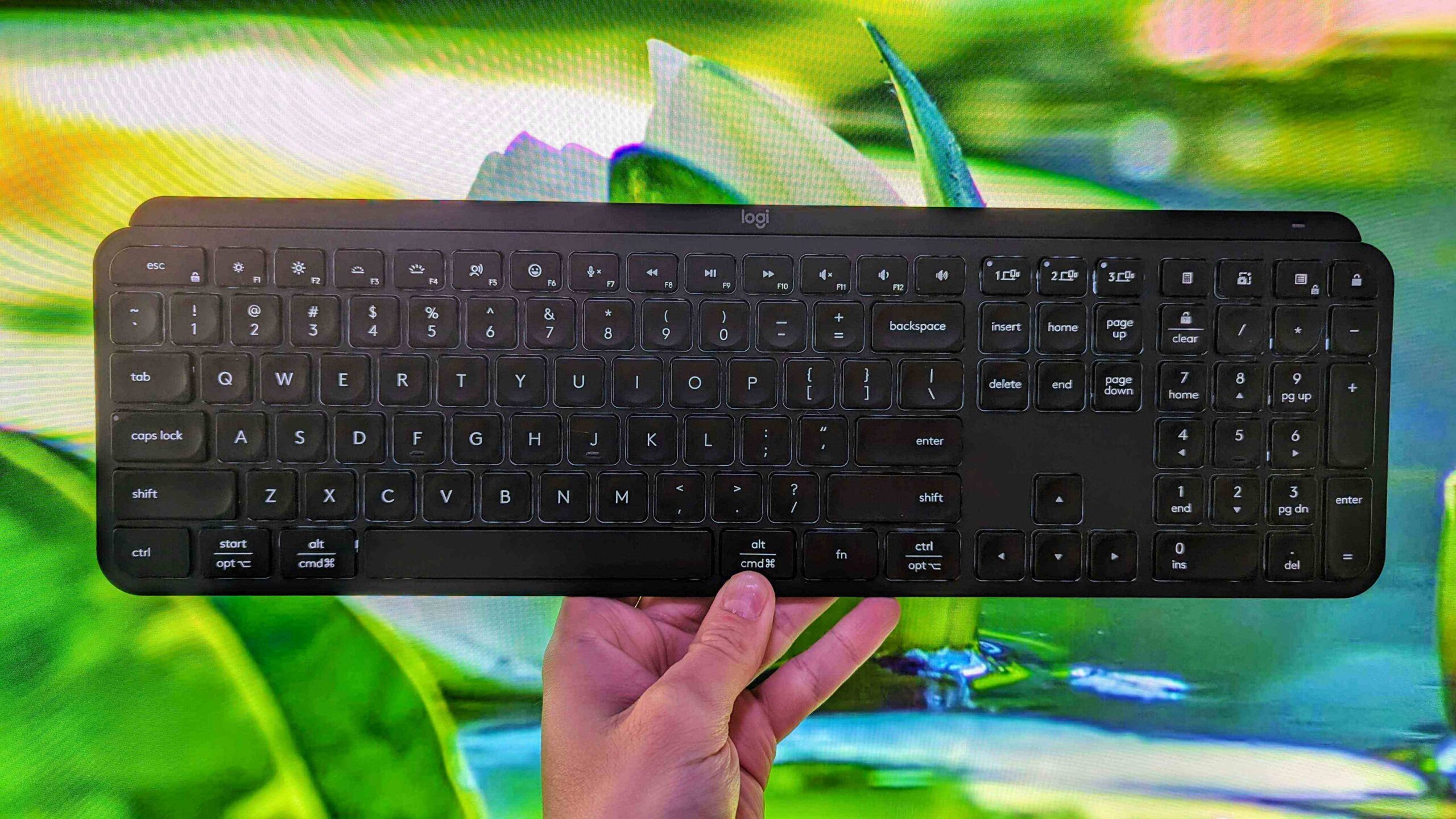
Choosing among the Best keyboards for Windows 10 comes down to how you work, how much desk space you have, and which compromises you will notice every day.
Connection type
USB wired keyboards such as the Logitech K120, B.FRIENDIT KB1430, Dilter, and Amazon Basics Keyboard are ready as soon as they are connected. They do not need charging or wireless pairing, which makes them dependable for a fixed desktop. Wireless models provide a cleaner desk and more flexible seating, but they use either a USB receiver or Bluetooth and introduce batteries into the setup.
A USB receiver is usually simple on a desktop, especially when it stays connected. Bluetooth is more convenient for compatible tablets and laptops, but the Emetok Surface Pro Keyboard has a narrow device compatibility list. Check the ports and wireless standards on the computer before choosing.
The best connection is the one your computer can leave attached without creating a daily nuisance.
Layout and number pad
A full-size layout is useful for spreadsheets, accounting, inventory, and frequent numeric entry. The Logitech K120, K270, MK295, Arteck, Dilter, and Amazon Basics Keyboard all retain the number pad. The Emetok is designed around a tablet cover, while the QAZIPO uses a portable detachable keyboard rather than a desktop arrangement.
A full-size board requires more desk depth and width, but it reduces the need to use a number row for calculations. If you rarely enter numbers and have a small desk, a compact layout may be easier to place. None of the products here is a compact desktop keyboard, so the portable choices are the Surface Pro cover and QAZIPO 2-in-1.
Key feel and noise
The K120 and Amazon Basics Keyboard use familiar standard desktop designs. The B.FRIENDIT uses 105 scissor-switch keys with 2 mm travel, producing a slimmer and quieter laptop-like feel. Logitech’s MK295 uses SilentTouch technology to reduce typing and clicking noise, making it the better wireless fit for shared rooms.
Membrane keyboards are generally a sensible choice for general Windows work, but feel varies. Deep-profile keys offer more physical travel, while low-profile scissor keys have a shorter stroke. If you type beside someone sleeping or working, noise should be a primary selection factor rather than an afterthought.
Wireless power
Wireless keyboards need either replaceable or rechargeable batteries. The Logitech K270 and MK295 use batteries, with the MK295 listing a keyboard battery life of up to 36 months. The Arteck uses a rechargeable battery rated for up to six months, while the Emetok Surface Pro Keyboard has a 750mAh battery rated for up to 50 hours of use after a two-hour charge.
A wired keyboard avoids this issue completely. For a desk that stays in one place, that can be more convenient than wireless freedom. For a laptop or flexible workstation, the ability to move the keyboard may matter more than the occasional battery check.
Backlighting and visibility
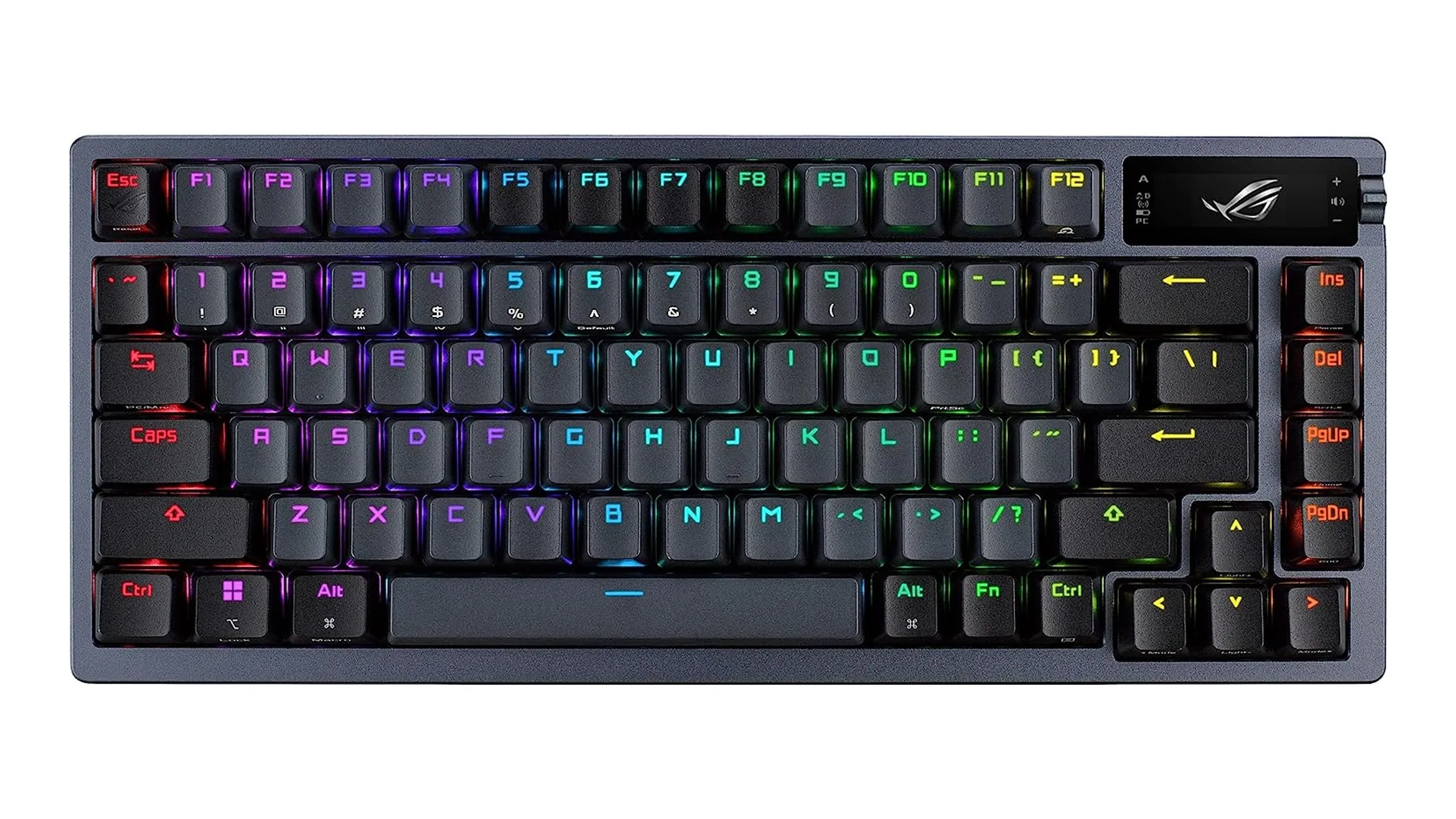
Backlighting helps when the room is dim, but it is not necessary for every office. The Dilter provides a colorful backlight, while the Emetok offers seven colors and three brightness levels. The other full-size desktop keyboards in this roundup do not list backlighting.
Consider whether you need to identify individual keys in low light or simply want a decorative effect. A backlit design can improve visibility, but it may also look less conventional in a formal office. Dedicated indicator lights on the Dilter are useful for Caps Lock and Num Lock regardless of the backlight.
Frequently asked questions
Does a USB keyboard work with Windows 10?
Yes. The wired models in this roundup are designed for Windows systems and use plug-and-play USB connections. The Logitech K120, B.FRIENDIT KB1430, Dilter, and Amazon Basics Keyboard can be connected and used without installing additional drivers according to their listed features.
Is a wireless keyboard better for Windows 10?
A wireless keyboard is better when you want a cleaner desk or need to position the keyboard away from the computer. A wired keyboard is better when you want a connection that does not require batteries or a receiver. The Logitech K270 is the straightforward wireless keyboard, while the Logitech MK295 adds quieter operation and a mouse.
Do these keyboards include a number pad?
The Logitech K120, B.FRIENDIT KB1430, Logitech K270, Arteck keyboard, Dilter, Logitech MK295, and Amazon Basics Keyboard have full-size layouts with number pads. The Emetok Surface Pro Keyboard is a tablet cover with a trackpad, and the QAZIPO uses a detachable portable keyboard.
Which keyboard is quietest for a shared room?
The B.FRIENDIT KB1430 is the strongest keyboard-only option because it uses low-profile scissor switches and is designed for reduced noise. The Logitech MK295 is the better choice if you also want a wireless mouse and quiet mouse clicks. The Logitech K120 is more traditional and is not the quietest model here.
Can the Emetok keyboard fit any Surface Pro?
No. It is listed for 13-inch Surface Pro 11, 10, 9, 8, and X models only. It is not compatible with Surface Pro 7, 7 Plus, 6, 5, 4, or 3, and it does not work with Surface Go models. Verify the tablet model before ordering.
Are any of these keyboards rechargeable?
The Arteck keyboard and mouse combo uses rechargeable batteries, and the Emetok Surface Pro Keyboard has a USB-C rechargeable 750mAh battery. The other wireless keyboard models use batteries, while the wired models draw power through USB.
The bottom line
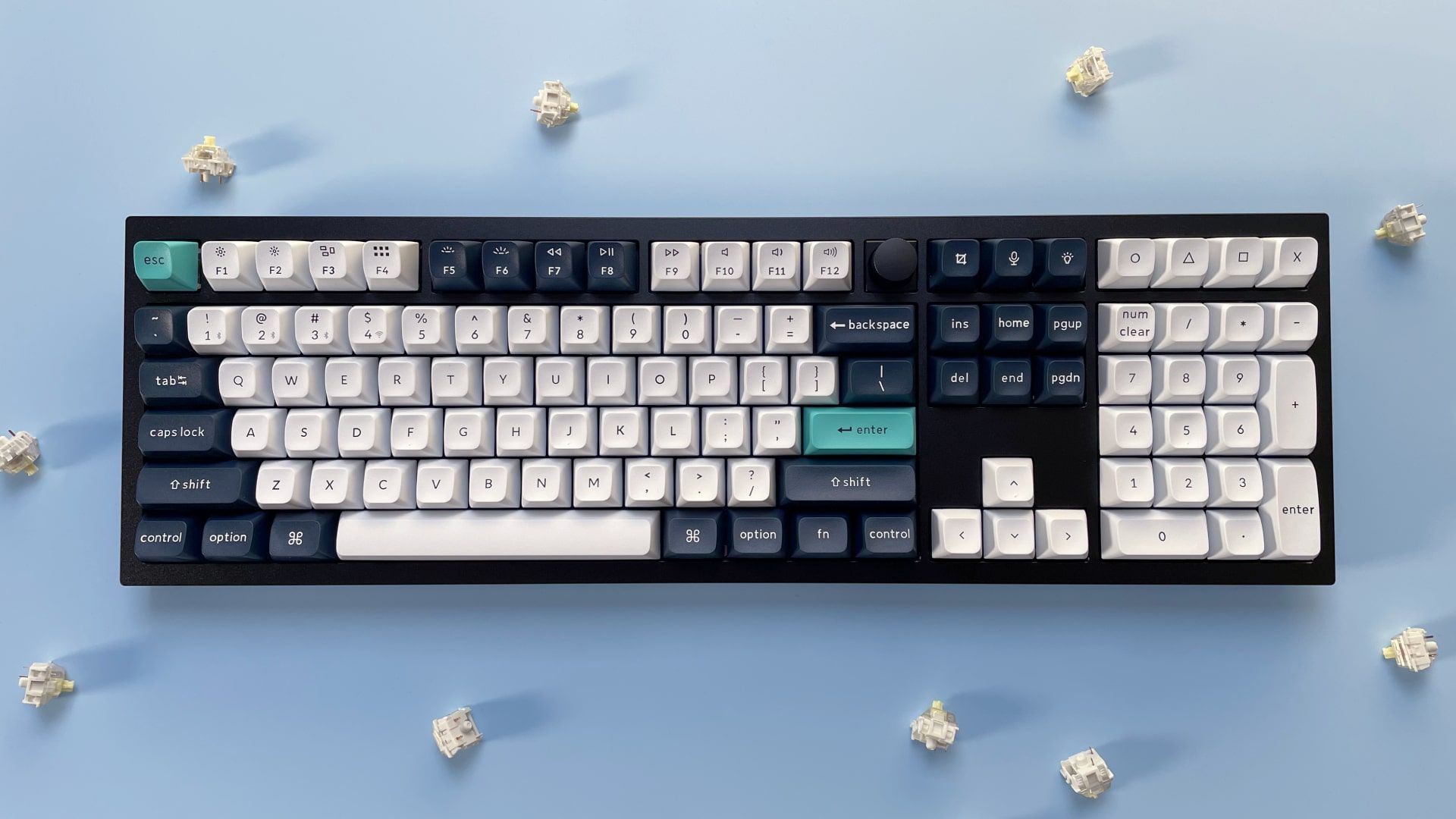
The Best keyboards for Windows 10 start with the Logitech K120 for most fixed desks. Its full-size layout, number pad, USB plug-and-play setup, spill-resistant design, and adjustable tilt legs cover the essentials without making the user manage wireless power. Choose the B.FRIENDIT KB1430 instead when quiet scissor-switch typing and a slim profile matter more.
For wireless work, the Logitech K270 is the cleanest keyboard-only choice, while the Logitech MK295 is better when quiet operation and a bundled mouse are part of the plan. Surface Pro owners should choose the Emetok only after verifying compatibility, and the QAZIPO makes sense only for someone who needs a complete portable Windows computer rather than a replacement desktop keyboard.
If you are undecided, choose the Logitech K120 for a stationary desk, or the B.FRIENDIT KB1430 when keyboard noise is the problem you notice most.
As an Amazon Associate we earn from qualifying purchases.