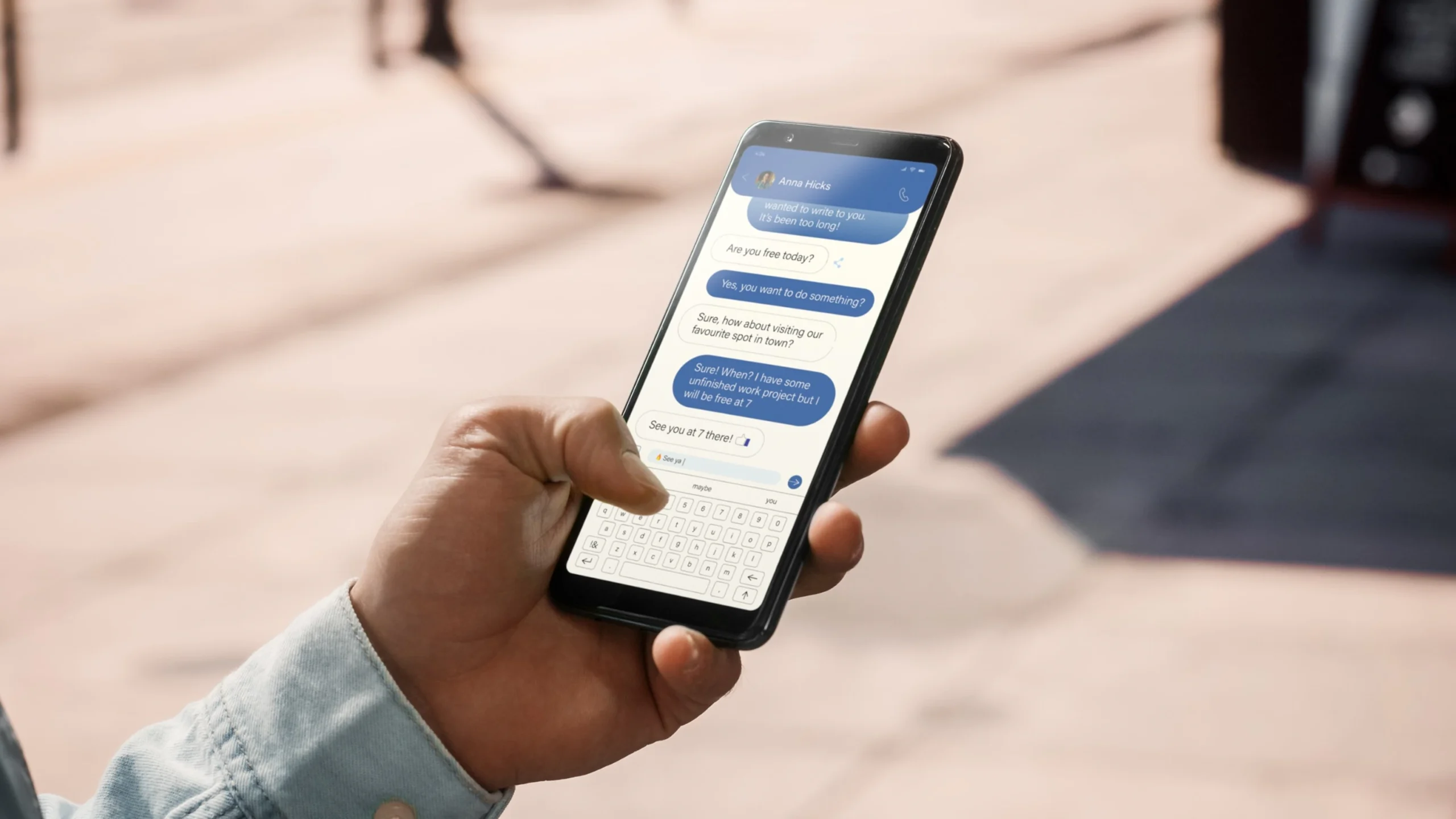

The best phone for texting is the one that lets you type accurately and comfortably for hours without frustration or battery anxiety. There is no single model that wins for everyone, because the answer depends on your hands, your eyes, your messaging habits, and whether you type with thumbs, swipe, or use voice. What we can do is walk through the real trade-offs so you know exactly what to look for.
The Keyboard: Your Primary Tool
The keyboard is the most personal part of any phone. A phone that forces you to correct every third word is a bad texting phone, no matter how good its camera or processor is. Here is what separates a good typing experience from a bad one.
On-Screen Keyboards: Size and Accuracy
Every modern phone uses a virtual keyboard, but not all virtual keyboards are equally responsive. The key factors are screen size, key spacing, and the software that predicts your next word.
A phone with a screen smaller than about 5.5 inches diagonally will feel cramped for two-thumb typing. You will make more typos because the keys are too close together. At the other end, a phone with a screen larger than about 6.9 inches becomes hard to hold in one hand, and your thumbs have to stretch to reach the center keys. The sweet spot for most people is between 6.1 and 6.7 inches. That range gives you enough room for a full QWERTY layout without forcing you to use two hands all the time.
The keyboard app matters too. The default keyboard on most phones (Gboard on Android, the Apple keyboard on iPhone) is good for most people. But if you find autocorrect aggressive or the key layout uncomfortable, you can install a third-party keyboard like SwiftKey or Fleksy. Some people swear by keyboards that let you resize the keys or move the spacebar. That flexibility is worth testing before you decide a phone is bad for typing.
Physical Keyboards: A Niche but Real Option
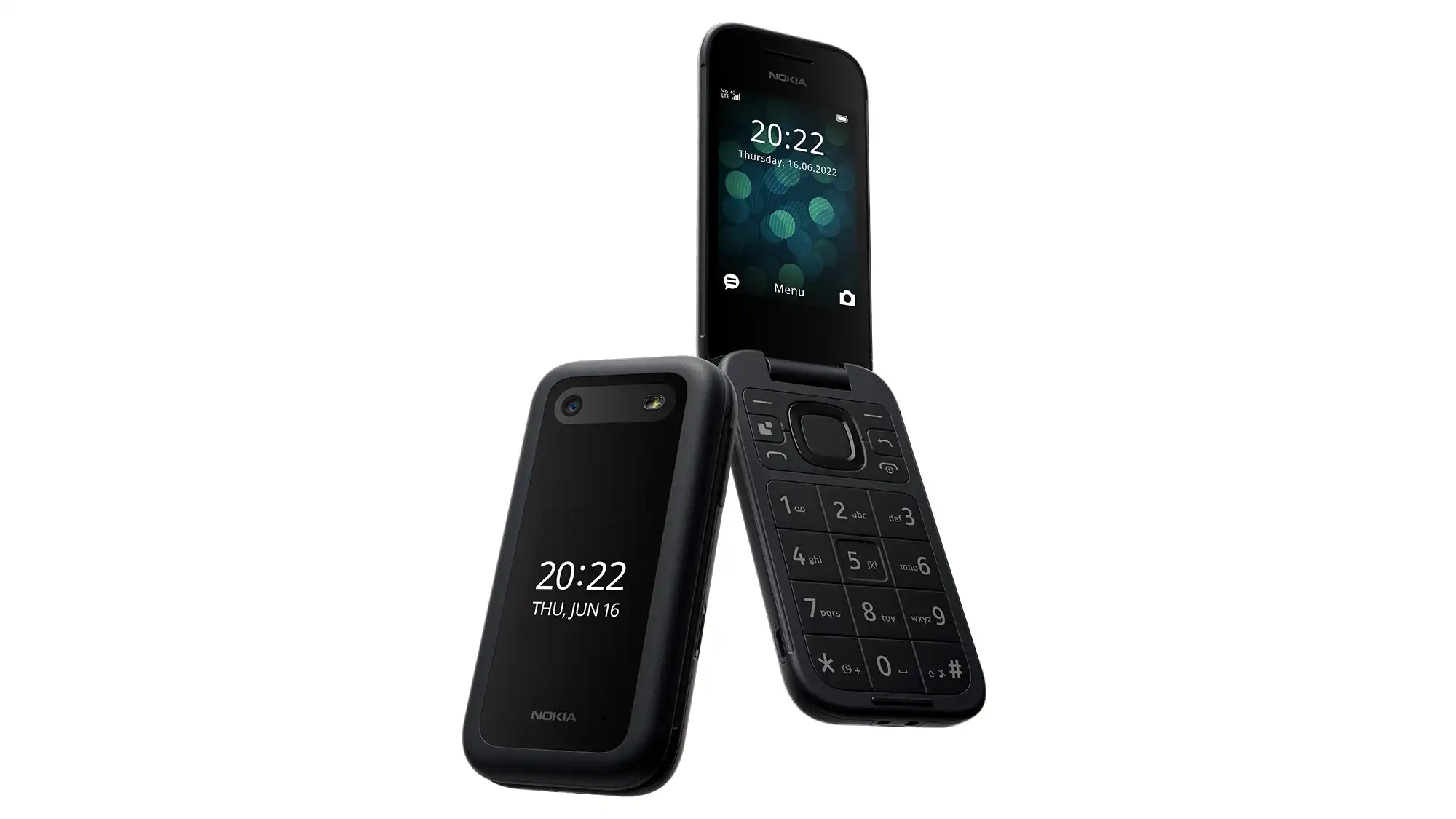
A small number of phones still have physical QWERTY keyboards. These are rare in 2026, but they exist in the form of devices like the Unihertz Titan series or some rugged phones aimed at field workers. A physical keyboard gives you tactile feedback. You can feel the edge of each key without looking. That makes a difference if you type long messages regularly or if you work in bright sunlight where an on-screen keyboard washes out.
The trade-off is bulk. Phones with physical keyboards are thicker and heavier than slab phones. They also have smaller screens because the keyboard takes up the bottom half of the device. If you value a pocket-friendly phone and only send short texts, a physical keyboard is probably not worth it.
Screen Quality and Visibility
You can type well only if you can see the letters. Screen brightness, resolution, and ambient light handling all affect how easy it is to read your own typing.
A phone with a peak brightness above 800 nits is noticeably easier to use outdoors. If you text while walking or waiting at a bus stop, a dim screen will force you to shade the phone with your hand. Look for a phone with good outdoor visibility, which is usually indicated by high nits and an anti-reflective coating.
Resolution matters less than you think. A 1080p screen at 400 pixels per inch is sharp enough to render crisp letters. Higher resolution screens (1440p or 4K) use more battery without making text significantly clearer. The bigger factor is the screen's contrast ratio and color temperature. A screen that leans too blue or too warm can cause eye strain after long typing sessions. Many phones let you adjust the color temperature in settings.
Battery Life: The Hidden Texting Factor
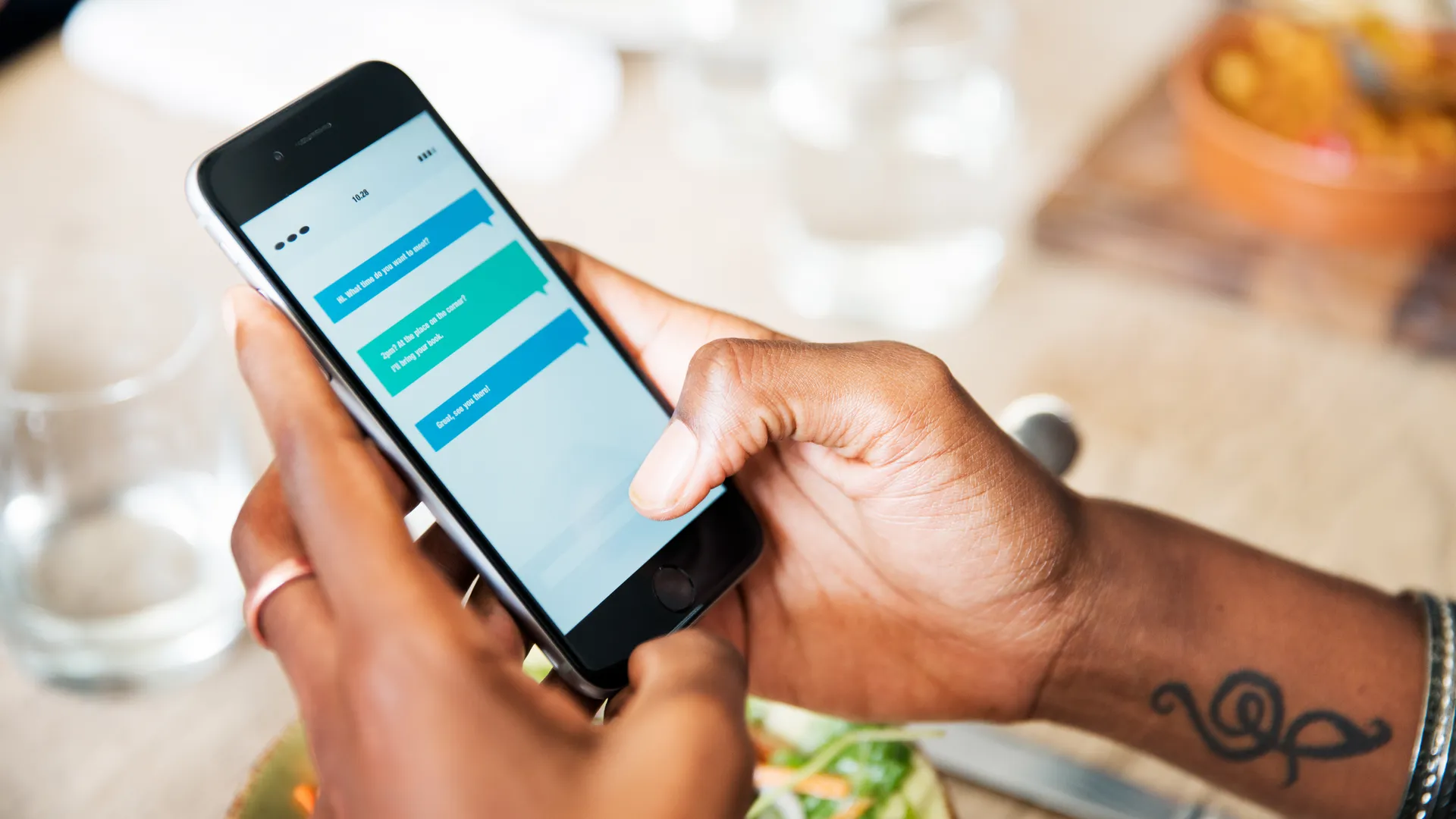
Texting seems like a low-power activity, but it adds up. If you send dozens of messages a day, your phone's screen is on for long stretches. The radio (cellular or Wi-Fi) is constantly waking up to send and receive messages. Over a full day, heavy texting can drain a battery faster than casual web browsing.
A phone with a battery capacity of at least 4, 000 mAh will comfortably get you through a day of moderate texting. If you are a prolific texter or you rely on your phone for work messaging, aim for 5, 000 mAh or more. Fast charging is a bonus, but not essential if the battery lasts all day anyway.
Battery life also depends on the messaging app. Apps like WhatsApp and Telegram use more power than SMS because they maintain a persistent data connection. If you use multiple messaging apps, expect shorter battery life. Some phones have aggressive battery optimization that can delay message notifications. That is a problem for texting. If you notice messages arriving late, check the battery settings and make sure the messaging app is not being put to sleep.
Messaging App Support: RCS, iMessage, and Cross-Platform
What you can do with text messages depends on the messaging standard your phone supports. This is where the operating system matters.
On Android, the default messaging app uses RCS (Rich Communication Services) when both sender and recipient have it enabled. RCS gives you read receipts, typing indicators, high-resolution photo sharing, and end-to-end encryption. It works over Wi-Fi and cellular. If you are texting someone else on Android with RCS, the experience is close to what iMessage offers.
On iPhone, iMessage is the default. It offers the same features, but only between Apple devices. When an iPhone texts an Android phone, the conversation falls back to SMS or MMS. That means no read receipts, no typing indicators, and lower-quality images. Apple added RCS support in 2024, so iPhones can now use RCS with Android phones, but the feature is still rolling out.
If you text across both platforms, the best phone for texting is one that supports RCS fully. That includes all modern Android phones and iPhones from the iPhone 15 series onward. For group chats with mixed phones, RCS is the only way to get a consistent experience.

Voice-to-Text and Dictation
Typing with thumbs is not the only way to text. Voice-to-text has improved dramatically. Google's speech recognition and Apple's dictation are both accurate enough to transcribe messages without errors most of the time. If you send long messages while driving (hands-free, legally) or when your hands are busy, a phone with a good voice-to-text engine is a better texting phone than one without.
The quality of voice-to-text depends on the phone's microphone array and the software. Phones with multiple microphones and noise cancellation pick up your voice more clearly in noisy environments. If you often dictate messages in a coffee shop or on a train, look for a phone with at least two microphones. For a more comfortable hands-free experience, pairing the phone with a good pair of earbuds can make a real difference. We have a guide to earbuds that handle phone calls well if you want to explore that route.
Durability: For Texting in All Conditions
A phone that breaks when you drop it is not a good texting phone, because you cannot text on a cracked screen. If you text frequently outdoors, at a job site, or while moving, a phone with an IP68 rating (dust and water resistance) and a durable build (metal frame, Gorilla Glass) is worth prioritizing.
Rugged phones go further. They have thicker frames, rubber bumpers, and sometimes glove-compatible screens. They are heavier and less stylish, but they survive drops and rain. If your texting happens in harsh conditions, a rugged phone is the practical choice.
One-Handed Use vs. Two-Handed Typing
How you hold the phone determines which size works best. People with smaller hands often prefer phones under 6.3 inches so they can reach all keys with one thumb. People with larger hands can manage bigger phones. Some phones offer a one-handed mode that shrinks the keyboard to one side of the screen. That helps, but it is a compromise.
If you do most of your texting while sitting at a desk or lying down, a larger phone is fine because you can hold it with two hands. If you text while walking, holding a coffee, or standing on a train, a smaller phone is easier.
The Role of Accessories
No phone is perfect for texting in every situation. Accessories can fill the gaps. A good pair of Bluetooth earbuds lets you dictate messages hands-free. For work calls that involve a lot of back-and-forth, you might want earbuds designed for work calls with better microphones.
If you frequently text from a computer, a phone that supports seamless cross-device messaging (like Samsung's Phone Link or Apple's Continuity) makes it easier to type on a full keyboard. Some phones also allow you to connect to a monitor or laptop for a desktop-like experience. That is covered in our guide to phones that connect to a computer.
For listening to music or podcasts while texting, a pair of comfortable headphones can make the experience better. Our picks for headphones for music listening are a good starting point.
The Honest Limitation
No phone is the best for every texter. The phone that works for a teenager in a group chat will not work for a construction foreman sending job updates. The phone that fits a small hand will not fit a large one. The phone that lasts two days of light use might die by dinner if you are in a poor signal area and the radio has to work harder.
The only way to find the best phone for texting is to identify your own priorities. If you value accuracy, prioritize a good keyboard app and a screen size that matches your hand size. If you value convenience, prioritize battery life and voice-to-text. If you value compatibility, make sure your phone supports RCS.
FAQ
Is a bigger screen always better for texting?
No. A screen larger than about 6.7 inches makes it harder to reach the center keys with one thumb. The ideal size depends on your hand size and whether you type with one hand or two. Most people find 6.1 to 6.7 inches to be the sweet spot.
Do I need a physical keyboard for texting?
Only if you type long messages regularly and find on-screen keyboards frustrating. Physical keyboards are rare in 2026 and add bulk. For most people, a modern on-screen keyboard with good autocorrect and swipe typing is fast enough.
How important is battery life for texting?
Very important if you send many messages throughout the day. Texting keeps the screen on and the radio active. A phone with at least 4, 000 mAh is a good baseline. If you rely on messaging apps that use a persistent data connection, aim for 5, 000 mAh or more.
Does the operating system affect texting?
Yes, mainly through messaging standards. Android uses RCS for rich messaging with other Android phones. iPhone uses iMessage with other Apple devices. Cross-platform texting between iPhone and Android is still imperfect, though RCS support on newer iPhones has improved it. If you text across both platforms, choose a phone that supports RCS.
What about voice-to-text? Is it accurate enough?
Yes, modern voice-to-text on both Android and iOS is very accurate in quiet environments. In noisy environments, a phone with multiple microphones and noise cancellation performs better. Using a good pair of earbuds with a microphone can also improve accuracy.