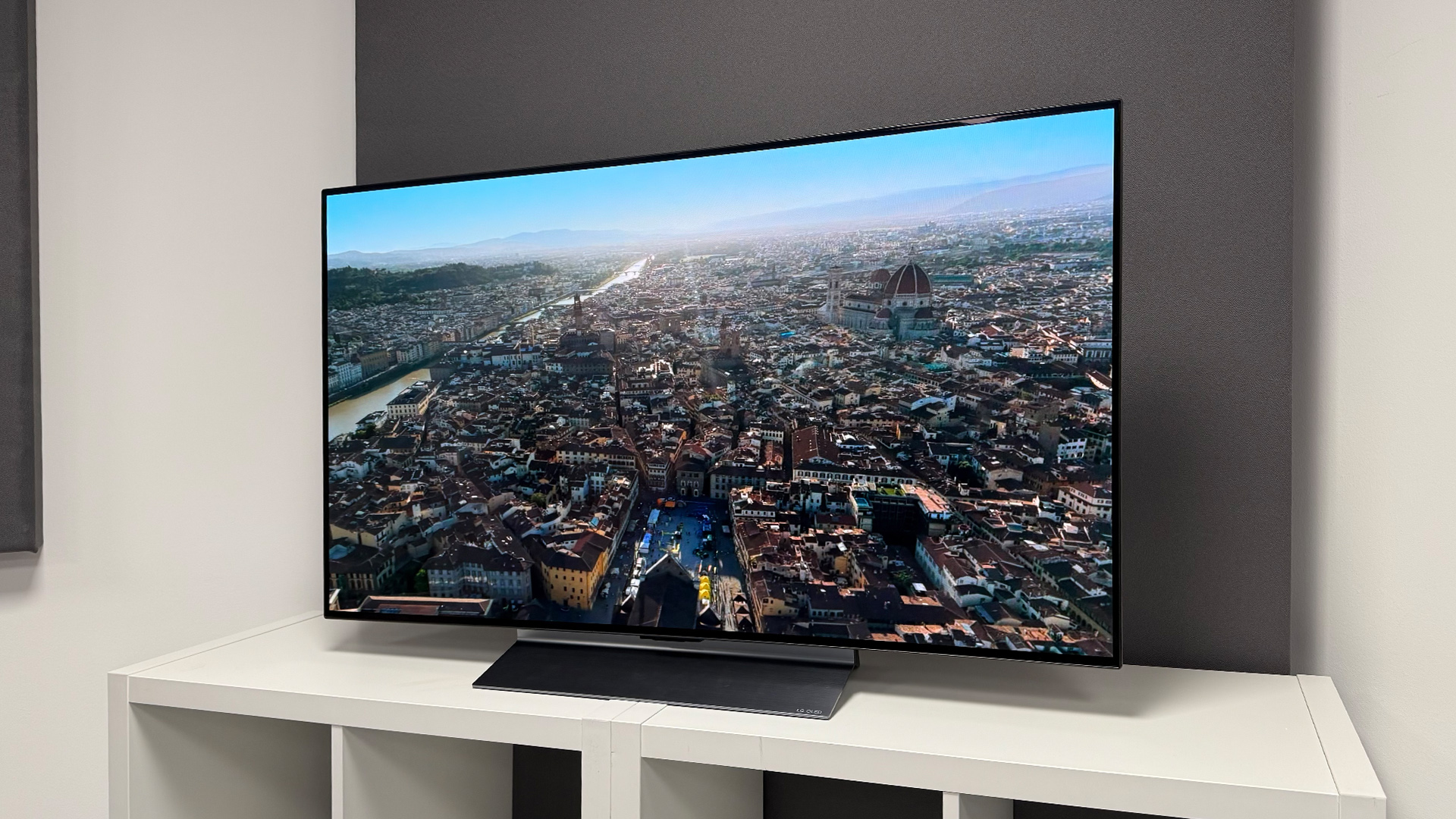

A 50-inch television has to do more than fill a wall. It needs a responsive interface, a picture that holds up in daylight, enough connections for your console and soundbar, and speakers that do not make every line of dialogue a guessing game. The Best best 50 smart tv options here take noticeably different approaches to those problems.
The Hisense E7 Cinema Series leads for picture hardware, while the Insignia F50 Series is the easiest pick for a straightforward Fire TV setup. Roku's Select Series models make streaming unusually simple, and Samsung's Mini LED set is the stronger choice for bright sports and gaming.
Our top pick is the Hisense E7 Cinema Series, with options ranging from simple 4K Fire TV models to higher-performance Mini LED screens.
Comparison table
| # | Product | Award | Panel and picture | Motion | Smart platform | Best for |
|---|---|---|---|---|---|---|
| 1 | Hisense E7 Cinema Series | Best overall | 4K Hi-QLED Mini LED | Native 144Hz | Fire TV, Alexa+ | Movies, sports, and gaming |
| 2 | Samsung M70H Series | Best for bright rooms | 4K Mini LED | Up to 120Hz | Samsung TV Plus, Gaming Hub | Sports and console gaming |
| 3 | Hisense E6 Cinema Series | Best HDR support | 4K Hi-QLED | Motion Rate 120, MEMC | Fire TV | HDR movies and mixed viewing |
| 4 | Roku Select Series QLED | Best Roku interface | 4K QLED, HDR10 | Not specified | Roku TV | Simple streaming |
| 5 | Toshiba C350 Series | Best Fire TV features | 4K LED | Ultimate Motion, VRR | Fire TV | Streaming and casual gaming |
| 6 | Amazon Ember 4-Series | Best Alexa integration | 4K LED, HDR10+ | Not specified | Fire TV, Alexa+ | Alexa-centered homes |
| 7 | Samsung U8000H Series | Best upscaling | 4K Crystal UHD | Up to 4K 60Hz | Samsung TV Plus | Cable and broadcast TV |
| 8 | Insignia F50 Series | Best connected Fire TV | 4K LED, HDR10 | Not specified | Fire TV, Alexa | Cable replacement setups |
| 9 | Westinghouse Roku TV | Best connectivity | 4K LED, HDR | Not specified | Roku TV | Several external devices |
| 10 | Roku Select Series LED | Best uncomplicated Roku TV | 4K LED, HDR10 | Not specified | Roku TV | Basic streaming and live TV |
1. Hisense E7 Cinema Series: Best Overall

Pros
- Mini LED backlight improves highlight and shadow detail
- Native 144Hz mode suits fast gaming and sports
- Dolby Vision IQ, HDR10+ Adaptive, HDR10, and HLG support
- AI picture and light-sensor adjustments reduce manual tweaking
- Filmmaker Mode preserves the intended movie presentation
Cons
- Its picture features are more than casual viewers may need
- The set is heavier than several standard LED alternatives
- Fire TV is less minimal than Roku's interface
Best for: someone who wants the strongest picture and motion hardware in this group.
The Hisense E7 Cinema Series is the one we'd keep for a living room that has to handle everything. Its Mini LED backlight uses thousands of precise light zones, giving bright highlights and deeper shadows more separation than the conventional LED sets here. That matters in a dark film scene, but it also helps a daytime sports broadcast retain shape in bright areas instead of turning into a flat wash of color.
The headline feature is native 144Hz in Game Mode. That is a meaningful advantage for compatible gaming hardware, where quick camera movement can look cleaner and input response can feel more immediate. The Samsung M70H Series also targets sports and gaming with Motion Xcelerator and DLG 120Hz, but the Hisense goes further on paper with its native 144Hz claim. For ordinary television and streaming films, the AI Smooth Motion system with MEMC is the more relevant feature because it is designed to reduce blur during fast transitions.
HDR support is unusually broad. Dolby Vision IQ, HDR10+ Adaptive, HDR10, and HLG cover the major formats listed in the product information, while Dolby Atmos handles compatible soundtracks. AI Picture adjusts brightness, contrast, and color scene by scene, and the AI Light Sensor changes the backlight as room lighting shifts. Those automatic systems are useful when the television moves from a bright afternoon to a dark evening, though viewers who prefer a carefully calibrated image may want to turn some processing down.
The weakness is complexity. This is not the obvious choice for someone who wants to power on a television and never think about picture modes, and its 22.3-pound weight is worth considering for wall mounting or a narrow stand. The Roku Select Series QLED is simpler to navigate, while the Hisense E7 is the better choice when image depth, motion, and HDR flexibility matter more than a quiet interface.
2. Samsung M70H Series: Best for Bright Rooms

Pros
- Mini LED processing targets brighter highlights and deeper blacks
- Motion Xcelerator with DLG 120Hz suits sports and games
- Gaming Hub gathers console, cloud, and gaming apps
- Soccer Mode is tailored to fast field action
- Samsung TV Plus includes free channels and streaming options
Cons
- The product information does not list Dolby Vision support
- Samsung's interface takes more adjustment than Roku's
- The extra motion features are unnecessary for simple sitcom viewing
Best for: sports fans and gamers who want a punchier Mini LED picture.
The Samsung M70H Series is built around visible impact. Mini LED processing, Supreme Mini LED Dimming, and Mini LED HDR are all aimed at the same problem: making highlights stand out without losing darker detail. In a room with windows or overhead lighting, that contrast can make a sports broadcast easier to follow than a basic LED screen, particularly when a white uniform or bright stadium lighting dominates the frame.
Motion Xcelerator with DLG 120Hz gives this set a clear purpose beyond streaming. Samsung specifically positions it for games and sports, and Soccer Mode adds settings for field detail, motion, and color. That makes the M70H more focused than the U8000H Series, which tops out at 4K 60Hz in its listed motion feature. The Hisense E7 Cinema Series remains the more ambitious pick because it combines Mini LED with native 144Hz and wider HDR format support.
Samsung's software also has a practical gaming angle. Gaming Hub brings console games, cloud services, and gaming apps into one place, with personalized recommendations. Samsung TV Plus adds a large collection of free streaming options and subscription-free channels. The Pure Color Spectrum and Color Booster features are intended to make reds, blues, and greens more intense, though viewers who want a restrained, film-like image may prefer a less vivid setting.
This television is not the best fit for every movie enthusiast. The listed features do not mention Dolby Vision, and Samsung's processing-heavy presentation may look less natural until the picture is adjusted. Choose it over the Hisense E6 when bright-room visibility, sports, and gaming are priorities. Choose the Hisense E7 when cinematic HDR compatibility and higher refresh capability matter more.
3. Hisense E6 Cinema Series: Best HDR Support

Pros
- Hi-QLED color gives the LED panel a wider, livelier presentation
- Dolby Vision, HDR10+ Adaptive, HDR10, and HLG support
- AI Light Sensor responds to changing room brightness
- Dolby Vision and Dolby Atmos work well for movie-focused setups
- Wi-Fi 6 supports busy connected homes
Cons
- It lacks the Mini LED backlight of the E7 Cinema Series
- Motion Rate 120 is not the same as the E7's native 144Hz
- Automatic picture processing may not suit purists
Best for: movie viewers who want broad HDR support without stepping up to the E7's hardware.
The Hisense E6 Cinema Series makes its case with format support rather than a single headline specification. Its Hi-QLED color system is designed to produce vivid, distinct shades, and the Total HDR Solution supports Dolby Vision, HDR10+ Adaptive, HDR10, and HLG. That broad coverage reduces the chance that a streaming service's preferred HDR format will be unavailable.
Dolby Vision and Dolby Atmos make this a natural fit for a movie room, especially when paired with compatible content and audio equipment. The AI 4K Upscaler is intended to improve lower-resolution broadcasts and older video by sharpening edges, reconstructing texture, and reducing noise. It cannot turn poor source material into native 4K, but the feature addresses the mixed-quality feeds many people still watch.
The AI Light Sensor is one of the more useful additions. It detects ambient light and adjusts screen brightness, so the image does not feel painfully bright at night or too dim during the day. AI Smooth Motion uses MEMC, AI noise reduction, and a responsive panel to keep quick movement readable. That is helpful for sports, though the Hisense E7's Mini LED backlight and native 144Hz mode give it a stronger technical foundation for fast gaming.
The E6's main limitation is that it is still a conventional LED television rather than a Mini LED model. Dark-room contrast will not have the same local backlight precision as the E7, and viewers who want the least processed image may need to adjust the automatic modes. It is the sensible middle ground for someone who cares about movie formats and adaptive brightness but does not need the E7's gaming focus.
4. Roku Select Series QLED: Best Roku Interface

Pros
- QLED screen and HDR10 support
- Straightforward Roku home screen
- Voice remote includes personal shortcuts and remote finding
- AirPlay, Siri, Alexa, and Google Assistant compatibility
- Bluetooth Headphone Mode supports quiet listening
Cons
- The listed features do not specify a high refresh mode
- HDR support is narrower than the Hisense models
- Built-in speakers remain a compromise for cinematic sound
Best for: households that want a clean streaming interface with useful voice controls.
The Roku Select Series QLED is the easiest television here to recommend to someone who dislikes smart TV clutter. Roku's home screen is simple, app placement is customizable, and the search system puts shows and films in one place instead of forcing you through separate services. Apps are described as launching quickly, and automatic updates keep the platform current.
Its QLED screen and HDR10 support give it a more colorful presentation than the Roku Select Series LED below it. Roku Smart Picture cleans up incoming signals, optimizes them, and chooses a picture mode. That is a useful approach for a household that watches a mix of streaming video, news, and live channels rather than adjusting settings for every source.
The enhanced voice remote is a real convenience. It searches across apps, adds shortcuts for favorite services, and includes a lost remote finder. Bluetooth Headphone Mode is useful in bedrooms or shared spaces, while AirPlay and compatibility with Siri, Alexa, and Google Assistant make the set easy to fit into an existing home. The 16.8-pound listed weight also makes it one of the lighter televisions in this group.
The trade-off is picture ambition. The feature list does not specify Mini LED, a high refresh rate, Dolby Vision, or Dolby Atmos. The Hisense E6 and Samsung M70H are stronger for HDR drama and fast action, but they ask more of the buyer and their interfaces. The Roku QLED is the better choice for viewers who value quick access and low-friction streaming above advanced display hardware.
5. Toshiba C350 Series: Best Fire TV Features

Pros
- Dolby Vision and Dolby Atmos support
- Fire TV places apps and live television on one home screen
- Game Mode includes ALLM, VRR, and eARC
- Sports Mode targets fast action
- Three useful picture processing systems support upscaling and contrast
Cons
- Standard LED backlighting cannot match Mini LED contrast
- The 22-pound listed weight is substantial
- Fire TV includes more interface content than Roku TV
Best for: Fire TV households that also want gaming features and Dolby formats.
The Toshiba C350 Series is a more feature-conscious Fire TV than its plain description suggests. The REGZA Engine ZR analyzes the picture, while the AI 4K Upscaler works on Full HD material by considering neighboring colors and textures. That is useful for broadcast channels and older video, where the source will not always be pristine.
The Dolby Vision and Dolby Atmos pairing gives this television a good movie foundation. Dolby Vision can add more scene-specific HDR information when supported by the content, while Atmos can create a wider sound field with compatible equipment. Super Contrast Booster also aims to deepen the separation between light and dark parts of the image, although this standard LED set cannot provide the zone-level control of the Hisense E7 or Samsung M70H.
Gaming is where the C350 separates itself from the Insignia F50 Series. Its Game Mode supports ALLM, VRR, and eARC, giving compatible consoles a clearer path to low-latency play, variable refresh, and higher-quality audio. Ultimate Motion reduces blur, and Sports Mode tunes the picture for fast movement. These features are useful, but the product information does not provide a maximum refresh rate, so this is not a direct rival to the 144Hz Hisense E7.
Its weakness is that the picture hardware is conventional LED. The interface is also busier than Roku's clean layout, which can matter if the television is mainly used for simple streaming. The C350 is the right pick for someone who wants Fire TV and a strong connection to a soundbar or game console, not for someone chasing the deepest black levels.
6. Amazon Ember 4-Series: Best Alexa Integration

Pros
- HDR10+ supports improved contrast in compatible content
- Wi-Fi 6 and a quad-core processor support quick app loading
- Alexa+ searches naturally across services
- Four HDMI inputs simplify connected setups
- Ambient Experience and Omnisense add useful idle-screen behavior
Cons
- Standard LED picture hardware lacks Mini LED local control
- Alexa-centered features may be excessive for non-Alexa homes
- The listed features do not specify a high refresh rate
Best for: households already using Alexa and wanting voice-first television control.
The Amazon Ember 4-Series is less about picture experimentation and more about removing friction. Its newest Fire TV interface uses dedicated content categories, pinned apps, and personalized recommendations from Alexa+. The voice remote lets you search naturally across apps, control compatible smart-home devices, and find information without typing on a remote keyboard.
The display provides 4K Ultra HD and HDR10+, with enhanced brightness and improved contrast in supported content. A fast quad-core processor and Wi-Fi 6 are sensible additions for a television that expects to load apps and recommendations constantly. They do not transform the LED panel into a Mini LED display, but they should make the day-to-day interface feel less sluggish than an older smart TV.
Four HDMI inputs are a practical advantage. A soundbar, console, cable box, and another source can stay connected without repeatedly swapping cables. AirPlay adds an easy route for compatible devices, while Dolby Audio handles supported sound. The Ambient Experience and Omnisense sensors make the set useful when it is not actively playing a show, waking the display to artwork or a quick viewing state when someone enters.
The Ember is not the strongest choice for serious gaming or dark-room cinema. No high refresh mode is listed, and its standard LED panel cannot compete with the contrast hardware in the Hisense E7 or Samsung M70H. Pick it when Alexa, quick content discovery, and four HDMI inputs matter more than advanced motion or backlight control. For a wider look at screen-size decisions, how much viewing distance a larger living-room screen needs can help before mounting this set.
7. Samsung U8000H Series: Best Upscaling

Pros
- Crystal Processor sharpens and upscales content
- Color Booster adds intensity to the listed color range
- Samsung TV Plus provides free channels and viewing options
- Motion Xcelerator supports up to 4K 60Hz
- A thin 7.8-inch listed depth suits many furniture setups
Cons
- It lacks the Mini LED backlight of the M70H
- Motion capability is limited compared with the Hisense E7
- The feature list does not mention Dolby Vision
Best for: viewers who watch a lot of broadcast television, older shows, and mixed-quality sources.
The Samsung U8000H Series understands that not every television signal arrives in perfect 4K. Its Crystal Processor is designed to sharpen detail and upscale lower-quality content, which makes this model particularly relevant for cable, older movies, and regular broadcast channels. The result should be a cleaner picture than simply stretching a low-resolution image across the panel.
Color Booster gives the presentation a more vivid character, while Samsung TV Plus adds free channels covering news, sports, movies, children's programming, and reality content. The interface is more involved than Roku's, but people already using Samsung devices may appreciate the consistent ecosystem and familiar presentation.
Motion Xcelerator is listed for up to 4K 60Hz performance. That is suitable for ordinary television, films, and casual console play, but it places the U8000H below the M70H for demanding sports and gaming. The M70H adds Mini LED, DLG 120Hz, Gaming Hub, and specialized soccer processing. The U8000H earns its place by concentrating on upscaling and everyday viewing instead.
The main omission is advanced display hardware. There is no Mini LED backlight listed, and Dolby Vision is not mentioned in the supplied features. That makes it a weaker pick for someone building a movie-first setup, particularly beside the Hisense E6. It suits the buyer who still watches plenty of cable or antenna content and wants the television to clean up those sources without a complicated external box.
8. Insignia F50 Series: Best Connected Fire TV

Pros
- HDR10 and 4K upscaling support everyday streaming
- Fire TV combines apps, free channels, and live viewing
- Three HDMI ports plus composite and optical connections
- eARC supports full-resolution audio passthrough
- Parental controls and smart-home camera support
Cons
- Standard LED backlighting is less advanced than QLED and Mini LED
- DTS Virtual-X cannot replace a dedicated soundbar
- The listed feature set does not specify advanced motion control
Best for: a simple Fire TV setup with older equipment and several connection types.
The Insignia F50 Series is at its best when the television has to accommodate a little bit of everything. It has three HDMI ports, composite AV jacks, digital optical output, USB, a headphone jack, coaxial, Ethernet, and Wi-Fi. That collection is unusually friendly to older disc players, antennas, cable boxes, and sound systems that do not rely on one modern connection standard.
The 4K Ultra HD panel supports HDR10, and the set can upscale current content toward Ultra HD-level quality. HDR10 gives compatible movies and shows a broader range of brightness and color detail, while Fire TV keeps services such as Prime Video, Netflix, Disney+, Hulu, Fire TV Channels, Pluto TV, and Tubi in one environment. Subscriptions and content availability vary by service, but the platform is familiar and flexible.
Audio receives a little attention through DTS Virtual-X, which creates a three-dimensional effect from the television speakers. HDMI eARC can pass through a full-resolution audio signal to compatible equipment. That is a better upgrade path than relying on the built-in speakers forever, though the virtual sound processing will not produce the scale of a separate soundbar.
The F50 is less ambitious than the Toshiba C350, which adds Dolby Vision, Dolby Atmos, ALLM, and VRR. It also cannot compete with the Mini LED models for contrast. Its strength is practicality: parental controls, smart-home camera feeds, AirPlay, and a wide range of ports. Choose it when compatibility and a familiar Fire TV layout matter more than movie-grade picture processing.
9. Westinghouse Roku TV: Best Connectivity

Pros
- Four HDMI inputs accommodate several external sources
- Roku platform supports free live channels and major apps
- AirPlay2, Apple HomeKit, Alexa, and Google Assistant support
- Bluetooth is built in
- Optical audio output supports compatible sound systems
Cons
- The listed features do not specify QLED or Mini LED hardware
- No high refresh rate is listed
- The Roku Select QLED has a more detailed picture feature set
Best for: people connecting a cable box, console, soundbar, and disc player at once.
The Westinghouse Roku TV makes a strong case for the person who does not want to choose which device gets unplugged. Four HDMI inputs cover a cable box, game console, streaming device, and another source, while composite video, optical digital audio, and an antenna connection cover older and audio-focused equipment. Bluetooth adds another way to connect compatible accessories.
The 4K UHD display supports HDR, with brighter highlights and darker areas than standard dynamic range content. Roku supplies the software advantage: a broad app library, free live channels, news, sports, movies, and the ability to arrange the home screen around the services used most. The free Roku mobile app can also act as a control and casting tool.
Smart-home support is unusually broad for this group. AirPlay2, Apple HomeKit, Alexa, and Google Assistant are all listed, so the television can fit into different household ecosystems. That flexibility compares favorably with the more platform-specific Amazon Ember and Samsung models. The Westinghouse also supports casting photos, music, and video from compatible devices.
Picture hardware is the compromise. The listed features do not mention QLED, Mini LED, Dolby Vision, or a high refresh mode, so the Roku Select Series QLED and the Hisense E6 are stronger choices for color and HDR depth. The Westinghouse makes sense when input flexibility is the deciding issue. If the screen will sit in a compact room, the viewing distances that work in smaller spaces are useful to settle before choosing a wall or stand position.
10. Roku Select Series LED: Best Uncomplicated Roku TV

Pros
- 4K resolution and HDR10 support
- Customizable Roku home screen
- Automatic software updates
- Free live channels, local news, and entertainment
- Clear, direct setup for everyday streaming
Cons
- LED panel is less advanced than the QLED Select Series
- No high refresh mode is listed
- The supplied listing is less specific about audio and connections
Best for: viewers who want a basic Roku experience without extra picture modes.
The Roku Select Series LED is the plainest television in this roundup, and that is its appeal. Its home screen can be arranged around the apps and channels a household actually uses, rather than forcing a fixed collection of recommendations into every viewing session. Setup is intended to be quick, and automatic software updates keep the platform supplied with new apps and features.
The panel provides 4K resolution and HDR10. Roku Smart Picture cleans up incoming signals, optimizes them, and selects a picture mode. That is a useful amount of automation for news, family shows, and streaming services, though it does not provide the wider color emphasis of the QLED Select Series or the local contrast control of Mini LED televisions.
The platform includes free channels with live shows, movies, weather, local news, and Roku Originals. This makes the set easy to hand to a guest or family member who does not want to learn a complicated interface. It also means the television can function as a straightforward streaming screen without a separate stick.
The limitations are clear from the feature list. There is no listed high refresh rate, QLED layer, Dolby Vision support, or advanced audio format. The Roku Select Series QLED is the better choice when color and remote features matter, while the Westinghouse Roku TV is more flexible for multiple external devices. This LED model is best for the buyer who wants the least complicated route to 4K streaming and live channels.
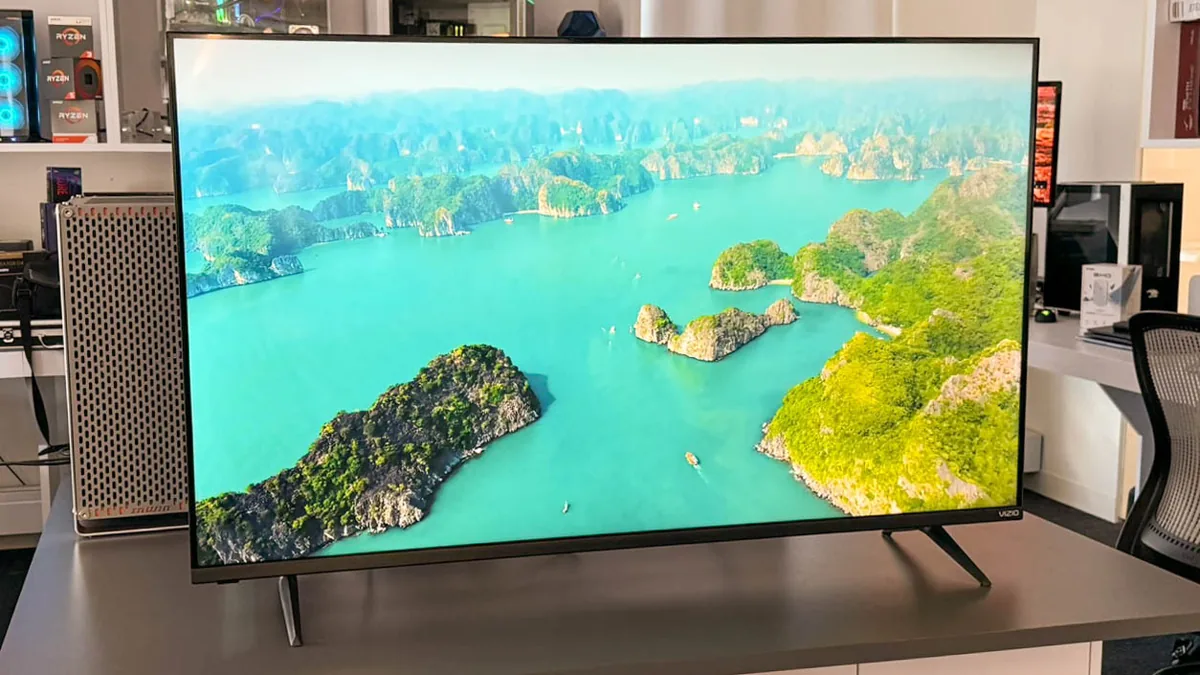
How to choose best 50 smart tv
Start with the picture hardware, then choose the smart platform that will make daily viewing less frustrating. A television can have excellent resolution and still disappoint if its motion handling, contrast, connections, or interface do not match the room.
Backlight and contrast
Standard LED televisions use a conventional backlight, while QLED models such as the Roku Select Series QLED add a color layer for a more vivid presentation. Mini LED models such as the Hisense E7 Cinema Series and Samsung M70H use smaller backlight elements and local control to separate bright and dark areas more effectively.
Look for Mini LED when dark-room movies and bright highlights are priorities. QLED is a useful step for color intensity, but it does not automatically provide the same shadow control as Mini LED.
A higher resolution cannot rescue a gray-looking black level in a dark movie scene.
HDR format support
HDR formats affect how compatible films, shows, and games represent highlights, shadows, and color. The Hisense E6 supports Dolby Vision, HDR10+ Adaptive, HDR10, and HLG, while the Hisense E7 adds Dolby Vision IQ to that broad list. Toshiba lists Dolby Vision, while the Roku and Samsung models list HDR10 or HDR without the same format range.
Broad support gives streaming content more ways to display as intended. It does not mean every source uses HDR, so do not select a television on format names alone. Backlight control and the room's lighting still matter.
Motion and refresh rate
Motion features are important for sports, action movies, and games. The Hisense E7 lists native 144Hz, and the Samsung M70H lists Motion Xcelerator with DLG 120Hz. Samsung's U8000H lists up to 4K 60Hz, while Toshiba includes Ultimate Motion, ALLM, and VRR without a stated maximum refresh rate.
For console gaming, look for VRR and ALLM as well as refresh information. For sports, motion processing can reduce blur, but aggressive smoothing may make films look artificial. The best setting depends on the source and your tolerance for processing.
Smart TV platform
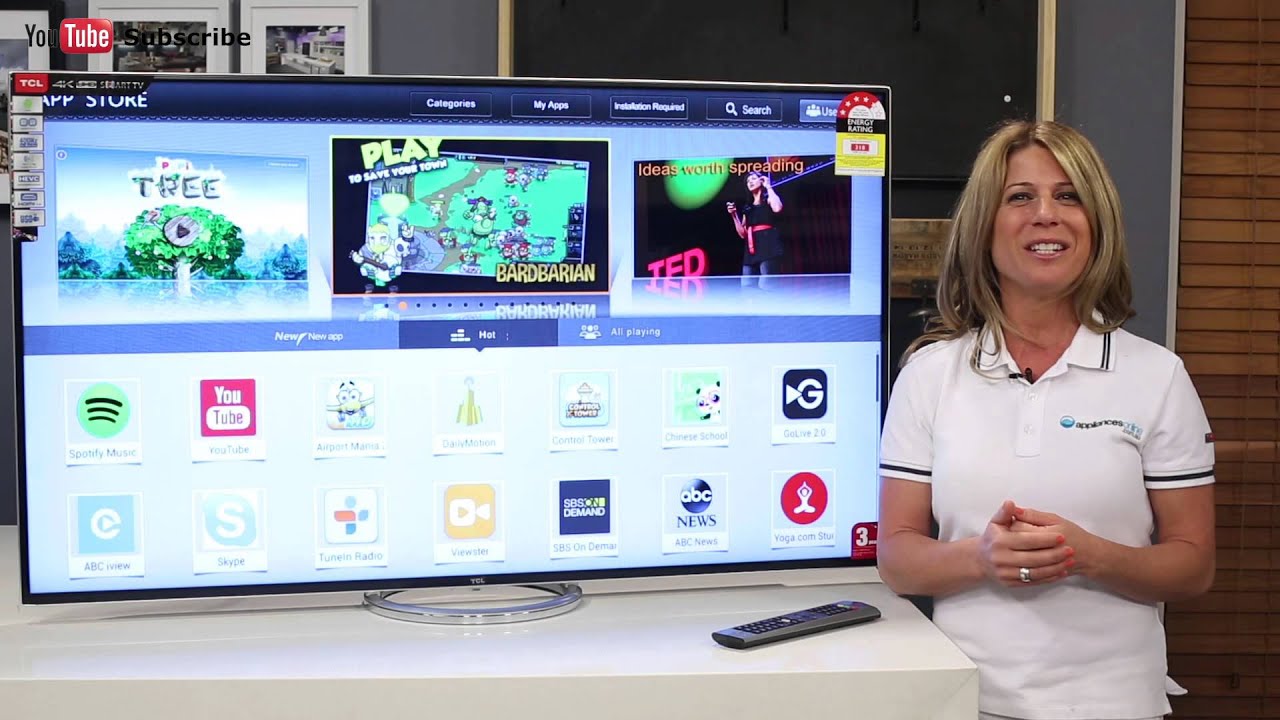
Roku TV is the cleanest option for simple navigation, personalized app placement, voice search, and free live channels. Fire TV is the stronger fit for Alexa households and combines streaming apps with live content on its home screen. Samsung adds TV Plus and Gaming Hub, which are useful if you already use Samsung services.
Consider how often you search by voice and whether the television will control other devices. A platform that works well with your existing phone and smart-home setup is usually easier to live with than one chosen only for its app count.
Connections and sound
Count the devices before buying. The Westinghouse Roku TV and Amazon Ember 4-Series each list four HDMI inputs, while the Insignia F50 includes three HDMI ports plus composite, optical, USB, headphone, coaxial, and Ethernet connections. Toshiba lists eARC and gaming-focused connection features.
Built-in television speakers are convenient, but Dolby Atmos, DTS Virtual-X, and eARC are not interchangeable. Atmos and DTS Virtual-X process sound differently, while eARC is a connection standard that can pass compatible audio to a soundbar or receiver. For a full living-room system, which connections a home theater setup actually needs is worth considering before mounting the screen.
Frequently asked questions
Is a 50-inch smart TV large enough for a living room?
A 50-inch screen can work well in a small or medium-sized living room, bedroom, or apartment. The right choice depends on seating distance, room layout, and how much of your viewing is 4K content. Measure the wall and stand before ordering because the television's outer width is generally more than 43 inches.
Is QLED better than regular LED for a 50-inch TV?
QLED can produce more vivid color than a conventional LED screen, as shown by the Roku Select Series QLED and Hisense Hi-QLED models. It does not automatically guarantee better black levels or motion. Mini LED backlighting, local dimming, and processing also affect the final picture.
Which smart TV platform is easiest to use?
Roku TV is usually the simplest platform in this group because its home screen is direct and customizable. Fire TV is a good alternative for Alexa users who want voice search and smart-home control. Samsung's interface adds useful TV Plus and Gaming Hub features but may take longer to arrange.
Do these televisions support 120Hz gaming?
The Hisense E7 lists native 144Hz, and the Samsung M70H lists Motion Xcelerator with DLG 120Hz. The Samsung U8000H lists up to 4K 60Hz. The other product information does not specify a 120Hz mode, so check the exact connection and gaming requirements before choosing one for a high-frame-rate console or PC.
Do I need a soundbar with a 50-inch smart TV?
Not necessarily. Every television can provide built-in sound, and some models add processing such as Dolby Atmos or DTS Virtual-X. A soundbar is more appropriate when you want clearer dialogue, stronger bass, or a wider sound field, especially for movies and sports.
Can these TVs stream live local channels?
Several models include free live content through Roku TV, Fire TV, or Samsung TV Plus. Streaming channels are not the same as every local broadcast station, and availability depends on the service and location. For over-the-air local channels, look for the appropriate antenna connection and confirm the television's tuner setup.
The bottom line
The Best best 50 smart tv pick is the Hisense E7 Cinema Series because its Mini LED backlight, native 144Hz mode, broad HDR support, and adaptive picture tools give it the widest capability range. The Samsung M70H Series is the better alternative for sports fans who want Mini LED contrast, DLG 120Hz motion, Soccer Mode, and Gaming Hub.
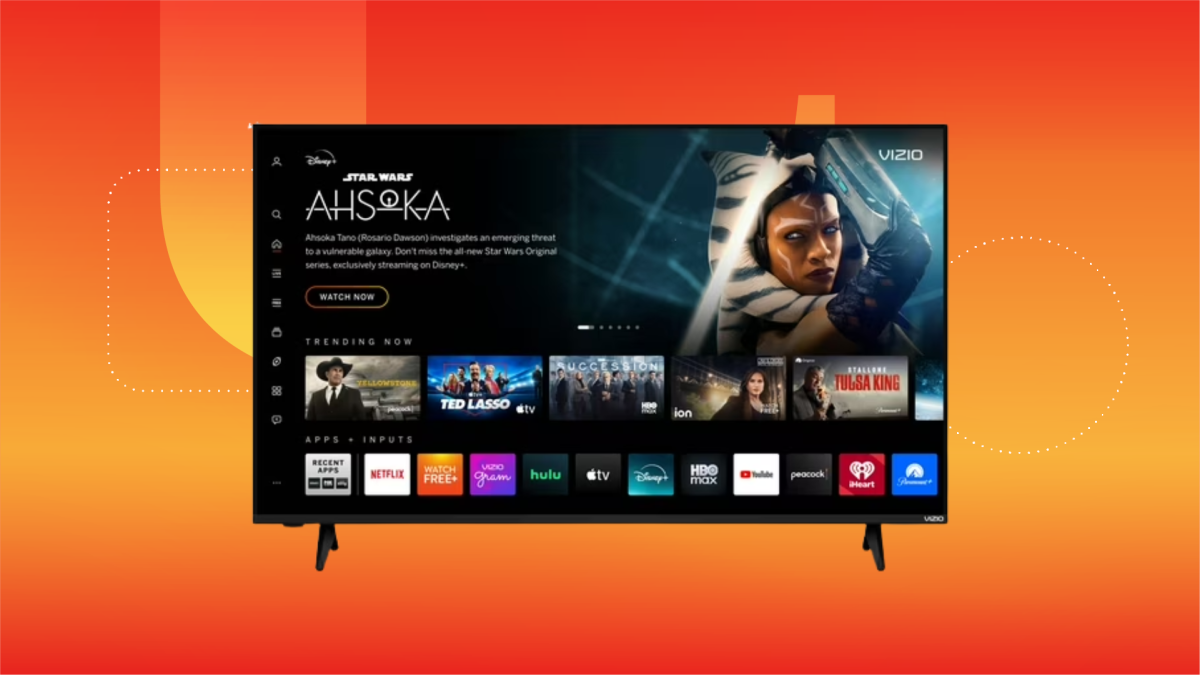
For a simpler experience, the Roku Select Series QLED has the cleanest interface, while the Insignia F50 Series is the practical Fire TV choice when older equipment and multiple connection types matter. Choose the television whose picture hardware and platform match the way you actually watch, not just the one with the longest feature list.
As an Amazon Associate we earn from qualifying purchases.