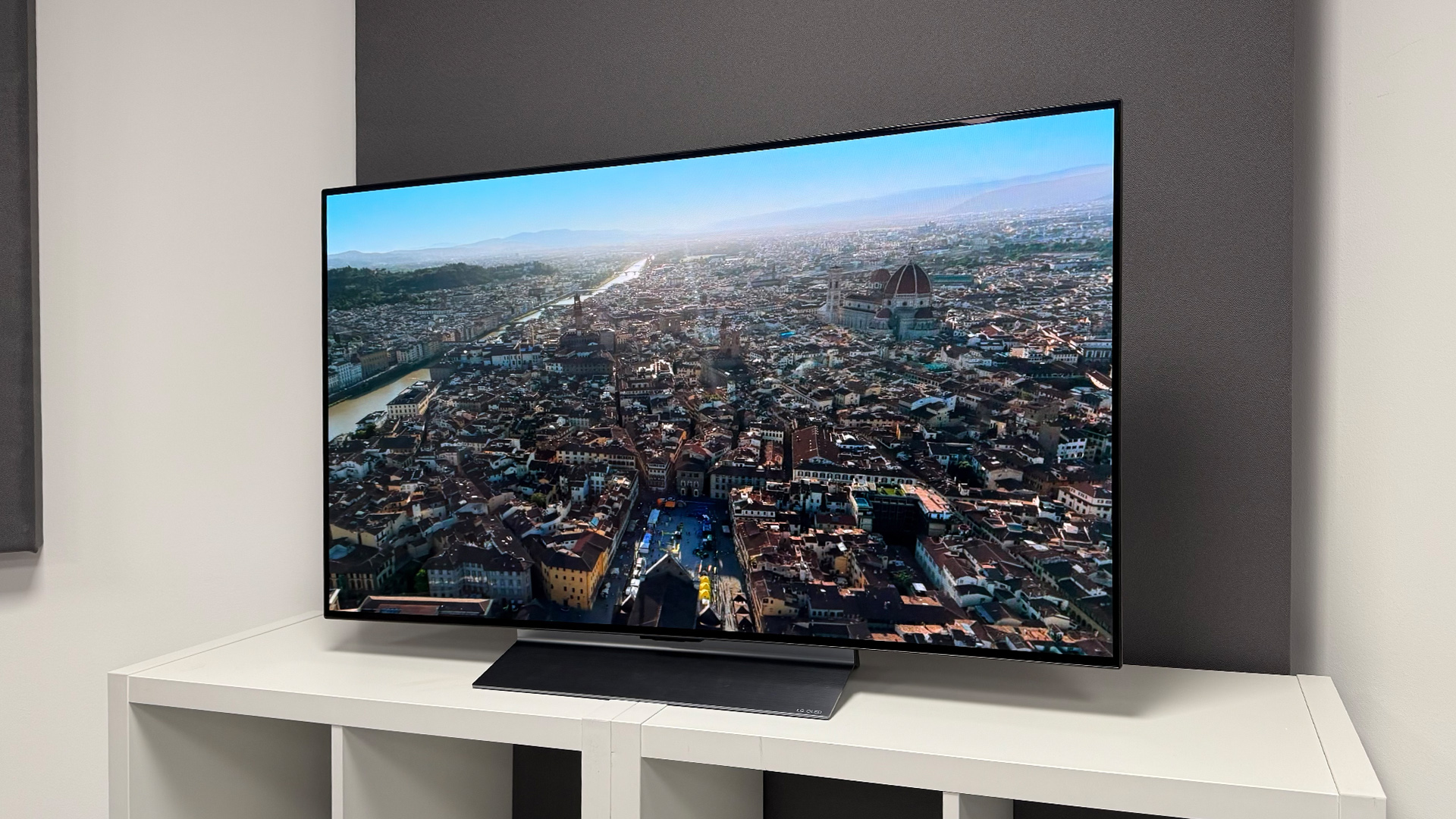

A 50-inch television can be the awkward middle child of a living room. It needs enough brightness for daytime viewing, enough contrast for movies after dark, and a smart interface that does not turn every viewing session into a hunt through menus. The Best 50 inch smart TV should also fit comfortably on a media console without making the room feel dominated by the screen.
We compared ten current models across Fire TV, Roku, Google TV, Samsung's platform, and LG webOS. The lineup ranges from straightforward LED sets to Mini LED televisions with high refresh rates for gaming. The Insignia F50 Series is our top pick, while the rest cover cleaner interfaces, stronger HDR, better motion, and more advanced picture processing.
Comparison table
| # | Product | Award | Panel and picture | Motion | Smart platform | Best for |
|---|---|---|---|---|---|---|
| 1 | Insignia F50 Series | Best overall | 4K LED, HDR10 | Not specified | Fire TV | Straightforward streaming and broad connections |
| 2 | Samsung U8000H | Best for simple Samsung viewing | 4K Crystal UHD | Up to 4K 60Hz | Samsung TV Plus and smart platform | Sports, shows, and uncomplicated setup |
| 3 | Roku Select Series | Best interface | 4K QLED, HDR10 | Not specified | Roku TV | Easy searching and live TV |
| 4 | Toshiba C350 Series | Best Fire TV for sports | 4K LED, Dolby Vision | Ultimate Motion | Fire TV | Sports and mixed streaming |
| 5 | Hisense E6 Cinema | Best HDR coverage | 4K Hi-QLED | Motion Rate 120, MEMC | Fire TV | Dolby Vision movies and bright rooms |
| 6 | Samsung M70H Mini LED | Best Samsung picture | 4K Mini LED | DLG 120Hz | Samsung Gaming Hub | Contrast, sports, and gaming |
| 7 | Amazon Ember 4-Series | Best Alexa experience | 4K, HDR10+ | Not specified | Fire TV | Voice search and smart home control |
| 8 | Hisense E7 Cinema | Best for high-refresh gaming | 4K Mini LED, Dolby Vision IQ | Native 144Hz, MEMC | Fire TV | Competitive gaming and action |
| 9 | LG QNED73 | Best webOS alternative | 4K QNED, HDR10 Pro | FreeSync Premium, ALLM | webOS | Upscaling and flexible gaming |
| 10 | TCL QM6K | Best Mini LED platform | QD Mini LED, 4K HDR | 120Hz to 144Hz | Google TV | Bright HDR and gaming |
1. Insignia F50 Series: Best Overall

Pros
- 4K resolution with HDR10
- Fire TV brings major streaming apps together
- Three HDMI ports plus eARC
- Ethernet, optical audio, USB, headphone, and composite connections
- AirPlay and compatible smart home controls
Cons
- Standard LED backlighting rather than Mini LED
- Motion specifications are not provided
- DTS Virtual:X cannot replace a dedicated sound system
Best for: households that want a broadly compatible 50-inch TV with a familiar streaming interface.
The Insignia F50 Series is the television we would recommend to most people who want a 50-inch screen without making the setup complicated. It covers the basics properly: 4K Ultra HD, HDR10, Fire TV, voice control through Alexa, and a connection panel that does not force you to choose between older equipment and newer consoles. That practical balance puts it ahead of the Samsung U8000H and Roku Select Series for mixed households.
Its 4K resolution has four times the pixels of Full HD, which matters most when you sit fairly close or watch detailed nature footage, sports, and high-quality streaming sources. HDR10 adds a wider range of brightness and color detail, while the included upscaling is intended to make lower-resolution content look cleaner. The set also supports DTS Virtual:X through its built-in speakers, giving dialogue and effects a more spacious presentation, though the feature is not a substitute for a soundbar.
The connection selection is unusually useful for this group. There are three HDMI ports, HDMI eARC, composite AV jacks, a digital optical output, USB, a headphone jack, coaxial input, Ethernet, and Wi-Fi. That gives the F50 Series a strong case for someone replacing an older television with a cable box, game console, antenna, Blu-ray player, or wired network connection. AirPlay support and compatible smart home controls add flexibility beyond basic streaming.
The compromise is picture hardware. Unlike the Samsung M70H Mini LED, Hisense E7 Cinema, and TCL QM6K, this is a conventional LED television, and the product information does not specify a high refresh rate or local dimming system. That makes it less compelling for someone focused on HDR impact or fast competitive gaming. It remains the better fit for a mixed living room where connectivity, accessible apps, and straightforward controls matter more than advanced panel technology.
Choose the Insignia F50 Series if you want one uncomplicated screen for live television, streaming, older devices, and occasional gaming. It is the most complete all-purpose package here, even if its picture does not reach the contrast levels of the Mini LED models.
2. Samsung U8000H: Best for Simple Samsung Viewing

Pros
- Crystal Processor 4K upscaling
- Color Booster for more intense color
- Motion handling up to 4K 60Hz
- Samsung TV Plus includes free channels
- Light 19.2-pound listed weight
Cons
- Conventional Crystal UHD design
- No HDR formats are specified in the product details
- Motion tops out at 60Hz performance
Best for: viewers who want Samsung processing and a clean everyday television for shows, sports, and streaming.
The Samsung U8000H is a restrained television for viewers who care more about consistent everyday viewing than a long list of enthusiast features. Its Crystal Processor 4K is designed to sharpen detail and upscale lower-resolution material, which is useful when a household watches a mix of modern streams, broadcast television, and older shows. The interface also brings Samsung TV Plus into the viewing routine, with free channels and a large selection of streaming options.
Color Booster is the picture feature that stands out most. It is designed to intensify colors, so animated shows, sports uniforms, and bright scenery should look more vivid than they would with a basic untreated picture. The set supports up to 4K 60Hz performance through Motion Xcelerator. That is enough for conventional television, movies, and most console play, but it does not have the faster gaming credentials of the Samsung M70H or Hisense E7 Cinema.
The U8000H measures about 43.7 inches wide and weighs 19.2 pounds according to the listed product information. That makes it a relatively manageable screen for a media unit, especially compared with larger sets that use heavier stands or thicker construction. The product data does not list a detailed port selection, HDR format support, or a local dimming system, so buyers should confirm those needs before choosing it for a more complex home theater.
Compared with the Roku Select Series, Samsung offers a stronger emphasis on picture processing and color enhancement, while Roku has the more famously uncluttered search experience. Compared with the Insignia F50 Series, the Samsung is less explicit about legacy connections, but its 4K processing and Samsung TV Plus ecosystem may feel more polished to viewers already using Samsung devices.
Skip this model if high-frame-rate gaming or deep HDR contrast is the priority. The U8000H makes more sense for a bedroom, family room, or general-purpose setup where clear upscaling, familiar Samsung software, and smooth 60Hz motion are enough.
3. Roku Select Series: Best Interface

Pros
- QLED panel with HDR10
- Simple Roku home screen
- Voice remote with personal shortcuts
- Lost remote finder
- Bluetooth Headphone Mode
- AirPlay and voice assistant support
Cons
- Motion specifications are not provided
- Sound enhancements focus on clarity rather than cinema-scale impact
- No Mini LED backlighting
Best for: people who want the least intimidating route to streaming apps, live television, and voice search.
The Roku Select Series is the easiest television here to hand to someone who dislikes smart TV menus. Roku's home screen puts apps, live television, personalized picks, and search in a straightforward layout. The enhanced voice remote adds app shortcuts and a lost remote finder, small conveniences that become meaningful when the television is used every day by several people.
This model uses a QLED screen with 4K resolution and HDR10. QLED is intended to produce brighter, richer color than a basic LED design, while HDR10 gives compatible movies and shows more visible contrast between highlights and shadows. Roku Smart Picture analyzes incoming signals and selects a suitable picture mode. That should help when the source changes from a streaming service to live television, although the product information does not provide a refresh rate or local dimming specification.
Roku puts unusual emphasis on sound clarity. The Select Series is designed so dialogue is easier to hear, and Bluetooth Headphone Mode lets one person listen without waking the rest of the house. The feature set also includes fast Wi-Fi, automatic updates, AirPlay, and control through Roku Voice, Siri, Alexa, or Google Assistant. That makes it a particularly adaptable choice for a mixed-device home.
Against the Samsung U8000H, the Roku is easier to navigate and offers a more explicit headphone feature, while Samsung has more detail about its processor and 60Hz motion handling. The Insignia F50 Series is the stronger option for older wired equipment because its connection list is more complete. The Roku is the one to choose when app discovery and low-friction control matter more than enthusiast picture tuning.
Its weakness is the lack of detailed motion and backlight information. Buyers looking for a high-refresh gaming screen should move to the Samsung M70H, Hisense E7 Cinema, or TCL QM6K. For viewers who mostly stream, watch free channels, and want an interface that stays out of the way, the Roku Select Series is a very sensible pick.
4. Toshiba C350 Series: Best Fire TV for Sports

Pros
- Dolby Vision and Dolby Atmos support
- Ultimate Motion processing
- Sports Mode for fast action
- Game Mode with ALLM and VRR
- AI 4K upscaling
- eARC support
Cons
- Conventional LED panel
- Listed weight is about 22 pounds
- Fire TV can feel busy for viewers who want a minimal home screen
Best for: sports viewers who want motion-focused processing and a familiar Fire TV setup.
The Toshiba C350 Series is more ambitious than its plain LED description suggests. It has dedicated Sports Mode and Ultimate Motion processing, so its strengths are aimed at the moments when a standard television can become frustrating: a fast camera pan across a field, a puck crossing the frame, or a quick action sequence. Fire TV keeps apps and live television on one main screen, making the set easy to use after the motion settings are configured.
Toshiba's REGZA Engine ZR analyzes scenes to improve the 4K presentation, while the AI 4K Upscaler works on Full HD material by examining neighboring colors and textures rather than simply enlarging pixels. That is useful for broadcast channels and older content, which often look softer than native 4K streams. Super Contrast Booster is intended to add depth between bright and dark parts of the image.
The C350 also supports Dolby Vision and Dolby Atmos. Dolby Vision can add scene-by-scene HDR information to compatible content, while Atmos support can pass a more immersive audio format to suitable equipment. HDMI eARC helps send full-resolution audio to a soundbar or receiver. For gaming, the set lists ALLM and VRR in Game Mode, features that can reduce manual setup and keep supported games feeling more responsive.
The comparison with the Insignia F50 Series is revealing. Insignia has the broader explicitly listed connection range, including a headphone jack and composite input, while Toshiba has the more specialized motion and gaming feature set. The Hisense E6 Cinema goes further with QLED color and a wider HDR feature list, but Toshiba remains attractive to Fire TV users who want a dedicated sports mode without moving to a Mini LED model.
The C350 is not the right pick for someone chasing the strongest black levels or the fastest panel in this roundup. Its conventional LED design cannot match the local contrast ambitions of the Hisense E7 Cinema or TCL QM6K. It fits a sports-heavy household that wants better motion tools, Dolby formats, and Fire TV in one familiar package.
5. Hisense E6 Cinema: Best HDR Coverage

Pros
- Hi-QLED color
- Dolby Vision, HDR10+ Adaptive, HDR10, and HLG
- AI light sensor
- Filmmaker Mode
- Wi-Fi 6
- Game Mode Plus and motion processing
Cons
- Not a Mini LED model
- Motion Rate 120 does not establish a native 120Hz panel
- AI adjustments may not suit viewers who prefer manual control
Best for: movie and sports viewers who want broad HDR compatibility and automatic picture adjustments.
The Hisense E6 Cinema is the most format-friendly television among the conventional backlit models here. It supports Dolby Vision, HDR10+ Adaptive, HDR10, and HLG, so it is prepared for a broad mix of streaming movies, broadcast content, and HDR sources. The Hi-QLED color system gives it a more vivid starting point than a basic LED set, making this a strong choice for someone who watches films and sports in the same room.
The AI light sensor is a genuinely useful feature rather than a headline specification. It detects ambient light and adjusts screen brightness as the room changes from daylight to evening. That can keep a bright picture from feeling harsh at night and help preserve visibility during the day. Filmmaker Mode takes the opposite approach by preserving the original aspect ratio, frame rate, color, and audio choices for compatible movies.
Hisense also includes AI 4K Upscaler and AI Smooth Motion with MEMC. The upscaler is meant to clean up lower-resolution broadcasts and older video, while MEMC, noise reduction, and the responsive panel work together to reduce blur in quick movement. Wi-Fi 6 should help in homes with many connected devices, though it cannot compensate for a weak internet connection or an overloaded router.
The E6 Cinema sits between the Toshiba C350 Series and the more advanced Hisense E7 Cinema. Toshiba offers useful sports and gaming modes, but the Hisense has the richer HDR list and automatic brightness adjustment. The E7 adds Mini LED backlighting and native 144Hz performance, so it is the clear step up for demanding gaming and contrast. The E6 is more sensible for movie watchers who want format coverage without needing the highest-speed panel.
The main limitation is that its Motion Rate 120 label does not tell us that the panel itself runs at 120Hz. Buyers should not treat it as equivalent to the native 144Hz Hisense E7 or the high-refresh TCL. Pick the E6 Cinema for flexible HDR playback, adaptive brightness, and a cinematic feature set in a conventional 50-inch Fire TV.
6. Samsung M70H Mini LED: Best Samsung Picture

Pros
- Mini LED backlighting
- Deeper blacks and brighter highlights
- Up to 120Hz motion with DLG
- Gaming Hub
- Color technology covering one billion colors
- Dedicated Soccer Mode
Cons
- Samsung software may be less familiar to Roku or Fire TV users
- Product details do not specify the number of HDMI inputs
- No Dolby Vision support is listed
Best for: Samsung fans who want stronger contrast and smoother sports or gaming motion.
The Samsung M70H is where this roundup begins to feel like a serious picture upgrade rather than a straightforward smart television. Mini LED backlighting uses smaller light sources to control bright and dark areas more precisely than a conventional LED arrangement. Samsung pairs that with Supreme Mini LED Dimming, promising deeper blacks and brighter highlights in the same frame. The result should be more convincing in night scenes, space footage, and high-contrast sports broadcasts.
Its Mini LED Processor 4K is designed to improve clarity while the Pure Color Spectrum system targets a very broad range of color. Samsung says it can show one billion true-to-life colors, but the practical point is smoother gradation and more saturated scenes when content supports it. Color Booster adds extra intensity, and the television includes a Soccer Mode that targets clearer motion and more vivid greens for the field.
Motion is another major distinction. Motion Xcelerator plus DLG 120Hz is designed for fluid sports and responsive gaming, well ahead of the 60Hz performance specified for the Samsung U8000H. The Gaming Hub gathers console, cloud, and gaming app content in one place. That makes the M70H more versatile for a living room shared by sports fans and players, even though the product details do not list a complete port layout.
The Hisense E6 Cinema offers broader named HDR format support, including Dolby Vision and HDR10+ Adaptive. Samsung's advantage is its Mini LED contrast system and high-refresh motion. The Hisense E7 Cinema goes further with native 144Hz, while the Samsung M70H is the more natural choice for someone already invested in Samsung's interface and TV Plus ecosystem. It also has a clearer sports identity than the LG QNED73.
Do not choose this model solely for Dolby Vision content, because Dolby Vision is not listed among its supported formats. It is also worth checking your peripheral requirements before buying since the supplied information does not specify every connection. For Samsung owners who want a more dynamic picture than the U8000H can provide, the M70H is the meaningful upgrade.
7. Amazon Ember 4-Series: Best Alexa Experience

Pros
- HDR10+ support
- Wi-Fi 6 and quad-core processor
- Alexa+ voice search and smart home control
- Ambient Experience with presence sensors
- Four HDMI inputs
- AirPlay support
Cons
- Conventional 4-Series rather than Mini LED
- Motion refresh details are not provided
- Alexa features may be excessive for viewers who prefer traditional remotes
Best for: households built around Alexa, Fire TV, and voice-driven content discovery.
The Amazon Ember 4-Series is the most deeply integrated Fire TV in this group. Its purpose is not to compete with the Mini LED sets on backlight precision. Instead, it makes the act of finding something to watch feel more conversational. Alexa+ can search across apps, answer questions, control compatible smart home devices, and make recommendations through the updated Fire TV experience.
The picture uses 4K Ultra HD and HDR10+. Amazon also highlights enhanced brightness and improved contrast, which should help details remain visible in darker scenes. A quad-core processor and Wi-Fi 6 are intended to keep apps opening quickly and streaming smoothly. Those are useful quality-of-life features, especially in a home where several devices compete for wireless capacity.
The Ambient Experience adds a distinctive layer. Built-in sensors can wake the display when someone enters, showing artwork or making the screen ready for viewing. Four HDMI inputs give this model a stronger connection count than many entries here, which is helpful when a soundbar, console, streaming box, and another source all need to stay connected. AirPlay expands the sharing options for compatible devices.
The Amazon interface is more content-forward than Roku's simpler layout. That can be convenient when Alexa's recommendations are useful, but it can also feel busier than the Roku Select Series for someone who already knows exactly which app to open. The Insignia F50 Series has a more explicit list of legacy connections, while the Ember is more modern in its processor, Wi-Fi, voice, and sensor features.
This is not the pick for someone prioritizing deep black levels or a fast gaming panel. The Mini LED Samsung, Hisense, and TCL models have stronger picture hardware for those jobs. Choose the Ember 4-Series when Alexa is already part of your home and fast voice search matters as much as the display itself.
8. Hisense E7 Cinema: Best for High-Refresh Gaming

Pros
- Mini LED backlighting with precise light zones
- Native 144Hz Game Mode
- Dolby Vision IQ and Dolby Atmos
- FALD and MEMC features
- AI Picture and AI Light Sensor
- Filmmaker Mode
Cons
- More processing features mean more settings to manage
- Listed weight is 22.3 pounds
- Fire TV may not suit people who prefer Roku or Google TV
Best for: players and sports viewers who want fast native motion with Mini LED contrast.
The Hisense E7 Cinema is the most capable gaming television in the roundup on paper. Its native 144Hz Game Mode is a meaningful distinction from models that only describe motion processing or 60Hz output. Fast refresh can make camera movement look cleaner and controls feel more immediate when the source supports it. Sports benefit too, particularly during quick pans and rapid transitions.
Mini LED backlighting and FALD, or full-array local dimming, give the E7 a stronger foundation for contrast. Its light zones are intended to keep dark parts of an image darker while allowing highlights to stand out. Dolby Vision IQ, HDR10+ Adaptive, HDR10, and HLG cover a wide range of HDR content, while Dolby Atmos support gives compatible audio equipment a more expansive soundtrack.
AI Picture adjusts brightness, contrast, and color scene by scene. The AI Light Sensor responds to the room, and AI Smooth Motion with MEMC works to keep fast movement clear. These automatic tools are convenient when the television serves several purposes, although enthusiasts may want to turn some of them down for a more consistent movie presentation. Filmmaker Mode provides a useful alternative by preserving the source's intended frame rate, color, aspect ratio, and sound.
The E7 is a clear step beyond the Hisense E6 Cinema, which has strong HDR compatibility but does not list Mini LED or native 144Hz. It also has a more complete gaming case than the Samsung M70H, although Samsung's Soccer Mode and Gaming Hub may appeal more to sports-first households. TCL QM6K is its closest rival here, with a Mini LED system and 120Hz to 144Hz positioning, but TCL's supplied product data gives far fewer details about processing and HDR formats.
The downside is complexity. There are many automatic picture and motion systems, and not every viewer will want to tune them. It is also heavier than several sets in the roundup. Choose the E7 Cinema when gaming speed, HDR flexibility, and local contrast are more important than a minimalist setup.
9. LG QNED73: Best webOS Alternative

Pros
- QNED color system with 100% Color Volume claim
- AI 4K Super Upscaling
- HDR10 Pro and Filmmaker Mode
- webOS with LG Channels
- FreeSync Premium and ALLM
- AI Sound Pro and Gallery Plus
Cons
- Product details do not specify refresh rate
- HDR support is listed as HDR10 Pro, without Dolby Vision
- No detailed HDMI count is provided
Best for: viewers who want LG's webOS experience, strong upscaling, and accessible gaming tools.
The LG QNED73 takes a different route from the Fire TV and Mini LED-heavy choices above. Its strongest appeal is the combination of LG's webOS interface, AI processing, and QNED color. webOS provides a familiar app-based environment, while LG Channels adds more than 400 free channels and on-demand content. Google Gemini and Microsoft Copilot are also listed as part of the software experience.
The A7 AI Processor 4K Gen9 handles picture and sound processing, with AI 4K Super Upscaling intended to make lower-resolution sources look closer to 4K. That matters for cable channels, older movies, and home video. Dynamic QNED Color is specified with 100% Color Volume, while HDR10 Pro adjusts brightness to preserve detail in bright and dark scenes. Filmmaker Mode provides a more restrained presentation for movies by preserving the director's original choices.
Gaming features include AMD FreeSync Premium, ALLM, Game Dashboard, and Game Optimizer. Those tools can make it easier to monitor and adjust a gaming setup, but the product information does not specify a refresh rate. That is an important difference from the native 144Hz Hisense E7, the Samsung M70H's DLG 120Hz, and the TCL QM6K's listed 120Hz to 144Hz range.
The QNED73's stand dimensions are 43.8 inches wide, 28 inches high, and 9.1 inches deep. Without the stand, it is listed at 43.8 by 25.6 by 2.8 inches, which helps when planning a wall mount or a shallow console. AI Sound Pro and Wow Orchestra add sound-processing and compatible LG audio options, though the built-in speakers remain limited by the television's slim format.
The LG is a better fit than the Samsung U8000H for someone who wants dedicated gaming menus and FreeSync, while the Samsung offers more clearly described 60Hz motion. The TCL and Hisense Mini LED televisions remain stronger choices for bright HDR and fast motion. Pick the QNED73 when webOS, upscaling, LG Channels, and flexible gaming controls are the features you will use most.
10. TCL QM6K: Best Mini LED Platform

Pros
- QD Mini LED backlighting
- Halo Control System
- 120Hz to 144Hz motion range listed
- Google TV platform
- Dolby Atmos and Onkyo audio
- Alexa voice remote
Cons
- Product details provide only limited picture information
- No complete port list is specified
- Advanced picture features may need careful setup
Best for: buyers who want Mini LED contrast, Google TV, and fast gaming motion in a 50-inch screen.
The TCL QM6K is the most specification-light product in this roundup, but the central idea is clear. It combines QD Mini LED backlighting with a high-brightness 4K HDR display and Google TV. The QD Mini LED system is designed to improve contrast and brightness, while TCL's Halo Control System targets the glow that can appear around bright objects against dark backgrounds.
The listed 120Hz to 144Hz range puts the QM6K in the same gaming conversation as the Hisense E7 Cinema and Samsung M70H. A high refresh rate can make fast games and sports look smoother, assuming the source and connection support the mode. Google TV gives the set a broad app environment and personalized content discovery, while the Alexa voice remote adds another way to search and control playback.
Audio is more ambitious than the sparse product description might suggest. Dolby Atmos and Onkyo audio are both listed, pointing to a sound system designed to give dialogue and effects more scale than basic television speakers. External audio will still be the better route for a large room, but the built-in approach should suit viewers who want to delay adding a soundbar.
Compared with the Hisense E7 Cinema, the TCL offers a similarly fast Mini LED concept but gives us less detail about HDR formats, processing, sensors, and picture modes. The Hisense is easier to evaluate for movie playback because it explicitly lists Dolby Vision IQ, HDR10+ Adaptive, Filmmaker Mode, AI Picture, and an ambient light sensor. TCL's advantage is its Google TV environment and its stated Onkyo audio partnership.
The QM6K is not ideal for a buyer who needs a fully documented port layout before planning a complicated setup. It is also not the simplest choice for someone who never wants to adjust picture settings. For a viewer who wants Mini LED, high refresh, Google TV, Dolby Atmos, and a more cinematic audio focus, it is a compelling final entry.
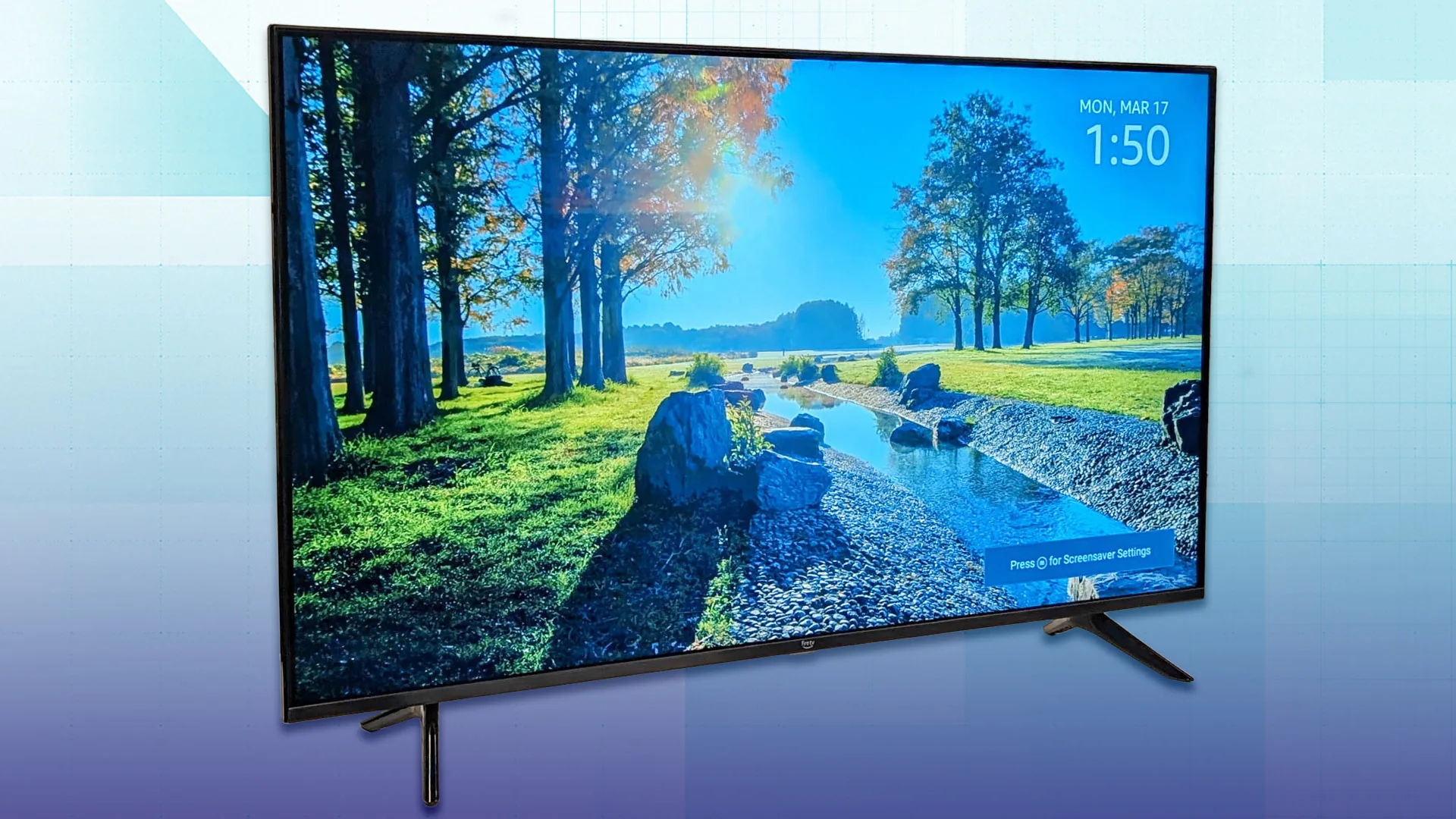
How to choose the best 50 inch smart tv
The right 50-inch television depends less on a long feature list than on the kind of content you watch and the devices you need to connect.
Backlight and contrast
Conventional LED sets such as the Insignia F50 Series and Toshiba C350 Series use a more straightforward backlight design. QLED models add a color layer for richer output, while Mini LED sets such as the Hisense E7 Cinema, Samsung M70H, and TCL QM6K use smaller light sources and local control to improve dark-scene contrast.
Mini LED is most useful for movies with bright highlights against black backgrounds, nighttime viewing, and rooms where the screen needs more impact. A standard LED set can still look clear and colorful, but it is less likely to separate bright and dark areas with the same precision.
HDR formats
HDR10 is common and widely supported. Dolby Vision adds dynamic scene information on compatible content, while HDR10+ and HDR10+ Adaptive provide a similar approach through another format family. The Hisense E6 Cinema and E7 Cinema list especially broad HDR support, while the LG QNED73 specifies HDR10 Pro and the Samsung M70H does not list Dolby Vision.
Format support matters only when your streaming services and discs use it. Check the devices you already own instead of assuming every HDR label will appear in every app.
A television with more HDR formats is not automatically better if its backlight cannot show the contrast those formats are meant to create.
Refresh rate and motion
A 60Hz television is suitable for most broadcast shows, films, and ordinary streaming. Faster panels become more useful for sports and gaming, where quick camera movement and responsive controls expose motion weaknesses. Samsung U8000H specifies up to 4K 60Hz, while Samsung M70H lists DLG 120Hz, TCL QM6K lists 120Hz to 144Hz, and Hisense E7 Cinema specifies native 144Hz Game Mode.
Be careful with labels such as Motion Rate 120. That can describe processing rather than a native panel refresh rate, as the Hisense E6 Cinema details illustrate. If high-frame-rate gaming is central to your choice, look for a clearly stated native refresh specification.
Smart TV platform
Roku is the simplest interface for many households, with a clean home screen, voice search, and easy access to free channels. Fire TV is a natural fit for Alexa users and puts streaming apps, live channels, and voice discovery in one place. Samsung's platform works well for viewers already using Samsung TV Plus, while LG webOS adds LG Channels, AI features, and a distinct app environment. Google TV on the TCL QM6K emphasizes personalized discovery across services.
The platform is something you will interact with every day, so interface preference should carry real weight. A slightly stronger picture is not helpful if everyone in the household finds the menus frustrating.
Ports and room placement
Count your sources before choosing a set. A game console, soundbar, cable box, Blu-ray player, and streaming device can use most of a television's inputs quickly. The Insignia F50 Series lists three HDMI ports plus composite, optical, USB, headphone, coaxial, Ethernet, and eARC. Amazon Ember lists four HDMI inputs. The other products do not all provide complete port details in the supplied information.
Also measure the furniture. Most screens here are roughly 43.7 to 44.1 inches wide, but stand depth varies. If you are unsure whether a larger screen would fit your room, how much viewing distance a larger panel needs can help before you move up from 50 inches.
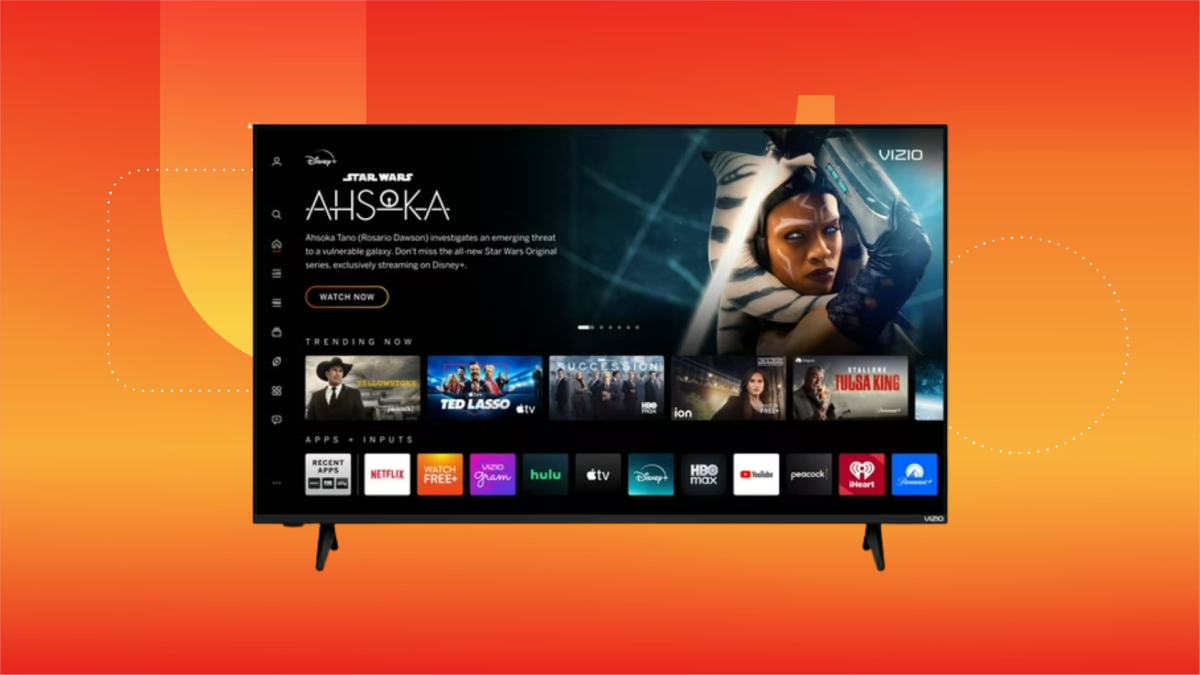
Frequently asked questions
Is a 50-inch TV large enough for a living room?
A 50-inch screen can work well in a small or medium living room, bedroom, den, or apartment. The right size depends on seating distance, room layout, and how much of your field of view you want the screen to occupy. Measure the stand or wall area as well as the diagonal screen size.
Is Mini LED better than QLED?
Mini LED and QLED describe different parts of a television. QLED generally refers to a color-enhancing layer, while Mini LED refers to a more precise backlight system. A television can use both, as seen with the Hisense E7 Cinema and TCL QM6K, and Mini LED usually matters more for contrast and bright highlight control.
Which television is best for gaming?
The Hisense E7 Cinema is the strongest gaming-focused choice in this group because it specifies native 144Hz Game Mode and Mini LED backlighting. TCL QM6K also lists 120Hz to 144Hz performance, while Samsung M70H includes DLG 120Hz. Check your console or PC output before assuming it can use the highest mode.
Do all of these TVs support Dolby Vision?
No. Dolby Vision is listed for the Toshiba C350 Series, Hisense E6 Cinema, Hisense E7 Cinema, and some of the other named formats vary by product. Samsung M70H and LG QNED73 do not list Dolby Vision in the supplied product information. Confirm the formats used by your streaming services if Dolby Vision is important.
Which smart TV platform is easiest to use?
Roku usually has the most direct layout, with a simple home screen and clear search tools. Fire TV is convenient for Alexa households, while Samsung, LG webOS, and Google TV each have their own content and app organization. The easiest platform is the one that matches the devices and services your household already uses.
Can a 50-inch TV replace a soundbar?
It can handle ordinary viewing, but built-in speakers generally have less room for bass and wide sound than a separate system. Toshiba C350, Hisense E6 Cinema, Hisense E7 Cinema, and TCL QM6K list Dolby audio features, while Insignia includes DTS Virtual:X. Those formats can improve spaciousness, but a soundbar remains the better choice for fuller dialogue and effects.
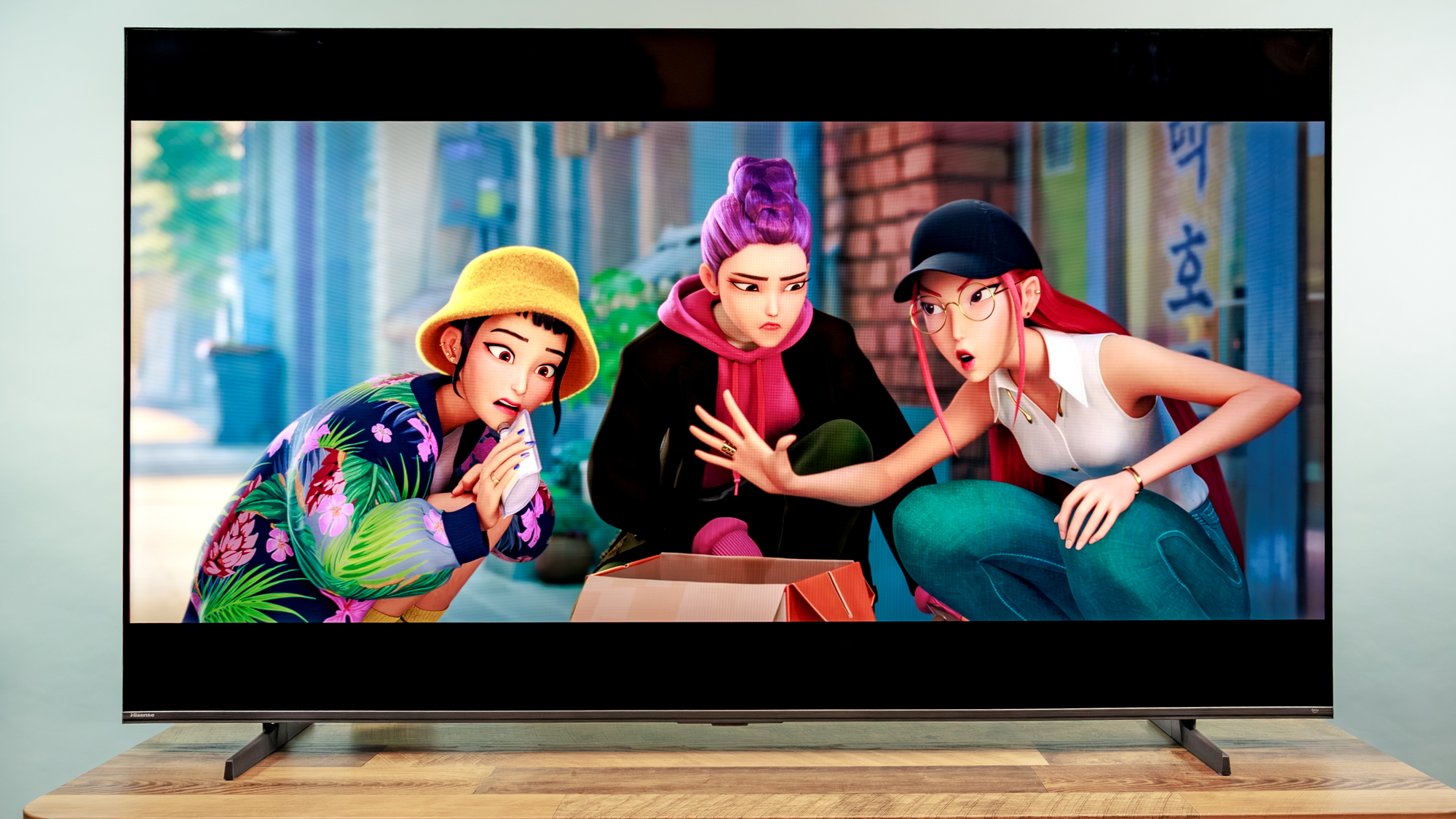
The bottom line
The Best 50 inch smart TV for most households is the Insignia F50 Series. It combines 4K HDR10 picture quality, Fire TV, Alexa control, AirPlay, eARC, and an unusually broad connection list. It does not have Mini LED contrast or a high-refresh gaming panel, but it is the most balanced choice for streaming, live TV, older equipment, and occasional gaming.
Choose the Hisense E7 Cinema instead if gaming speed and HDR performance matter most. Its Mini LED backlight, native 144Hz Game Mode, Dolby Vision IQ, and motion processing make it the more advanced display. The Roku Select Series is the better alternative for anyone who values a simple interface above picture complexity.
If you are undecided, choose Insignia for flexibility, Hisense E7 for gaming and contrast, or Roku for the cleanest everyday controls.
As an Amazon Associate we earn from qualifying purchases.