
A low-cost laptop has to make careful compromises. A machine with 4GB of memory may handle schoolwork and browser tabs, but it can become frustrating when Windows updates, video calls, and several apps compete for attention. A Chromebook may feel quicker, while limiting which desktop software you can install.
Our Best cheap laptops list covers everything from simple Windows machines and Chromebooks to a serious gaming laptop and Apple's compact MacBook Neo. The QSXQSX 15.6-inch Laptop is the best starting point for basic Windows work, while the other picks make more sense for specific needs.
Comparison table
| # | Product | Award | Processor and display | Memory and storage | Best for |
|---|---|---|---|---|---|
| 1 | QSXQSX 15.6-inch Laptop | Best overall | Intel 5205U, 15.6-inch FHD | 4GB RAM, 128GB, expandable to 512GB | Basic Windows office work |
| 2 | ASUS ROG Strix G16 | Best for gaming | Core i7-14650HX, RTX 5060, 16-inch FHD+ at 165Hz | 16GB DDR5, 1TB Gen 4 SSD | PC gaming and demanding creation |
| 3 | Dell 15.6-inch Core Ultra Laptop | Best Windows upgrade | Core Ultra 5 225U, 15-inch FHD | 16GB RAM, 512GB SSD | Office productivity and multitasking |
| 4 | Samsung Galaxy Chromebook Go | Best battery life | Celeron N4500, 14-inch Chromebook display | 4GB RAM, 64GB storage | Students and web-based work |
| 5 | ASUS 15-inch Chromebook | Best large Chromebook screen | Intel processor up to 2.80GHz, 15-inch FHD IPS | 4GB DDR4, 128GB storage | ChromeOS on a larger display |
| 6 | Apple MacBook Neo | Best portable Mac | A18 Pro, 13-inch Liquid Retina | 8GB unified memory, 256GB SSD | Apple users who travel |
| 7 | HP 14-inch Laptop Pink | Best compact Windows option | Celeron dual-core, 14-inch HD | 4GB RAM, 64GB SSD | Light home and school tasks |
| 8 | HP 14-inch Laptop Blue | Best for built-in ports | Celeron dual-core, 14-inch HD | 4GB RAM, 64GB SSD | Users who need USB and SD access |
| 9 | Dell 15.6-inch Core 3 Laptop | Best numeric-keypad laptop | Core 3 100U, 15.6-inch FHD | 8GB RAM, 512GB storage | Home office and spreadsheets |
1. QSXQSX 15.6-inch Laptop: Best Overall

Pros
- Full HD screen with a spacious 15.6-inch viewing area
- Windows 11 and one year of Office 365 included
- HDMI, USB-C, and SD card connectivity
- Storage can expand to 512GB
Cons
- 4GB of RAM limits heavier multitasking
- Intel 5205U is intended for basic workloads
- Wireless connectivity is limited to Wi-Fi 5 and Bluetooth 4.2
Best for: someone who needs a straightforward Windows laptop for documents, browsing, and schoolwork.
The QSXQSX 15.6-inch Laptop gets the fundamentals right for a first Windows computer. It gives you a large Full HD screen, a familiar desktop operating system, and Office 365 ready to use. That combination matters more than flashy extras when the main jobs are writing documents, joining online lessons, browsing, and watching video.
Its Intel 5205U processor has a 1.9GHz base frequency, which tells you where this laptop belongs. It is suited to everyday computing rather than demanding photo work, gaming, or large creative projects. The 4GB of RAM is the more obvious constraint. A few browser tabs and a document should be manageable, but keeping many browser windows, a video call, and several desktop programs open will test it quickly.
Storage is more flexible than the memory. The laptop starts with 128GB and supports expansion to 512GB through its expansion slot. That gives it a useful path for keeping more documents, photos, and media locally. Connectivity is also unusually practical in this group, with USB-C, HDMI, and an SD card reader. Wi-Fi 5 and Bluetooth 4.2 are older standards, but they cover ordinary home networks and common wireless accessories.
At 3.6 pounds, it is not an ultraportable, yet the 15.6-inch screen gives you room to work without carrying a much larger machine. The weakness is clear: this is not the laptop for demanding multitasking. The Dell 15.6-inch Core Ultra Laptop is substantially better equipped for sustained office work, while the Samsung Galaxy Chromebook Go is a better fit if all your work happens in a browser. Choose the QSXQSX when Windows software, a large screen, Office access, and expandable storage matter most.
2. ASUS ROG Strix G16: Best for Gaming

Pros
- RTX 5060 graphics with DLSS 4 and Max-Q technologies
- 165Hz display with a 3ms response time
- 16GB DDR5 memory and a 1TB Gen 4 SSD
- Vapor chamber, tri-fan cooling, and liquid metal thermal material
Cons
- Weighs about 5.84 pounds
- Gaming hardware is excessive for simple office work
- The display is Full HD+ rather than a higher-resolution panel
Best for: a player who wants a Windows laptop that can also handle demanding games and creative applications.
The ASUS ROG Strix G16 is the outlier here, and it should not be confused with an entry-level school laptop. Its Intel Core i7-14650HX processor and GeForce RTX 5060 Laptop GPU give it a performance ceiling that the other Windows picks cannot approach. For anyone shopping around the lower end of the laptop market but needing real gaming capability, this is the obvious specialist choice.
The 16-inch FHD+ display uses a 16:10 aspect ratio, which gives games and productivity applications a little more vertical space than a typical widescreen panel. Its 165Hz refresh rate makes motion look much smoother than a standard 60Hz screen, while the stated 3ms response time is aimed at keeping fast action clear. The ACR film is designed to improve contrast and reduce glare, although the panel remains a Full HD+ display rather than a high-resolution creator screen.
The supporting hardware is sensible. There is 16GB of DDR5-5600MHz memory for modern games and serious multitasking, plus a 1TB PCIe Gen 4 SSD that leaves room for a substantial game library. ASUS also gives the chassis serious cooling hardware, including an end-to-end vapor chamber, tri-fan technology, and Conductonaut Extreme liquid metal on the chipset. Those features are relevant because fast laptop processors and graphics chips need sustained cooling to maintain performance.
The cost of that capability is portability. At roughly 5.84 pounds, this is a machine for a desk or a short trip, not a laptop you will forget in a backpack. The QSXQSX is far more sensible for basic documents, and the Apple MacBook Neo is lighter and quieter in spirit, but neither is a substitute for the ROG's dedicated graphics. If your laptop must play current PC games, create content, and remain useful for demanding work, the ASUS ROG Strix G16 is the pick. Skip it if gaming is not central to your needs.
For readers comparing hardware for more demanding play, the graphics and screen features that matter for modern PC gaming are more important than a thin chassis.
3. Dell 15.6-inch Core Ultra Laptop: Best Windows Upgrade

Pros
- 16GB of RAM for substantially smoother multitasking
- 512GB SSD provides useful working space
- Core Ultra 5 225U includes an NPU for AI features
- 300-nit display and ComfortView eye-comfort features
Cons
- Its 15-inch screen is not as compact as a 14-inch model
- Integrated graphics are not intended for serious gaming
- The product information does not specify a wide selection of ports
Best for: Windows users who want enough memory and storage for daily work without stepping up to gaming hardware.
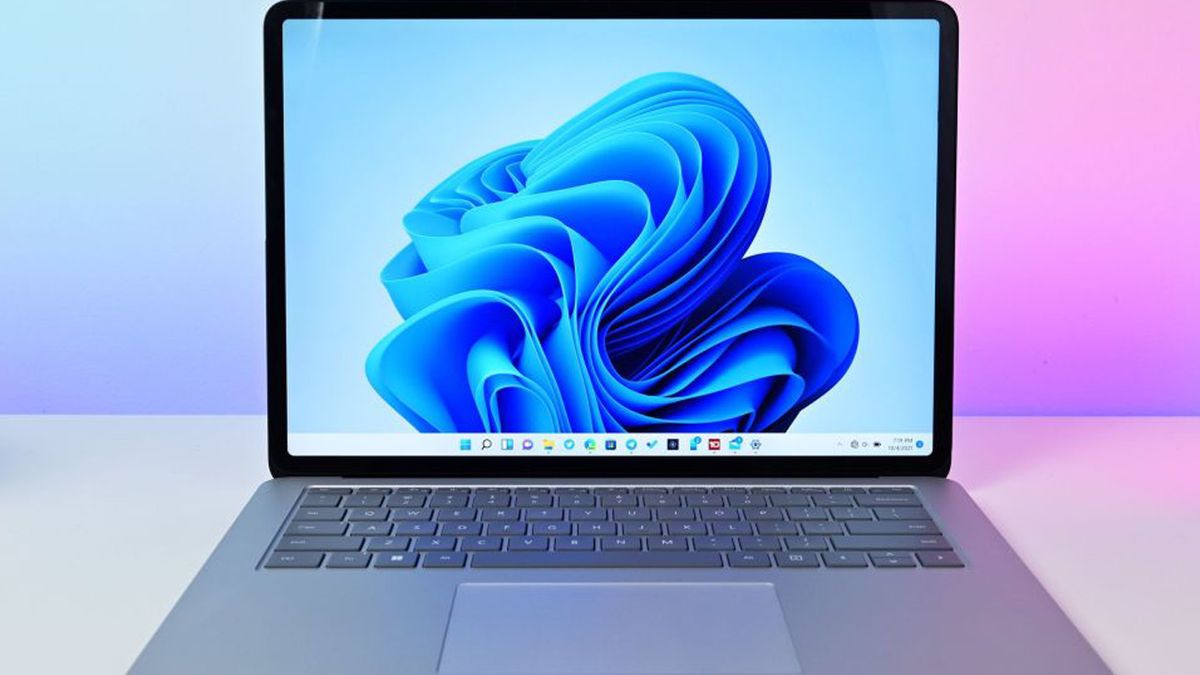
The Dell 15.6-inch Core Ultra Laptop is the most balanced Windows machine in this group. It avoids the biggest weakness of the cheaper Windows models by pairing its processor with 16GB of RAM. That makes a real difference when a workday includes a browser full of tabs, spreadsheets, messaging, and a video call running at the same time.
Its Intel Core Ultra 5 225U is also a newer platform than the Celeron and Intel 5205U systems here. Dell highlights NPU-powered AI features and a dedicated Copilot key, but the more dependable benefit is the general headroom for everyday productivity. The 512GB SSD gives documents, applications, and local media more breathing room than the 64GB drives in the HP laptops or the 128GB starting capacity of the QSXQSX.
The display is a 15-inch Full HD panel with up to 300 nits of brightness. That is a useful step up for office work and video, particularly in rooms where a dim screen becomes tiring. Dell's ComfortView feature reduces blue-light emissions, and the lifted hinges create a more comfortable typing angle while helping airflow. The chassis weighs about 3.67 pounds, which is reasonable for a laptop of this screen size.
This Dell is not a gaming machine, and the listed information does not give the same port detail as the ASUS Chromebook or HP 14-inch Laptop Blue. It is also a more serious computer than someone needs for a few browser-based assignments. The Dell 15.6-inch Core 3 Laptop offers a numeric keypad and a simpler everyday setup, but the Core Ultra model wins for multitasking and newer platform features. It is the Windows laptop we would choose for regular work, remote meetings, and long sessions with many applications open.
If your laptop will spend most of its life on calls and shared documents, the features that make a laptop easier to use from home are worth considering alongside processor specifications.
4. Samsung Galaxy Chromebook Go: Best Battery Life

Pros
- Claimed battery life of up to 12 hours
- Slim 3.2-pound design
- ChromeOS is simple and well suited to web applications
- Designed to withstand occasional drops and dings
Cons
- 4GB of RAM limits heavy multitasking
- 64GB of storage is restrictive for local files
- ChromeOS cannot run every Windows desktop application
Best for: students and travelers who mostly use Google apps, browser tools, and online services.
The Samsung Galaxy Chromebook Go makes sense because it does not pretend to be a general-purpose Windows replacement. ChromeOS starts quickly, stays focused on browser-based work, and pairs naturally with Gmail, Docs, Photos, YouTube, and other Google services. For school assignments and online research, that simpler approach can feel more responsive than a Windows laptop with the same amount of memory.
The Intel Celeron N4500 and 4GB of RAM are modest, so expectations matter. This is a machine for documents, web research, streaming, and video lessons, not a workstation for complex desktop applications. The 64GB of storage is similarly narrow. ChromeOS encourages cloud storage, but anyone who keeps large offline files or installs many Android applications will run out of room sooner than with the ASUS 15-inch Chromebook.
Battery life is the strongest reason to choose it. Samsung claims up to 12 hours, giving this Chromebook the kind of endurance that suits a full school day or long period away from an outlet. At 3.2 pounds, it is also lighter than the larger ASUS Chromebook and far lighter than the ASUS ROG Strix G16. The design is described as able to withstand the occasional drop or ding, a useful trait for a student computer.
The 14-inch format is a good middle ground, though the available product details do not specify the panel resolution. The ASUS 15-inch Chromebook has a larger 15-inch Full HD IPS screen and twice the storage, while the QSXQSX offers Windows and Office compatibility. Pick Samsung when battery life, ChromeOS simplicity, phone integration, and portability matter more than local storage or desktop software.
5. ASUS 15-inch Chromebook: Best Large Chromebook Screen

Pros
- 15-inch Full HD IPS display
- 128GB of storage, more than the Samsung Chromebook Go
- HDMI, USB-C, USB-A, and headset connectivity
- Wi-Fi, Bluetooth, webcam, and ChromeOS included
Cons
- Only 4GB of DDR4 memory
- Weighs 4 pounds
- It is a renewed model
Best for: someone who wants the uncomplicated ChromeOS experience with a larger, sharper screen.
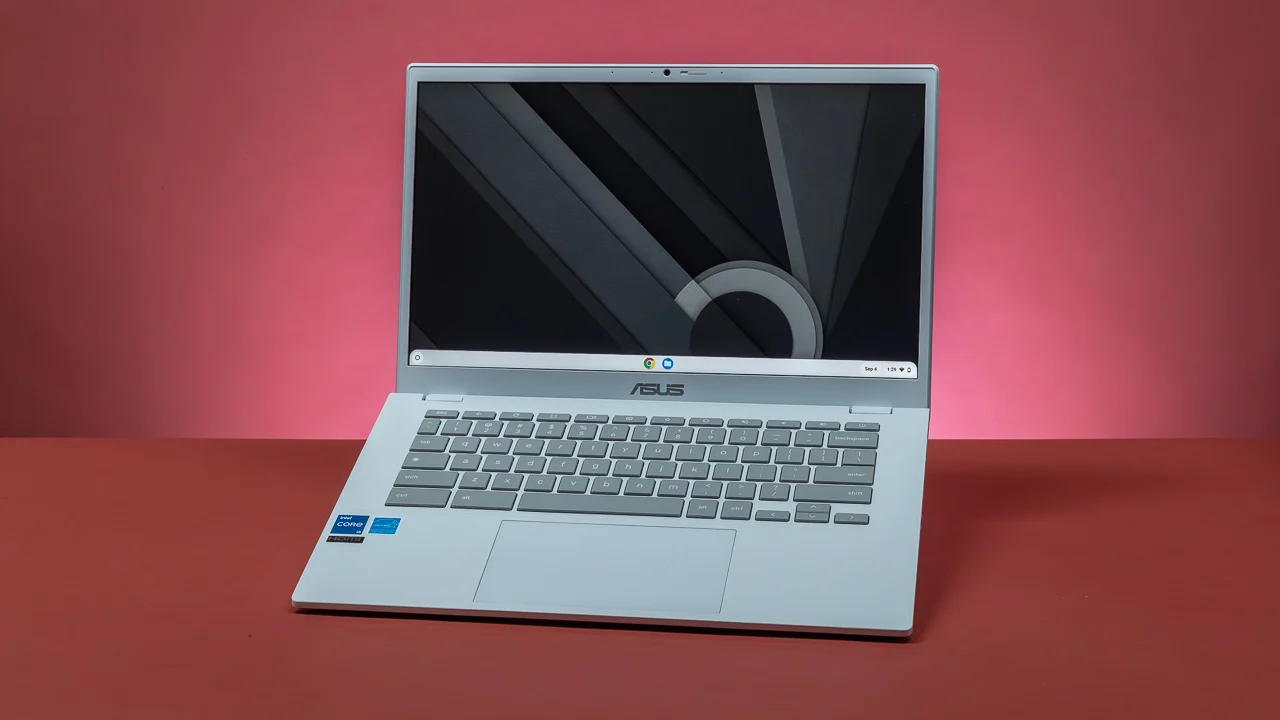
The ASUS 15-inch Chromebook is the most appealing Chromebook here for screen space. Its 15-inch Full HD IPS display gives documents, spreadsheets, and streaming video more room than the Samsung Galaxy Chromebook Go. IPS technology is also a useful choice for a shared screen because it generally preserves a more consistent image when viewed from different angles.
The Intel processor can run at up to 2.80GHz, but the 4GB of DDR4 memory remains the practical limit. ChromeOS is relatively light, so the laptop should suit web browsing, cloud documents, email, and video playback. It is less comfortable with a large number of open tabs and simultaneous Android applications. This is a good reminder that a larger display does not make a low-memory laptop a multitasking powerhouse.
Storage is 128GB, giving it twice the stated capacity of the Samsung model. The port selection is another advantage. You get USB-C, USB-A, an HDMI output, and a combined headphone and microphone jack, so connecting a second screen or older accessory is straightforward. Super-fast Wi-Fi, Bluetooth, and an integrated webcam round out the feature set.
The 4-pound chassis is heavier than the Samsung, and the renewed condition may make some buyers prefer a new machine. It also cannot run Windows-only applications. Still, the ASUS is the stronger pick for ChromeOS users who want a Full HD IPS display and physical ports. For a small desk or frequent travel, Samsung's lighter design is preferable. For screen space and connectivity, the ASUS 15-inch Chromebook is the better fit.
6. Apple MacBook Neo: Best Portable Mac

Pros
- A18 Pro chip for everyday applications and AI features
- Up to 16 hours of claimed battery life
- 13-inch Liquid Retina display supporting one billion colors
- 1080p FaceTime HD camera and dual-microphone array
- Lightweight aluminum design at about 2.71 pounds
Cons
- 8GB of unified memory is not aimed at workstation tasks
- 256GB SSD may feel limited for large media libraries
- macOS is not compatible with every Windows application
Best for: Apple users who want a small, long-lasting laptop for study, travel, and everyday creative work.
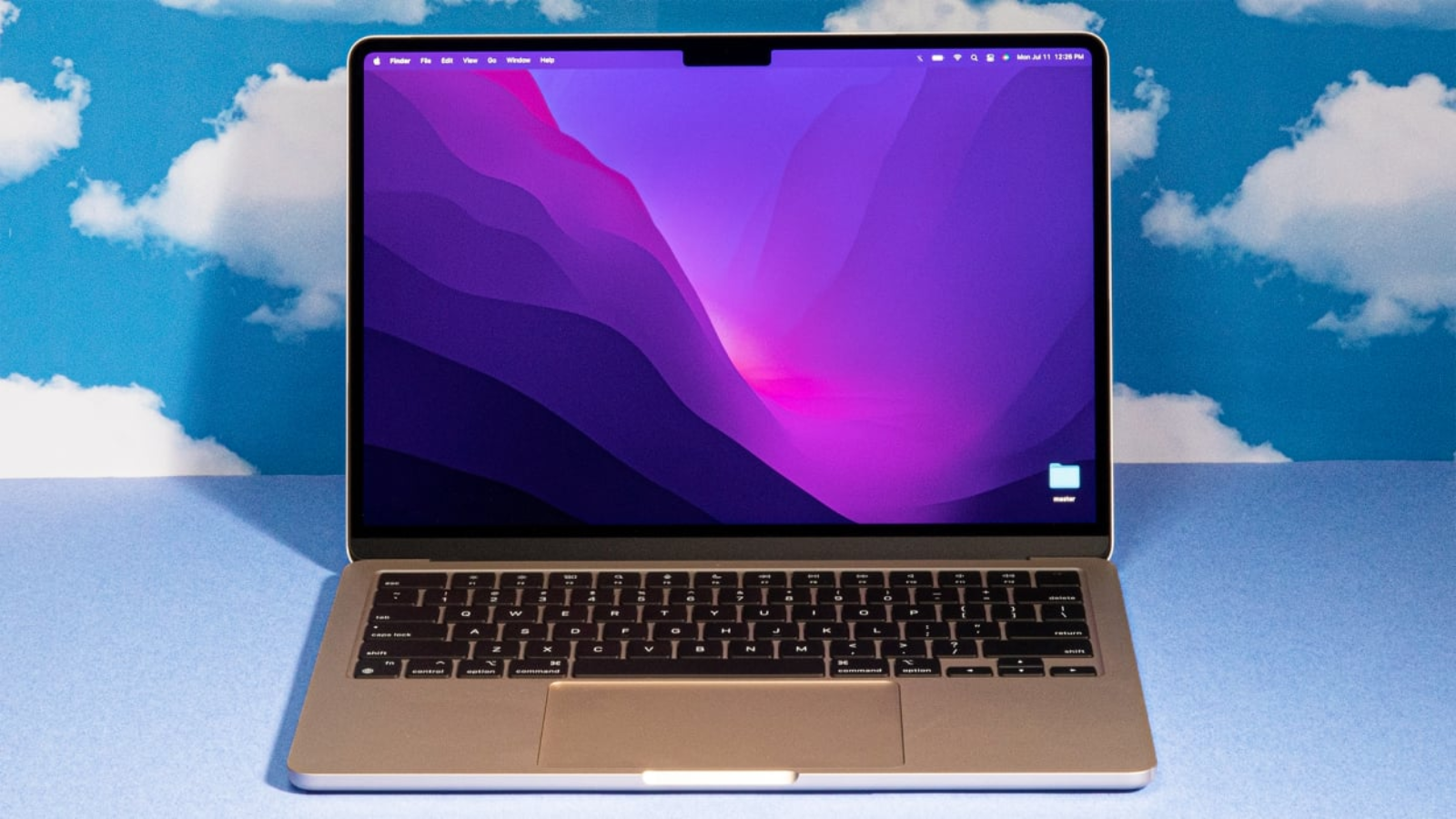
The Apple MacBook Neo is the refined option in a list otherwise dominated by basic Windows machines and Chromebooks. Its compact aluminum design weighs about 2.71 pounds, so it is easy to carry between classes, offices, and home. The 13-inch size also keeps it comfortable in tight spaces, although anyone who regularly works with wide spreadsheets may prefer one of the 15.6-inch Dell models.
The A18 Pro chip is designed to keep everyday macOS applications responsive and to support Apple Intelligence features. The machine has 8GB of unified memory and a 256GB SSD. Those capacities are reasonable for documents, applications, photos, and moderate creative work, but they are not intended for a large local video library or heavy professional production. The QSXQSX offers expandable storage, while the Dell Core Ultra Laptop provides 16GB of RAM and 512GB of SSD space.
The Liquid Retina display is a strong part of the experience. Apple says it supports one billion colors, which helps photos and video look more nuanced and makes text appear crisp. The 1080p FaceTime HD camera is a better fit for frequent video calls than the basic webcam descriptions on the Windows entry-level models. A dual-microphone array and side-firing speakers also make the laptop more self-contained for meetings and streaming.
Battery life is another standout, with Apple claiming up to 16 hours. That figure will vary with workload, but the promise of all-day use is central to this laptop's appeal. macOS also works particularly well with iPhone features such as device continuity and file handoff. The weakness is software compatibility: if a school or workplace depends on Windows-only programs, this is the wrong platform. For Apple users who want a light, polished computer, the MacBook Neo is the most convincing portable pick in this roundup.
7. HP 14-inch Laptop Pink: Best Compact Windows Option

Pros
- Compact 14-inch screen
- Windows 11 included
- 4GB RAM and 64GB SSD for basic tasks
- Light-colored design for users who want something distinctive
Cons
- HD resolution is only 1366 by 768
- 4GB RAM and 64GB storage leave little headroom
- The listed details provide no port breakdown
Best for: light Windows use such as email, simple documents, and occasional browsing.
The HP 14-inch Laptop Pink is a basic Windows computer with a smaller footprint than the 15.6-inch alternatives. Its 14-inch HD BrightView LED display is usable for email, word processing, and web pages, but the 1366 by 768 resolution provides less room for side-by-side windows than the Full HD screens on the QSXQSX and Dell laptops.
The Intel Celeron dual-core processor can reach up to 2.60GHz, and the machine includes 4GB of RAM with a 64GB SSD. Those specifications are enough for a narrow set of tasks, but Windows 11 itself leaves less spare capacity than ChromeOS. Keeping the workload simple will make this laptop much more pleasant. Large spreadsheets, numerous browser tabs, and demanding applications are not its territory.
The 4.45-pound weight is also worth considering. Although the screen is smaller, this is not especially light for a 14-inch laptop. The product listing identifies a webcam, but it does not provide the port details found for the blue HP model. That makes the HP 14-inch Laptop Blue the more informative choice for anyone who knows they need several USB devices or an SD card reader.
Its renewed condition is another reason to read the listing carefully before ordering. The Pink model is attractive if appearance matters and the intended work is modest, but it should not be mistaken for a high-headroom Windows laptop. The ASUS 15-inch Chromebook will feel easier for browser-first work, and the Dell Core 3 Laptop is a much stronger office machine. Choose this HP for a simple Windows setup in a compact screen size, not for long-term multitasking.
8. HP 14-inch Laptop Blue: Best for Built-In Ports

Pros
- Three USB Type-A ports
- SD card reader and combined headset jack
- 14-inch HD display
- Windows 11, webcam, Wi-Fi, and Bluetooth
Cons
- 4GB RAM is restrictive
- 64GB SSD leaves limited local storage
- 1366 by 768 display is less spacious than a Full HD panel
Best for: a Windows user who needs traditional USB and SD card connections on a simple laptop.
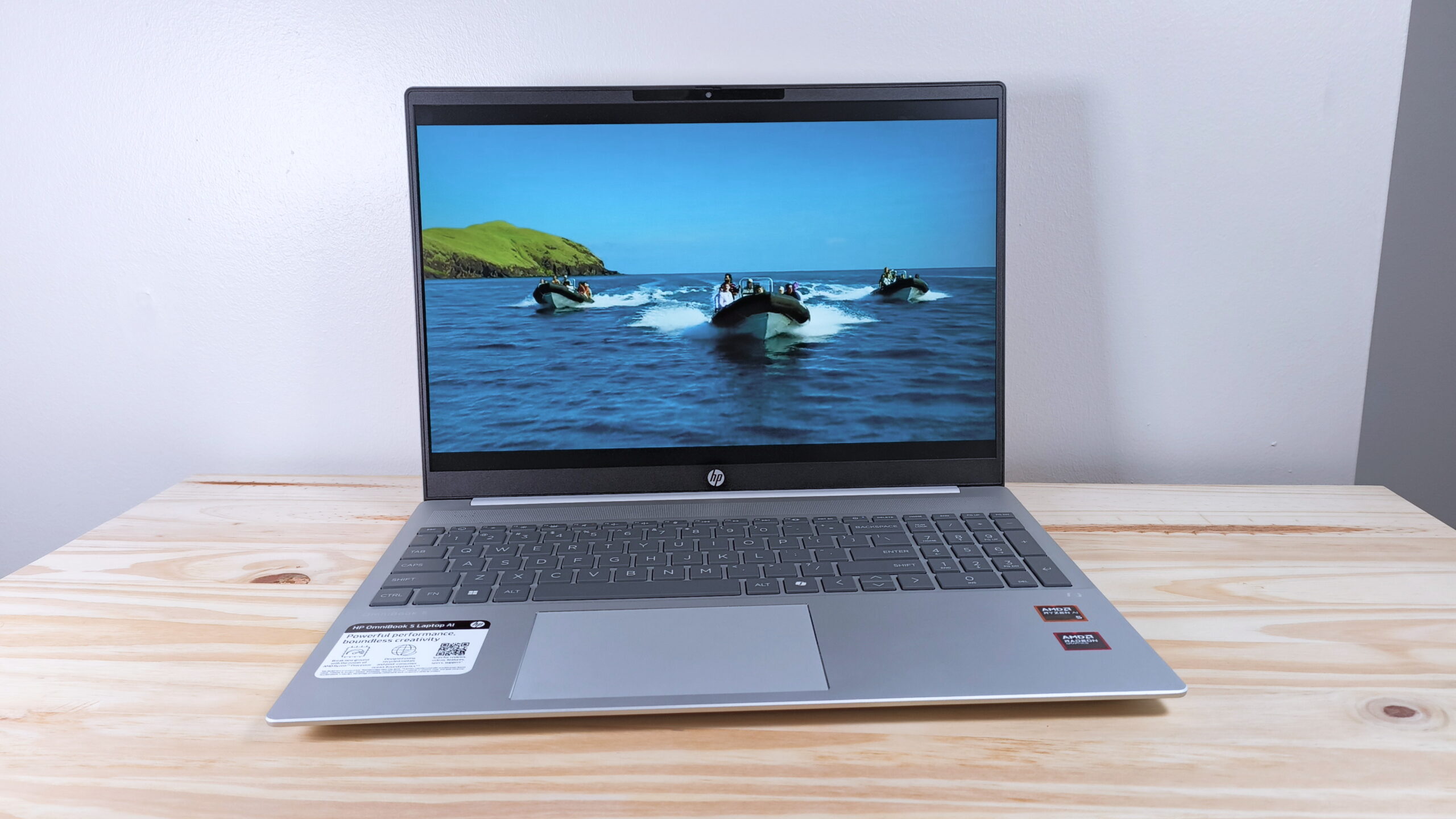
The HP 14-inch Laptop Blue is nearly identical in core hardware to the pink HP, but its listed connectivity makes it the more useful choice for peripherals. Three USB Type-A ports, an SD card reader, and a headphone and microphone combo jack cover the accessories many people still use. That is helpful for a mouse, flash drive, printer, camera card, or wired headset without reaching for a hub.
The processor is an Intel Celeron dual-core design with a stated maximum speed of 2.60GHz. Combined with 4GB of RAM, it is suited to simple Windows work rather than intensive multitasking. The 64GB SSD can hold the operating system, basic applications, and a modest set of files, but cloud storage or external storage will become important for anyone with a large photo collection.
The 14-inch HD BrightView WLED-backlit screen has a 1366 by 768 resolution and Intel graphics. It is adequate for ordinary documents and browsing, but the display is less comfortable for arranging multiple windows than the Full HD screen on the QSXQSX. The integrated webcam and microphone support basic video calls, while 802.11a/b/g/n/ac Wi-Fi and Bluetooth handle standard wireless connections.
At about 4 pounds, the chassis is easier to carry than a 15.6-inch laptop but not unusually light. It is also a renewed model, so buyers should pay attention to the listing's condition details. The HP 14-inch Laptop Pink offers the same basic platform with less listed connectivity, while the Samsung Galaxy Chromebook Go is more travel-friendly and longer-lasting on its claimed battery figure. Pick the blue HP when legacy ports matter more than screen resolution or performance.
9. Dell 15.6-inch Core 3 Laptop: Best Numeric-Keypad Laptop

Pros
- Full HD 15.6-inch display
- 8GB of RAM and 512GB of storage
- Separate numeric keypad
- Lifted hinge and ComfortView software
- One-year onsite service is included
Cons
- Weighs about 4.19 pounds
- Core 3 processor is below the newer Core Ultra model
- Not designed for demanding graphics work
Best for: home office users who enter numbers regularly and want a conventional large Windows laptop.
The Dell 15.6-inch Core 3 Laptop is built around familiar office habits. Its roomy keyboard includes a separate numeric keypad and a calculator hotkey, which can be more useful than a thinner design for spreadsheets, invoices, and data entry. The 15.6-inch Full HD display gives those applications enough working space for a comfortable desktop-like layout.
Inside is an Intel Core 3 100U processor with 8GB of RAM and 512GB of storage. That is a meaningful step above the HP models for multitasking and local files, though it remains below the Dell Core Ultra Laptop in processor generation and memory capacity. The 512GB storage figure matches the newer Dell's listed capacity, making this a reasonable choice for someone who cares more about a numeric keypad than newer AI-oriented platform features.
Dell includes ComfortView software to reduce blue-light emissions during extended viewing. The lifted hinges provide an ergonomic typing angle and may help airflow, while energy-efficient battery features and Express Charge are intended to keep the laptop useful during longer work sessions. The listing also specifies one year of onsite service, which is reassuring for a home office machine that needs support beyond basic setup.
The trade-off is portability. At about 4.19 pounds, it is heavier than the newer Dell and much heavier than the MacBook Neo. Its integrated graphics are also not a gaming solution, and the Core Ultra model is the better choice for sustained multitasking. Still, the Dell 15.6-inch Core 3 Laptop is a sensible conventional computer for documents, spreadsheets, browsing, and everyday Windows tasks when the full-size keyboard layout is a priority.
How to choose best cheap laptops
The right laptop depends less on a long feature list than on the applications you use and the amount of multitasking you expect.
Operating system
Windows 11 runs the broadest selection of traditional desktop software in this group. It is the safer choice for programs designed for Windows, though 4GB of RAM can make entry-level Windows laptops feel constrained. ChromeOS is simpler and often better suited to browser-based schoolwork, while macOS is the natural fit for people already invested in Apple's devices and services.
Memory
RAM determines how comfortably a laptop handles several tasks at once. The 4GB systems in this roundup are best kept to light browsing, documents, email, and streaming. Moving to 8GB helps with ordinary Windows multitasking, while 16GB, as found in the Dell Core Ultra Laptop and ASUS ROG Strix G16, gives much more breathing room for demanding applications.
For a Windows laptop, memory is often the difference between “works” and “still feels usable after the first few tabs.”
Storage
A 64GB drive is workable when most files live in the cloud, but it leaves little space for applications and offline media. The 128GB QSXQSX and ASUS Chromebook offer more flexibility, while 256GB and 512GB capacities are more comfortable for local files. Expandability is a useful advantage when the internal capacity is modest.
Display size and resolution
A 14-inch screen is easier to fit into a small bag, while a 15.6-inch display gives spreadsheets and side-by-side documents more room. Full HD is preferable for text-heavy work because it provides a larger desktop than 1366 by 768 HD. The ASUS Chromebook adds IPS technology, and the ROG Strix G16 adds a 165Hz refresh rate for smooth gaming.
Processor class
Celeron processors and the Intel 5205U are aimed at basic workloads. Intel Core 3 is a stronger everyday option, while Core Ultra 5 and the gaming-focused Core i7 provide more multitasking headroom. The A18 Pro in the MacBook Neo is tied to macOS and Apple's software ecosystem, so processor comparisons should account for the entire platform rather than clock speed alone.
Ports and portability
Check the connections before buying if you use an SD card, wired headset, external display, or older USB accessories. The HP 14-inch Laptop Blue has the clearest traditional port selection, while the QSXQSX includes HDMI, USB-C, and an SD card reader. Weight varies from about 2.71 pounds for the MacBook Neo to about 5.84 pounds for the ROG Strix G16, which changes how practical each machine is away from a desk.
Frequently asked questions
Is 4GB of RAM enough for a laptop?
It can be enough for light browsing, email, document editing, and streaming when only a few applications are open. Windows 11 leaves less spare capacity than ChromeOS, so 4GB systems should not be chosen for heavy multitasking. The Dell laptops with 8GB or 16GB are better suited to regular office work.
Is a Chromebook or Windows laptop better for school?
A Chromebook is a strong fit when assignments use browser tools, Google Docs, Gmail, and web-based learning platforms. Windows is preferable when the school requires traditional desktop applications or Microsoft software that cannot run in a browser. The Samsung Galaxy Chromebook Go favors portability and battery life, while the QSXQSX includes Windows 11 and Office 365.
Can these laptops run games?
The ASUS ROG Strix G16 is the only product here designed for serious PC gaming, thanks to its RTX 5060 graphics, Core i7 processor, 16GB of DDR5 memory, and 165Hz display. The other laptops may handle browser games or very light titles, but their integrated graphics are not comparable. The Chromebooks also depend on ChromeOS-compatible games and applications.
Is 64GB of laptop storage enough?
It is enough for a small collection of documents and cloud-first use, but it leaves limited room for large applications, photos, and offline video. The HP laptops and Samsung Chromebook Go use 64GB capacities, so cloud storage or an external drive may be necessary. A 512GB SSD is much easier to live with if you keep files locally.
What screen size is easiest to carry?
A 13-inch or 14-inch laptop is generally easier to carry than a 15-inch model, though chassis weight and construction also matter. The MacBook Neo is about 2.71 pounds, and the Samsung Galaxy Chromebook Go is about 3.2 pounds. The ASUS ROG Strix G16 is much heavier because of its gaming hardware and cooling system.
Are renewed laptops safe to buy?
A renewed laptop can be a practical option, but buyers should check the condition, included accessories, and applicable coverage on the listing. The ASUS 15-inch Chromebook and both HP 14-inch laptops in this roundup are identified as renewed. Newer models may offer a more current platform, but condition is a separate question from processor performance.
The bottom line
The Best cheap laptops choice for straightforward Windows documents, browsing, and school tasks is the QSXQSX 15.6-inch Laptop. Its Full HD screen, Office 365 inclusion, practical ports, and expandable storage make it more flexible than its 4GB of RAM suggests. For sustained multitasking, step up to the Dell 15.6-inch Core Ultra Laptop, which adds 16GB of memory, a 512GB SSD, and a newer processor platform.
The Samsung Galaxy Chromebook Go is the better travel and school pick when ChromeOS is enough, while the Apple MacBook Neo is the strongest compact choice for Apple users who want long claimed battery life and a polished portable design. Gamers should ignore the entry-level compromises and choose the ASUS ROG Strix G16 for its dedicated graphics and fast display.
If you are undecided, choose the operating system first, then buy as much memory and storage as your everyday software requires.
As an Amazon Associate we earn from qualifying purchases.