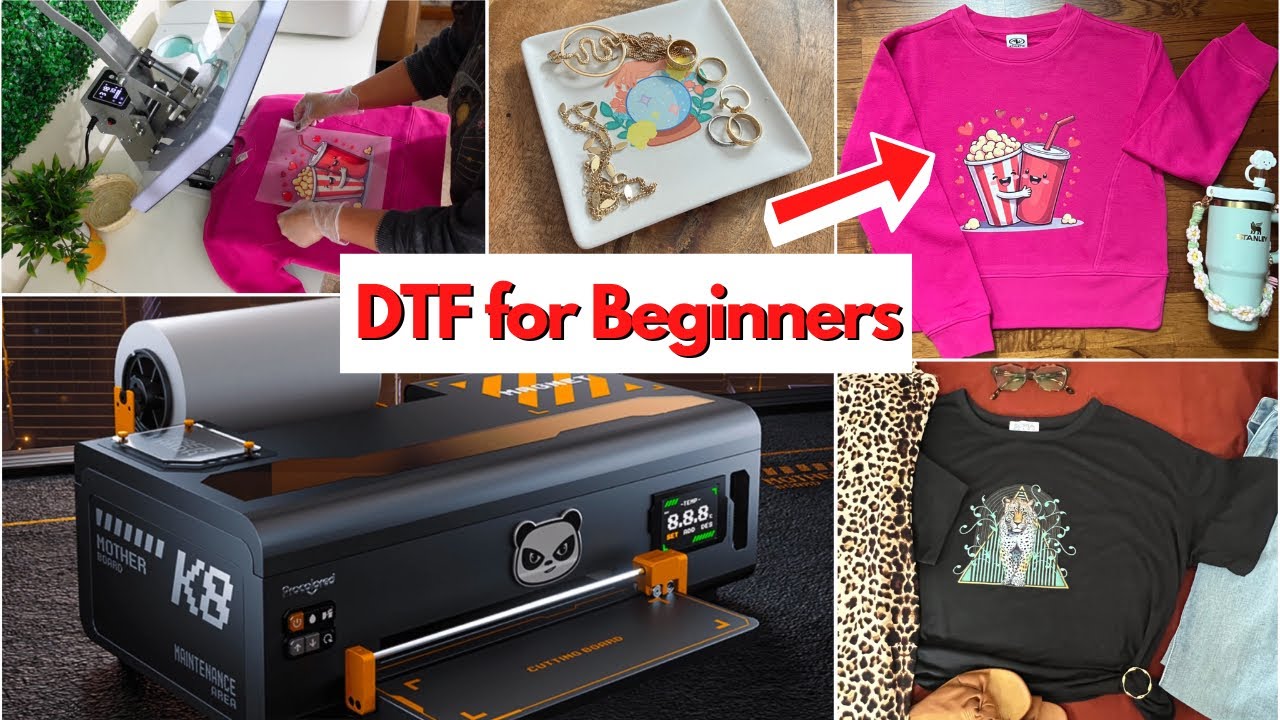

Starting with direct-to-film printing is less about pressing Print than keeping white ink moving, feeding film cleanly, and getting a usable transfer without turning maintenance into a second job. The right machine should make those first steps understandable, not hide the important settings behind vague instructions.
Our Best DTF printer for beginners picks range from compact A4 machines to A3+ production setups with laptops, ovens, shakers, and remote installation. DXZ XP600 A4 is our top pick for most new users, while the other nine cover larger work areas, more automated maintenance, and more complete production stations.
Comparison table
| # | Product | Award | Print area or format | Maintenance and workflow | Best for |
|---|---|---|---|---|---|
| 1 | DXZ XP600 A4 | Best overall | A4, up to 8.27 inches wide | White stirring, semi-automatic cleaning, roll feeder | Beginners who want a compact complete setup |
| 2 | Lancelot M1630 Auto Maintenance | Best for unattended care | A3+ | Holiday Mode, white circulation, auto film cutting | New users building a small apparel workflow |
| 3 | Fynqil R1390 A3 Laptop | Best complete A3 starter | A3, 13 inches | White stirring, circulation, filtration | Beginners who need a computer included |
| 4 | Fynqil R1390 A3 Auto Clean | Best simple A3 setup | A3 | One-click cleaning, white circulation | DIY apparel printing with remote support |
| 5 | INKSONIC H13 A3+ | Best for fast production | A3+ | CISS, anti-sedimentation, 24/7 maintenance support | Beginners expecting frequent print runs |
| 6 | Mogolen 1390 A3 | Best included consumables | A3 and A3+ | Automatic cleaning, flash spray, ink circulation | First-time users wanting materials included |
| 7 | Generic DTF Conversion Kit | Best conversion starter | Small to large shirt sizes | Refillable tanks, wireless multifunction printing | Users converting an existing compatible printer |
| 8 | Procolored K13 Lite | Best guided interface | 13-inch A3 | Auto cleaning, touchscreen, white circulation | Beginners who want clearer daily controls |
| 9 | Lancelot M1630 Shaker Dryer | Best production station | A3+ | Holiday Mode, auto cleaning, shaker and dryer | Small businesses organizing a dedicated workspace |
| 10 | Fynqil L805 A4 | Best compact Fynqil | A4 | One-click cleaning, white circulation | Small designs and limited workspace |
1. DXZ XP600 A4: Best Overall

Pros
- XP600 six-color printhead
- Roll or sheet film support
- Built-in cutter and white ink stirring
- Printer and oven included
- Two years of ink supply described in the listing
Cons
- A4 width limits very large graphics
- Cleaning is semi-automatic rather than fully automatic
- Heavy 151-pound setup
Best for: beginners who want a compact printer and oven combination with practical film handling.
The DXZ XP600 A4 is the most approachable starting point in this group because it focuses on the friction points that tend to stop beginners first. The built-in cutter, roller feeder, and support for both sheets and rolls make it less awkward to move from one-off designs to repeated jobs. It is still a serious machine at 151 pounds, but its A4 footprint is easier to plan around than the enormous all-in-one stations lower down this list.
Its XP600 six-color printhead is specified at 2800 by 1400 dpi. That combination is aimed at crisp detail, strong saturation, and a clean white base on dark garments. The stated maximum film width is 8.27 inches, so it is a natural fit for shirt graphics, bags, hats, and other smaller apparel work. It is not the machine to choose for oversized artwork, but the narrower format can be an advantage while a new operator is learning film alignment and powder application.
White ink is one of the reasons this model earns the top spot. DXZ includes a white ink mixing system and semi-automatic cleaning system, helping keep the pigment moving instead of allowing it to settle. The upgraded roller feeder is also more meaningful than a flashy speed claim. Film that feeds consistently is easier for a new user to diagnose, and the built-in cutter reduces the amount of manual handling between jobs. The listing also describes a two-year ink supply with five 250 ml bottles and 500 grams of powder, issued in sets every two months.
Compared with the Fynqil L805 A4, the DXZ has a more capable XP600 printhead, roll support, and an included oven. The Procolored K13 Lite offers a friendlier touchscreen and more advanced monitoring, while the INKSONIC H13 A3+ is the stronger choice for larger, faster production. DXZ keeps the balance better for a first machine, though its semi-automatic cleaning means the owner still needs to learn routine care. Skip it if A4 width will quickly feel restrictive. For shirts, bags, and small runs, this is the one we'd keep.
2. Lancelot M1630 Auto Maintenance: Best for Unattended Care

Pros
- A3+ roll and sheet film support
- Automatic film cutting
- Holiday Mode for idle periods
- White ink circulation
- Laptop with drivers and software included
Cons
- Large and heavy at 167.55 pounds
- Windows only
- More machine than occasional crafters may need
Best for: beginners who want a larger format and automated maintenance features from the start.
The Lancelot M1630 Auto Maintenance makes a strong case for buying around maintenance rather than chasing the smallest footprint. Its Holiday Mode is designed to keep the printer in better shape during downtime, while white ink circulation addresses the pigment settling that can make DTF printers troublesome after a pause. For someone printing on weekends or building a small apparel side business, that idle-period care matters.
This is an A3+ machine that accepts individual A3 and A4 sheets as well as rolls. The auto-film-cutting system helps separate finished sections without reaching for a blade each time. That is a small convenience on a single transfer, but it becomes a real workflow improvement when a beginner starts repeating the same design. The listing also says the printer runs at twice the speed of L1800 and R1390 models, though it does not provide a standalone pages-per-hour figure.
Lancelot includes a laptop preloaded with drivers and software, plus pre-calibrated settings and a maintenance toolkit. The Windows 7, 10, and 11 compatibility is useful to know before buying because this is not presented as a Mac-ready system. The printer measures 35 inches long, 29.6 inches wide, and 14 inches high, so it needs a dedicated table or stand. At 167.55 pounds, moving it after setup is not something to plan on casually.
The DXZ XP600 A4 is easier to place and includes an oven, but it cannot match the M1630's A3+ working area. The Lancelot M1630 Shaker Dryer goes further by combining printing, powdering, and curing, though it occupies dramatically more space. The weakness here is the setup commitment. Beginners who only expect occasional small graphics should choose the DXZ or Fynqil L805 A4 instead. This Lancelot is for a user who wants room to grow and does not want every idle period to become a maintenance emergency.
3. Fynqil R1390 A3 Laptop: Best Complete A3 Starter

Pros
- 13-inch A3 printing format
- Laptop, software, and consumables included
- White ink stirring, circulation, and filtration
- EraRIP software supports Windows 7 through 11
- Remote installation support
Cons
- Large 100-pound printer
- Windows-focused software compatibility
- No oven listed in the package
Best for: new operators who need both an A3 printer and a ready-to-use computer.
The Fynqil R1390 A3 Laptop is built around a simple beginner concern: the printer is only one part of the setup. This version includes a laptop, EraRIP software, consumables, a user guide, and remote installation support. That makes it easier to treat the purchase as a working system instead of a printer that still needs a computer and several downloads before the first transfer.
Its R1390 printhead is listed at 2280 by 1440 dpi, with a white ink background for designs on both light and dark garments. The 13-inch A3 format gives a beginner more room than an A4 machine for larger shirt graphics, while still being manageable for pillows, caps, masks, trousers, canvas shoes, and bags. The listing does not provide a print speed figure, so buyers should not assume it will match the faster XP600 or F1080 machines.
The white ink system combines stirring, circulation, and filtration. Those three functions are useful together because white pigment needs consistent movement and a clean path to the printhead. EraRIP supports Windows 7, 8, 10, and 11, and the package includes a pre-loaded USB drive. The machine measures 25 inches wide, 16 inches long, and 10 inches high, and weighs 100 pounds. It is substantial, but less imposing than the large Lancelot production stations.
Compared with the Fynqil R1390 A3 Auto Clean, this model's main distinction is the included laptop. The Auto Clean version adds a one-touch cleaning routine but leaves the computer out. INKSONIC H13 A3+ is a better fit for users who care about faster A3 production and broader maintenance support. The Fynqil's real limitation is that the listing does not mention an included oven, so the transfer workflow requires more planning after printing. It suits the beginner who wants a complete digital starting point and is comfortable with Windows.
4. Fynqil R1390 A3 Auto Clean: Best Simple A3 Setup

Pros
- A3 format with 2280 by 1440 dpi specification
- One-click head cleaning
- White ink stirring, circulation, and filtration
- EraRIP software and consumables included
- Remote installation support
Cons
- Laptop is not listed as included
- Wide 25.2-inch body
- Windows compatibility only is specified
Best for: DIY apparel makers who want a straightforward A3 machine with an explicit cleaning control.
The Fynqil R1390 A3 Auto Clean is the more focused of the two Fynqil R1390 packages here. It keeps the A3 printer, EraRIP software, user guide, and consumables, then makes cleaning unusually clear: hold the middle button for five seconds and the printer starts head cleaning. A beginner can understand that instruction immediately, which is preferable to a maintenance routine that exists only in a dense manual.
The R1390 printhead is specified at 2280 by 1440 dpi. Fynqil positions it for vivid color and a white backing layer on both white and black garments, with applications including clothing, pillows, masks, canvas shoes, and bags. The 13-inch A3 format offers a useful middle ground. It accommodates larger artwork than the A4 machines without taking on the scale of an A3+ production station.
The white ink system integrates stirring, circulation, and filtration. In practical terms, that means the printer is designed to keep the white channel moving and cleaner, though it does not remove the need for regular attention. The body measures 25.2 inches wide, 14.1 inches long, and 10.6 inches high. EraRIP works with Windows 7, 8, 10, and 11, and the listing says remote help is available for installation and troubleshooting.
The Fynqil R1390 A3 Laptop is the better package if the buyer needs a computer included. The Mogolen 1390 A3 includes film, powder, and ink, plus a six-hour flash spray system, making it more materials-focused. Fynqil's weakness is the missing laptop and the lack of an oven in the stated package. Choose this model when one-button cleaning and A3 capacity matter more than an all-in-one workstation.
5. INKSONIC H13 A3+: Best for Fast Production

Pros
- F1080 low-temperature printhead
- Full A3 print in a stated three minutes
- Pre-configured laptop included
- CISS white ink circulation
- 24/7 support and California repair center
Cons
- Long 29.5-inch body
- Production features may exceed occasional needs
- The listing does not specify a complete curing station
Best for: beginners who expect regular A3 work and want strong setup and support assistance.
The INKSONIC H13 A3+ is the most ambitious printer here for a beginner who already knows that orders, not experiments, will be the goal. Its F1080 low-temperature printhead is claimed to complete a full A3 print in three minutes, with print data transfer taking about 20 seconds. Those are manufacturer-stated figures, but they clearly separate this machine from the slower, simpler R1390 options.
The H13 uses a 14-inch A3+ format and comes with a pre-configured laptop, step-by-step guides, video tutorials, and InkSonic RIP software. The software is said to optimize layouts to reduce film waste, which is useful when several designs need to share a sheet. The printer measures 29.5 inches long, 11 inches wide, and 12.2 inches high, so its narrow depth may help in some rooms, but its length still demands a dedicated workspace.
White ink handling is the technical center of the machine. A siphon-based one-click filling system works with CISS white ink circulation, while an anti-sedimentation module is designed to reduce bubbles and pigment buildup. Vacation Mode is aimed at users who do not print every day. The listing also emphasizes an upgraded motherboard and ink system protection to reduce leakage and common errors, though no printer removes the need for correct cleaning and storage.
The DXZ XP600 A4 is easier for small designs and includes an oven, while the Lancelot M1630 Shaker Dryer provides a more integrated print-to-cure workflow. H13 wins when print speed, A3+ capacity, and direct technical help matter most. Its weakness is that the package description does not identify a complete powder shaker and dryer, so the owner still needs to organize curing. Choose it for a growing apparel workflow, not as a casual craft-room printer.
6. Mogolen 1390 A3: Best Included Consumables

Pros
- CMYKW ink, film, and powder included
- A3 and A3+ support
- 1440 by 1440 dpi resolution
- Automatic cleaning and six-hour flash spray
- Motherboard protection mechanism
Cons
- Requires careful manual review for new users
- No laptop listed
- Large-format workflow needs separate curing equipment
Best for: beginners who want core transfer materials included with a flexible A3 printer.
The Mogolen 1390 A3 stands out because its bundle description explains what a beginner can start with. It includes 250 ml of CMYKW ink, 328 feet of A3 transfer film, and 250 grams of DTF powder. Those supplies do not replace the need to learn the process, but they reduce the number of separate items that must be sourced before making a first transfer.
Mogolen specifies 1440 by 1440 dpi resolution and six-color output for smooth gradients and detailed designs. It supports A3 and A3+ paper sizes, with adjustable preheating, film adsorption, and an ink collection system. The machine is described for cotton, polyester, leather, denim, and other textiles. That broad material support is useful for a maker who expects to move beyond shirts into hats, bags, shoes, or jackets.
Maintenance is handled with several layers. White ink gets stirring, circulation, and filtration, while the one-touch cleaning function starts after holding the ink droplet button for five seconds. The smart flash spray system activates every six hours to reduce clogging and color mixing. Mogolen also describes a motherboard protection mechanism for printhead failures, a six-month printhead warranty, and one-year coverage for other accessories.
The Fynqil R1390 A3 Auto Clean has a similarly clear cleaning control and a smaller stated body, but Mogolen includes more specific film, ink, and powder quantities. Procolored K13 Lite offers a more polished interface and calibrated color workflow. Mogolen's drawback is that no laptop or complete curing station is listed, and the manufacturer advises new users to review the manual thoroughly. It is a sensible choice for a hands-on beginner who wants supplies and broad fabric flexibility more than a guided workstation.
7. Generic DTF Conversion Kit: Best Conversion Starter

Pros
- CMYK DTF ink set
- Film and powder included
- Refillable ink bottles
- Wireless print, copy, scan, and photo functions listed
- Compact 20-pound body
Cons
- Conversion compatibility needs careful checking
- Four-color ink set does not describe a white ink channel
- Not a dedicated A3 DTF printer
Best for: users who already have a compatible Epson-style printer and want to explore DTF conversion.
The Generic DTF Conversion Kit is the outlier in this roundup. It is not a dedicated A4 or A3 DTF machine like the DXZ, Fynqil, or Lancelot models. Instead, its listing describes a printer conversion bundle with CMYK ink, DTF film, powder, refill bottles, and a wireless multifunction printer that can print, copy, scan, and handle photos. That makes it relevant only for a particular kind of beginner.
The stated print resolution is up to 5760 by 1440 optimized dpi, with black print speed of 15.8 ISO pages per minute and color speed of 11.3 ISO pages per minute. The listing also says it handles small, medium, and large shirt sizes. Those figures describe the included multifunction printer rather than a dedicated DTF production engine, so they should not be compared directly with the A3 print claims of the other machines.
The refill system is designed so ink flows from bottles into the tanks and stops automatically. The package lists four colors, CMYK, along with film and powder. The supplied information does not identify a white ink system, white circulation, printhead protection, automatic cleaning, or an oven. That omission is important for dark garments, where a white underbase is central to the DTF process.
Compared with the Fynqil L805 A4, this kit is a conversion route rather than a purpose-built DTF setup. The Fynqil includes EraRIP software, white ink circulation, and one-click cleaning. The Generic kit is smaller at 20 pounds and may make sense for someone who already owns a compatible printer and wants to experiment, but it is the weakest recommendation for a first dedicated DTF system. Check compatibility and white ink requirements before choosing it.
8. Procolored K13 Lite: Best Guided Interface

Pros
- 13-inch A3 printing area
- Touchscreen interface
- One-touch ink pumping
- Automatic cleaning and white ink circulation
- Infrared protection for film warping and particles
Cons
- No laptop listed
- No print speed figure provided
- Long 29.1-inch body
Best for: beginners who prefer a visual control panel and guided color workflow.
The Procolored K13 Lite is the most polished daily-use machine in this list. Its touchscreen, one-touch ink pumping, and automatic cleaning make the routine feel less like operating modified office equipment. Three customizable pixel-style themes are a minor flourish, but the larger benefit is a control system that gives a new operator clear places to start.
Its 13-inch A3 printing area handles cotton, polyester, denim, canvas, and other fabrics. Procolored pairs that format with Procolored Studio Lite software, optimized color curves, and G7-certified color accuracy. The software automatically detects RGB and CMYK image formats and applies calibrated profiles. That does not guarantee every design will need no adjustment, but it gives beginners a more structured path from screen artwork to a transfer.
White ink circulation runs regularly to limit sedimentation, while automatic cleaning is designed to reduce clogging and drying. The Infrared Printhead SafeGuard System watches the print area for film warping and foreign particles as small as 2 mm. This is a useful protective feature because a curled piece of film can cause a much more serious problem than a poor-looking transfer.
The INKSONIC H13 A3+ is the better pick for stated speed and broad technical support, while the Mogolen 1390 A3 includes more clearly identified consumables. Procolored's weakness is that the package does not list a laptop, oven, or print speed. Its 29.1-inch length also needs real bench space. Choose it when interface clarity, color management, and printhead protection matter more than a complete production station.
9. Lancelot M1630 Shaker Dryer: Best Production Station

Pros
- A3+ printer with XP600 printhead
- Powder shaker and dryer included
- Mobile workstation and laptop included
- Roll and sheet film workflows
- Holiday Mode and white ink circulation
Cons
- Very large 48.43 by 42.52-inch footprint
- 31-inch height
- Heavy integrated setup
Best for: small apparel businesses that want printing, powdering, and curing arranged as one station.
The Lancelot M1630 Shaker Dryer is less a printer purchase than a production layout. The bundle combines an A3+ printer, powder shaker, dryer, mobile workstation, and Windows laptop. For a beginner who plans to make repeated apparel transfers, that matters because powdering and curing are separate stages that can otherwise sprawl across a work surface.
The printer uses an XP600 printhead and lists resolution up to 720 by 1440 dpi. It accepts rolls and individual sheets, giving the owner a choice between a single custom design and a longer batch workflow. The system is aimed at shirts, hoodies, bags, and similar items. Lancelot does not provide a print speed figure in the supplied data, so the attraction here is workflow organization rather than a documented speed advantage.
Holiday Mode, white ink circulation, and auto-cleaning are intended to make restarts easier after idle periods. The included Windows laptop has preloaded software, and the mobile workstation creates a dedicated place for the equipment. That organization can help a new operator keep film, powder, files, and maintenance tools together instead of improvising each job.
The trade-off is the footprint. The listed dimensions are 48.43 inches long, 42.52 inches wide, and 31 inches high. This is much larger than the Lancelot M1630 Auto Maintenance, which offers A3+ printing and automatic cutting without the full shaker and dryer station. DXZ XP600 A4 is the far easier machine to place. Choose the Shaker Dryer only if the buyer has a dedicated workspace and genuinely wants an integrated print-to-cure process.
10. Fynqil L805 A4: Best Compact Fynqil

Pros
- Compact A4 format
- One-click head cleaning
- White ink stirring, circulation, and filtration
- EraRIP software and consumables included
- Remote installation assistance
Cons
- Smaller print area than the A3 picks
- No laptop or oven listed
- 55-pound body still needs a sturdy workspace
Best for: beginners making smaller apparel designs in a limited workspace.
The Fynqil L805 A4 is the simplest dedicated printer in the Fynqil group. It includes the L805 A4 printer, consumables, EraRIP software, and a user guide, with remote assistance available for installation. The narrower format is easier to understand and place than an A3+ machine, especially when the intended work is small shirt logos, pockets, bags, or other modest graphics.
Fynqil lists the L805 printhead at 2280 by 1440 dpi, with vivid color and a white ink background for light and dark garments. The machine is described for shirts, pillows, caps, masks, trousers, canvas shoes, and bags. It supports Windows 7, 8, 10, and 11 through EraRIP, and a pre-loaded USB drive is included for setup.
The maintenance controls are clear. Hold the middle button for five seconds to start automatic head cleaning. The white ink system combines stirring, circulation, and filtration to keep ink moving and reduce clogging. The printer measures 23 inches wide, 22 inches long, and 11 inches high, with a listed weight of 55 pounds. It is smaller than the A3 machines, but still deserves a stable, dedicated surface.
The DXZ XP600 A4 is the stronger compact choice because it adds roll feeding, a cutter, an XP600 printhead, and an oven. The Fynqil R1390 A3 Auto Clean gives more room for large designs while retaining the one-click cleaning idea. Fynqil L805's weakness is its limited A4 area and less complete bundle. Pick it when space and smaller artwork are the deciding factors, not when expansion is the priority.
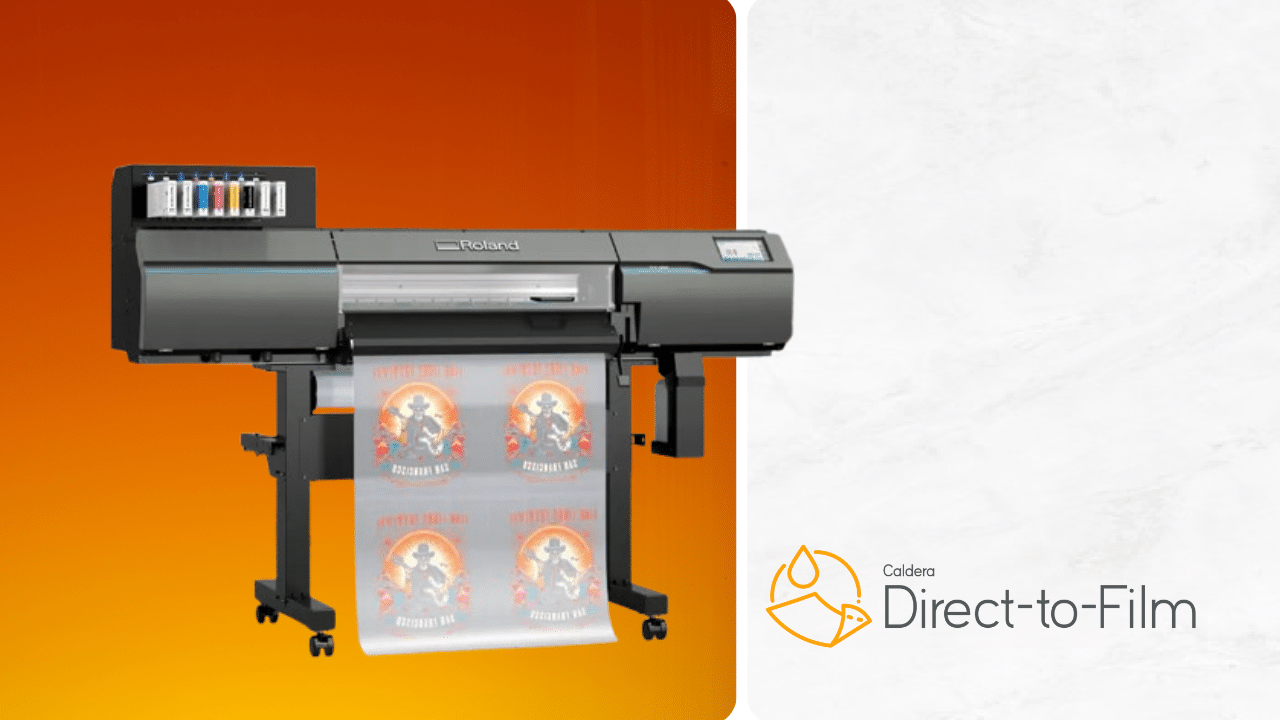
How to choose best dtf printer for beginners
A good first DTF printer should match the size of the designs, the amount of maintenance you can handle, and the equipment already available in your workspace.
Print format
A4 machines such as the DXZ XP600 A4 and Fynqil L805 A4 are suited to smaller graphics and compact work areas. A3 and A3+ models provide more room for front-of-shirt designs, hoodies, bags, and larger transfers. Measure the printer and the surrounding clearance, not just the stated film width. The Lancelot M1630 Shaker Dryer needs a completely different room plan from a 55-pound A4 unit.
White ink maintenance
White ink can settle and clog more readily than the color channels, so stirring, circulation, filtration, automatic cleaning, and idle-period modes are important beginner features. A one-click cleaning routine is easier to follow than an entirely manual process, but it does not eliminate daily care. Look for a system that explains how white ink is moved and how the printhead is protected.
A beginner-friendly DTF printer is the one that makes tomorrow's maintenance obvious before today's transfer is finished.
Printhead and resolution
The printhead affects detail, color, and potential production speed. The DXZ lists an XP600 six-color printhead and 2800 by 1400 dpi, the Fynqil R1390 models list 2280 by 1440 dpi, and the Mogolen lists 1440 by 1440 dpi with six-color output. These figures are not interchangeable performance guarantees. A higher stated resolution can help detail, but clean film feeding, stable white ink, and correct RIP settings matter just as much.
Film handling
Roll and sheet support gives more flexibility than a sheet-only design. A roll feeder can reduce repeated manual alignment, while an auto cutter separates completed sections cleanly. The Lancelot models and DXZ are strongest here. If most jobs are individual designs, sheet support may be enough. If you expect batches, film feeding and cutting deserve as much attention as the printhead.
Complete workflow
Printing is only one step. Powder must be applied, then the transfer must be cured before pressing it onto fabric. Some bundles include an oven, and the Lancelot M1630 Shaker Dryer includes a shaker and dryer as part of a larger workstation. Others include ink, film, and powder but leave curing equipment to the buyer. If you are also comparing conventional home equipment, how a printer fits a small workspace can help with room planning, while the equipment a growing apparel operation needs is useful when orders are part of the plan.
Software and support
A preconfigured laptop can remove a major setup hurdle, especially when drivers and RIP software are already installed. The Fynqil R1390 Laptop, INKSONIC H13 A3+, and Lancelot M1630 Shaker Dryer include a laptop in their listed packages. The Fynqil models specify EraRIP and Windows compatibility, while INKSONIC describes step-by-step guides, video tutorials, and remote support. Check operating-system compatibility before buying, particularly if your main computer is a Mac.
Frequently asked questions
Is DTF printing suitable for a complete beginner?
It can be, but the process has more steps than ordinary document printing. You need to manage white ink, film, powder, curing, and heat pressing. A printer with automatic cleaning, white ink circulation, software support, and clear instructions gives a new user a more manageable starting point.
What size DTF printer should a beginner choose?
A4 is enough for small logos, pockets, bags, and modest shirt graphics. A3 gives more room for larger designs, while A3+ is better suited to repeated apparel work and larger transfers. Choose based on the artwork you actually expect to make, because a larger format also needs more bench space.
Does every DTF printer include an oven?
No. The DXZ XP600 A4 listing includes a printer and oven, while the Lancelot M1630 Shaker Dryer includes a shaker and dryer. Several other products list ink, film, powder, or consumables without identifying a curing station. Confirm the full workflow before assuming the bundle is ready for pressing.
Do DTF printers need white ink circulation?
White ink circulation is highly useful because white pigment can settle. The products in this roundup use different approaches, including stirring, circulation, filtration, CISS, and Holiday Mode. Circulation reduces one source of trouble, but the printer still needs the maintenance routine described by its manufacturer.
Can these printers work with a Mac?
The supplied product information specifically identifies Windows compatibility for the Lancelot M1630 Auto Maintenance, Fynqil models, and Mogolen. It does not establish Mac compatibility for the other products. Buyers using macOS should verify the RIP software and driver requirements before ordering.
Is a laptop included with every bundle?
No. A laptop is listed with the Fynqil R1390 A3 Laptop, INKSONIC H13 A3+, and Lancelot M1630 Shaker Dryer. The Lancelot M1630 Auto Maintenance also includes a compatible laptop. The other listings do not identify a laptop as part of the package.
What fabrics can DTF transfers be used on?
The listings mention cotton, polyester, leather, denim, canvas, and several apparel and accessory types. Exact pressing results depend on the material, transfer settings, and curing process. Follow the manufacturer's instructions for the film, powder, and garment rather than treating every fabric identically.
The bottom line
The Best DTF printer for beginners is the DXZ XP600 A4 for most first-time users. Its roll or sheet handling, built-in cutter, white ink stirring, XP600 printhead, and included oven make the workflow easier to organize without moving straight to an oversized production station.
Choose the INKSONIC H13 A3+ when larger prints and frequent production matter more than compactness. Choose the Lancelot M1630 Shaker Dryer when you want a dedicated station that brings printing, powdering, curing, a laptop, and a workstation together. The Procolored K13 Lite is the most appealing alternative for users who care about a clear touchscreen and structured color management.
If you are undecided, buy the smallest format that fits your real designs, then prioritize white ink maintenance and support over headline speed.
As an Amazon Associate we earn from qualifying purchases.