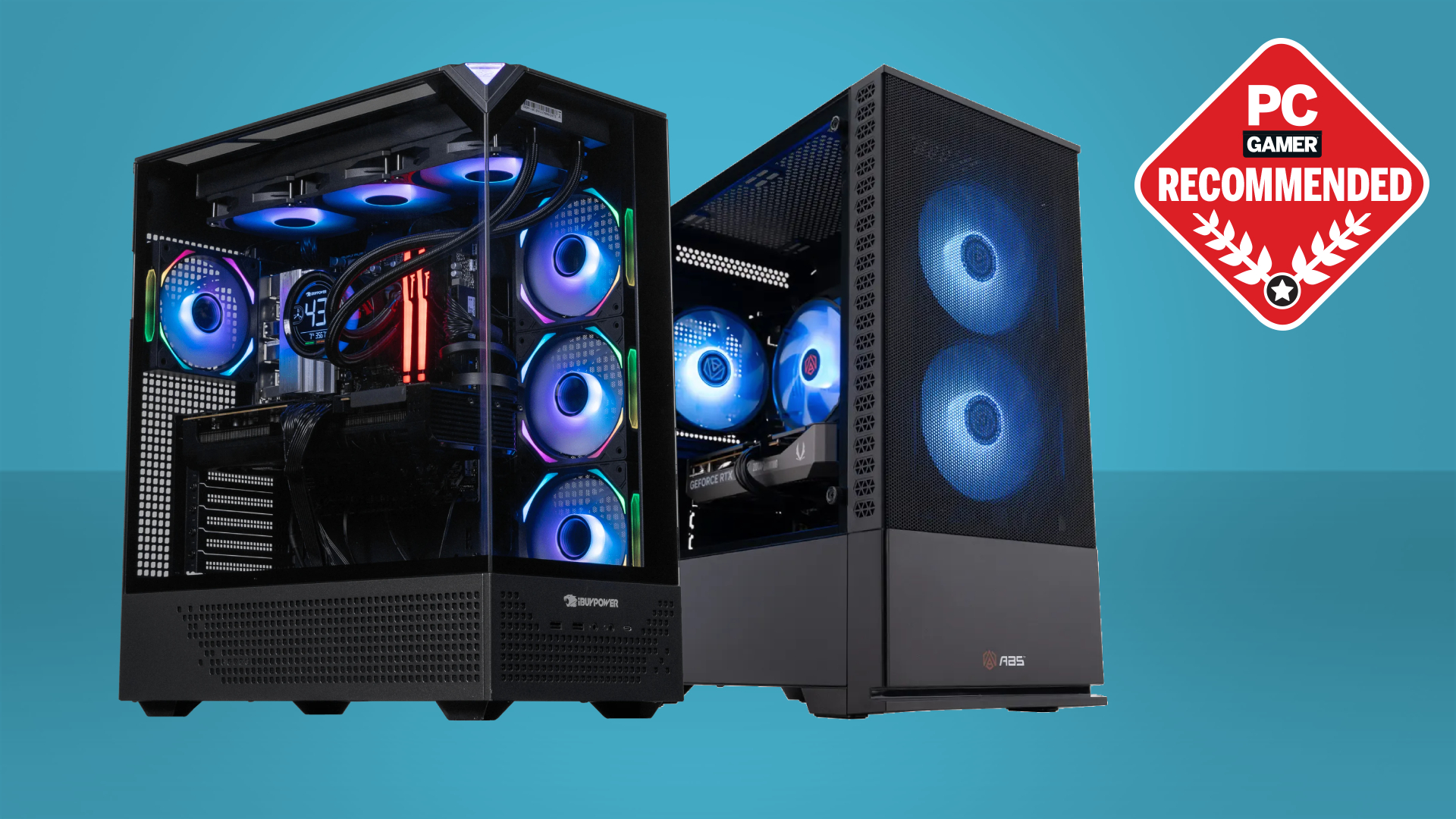

A gaming desktop can look impressive through a glass side panel and still be a poor fit once you check the graphics card, memory, storage, and upgrade path. The gap between a machine built for modern 1440p play and one that merely carries the word gaming is enormous.
Our Best gaming pc brands guide covers ten very different towers, from integrated graphics systems for light use to high-end RTX 5080 hardware. The single best pick is the KOTIN RTX 5070 Gaming PC, while the rest cover competitive 1080p gaming, 4K play, compact setups, and basic desktop duty.
Comparison table
| # | Product | Award | GPU | CPU | Memory and storage | Best for |
|---|---|---|---|---|---|---|
| 1 | KOTIN RTX 5070 Gaming PC | Best overall | RTX 5070 12GB | Ryzen 7 9700X | 32GB DDR5, 1TB NVMe | 1440p and 4K gaming |
| 2 | KOTIN RTX 5060 Ti Gaming PC | Best for high-refresh 1440p | RTX 5060 Ti 8GB | Ryzen 7 8700F | 16GB DDR5, 1TB NVMe | Competitive gaming |
| 3 | YAWYORE RTX 5060 Gaming PC | Best balanced build | RTX 5060 8GB | Ryzen 7 5700X | 32GB DDR4, 1TB NVMe | General gaming |
| 4 | CyberPowerPC Gamer Xtreme VR | Best for storage | RTX 5070 12GB | Core i9-14900KF | 32GB DDR5, 2TB NVMe | Gaming and creation |
| 5 | KOTIN Ryzen 7 9800X3D PC | Best for esports | RTX 5070 12GB | Ryzen 7 9800X3D | 32GB DDR5, 1TB NVMe | High frame rates |
| 6 | ZOTAC MEK RTX 5060 | Best compact alternative | RTX 5060 8GB | Ryzen 5 9600X | 16GB DDR5, 1TB NVMe | A clean modern setup |
| 7 | Dell GT 1030 Gaming Tower | Best for light gaming | GT 1030 2GB | Core i5-7500 | 16GB DDR4, 256GB SSD | Older and casual games |
| 8 | OKAMUS Integrated Graphics PC | Best basic desktop | Integrated graphics | i5 processor | 8GB RAM, 256GB M.2 | Light desktop gaming |
| 9 | Evounic RTX 4060 Desktop | Best memory capacity | RTX 4060 | 12-core i7 Xeon | 64GB RAM, 512GB SSD, 1TB HDD | Multitasking and gaming |
| 10 | Skytech King 95 | Best high-end performance | RTX 5080 16GB | Ryzen 7 9850X3D | 32GB DDR5, 2TB NVMe | 4K gaming and creation |
1. KOTIN RTX 5070 Gaming PC: Best Overall

Pros
- RTX 5070 graphics with 12GB GDDR7 memory
- Ryzen 7 9700X gives the system strong CPU headroom
- 32GB DDR5 6000MHz memory
- 360mm liquid cooler and 850W Gold power supply
- Built-in system monitoring display
Cons
- Storage is limited to a 1TB SSD
- Large liquid cooling system adds complexity
- The display and lighting will not suit every desk
Best for: players who want a capable 1440p or 4K tower without assembling one themselves.
The KOTIN RTX 5070 Gaming PC gets the important balance right. Its RTX 5070 has 12GB of GDDR7 memory, giving modern games more room for detailed textures and ray-traced effects than an 8GB graphics card. The Ryzen 7 9700X is an eight-core processor, so the machine is not narrowly built for gaming. It has room for streaming, recording, browser tabs, and creative applications at the same time.
The 32GB of DDR5 6000MHz memory is a particularly sensible starting point. It avoids the cramped feeling that can appear in newer games when a system has only 16GB, and the fast memory suits the Ryzen platform. The 1TB PCIe 4.0 NVMe SSD should make Windows and game loading feel responsive, although a large modern library can consume that space quickly.
KOTIN adds features that make this more than a parts list. The 11.3-inch integrated smart display can show CPU and GPU temperatures, usage, and weather. A 360mm liquid cooler handles the processor, while WiFi 7 provides modern wireless connectivity. The 850W 80 Plus Gold power supply also gives the RTX 5070 a sensible amount of power headroom. Its 14.25 by 16.81 by 8.66-inch body is substantial, so measure the intended space first.
Compared with the KOTIN RTX 5060 Ti Gaming PC, this is the stronger choice for higher resolutions and demanding visual settings. The KOTIN Ryzen 7 9800X3D PC has a more gaming-focused processor, while the Skytech King 95 moves into a much higher performance class with an RTX 5080. The weakness here is the 1TB drive and the added maintenance considerations of a large liquid cooler. Skip it if you want a small, simple tower. For most buyers seeking a modern all-round gaming desktop, this is the one we would keep.
2. KOTIN RTX 5060 Ti Gaming PC: Best for High-Refresh 1440p

Pros
- RTX 5060 Ti supports DLSS 4 and ray tracing
- Ryzen 7 8700F has eight cores
- Fast 1TB PCIe Gen4 NVMe SSD
- Five 120mm ARGB fans
- Four memory slots and three M.2 slots
Cons
- 16GB memory leaves less headroom for heavy multitasking
- 8GB graphics memory is less comfortable for demanding 4K settings
- Air cooling is less elaborate than the liquid-cooled KOTIN models
Best for: competitive players who want smooth 1080p and 1440p performance with room to expand.
The KOTIN RTX 5060 Ti Gaming PC is aimed at the large middle of the gaming market. Its RTX 5060 Ti has 8GB of graphics memory and supports DLSS 4 Multi Frame Generation, ray tracing, and Reflex. Those features matter most in games that support them, where the GPU can produce smoother motion and reduce perceived input delay without requiring the same raw hardware as a higher tier card.
Its Ryzen 7 8700F uses eight cores and can boost to 5.0GHz. That makes it a useful match for high-refresh competitive games, but it also leaves enough processing capacity for streaming and ordinary content work. The 16GB of DDR5 6000MHz memory is adequate for gaming, though serious multitaskers should pay attention to the available expansion options.
Storage is handled by a 1TB PCIe Gen4 NVMe SSD with a listed read speed of up to 6, 000 MB/s. That helps with booting and game loads, while three M.2 slots give the system a clearer upgrade path than many inexpensive prebuilts. Five 120mm ARGB fans and a CPU air cooler with six copper heat pipes should keep airflow moving, and the cooler has a digital temperature display.
The ZOTAC MEK RTX 5060 is a cleaner alternative for buyers who prefer its white design and newer Ryzen 5 9600X, but the KOTIN has more CPU cores. The YAWYORE RTX 5060 Gaming PC supplies 32GB of memory, while this machine counters with DDR5 and more clearly described expansion support. Its main limitation is the combination of 16GB memory and an 8GB GPU, which makes it less attractive for ambitious 4K play. Choose it for fast 1080p and 1440p gaming, not as a workstation replacement.
3. YAWYORE RTX 5060 Gaming PC: Best Balanced Build

Pros
- RTX 5060 with DLSS 4 and ray tracing support
- 32GB of memory
- 1TB M.2 NVMe storage
- Built-in WiFi and Bluetooth
- MSI B550M-A PRO motherboard
Cons
- DDR4 platform is older than the DDR5 alternatives
- Graphics card brand may vary
- 650W Bronze power supply is less substantial than Gold units here
Best for: buyers who want ample memory and a straightforward gaming tower.
The YAWYORE RTX 5060 Gaming PC takes a practical route. Rather than pairing the RTX 5060 with only 16GB of memory, it includes 32GB of DDR4 3200MHz RAM in a two-stick configuration. That gives games, browsers, voice chat, and recording software more breathing room from the start.
The Ryzen 7 5700X is an eight-core, 16-thread processor with boost speeds up to 4.6GHz. It is not as new as the Ryzen chips in the KOTIN and ZOTAC systems, but its core count remains useful for streaming and multitasking. The MSI B550M-A PRO motherboard gives the build a recognizable foundation, while the 1TB M.2 NVMe SSD keeps everyday loading responsive.
The RTX 5060 brings 8GB of GDDR7 memory, DLSS 4 Multi Frame Generation, ray tracing, and Reflex 2 support. Those capabilities make it more forward-looking than the older Dell tower, though the 8GB capacity still suggests sensible settings at higher resolutions. Built-in WiFi and Bluetooth simplify setup, and the 650W 80 Plus Bronze power supply is sized for this configuration.
The trade-off is the older DDR4 platform. The KOTIN RTX 5060 Ti Gaming PC has faster DDR5 memory and a newer processor, while the ZOTAC MEK RTX 5060 has a newer AM5 CPU and DDR5. YAWYORE answers with more memory installed, which can be the better experience for someone who keeps many applications open. The graphics card brand may vary, so buyers who need a precisely specified board should look elsewhere. This is a sensible pick for ordinary gaming, streaming, and desktop use.
4. CyberPowerPC Gamer Xtreme VR: Best for Storage

Pros
- RTX 5070 with 12GB graphics memory
- Core i9-14900KF has 24 cores
- 2TB PCIe 4.0 NVMe SSD
- Broad USB connectivity
- Includes keyboard and mouse
Cons
- WiFi 5 and Bluetooth 4.2 are dated beside newer wireless standards
- Heavy 42.7-pound tower
- High-end processor may be more than gaming alone requires
Best for: gamers who also edit, stream, render, or keep large local game libraries.
The CyberPowerPC Gamer Xtreme VR is the productivity-minded option among the RTX 5070 systems. Its Core i9-14900KF has 24 cores, paired with 32GB of DDR5 memory. That combination is useful when gaming is only one part of the workload. Video editing, encoding, heavy browser use, and other demanding applications benefit from the processor headroom.
The RTX 5070 has 12GB of graphics memory and includes one HDMI output plus three DisplayPort outputs. That makes multi-display setups uncomplicated. The 2TB PCIe 4.0 NVMe SSD is another practical advantage because it gives a large game library more room before an upgrade becomes necessary.
Connectivity is generous, with two USB-C 3.2 ports, four USB-A 3.2 ports, four USB-A 2.0 ports, LAN, WiFi 5, Bluetooth 4.2, and 7.1-channel audio. The case adds a tempered side panel, custom RGB lighting, and liquid CPU cooling. It also includes a keyboard and mouse, which reduces the number of extra components needed for a first setup.
The KOTIN RTX 5070 Gaming PC is more appealing when gaming efficiency and newer wireless connectivity matter, while the Skytech King 95 has substantially stronger graphics hardware. CyberPowerPC’s real drawback is its weight and older wireless specification. It is also a lot of processor for a system used only for games. Choose it if storage and CPU-heavy work matter as much as frame rates.
5. KOTIN Ryzen 7 9800X3D PC: Best for Esports
Pros
- Ryzen 7 9800X3D with 96MB L3 cache
- RTX 5070 12GB graphics
- 32GB DDR5 6000MHz memory
- 360mm ARGB liquid cooling
- Built-in system information display
Cons
- 1TB SSD may fill quickly
- The strongest CPU advantage shows most in high frame rate games
- Same large chassis footprint as the other full-size KOTIN tower
Best for: competitive players who want a high-refresh gaming platform with strong 1440p capability.
The KOTIN Ryzen 7 9800X3D PC is the specialist choice for players who care about CPU-limited frame rates. Its Ryzen 7 9800X3D uses 3D V-Cache and has 96MB of L3 cache. A larger game cache can help responsiveness and frame-rate stability in supported workloads, especially when paired with a fast display and competitive settings.
The RTX 5070 supplies the other half of the experience. Its 12GB graphics memory and support for DLSS 4 Multi Frame Generation, ray tracing, and Reflex make the system suitable for demanding 1440p games and many 4K scenarios. It is more versatile than a CPU-first esports box because the graphics card is capable of modern visual features as well.
KOTIN includes 32GB DDR5 6000MHz memory and a 1TB PCIe 4.0 NVMe SSD. WiFi 7 and Bluetooth cover wireless networking and peripherals. The 360mm ARGB cooler has a display for CPU temperature, and the integrated 11.3-inch screen can also show GPU usage, memory status, temperatures, and SSD usage. The 850W 80 Plus Gold power supply completes a robust internal specification.
The KOTIN RTX 5070 Gaming PC is the more balanced choice for mixed creative and gaming use because its Ryzen 7 9700X is already powerful. This model earns its place when high-refresh gaming is the priority. The Skytech King 95 is faster at 4K thanks to its RTX 5080, but it is a larger and more extreme machine. Skip this KOTIN if your display is basic and your games are light. For esports players planning to keep a fast monitor for years, it is the sharper fit.
6. ZOTAC MEK RTX 5060: Best Compact Alternative

Pros
- Ryzen 5 9600X reaches up to 5.4GHz
- RTX 5060 supports DLSS 4 and ray tracing
- WiFi 6E, Bluetooth 5.3, and 5-Gigabit LAN
- 650W Gold power supply
- Tempered glass panel and digital display
Cons
- Only 16GB of memory
- White design is not as neutral as a black tower
- Tall chassis needs careful placement
Best for: players who want a clean, modern-looking system with current connectivity.
The ZOTAC MEK RTX 5060 stands out for its coherent design. The white RTX 5060 Twin Edge OC Edition sits in a white chassis with a tempered glass panel, ARGB lighting, a magnetic cleanable grill, and a digital display showing system information and ambient temperature. It looks intentionally assembled rather than like a generic tower with lights added afterward.
Its Ryzen 5 9600X has six cores, 12 threads, and boost speeds up to 5.4GHz. That is a strong gaming-focused processor for the RTX 5060, particularly at 1080p and 1440p. The GPU has 8GB of GDDR7 memory, with DLSS 4 Multi Frame Generation and real-time ray tracing support for compatible games.
The rest of the specification is tidy. There is 16GB of DDR5 5200MHz memory, a 1TB NVMe M.2 SSD, and a 650W 80 Plus Gold power supply. HDMI 2.1, DisplayPort 1.4a, USB 3.2 Gen 2, WiFi 6E, Bluetooth 5.3, 5-Gigabit LAN, and 7.1-channel audio cover a wide range of setups. The tower is 19.09 inches tall, so its footprint is reasonable but it is not a genuinely small PC.
The YAWYORE RTX 5060 Gaming PC has twice the listed memory, while the KOTIN RTX 5060 Ti Gaming PC has a stronger GPU tier. ZOTAC makes the better case for a polished desk setup and current connectivity. Its 16GB memory is the main weakness, and buyers who run games beside demanding creative tools may want more. It is a good match for someone who values a clean build as much as raw specifications.
7. Dell GT 1030 Gaming Tower: Best for Light Gaming

Pros
- 16GB of DDR4 memory
- SSD storage for responsive boot times
- Includes keyboard and mouse
- Windows 11 Pro
- Suitable for basic and older games
Cons
- Seventh-generation Core i5 processor
- GT 1030 has only 2GB of GDDR5 memory
- 256GB storage is restrictive for modern games
Best for: casual players, older titles, and a general desktop that can handle light gaming.
The Dell GT 1030 Gaming Tower belongs in this list for a narrow reason: not everyone needs a modern high-performance gaming machine. Its Core i5-7500 runs at 3.4GHz with turbo speeds up to 3.8GHz, and the 16GB of DDR4 memory is enough for ordinary multitasking and older games.
The GeForce GT 1030 has 2GB of GDDR5 graphics memory. That places a firm ceiling on expectations. It is suited to lighter games and less demanding settings, not current visually intensive releases at high resolution. The dedicated GPU is still a step above integrated graphics for compatible older titles, but it should not be confused with the RTX systems elsewhere in this guide.
A 256GB SSD makes Windows and basic applications feel more responsive than a hard drive would. It also fills quickly, so a user with several large games will need additional storage. The included RGB keyboard and mouse, WiFi, and Windows 11 Pro make it a usable starter desktop.
The OKAMUS Integrated Graphics PC is even more limited for gaming because it has no dedicated graphics card, while the Evounic RTX 4060 Desktop is dramatically more capable. Dell’s advantage is familiarity and a simple role. This is not the right system for someone buying a new demanding gaming library. It makes sense for light gaming, schoolwork, media, and older titles.
8. OKAMUS Integrated Graphics PC: Best Basic Desktop

Pros
- WiFi 6 and Bluetooth 5.3
- Three listed RGB fans plus a vertical CPU cooler
- 256GB M.2 storage
- Windows 11 Home
- Simple platform for a future graphics upgrade
Cons
- Integrated graphics only
- 8GB memory is limiting
- 400W power supply restricts upgrade choices
Best for: light games, schoolwork, browsing, and a first desktop that may later gain a dedicated GPU.
The OKAMUS Integrated Graphics PC is the clearest example of why buyers must read past the word gaming. Its i5 processor can handle ordinary desktop work and light games, but the system has integrated graphics only. Graphics performance is limited by shared system memory, so it is not a modern gaming tower in the same sense as the RTX-equipped models.
There is 8GB of RAM and a 256GB M.2 drive. That is enough for Windows, browser work, and a small collection of lightweight games, though both capacities are restrictive for a demanding modern library. The system includes WiFi 6 and Bluetooth 5.3, which are useful current connectivity features for a basic desk.
The matte black case includes RGB fans and a vertical CPU cooler. Its 400W power supply is adequate for the listed configuration, but it narrows the choice of a future dedicated graphics card. Anyone considering an upgrade should verify the available power and case clearance before buying an add-in GPU.
The Dell GT 1030 Gaming Tower is the safer gaming choice because it already includes dedicated graphics, while the ZOTAC MEK RTX 5060 is in another performance class entirely. OKAMUS is better viewed as a general desktop with gaming potential rather than a ready-made gaming PC. Choose it only for light use or when the upgrade plan is clear.
9. Evounic RTX 4060 Desktop: Best Memory Capacity

Pros
- RTX 4060 graphics
- 64GB of listed memory
- 12-core i7 Xeon processor
- 512GB SSD plus 1TB hard drive
- Liquid cooling and modern wireless features
Cons
- Processor description is less specific than competing systems
- Mixed SSD and hard drive storage is less consistent
- Very large 20 by 20-inch listed dimensions
Best for: multitaskers who need substantial memory alongside mainstream gaming performance.
The Evounic RTX 4060 Desktop takes an unusual approach by emphasizing memory and capacity. Its listed 12-core i7 Xeon processor is paired with an RTX 4060, 64GB of RAM, a 512GB SSD, and a 1TB hard drive. That makes it interesting for users who keep many applications open, work with large files, or want local space beyond a single SSD.
The RTX 4060 is the gaming anchor. It is a mainstream dedicated graphics card suited to modern 1080p play and selected 1440p settings. The listing also describes the system as suitable for streaming and VR, though buyers should set expectations around the GPU tier rather than treating the marketing language as a guarantee for every game.
Liquid cooling is included, along with WiFi 6, Bluetooth 5.4, RGB lighting, and Windows 11 Pro. The white case gives it a distinctive appearance. Its listed dimensions are 10 inches high, 20 inches long, and 20 inches wide, which is unusually large on paper and deserves careful measurement before placing it under a desk.
The YAWYORE RTX 5060 Gaming PC has a newer graphics generation, while Evounic offers much more memory and a mixed storage arrangement. The vague i7 Xeon description is the main reason to proceed carefully, since the exact processor model is not provided. Pick this machine for multitasking and capacity, not for chasing the highest gaming frame rates.
10. Skytech King 95: Best High-End Performance

Pros
- RTX 5080 with 16GB GDDR7
- Ryzen 7 9850X3D processor
- 2TB NVMe SSD
- 32GB DDR5 6000 memory
- 360mm AIO cooler and 850W Gold ATX 3 power supply
Cons
- Large 17.4 by 18.7 by 11.8-inch chassis
- WiFi 5 is behind newer wireless standards
- Graphics card brand may vary
Best for: enthusiasts targeting demanding 4K gaming, creation work, and long-term performance headroom.
The Skytech King 95 is the performance outlier. Its RTX 5080 carries 16GB of GDDR7 memory, while the Ryzen 7 9850X3D runs at 4.7GHz and can turbo to 5.6GHz. This is the combination to choose when the target is demanding 4K gaming rather than simply smooth 1080p play.
The machine includes 32GB of DDR5 6000 RGB memory and a 2TB NVMe M.2 SSD. That storage capacity is better suited to a broad game library, and the fast memory complements the gaming-focused processor. The listing specifically describes ultra settings and 4K play across a range of demanding games, though actual results will always depend on the title and settings.
Cooling is substantial. A 360mm ARGB AIO cooler is paired with an 850W Gold ATX 3 power supply. The King 95 case measures 17.4 by 18.7 by 11.8 inches, making it a large presence on or beneath a desk. WiFi 5 is the weak point in connectivity, and the graphics card brand may vary, so buyers wanting a particular board design should take note.
The KOTIN Ryzen 7 9800X3D PC is a more restrained choice for high frame rates, while the CyberPowerPC Gamer Xtreme VR gives up GPU power but provides a 2TB drive and a 24-core Intel processor. Skytech is the clear pick for graphics-heavy 4K play, but it is unnecessary for a modest monitor. Enthusiasts with a demanding display and the space for a large tower are the right audience.
How to choose best gaming pc brands
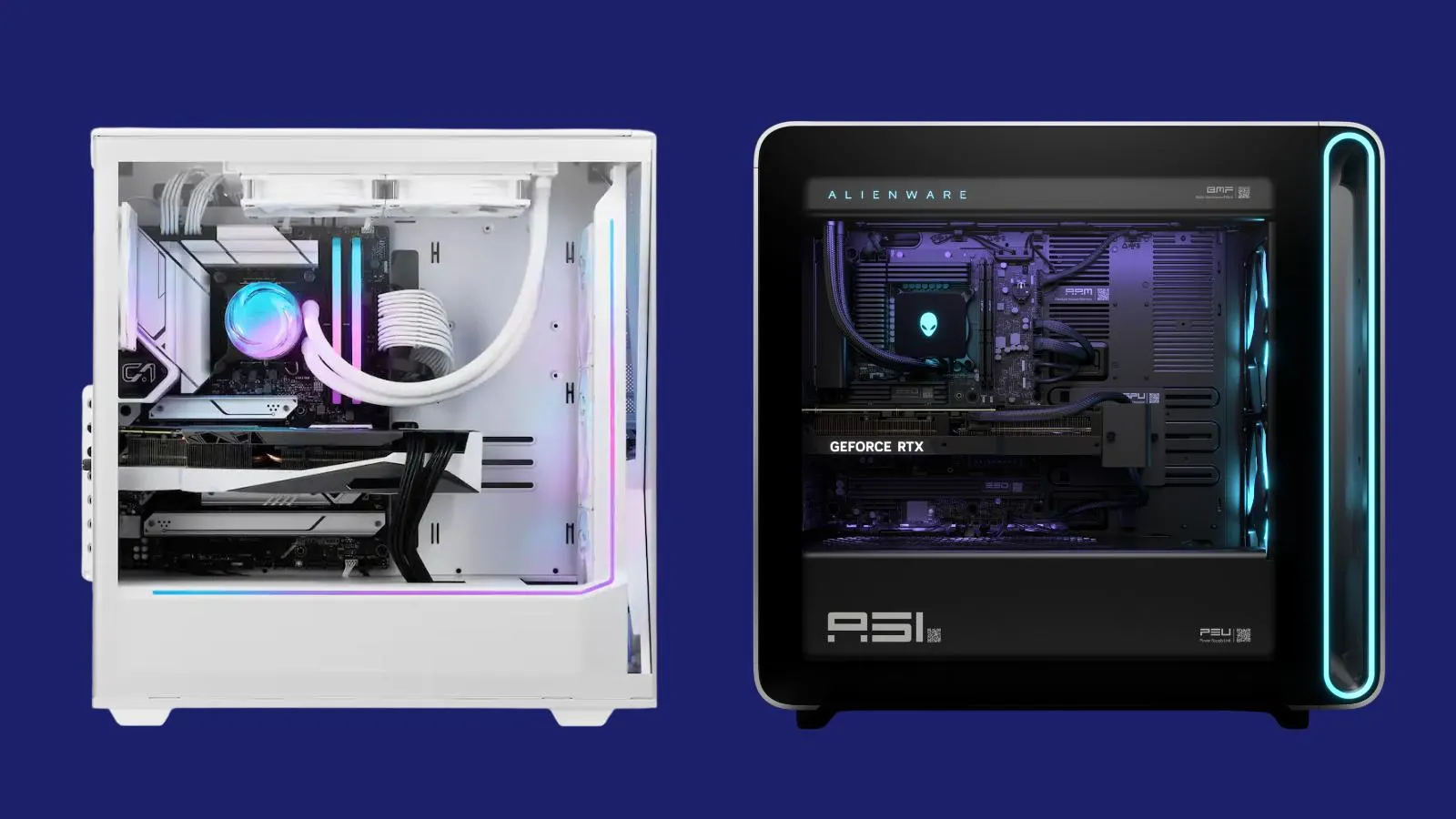
The most useful way to compare the Best gaming pc brands is to start with the hardware that controls the games you actually play, then check memory, storage, cooling, and connectivity.
Graphics card
The GPU has the largest effect on gaming resolution, image quality, ray tracing, and frame rate. RTX 5060 systems are suited to mainstream 1080p and 1440p play, while RTX 5070 and RTX 5080 towers provide more room for demanding settings and higher resolutions. Graphics memory matters too. The 12GB RTX 5070 cards and 16GB RTX 5080 are more comfortable for heavy texture workloads than 8GB models.
Choose the graphics card for your monitor and games first. A flashy processor cannot compensate for an undersized GPU.
Processor
A modern six-core processor is enough for many gaming systems, while eight cores provide more room for streaming and background applications. The Ryzen 7 9800X3D and Ryzen 7 9850X3D are especially focused on high frame rates, whereas the 24-core Core i9-14900KF is more compelling for heavy creation workloads. The older Core i5-7500 and unspecified i5 in the OKAMUS system belong to lighter-use builds.
Memory
Sixteen gigabytes is workable for gaming, but 32GB is a more comfortable starting point for current multitasking. The 64GB Evounic system is aimed at users with unusually heavy workloads. Also check the memory generation. DDR5 is the newer platform in the KOTIN, ZOTAC, CyberPowerPC, and Skytech towers, while YAWYORE and Dell use DDR4.
Storage
A 1TB NVMe SSD is a sensible baseline for a gaming desktop, but large games can consume it quickly. The CyberPowerPC and Skytech systems include 2TB NVMe drives, while the Dell and OKAMUS machines have only 256GB. Evounic combines a 512GB SSD with a 1TB hard drive, which supplies capacity but is less uniform than an all-SSD arrangement.
Cooling and expansion
Power delivery and cooling determine how comfortably a system can sustain demanding loads. The 360mm liquid coolers in the top KOTIN models and Skytech are substantial, while the KOTIN RTX 5060 Ti uses an air cooler with five case fans. Expansion also matters. KOTIN's RTX 5060 Ti model lists four memory slots and three M.2 slots, giving it a clearer upgrade path than the basic systems.
For a broader look at how the graphics card, processor, memory, and storage work together, the parts that matter most in a gaming tower is a useful next step. Buyers comparing complete towers can also consider how much room a modern gaming desktop needs, especially when looking at the large CyberPowerPC, Evounic, and Skytech cases.

Frequently asked questions
Which gaming PC is the best choice for most players?
The KOTIN RTX 5070 Gaming PC is the strongest all-round pick here. It combines an RTX 5070 12GB GPU, Ryzen 7 9700X, 32GB DDR5 memory, modern wireless connectivity, and substantial cooling.
Is an RTX 5060 PC good for gaming?
Yes, an RTX 5060 system is well suited to 1080p gaming and can handle 1440p depending on the title and settings. The YAWYORE RTX 5060 Gaming PC and ZOTAC MEK RTX 5060 also support modern features such as DLSS 4 and ray tracing.
How much memory should a gaming desktop have?
Sixteen gigabytes can work, but 32GB gives games, browsers, chat, and streaming software more room. The Dell and OKAMUS systems have enough for basic use, while the KOTIN, CyberPowerPC, and Skytech towers are better equipped for demanding multitasking.
Is integrated graphics suitable for modern games?
Integrated graphics can handle light games and ordinary desktop work, but shared system memory limits performance. The OKAMUS Integrated Graphics PC should not be chosen for demanding modern games without a clear graphics upgrade plan.
Does a gaming PC need liquid cooling?
No. A well-designed air cooler can be adequate, as shown by the KOTIN RTX 5060 Ti Gaming PC and ZOTAC MEK RTX 5060. Liquid cooling becomes more useful with high-output processors, sustained workloads, or a build where the cooling system is part of the intended design.
Is 1TB storage enough for gaming?
It is a useful starting point, but large games can fill 1TB quickly. The 2TB drives in the CyberPowerPC Gamer Xtreme VR and Skytech King 95 are more comfortable for users with large libraries.
The bottom line
The Best gaming pc brands list has one clear all-rounder in the KOTIN RTX 5070 Gaming PC. It pairs a capable modern GPU with 32GB of DDR5 memory, a Ryzen 7 processor, strong cooling, and useful connectivity. The KOTIN Ryzen 7 9800X3D PC is the better specialist option for high-refresh esports, while the Skytech King 95 is the choice for demanding 4K gaming.
If you are undecided, choose the KOTIN RTX 5070 Gaming PC unless your priority is specifically competitive frame rates or maximum 4K performance.
As an Amazon Associate we earn from qualifying purchases.