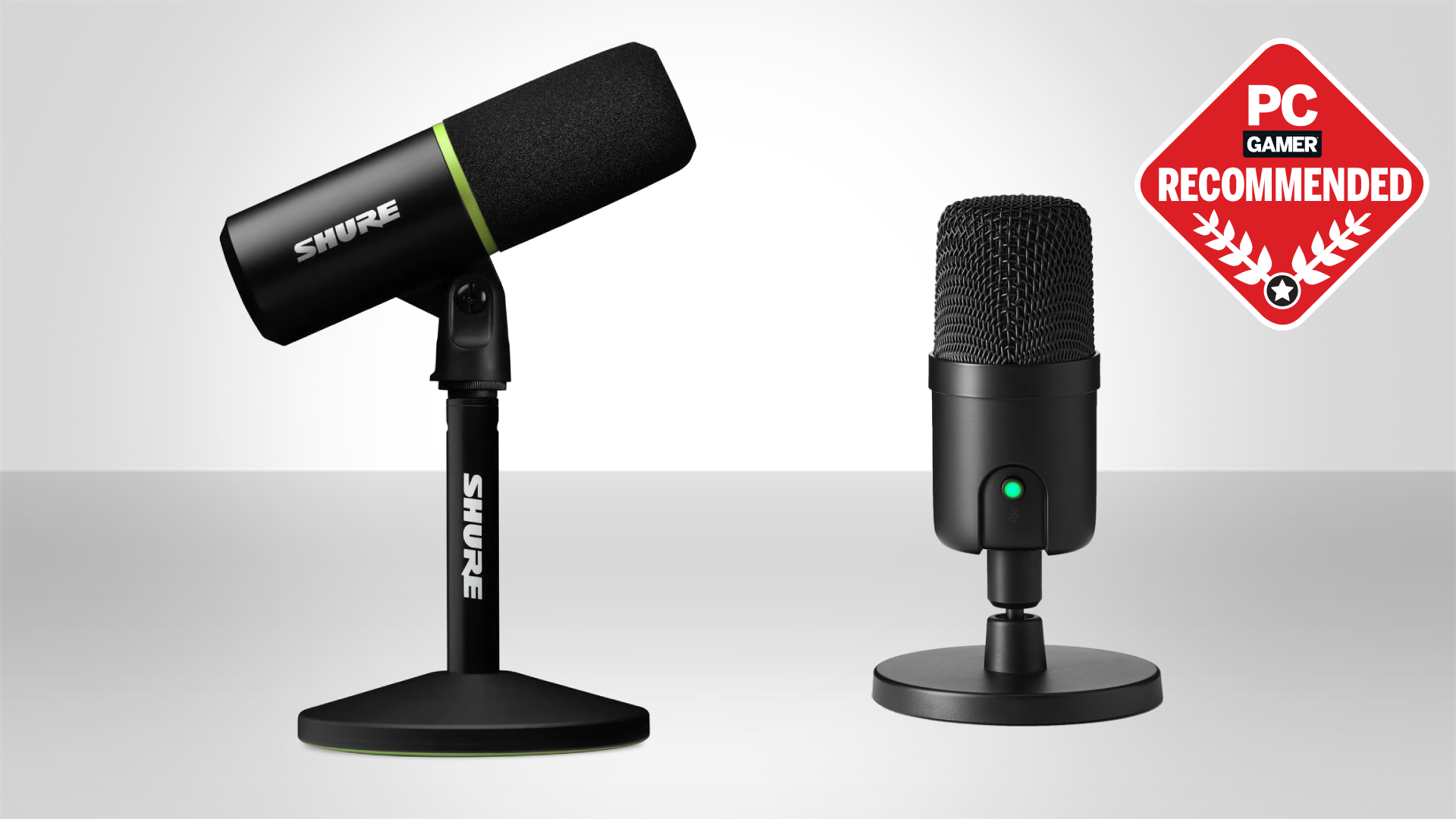

A stream can have sharp video and smooth gameplay, yet still feel amateurish when the voice is distant, boomy, or buried under keyboard noise. The right microphone improves the conversation immediately, but the choice is not simply about picking the most recognizable name. Dynamic and condenser designs behave differently in ordinary rooms, while USB convenience and XLR upgrade paths suit different kinds of creators.
We compared ten USB and USB/XLR microphones, including complete boom-arm kits and mixer bundles. The best microphones for streaming here range from the straightforward FIFINE AM8 to the feature-rich Shure MV6, with the Logitech Blue Yeti Blackout still making a strong case for creators who need multiple pickup patterns.
FIFINE AM8 is our top pick, while the list also covers condenser microphones, boom-arm kits, XLR upgrades, and a complete streaming mixer setup.
Comparison table
| # | Product | Award | Connection | Pickup pattern | Stand or controls | Best for |
|---|---|---|---|---|---|---|
| 1 | FIFINE AM8 | Best overall | USB and XLR | Cardioid dynamic | Mute, gain, RGB, headphone monitoring | Streamers who want a flexible first mic |
| 2 | FIFINE AM8T Set | Best boom-arm kit | USB and XLR | Cardioid dynamic | Boom arm, mute, gain, RGB | A ready-to-mount streaming setup |
| 3 | Logitech Blue Yeti Blackout | Best multi-pattern USB mic | USB | Cardioid, omni, bidirectional, stereo | Desktop stand, mute, gain, monitoring | Podcasts and varied recording setups |
| 4 | Logitech Blue Yeti Midnight | Best alternate Yeti finish | USB | Cardioid, omni, bidirectional, stereo | Desktop stand, mute, gain, monitoring | Creators who want Yeti flexibility |
| 5 | Shure MV6 | Best voice isolation | USB-C | Cardioid dynamic | Auto level, denoiser, mute, monitoring | Noisy rooms and polished live audio |
| 6 | FIFINE K688CT | Best shock-mounted kit | USB and XLR | Cardioid dynamic | Boom arm, shock mount, mute, gain | Streamers building toward XLR |
| 7 | FIFINE A6T | Best condenser kit | USB | Cardioid condenser | Boom arm, pop filter, RGB, mute | A colorful desk setup |
| 8 | COCONISE Gaming Mic | Best compact starter | USB | Cardioid condenser | Base, mute, volume, monitoring | Console and PC beginners |
| 9 | FIFINE KS5 Bundle | Best mixer bundle | USB and XLR | Dynamic | Mixer, fader, mute, monitoring, RGB | Interactive streams and audio control |
| 10 | Logitech Blue Yeti Silver | Best classic design | USB | Cardioid, omni, bidirectional, stereo | Desktop stand, mute, gain, monitoring | A familiar plug and play setup |
1. FIFINE AM8: Best Overall

Pros
- USB and XLR connections support a gradual upgrade
- Cardioid dynamic design helps reject off-axis noise
- Tap mute, gain control, and headphone monitoring are built in
- RGB can be controlled directly over USB
Cons
- XLR cable is not included
- RGB and onboard controls are unavailable over XLR
- It works best when positioned within 2 to 6 inches of the speaker
Best for: streamers who want a flexible dynamic microphone without committing to an audio interface immediately.
The FIFINE AM8 gets the important decision right: it works as a simple USB microphone now and can move to an XLR interface later. That makes it easier to recommend than a USB-only model for a creator who expects the setup to grow. Its cardioid dynamic capsule focuses on sound from the front and is intended to reject unwanted off-axis noise, which is useful when a keyboard, PC fan, or second monitor sits nearby.
FIFINE specifies a 50Hz to 16kHz frequency response and recommends keeping the microphone 2 to 6 inches from the audio source. That close speaking distance matters more than a long specification sheet. Put the end-addressing microphone near your mouth and aim its top toward your voice, rather than talking across the side, and the dynamic design can keep the stream focused without making the room sound like part of the show.
USB mode includes a tap-to-mute button with an LED reminder, a gain knob, a headphone jack, and headphone volume control. The RGB ring has three modes and more than ten light colors, with memory for the selected lighting choice. It is a useful set of physical controls for a streamer who does not want to leave a game or open software just to mute or adjust monitoring.
The trade-off appears when you switch to XLR. You need a separate XLR cable and an audio interface or mixer, and the RGB plus the microphone's function key do not operate in that connection mode. The FIFINE AM8T Set includes a boom arm and is more convenient if you need the mounting hardware immediately, while the AM8 is the cleaner choice for someone who already has a stand or wants to choose one separately.
For a broader look at how microphone placement changes a room recording, the difference between desk microphones and external setups is useful context. The AM8 is the microphone we would keep for a first serious streaming station because it gives beginners an easy USB start, experienced users an XLR route, and everyone a practical set of controls.
2. FIFINE AM8T Set: Best Boom-Arm Kit

Pros
- Includes a boom arm and desk clamp
- USB and XLR connections cover beginner and advanced setups
- Mute, gain, RGB, and headphone monitoring are easy to reach
- The arm supports flexible positioning
Cons
- XLR cable is not included
- The clamp fits desks under 2 inches thick
- USB is required for the RGB and microphone controls
Best for: new streamers who want the AM8 platform with mounting hardware included.
The FIFINE AM8T Set is the practical version of the AM8 idea. Instead of asking the buyer to find a stand, it includes a metal boom arm, C-clamp, USB to USB-C cable, and the microphone itself. That makes the first setup less fragmented. The arm lets you pull the mic toward your mouth for a stream and push it away when the desk needs to serve another purpose.
The microphone remains a cardioid dynamic design, with FIFINE listing -50dB sensitivity. The company positions it for gaming, streaming, recording, voiceovers, and podcasts, and the included external windscreen is intended to reduce plosive voice sounds. A dynamic capsule is a sensible fit for a typical gaming desk because it is less eager than a condenser microphone to hear every room reflection and click.
USB operation is plug and play on a PC and adds a mute button, gain knob, headphone jack, and headphone volume control. The RGB button handles the lighting without requiring special software. The boom arm's springs and metal construction are designed to keep the microphone stable, while the clamp includes an anti-scratch pad and fits a desktop less than 2 inches thick.
It is not quite as tidy as the Shure MV6, whose real-time processing is designed to handle denoising and level consistency in software and hardware-assisted modes. It also has a more specific limitation than the FIFINE AM8: the arm is included, but an XLR cable still is not, and the AM8T's controls and RGB are inactive when the microphone is used through XLR.
The AM8T Set makes sense when a boom arm is part of the plan from day one. Choose the AM8 instead if you already own a mount or prefer a smaller purchase with fewer parts to place. For a first streaming station, though, this set removes one of the common setup hurdles without closing off a future audio interface.
3. Logitech Blue Yeti Blackout: Best Multi-Pattern USB Mic

Pros
- Four pickup patterns cover solo and group recording
- Blue VO!CE software adds vocal effects and modulation
- Physical mute, gain, pattern, and headphone controls
- Desktop stand and no-latency monitoring are included
Cons
- USB only, with no XLR upgrade path
- The 3.51-pound design takes substantial desk space
- Condenser pickup can expose a noisy or reflective room
Best for: creators who want one USB microphone for streams, podcasts, meetings, and varied recording arrangements.
The Logitech Blue Yeti Blackout remains distinctive because it is not limited to one recording arrangement. Most streamers will use cardioid mode and speak toward the front, but the microphone also offers omnidirectional, bidirectional, and stereo patterns. That gives it a role in a two-person conversation, a group around a table, or a stereo instrument recording without buying multiple microphones.
Its custom three-capsule array is the foundation for those modes. Logitech pairs it with Blue VO!CE software, which adds broadcast-style vocal processing, effects, modulation, and high-definition audio samples. The software is a meaningful advantage for creators who want to shape a voice from the computer rather than adding a separate interface or hardware processor.
Physical controls make the Yeti approachable during a live session. The front-facing setup includes headphone volume, pattern selection, instant mute, and microphone gain, while the headphone output supports no-latency monitoring. Its adjustable desktop stand lets you pivot the microphone toward the source, and Logitech says it can also connect directly to a mic stand or boom arm.
The limitation is the same feature that makes it simple: this is a USB microphone. The condenser design is also more open to room sound than the dynamic FIFINE AM8, so a hard, echoing room or loud computer can become part of the recording. The Yeti is a better fit than the AM8 when multiple pickup patterns matter, but the AM8 is the safer choice for a streamer who mainly needs focused speech.
The Blackout finish is only the visual distinction between this entry and the other Blue Yeti versions in this list. The microphone's core capabilities are the same. Pick it for a desk-based creator who wants software effects and pattern flexibility, especially if the same microphone will move between solo streaming and shared recording.
4. Logitech Blue Yeti Midnight: Best Alternate Yeti Finish

Pros
- Four pickup patterns suit more than solo streaming
- Blue VO!CE software offers vocal effects and modulation
- Onboard gain, mute, pattern, and headphone controls
- No-latency monitoring is built in
Cons
- USB connectivity limits future hardware upgrades
- The condenser capsule can hear room noise
- Its 3.2-pound body is substantial on a small desk
Best for: USB creators who want the full Yeti feature set in the Midnight Blue finish.
The Logitech Blue Yeti Midnight is the same kind of microphone as the Blackout, and that is precisely why it remains useful in this roundup. It is a broad-purpose USB condenser mic rather than a single-use gaming accessory. Cardioid mode handles a solo stream, while omni, bidirectional, and stereo modes allow the microphone to adapt when the recording setup changes.
The three-capsule array supports those four patterns, and Blue VO!CE software gives the creator a way to refine the voice with effects and advanced modulation. That combination is more flexible than a basic mute-and-volume USB mic. It can be a reasonable central microphone for someone who streams, records podcasts, joins meetings, and occasionally captures music.
The controls are deliberately direct. You can change the pickup pattern, adjust microphone gain, mute instantly, and control headphone volume from the microphone. No-latency monitoring helps the speaker hear the live signal without a distracting delay. The included desktop stand can be adjusted to point the microphone at the source, and the body can also be mounted to a boom arm or mic stand.
There is no XLR output, so the Yeti cannot follow the path taken by the FIFINE K688CT or FIFINE AM8T Set into an analog interface. Its 3.2-pound weight and approximately 11.6-inch height also make it a noticeable desk object. A condenser microphone can reward a reasonably controlled room, but a streamer beside a loud fan may prefer a close-positioned dynamic model.
The Midnight Blue finish is the only meaningful reason to choose this entry over the Blackout or Silver Yeti listings. Its appeal is simple: familiar controls, four patterns, software processing, and a ready-to-use desktop stand. Choose it when a USB-only setup is acceptable and the microphone needs to serve more than one recording job.
5. Shure MV6: Best Voice Isolation

Pros
- Voice Isolation Technology targets room distractions
- Auto Level Mode helps maintain balanced volume
- Real-Time Denoiser and Digital Popper Stopper are built in
- USB-C, tap mute, and zero-latency monitoring simplify streaming
Cons
- USB only, with no XLR connection
- The feature set depends on a more processed audio approach
- Its 3.75-pound weight needs a stable setup
Best for: streamers who want focused speech and automatic help with noise, levels, and plosives.
The Shure MV6 is the most purposeful microphone here for a streamer who wants the signal to sound managed before it reaches the audience. Its dynamic cardioid design is paired with Voice Isolation Technology, which is intended to reduce keyboard clicks, fan noise, room echo, and other distractions. That is a more targeted approach to the common streaming problem than simply putting a sensitive microphone on a desk.
The digital processing is the headline feature. Auto Level Mode works to keep the voice balanced, Real-Time Denoiser addresses unwanted sound, and Digital Popper Stopper is designed to reduce harsh plosive bursts. These tools matter when the speaker moves slightly, the room changes, or the stream needs consistent speech without constant manual gain adjustments.
Shure uses USB-C for the computer connection and includes a 3.5mm headphone output for zero-latency monitoring. A tap-to-mute button is placed for quick control during streams and chats. The MOTIV Mix desktop app allows customization of the monitor mix and microphone settings, giving the user more control than a bare plug-and-play microphone.
Compared with the Logitech Blue Yeti Midnight, the MV6 is less versatile for group recording because it is built around a focused cardioid voice. Compared with the FIFINE AM8, it does not offer XLR as a second connection. The result is a more specialized USB microphone, but specialization is helpful for a streamer who wants reduced room sound and less fiddling with levels.
The MV6 is not the pick for someone planning an analog studio chain. It is the one to choose when the priority is a clean, controlled voice from a busy desk, particularly if software tools for denoising and level management sound more useful than multiple pickup patterns. Its approach is direct and well matched to live speech.
6. FIFINE K688CT: Best Shock-Mounted Kit

Pros
- USB and XLR connectivity support future expansion
- Boom arm, shock mount, and windscreen are included
- 130dB SPL rating suits strong vocal levels
- Mute, gain, and headphone monitoring are available over USB
Cons
- XLR mode disables the microphone controls
- XLR cable is not included
- The clamp fits desks under 2 inches thick
Best for: streamers who want a supported boom-arm setup and a clear route to interface-based recording.
The FIFINE K688CT is built around the physical details that make a microphone easier to live with. Its kit includes a metal boom arm, shock mount, windscreen, and C-clamp, so the microphone can sit close to the speaker without occupying the middle of the desk. The arm and shock mount also help separate the capsule from desk bumps and vibrations.
FIFINE lists a 130dB SPL rating and a cardioid pattern. The first figure indicates room for loud sources, while the directional pattern keeps the focus on the person in front of it. The company recommends recording within 2 to 6 inches for better input volume, which is typical of a close-spoken dynamic microphone and a useful reminder that placement still matters more than decoration.
USB mode provides a tap-to-mute button, gain knob, headphone monitoring jack, and volume knob. The included windscreen addresses plosive sounds, while the shock mount and boom arm work on mechanical noise from the desk. The USB connection is the easy starting point, but XLR allows the microphone to connect to an audio interface or mixer later.
The AM8 is a more compact recommendation, and the FIFINE AM8T Set has a similar USB/XLR concept with its own boom arm. The K688CT earns its place by combining that connection flexibility with a shock mount and a stated SPL rating. Its weakness is the same caveat that applies to many dual-output microphones: all function keys operate only over USB, and the XLR cable is not included.
Choose this kit when the mount matters as much as the capsule. It is especially suitable for a creator who wants a stable, close microphone now and expects to learn an interface-based setup later. If you want automatic denoising and level management instead, the Shure MV6 is the more hands-off alternative.
7. FIFINE A6T: Best Condenser Kit

Pros
- Includes boom arm, shock mount, pop filter, and long cable
- Touch mute and a large volume knob are easy to use
- Cardioid condenser capsule emphasizes front-facing speech
- Two-tone gradient RGB suits a gaming desk
Cons
- USB only
- Condenser pickup can reveal room noise
- The boom arm clamp fits desks up to 2 inches thick
Best for: gamers who want a complete USB condenser setup with visible lighting and simple controls.
The FIFINE A6T is the colorful, complete desk kit in this group. It includes a microphone with shock mount, detachable pop filter, boom arm, C-clamp, and an 8.2-foot USB-C to USB-A or USB-C cable. That combination lets a new streamer position the microphone close to the mouth without buying several separate accessories.
The condenser capsule is described as cardioid and tuned for an energetic, warm vocal presentation. Because it is designed to be sensitive to the voice in front, the microphone can make teammate communication sound immediate and present. The reverse side of that sensitivity is room awareness. A loud PC, hard desk, or reflective wall can be more apparent than it would be with the dynamic FIFINE AM8 or FIFINE K688CT.
Control is simple. A touch button on top handles mute, and the large volume knob at the bottom is easy to adjust while keeping attention on a game. The two-tone automatic gradient RGB adds a visual effect to the stream, while the boom arm rotates nearly 180 degrees up and down for positioning. The pop filter reduces popping sounds without blocking the screen.
The A6T is not an XLR microphone, so it does not offer the upgrade route found on the AM8T Set. It also lacks the MV6's listed denoiser and auto-level tools. Those are meaningful differences for creators in noisy rooms, while the A6T is more attractive to someone who values a complete, visually coordinated USB setup.
The included hardware makes this a good fit for a gamer starting with a dedicated streaming station. Pick it when a condenser's open vocal character and RGB lighting appeal to you, and place it close enough to the speaker that the voice remains the dominant sound.
8. COCONISE Gaming Mic: Best Compact Starter

Pros
- USB plug and play works with PC and PlayStation consoles
- Touch mute turns off the RGB as a visual reminder
- Headphone jack supports real-time monitoring
- Weighted base and shock mount help stabilize the setup
Cons
- USB only
- No XLR expansion path
- The feature set is simpler than the larger kits
Best for: beginners who need a compact USB microphone for PC, laptop, or PlayStation streaming.
The COCONISE Gaming Mic keeps its job narrow: connect it to a computer or console, place it on the desk, and start talking. It supports PC, laptop, PS4, PS4 Pro, and PS5, making it one of the more straightforward choices for a creator who moves between console game chat and computer streaming.
Its cardioid condenser capsule uses a 25mm diaphragm and supports a sampling rate of up to 192kHz, according to the product details. Those figures describe capture capability, but they do not remove the need for good placement. The front-facing pattern is intended to reduce side pickup, and the microphone will still sound most focused when the speaker talks toward the capsule from a sensible distance.
The controls are practical for live use. A one-button touch sensor mutes the microphone, and the RGB lights go out when muted so the status is visible without checking software. A rotary volume control sits at the bottom, with a 3.5mm headphone jack for monitoring. The weighted carbon steel base is intended to resist movement during energetic gaming, while the shock mount helps limit vibration from typing and mouse clicks.
The FIFINE A6T is a stronger choice if you want a boom arm, pop filter, and more flexible positioning in the box. The COCONISE is easier to keep compact, though it does not offer the A6T's boom-arm reach or the AM8's XLR path. Its 180cm detachable USB cable gives reasonable reach from a computer to the microphone.
Choose this model for a simple desk or console setup where easy mute, headphone monitoring, and compatibility matter most. Skip it if you already know you want an audio interface or a more elaborate mixer arrangement.
9. FIFINE KS5 Bundle: Best Mixer Bundle

Pros
- Combines a dynamic microphone with a streaming mixer
- Mixer includes mute, monitoring, and volume fader controls
- USB and XLR microphone connections are supported
- RGB effects add visual control to a gaming station
Cons
- XLR connection disables the microphone's listed function keys
- The bundle requires more setup than a single USB mic
- It is less compact than a basic desktop microphone
Best for: streamers who want hands-on control over microphone, headphone, and mixer audio.
The FIFINE KS5 Bundle is for the streamer who wants a small control center rather than just a microphone. It pairs a dynamic XLR/USB microphone with a gaming audio mixer, putting more of the live audio workflow within reach. That can make sense for broadcasts with frequent changes between voice, game audio, headphones, and interactive effects.
The mixer includes individual mute control, headphone monitoring, and a volume fader for an input or output channel. FIFINE also describes multiple entertainment modes and RGB lighting effects. The five lighting effects can be static or flowing, so the visual side can match a gaming setup, but the more important feature is physical access to audio controls without relying on a mouse and software window.
The microphone can connect through USB for easier computer use or through XLR to the mixer. In USB mode, the listed controls include mute, gain, real-time monitoring, and headphone volume. The dynamic design is a sensible choice for voice-focused streaming because it is intended to keep conversation clear while limiting some surrounding sound.
There is a learning curve that the FIFINE AM8 does not impose. A mixer adds routing and more controls to understand, and the bundle's microphone RGB, mute, monitoring, and volume knob are not available when using XLR. The mixer itself becomes the control point in that mode. If your stream needs only voice, mute, and headphone monitoring, the Shure MV6 is more contained and easier to manage.
The KS5 is the right pick for creators who will actually use its fader, mixer controls, and entertainment modes. It suits an interactive stream better than a minimalist podcast desk. For a buyer who wants room to experiment with live audio, it offers more hands-on control than every single-microphone option here.
10. Logitech Blue Yeti Silver: Best Classic Design

Pros
- Four pickup patterns support different recording layouts
- Blue VO!CE software offers voice effects
- Physical mute, gain, pattern, and headphone controls
- Desktop stand is adjustable and ready to use
Cons
- USB only
- Condenser pickup can expose room reflections and fan noise
- The 3.2-pound body needs a stable desk
Best for: creators who want a familiar multi-pattern USB microphone in a silver finish.
The Logitech Blue Yeti Silver has the same core identity as the Blackout and Midnight versions. It is a USB condenser microphone with a three-capsule array, four pickup patterns, Blue VO!CE software, and a desktop stand. The silver finish gives it a different visual presence, but its reason to buy is the same broad flexibility.
Cardioid mode is the natural starting point for a solo streamer. Omni mode can capture sound around the microphone, bidirectional mode is suited to sources on opposite sides, and stereo mode supports a wider left and right presentation. Few simple USB microphones offer that many arrangements without changing hardware.
The controls make the microphone usable without constant software access. Mic gain, headphone volume, pattern selection, and instant mute are all available on the body, with no-latency monitoring through headphones. The stand can be adjusted to point the microphone toward the source, and the microphone can also attach to a boom arm or mic stand.
The Silver Yeti has the same boundaries as its siblings. It does not provide XLR, and its condenser capsule may hear more of a lively room than the dynamic FIFINE AM8 or Shure MV6. It is also a sizable desk microphone at about 11.6 inches high and 3.2 pounds. Those are manageable dimensions on a normal desk, but they are not ideal for a crowded setup.
Choose the Silver version if its finish suits the room and you want the Yeti's established multi-pattern approach. It remains a flexible USB tool for streaming, calls, podcasts, and recordings, provided you do not need XLR or specialized voice isolation.
How to choose best microphones for streaming
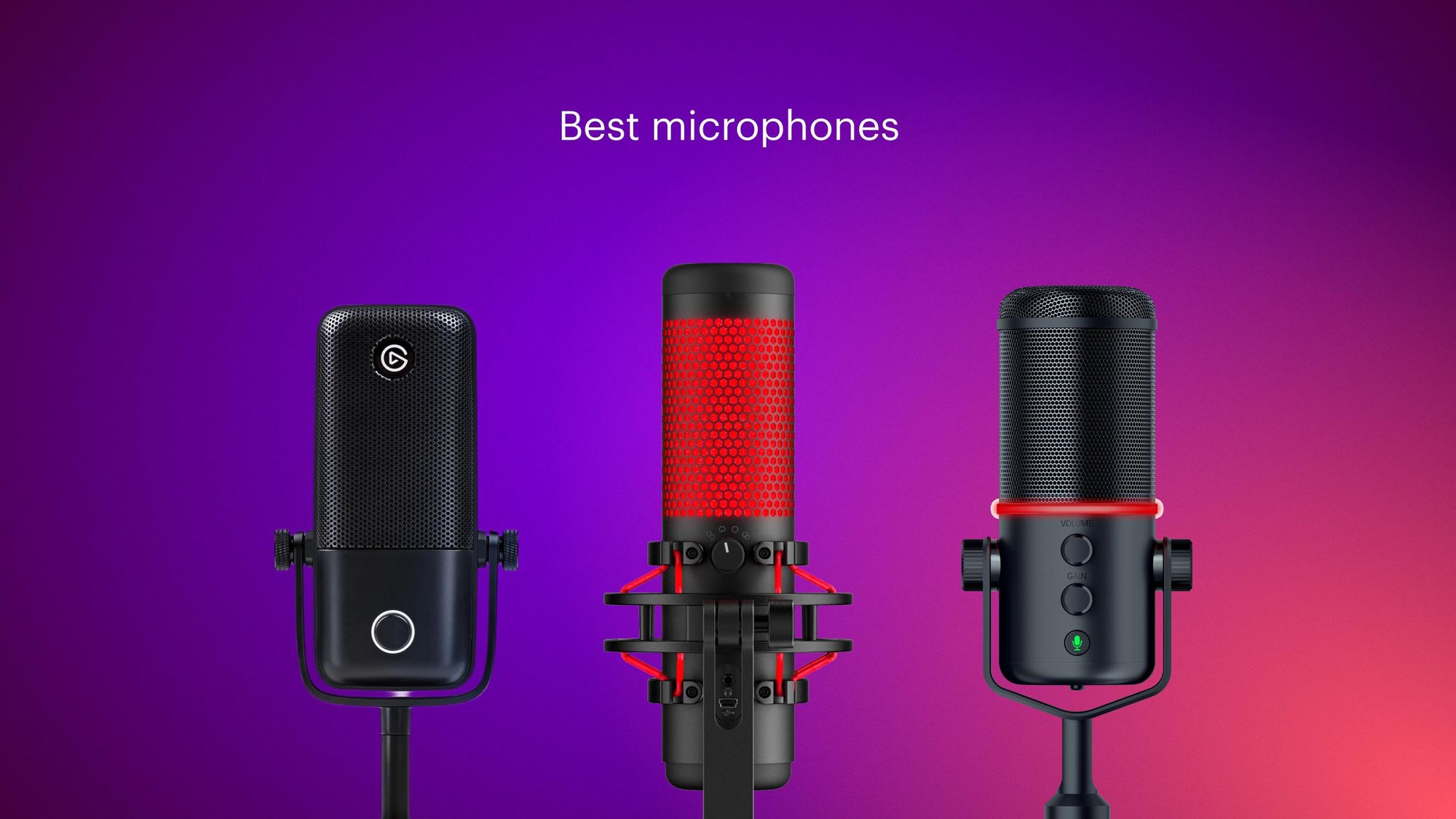
The best microphones for streaming are separated less by flashy lighting than by how they handle your room, connection needs, mounting space, and live controls.
Microphone type
Dynamic microphones generally suit streamers who speak close to the capsule and want less room ambience. The FIFINE AM8, FIFINE K688CT, FIFINE KS5 Bundle, and Shure MV6 all use dynamic designs. They are sensible choices near keyboards, fans, or untreated walls.
Condenser microphones such as the Logitech Blue Yeti models, FIFINE A6T, and COCONISE Gaming Mic can capture a more open vocal presentation, but they may also reveal more reflections and background sound. A quieter, softer room gives a condenser microphone a better chance to sound clean.
Pickup pattern
A cardioid pattern focuses on the front of the microphone and is the usual choice for one person streaming. It helps reduce sound arriving from the sides and rear, but it is not a substitute for sensible placement.
Multiple patterns matter when the microphone will record more than a solo stream. The Blue Yeti models offer cardioid, omni, bidirectional, and stereo modes, which makes them better suited to interviews, group conversations, and some music recording.
For a solo stream, a well-placed cardioid microphone usually matters more than having four patterns you never use.
USB and XLR connectivity
USB is the easiest route from microphone to computer. It avoids a separate interface and often provides direct access to mute, gain, lighting, and headphone monitoring. The COCONISE Gaming Mic, A6T, and Blue Yeti models stay within this simple setup.
XLR is useful when you want to add an audio interface or mixer. The AM8, AM8T Set, K688CT, and KS5 Bundle support both connection types, but their onboard controls do not all remain active over XLR. Check that limitation before assuming the microphone will behave the same way in both modes.
Noise control and processing
A directional pattern, close placement, and a dynamic capsule can reduce unwanted sound before it reaches the software. Physical windscreens and pop filters help with bursts of air from words containing strong plosive sounds.
The Shure MV6 goes further with Voice Isolation Technology, Auto Level Mode, Real-Time Denoiser, and Digital Popper Stopper. The Blue Yeti models take a software-based route with Blue VO!CE effects and modulation. Choose processing based on whether you want automatic cleanup or more manual control.
Mounting and desk space
A boom arm keeps the microphone near your mouth and clears the center of the desk. The AM8T Set, K688CT, and A6T include boom arms, while the COCONISE uses a weighted base and the Blue Yeti models include adjustable desktop stands.
Check the clamp specification before ordering. The AM8T Set and K688CT clamps fit desks under 2 inches thick, while the A6T clamp supports desks up to 2 inches thick. A heavy microphone also needs a stable surface or a properly tightened arm.
Frequently asked questions
Is a dynamic or condenser microphone better for streaming?
A dynamic microphone is usually easier to manage in a noisy or reflective room because it focuses more on close speech and is less sensitive to surrounding sound. A condenser microphone can sound open and detailed, but it benefits from quieter surroundings and thoughtful placement. The right choice depends on the room as much as the computer.
Do I need an XLR microphone for streaming?
No. USB microphones can connect directly to a computer and are often the simplest option for a first stream. XLR becomes useful when you want an audio interface, mixer, or more expandable signal chain, as with the FIFINE AM8, K688CT, and KS5 Bundle.
What pickup pattern should I use for a solo stream?
Cardioid is the usual choice. Aim the front or speaking side of the microphone toward your mouth and keep noisy equipment behind or to the side when possible. Omni, bidirectional, and stereo modes are more useful for shared recording arrangements.
Does a boom arm improve microphone sound?
A boom arm does not change the microphone capsule, but it can make good positioning easier. Keeping the microphone close to your mouth and away from desk vibrations can improve consistency. The AM8T Set, K688CT, and A6T include boom arms for that reason.
Can I monitor my voice while streaming?
Many of these microphones include a headphone output for monitoring. The FIFINE AM8, AM8T Set, K688CT, and COCONISE include headphone monitoring features, while the Shure MV6 specifies zero-latency monitoring. Monitoring helps you catch mute mistakes, excessive gain, and distracting background noise.
Will RGB lighting improve my stream audio?
No. RGB is a visual feature and does not improve the recorded signal. It can make the desk or camera view more coordinated, while practical features such as mute control, gain adjustment, monitoring, and a good mount affect daily use.
How close should I sit to a streaming microphone?
The FIFINE AM8 and K688CT listings recommend recording within 2 to 6 inches for better vocal input. That close position helps a dynamic microphone emphasize the voice, but the exact distance depends on speaking level, microphone angle, and the amount of room sound you want.
The bottom line
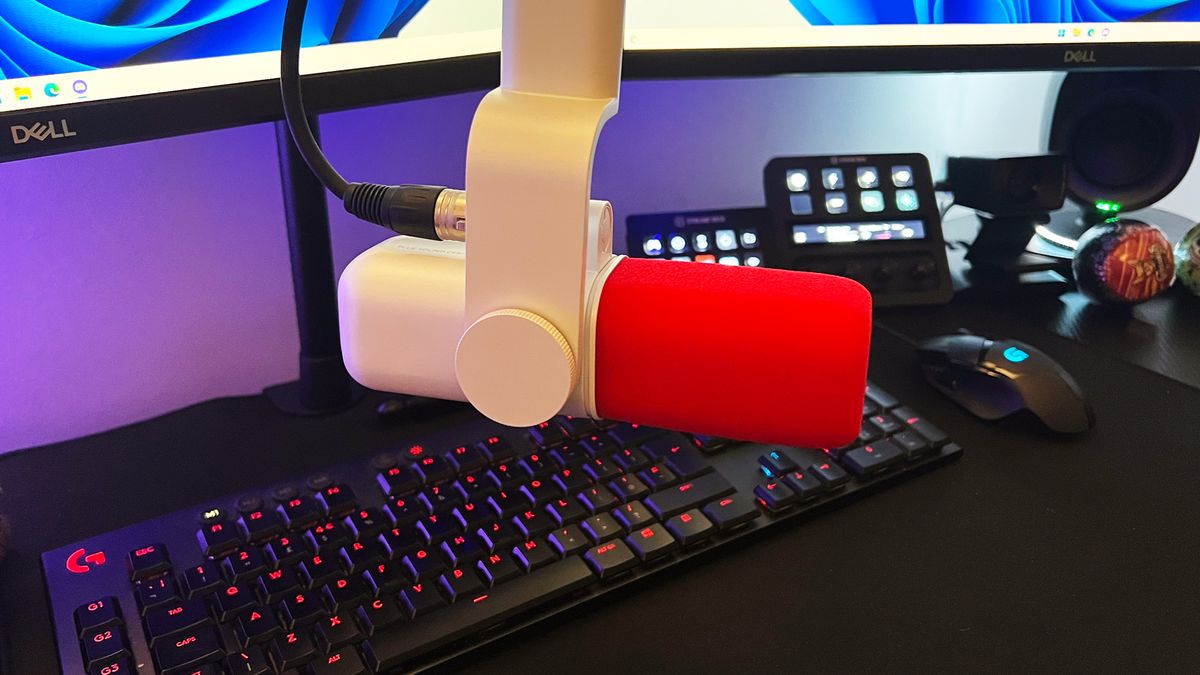
The best microphones for streaming start with the FIFINE AM8, our top choice for creators who want a focused dynamic sound, USB simplicity, physical controls, and an XLR upgrade path. The Shure MV6 is the stronger specialized pick for a busy room because its Voice Isolation Technology, denoiser, auto level mode, and pop control target the problems that distract from live speech.
Choose the Logitech Blue Yeti Blackout, Midnight, or Silver when multiple pickup patterns and Blue VO!CE software matter more than XLR. If you need mounting hardware, the FIFINE AM8T Set and FIFINE K688CT are more complete starting points, while the FIFINE KS5 Bundle suits streamers who want a mixer and hands-on audio control.
For an undecided buyer, choose the FIFINE AM8 unless your first priority is automatic voice cleanup or multi-pattern recording.
As an Amazon Associate we earn from qualifying purchases.