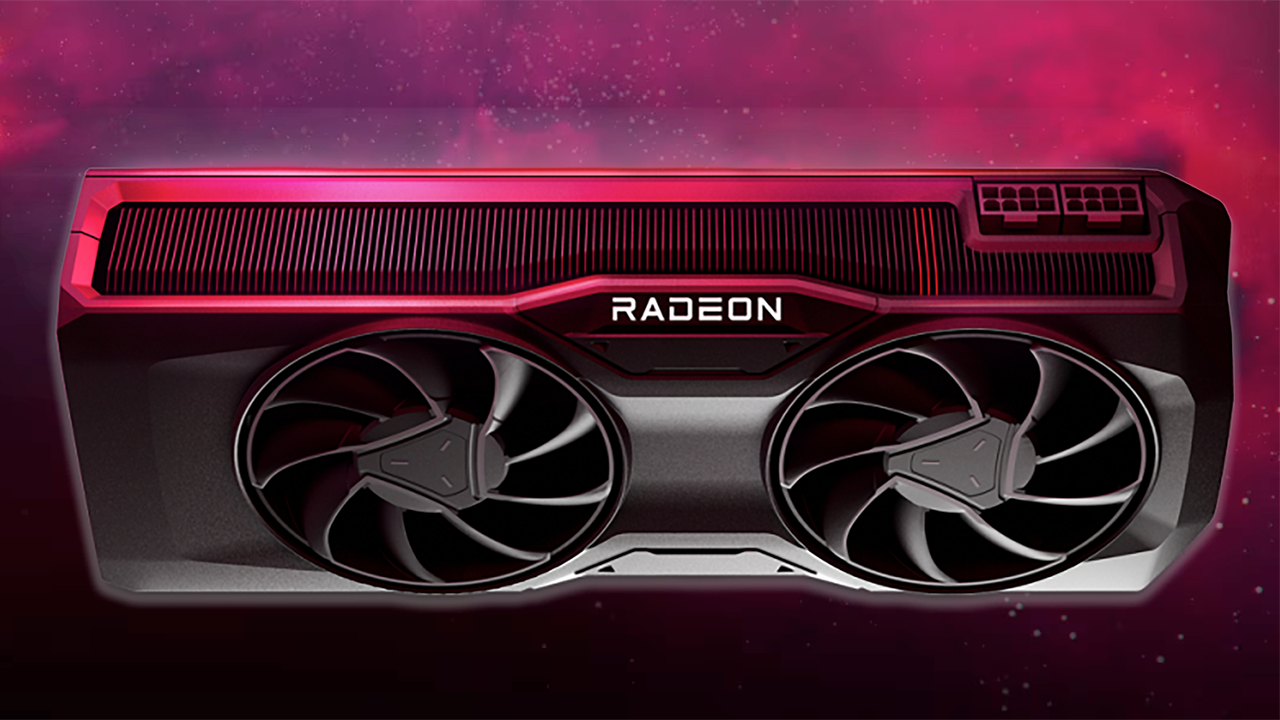

An older desktop can still feel useful, but its built-in graphics often struggle with modern displays, creative software, and even basic games. The challenge is finding a Radeon card that fits the case, works with the power supply, and offers enough memory without creating a new compatibility problem.
Our Best best radeon gpu picks cover everything from the capable RX 580 to compact RX 550 cards and a very basic R5 230. The MOUGOL RX 580 White is the strongest all-purpose pick, while the rest target small cases, multiple displays, or older office machines.
Comparison
| # | Product | Award | Memory | Outputs | Best for |
|---|---|---|---|---|---|
| 1 | MOUGOL RX 580 White | Best overall | 8GB GDDR5 | HDMI, DP, DVI | 1080p gaming and creative work |
| 2 | MOUGOL RX 580 Black | Best alternative | 8GB GDDR5 | HDMI, DP, DVI | Multi-monitor desktops |
| 3 | maxsun RX 550 ITX | Best compact pick | 4GB GDDR5 | DVI-D, HDMI, DisplayPort | Small PC upgrades |
| 4 | ZER-LON RX 550 | Best no-power-connector pick | 4GB GDDR5 | HDMI, DP, DVI | Older systems with limited power |
| 5 | SAPLOS RX 550 Low Profile | Best for three displays | 4GB GDDR5 | VGA, HDMI, DVI | Small office workstations |
| 6 | MOUGOL R5 230 | Best for legacy desktops | 2GB GDDR3 listed | 2 HDMI | Basic display output |
1. MOUGOL RX 580 White: Best Overall

Pros
- 8GB of GDDR5 memory
- 2, 048 stream processors
- HDMI, DisplayPort, and DVI outputs
- Dual-fan cooling with heat pipes
- DirectX 12, Vulkan, and OpenGL 4.6 support
Cons
- Requires a 6-pin power connector
- Calls for a 500W minimum power supply
- Too large for many slim cases
Best for: someone upgrading a standard desktop for 1080p gaming, editing, or streaming.
The MOUGOL RX 580 White is the card to choose when the desktop has enough room and a suitable power supply. It is much more than a basic display adapter. Its 2, 048 stream processors and 1, 206 MHz core clock give it a meaningful performance advantage over every RX 550 here, particularly in games and GPU-assisted creative applications.
The 8GB of GDDR5 memory is useful when a game, video project, or multitasking session needs more breathing room. It also gives the card a better ceiling than the 4GB models in this group. The three-output layout is practical rather than flashy: HDMI, DisplayPort, and DVI let it serve a newer monitor alongside an older screen, and the listing says it can support three displays at once.
Cooling is handled by two fans and high-efficiency heat pipes. That is the right hardware for sustained workloads, although it also tells you this is not a tiny low-profile upgrade. The card measures 240 by 135 by 45 mm, so check the case clearance before ordering. Its PCIe 3.0 x16 interface suits the systems this class of card is likely to enter, but the power requirements matter just as much as the slot.
This card beats the maxsun RX 550 ITX and ZER-LON RX 550 on raw capability, memory capacity, and workload flexibility. The trade-off is installation complexity. It needs a 6-pin connector and a 500W minimum power supply according to the listing, so owners of office prebuilts and slim desktops should skip it. For a conventional mid-tower that can meet those requirements, it is the clear first choice in this roundup.
The white finish is the visible distinction between this item and the black MOUGOL RX 580, but the listed specifications are otherwise the same. Choose this version for a capable older gaming PC or a workstation that needs more graphics headroom. Readers comparing broader Radeon options may also want to consider how memory capacity affects real graphics workloads before settling on a card.
2. MOUGOL RX 580 Black: Best Alternative

Pros
- 8GB GDDR5 memory
- 2, 048 stream processors
- Three display outputs
- Dual-fan thermal design
- Supports DirectX 12, Vulkan, and OpenGL 4.6
Cons
- Requires a 6-pin power connector
- Needs a 500W minimum power supply
- Full-size dimensions limit case compatibility
Best for: a standard desktop that needs strong display flexibility and RX 580 performance.
The MOUGOL RX 580 Black is effectively the dark-finish counterpart to the white RX 580 above. That makes it less interesting as a separate design, but it remains a strong option for a desktop where color or availability decides the purchase. The important hardware is familiar: 8GB of GDDR5, 2, 048 stream processors, and a 1, 206 MHz core clock.
The triple-display arrangement is one of its more useful strengths. HDMI, DisplayPort, and DVI cover a broad mix of monitors, and the listing specifically describes support for three screens. That makes this card a natural fit for a productivity machine that also handles gaming. It is more versatile than the maxsun RX 550 ITX, whose outputs are similarly varied but whose graphics hardware is substantially less capable.
The dual-fan cooler uses heat pipes and intelligent fan control. The fans are intended to stay quieter during light office work and increase airflow during demanding sessions. That should help the card maintain stable performance, but the 240 by 135 by 45 mm body still needs careful clearance planning. This is a conventional desktop card, not a drop-in solution for every compact computer.
Power is the key limitation. MOUGOL specifies a 6-pin connector and a 500W minimum power supply, with a warning that an underpowered system can experience black screens or boot failure. That is not a minor footnote. Confirm the power supply and available connector before buying, especially if this is replacing integrated graphics in an older prebuilt.
The Black model does not offer a meaningful capability advantage over the White model. If the two listings remain otherwise identical, select based on the case interior and availability rather than expecting different gaming results. It is the right choice for someone who wants an RX 580 with modern API support, three outputs, and enough memory for more than simple desktop acceleration. For a wider look at graphics hardware trade-offs, the differences between older and newer GPU architectures are useful context.
3. maxsun RX 550 ITX: Best Compact Pick

Pros
- Compact ITX-oriented design
- 4GB GDDR5 memory
- DVI-D, HDMI, and DisplayPort
- 1183 MHz boost clock
- 4K video decode support
Cons
- Not as powerful as either RX 580
- Uses an older graphics platform
- Output selection may require adapters for some monitors
Best for: a small desktop that needs a discrete GPU without moving up to the larger RX 580 cards.
The maxsun RX 550 ITX makes sense when physical fit matters more than maximum frame rates. It is the most compact-feeling option among the standard RX 550 cards here, with an ITX-oriented design and a listed length of about 7.28 inches. That still requires a real measurement inside the case, but it is a friendlier starting point for a small upgrade than the 240 mm MOUGOL RX 580.
Its 4GB of GDDR5 memory is adequate for light gaming, everyday GPU acceleration, and older creative applications. The listed boost clock reaches 1183 MHz, and the card has 512 stream processors. Those figures place it below the RX 580 models, but they are enough to make this a sensible step beyond very basic integrated graphics in a compatible desktop.
The output selection is useful for mixed monitor setups. DVI-D, HDMI, and DisplayPort allow the card to connect to older and newer screens, while the listing also calls out 4K video decode. That does not turn the RX 550 into a high-end 4K gaming card. It does make it a reasonable media and desktop card for a system that needs modern display support without a large power-hungry board.
A 9 cm fan is designed to provide airflow while keeping noise down, and the card uses a silver-plated PCB and solid capacitors. Those construction details are more relevant to long-term stability than to frame rates. The weakness is straightforward: anyone expecting RX 580-level gaming performance will be disappointed. The RX 550 is the smaller, quieter, less demanding class of solution.
The ZER-LON RX 550 offers a similar core idea with a cooling system and no external power supply, while the SAPLOS model is more convenient for three displays and tight cases. The maxsun sits between them as a compact general-purpose card with a clean selection of outputs. It is a good fit for a small desktop, a modest 1080p gaming build, or a machine that needs video decode and discrete display hardware.
4. ZER-LON RX 550: Best No-Power-Connector Pick

Pros
- No external power supply required
- 4GB GDDR5 memory
- 1183 MHz base clock
- HDMI, DisplayPort, and DVI
- Cooling system with composite heat pipes
Cons
- RX 550 performance is limited
- Case dimensions are not provided
- Not suited to demanding modern games
Best for: an older desktop whose power supply lacks an available GPU connector.
The ZER-LON RX 550 is the practical choice when the power supply is the first constraint. The listing says it requires no external power supply and uses about 50W at full load. That makes it easier to consider for older desktops than the MOUGOL RX 580, which requires both a 6-pin connector and a 500W minimum power supply.
The card has 4GB of GDDR5 memory and a base clock of 1183 MHz. It also provides HDMI, DisplayPort, and DVI, so it can connect to a mixed collection of monitors without reducing the system to a single legacy output. The listing describes the card as suitable for office work, design, audio and video use, multitasking, and gaming, which is a fair description of its intended range.
Cooling is more elaborate than the simple size of the GPU might suggest. ZER-LON uses grooved and sintered composite heat pipes that make direct contact with the GPU core, while the thermal design also covers the memory and power components. That should help manage heat under sustained use. The product also lists solid capacitors, a reinforced PCB, a two-year warranty, and round-the-clock after-sales technical support.
The main omission is physical information. Unlike several other products here, the listing does not provide complete card dimensions, so owners of small or unusual cases should verify clearance before ordering. Performance is another boundary. This is still an RX 550, not an RX 580 replacement, and the no-power-connector design reflects its lower power envelope.
Compared with the maxsun RX 550 ITX, this card is more compelling when avoiding a power-supply upgrade matters most. The SAPLOS RX 550 Low Profile is the better fit for a three-screen office setup, while the ZER-LON has the more detailed cooling and power claims. It belongs on the shortlist for an older tower that needs HDMI, DisplayPort, or DVI and cannot spare a dedicated power lead.
5. SAPLOS RX 550 Low Profile: Best for Three Displays

Pros
- Low-profile design for small cases
- 4GB GDDR5 with a 128-bit interface
- VGA, HDMI, and DVI outputs
- Supports up to three displays
- Includes low-profile and standard brackets
Cons
- 1071 MHz base frequency is below the other RX 550 options
- VGA is an older connection
- Limited to entry-level gaming
Best for: a compact office or workstation setup using three mixed-generation displays.
The SAPLOS RX 550 Low Profile is built around compatibility rather than headline performance. Its low-profile format suits SFF, mini, and mid-tower cases, and the package includes a pair of brackets so the card can be adapted to the case layout. Measure the available slot area carefully, but this is the clearest choice here for a physically constrained desktop that still needs several screens.
The output selection is unusually useful for older office equipment. VGA, HDMI, and DVI cover monitors from different eras, and SAPLOS says the card can run up to three displays at the same time. That makes it better suited to spreadsheets, dashboards, CAD work, and image editing than a card with only two outputs. The maxsun RX 550 ITX and ZER-LON RX 550 have newer-looking output mixes, but neither offers the same explicit VGA inclusion.
The graphics hardware includes 4GB of GDDR5 memory, a 128-bit memory interface, 640 stream processors, and a 1071 MHz base frequency. The lower clock does not make this a poor desktop card, but it helps explain why it should be treated as an entry-level gaming upgrade rather than a serious modern gaming GPU. SAPLOS also cites support for 1080p and smooth 4K output, which is more relevant to display support and video playback than to demanding 4K games.
Cooling comes from an aluminum heat sink and two slow-running fans. The listing describes the fans as quiet, which should suit a work-focused machine. The card measures about 6.89 inches long, 4.72 inches wide, and 0.79 inches high, so it is compact in one sense but not necessarily suitable for every narrow chassis without the correct bracket arrangement.
The weakness is the same one shared by the other RX 550 products: performance has a firm ceiling. If gaming is the main purpose, either MOUGOL RX 580 is the stronger pick. If three monitors, VGA compatibility, and a low-profile installation matter more, the SAPLOS is the more sensible tool. The card is also a reminder that monitor connection choices can matter as much as GPU speed when upgrading an older workstation.
6. MOUGOL R5 230: Best for Legacy Desktops

Pros
- Low-power design
- Two HDMI outputs
- DirectX 12, OpenGL 4.6, and OpenCL support listed
- Intended for older system upgrades
- WHQL driver support listed
Cons
- Much weaker than the RX 550 cards
- Windows 11 support is not guaranteed
- Memory information is inconsistent in the listing
Best for: basic display expansion and video playback on an older Windows desktop.
The MOUGOL R5 230 belongs in this roundup for a narrower reason than the RX cards. It is aimed at refurbishing older systems, adding display outputs, and handling everyday desktop tasks rather than delivering modern gaming performance. Its two HDMI ports are convenient for a basic dual-screen setup, particularly when the existing computer has no useful discrete graphics.
The listing title identifies the card as having 2GB of GDDR3, while one feature claims 4GB of GDDR3. That conflict is important enough that buyers should not assume a particular memory capacity until the seller confirms it. The same feature section describes a 128-bit interface and support for multiple displays, but the product should still be viewed as a legacy adapter, not as a direct competitor to the 4GB GDDR5 RX 550 cards.
The R5 230 uses a low-power design and a 28 nm process, which suits older systems with modest power supplies. It supports DirectX 12, OpenGL 4.6, and OpenCL according to the listing, and WHQL-certified driver support is mentioned for Windows 10 and earlier. Those software details help with compatibility, but they do not change the card's limited graphics capability.
Operating-system support is the largest concern. MOUGOL says the card works on Windows 10 and below, while manual installation on Windows 11 is not guaranteed and is not recommended because official Windows 11 driver support is unavailable. That makes this a poor choice for a newer Windows 11 build, even if the hardware fits. Check the operating system before considering it.
The RX 550 options are better for gaming, video work, modern displays, and general longevity. The R5 230 only makes sense when two HDMI outputs, low power use, and an older operating system are the priorities. It is the least capable product here, but it has a clear role for a legacy office computer that needs basic graphics output and nothing more.
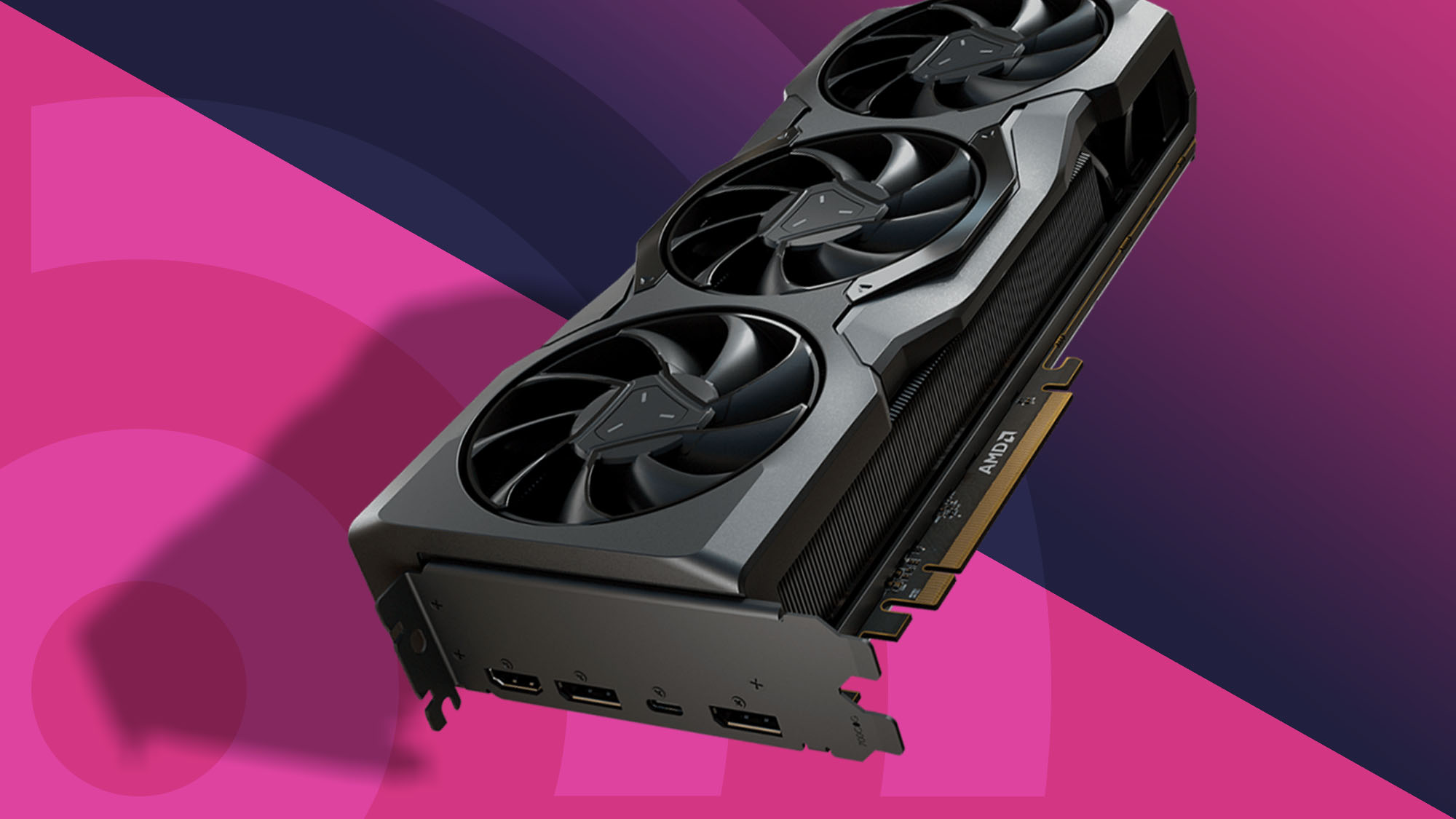
How to choose best radeon gpu
The right Radeon card depends less on the name on the box than on the desktop's case, power supply, operating system, and intended workload.
Graphics memory and architecture
Memory capacity helps a GPU hold textures, display data, and application workloads, but capacity alone does not determine performance. The RX 580 cards combine 8GB of GDDR5 with 2, 048 stream processors, making them substantially more capable than the RX 550 models. The RX 550 cards use 4GB of GDDR5, while the R5 230 is an older GDDR3 design with conflicting capacity information in its listing.
Case clearance
A full-size card can be impossible to install in an office desktop even when the PCIe slot is available. The MOUGOL RX 580 cards measure 240 by 135 by 45 mm, while the maxsun model is listed at about 7.28 inches long. Low-profile cards such as the SAPLOS model need the correct bracket and enough room around the slot. Measure length, height, and neighboring-slot clearance before ordering.
Power requirements
The RX 580 models need a 6-pin power connector and a 500W minimum power supply according to their listings. The ZER-LON RX 550 says it needs no external power and uses about 50W at full load. A card that fits physically can still fail to boot if the power supply cannot support it, so check both the connector and the system's rated output.
The fastest card is useless if the case cannot close or the power supply cannot feed it.
Display outputs
Choose outputs based on the monitors you already own. HDMI and DisplayPort suit newer screens, DVI helps with older digital monitors, and VGA remains useful in office environments. The SAPLOS RX 550 is the most flexible for three mixed-generation displays, while the R5 230 offers two HDMI ports for a simpler dual-screen setup.
Drivers and operating system
Older Radeon cards can work well in the right system, but driver support deserves attention. The MOUGOL R5 230 listing specifically limits its reliable support to Windows 10 and below, with Windows 11 installation not guaranteed. The RX 580 listings mention AMD Adrenaline software, and the RX 550 listings cite DirectX and OpenGL support, but verify compatibility with the exact operating system before installation.
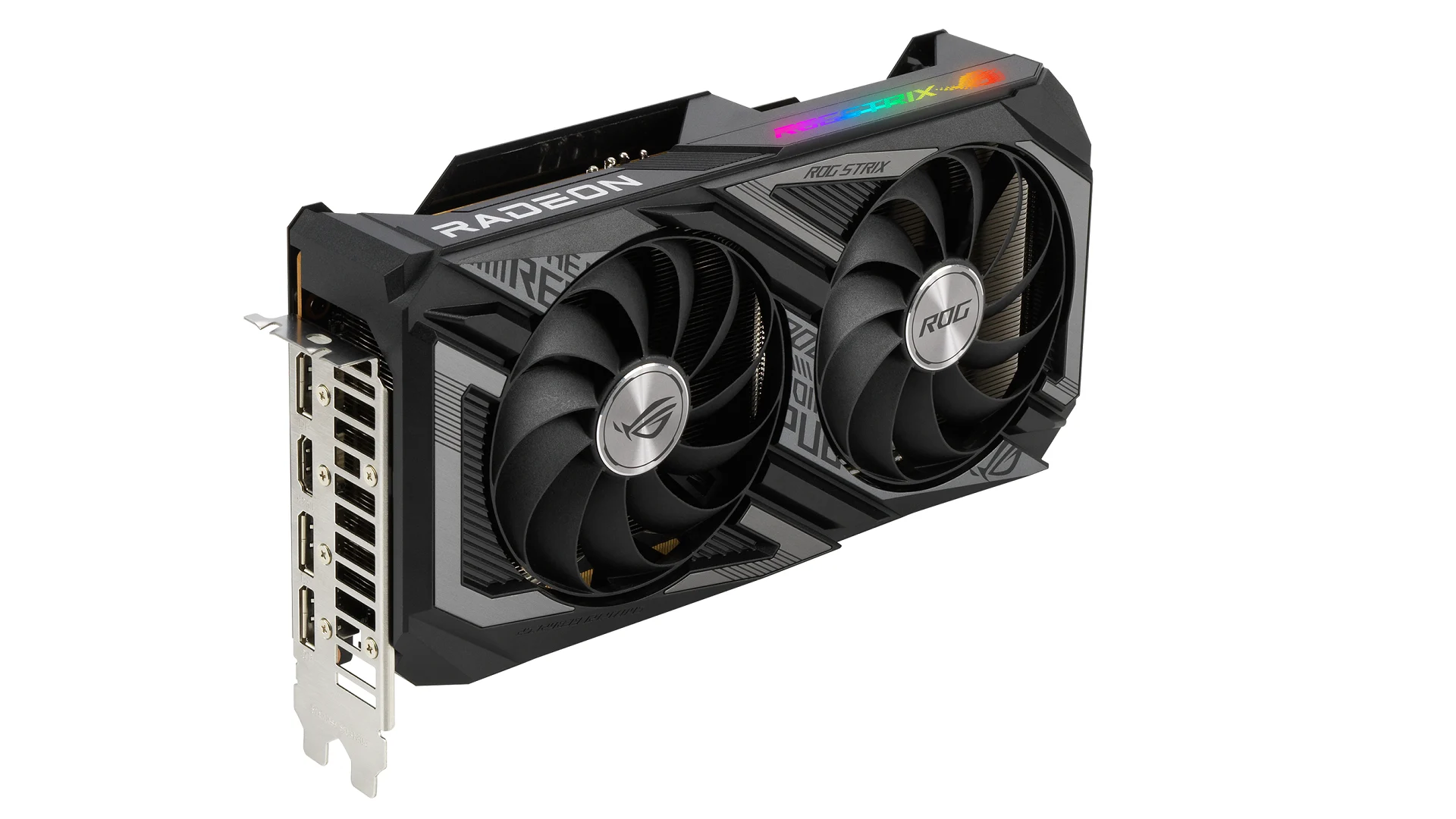
Frequently asked questions
Which Radeon GPU is strongest in this roundup?
The MOUGOL RX 580 White and MOUGOL RX 580 Black are the strongest options. Both list 8GB of GDDR5, 2, 048 stream processors, a 1, 206 MHz core clock, and dual-fan cooling.
Which card is best for a small PC?
The maxsun RX 550 ITX and SAPLOS RX 550 Low Profile are the most relevant small-case choices. The SAPLOS model is specifically low profile and includes alternate brackets, while the maxsun is positioned as an ITX card.
Do any of these cards need an external power connector?
The MOUGOL RX 580 models require a 6-pin power connector. The ZER-LON RX 550 listing says no external power supply is needed, while the other listings do not provide the same explicit power statement.
Which card supports three monitors?
The MOUGOL RX 580 models list HDMI, DisplayPort, and DVI and describe triple-monitor support. The SAPLOS RX 550 also explicitly supports up to three displays and adds VGA for older monitors.
Is the MOUGOL R5 230 suitable for gaming?
It is intended mainly for basic display output, HD video playback, office work, and older systems. It is much less capable than the RX 550 cards and should not be chosen for demanding modern games.
Can the MOUGOL R5 230 run Windows 11?
The listing says Windows 11 driver installation is not guaranteed and is not recommended because official support is unavailable. It is safer to consider this card for Windows 10 or earlier systems.
Do these cards support 4K?
The maxsun RX 550 lists 4K video decode support, while the SAPLOS RX 550 lists smooth 4K output. Those claims concern video and display output, not high-performance 4K gaming. The other cards should be checked against the monitor and software requirements before purchase.
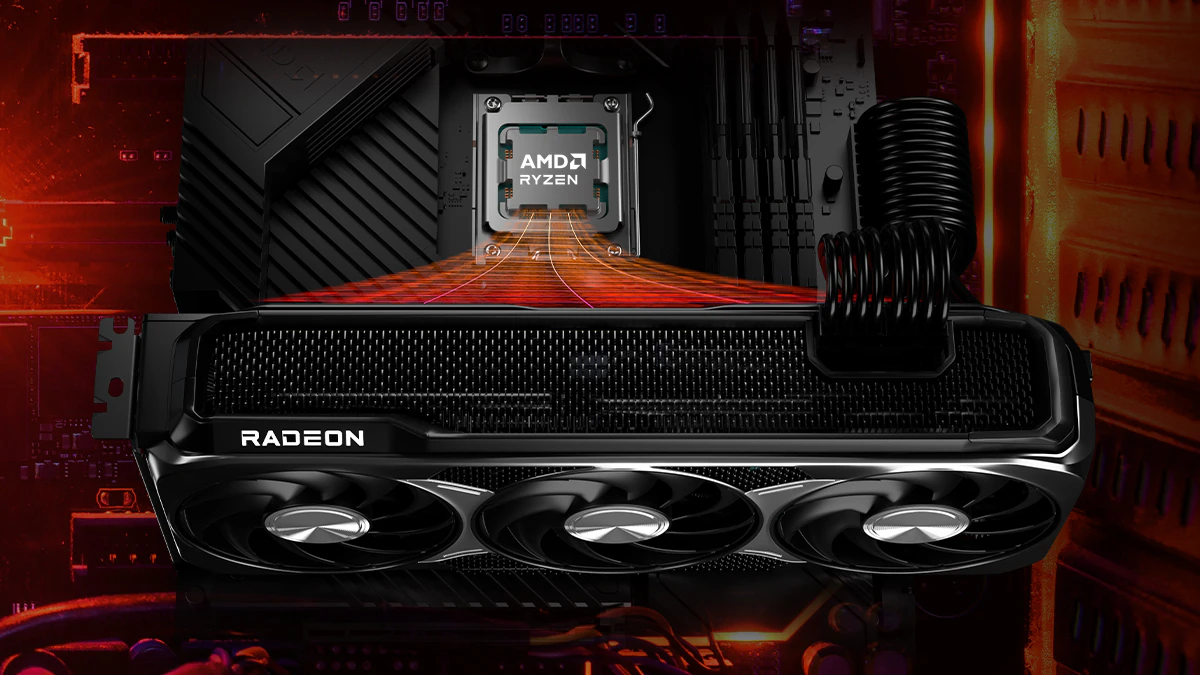
The bottom line
The Best best radeon gpu choice here is the MOUGOL RX 580 White for a standard desktop that can supply the required power and accommodate its full-size body. It has the strongest graphics hardware, 8GB of GDDR5, three useful outputs, and the broadest workload range. The Black version is a close alternative with the same core capabilities.
For compact systems, the maxsun RX 550 ITX is the more balanced choice, while the SAPLOS RX 550 Low Profile is the better fit for three mixed-generation displays. The ZER-LON RX 550 is appealing when no external power connector is available, and the MOUGOL R5 230 should be reserved for basic legacy systems with compatible drivers.
If you are undecided, start with your case clearance and power supply, then choose the fastest card that safely fits both.
As an Amazon Associate we earn from qualifying purchases.