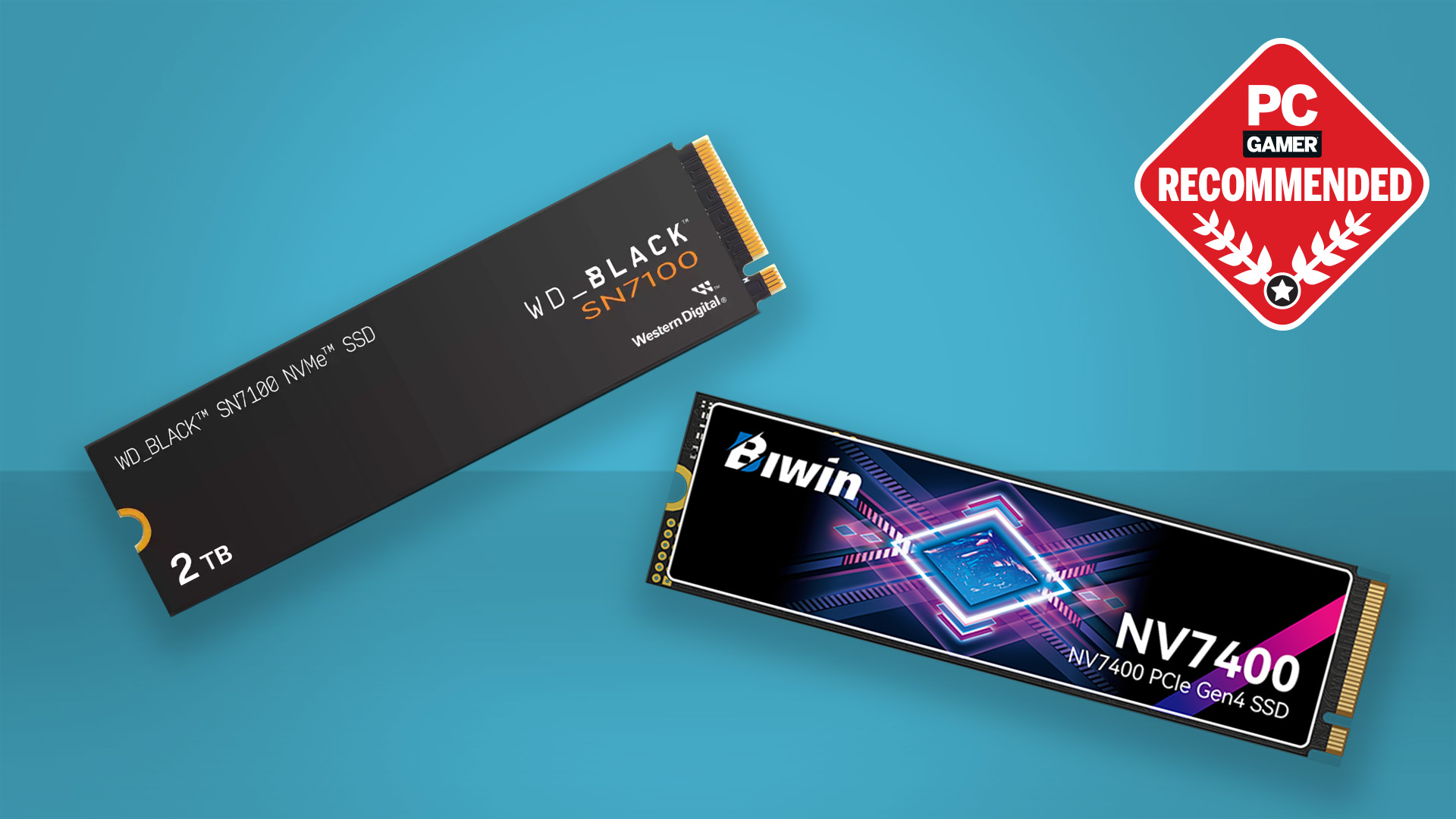

A game library can fill a drive faster than expected, and replacing a slow boot drive means dealing with cables, cloning software, or a cramped motherboard slot. The right SSD can shorten load screens, make large installations less painful, and give a gaming PC or console room to grow.
The Best SSD for Gaming depends on the connection your system supports. PCIe 5.0 models sit at the top for raw throughput, PCIe 4.0 drives remain the practical choice for most modern PCs, and external or SATA models make sense when an internal M.2 slot is unavailable.
Our top pick is the Samsung SSD 990 PRO 2TB, while this list also includes PCIe 5.0 speed, compact handheld storage, PS5-ready expansion, portable drives, and a dependable SATA option.
Comparison table
| # | Product | Award | Interface | Sequential read | Capacity | Best for |
|---|---|---|---|---|---|---|
| 1 | Samsung SSD 990 PRO 2TB | Best overall | PCIe 4.0 M.2 | Up to 7, 450 MB/s | 2TB | High-end gaming PCs |
| 2 | Samsung SSD 9100 PRO 2TB | Best PCIe 5.0 | PCIe 5.0 x4 M.2 | Up to 14, 700 MB/s | 2TB | New PCIe 5.0 builds |
| 3 | Samsung SSD 9100 PRO 1TB | Best compact Gen5 pick | PCIe 5.0 x4 M.2 | Up to 14, 700 MB/s | 1TB | Fast gaming PCs with modest storage needs |
| 4 | Samsung SSD 990 PRO 1TB | Best 1TB internal drive | PCIe 4.0 M.2 | Up to 7, 450 MB/s | 1TB | A fast primary game drive |
| 5 | SIX X7400 1TB | Best PS5-ready bundle | PCIe 4.0 x4 M.2 | Up to 7, 350 MB/s | 1TB | PS5 and desktop expansion |
| 6 | WD_BLACK SN850X 2TB | Best alternative Gen4 drive | PCIe 4.0 M.2 | Up to 7, 300 MB/s | 2TB | Game-heavy desktop builds |
| 7 | WD_BLACK SN7100 2TB | Best for handhelds | PCIe 4.0 M.2 | Up to 7, 250 MB/s | 2TB | Laptops and handheld gaming devices |
| 8 | WD_BLACK P40 Game Drive 1TB | Best external gaming drive | USB 3.2 Gen 2x2 | Up to 2, 000 MB/s | 1TB | Console and portable storage |
| 9 | Samsung T7 Portable SSD 1TB | Best general portable drive | USB 3.2 Gen 2 | Up to 1, 050 MB/s | 1TB | Simple PC and console transfers |
| 10 | Samsung SSD 870 EVO 2TB | Best SATA upgrade | SATA III | Up to 560 MB/s | 2TB | Older desktops and laptops |
1. Samsung SSD 990 PRO 2TB: Best Overall

Pros
- Strong PCIe 4.0 performance
- 2TB capacity suits a large game library
- Efficient controller and thermal management
- Samsung Magician monitoring and optimization tools
Cons
- Requires an available M.2 slot
- PCIe 5.0 drives are faster for sequential transfers
Best for: PC gamers who want a fast, spacious internal drive without moving to PCIe 5.0.
The Samsung SSD 990 PRO 2TB is the drive we would install in a gaming PC when the goal is a fast, uncomplicated upgrade. It has enough capacity to hold a serious collection of large games, and its PCIe 4.0 interface works with the class of motherboard most current gaming systems already use. That combination matters more than chasing the biggest sequential number on the box.
Samsung rates it for sequential reads up to 7, 450 MB/s and writes up to 6, 900 MB/s. Those figures describe large-file transfers, but they also indicate how much headroom the drive has when installing games, moving recordings, or handling other demanding desktop work. Samsung also cites up to a 55% improvement in random performance compared with the 980 PRO, which is the kind of activity that better reflects the many small requests made during normal PC use.
The drive uses a slim M.2 2280 design, measuring about 3.15 inches long and 0.87 inches wide. Its nickel-coated controller is intended to help with thermal control, and Samsung claims up to 50% improved performance per watt over the 980 PRO. Samsung Magician adds health monitoring, firmware updates, and optimization tools. That software support gives the 990 PRO a more finished ownership experience than many lesser-known alternatives.
The weakness is simple: it is still a PCIe 4.0 drive. The Samsung SSD 9100 PRO 2TB is much faster for sequential work if the motherboard supports PCIe 5.0, while the WD_BLACK SN850X 2TB is a close rival within the same Gen4 class. The 990 PRO makes the most sense for someone who wants 2TB, strong all-around performance, and broad modern PC compatibility.
2. Samsung SSD 9100 PRO 2TB: Best PCIe 5.0

Pros
- PCIe 5.0 x4 interface
- Sequential reads up to 14, 700 MB/s
- High random read and write specifications
- 2TB capacity for demanding libraries
- Magician software and thermal controls
Cons
- Needs PCIe 5.0 support to reach its advertised interface performance
- More capability than many gaming systems can use
Best for: enthusiasts building a new PCIe 5.0 desktop around maximum storage throughput.
The Samsung SSD 9100 PRO 2TB is the clear speed specialist in this group. Its PCIe 5.0 x4 connection and advertised read speed of up to 14, 700 MB/s put it in a different class from the PCIe 4.0 drives below it. For a new high-end desktop with a compatible M.2 slot, it gives the storage subsystem room to keep up with the rest of the machine.
Samsung lists sequential write performance up to 13, 400 MB/s, along with random read and write performance up to 1, 850K and 2, 600K IOPS. Sequential throughput is most noticeable when moving very large files, but the high random figures are relevant to multitasking, game installations, and workloads that constantly read and write smaller files. It is a powerful fit for a PC that does more than launch games.
The drive uses the M.2 2280 form factor and measures about 3.2 by 0.9 inches. Samsung says its 5nm controller improves power efficiency by up to 49% over the 990 PRO and includes advanced thermal control. That does not remove the need to check the motherboard's heatsink arrangement and airflow, but it shows that the design is not focused on speed alone. Magician software provides firmware updates, drive health monitoring, and added encryption features.
The catch is compatibility. A PCIe 5.0 SSD can operate in a system that does not expose the required interface, but it will not show its full potential there. The Samsung SSD 990 PRO 2TB is the more balanced recommendation for an established PCIe 4.0 gaming PC, and the Samsung SSD 9100 PRO 1TB offers the same headline speed with less room for a large library. Choose this 2TB version when the platform is ready and the workload justifies it.
3. Samsung SSD 9100 PRO 1TB: Best Compact Gen5 Pick
Pros
- PCIe 5.0 x4 performance
- Sequential reads up to 14, 700 MB/s
- High random IOPS specifications
- Compact M.2 2280 design
- Samsung Magician support
Cons
- 1TB fills quickly with modern games
- Requires a compatible PCIe 5.0 platform
Best for: a PCIe 5.0 gaming PC that needs a fast primary drive rather than maximum capacity.
The Samsung SSD 9100 PRO 1TB gives a new PCIe 5.0 system the same headline read speed as its larger sibling. It is a straightforward choice for a primary game drive when the rest of the build already includes another location for bulk storage. The M.2 format keeps the installation tidy, with no separate data cable or drive bay involved.
Its advertised sequential read speed reaches 14, 700 MB/s, while sequential writes reach up to 13, 300 MB/s. Samsung also lists random read and write performance up to 1, 850K and 2, 600K IOPS. Those numbers are far beyond what a SATA SSD can offer and give the drive plenty of bandwidth for large installations, content creation, and heavy multitasking alongside gaming.
The 9100 PRO uses a 5nm controller with thermal management intended to keep performance steady. Samsung says power efficiency improves by up to 49% over the 990 PRO, and the drive works with Magician software for firmware updates, health monitoring, and optimization. Its listed dimensions are about 3.2 inches long, 0.9 inches wide, and 0.09 inches high, so motherboard clearance and the supplied board heatsink still need checking.
Capacity is the deciding weakness. A 1TB drive can work well for a focused library, but current games make that space disappear quickly. The Samsung SSD 9100 PRO 2TB is the better fit for a single-drive gaming build, while the Samsung SSD 990 PRO 1TB is the easier match for a PCIe 4.0 machine. This version belongs in a new Gen5 system where speed matters more than keeping every title installed.
4. Samsung SSD 990 PRO 1TB: Best 1TB Internal Drive

Pros
- Near-limit PCIe 4.0 performance
- Up to 7, 450 MB/s sequential reads
- Strong random performance
- Compact M.2 2280 design
- Magician software support
Cons
- 1TB offers limited room for a large game collection
- Needs an M.2 slot and suitable thermal coverage
Best for: gamers adding a fast 1TB primary or secondary drive to a PCIe 4.0 PC.
The Samsung SSD 990 PRO 1TB is the smaller version of our top pick, and it keeps the same core performance profile. It is particularly well suited to a gaming PC that already has a separate bulk-storage drive or to a system whose open M.2 slot is intended for a focused library. Installation is simple if the motherboard supports the M.2 2280 format.
Samsung lists sequential reads up to 7, 450 MB/s and writes up to 6, 900 MB/s. Random read and write performance reaches up to 1, 400K and 1, 550K IOPS. That combination makes the drive responsive for game loading and general desktop use, while the PCIe 4.0 interface avoids the platform requirements of the Samsung SSD 9100 PRO models.
The nickel-coated controller is designed for thermal control, and Samsung claims up to 50% improved performance per watt over the 980 PRO. The drive measures about 3.16 by 0.87 inches and is only about 0.09 inches high. Samsung Magician adds firmware updates, drive health checks, and performance tools, which are useful for keeping an internal drive in good shape over time.
The limitation is capacity rather than speed. A 2TB drive such as the Samsung SSD 990 PRO 2TB or WD_BLACK SN850X 2TB is more comfortable as the only gaming drive. The 1TB model is the better answer for a secondary slot, a compact build, or a player who rotates a smaller group of games.
5. SIX X7400 1TB: Best PS5-Ready Bundle

Pros
- PCIe 4.0 x4 interface
- Reads up to 7, 350 MB/s
- Listed for PS5, laptops, and desktops
- Includes a heatsink and installation accessories
- Five-year limited warranty
Cons
- Less established software support than Samsung
- 1TB capacity may be restrictive
Best for: PS5 owners and PC builders who want a 1TB Gen4 drive with a heatsink included.
The SIX X7400 stands out because the box is aimed at several installation scenarios. It is a PCIe 4.0 x4 M.2 2280 drive listed for laptops, desktops, and PS5 storage expansion, and the package includes a heatsink, screws, and screwdrivers. That makes it less bare-bones than an internal drive that assumes the builder already has every fitting nearby.
Its advertised read speed reaches 7, 350 MB/s. The listing does not provide a sequential write figure, so it is better to judge this drive by its stated read performance and intended use rather than filling in a missing number. For game loading, booting, and ordinary file transfers, the Gen4 interface places it close to the faster mainstream drives in this roundup.
The drive measures about 3.15 inches long, 0.87 inches wide, and 0.08 inches high before considering the included heatsink. SIX says it is designed for uninterrupted gameplay and short load times, and the listing includes a five-year limited warranty. The PS5 reference is useful, but console installation still depends on following the console's physical and software requirements.
The main concern is support depth. Samsung drives have Magician, while the WD_BLACK models have the WD_BLACK Dashboard on Windows. The SIX X7400 is a more attractive option when the included hardware simplifies an installation, but the Samsung SSD 990 PRO 1TB is the safer pick for someone who prioritizes a mature monitoring and update ecosystem.
6. WD_BLACK SN850X 2TB: Best Alternative Gen4 Drive

Pros
- 2TB capacity
- Up to 7, 300 MB/s read speed
- Up to 6, 300 MB/s write speed
- TLC 3D NAND
- Gaming-focused WD_BLACK branding
Cons
- Product listing says it has been replaced by a newer generation
- No heatsink is identified in the provided details
Best for: desktop gamers who want a large, fast Gen4 drive and are comfortable with an older model.
The WD_BLACK SN850X 2TB remains a capable gaming drive, especially for a desktop that has a free PCIe 4.0 M.2 slot. Its 2TB capacity is the more important part of the experience for many players. It gives the game library room to grow without forcing the operating system and frequently played titles onto separate small drives.
WD lists sequential read speeds up to 7, 300 MB/s and write speeds up to 6, 300 MB/s. Those figures put it just behind the Samsung SSD 990 PRO 2TB on paper, with enough throughput for large game installations and demanding desktop transfers. The drive uses TLC 3D NAND, although the provided product information does not list a full controller or endurance specification.
There is one important caveat in the listing: it says the product has been replaced by a newer generation and directs shoppers toward another model. That does not erase the SN850X's capability, but it does make the product's position less straightforward than the Samsung SSD 990 PRO 2TB. Buyers should pay attention to the exact listing and support information before installing it as the center of a long-lived build.
The SN850X is also a desktop-first choice in this comparison. The WD_BLACK SN7100 2TB is designed with laptops and handheld gaming devices in mind, while the SN850X focuses on high-performance gaming PCs. Choose the SN850X if 2TB Gen4 capacity is the priority and the model's replacement status is acceptable.
7. WD_BLACK SN7100 2TB: Best for Handhelds

Pros
- 2TB capacity
- Up to 7, 250 MB/s reads
- Up to 6, 900 MB/s writes
- Designed for laptops and handheld gaming devices
- TLC 3D NAND and Windows dashboard software
Cons
- Listed as replaced by a newer generation
- Dashboard software is for Windows only
Best for: laptop and handheld owners who need fast, spacious PCIe 4.0 storage.
The WD_BLACK SN7100 2TB is the most specific internal drive in this roundup. Rather than simply targeting desktop performance, its listing calls out laptops and handheld gaming devices. That focus matters in compact machines, where power use, physical clearance, and available storage are often more pressing than chasing the highest desktop benchmark.
The drive is rated for sequential reads up to 7, 250 MB/s and writes up to 6, 900 MB/s. It uses a PCIe Gen4 interface and TLC 3D NAND, giving it the fundamental ingredients expected from a fast modern M.2 drive. The 2TB capacity is also a strong match for a handheld library, where swapping installations can be more inconvenient than on a desktop.
WD says the SN7100 offers up to 100% more power efficiency than the previous generation and is built for serious on-the-go gaming. Its listed dimensions are about 3.14 inches long, 0.86 inches wide, and 0.044 inches high. That low profile can help with compact systems, but compatibility should still be confirmed against the specific laptop or handheld before purchase.
The main drawback is the same product-status warning found on the SN850X listing: this model is described as replaced by a newer generation. The WD_BLACK Dashboard can optimize and monitor the drive, but it is Windows only. Compared with the Samsung SSD 990 PRO 2TB, this is the more targeted choice for mobile gaming hardware, not the universal pick for every desktop.
8. WD_BLACK P40 Game Drive 1TB: Best External Gaming Drive

Pros
- USB 3.2 Gen 2x2 connection
- Reads up to 2, 000 MB/s
- Compatible with PC, Mac, PlayStation, and Xbox
- Customizable RGB lighting through Windows software
- Shock-resistant structure
Cons
- External connection is slower than internal NVMe
- RGB controls require Windows
- Console game support varies by generation
Best for: console and PC players who need portable external storage with a gaming-oriented design.
The WD_BLACK P40 Game Drive is the practical answer when opening the computer is not an option. It connects externally over USB 3.2 Gen 2x2 and reaches advertised read speeds up to 2, 000 MB/s. That is well below the internal M.2 drives here, but it is still a meaningful step up from a conventional hard drive for moving games and keeping extra titles available.
The drive is compatible with PlayStation 5, Xbox Series X|S, PlayStation 4 Pro, PS4, Xbox One, PC, and Mac according to the listing. The console details matter: it can play and store some older-generation titles and archive newer console games, so it is not a universal substitute for internal console storage. Check the rules for the specific console and game generation before moving an entire library.
WD includes a shock-resistant structure rated to survive a drop of up to two meters. The 1TB version measures about 4.21 inches long, 2 inches wide, and 0.51 inches high, with a listed weight of 0.17 pounds. RGB lighting can be customized through the downloadable WD_BLACK Dashboard, though that feature is controlled on Windows.
If your priority is an internal upgrade, the Samsung SSD 990 PRO 2TB is substantially better suited to that job. For external storage, though, the P40 has more gaming-specific features than the Samsung T7 Portable SSD 1TB, including RGB lighting and a higher advertised transfer rate. It is the one to choose when portability and console compatibility outweigh internal-drive speed.
For a closer look at the practical trade-offs, portable storage for moving and keeping large game libraries deserves attention before choosing an external model.
9. Samsung T7 Portable SSD 1TB: Best General Portable Drive

Pros
- Compact portable design
- USB 3.2 Gen 2 connection
- Reads up to 1, 050 MB/s
- Aluminum unibody construction
- Drop protection up to six feet
Cons
- Slower than the WD_BLACK P40
- External storage is not a replacement for an internal boot drive
Best for: gamers who want a small drive for game files, backups, and use across several devices.
The Samsung T7 Portable SSD 1TB is the least specialized drive here, which is exactly why it remains useful. It is a small external SSD for moving game data between a PC, compatible console, camera, or mobile device. Its simple design makes it easier to treat as a general storage tool rather than a permanent part of one gaming setup.
Samsung rates the T7 for reads up to 1, 050 MB/s and writes up to 1, 000 MB/s over USB 3.2 Gen 2. That is roughly half the P40's advertised read speed, but it is still fast enough for backups, large transfers, and keeping less frequently played games nearby. Actual performance depends on the host device and its USB connection.
The T7 measures about 3.3 inches long, 2.2 inches wide, and 0.3 inches high, with a listed weight of 0.13 pounds. Its aluminum unibody construction is designed for durability, and Samsung lists shock resistance and fall protection up to six feet. The drive supports capacities up to 4TB in the broader family, while this entry is the 1TB model.
The limitation is bandwidth. The WD_BLACK P40 Game Drive is the better external choice for a gaming setup that supports USB 3.2 Gen 2x2, while an internal PCIe drive remains the right answer for a primary game installation. The T7 makes sense for a player who values small size, broad compatibility, and straightforward file handling.
10. Samsung SSD 870 EVO 2TB: Best SATA Upgrade

Pros
- 2TB capacity
- SATA III compatibility
- Reads up to 560 MB/s
- Up to 2, 400 TBW listed
- Compatible with older SATA interfaces
Cons
- Much slower than NVMe drives
- Requires a 2.5-inch drive bay and SATA connection
Best for: older desktops and laptops that lack an available M.2 slot.
The Samsung SSD 870 EVO 2TB is the sensible choice for a machine that cannot accept an M.2 drive. It uses the familiar 2.5-inch SATA format, so it can upgrade an older desktop or laptop without requiring a new motherboard. For a system currently using a hard drive, the change to any SSD will be substantial.
The 870 EVO reaches sequential read and write speeds up to 560 MB/s and 530 MB/s, which is close to the practical limit of the SATA interface. Samsung lists compatibility with SATA 6Gb/s, SATA 3Gb/s, and SATA 1.5Gb/s interfaces. That broad compatibility is its main advantage, although slower interfaces will limit performance further.
Samsung lists up to 2, 400 TBW, or terabytes written, for the 2TB model. The drive measures about 3.94 inches long, 2.76 inches wide, and 0.27 inches high, and it requires both a SATA data connection and suitable power connection in a desktop. In a laptop, the existing 2.5-inch bay and connector must support this format.
The 870 EVO is not competitive with the Samsung SSD 990 PRO 2TB or WD_BLACK SN850X 2TB for a new gaming PC. It is also slower than the external drives in peak transfer speed. Its place is different: it gives older hardware a dependable capacity upgrade when an M.2 slot is unavailable.
The rest of the system matters just as much as storage, especially when a new drive is going into an older build. Check the other components that keep a gaming PC balanced before treating the SSD as the only upgrade that matters.
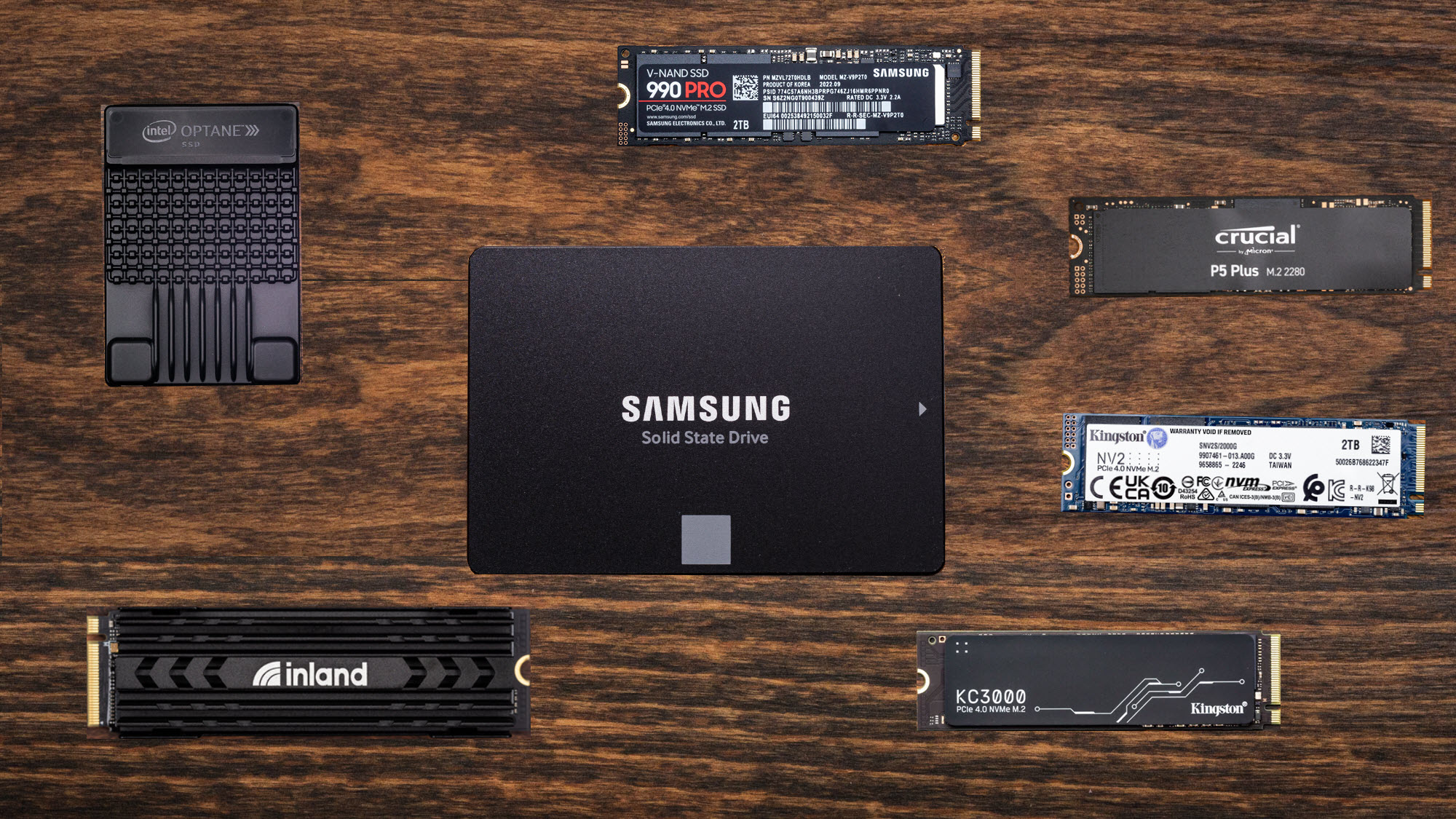
How to choose the best ssd for gaming
The right drive starts with the slot, connection, and device you already own, then moves to capacity, cooling, and the kind of files you actually handle.
Interface compatibility
PCIe 4.0 M.2 drives such as the Samsung SSD 990 PRO 2TB and WD_BLACK SN850X 2TB are the mainstream choice for current gaming PCs. PCIe 5.0 models such as the Samsung SSD 9100 PRO 2TB need a compatible motherboard slot to reach their advertised speeds. SATA drives use a different connector and are intended for older systems.
External SSDs depend on the host USB port. The WD_BLACK P40 needs USB 3.2 Gen 2x2 to approach its top transfer rate, while the Samsung T7 uses USB 3.2 Gen 2. A drive can work through a slower port, but the port becomes the performance limit.
Capacity
Modern games can consume a large amount of space, so 2TB is the comfortable choice for a primary library. A 1TB model can work as a boot drive or focused game drive, but it may require more frequent uninstalling. External drives are useful when the internal slots are full or the same library needs to move between systems.
Capacity determines how often you manage the library, while interface speed determines how quickly the drive can move the files.
Sequential and random performance
Sequential read and write figures describe large, continuous transfers such as moving video files or installing a large game. Random performance reflects smaller requests and multitasking, which are common during normal desktop use. A very high sequential number is most useful when the rest of the system can feed the drive with equally fast data.
The difference between a strong PCIe 4.0 drive and a PCIe 5.0 model is most obvious in large transfers. Game loading can improve less dramatically because the game engine, processor, decompression work, and software design all affect the final result.
Cooling and physical fit
M.2 drives are small, but the controller can generate heat during sustained transfers. Check whether the motherboard has an M.2 heatsink, or consider a model such as the SIX X7400 that includes one. Compact laptops and handhelds need special attention to drive length, thickness, and the manufacturer's supported storage format.
Software and support
Samsung Magician provides firmware updates, health monitoring, and optimization tools for Samsung drives. WD_BLACK Dashboard offers drive management on Windows for compatible WD_BLACK models. A drive with clear update and health tools is easier to maintain, particularly when it is used as the main system drive.
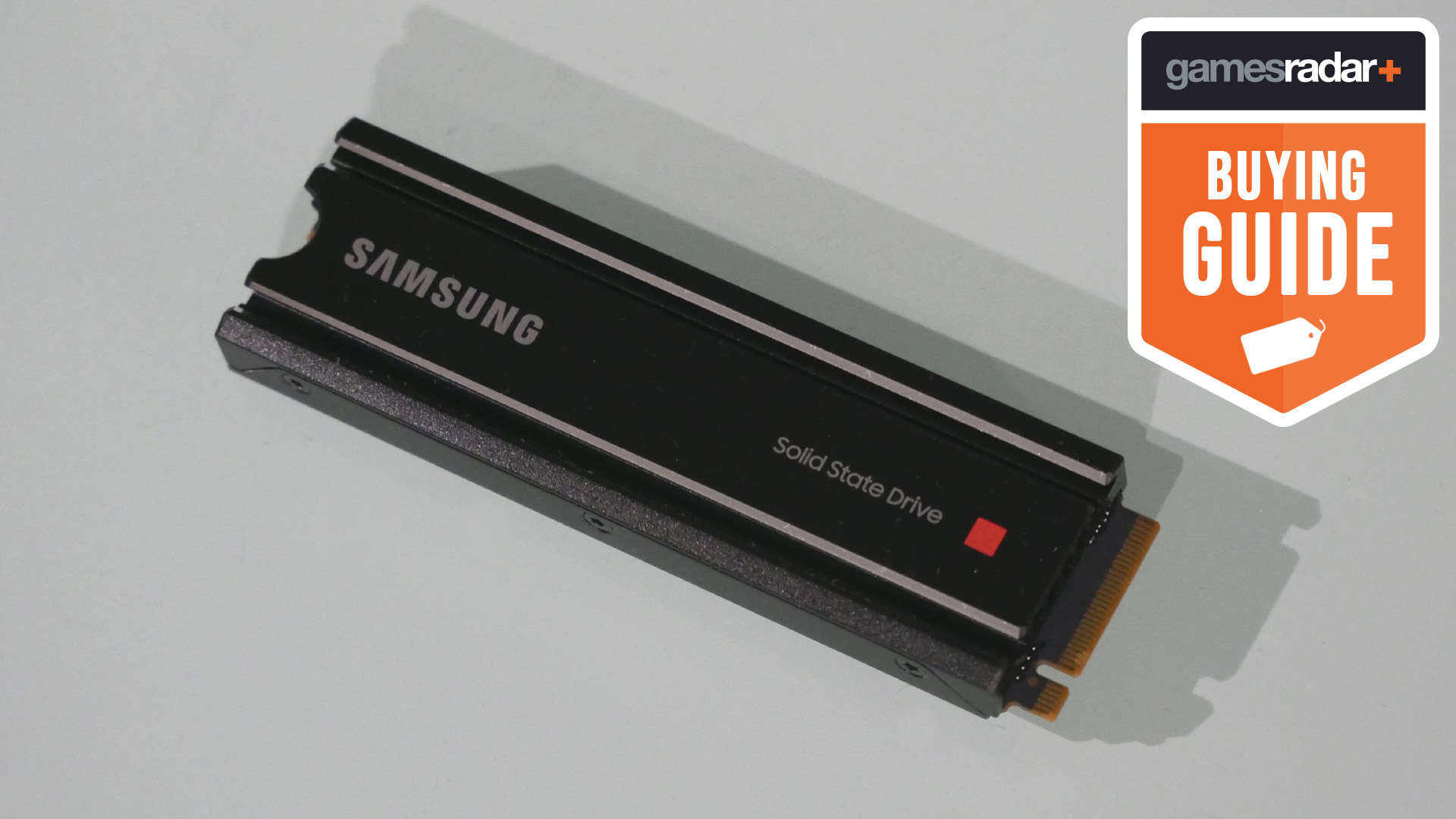
Frequently asked questions
Is a PCIe 5.0 SSD better for gaming?
A PCIe 5.0 SSD offers much higher sequential throughput when paired with a compatible motherboard. That advantage is clearest during very large file transfers and demanding creator workloads. Game loading can benefit, but the difference is not always proportional to the headline speed.
Is 1TB enough for a gaming PC?
1TB is enough for a focused game collection, especially if other storage is available. Large modern installations can fill it quickly, so 2TB is more comfortable for a single-drive gaming PC. The Samsung SSD 9100 PRO 1TB and Samsung SSD 990 PRO 1TB work best when capacity is not the main concern.
Can an external SSD run games?
An external SSD can store and run compatible games from a PC, and console support depends on the platform and game generation. The WD_BLACK P40 is built around this use, while the Samsung T7 is better suited to general storage and transfers. Connection speed and console software rules determine the result.
Does an SSD improve frame rates?
An SSD usually has a larger effect on loading, installation, boot, and texture streaming behavior than on average frame rates. The graphics processor and processor remain the primary components for rendering performance. Moving from a hard drive to an SSD can make the whole system feel much more responsive.
Do I need a heatsink for an M.2 gaming SSD?
A heatsink can help an M.2 drive manage heat during sustained transfers. It is particularly useful in systems with limited airflow or a PCIe 5.0 drive that produces more heat under heavy work. Check the motherboard layout before adding a separate heatsink because many boards already include one.
Can I use a PCIe 4.0 SSD in a PCIe 5.0 slot?
A PCIe 4.0 SSD can generally use a compatible PCIe 5.0 slot, but it will operate at PCIe 4.0 performance. The reverse situation also limits a PCIe 5.0 drive to the older interface. Always verify the motherboard manual for lane sharing and supported M.2 slots.
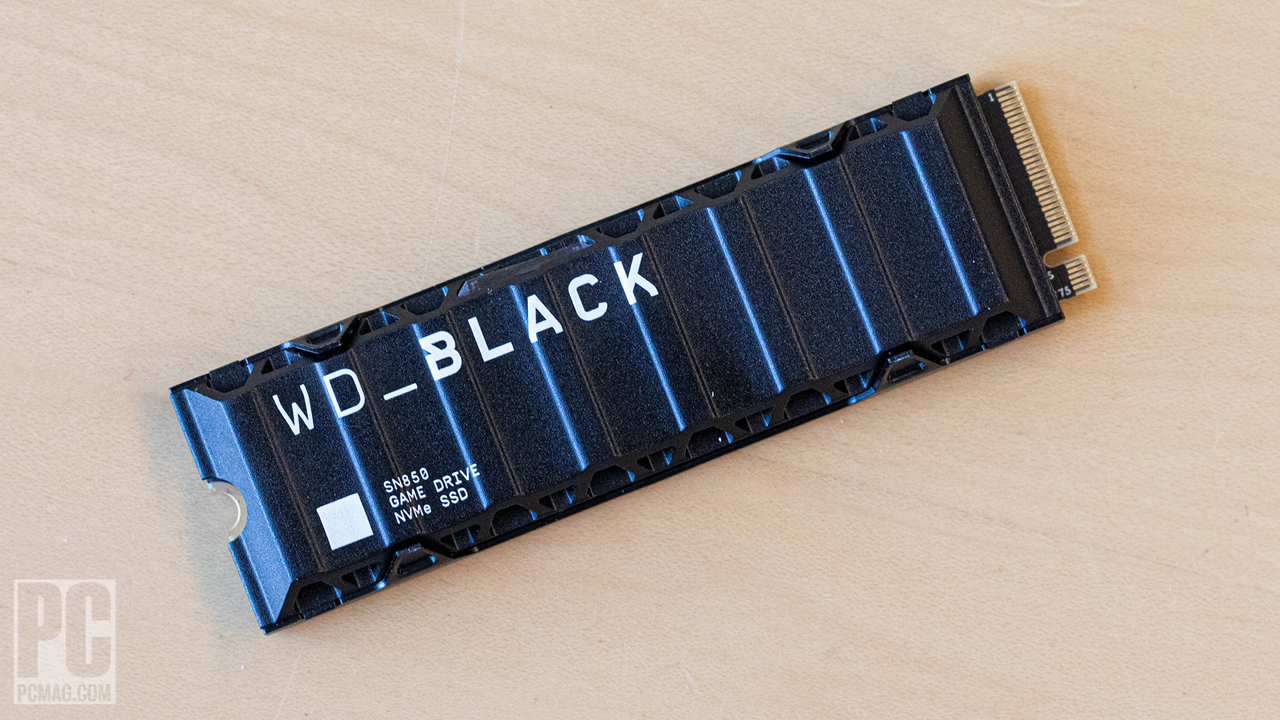
The bottom line
The Best SSD for Gaming in this group is the Samsung SSD 990 PRO 2TB for most high-performance PCs. It combines near-limit PCIe 4.0 speed, useful 2TB capacity, thermal controls, and Samsung's mature management software without requiring a PCIe 5.0 platform.
For a new system built around PCIe 5.0, the Samsung SSD 9100 PRO 2TB is the faster specialist. The WD_BLACK P40 Game Drive 1TB is the better answer when storage must remain external, while the Samsung SSD 870 EVO 2TB keeps older SATA systems useful.
If you are undecided, buy the fastest compatible 2TB internal drive your motherboard can properly support, and choose an external model only when portability or console expansion is the real requirement.
As an Amazon Associate we earn from qualifying purchases.