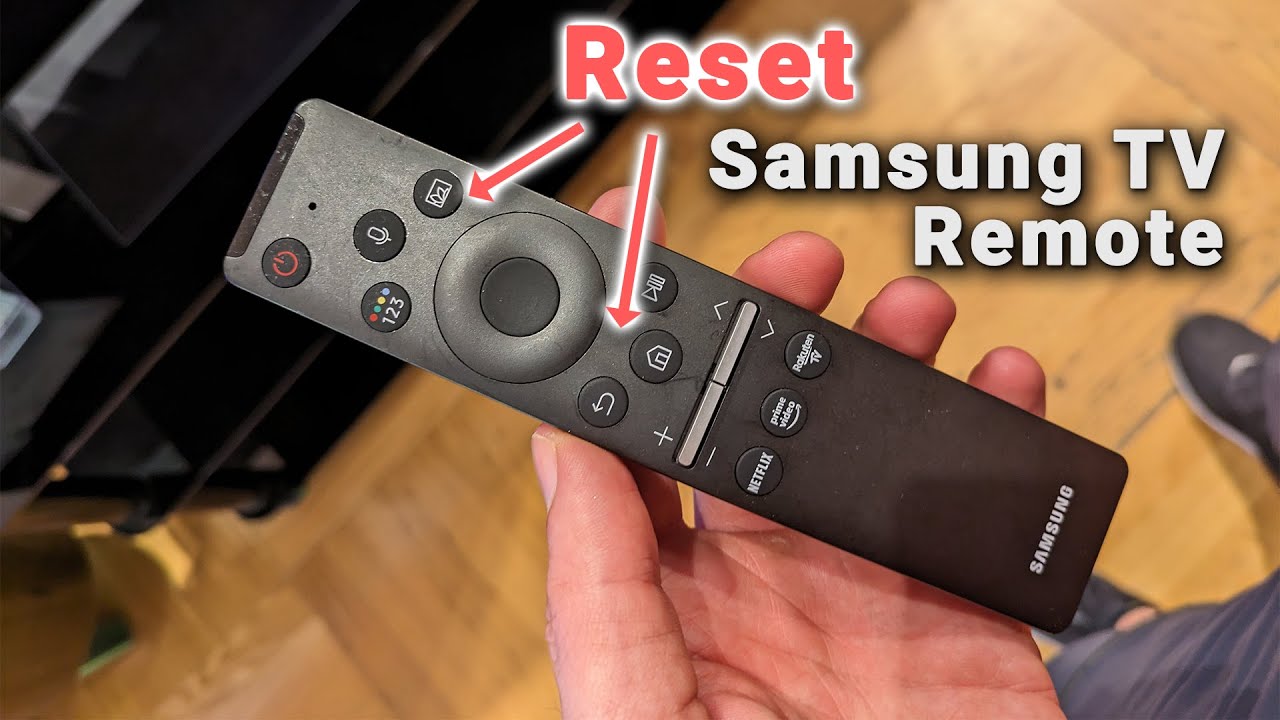

If your Samsung TV remote has stopped working, the fix is usually quick. Start by checking the batteries: they may be dead, inserted backwards, or simply low. If that doesn't work, the remote may need to be re-paired with the TV, or the IR sensor on the TV might be blocked. Most Samsung remotes can be revived in under two minutes once you know what to look for.
The troubleshooting steps below go from the most likely cause to the least. Stop when the remote works again.
The Most Likely Cause: Batteries and Power
More often than not, a nonresponsive Samsung remote is a battery problem. Remove the back cover and check the orientation of the AA or AAA cells. The diagram inside the compartment shows which way each battery goes. Even one battery inserted backwards will break the circuit.
If the batteries are old, replace them with fresh ones. Many Samsung remotes use two AA batteries. Do not mix old and new batteries, and avoid rechargeable NiMH cells that measure 1.2 volts instead of the required 1.5 volts. Some remotes are sensitive to the drop.
A quick test: point the remote at a smartphone camera (the front-facing one works) and press any button while looking at the phone screen through the viewfinder. If you see a faint purple or white flash from the remote's IR emitter, the remote is sending a signal. No flash means the remote is dead or the batteries are wrong.
Check for Obstructions and Line of Sight
If the batteries are fine, the next suspect is something blocking the IR signal. Samsung TVs have an IR receiver near the bottom bezel, usually on the left or right side. Make sure nothing is sitting in front of that sensor: a soundbar, a cable box, a stack of DVDs, or even a decorative figurine can block the beam.
Also check the remote itself. The little dark window at the front of the remote must be clean and unobstructed. A sticky fingerprint or a case that covers the IR window can stop the signal.
If you have a newer Samsung remote that works via Bluetooth (the ones with a microphone and a solar panel on the back), line of sight is less critical. But IR still acts as a fallback for basic functions like power and volume. Try moving closer to the TV and pointing the remote directly at the bottom center of the screen.
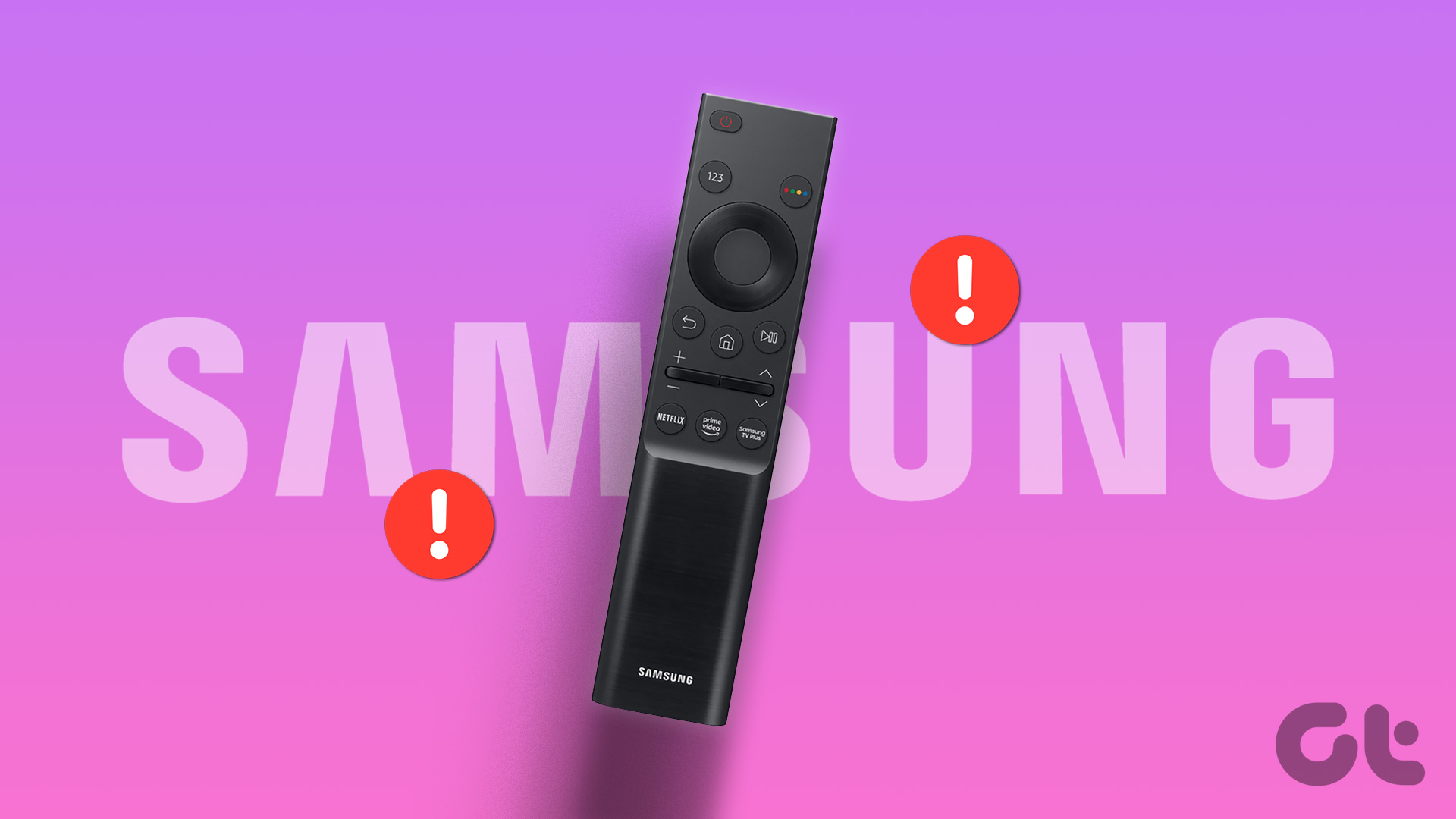
Pairing a Bluetooth Remote
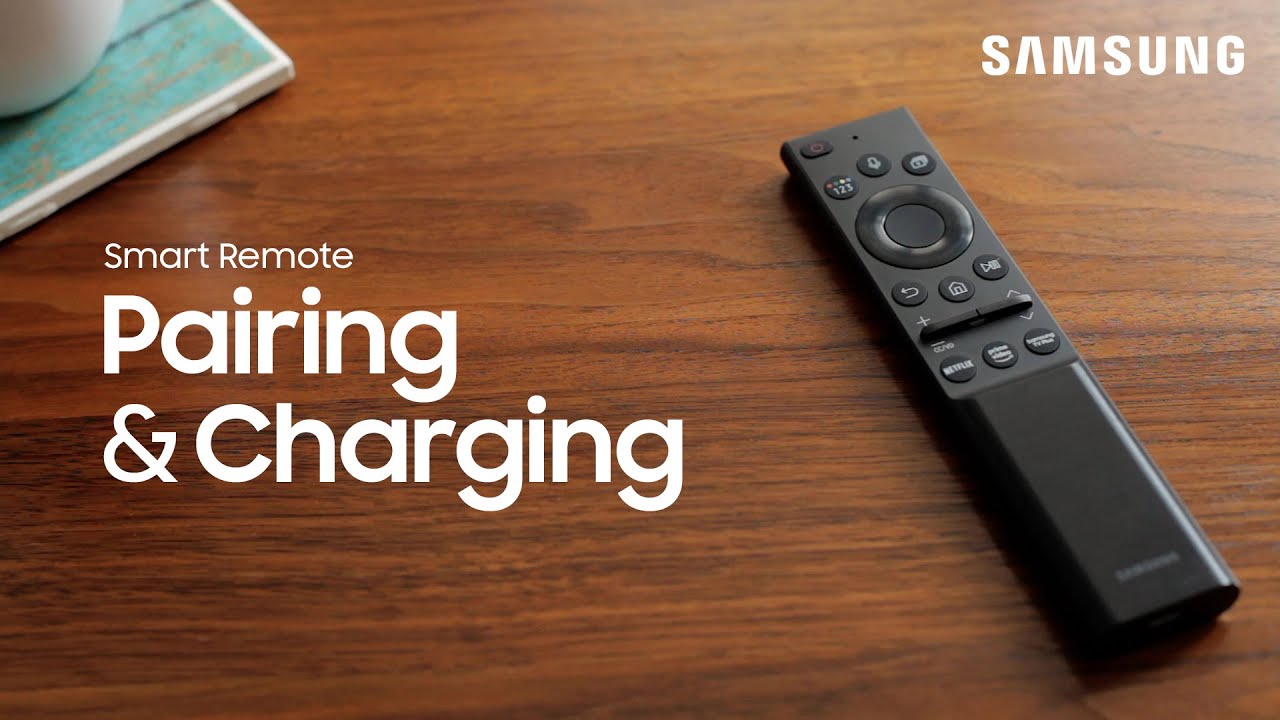
Samsung's Smart Remote (the one with a rounded shape and a microphone button) uses Bluetooth for most commands. If the remote has lost its pairing, it will still control power and volume via IR, but navigation, voice, and smart functions will stop working.
To re-pair the remote:
- Turn the TV on using the physical power button on the TV itself (usually a small joystick or button on the back or bottom edge).
- Hold the Return and Play/Pause buttons on the remote simultaneously for about three seconds.
- A pairing message should appear on the screen. If it doesn't, try holding the Return and Smart Hub buttons instead.
- Wait a few seconds. The remote should now control all functions.
If the TV won't turn on at all, skip to the next section.
Restart the TV and the Remote
Sometimes the TV's Bluetooth or IR receiver gets stuck. A full power cycle clears it.
Unplug the TV from the wall outlet. Wait 60 seconds. Plug it back in. This resets the internal electronics and often restores communication with the remote.
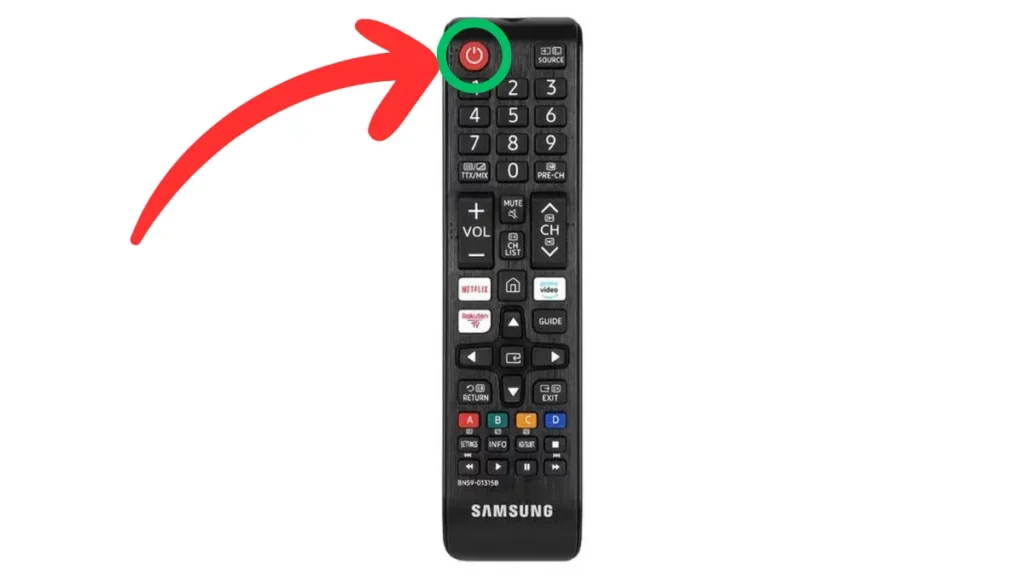
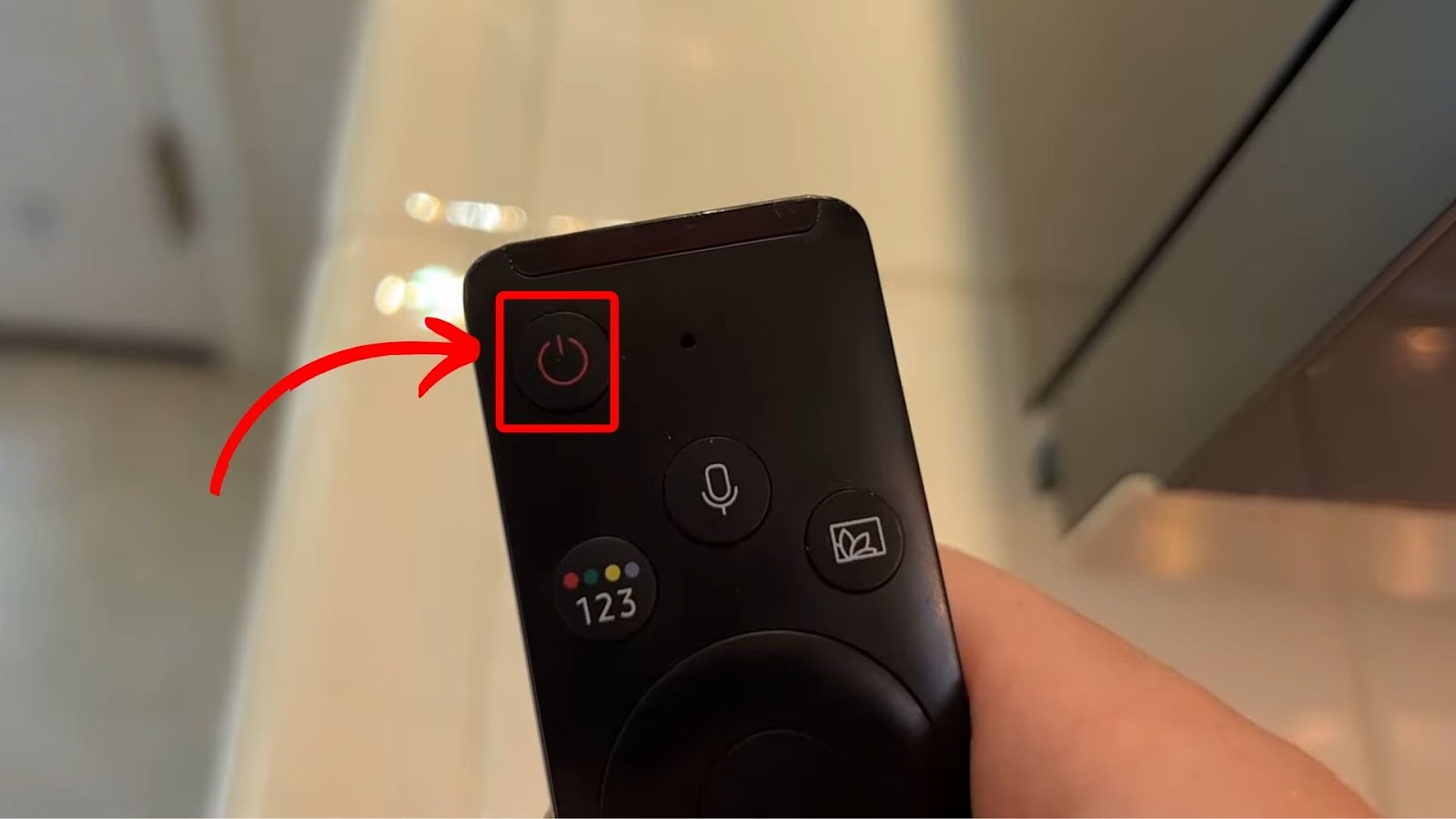
While the TV is off, remove the batteries from the remote. Press and hold the power button on the remote for 20 seconds to drain any residual charge. Then reinsert the batteries and try again.
If the TV still doesn't respond, try using the Samsung SmartThings app on your phone. Download the app, connect to the same Wi-Fi network as your TV, and use the virtual remote to navigate. If the app works, the problem is definitely the physical remote, not the TV.
If the Remote Still Doesn't Work
A remote that fails all the steps above is likely broken. Samsung remotes are not user-serviceable beyond battery swaps. Dropping the remote, liquid damage, or a worn-out IR LED can kill it permanently.
You have two options:
- Buy a replacement Samsung remote. Stick with the official model designed for your TV. Third-party universal remotes often lack the dedicated streaming buttons or the voice control that makes the original convenient.
- Use a universal remote. If your TV is older or you prefer fewer buttons, a programmable universal remote can handle power, volume, and input switching. Just make sure it supports Samsung IR codes.
Before buying, check if the TV itself has a hardware problem. If the TV's power light is on but the screen is black, or if the TV turns on but no buttons work (including the physical ones on the TV), the issue may be deeper. We cover other common TV problems in more detail when the TV itself stops responding correctly. For newer models, understanding how smart TVs manage wireless signals can help you decide whether a remote replacement is enough or if the TV needs service.
FAQ
Can I use my phone as a Samsung TV remote?
Yes. Download the Samsung SmartThings app on your phone or tablet. Your phone and TV must be on the same Wi-Fi network. The app provides a full remote interface, including power, volume, and app control. This is a good workaround while you troubleshoot the physical remote.
Why does my Samsung remote work for power but not for navigation?
That usually means the remote is using IR for basic functions but has lost its Bluetooth pairing. Follow the pairing steps above (hold Return and Play/Pause). If that doesn't work, the remote may be defective or the TV's Bluetooth module may have an issue.
How do I know if my Samsung remote is IR or Bluetooth?
Look at the remote. If it has a microphone button and a solar panel or a flat, rounded design, it is a Bluetooth Smart Remote. If it is long, rectangular, and has no microphone, it is an IR-only remote. IR remotes need a clear line of sight. Bluetooth remotes work from any angle within about 30 feet.
My remote stopped working after a power outage. What should I do?
Power surges can confuse the TV's electronics. Unplug the TV for 60 seconds, then plug it back in. Remove the remote's batteries and press any button for 10 seconds to discharge it. Reinsert the batteries and try pairing again. This resolves most post-outage issues.
Can a soundbar interfere with my Samsung remote?
Yes. A soundbar placed directly in front of the TV's IR sensor can block the signal. If you have a soundbar, move it slightly to the side or lower it. Also, some soundbar remotes use the same IR frequency as Samsung TVs and can cause accidental commands, but they won't prevent your remote from working.