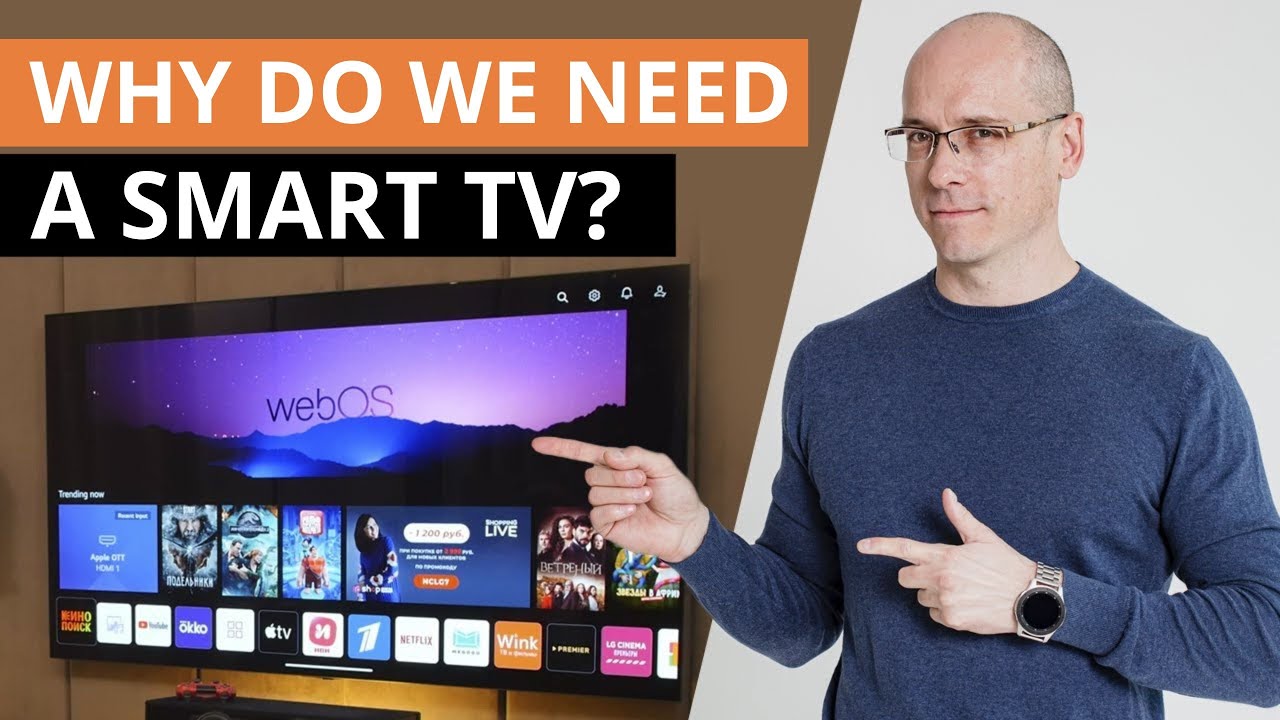

A smart TV is a television that connects to the internet and runs streaming apps like Netflix, YouTube, Hulu, and Disney+ without needing a separate device like a Roku or Fire Stick. Instead of just displaying a picture from a cable box or Blu-ray player, a smart TV can browse online content, handle video-on-demand services, and often supports voice control, screen mirroring, and home automation features. For most households buying a new TV in 2026, a smart TV is the default, and the real question is not whether to get one, but which smart platform and feature set fits your habits.
How a Smart TV Works
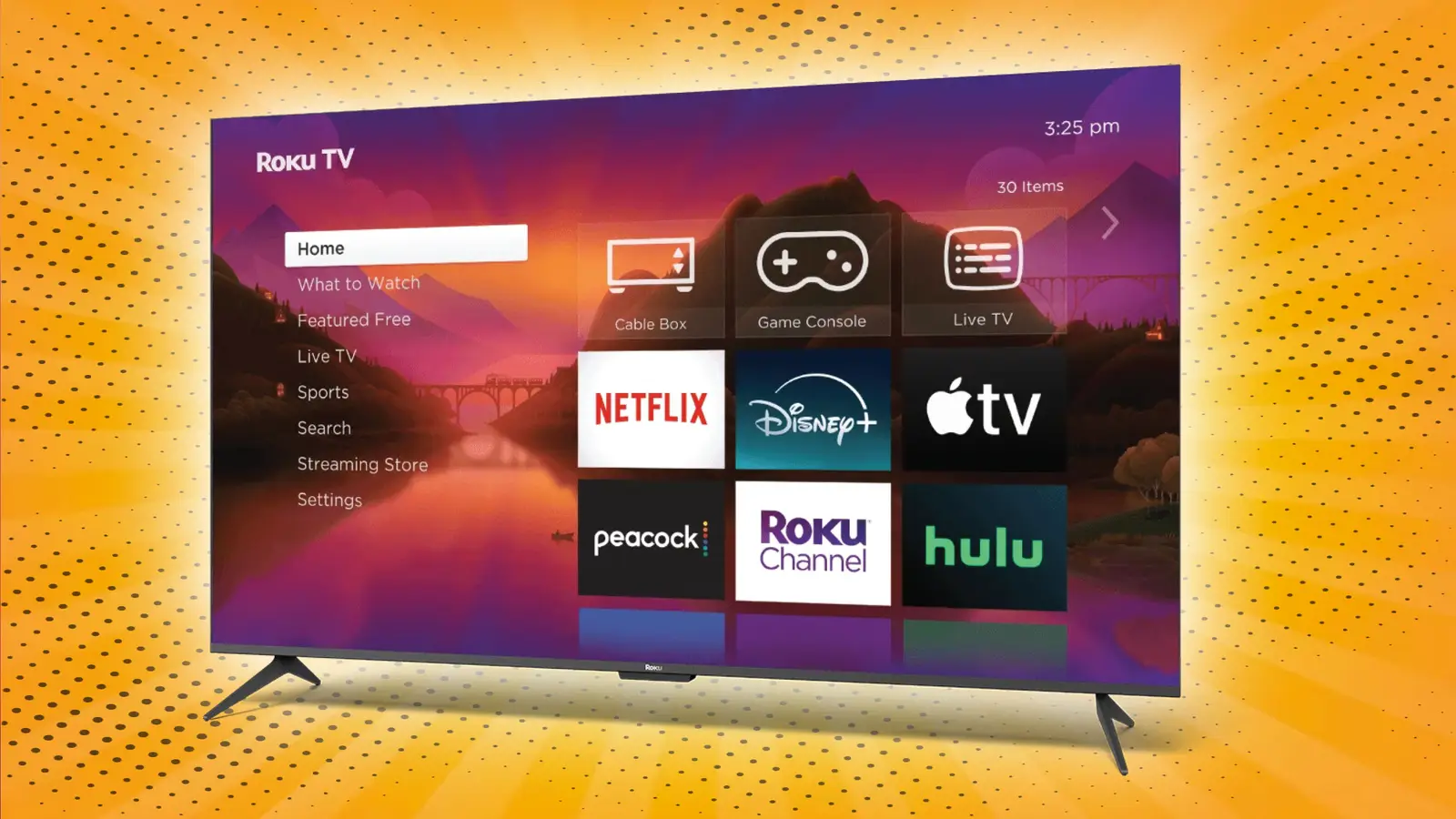
A smart TV is essentially a regular LED, OLED, or QLED television with an embedded computer chip, wireless networking, and an operating system that manages apps and internet connectivity. The chip (sometimes called a system-on-chip) runs the TV’s user interface, renders menus, and handles video decoding for streaming services. The operating system can be Roku TV, Google TV, Amazon Fire TV, Samsung Tizen, or LG webOS, among others. Each has its own app store, voice assistant, and update policy.
Your TV connects to your home Wi-Fi (or directly to a router via Ethernet) and pulls content from the internet. When you select Netflix, the TV’s processor decrypts the video stream and sends it to the screen. Because the TV handles both the streaming and the display, you can go from powering on to watching in seconds, without swapping inputs or juggling remotes.
Most smart TVs also support HDR formats like HDR10, Dolby Vision, and HDR10+, though the specific support varies by brand and model. This combination of internet access and advanced video processing is what separates a smart TV from a “dumb” television or a monitor.
What People Confuse Smart TVs With
Smart TVs are often lumped together with “internet-ready” TVs, “smart ready” TVs, and streaming sticks. It helps to know the differences.
Internet-ready TV: An older term for a TV that could connect to the internet but had a very limited app store and no real operating system. These are rare today. If you see “internet-ready” on a new set, it usually means the TV can connect to Wi-Fi but relies on an external streaming device for most apps.
Streaming stick / set-top box: A Roku, Amazon Fire Stick, Apple TV, or Google Chromecast plugs into an HDMI port and adds smart functionality to any TV with an HDMI port. If you already own a “dumb” TV (one without internet connectivity), adding a streaming stick is the easiest way to make it smart. But a true smart TV has the computer built right into the chassis, so you don’t need a separate box.
Smart monitor: Some computer monitors now include smart features like built-in speakers and streaming apps. They look like a smart TV but lack a TV tuner and often have fewer video inputs. If you plan to watch broadcast or cable TV, a smart monitor won’t work without an external tuner.
The key distinction: a smart TV is a complete television with both a tuner and a smart platform. Most models sold today fit that definition, even at very low price points.
When a Smart TV Matters
A smart TV makes sense if you watch most of your content through streaming services. You get a unified interface, a single remote, and no extra power cords or HDMI dongles. Voice assistants (Alexa, Google Assistant, Bixby) are integrated, so you can search for shows, adjust volume, or ask for the weather without picking up your phone.
Smart TVs also support screen mirroring and casting. If you want to show photos from your phone on the big screen or play a YouTube video that you found on your laptop, most smart TVs can do it over Wi-Fi Direct or AirPlay (on supported models). This convenience is a genuine upgrade over older, non-smart sets.
For gamers, smart TVs often include features like automatic low-latency mode and variable refresh rate support, though these are more about the TV’s gaming capability than its smarts. The smart platform itself rarely affects gaming performance, but it can add useful apps like Xbox Game Pass or Twitch.
The Limitations You Need to Know
Smart TVs are not perfect. The most common complaints involve software updates, privacy, and performance over time.
Software updates and support: A smart TV’s operating system is a piece of software. TV manufacturers usually provide updates for two to five years after a model’s release. After that, apps may stop being supported, and new streaming services may not appear in the app store. This is a bigger problem than many buyers realize. A high-quality TV panel can last 10 years, but its smart platform may become obsolete in half that time. This is why some people prefer to use an external streaming device even with a smart TV: the TV becomes a “dumb” display, and the streaming stick can be replaced cheaply when it ages out.
Ads and tracking: Most smart TV operating systems show ads on the home screen (Amazon Fire TV, Vizio SmartCast, even Roku to some extent). These ads are targeted based on what you watch and how you interact with the interface. If privacy concerns you, you can usually limit tracking in the settings, but you cannot eliminate ads entirely. Some platforms require an internet connection to set up initially, and they send anonymized usage data back to the manufacturer.
Sluggishness over time: The hardware inside a smart TV is often entry-level. The processor, RAM, and storage are just enough to run the interface smoothly when new. As apps update and add features, the TV’s processor can struggle, leading to laggy menus, longer loading times, and occasional crashes. This is especially common on budget models. If you keep a TV for more than a few years, you will likely notice the smart interface slowing down.
Input lag for external devices: If you connect a gaming console or Blu-ray player, the TV’s smart features are not being used, but the TV is still running its operating system in the background. Some cheaper models introduce noticeable input lag even on HDMI inputs. Most modern smart TVs have a “game mode” or “low latency mode” that disables unnecessary processing, but it is something to check if you are a serious gamer.
What to Look for When Choosing a Smart TV
When selecting a smart TV, the display technology (LED, OLED, QLED) and screen size matter far more than the smart platform. A great panel with a mediocre smart OS is still a great TV, provided you add a streaming stick. A poor panel with the best smart platform is still bad.
That said, the smart platform affects your daily experience. Roku TV is widely praised for its simplicity and frequent updates. Google TV (found on Sony, TCL, and Hisense TVs) offers deep integration with Google services and a huge app library. Amazon Fire TV is similar but leans heavily into Amazon content and ads. Samsung Tizen and LG webOS are polished but have smaller app stores and update less frequently.
For a clear picture of how to evaluate TVs overall, it is worth settling how the panel type and size should guide your decision before you buy. The right starting point is usually a screen size that fits your room and viewing distance, and that often leads to the sizes that still work in tight spaces if you are not sure about dimensions.
Audio quality is another area where smart TVs often fall short. The slim bezels leave little room for decent speakers. Most smart TVs produce thin, hollow sound, especially in the bass range. A sound bar or home theater system is a near-mandatory upgrade for anyone who cares about dialogue clarity or immersion. If you are pairing a new TV with audio, take a moment to understand what you give up when you go wireless versus a wired sound bar. For a proper surround setup, the trade-offs are covered in detail in our guide to choosing a Dolby Atmos system.
If you plan to watch over-the-air broadcast TV (network news, live sports), you will need an antenna. Many smart TVs include a built-in ATSC tuner, so you can plug a standard antenna into the coax port and get free HD channels without a cable box. Before buying an antenna, check the options that work in different signal strength areas so you do not end up with a model that cannot pick up your local stations.
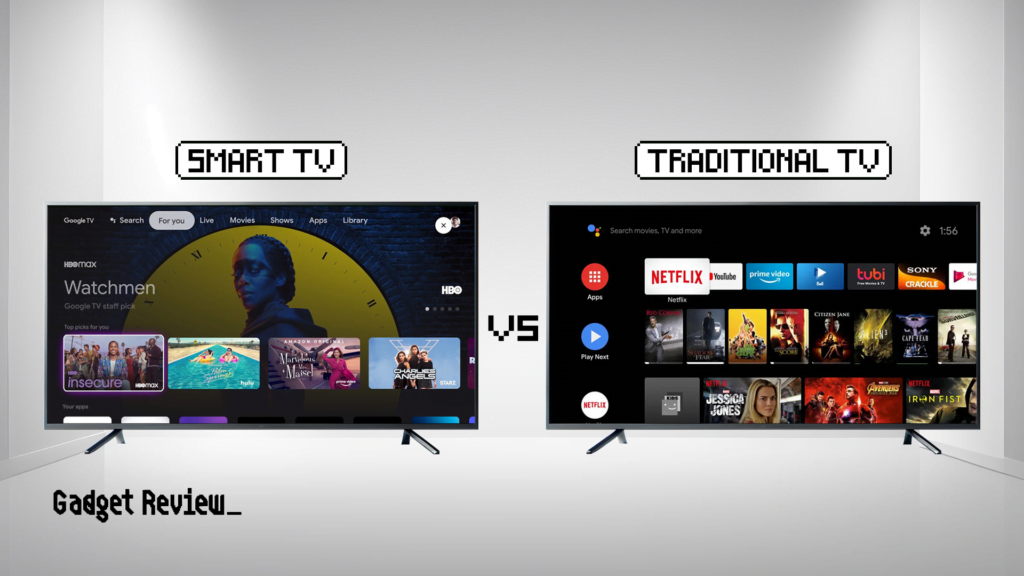
Who Should Not Buy a Smart TV
There are three groups who should skip a smart TV and buy a “dumb” display (if you can still find one) or a commercial-grade monitor.
1. People who use only a cable or satellite box. If you never watch streaming services, you do not need a smart TV. The extra cost and complexity are wasted. A basic, non-smart TV (sometimes called a “display” or “commercial TV”) is cheaper and will not pester you with software updates.
2. People who already own a high-end streaming device. If you have an Apple TV 4K or Nvidia Shield, and you are happy with it, buying a smart TV means you will have two interfaces to manage. You can set the TV to always power on to the HDMI input of your streaming device, but you will still see ads and updates from the TV’s platform. Some buyers prefer to intentionally buy a “dumb” display to avoid this.
3. People who are extremely privacy-sensitive. Smart TVs collect data. The manufacturers’ privacy policies allow them to track viewing habits, and in some cases, they use automatic content recognition (ACR) to analyze what you are watching even on external inputs. You can disable ACR, but the default is enabled on many models. If you want a TV that never phones home, a commercial monitor or an older refurbished non-smart set is a better choice.
Frequently Asked Questions
Can I use a smart TV without an internet connection?
Yes. You can use a smart TV exactly like a regular TV without connecting it to the internet. You will not be able to access streaming apps or smart features, but the TV will still function as a display for cable boxes, game consoles, Blu-ray players, and antennas. The only catch: some smart TVs require internet access for the initial setup, after which you can disconnect them.
Do smart TVs require a subscription?
No. The TV itself does not require a monthly fee. You pay for streaming services like Netflix or Hulu separately, but the smart platform is free. Some manufacturers offer ad-supported channels (like Roku Channel or Samsung TV Plus) that do not need a subscription.
How long do smart TVs receive software updates?
Most manufacturers support smart TVs with updates for three to five years from the model’s release date. Security patches may continue longer, but app updates and new features slow down significantly after the third year. After five years, expect some apps to stop working or to have broken features.
Can I add a streaming device to a smart TV?
Yes. You can plug a Roku, Fire Stick, Apple TV, or Chromecast into any HDMI port on your smart TV. This gives you a faster, more frequently updated streaming experience. Many people do exactly that, treating the smart TV’s own platform as a backup.
Is a smart TV slower than a streaming stick?
It depends on the TV model. High-end smart TVs from Sony or LG have fast processors that match or beat a mid-range streaming stick. Budget smart TVs often have slow, low-power chips that make menus feel sluggish. A $30 streaming stick can feel faster than a $300 smart TV’s built-in interface, which is why “just add a Roku” is a common fix.