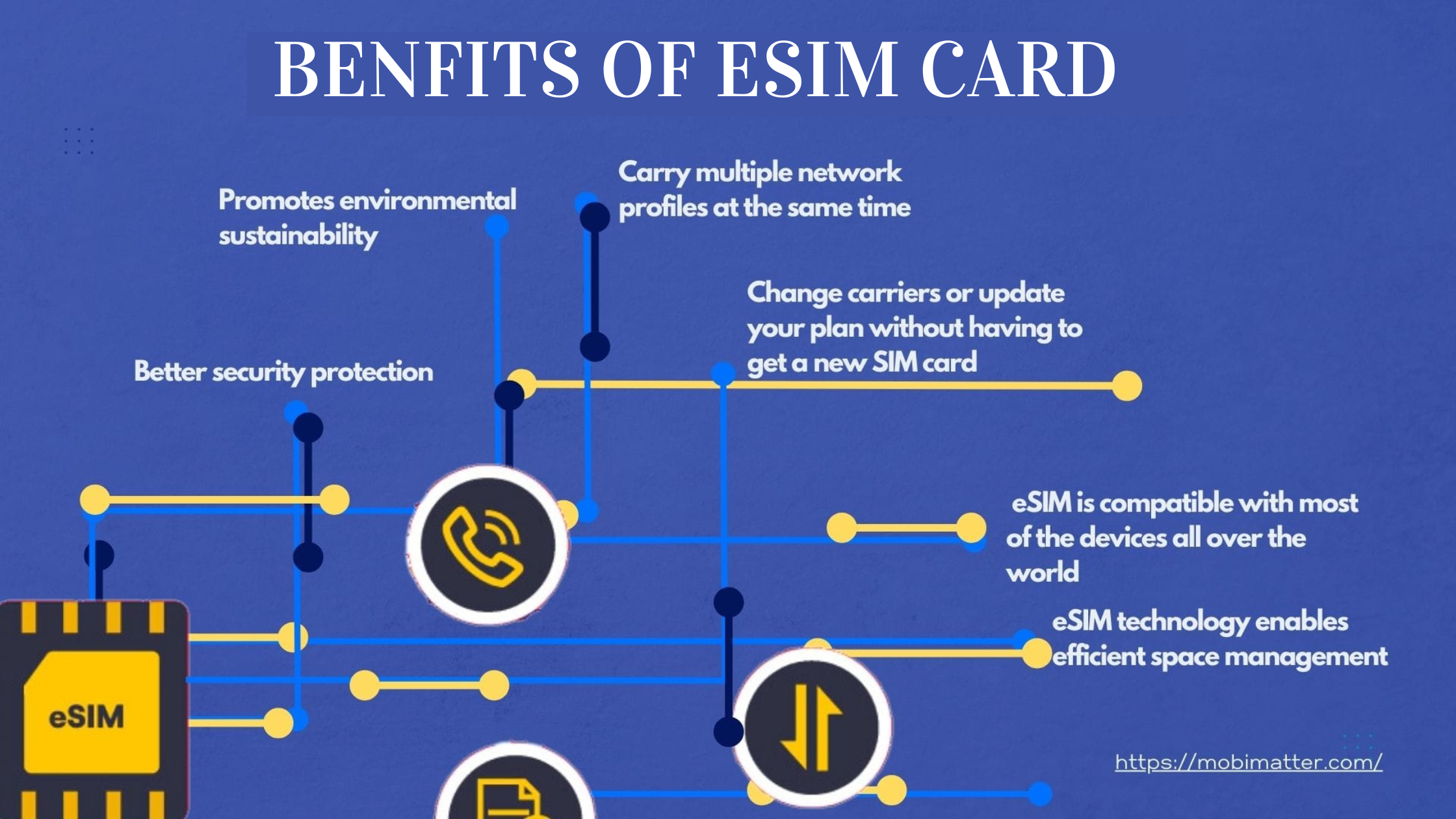

An eSIM card is a built-in digital SIM that lets you activate a cellular plan without inserting a physical SIM card. Instead of swapping a tiny piece of plastic, you download a carrier profile directly to your phone’s hardware. That one change rewrites how you switch carriers, travel internationally, and manage multiple lines.
What Is an eSIM Card?
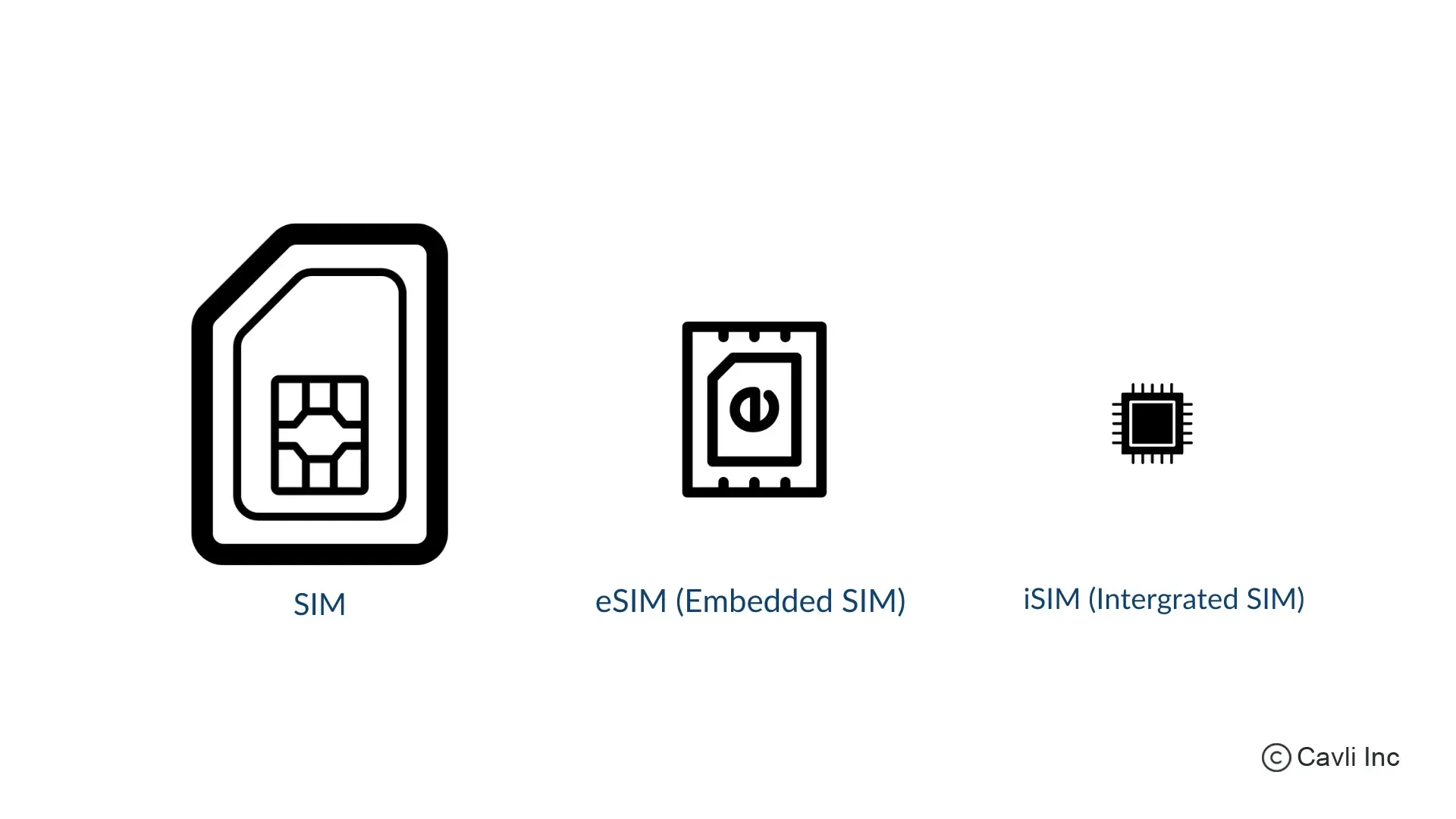
eSIM stands for “embedded Subscriber Identity Module.” It is a small chip soldered onto your phone’s motherboard that performs the same job as a physical SIM: it identifies your device to a mobile network, authenticates your account, and stores your phone number and data plan. The difference is that the information is written electronically, not stored on a removable card.
The “embedded” part is the key. You cannot take it out. You can, however, erase one carrier’s profile and write a new one. That rewrite happens in the phone’s settings menu, usually within a minute. The first eSIMs appeared in consumer devices around 2017, and the technology has become standard in flagship phones, many midrange models, and some tablets and smartwatches.
How Does an eSIM Work?
The setup process is straightforward. Instead of inserting a card, you obtain a QR code, an activation code, or a carrier app from your mobile provider. Your phone scans or downloads that data, and the profile is installed. The eSIM chip stores the encrypted credentials, and the phone uses them to connect to the network.
You can store multiple eSIM profiles on one device (typically five to ten, depending on the phone), but only one or two can be active at the same time. This enables dual SIM functionality without a second physical tray. For example, you can keep your home number active while using a local data plan when traveling, and switch between them in settings.
The eSIM communicates with the phone’s baseband processor the same way a physical SIM does. There is no difference in call quality, data speed, or signal strength. The only difference is how the credentials are delivered and stored.
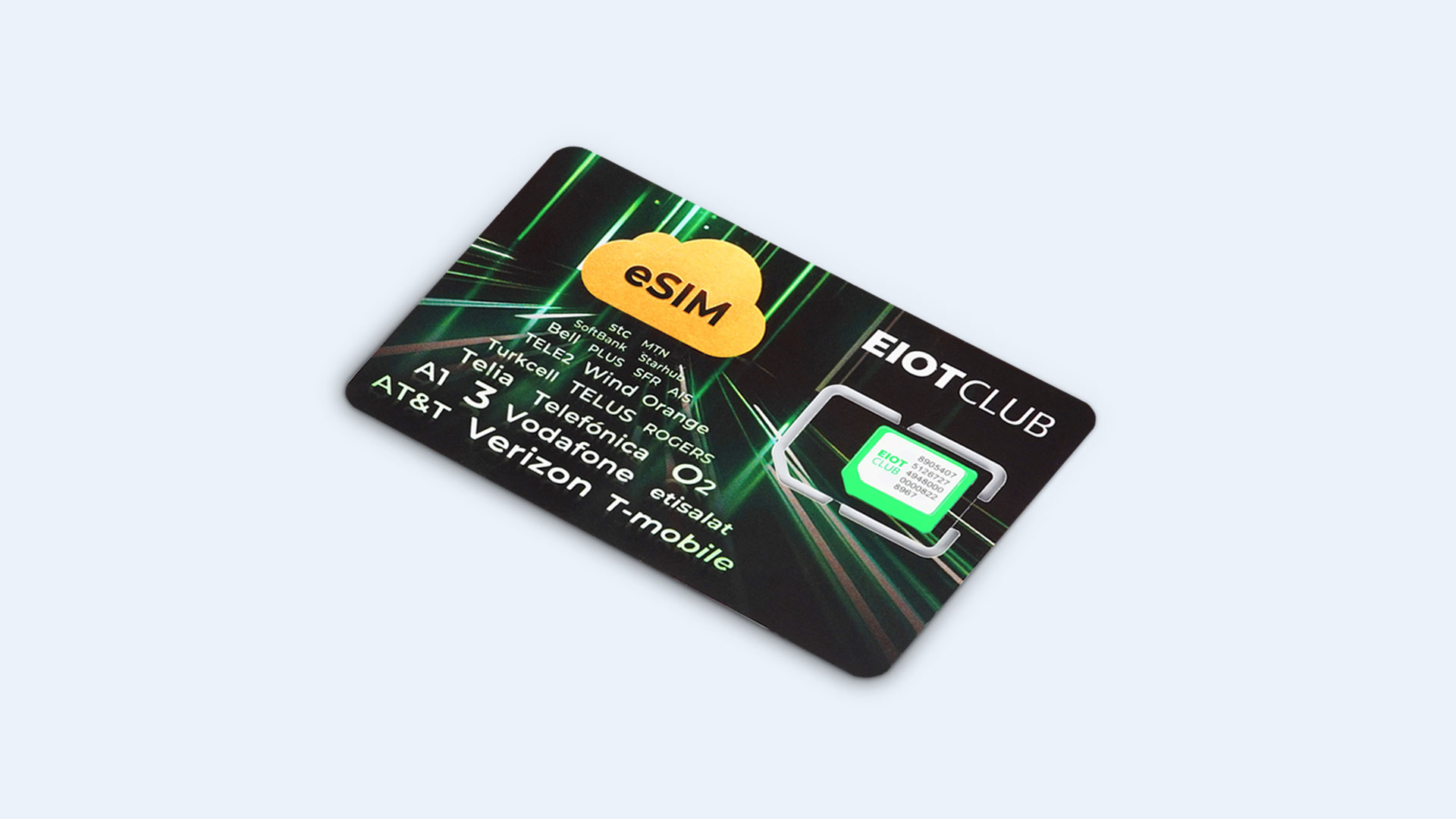
eSIM vs. Physical SIM: Key Differences
The most obvious difference is physical. A physical SIM is a removable card that you can swap between phones. An eSIM is stuck in the phone. That means you cannot simply move your service to a new phone by moving the card. You have to deactivate the eSIM on the old phone and activate it on the new one, usually through the carrier’s app or website.
This is both a convenience and a constraint. Here is the trade-off.
Physical SIM advantages:
- Instant transfer between phones by moving the card.
- Works with any unlocked phone, regardless of eSIM support.
- No need to contact a carrier or download anything when swapping.
eSIM advantages:
- No card to lose or damage.
- Easier to add a second line without juggling trays.
- Quicker activation when signing up for a new plan online.
- Saves physical space inside the phone, allowing for larger batteries or other components.
For most people, eSIM is a convenience that works well as long as you stay within the same phone. The friction comes when you upgrade or switch devices. If you are someone who swaps phones often or uses multiple phones regularly, you may prefer the simplicity of a physical SIM. The distinction matters more once you understand what it means to have an unlocked phone, because eSIM tightens the link between carrier profile and device.
What Devices Support eSIM?
eSIM support is now widespread but not universal. All recent iPhones from the iPhone XS onward (including the iPhone SE 2020 and later) have eSIM. Most Android flagships from Google, Samsung, and Motorola include it, as do many midrange models from those brands. Apple added eSIM to the iPad starting with the iPad Pro, and the latest models support it as standard. Many smartwatches with cellular connectivity, such as the Apple Watch and Samsung Galaxy Watch, rely solely on eSIM.
On the other hand, budget phones below $200 often omit eSIM to keep costs down. Some carriers still do not offer eSIM activation, especially prepaid carriers in certain regions. The situation is improving, but it is not yet universal.
To know if your device supports eSIM, check the manufacturer’s specifications page for “eSIM” or “embedded SIM.” You can also look in the phone’s settings under “Cellular” or “Mobile Network” for an “Add eSIM” option. If you see it, you are good.
Pros and Cons of eSIM
Pros:
- No physical card to lose. If you lose your phone, the eSIM is not a separate object to replace.
- Quick carrier switching. You can download a new plan in minutes, which is especially useful for travel data.
- Dual SIM without a tray. Two lines on one phone, without needing a second slot.
- Reduced waste. No plastic cards, no packaging.
Cons:
- Harder to transfer between phones. You cannot just pop the card out. The carrier must deactivate the old device and activate the new one.
- Carrier lock-in. Some carriers make it difficult to move an eSIM profile to another phone, even if the phone is unlocked. This is a real annoyance.
- Limited to supported devices. Not all phones have eSIM, and not all carriers support it.
- Fewer prepaid options. Many prepaid carriers still rely on physical SIMs.
The honest limitation is that eSIM is still a young ecosystem. The technology works well, but the carrier support is uneven. If you travel frequently and want to buy a local data plan on arrival, eSIM can be a lifesaver. If you swap phones every few months, it can be a hassle. On an iPhone, the experience is smoothed by Apple’s carrier partnerships, and understanding what an iOS phone is helps clarify how tightly integrated eSIM is with the operating system.
How to Check if Your Phone Has eSIM
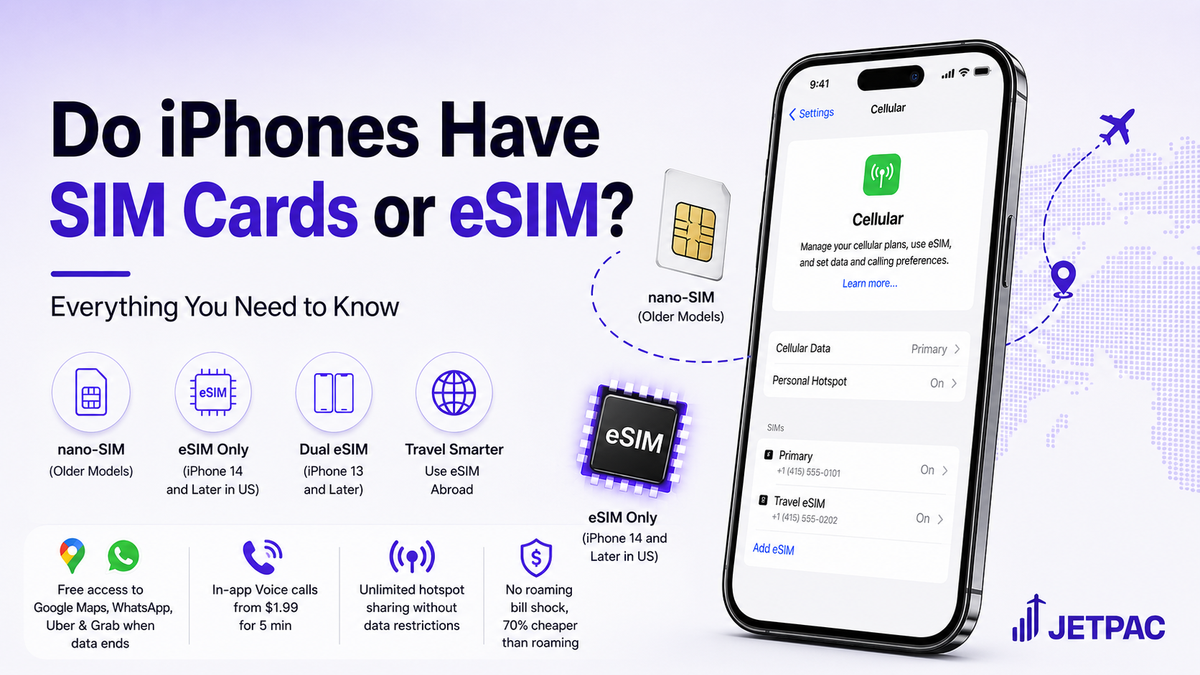
The quickest way is to open the Settings app and look for “Cellular” or “Mobile Network.” If you see an option to “Add eSIM” or “Add Cellular Plan, ” your phone has it. On iPhones, go to Settings > Cellular > Add Cellular Plan. On Android, the path varies by manufacturer, but it is usually under Settings > Network & Internet > SIMs > Add eSIM.
If you are buying a new phone and eSIM is important to you, check the spec sheet before purchasing. The carrier’s website will also list compatible devices. If you are unsure, call your carrier and ask whether they support eSIM for your specific model.
FAQ
Can I use an eSIM without an internet connection?
Yes. The eSIM itself does not require internet to work. The activation process usually needs a connection to download the profile, but once installed, the eSIM connects to the cellular network directly. If you are setting up a new phone without Wi-Fi, some carriers send a QR code that you can scan, and the phone will use the eSIM to connect immediately.
Can I have both a physical SIM and an eSIM active at the same time?
Yes, on most phones. This is called dual SIM dual standby. You can use one line for calls and texts and the other for data, or vice versa. The phone will list both as separate lines in the settings. This is a common setup for people who want a work number and a personal number on the same device.
What happens if I reset my phone to factory settings?
The eSIM profile is usually erased. You will need to reinstall it from your carrier. Keep a copy of the activation code or QR code in a safe place, or make sure your carrier can reissue it. Some carriers store the profile in your account and let you download it again through their app.
Can I transfer an eSIM to a new phone?
Yes, but the process varies by carrier. Most require you to deactivate the eSIM on the old phone and then activate a new one on the new phone. Some carriers allow you to do this through their app; others may require a call or a visit to a store. It is not as seamless as moving a physical SIM, but it is usually straightforward.
Does eSIM work with prepaid plans?
Yes, many prepaid carriers now offer eSIM, especially those that target travelers. Some examples include Airalo, Truphone, and Google Fi. However, not all prepaid carriers support it, so check before you buy. If you are a prepaid user who switches phones frequently, a physical SIM may still be easier.