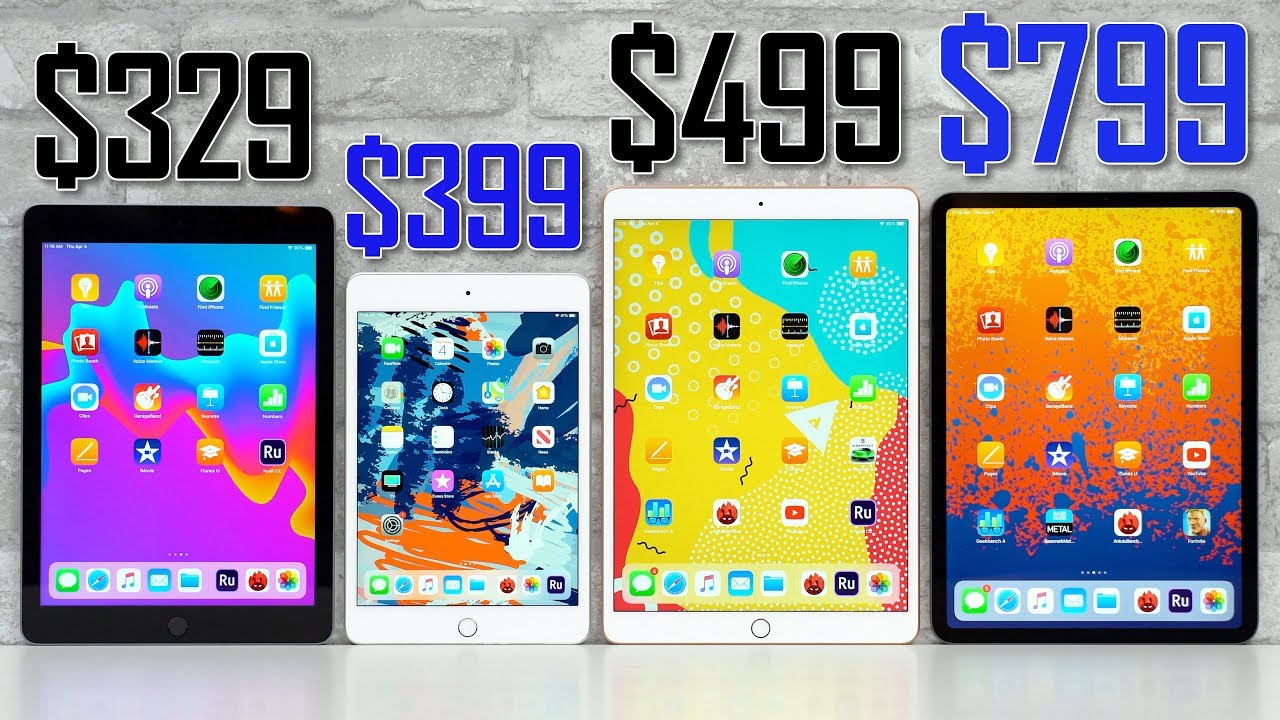

The iPad you should buy comes down to what you plan to do with it and how much you value portability versus power. For most people, the standard iPad (now in its tenth generation) is the right choice: it handles web browsing, email, video streaming, and light document editing without costing as much as the higher-end models. If you need a smaller tablet for one-handed reading or note-taking, get the iPad Mini. If you want a laptop-like experience with a larger screen and support for the second-generation Apple Pencil, the iPad Air is the sweet spot. And if you are doing professional creative work, video editing, 3D modeling, music production, the iPad Pro is the only model with the M-series chip and ProMotion display that can keep up.
The rest of this article walks through each model, the key differences you actually notice, and the accessories that change the experience.
The Current iPad Lineup
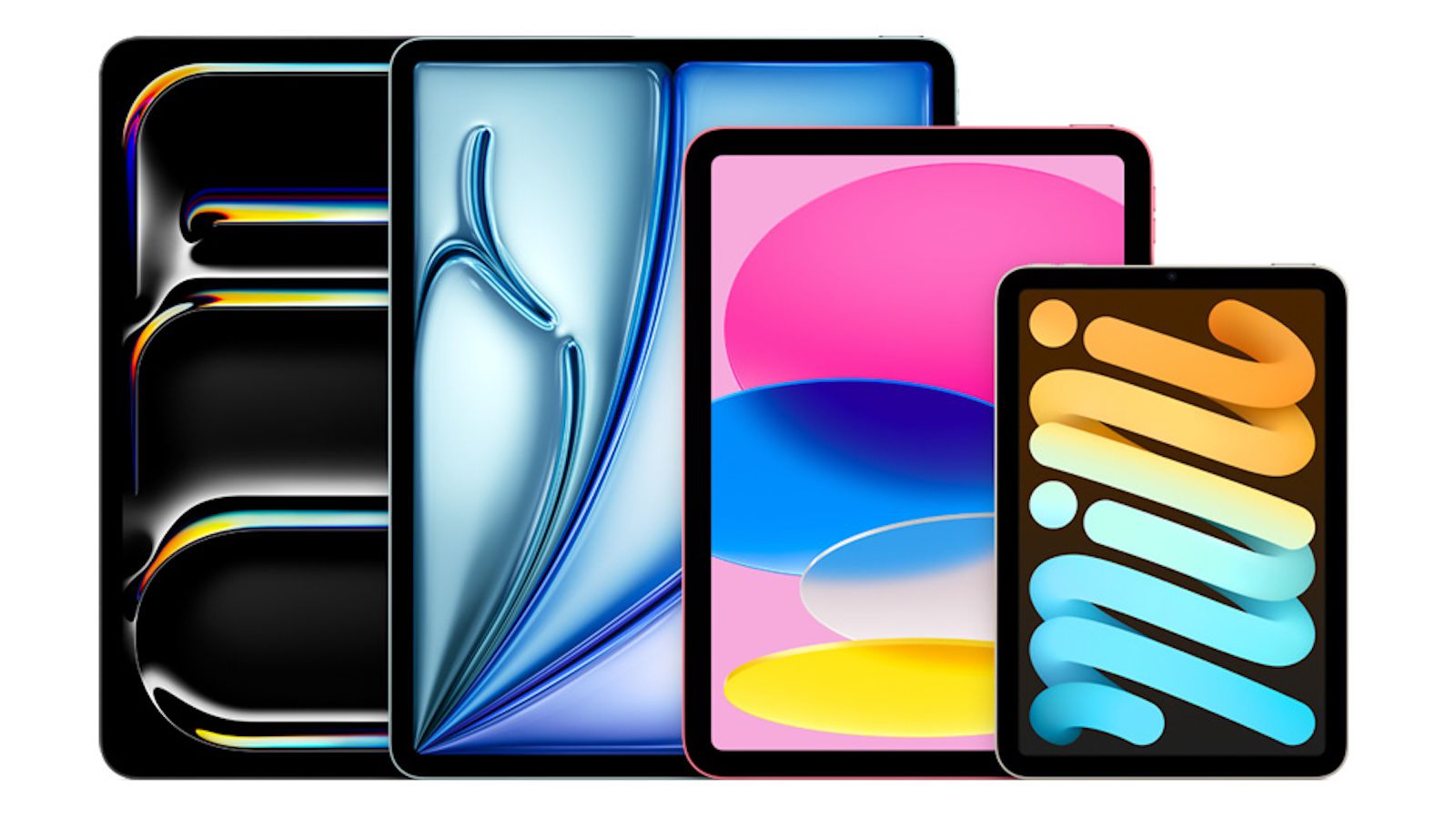
As of mid-2026, Apple sells four iPad models. They differ in screen size, processor, display technology, and accessory support. Here is a quick overview of what each offers.
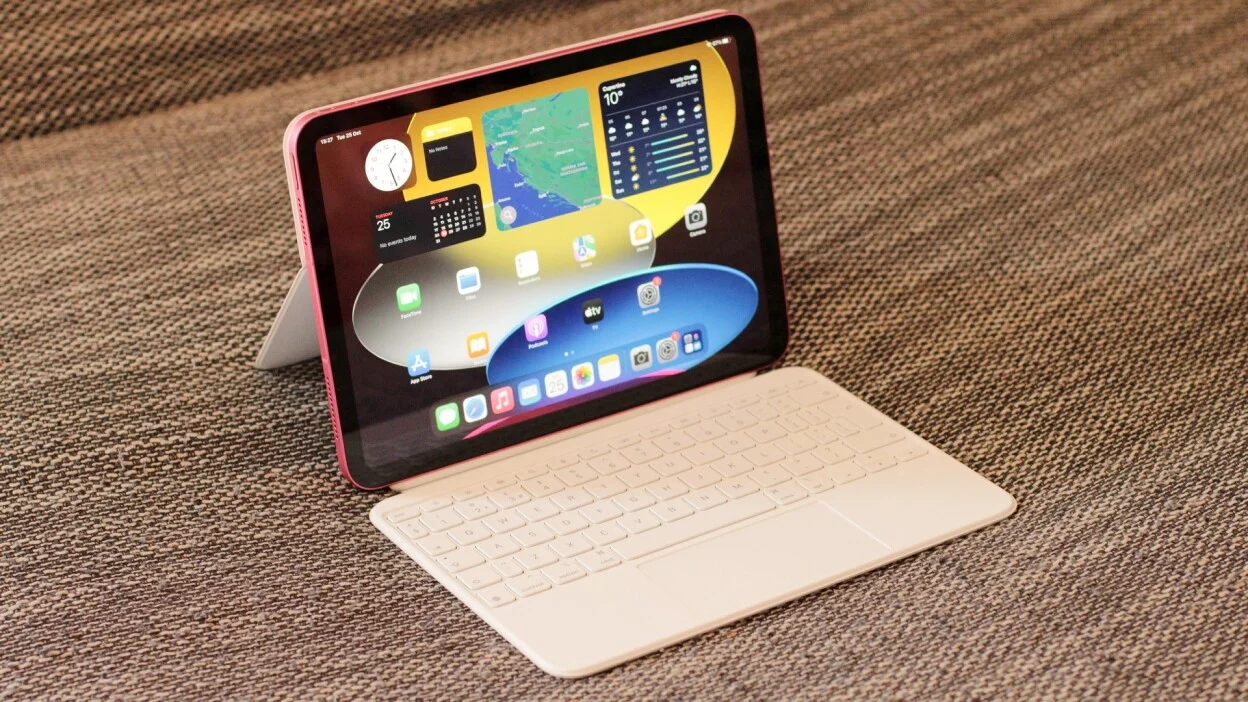
iPad (10th generation), The entry-level model. It has a 10.9-inch Liquid Retina display, the A14 Bionic chip, a USB-C port, and support for the first-generation Apple Pencil (with an adapter) and the Magic Keyboard Folio. It comes in four colors. This is the model for casual users, students on a budget, and families.
iPad Mini (6th generation), An 8.3-inch Liquid Retina display with the A15 Bionic chip. It supports the second-generation Apple Pencil (which attaches magnetically) and works with the Bluetooth keyboard. The Mini is best for reading, sketching on the go, and anyone who wants a tablet that fits in a jacket pocket.
iPad Air (5th generation), A 10.9-inch Liquid Retina display with the M1 chip. It supports the second-generation Apple Pencil and the Magic Keyboard. The Air has a laminated display (less glare, better color) and a USB-C port that supports faster data transfer. This is the model for students who need to type papers, creatives who edit photos, and anyone who wants a bright screen for movies.
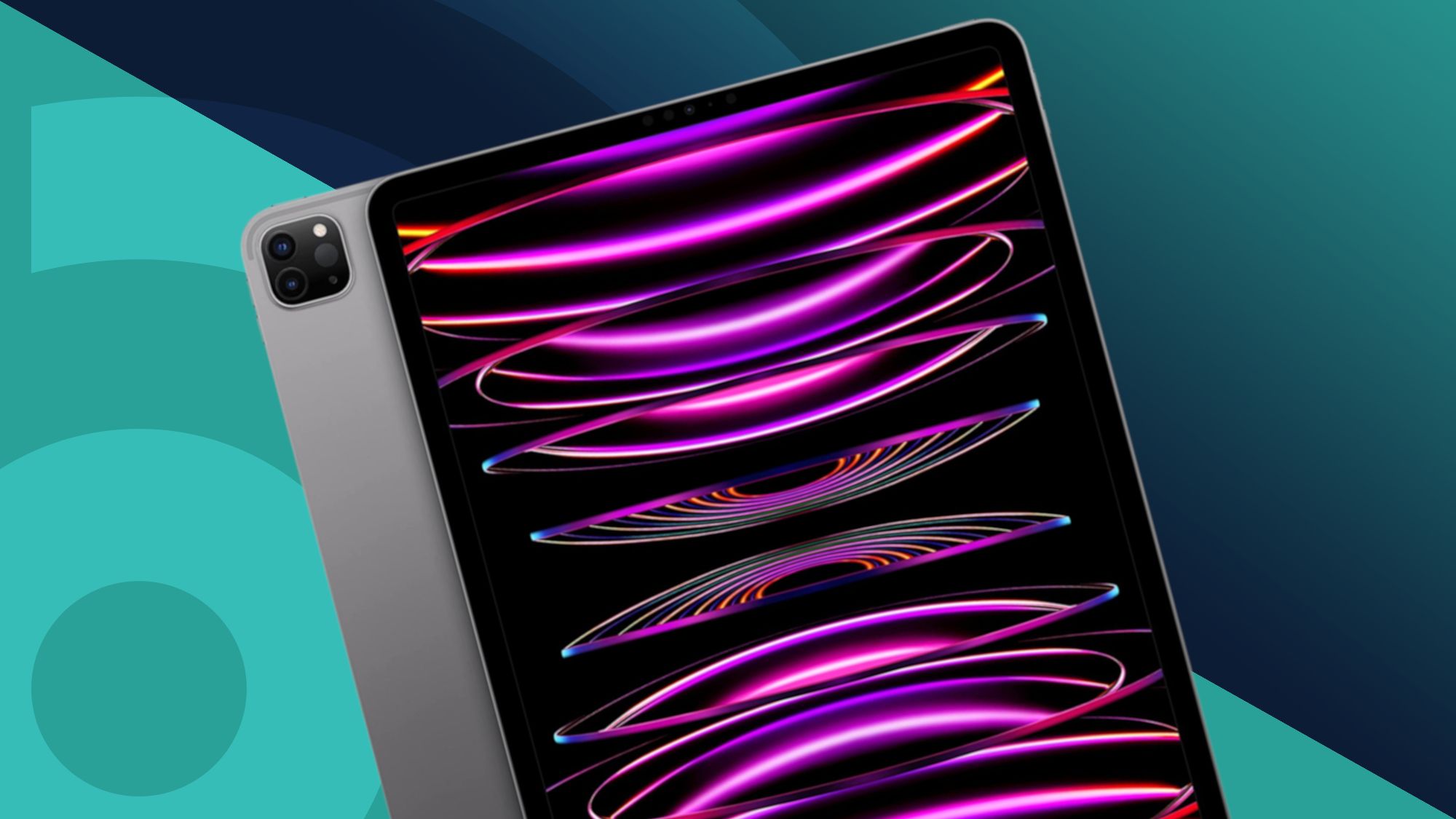
iPad Pro (6th generation, 11-inch and 12.9-inch), The top-tier models. They have M2 chips, ProMotion displays with 120Hz refresh rates, Thunderbolt / USB 4 ports, and support for the second-generation Apple Pencil and the Magic Keyboard. The 12.9-inch model uses mini-LED backlighting for deeper blacks and higher brightness. The Pro is for video editors, graphic designers, and professionals who treat the iPad as their primary computer.
How to Choose by Use Case
Your use case determines which model is right. Here are the most common scenarios.
For Casual Browsing, Streaming, and Light Productivity
The standard iPad is enough. It streams Netflix, handles Safari with multiple tabs, runs Microsoft Office apps, and works with a keyboard for typing emails. The A14 chip is still fast for these tasks. The main compromise is the non-laminated display, you notice a small gap between the glass and the pixels, and the screen is more reflective than the Air or Pro. But if you are mostly watching video indoors, you will not mind.
For Students
A student who takes notes with a stylus and types essays should look at the iPad Air. The second-generation Apple Pencil attaches to the side and charges wirelessly, which is far more convenient than the first-generation Pencil’s Lightning adapter. The Air also supports the Magic Keyboard, which turns it into a laptop. If budget is tight, the standard iPad works, but you will need the Pencil adapter and a separate keyboard case. For a deeper look at what works in a dorm or lecture hall, what to look for in a college iPad is worth reading.
For Reading and Portable Sketching
The iPad Mini is the best choice. It is light enough to hold in one hand for long periods. The 8.3-inch screen is excellent for ebooks, PDFs, and quick notes. Artists who sketch on the go will appreciate the second-generation Pencil support. The Mini is not ideal for typing long documents or watching movies (the screen is small), but it is the most portable iPad.
For Creative Professionals
If you edit video in DaVinci Resolve, work with 4K footage, or use Procreate for detailed illustrations, the iPad Pro is the only model that does not frustrate you. The M2 chip handles rendering faster, the 120Hz display makes scrolling and drawing feel fluid, and the Thunderbolt port lets you connect external monitors and fast storage. The 12.9-inch Pro with mini-LED is especially good for HDR video editing because it can display true blacks.
For Home Use as a Shared Device
A standard iPad or iPad Air that stays in the living room works well for everyone in the family. You can set up multiple user profiles (on iPads with iPadOS 16 or later) and use Guided Access to lock the tablet to one app for kids. The standard iPad’s lower price makes it less stressful to hand to children.
Key Trade-Offs to Understand
Beyond the obvious size and price differences, a few technical details matter more than you might expect.
Display Quality
The standard iPad has a non-laminated display. Light reflects off the glass and then off the LCD, creating a slight double-reflection effect. The iPad Air and Pro have laminated displays where the glass is bonded directly to the LCD, reducing glare and making the image appear to sit on the surface. The Pro’s ProMotion display (120Hz) makes scrolling and animations feel much smoother. If you plan to draw or watch HDR content, the Air or Pro is worth the upgrade.
Pencil Compatibility
The first-generation Apple Pencil works only with the standard iPad and requires a Lightning adapter to charge. The second-generation Pencil works with the Mini, Air, and Pro, it attaches magnetically to the side and charges wirelessly. If you expect to use a Pencil frequently, avoid the first-generation model. The hassle of the adapter and the need to plug it into the iPad’s USB-C port (via an adapter) is a real annoyance.
Keyboard Support
The Magic Keyboard (with trackpad) works with the Air and Pro, and a version called the Magic Keyboard Folio works with the standard iPad. The Folio is lighter and has a kickstand, but the keys are shallower. The Air and Pro also support third-party Bluetooth keyboards. For typing long documents, the Magic Keyboard is excellent. For occasional typing, any Bluetooth keyboard will do.
Storage
The standard iPad starts at 64GB, which fills up quickly if you download games or store videos. The Air starts at 64GB, but a 256GB option exists. The Pro starts at 128GB and goes up to 2TB. For most people, 128GB is the sweet spot. If you plan to edit video or keep a large music library offline, aim for 256GB or more.
Accessories and Expansion
The iPad Pro’s Thunderbolt port can drive an external 6K display and transfer data at up to 40 Gbps. The Air’s USB-C port is limited to 10 Gbps. The standard iPad’s USB-C port is also 10 Gbps. None of the iPads have a headphone jack (except the standard iPad, which still has one as of 2026). If you need to connect a scanner or camera, the USB-C port on any model works, but the Pro is faster. For scanning documents regularly, the best document scanners for iPad can save you time.
Longevity
The iPad Pro with M2 will receive iPadOS updates for at least five more years. The Air with M1 should get updates for four more years. The standard iPad with A14 and the Mini with A15 will likely get updates for three more years. If you plan to keep the tablet for a long time, the Pro or Air is the safer bet.
How to Check Compatibility with Accessories
If you already own accessories (Pencil, keyboard, case), check compatibility before buying a new iPad. Apple’s support page lists which Pencil works with each model. The Magic Keyboard for the 11-inch iPad Pro also fits the iPad Air (same dimensions). Cases are not interchangeable between generations. For the most accurate list, confirm what the latest release supports before you order.
FAQ
Can I use an iPad as my only computer?
Yes, but only with an iPad Pro (or Air) and a keyboard. You will need to be comfortable with iPadOS file management, which is more limited than macOS or Windows. For basic tasks like email, web, and office work, it works well. For software that only runs on desktop operating systems, you will need a separate computer.
Does the iPad support mouse and trackpad?
Yes. All current iPads support Bluetooth mice and trackpads, and the Magic Keyboard includes a trackpad. The cursor appears as a circle and adapts to buttons and text fields. This works well for productivity but is not as precise as a desktop mouse.
Which iPad is best for drawing?
The iPad Pro with the 12.9-inch mini-LED display is the best for professional drawing because of the color accuracy and ProMotion. The iPad Air is excellent for most artists and costs less. The standard iPad is usable but the non-laminated display creates a slight gap between the tip and the pixels, which some artists find distracting.
How much storage do I need for an iPad?
For most people, 128GB is enough. If you download many games, store movies offline, or edit video, get 256GB or more. The standard iPad starts at 64GB, which is tight. Consider cloud storage if you choose 64GB.
Should I buy an iPad or a laptop?
An iPad with a keyboard can replace a laptop for light tasks, but it cannot run traditional desktop software. If you need full Microsoft Office features (beyond the iPad versions), or any application that is only available on Windows or macOS, buy a laptop. If you prioritize portability and touch input, buy an iPad.