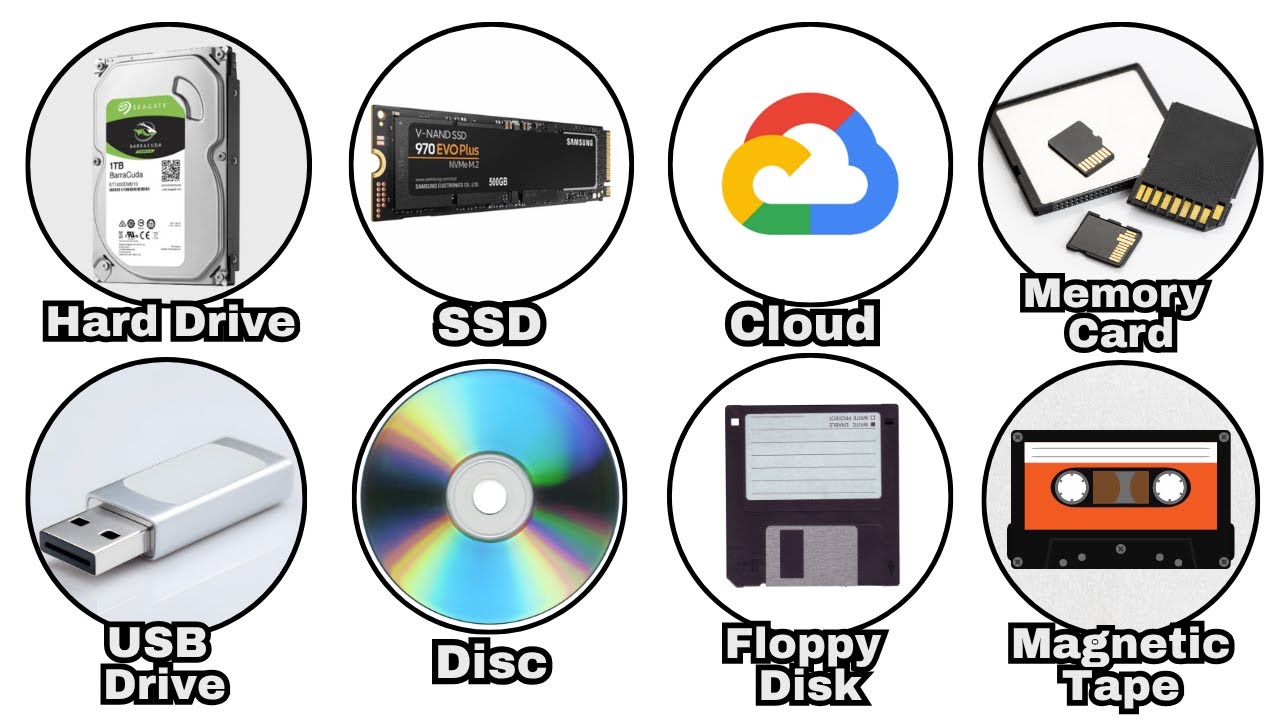

A phone can hold thousands of pictures until a software update, cracked screen, or full cloud account turns a simple photo into a recovery project. The right drive gives those files a second home, but the best option depends on whether you want automatic phone backup, fast computer transfers, or a large archive that stays on a desk.
Our picks range from tiny USB-C flash drives to a 2TB portable hard drive. ThePhotoStick Omni 128GB is the easiest all-around choice for mixed devices, while the SanDisk drive is the stronger fit for large libraries and faster transfers.
Comparison table
| # | Product | Award | Capacity | Connection | Best for |
|---|---|---|---|---|---|
| 1 | ThePhotoStick Omni 128GB | Best overall | 128GB | USB-A, USB-C, microUSB, Lightning | Automatic backup across devices |
| 2 | Seagate Portable 2TB | Best high-capacity archive | 2TB | USB 3.0 | Large computer-based photo libraries |
| 3 | Samsung Type-C 256GB | Best USB-C flash drive | 256GB | USB-C | Fast transfers from modern devices |
| 4 | SanDisk Portable SSD 1TB | Best rugged SSD | 1TB | USB-C, USB 3.2 Gen 2 | Fast, portable photo work |
| 5 | SUDEHO MFi Flash Drive 256GB | Best iPhone connector variety | 256GB | Lightning, USB-C, USB | Moving files among phones and PCs |
| 6 | ThePhotoStick Omni 256GB | Best large automatic backup | 256GB | USB-A, USB-C, microUSB, Lightning | Very large mixed-device libraries |
| 7 | Amazon Basics Flash Drive 256GB | Best retractable design | 256GB | USB 3.1, USB 3.0 | Simple computer storage |
1. ThePhotoStick Omni 128GB: Best Overall

Pros
- Automatically finds and saves photos, videos, and other files
- Works with iPhone, iPad, Android, PC, and Mac
- Includes USB-A, USB-C, microUSB, and Lightning connections
- Supports common photo and video formats
Cons
- 128GB is less room than the larger ThePhotoStick model
- Requires the companion app for its easiest phone backup
- Not the pick for maximum transfer speed
Best for: families who need one straightforward backup stick for several kinds of devices.
The Omni 128GB is the drive we would hand to someone who wants fewer decisions. Instead of treating it like an empty disk and asking the owner to build a filing system, it is designed to find and save photos, videos, and other files. That focus makes it more approachable than the Seagate Portable 2TB, which is powerful but assumes you are comfortable dragging folders around on a computer.
Its biggest practical advantage is the connector collection. USB-A, USB-C, microUSB, and Lightning connections cover older PCs, newer laptops, Android phones, iPhones, and iPads. The included adapter and free app are intended to guide the backup process, with support for JPEG, PNG, HEIC, GIF, MOV, and MPEG4. That is a useful spread for a household with mixed phones and cameras.
The 128GB capacity is listed as enough for over 51, 000 images and videos. Actual room depends on file sizes, especially if the drive is used for long video clips, but the capacity is ample for clearing a phone or creating a personal archive. It supports Android 8.0 or newer, iOS and iPadOS 13.0 or newer, Windows 7 SP1 or newer, and macOS 10.13 or newer.
The trade-off is speed and flexibility. Samsung's Type-C drive is the more compelling choice for someone who regularly moves very large files and has USB-C hardware. The Omni is about guided backup rather than peak throughput, and its 128GB capacity is half that of the 256GB version. Choose this model when ease across devices matters more than having the largest possible local archive.
2. Seagate Portable 2TB: Best High-Capacity Archive

Pros
- 2TB capacity suits large photo and video collections
- Plug-and-play setup on Windows and Mac
- USB 3.0 cable included
- Also supports PlayStation and Xbox
Cons
- Larger and heavier than the flash drives here
- Requires a computer for the simplest setup
- Mechanical hard drive is less suited to rough travel
Best for: photographers and families archiving years of files from a computer.
The Seagate Portable 2TB is the sensible answer when the problem is not a handful of phone photos but a library that keeps growing. Its capacity dwarfs the flash drives in this roundup, leaving room for full photo folders, video projects, and multiple backups without constantly deleting older material.
Setup is deliberately plain. Connect the included 18-inch USB 3.0 cable to a Windows or Mac computer and the drive is designed to be recognized automatically, with no software required. Drag-and-drop copying is easy to understand, and the same drive can work with PlayStation and Xbox systems. For computer-based archiving, that simplicity is more useful than a long list of phone connectors.
The enclosure measures 4.6 inches long, 3.15 inches wide, and 0.58 inches high, and weighs about 0.42 pounds. Those dimensions are still portable, but this is not a pocket thumb drive. It is better carried in a bag than left loose beside a phone, especially because a mechanical hard drive is a less reassuring companion for bumpy travel than the solid-state SanDisk Portable SSD.
The Seagate is slower to live with for quick, device-to-device transfers than Samsung's Type-C drive or the SanDisk SSD. It also does not directly solve iPhone backup without a computer or another compatible setup. Still, anyone building a serious computer archive should consider how much room a traditional hard drive gives a growing library before choosing a smaller stick.
3. Samsung Type-C 256GB: Best USB-C Flash Drive

Pros
- Up to 400MB/s read speed
- Reversible USB-C connector
- Compact and very light
- Rated as waterproof, shock-proof, magnet-proof, temperature-proof, and X-ray-proof
- Five-year limited warranty
Cons
- USB-C only
- No guided automatic photo-backup system
- Capacity is smaller than the Seagate drive
Best for: people who move photos between USB-C phones, tablets, laptops, and cameras.
Samsung's Type-C drive feels like a modern thumb drive rather than a tiny external disk. It has a reversible USB-C plug, fits in the palm of a hand, and weighs roughly 0.0075 pounds. That makes it easy to keep with a laptop or camera bag without adding noticeable bulk.
The headline speed is up to 400MB/s for reads over USB 3.2 Gen 1, and Samsung says a 4GB file can transfer in 11 seconds. Those are manufacturer claims and depend on the host device, but they explain why this drive is a better fit for large batches than the SUDEHO stick, whose listed read speed reaches 40MB/s. The Samsung is also backward compatible with USB 3.0 and USB 2.0, though older connections will not provide its top performance.
Its 256GB capacity is listed as enough for 63, 730 photos or up to 12 hours of 4K video. Those figures depend heavily on file size and recording settings, but they make the intended use clear: a compact working library rather than a full multi-terabyte archive. Samsung also lists protection against water, shock, magnets, temperature extremes, and X-rays, along with a five-year limited warranty.
The USB-C-only design is both its strength and its limitation. It is excellent for newer phones and computers, but it will not directly serve a Lightning iPhone or an older USB-A laptop without an adapter. ThePhotoStick Omni 128GB is easier for a mixed household, while Samsung is the better choice for a USB-C-centered workflow. For more connector comparisons, see the small differences that matter when choosing flash storage.
4. SanDisk Portable SSD 1TB: Best Rugged SSD

Pros
- Up to 800MB/s read speed
- 1TB solid-state capacity
- Up to two-meter drop protection
- Rubber hook for attaching to a bag or belt loop
- USB-C and USB 3.2 Gen 2 connectivity
Cons
- Does not provide direct Lightning or microUSB connections
- No automatic photo-sorting app is listed
- Actual speeds depend on the host device and conditions
Best for: photographers who need a fast portable working drive with extra durability.
The SanDisk Portable SSD is the most capable travel drive in this group. Solid-state storage has no spinning disk inside, and the enclosure is designed around movement, with up to two-meter drop protection and a rubber hook for securing it to a belt loop or backpack. That makes it more convincing for field work than the Seagate Portable 2TB.
Its listed read speed reaches 800MB/s through USB-C and USB 3.2 Gen 2. That is twice the Samsung drive's stated maximum read speed, although the result depends on the computer, cable, interface, file sizes, and workload. Large photo folders and video files are where the faster interface makes the most sense. It is also a better candidate for keeping active projects close at hand rather than storing an archive that is rarely opened.
The 1TB capacity gives a useful middle ground. It is far more room than the 256GB sticks, while remaining smaller and easier to carry than a large desktop archive. The drive measures 3.81 inches by 1.85 inches by 0.39 inches and weighs about 0.09 pounds, so it remains compact despite its higher capacity.
The weakness is that it is not designed around phone backup. There is no listed automatic photo-finding app, and it lacks the Lightning, microUSB, and multiple built-in connections found on ThePhotoStick Omni. If your workflow starts on an iPhone and ends on a PC, the Omni is easier. If it starts with a camera, laptop, or USB-C tablet, the SanDisk is the sharper tool. Anyone weighing this against other solid-state options should also consider which connection and speed fit a portable SSD workflow.
5. SUDEHO MFi Flash Drive 256GB: Best iPhone Connector Variety

Pros
- MFi certified for compatible iOS devices
- Lightning, USB-C, and USB connections
- Works with iPhone, iPad, Android, and PC
- Listed read speed up to 40MB/s
- Listed write speed up to 25MB/s
Cons
- Requires the ROSPE app for iOS backup
- Slower than Samsung and SanDisk
- Actual capacity and speed vary by device
Best for: households moving photos between Lightning iPhones, Android devices, and computers.
The SUDEHO drive earns its place through connector flexibility. Its three-in-one design covers Lightning, USB-C, and USB, with a USB adapter included. That is useful when one person has an iPhone, another has an Android phone, and the destination computer still uses USB-A.
For iOS devices, it is MFi certified and supports iOS 12.1 and above. The listed backup process uses the ROSPE app from the App Store. Android and computer use are described as plug and play without an app, which keeps the drive more versatile than a Lightning-only accessory.
The 256GB capacity is a practical size for a phone-centered photo collection, though the manufacturer notes that the displayed capacity can differ because storage makers and computers calculate gigabytes differently. Listed speeds reach 40MB/s for reading and 25MB/s for writing. That is enough for routine transfers, but Samsung's Type-C drive is substantially better when speed matters.
The SUDEHO is a connector solution first and a performance drive second. ThePhotoStick Omni 128GB has a more guided backup experience and supports more listed media formats, while SUDEHO gives direct physical access across three connector types. Skip it if your devices are all USB-C and you regularly move very large folders. Pick it when compatibility across an untidy mix of devices is the main headache.
6. ThePhotoStick Omni 256GB: Best Large Automatic Backup

Pros
- Automatic photo and video finding
- 256GB capacity
- Works with PC, Mac, iPhone, iPad, and most Android devices
- Includes USB-A, USB-C, microUSB, and Lightning connections
- Supports JPEG, PNG, HEIC, GIF, MOV, and MPEG4
Cons
- Larger capacity does not make it a faster drive
- Requires the app for the simplest phone workflow
- More capacity than many casual users need
Best for: people who want the Omni backup approach but have a particularly large media collection.
ThePhotoStick Omni 256GB takes the same easygoing approach as the 128GB version and gives it twice the listed storage. It automatically finds and saves photos, videos, and other files, which is helpful for people who do not want to sort a phone's camera roll manually before copying it.
Compatibility is broad. The drive includes USB-A, USB-C, microUSB, and Lightning connections and works with PC, Mac, iPhone, iPad, and most Android phones and tablets. Its free app provides the guided phone setup, while the listed operating system requirements are Android 8.0 or newer, iOS and iPadOS 13.0 or newer, Windows 7 SP1 or newer, and macOS 10.13 or newer.
The manufacturer says the 256GB model holds over 102, 400 images and videos. That is an estimate rather than a promise for every library, since RAW files and high-resolution video consume space much faster than ordinary phone pictures. Support for JPEG, PNG, HEIC, GIF, MOV, and MPEG4 covers many everyday media files.
Compared with the 128GB Omni, this is the obvious choice for a larger collection, not a faster one. The SanDisk Portable SSD remains the better performer for active computer work, and the Seagate offers dramatically more archive space. Choose the Omni 256GB when automatic discovery and broad device support matter more than speed or a multi-terabyte capacity.
7. Amazon Basics Flash Drive 256GB: Best Retractable Design

Pros
- 256GB capacity
- Up to 130MB/s read speed
- Retractable design protects the connector
- USB 3.1 and USB 3.0 compatibility
- Key hole for carrying
Cons
- USB-A design is less convenient for phones
- Listed write speed is up to 30MB/s
- No integrated LED indicator
Best for: straightforward photo transfers between Windows and Mac computers.
The Amazon Basics flash drive is a conventional computer stick with one useful physical detail: the USB connector retracts into the body. That avoids a loose cap and gives the drive a clean profile in a drawer or laptop bag. A key hole also makes it easier to keep attached to a small lanyard.
Its listed read speed reaches 130MB/s, while write speed reaches 30MB/s under the stated testing conditions. USB 3.1 Gen 1 or USB 3.0 is required for the intended performance, and USB 2.0 systems will work at lower speeds. That is adequate for ordinary photo folders, though Samsung and SanDisk are better choices for repeated large transfers.
The 256GB capacity is listed as enough for 64, 000 12MP photos or 978 minutes of 1080p video. Those estimates vary with the files, and the available storage is listed as higher than 230GB after measurement differences. The factory format is FAT32 for Windows and Mac compatibility, but files over 4GB require reformatting to exFAT or NTFS.
This drive is best kept in the computer category rather than the phone-backup category. It has no Lightning or USB-C connector and no automatic photo-finding workflow. The SUDEHO is much more adaptable for phones, while ThePhotoStick models make backup less manual. Choose Amazon Basics when a retractable USB-A connector and simple folder copying are exactly what you need.
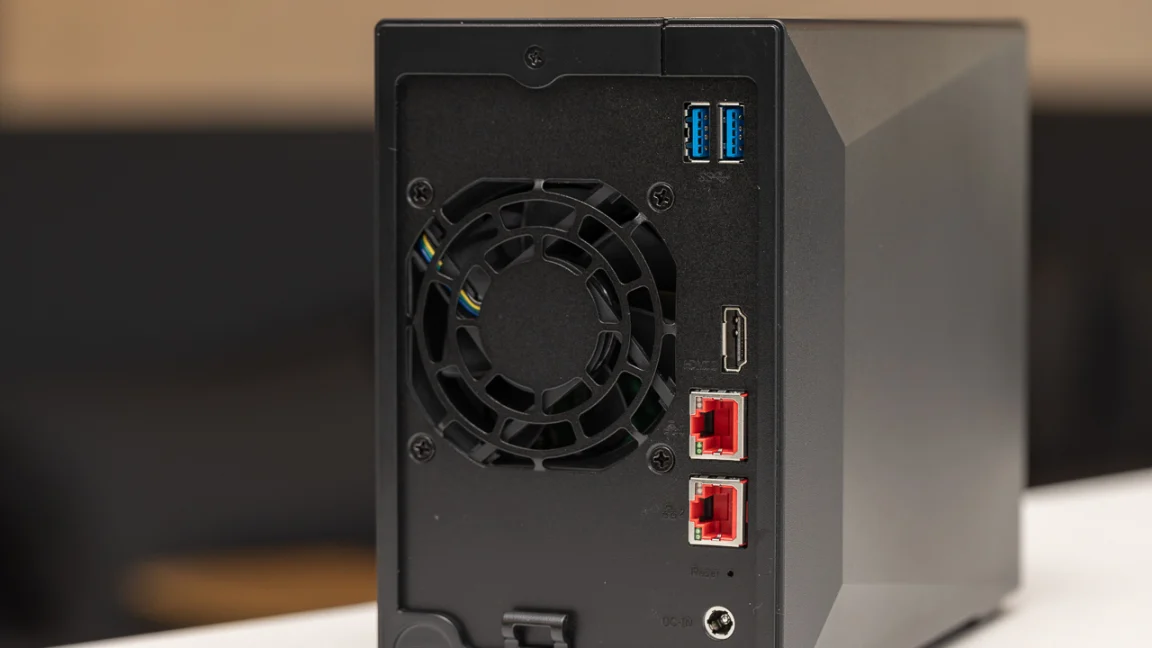
How to choose best photo storage device
The right drive depends on where your photos live now, how quickly you need to move them, and whether you want a guided backup or ordinary file storage.
Device compatibility
Start with the connector on the device that contains your photos. Lightning supports older iPhones and iPads, USB-C suits newer phones and computers, and USB-A remains common on older laptops and desktops. ThePhotoStick models cover all four listed connection types, while Samsung is USB-C only and Amazon Basics is aimed at USB-A computers.
Capacity
Capacity determines how often you need to move or delete older files. The 128GB Omni suits a moderate phone library, 256GB drives provide more breathing room, and the 1TB SanDisk or 2TB Seagate make more sense for video-heavy collections and long-term archives. Manufacturer photo estimates are useful comparisons, but RAW images and high-resolution video can consume space quickly.
Transfer speed
Read speed matters when opening or copying files from the drive, while write speed matters when creating a backup. Samsung lists up to 400MB/s read speed, SanDisk lists up to 800MB/s, and Amazon Basics lists up to 130MB/s. The SUDEHO lists up to 40MB/s read and 25MB/s write, which is adequate for occasional transfers but not the fastest route through a large library.
A connector that fits your phone is more useful than a speed rating your phone cannot use.
Backup software
A normal flash drive gives you folders and control, but it also expects you to know where the files are and what has already been copied. ThePhotoStick Omni models use a free app to find and save photos, videos, and other files. SUDEHO uses the ROSPE app for iOS, while the Seagate is intentionally software-free for computer drag-and-drop use.
Durability and portability
A small flash drive is easy to carry, but size alone does not make it ideal for travel. SanDisk lists up to two-meter drop protection and adds a rubber hook. Samsung lists waterproof, shock-proof, magnet-proof, temperature-proof, and X-ray-proof protection. A mechanical drive such as Seagate is better treated as a careful portable archive than as a drive to toss into a crowded bag.
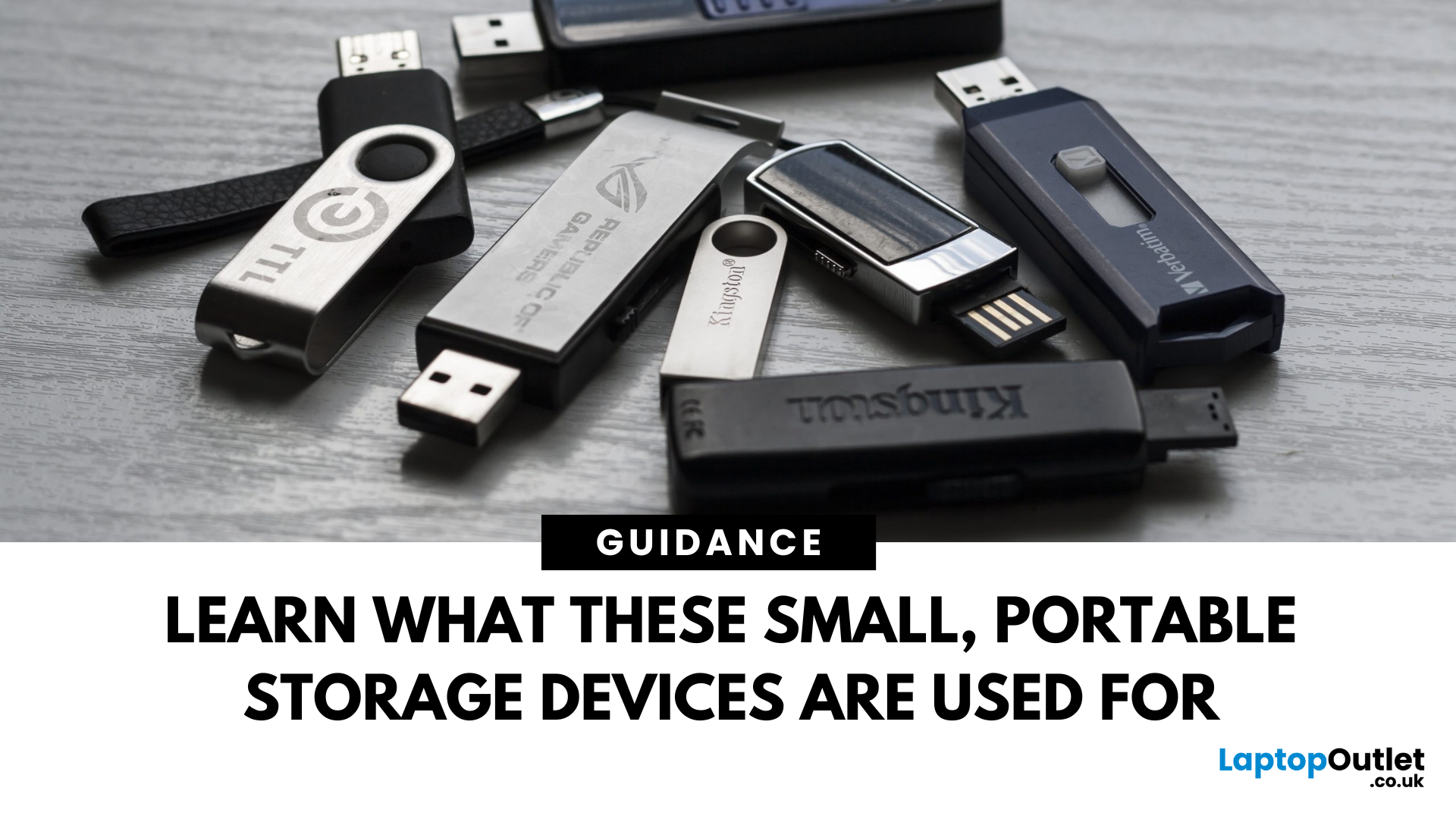
Frequently asked questions
Is a flash drive good for storing photos?
Yes, a flash drive can provide a convenient second copy of photos, especially when it connects directly to a phone or laptop. It should not be the only copy of important memories because any single storage device can fail, be lost, or become damaged.
Which drive is easiest for iPhone photo backup?
ThePhotoStick Omni models are the most guided options here because they use an app to find and save photos and support Lightning connections. The SUDEHO drive is also designed for compatible iPhones, but its iOS workflow requires the ROSPE app.
Is 1TB enough for photos?
For many personal libraries, 1TB provides substantial room, particularly for phone photos. Video, RAW images, and multiple versions of edited files consume space faster, so a 2TB drive such as the Seagate Portable gives more room for a long-running archive.
Are SSDs better than hard drives for photo storage?
SSDs are generally more convenient for travel because they have no spinning disk and can offer faster transfers. The Seagate Portable hard drive provides substantially more capacity for an archive, while the SanDisk Portable SSD is the more suitable choice for active files and frequent movement.
Can these drives store videos as well as photos?
Yes. The listed products support general file storage, and the manufacturers specifically mention video storage. ThePhotoStick models list support for MOV and MPEG4, while Amazon Basics notes that files over 4GB may require reformatting from FAT32 to exFAT or NTFS.
Do I need a special app to use a photo storage drive?
It depends on the product and device. ThePhotoStick Omni uses a free app for its easiest phone backup, and SUDEHO requires the ROSPE app for iOS. Seagate is designed for automatic computer recognition and drag-and-drop copying without additional software.
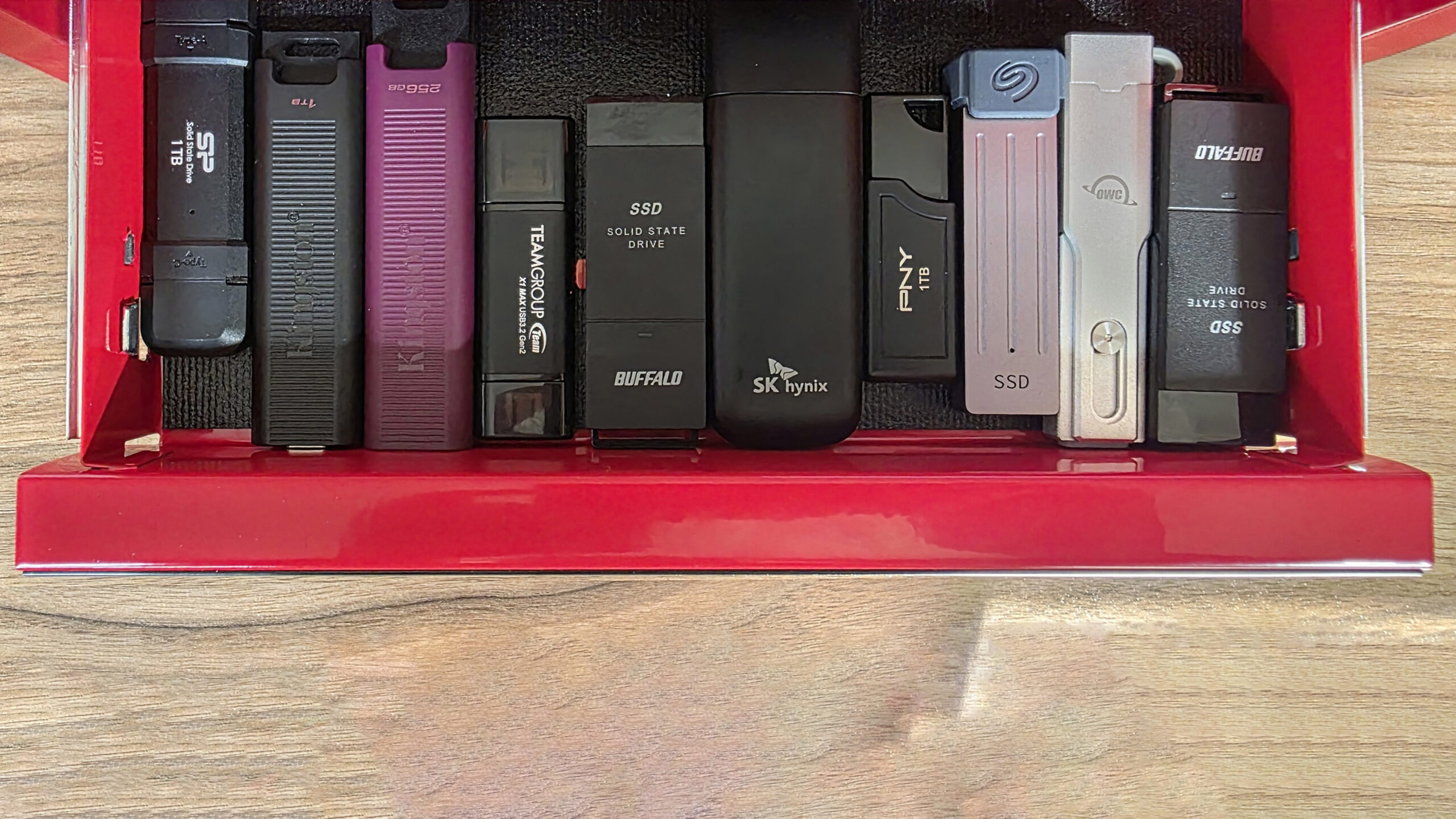
The bottom line
The Best best photo storage device for most mixed-device households is ThePhotoStick Omni 128GB. Its automatic backup approach, broad connector support, and compatibility with iPhone, Android, PC, and Mac remove much of the friction that makes people postpone backups.
Choose the SanDisk Portable SSD 1TB when speed, durability, and a larger working library matter more than guided phone backup. For the biggest archive, the Seagate Portable 2TB remains the practical computer-first choice, while Samsung is the cleaner pick for fast USB-C transfers.
If you are undecided, choose ThePhotoStick Omni for simpler phone backup and SanDisk for faster computer-based photo work.
As an Amazon Associate we earn from qualifying purchases.