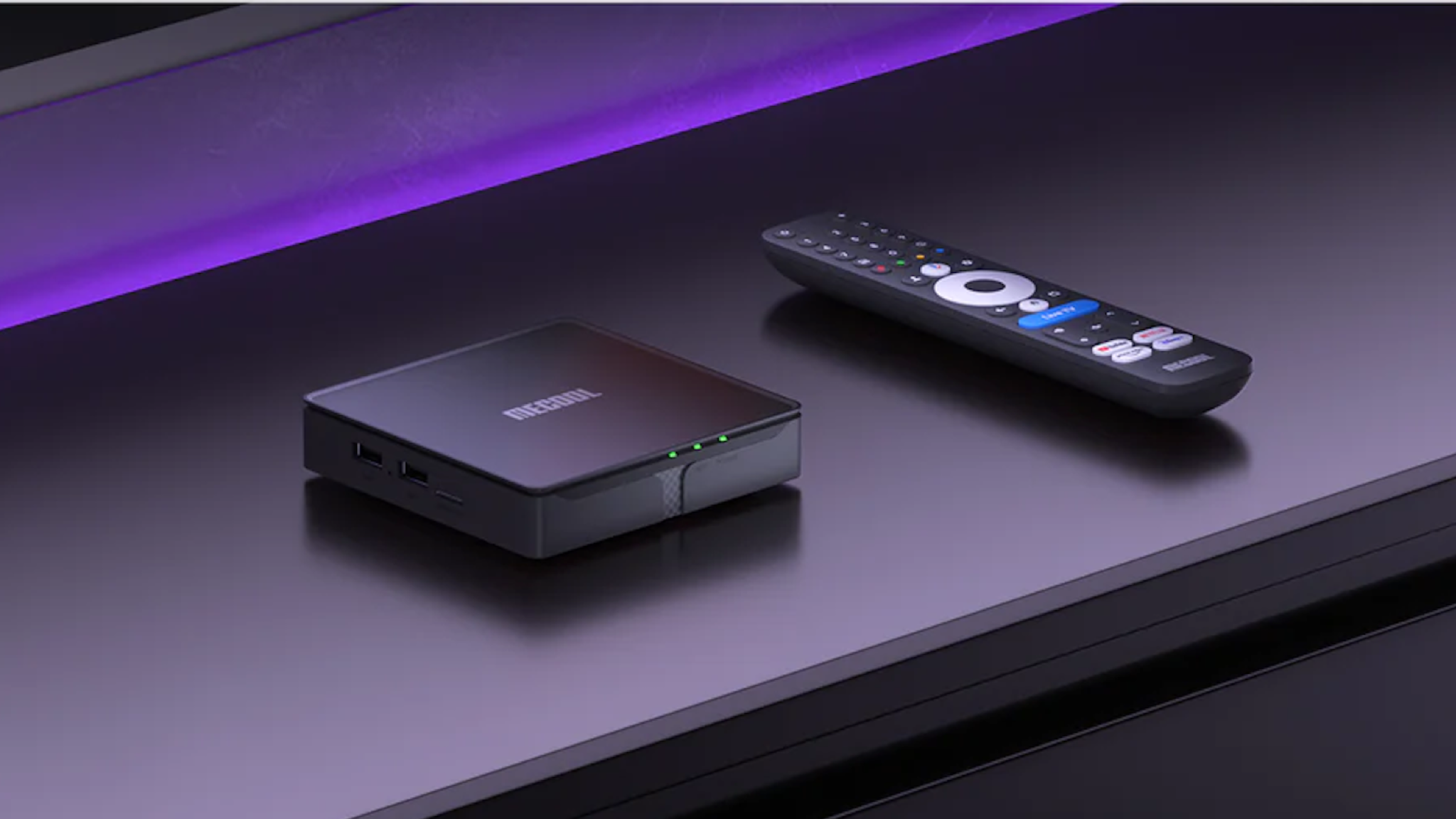

Cutting the cable cord does not mean one box can unlock every channel. Streaming players organize free, ad-supported services, while converter boxes receive local broadcasts through an antenna. The right choice depends on whether you want app-based entertainment, over-the-air television, DVR recording, or a combination of those jobs.
Our Best best tv box with all channels free picks range from compact HD sticks to powerful 4K players and dedicated broadcast tuners. Some support Dolby Vision and Dolby Atmos, while others focus on antenna reception and recording rather than streaming apps.
For most households, the Amazon Fire TV Stick 4K Max is the best all-around starting point. The rest of the list covers Roku simplicity, Google TV, serious home theater hardware, and genuine free local-channel reception.
Comparison table
| # | Product | Award | Video | Live TV approach | Storage | Best for |
|---|---|---|---|---|---|---|
| 1 | Amazon Fire TV Stick 4K Max | Best overall | 4K, Dolby Vision, HDR10+ | Apps and free ad-supported channels | 16GB | Fast app-based streaming |
| 2 | Roku Ultra | Best Roku player | 4K, Dolby Vision, HDR10+ | Roku free live TV and apps | Not stated | Easy navigation and Ethernet |
| 3 | Amazon Fire TV Stick 4K Select | Best compact 4K pick | 4K, HDR10+ | Apps and free ad-supported channels | Not stated | Straightforward 4K setup |
| 4 | Xiaomi TV Box S 3rd Gen | Best Google TV box | 4K, Dolby Vision, HDR10+ | Google TV apps and recommendations | 32GB | Google Cast and local media |
| 5 | Amazon Fire TV Stick HD | Best HD stick | Full HD | Apps and free ad-supported channels | Not stated | Older HD televisions |
| 6 | ZJBOX Digital TV Converter | Best basic antenna tuner | 1080p | ATSC over the air | External USB storage | Local channels and recording |
| 7 | NVIDIA Shield TV Pro | Best for power users | 4K HDR, Dolby Vision | Apps, Plex, and streaming services | 16GB | Plex, gaming, and expansion |
| 8 | ADTH NextGen TV Box | Best NextGen TV tuner | Up to 4K HDR | ATSC 3.0 and ATSC 1.0 | 64GB built in | OTA TV with DVR recording |
| 9 | Roku Streaming Stick HD | Best simple HD streamer | HD | Roku apps and free live TV | Not stated | Travel and secondary TVs |
| 10 | Google TV Streamer 4K | Best Google interface | 4K HDR, Dolby Vision | More than 800 free channels through listed services | 32GB | Google-connected homes |
1. Amazon Fire TV Stick 4K Max: Best Overall

Pros
- 4K output with Dolby Vision and HDR10+
- 16GB storage for apps, games, and downloads
- Wi-Fi 6E support
- Voice search across compatible apps
- Dedicated live TV controls on the remote
Cons
- Subscription services still require their own plans
- Alexa-centered interface is not as uncluttered as Roku
- Xbox cloud gaming needs a subscription and compatible controller
Best for: households that want fast app-based streaming, 4K video, and a broad selection of free live channels.
The Amazon Fire TV Stick 4K Max is the most complete fit for this group because it covers the everyday streaming jobs without taking up shelf space. It plugs into the television, uses a voice remote, and is built around a large catalog of apps plus free, ad-supported content. The updated Fire TV experience puts dedicated content categories, pinned apps, and personalized recommendations closer to the home screen, so it does not feel like a bare launcher.
Its 4K support is more than a resolution label. Dolby Vision can improve contrast and color on a compatible television, while HDR10+ handles supported HDR content with dynamic picture information. Dolby Atmos support can pass immersive audio to a compatible sound system. The box also has 16GB of storage, which gives it more room for apps, games, and downloads than a typical compact stick. That matters if the television is used for more than Netflix and one or two other services.
Wireless performance is a major reason to choose it over the Amazon Fire TV Stick 4K Select. The Max supports Wi-Fi 6E, and its processor is designed for quick app starts and fluid navigation. The remote adds a recents button, dedicated channel controls, and voice search. Alexa+ can search naturally across compatible apps and handle smart-home requests, though recommendations and interface decisions are closely tied to Amazon's ecosystem. For a cleaner, less promotional home screen, the Roku Ultra is the more relaxed alternative.
The weakness is the same one found on every general-purpose streaming player here: free channels are not the same as every cable or premium channel, and subscription fees may apply to many apps. The Max also has no antenna tuner, so it cannot directly receive local broadcast signals. Choose it when you want one small device to organize streaming services and free online channels, not when your priority is recording antenna broadcasts.
For readers still deciding between streaming and broadcast reception, the antenna setup that determines how many local stations you receive matters just as much as the box. With a strong Wi-Fi network and a 4K television, the Fire TV Stick 4K Max is the one we would keep connected to the main screen.
2. Roku Ultra: Best Roku Player

Pros
- Quick interface and app launches
- 4K, HDR10+, Dolby Vision, and Dolby Atmos
- Wi-Fi 6 and Ethernet connectivity
- Rechargeable backlit Voice Remote Pro
- Bluetooth headphone mode
Cons
- Larger than a streaming stick
- No built-in antenna tuner
- Roku's interface is less flexible for advanced users
Best for: anyone who values simple menus, a premium remote, and the option to use wired Ethernet.
The Roku Ultra is the easiest recommendation for a household that wants the television to stay out of the way. Roku's home screen is direct, apps are easy to find, and the free live TV area sits alongside the rest of the platform rather than feeling hidden in a separate service. The player is also a better fit than a stick when the television is mounted in a location with unreliable wireless reception or when the network can be wired.
Roku says the Ultra is 30 percent faster than other Roku players. The useful result is quick movement through menus and apps rather than a specification that needs decoding. It supports 4K, HDR10+, Dolby Vision, and Dolby Atmos, so it can make use of a modern television and compatible audio equipment. Wi-Fi 6 handles wireless streaming, while Ethernet gives households another way to avoid signal problems. Those options make it more adaptable than the Roku Streaming Stick HD, which is limited to HD output and stick-style connectivity.
The included Voice Remote Pro is one of the strongest parts of the package. Its buttons are backlit, it supports hands-free voice control, and it can be recharged instead of relying on disposable batteries. The remote finder is a small feature that becomes genuinely useful in a busy living room. Bluetooth headphone mode also allows private listening without waking everyone nearby, a feature that the smaller Amazon Fire TV Stick HD approaches through Bluetooth headphone support but does not pair with Roku's same interface.
The Ultra's trade-off is physical and philosophical. It occupies a place near the television instead of disappearing behind it, and Roku does not offer the deep smart-home integration of Amazon or Google. It also cannot receive antenna broadcasts on its own. If you want Plex server functions, USB expansion, or more demanding gaming options, the NVIDIA Shield TV Pro is much more capable, although it is also more involved to configure.
The Roku Ultra makes sense for viewers who want free live streaming channels, mainstream apps, dependable 4K playback, and a remote that feels finished. It is the better living-room appliance for people who would rather browse than tinker.
3. Amazon Fire TV Stick 4K Select: Best Compact 4K Pick

Pros
- 4K Ultra HD output
- HDR10+ support
- Easy HDMI and Wi-Fi setup
- Alexa voice search
- Broad app selection and free content
Cons
- No stated storage capacity
- No Dolby Vision listed in the product features
- Subscription services remain separate
Best for: viewers who want a small 4K Fire TV device with voice search and a simple installation.
The Amazon Fire TV Stick 4K Select gets the core Fire TV experience into a compact form. It is the natural choice for a bedroom, guest room, or older 4K television where a full-sized player would add clutter without adding much usefulness. Plug it into HDMI, connect it to Wi-Fi, and the system presents apps, recommendations, free ad-supported content, and live TV in one interface.
The image supports 4K Ultra HD and HDR10+. HDR10+ can improve the way compatible content handles bright and dark scenes, but television support still matters. Unlike the Amazon Fire TV Stick 4K Max, the listed features do not include Dolby Vision, Wi-Fi 6E, or a 16GB storage figure. That makes the Select a more focused device rather than a direct substitute for the Max when heavy app installs, downloads, or advanced wireless performance are priorities.
Alexa remains central to the experience. Pressing the remote button lets viewers search for shows, launch apps, control compatible smart-home devices, and find content across services. The catalog includes Prime Video, Netflix, YouTube, Disney+, Apple TV+, HBO Max, Hulu, Peacock, Paramount+, and other apps, alongside free ad-supported programming. The wording matters here: access to an app does not make its paid library free.
Compared with the Xiaomi TV Box S 3rd Gen, the Select is less interesting as a general Google TV or casting hub, but it is easier to recommend to someone already using Amazon devices. It is also more capable for 4K viewing than the Amazon Fire TV Stick HD, which is designed for Full HD. The Select does not include an antenna input, recording function, or local channel tuner, so an antenna-based setup needs a separate converter box.
This is a sensible 4K stick for viewers who want Fire TV navigation without needing the Max's extra storage and wireless features. Choose it for uncomplicated app streaming, and step up to the Max if the television is the household's main entertainment center.
4. Xiaomi TV Box S 3rd Gen: Best Google TV Box

Pros
- Google TV interface and Google Cast
- 4K, HDR10+, and Dolby Vision
- Dolby Atmos and DTS:X support
- Wi-Fi 6 connectivity
- 32GB storage
Cons
- Requires officially authorized apps and legitimate services
- Wi-Fi 6 requires a compatible router
- No antenna tuner or DVR is listed
Best for: Google users who want generous app storage, casting, and broad 4K audio and video support.
The Xiaomi TV Box S 3rd Gen is a traditional set-top box rather than a stick, and that distinction gives it room for a more expansive feature set. Google TV gathers recommendations from apps and supports cross-app search, while Google Cast makes it easy to send content from a phone or tablet. The 360-degree Bluetooth remote also supports Google Assistant for voice search, playback controls, and smart-home commands.
Its hardware is unusually specific in the listing. A 64-bit 6nm platform uses a quad-core A55 CPU running up to 2.5GHz, with 2GB of memory and 32GB of storage. The storage is useful for a household that installs many apps or wants a fuller Google TV setup. Wi-Fi 6 can improve throughput and reduce congestion when paired with a Wi-Fi 6 router, though it cannot repair a weak broadband connection or poor placement.
Video and audio support are strong. The box can output 4K UHD and supports HDR10+ and Dolby Vision, while Dolby Atmos and DTS:X address compatible sound systems. HDMI 2.1 is included in the product title, but the listing does not specify which HDMI 2.1 capabilities are active, so buyers should not assume every gaming feature associated with that standard. The Google TV Streamer 4K offers a similar Google-centered approach and also lists 32GB storage, while the Xiaomi adds DTS:X to its stated audio support.
Xiaomi includes a clear limitation that is worth taking seriously: the device is intended for officially authorized apps and legitimate streaming services. It is not a shortcut to unlicensed channels. The lack of an antenna tuner and DVR also makes it a weaker choice than the ADTH NextGen TV Box for local broadcasts. For advice on combining a streaming box with broadcast reception, the signal and placement choices behind reliable local TV are more important than chasing a particular app list.
Pick the Xiaomi when Google Cast, app storage, and a wide 4K format range matter more than a built-in tuner. It is a better connected-home box than a basic stick, but it is not an all-in-one cable replacement.
5. Amazon Fire TV Stick HD: Best HD Stick

Pros
- Full HD output
- Compact design for travel and secondary TVs
- Direct Power through the included USB-C cable
- Alexa Voice Remote with TV controls
- Bluetooth headphone support
Cons
- No 4K output
- No antenna tuner or DVR
- App subscriptions may still apply
Best for: older 1080p televisions, bedrooms, travel setups, and viewers who do not need 4K.
The Amazon Fire TV Stick HD makes sense when the television itself is limited to Full HD. It is thin, light, and designed to connect directly to an HDMI port without blocking neighboring connections. Its Direct Power feature uses the included USB-C cable to draw power from the television, which can reduce clutter and simplify a guest-room installation.
The output is crisp Full HD rather than 4K. That is a limitation on a newer television, but it is not a meaningful flaw on an older 1080p screen. Fire TV provides access to mainstream services, free ad-supported programs, and live TV areas, with Alexa+ helping search across compatible apps. The interface is the same broad Fire TV environment found on the 4K models, so the smaller stick does not feel like a stripped-down software experience.
The Alexa Voice Remote includes dedicated power and volume buttons for compatible televisions, soundbars, and receivers. Preset app buttons make common launches quick, and Bluetooth headphone support allows private listening. The stick also supports smart-home controls such as weather information and compatible Ring camera viewing. Those features make it more flexible than a basic converter box, although they depend on the network and compatible services.
The obvious reason to skip it is a 4K television. The Amazon Fire TV Stick 4K Select adds 4K and HDR10+ while preserving the compact design, and the Roku Streaming Stick HD offers a similarly small HD format with Roku's simpler home screen. Neither the Fire TV Stick HD nor the Roku stick can receive antenna broadcasts directly, so local channels require a separate antenna and tuner.
For a spare television, travel screen, or older panel, this is a tidy way to add streaming apps and free online channels. It should not be mistaken for an antenna receiver or a universal source of premium programming.
6. ZJBOX Digital TV Converter: Best Basic Antenna Tuner

Pros
- Receives ATSC broadcasts from an external antenna
- 1080p output
- USB recording and playback
- HDMI and composite connections
- Closed captions and parental controls
Cons
- Requires an external antenna
- No built-in storage
- Offline design with infrequent firmware updates
Best for: older televisions and viewers who want to watch or record free local broadcasts.
The ZJBOX Digital TV Converter is the first product here that directly addresses over-the-air television rather than app-based streaming. Connect an antenna to the tuner, send video to the television over HDMI or composite, and the box can convert ATSC broadcasts for an analog or digital TV. That makes it useful for an older set that lacks a modern broadcast tuner.
It outputs and records up to 1080p, subject to the quality of the received signal. The box includes auto tuning, a favorite channel list, closed captions, parental controls, and timer functions. Those are practical television features, but they do not improve reception. The product specifically says it has no signal amplification function, so a weak antenna installation remains a weak antenna installation.
Recording requires external storage. The box has no built-in storage, and the listing recommends FAT32 external hard drives up to 4TB or flash drives up to 32GB. Once connected, viewers can record programs and play back television, photos, music, and movie files from USB storage. That is a different kind of usefulness from the ADTH NextGen TV Box, which includes 64GB of onboard storage and supports ATSC 3.0 as well as ATSC 1.0.
This ZJBOX is not a streaming player. It is offline, firmware updates are infrequent, and it cannot replace a cable set-top box or provide internet apps. The Roku Ultra or Amazon Fire TV Stick 4K Max is much better for Netflix, app search, and free online channels. If local reception is the priority, choosing an antenna for indoor or outdoor placement deserves attention before buying the tuner.
Buy the ZJBOX for a straightforward antenna setup, especially with an older television and a USB drive ready for recording. Skip it if you want one device to combine streaming apps with broadcast reception.
7. NVIDIA Shield TV Pro: Best for Power Users

Pros
- Tegra X1+ processor
- AI upscaling from HD to 4K
- Dolby Vision and Dolby Atmos
- 3GB RAM and 16GB storage
- Two USB 3.0 ports and Gigabit Ethernet
Cons
- More complex than a basic streaming stick
- No antenna tuner
- Controller for some games is separate
Best for: enthusiasts who need Plex, USB expansion, gaming features, and strong home theater support.
The NVIDIA Shield TV Pro remains the specialist choice in this group. It is not the smallest or simplest player, but it offers the hardware and connections that ordinary sticks leave out. The Tegra X1+ chip supports fast navigation, while AI upscaling can enhance HD video to 4K in real time. That is particularly useful for a mixed library where not every show is available in native 4K.
The Shield supports Dolby Vision, Dolby Atmos, and Dolby Digital Plus. Its 3GB of RAM and 16GB of internal storage support a broad Android TV app library, while the built-in Plex Media Server gives it a role beyond ordinary streaming. Two USB 3.0 ports can connect storage, cameras, keyboards, or controllers. Gigabit Ethernet, dual-band AC Wi-Fi, and Bluetooth 5.0 provide several ways to connect accessories and a network.
The remote is more advanced than the basic controls bundled with smaller devices. It has motion-activated backlighting, voice control, infrared control for a television, and a remote locator. Chromecast support lets users send compatible content from a phone. GeForce Now and other gaming services expand its purpose, though a game controller is sold separately and the experience is more dependent on network conditions than local console gaming.
The Shield's weakness is that it asks more of its owner. Its capabilities are easy to waste if the television is used only for a few streaming apps, and it cannot tune antenna broadcasts. The Roku Ultra is friendlier for a family that wants straightforward menus, while the Amazon Fire TV Stick 4K Max is more compact and includes a newer wireless standard. The Shield wins when Plex, USB accessories, and upscaling matter.
This is the right box for a home theater enthusiast, media-server user, or cloud-gaming household. It is unnecessary for someone who simply wants free live streaming channels and a remote that anyone can understand.
8. ADTH NextGen TV Box: Best NextGen TV Tuner

Pros
- ATSC 3.0 and ATSC 1.0 support
- Up to 4K HDR output
- 64GB built-in storage
- DVR recording with pause and replay
- Wi-Fi and Bluetooth
Cons
- Requires a TV antenna
- Broadcast availability varies by location
- Not a replacement for app-based streaming hardware
Best for: viewers who want modern over-the-air broadcasts, built-in recording, and support for legacy signals.
The ADTH NextGen TV Box is the most capable broadcast tuner in this roundup. It supports both ATSC 3.0 and ATSC 1.0, so it can work with newer NextGen TV broadcasts while retaining compatibility with legacy over-the-air signals. An antenna is still required, and the number of available stations depends on local broadcasters, terrain, and installation quality.
The output supports up to 4K with HDR when the broadcast and television support those formats. ATSC 3.0 can also carry newer audio formats, and ADTH lists Dolby Digital Plus and AC-4 support. These capabilities are useful only when the local signal provides them and the rest of the equipment can decode them. The box does not create 4K broadcasts where none exist.
Its 64GB of built-in storage is a major advantage over the ZJBOX Digital TV Converter, which requires external USB storage for recording. ADTH supports DVR recording, playback, pause, rewind, and replay, with the option to expand storage through a USB flash drive or microSD card. That gives it a more self-contained feel for households that primarily watch local news, sports, and broadcast networks.
The limitation is category-specific rather than a defect. The ADTH is an antenna receiver, not a general streaming hub, and it cannot promise every local channel in every area. It also does not replace the broad app catalogs of the Google TV Streamer 4K or Roku Ultra. Wi-Fi and Bluetooth support firmware updates and future NextGen TV enhancements, but they do not turn the device into a full app-based streamer.
Choose ADTH when the words “free channels” mean local over-the-air broadcasts and recording. It is the strongest match for that use case, provided the antenna signal is good and ATSC 3.0 services are available in the viewer's area.
9. Roku Streaming Stick HD: Best Simple HD Streamer

Pros
- Small design that stays behind the television
- HD streaming and free live TV
- Voice remote controls power and volume
- Can draw power from the TV
- Useful for travel
Cons
- HD output only
- No antenna input
- No storage capacity is stated
Best for: secondary televisions, travel, and viewers who want Roku's simple interface in a discreet stick.
The Roku Streaming Stick HD is deliberately uncomplicated. It connects behind the television, can draw power from the TV, and avoids the extra box and cables associated with a set-top player. The compact design also helps when HDMI ports sit close together or when the device needs to travel between rooms.
Roku's software is the main attraction. The home screen provides access to popular apps, free movies, shows, and live TV, with voice search for finding entertainment. One Roku remote can control the player, television power, and volume. Personalized recommendations and a Sports Zone add discovery features without requiring the user to jump between several hardware ecosystems.
The device outputs HD rather than 4K. That makes it appropriate for a 1080p television but a poor match for a modern 4K panel where the Roku Ultra can make better use of the display. The Amazon Fire TV Stick HD is a close alternative with Alexa and smart-home controls, while the Roku is the better fit for someone who prefers a less Amazon-centered interface.
Like every streaming stick here, it needs internet access and does not tune local antenna signals. Roku's free live TV offerings are delivered through its platform, not through a coaxial antenna connection. A separate tuner such as the ZJBOX Digital TV Converter is needed for broadcast reception and recording. For people building a compact setup, the difference between internet channels and antenna channels should be settled before purchase.
This is a sensible travel or bedroom streamer. It is small, easy to operate, and well suited to HD screens, but it is not the right choice for 4K viewing, DVR recording, or direct local-channel reception.
10. Google TV Streamer 4K: Best Google Interface

Pros
- 4K HDR and Dolby Vision
- 32GB storage
- Google TV recommendations across services
- More than 800 listed free channels
- Dolby Atmos support with compatible speakers
Cons
- HDMI 2.1 cable required separately
- No antenna tuner
- Free channel availability depends on listed services and location
Best for: Google households that want cross-service recommendations, voice search, and a substantial free channel selection.
The Google TV Streamer 4K is built around discovery. Instead of opening each app separately, Google TV presents movies and shows from across compatible services on the home screen. Tailored recommendations can be created for different people in the household, and a watchlist can be updated from the television, a phone, or Google Search.
The streamer supports up to 4K HDR with Dolby Vision. That combination can produce more detailed highlights and richer contrast on a compatible television, while Dolby Atmos support can feed a suitable audio system. It has 32GB of storage, matching the Xiaomi's listed capacity and giving both devices more room for apps than products that do not state an internal storage figure.
Google lists access to more than 800 free channels from Pluto TV, Tubi, and other services. That is one of the clearest free-channel claims in this group, but it still describes online services rather than every local or premium channel. The Amazon Fire TV Stick 4K Max offers a stronger Amazon voice and smart-home experience, while the Roku Ultra has a simpler navigation style. Google's advantage is the way it combines search, recommendations, casting, and connected-home features.
The required HDMI 2.1 cable is sold separately, an extra setup detail that is easy to overlook. The Streamer also lacks a coaxial antenna input and DVR tuner, so it cannot replace the ADTH NextGen TV Box for local broadcasts. A household that wants both app streaming and antenna television may need two devices, each doing its own job well.
Choose the Google TV Streamer 4K if your viewing begins with searching for something rather than opening a particular service. It is a polished option for Google-connected homes, but viewers seeking antenna reception should choose a dedicated tuner instead.
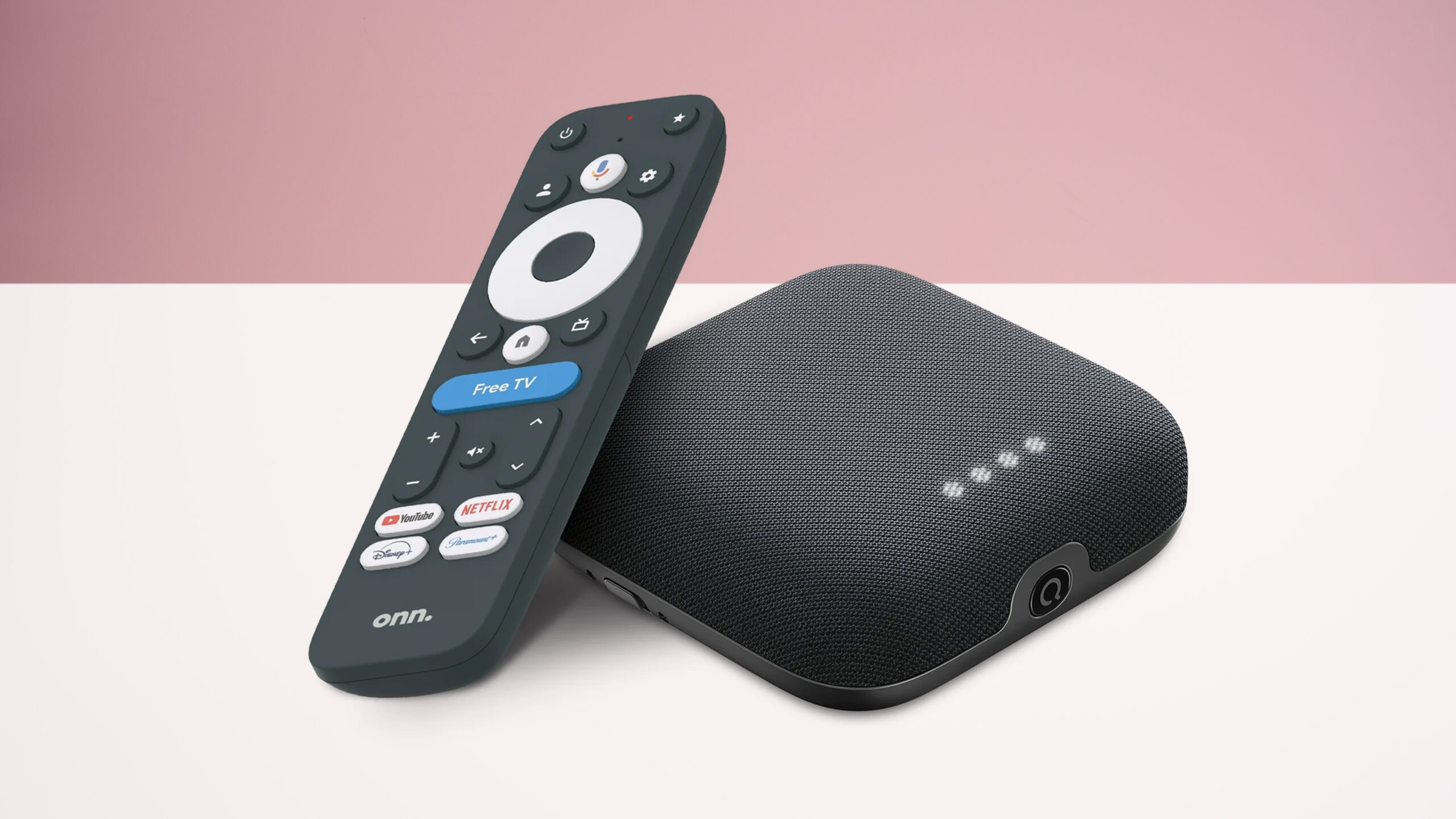
How to choose best tv box with all channels free
The right device depends on the source of the channels you actually want. Streaming players use internet apps, while converter boxes use an antenna and broadcast tuner.
Streaming platform
Roku, Fire TV, and Google TV each organize apps differently. Roku is the most direct, Fire TV emphasizes Alexa and Amazon recommendations, and Google TV gathers content from multiple services into a unified discovery layer. Choose the interface that matches the services and smart-home products already in use.
A streaming player can show free, ad-supported channels, but it cannot make subscription libraries free. The most useful comparison is how quickly the device finds content, launches apps, and handles multiple services.
Antenna tuner standard
A dedicated tuner is necessary for local over-the-air broadcasts. The ZJBOX supports ATSC signals and outputs up to 1080p, while the ADTH supports both ATSC 1.0 and ATSC 3.0 with output up to 4K HDR when the broadcast supports it.
Free streaming channels and free antenna channels come from different sources, so check the signal path before choosing the box.
Video and audio formats
A 4K player is appropriate for a 4K television, but the television, app, and program must all support the format for it to matter. Dolby Vision and HDR10+ affect compatible HDR content, while Dolby Atmos and DTS:X require compatible audio equipment.
HD sticks remain suitable for Full HD televisions. Buying a 4K device does not improve a source that is only available in HD, though it can provide more flexibility for future viewing.
Storage and recording
Storage matters in two different ways. Streaming boxes use it for apps, games, and downloads, while antenna tuners use it for recorded broadcasts. The Fire TV Stick 4K Max lists 16GB for apps and downloads, the Xiaomi and Google streamer list 32GB, and ADTH provides 64GB for DVR use.
The ZJBOX has no built-in storage and requires an external USB drive for recording. Decide whether recording local programs is important before choosing a streaming stick that has no tuner.
Network and connections
Streaming players require a reliable internet connection. Wi-Fi 6 and Wi-Fi 6E can help on busy networks, while Ethernet is useful when wireless reception is inconsistent. The Roku Ultra and NVIDIA Shield TV Pro offer wired Ethernet, while the Fire TV Stick 4K Max supports Wi-Fi 6E.
Also check the television's HDMI ports and power arrangement. Stick-style devices save space, while set-top boxes offer more room for ports and accessories. The Google TV Streamer 4K requires an HDMI 2.1 cable, sold separately.
Frequently asked questions
Can any of these boxes provide every channel for free?
No. Streaming players provide access to free, ad-supported services and live channel apps, but many services require subscriptions. Antenna tuners receive local broadcasts available in the viewer's area, not every cable, premium, or internet channel.
Do I need an antenna for local channels?
Yes. The ZJBOX and ADTH require an external antenna to receive over-the-air broadcasts. Roku, Fire TV, Xiaomi, NVIDIA, and Google devices connect to internet services instead and do not replace an antenna tuner.
Which product supports DVR recording?
The ZJBOX supports recording to external USB storage. The ADTH NextGen TV Box includes 64GB of built-in storage for DVR recording and playback, with additional expansion options listed for external storage.
Is 4K necessary for free live TV?
Not always. Many free channels are delivered in HD, and the Amazon Fire TV Stick HD or Roku Streaming Stick HD can serve a Full HD television. A 4K player is more suitable when the television and available content support 4K HDR.
Which box is easiest for a family to use?
The Roku Ultra has the clearest, least complicated interface in this group. The Fire TV devices are also straightforward, especially for Alexa users, while Google TV is useful for households that want recommendations and search across several services.
Can these devices work without internet access?
The ZJBOX can receive antenna broadcasts offline once connected to an antenna and television. ADTH is designed around over-the-air reception but includes network features, while the streaming players need internet access for their apps and online channels.
The bottom line
The Best best tv box with all channels free depends on whether “free channels” means online ad-supported programming or local antenna broadcasts. For app-based streaming, the Amazon Fire TV Stick 4K Max is the strongest all-purpose pick, with 4K HDR, Dolby Vision, 16GB storage, Wi-Fi 6E, and useful voice search. The Roku Ultra is the better choice for a cleaner interface, Ethernet, and a more polished remote.
For local broadcasts and recording, choose the ADTH NextGen TV Box if ATSC 3.0, 4K HDR, and built-in DVR storage matter. The ZJBOX Digital TV Converter is the simpler option for 1080p antenna television and external USB recording.
If you are still undecided, choose the Fire TV Stick 4K Max for streaming apps or the ADTH NextGen TV Box for antenna channels.
As an Amazon Associate we earn from qualifying purchases.