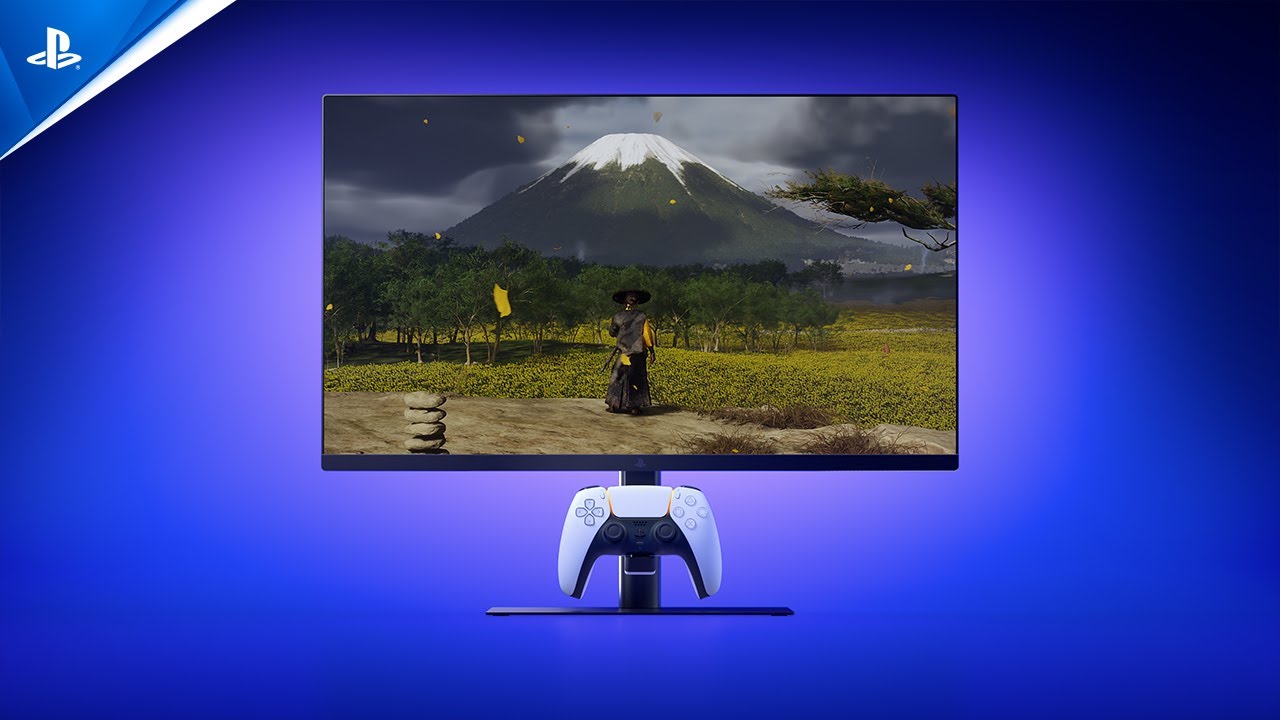

A PS5 can output sharp 4K images and smooth high-frame-rate gameplay, but the wrong display can leave you with soft detail, awkward scaling, or motion that feels less responsive than it should. Size matters too. A 32-inch screen can be immersive from a sofa, while a smaller 24-inch panel makes more sense at a compact desk.
We compared ten monitors across 4K OLED, QHD, and Full HD designs. The Best gaming monitor for ps5 depends on whether you want cinematic image quality, fast competitive play, built-in audio, or a screen that simply fits a smaller space.
The ASUS ROG Swift PG32UCDM is the single best pick for PS5 owners who want the most complete image and feature set, while the rest of this list covers more focused choices from Samsung, Acer, Sceptre, SANSUI, and Amzfast.
Comparison table
| # | Product | Award | Resolution | Refresh rate | Screen | Best for |
|---|---|---|---|---|---|---|
| 1 | Samsung Odyssey G55C | Best overall | QHD | 165Hz | 32-inch, 1000R curved | Immersive PS5 play |
| 2 | Sceptre E225W-FW144 | Best compact pick | FHD | Up to 144Hz | 22-inch | Small desks |
| 3 | SANSUI 27-inch 160Hz | Best feature balance | FHD | 160Hz | 27-inch, 1500R curved | Flexible everyday gaming |
| 4 | SANSUI 32-inch 240Hz | Best large fast display | FHD | 240Hz | 32-inch, 1500R curved | Large-screen action |
| 5 | ASUS ROG Swift PG32UCDM | Best image quality | 4K | 240Hz | 32-inch QD-OLED | Premium console gaming |
| 6 | Sceptre C248W-1920RN | Best simple curved monitor | FHD | 75Hz | 24-inch, 1800R curved | Casual PS5 gaming |
| 7 | SANSUI 27-inch 240Hz | Best 27-inch speed | FHD | 240Hz | 27-inch, 1500R curved | Competitive action |
| 8 | Acer Nitro KG241Y | Best established gaming design | FHD | 165Hz | 23.8-inch VA | Fast desk play |
| 9 | Amzfast AMZG27C1 Pro | Best built-in audio | FHD | 240Hz | 27-inch, 1500R curved | Gaming without extra speakers |
| 10 | Amzfast AMZG27C1 | Best straightforward 27-inch option | FHD | 200Hz | 27-inch, 1500R curved | General gaming |
1. Samsung Odyssey G55C: Best Overall

Pros
- QHD resolution gives PS5 games more fine detail than Full HD
- 1000R curve creates a strongly enveloping view
- HDR10, FreeSync, and eye comfort modes
- 32-inch screen suits immersive single-player games
Cons
- Large footprint needs a deep desk
- No built-in speakers are listed
- Its 165Hz ceiling is more than the PS5 needs
Best for: PS5 owners who want a large, sharp, curved display for story games and mixed entertainment.
The Samsung Odyssey G55C gets the important big-screen decision right. Its 32-inch panel and 1000R curve pull the edges of the image toward you, making racing games, open-world environments, and third-person adventures feel more involving than they do on a small flat display. The curve is pronounced, so it is most comfortable when you sit directly in front of the screen rather than several feet away.
QHD resolution is the key advantage over the Full HD monitors here. Samsung says it provides 1.7 times the pixel density of Full HD, which means cleaner fine detail in foliage, buildings, character textures, and menus. The 165Hz refresh rate is also generous for a PS5. The console will not use every available refresh cycle in every game, but that headroom keeps the display from feeling like a basic office panel when connected to another gaming source.
HDR10 adds a wider range between dark and bright parts of an image, while FreeSync is intended to reduce tearing by keeping the display and graphics output in step. The Eye Saver mode reduces blue light, and Samsung also lists flicker reduction. Those features matter during long sessions, though they cannot turn a curved VA-style gaming display into an OLED. The Odyssey G55C is a more sensible match for a bright mixed-use desk than an OLED if you want less concern about static interface elements.
The main weakness is physical rather than technical. At 28 inches wide and 11.5 pounds, this is not a discreet monitor for a shallow desk, and its deep curve is not ideal for people who regularly work with straight lines or share the screen from the side. It also does not list built-in speakers, so plan on headphones or separate audio. Compared with the SANSUI 27-inch 240Hz, Samsung gives you substantially more resolution and a more polished large-screen experience, but the SANSUI emphasizes faster refresh for competitive play.
For most PS5 owners, the Samsung is the easiest recommendation because it improves both image clarity and immersion without narrowing the screen to one genre. It is the right choice for someone who wants the Best gaming monitor for ps5 for a broad mix of games, streaming, and occasional PC use.
2. Sceptre E225W-FW144: Best Compact Pick

Pros
- Compact 22-inch size works on crowded desks
- FHD resolution is straightforward for PS5 output
- Up to 144Hz refresh rate
- Built-in speakers and Blue-Light Shift
- HDMI and DisplayPort connections
Cons
- Smaller viewing area than every 27-inch and 32-inch pick
- No curved screen
- Product details do not specify HDR support
Best for: a PS5 setup where desk space matters more than screen size.
The Sceptre E225W-FW144 is the practical small-screen option. A 22-inch display does not create the same sense of scale as the Samsung Odyssey G55C, but it is far easier to place on a shallow desk, a student workstation, or a shared room setup. Its nearly bezel-free design also makes it a reasonable candidate for a side-by-side computer arrangement later.
The panel uses FHD 1080p resolution, a natural fit for a smaller screen because the image does not need to be enlarged across a wide 32-inch surface. Sceptre lists refresh rates up to 144Hz, though the product details do not provide a full console-specific refresh explanation. HDMI is the connection to focus on for a PS5, while DisplayPort is useful if you also connect a computer. Built-in speakers remove one extra piece of equipment, although monitor speakers are best treated as convenient rather than room-filling.
Blue-Light Shift is designed to reduce blue light during long viewing periods. That can make late sessions more comfortable, but it is not a substitute for sensible brightness and regular breaks. The 22-inch size also gives the screen a denser, more immediate feel when you sit close, which can help competitive games feel easy to scan.
The compromise is obvious: the image is smaller, and the listed features are less ambitious than those on the SANSUI 27-inch 160Hz or Acer Nitro KG241Y. There is no curved design, and HDR support is not listed in the supplied details. Skip this one if you sit far away or want a cinematic view. Choose it if the screen must fit into a tight space without giving up a gaming-oriented refresh rate.
The E225W-FW144 is a focused solution rather than a universal recommendation. It makes the most sense for a close desk setup, a younger player's room, or anyone who prefers a compact monitor with audio built in.
3. SANSUI 27-inch 160Hz: Best Feature Balance

Pros
- 27-inch 1500R curve adds immersion without the footprint of a 32-inch screen
- 160Hz refresh rate and 1ms MPRT
- 4000:1 contrast and 110% sRGB coverage
- FreeSync, HDR, and useful game modes
- VESA support and included HDMI cable
Cons
- No built-in speakers
- Stand only tilts
- HDR is available through HDMI in the on-screen menu
Best for: players who want a balanced curved screen with gaming controls and flexible mounting.
The SANSUI 27-inch 160Hz is the middle-ground pick that does not feel stripped down. Its 27-inch size is large enough for a comfortable console view at a desk, while the 1500R curve adds shape without the more forceful wraparound effect of Samsung's 1000R panel. It is a sensible size for someone who wants immersion but does not have room for a 32-inch display.
SANSUI lists a 4000:1 contrast ratio, 300 nits of brightness, and 110% sRGB color coverage. The contrast figure should help dark scenes retain separation between shadows, while the wide color coverage can make bright game worlds look more saturated. The screen is still Full HD, so it will not show the fine detail of the Samsung Odyssey G55C or ASUS ROG Swift PG32UCDM, but the resolution is uncomplicated for PS5 gaming.
The 160Hz refresh rate and listed 1ms MPRT response time favor fast movement. FreeSync is included, and the monitor has presets for FPS, RTS, racing, office, movie, and sRGB use. A black-level adjustment, crosshair, timer, and counter are also listed. Some of those tools are more useful with a PC than a console, but the shadow adjustment can be helpful when a game hides detail in dark areas.
The stand is the point to examine carefully. It tilts from minus 5 to plus 15 degrees, but it does not swivel, pivot, or adjust in height. VESA 100 by 100 millimeter support gives you a way around that limitation if you use an arm or wall mount. The monitor has HDMI and DisplayPort, plus a headphone output, but no speakers. If you want audio from the display itself, the Amzfast models are better equipped.
This SANSUI is a good choice for someone who wants more gaming control than a basic office display and more screen presence than the Sceptre E225W-FW144. If competitive shooters are the priority, how visual clarity changes during fast multiplayer matches is a useful related consideration.
4. SANSUI 32-inch 240Hz: Best Large Fast Display

Pros
- Large 32-inch 1500R display
- 240Hz refresh rate for exceptionally smooth compatible gameplay
- 125% sRGB, HDR, and 3500:1 contrast
- FreeSync and low-blue-light features
- Metal stand and VESA compatibility
Cons
- Full HD resolution is stretched across a large screen
- No built-in speakers
- Stand offers tilt only
Best for: players who want a large curved screen and prioritize motion speed over pixel density.
The SANSUI 32-inch 240Hz makes its appeal immediately clear. It is a large, curved display built around speed, with a 240Hz refresh rate and a 1ms MPRT response time. That is far beyond what most PS5 games need, but it gives the monitor plenty of headroom for a high-frame-rate PC and keeps motion looking fluid when the source supports it.
The catch is the Full HD resolution. At 32 inches, 1920 by 1080 pixels are spread over a much larger area than they are on the 23.8-inch Acer Nitro KG241Y or a 24-inch Sceptre. From a normal desk distance, the image can look less crisp than a smaller Full HD panel, especially around text and fine interface elements. For a PS5 player sitting farther back, the large picture may still be appealing, but this is not the pick for maximum sharpness.
SANSUI lists 125% sRGB color coverage, 300 nits of brightness, HDR, and a 3500:1 contrast ratio. Those specifications point toward punchier color and a stronger distinction between dark and bright scenes than a plain basic monitor. The 1500R curve helps the broad panel feel more cohesive, and the 178-degree viewing angle is useful if another person is watching from nearby.
The metal stand tilts from minus 5 to plus 15 degrees and supports VESA mounting at 100 by 100 millimeters. HDMI can reach 240Hz, and DisplayPort 1.4 can also reach 240Hz according to the supplied details. There is an earphone jack but no built-in audio, so this monitor is less convenient than the Amzfast AMZG27C1 Pro for a simple console setup. Its physical size and 11.9-pound weight also deserve attention before choosing a desk or mount.
Choose this SANSUI when you want a big, fast, enveloping display and accept that Full HD is the limiting factor. For sharp PS5 detail, the Samsung is stronger. For a large competitive screen where speed is the headline, this one has a clear role.
5. ASUS ROG Swift PG32UCDM: Best Image Quality

Pros
- 4K resolution matches the PS5's high-detail output
- QD-OLED panel with 240Hz refresh rate
- 0.03ms GTG response time
- True 10-bit color and 99% DCI-P3 coverage
- OLED care controls and burn-in coverage
Cons
- OLED care requires attention with static content
- Large and heavy display
- Peak brightness may vary with pre-calibration
Best for: PS5 owners who want premium 4K image quality and also play on a powerful PC.
The ASUS ROG Swift PG32UCDM is the specialist pick for image quality. Its 32-inch QD-OLED panel combines the deep contrast associated with OLED with 4K resolution, so games can look both richly dimensional and sharply defined. Dark scenes benefit most: black areas can appear genuinely dark rather than washed out by a glowing backlight.
The 3840 by 2160 resolution is a natural match for a PS5 configured for 4K output. ASUS also lists a 240Hz refresh rate and a 0.03ms GTG response time. The console will not use the full refresh rate in most games, but the display is clearly designed to serve PC gaming as well. G-SYNC compatibility is listed, although that feature is aimed primarily at compatible computer graphics hardware rather than the PS5.
Color performance is unusually ambitious for a console monitor. The PG32UCDM covers 99% of the DCI-P3 gamut, uses true 10-bit color, and carries DisplayHDR 400 True Black compliance. ASUS also lists a Delta E below 2, which points to a display intended for more controlled color work as well as gaming. A 90W USB-C connection adds flexibility for a laptop, though it is not needed for the PS5 itself.
OLED ownership comes with a real caveat. ASUS includes a custom heatsink, airflow design, graphene film, and OLED Care functions to help manage heat and reduce burn-in risk. The monitor also includes three years of warranty coverage with accidental replacement and burn-in coverage. Even with those protections, a display showing the same game HUD, desktop taskbar, or streaming interface for long periods deserves sensible care. ASUS also notes that peak brightness may vary because of pre-calibration.
This is a more elaborate monitor than most PS5 owners need, and it makes less sense if you only play casually or sit too far away to appreciate 4K. For someone who wants a single display for premium console games, PC gaming, creative work, and HDR films, it is the strongest option here. The Samsung Odyssey G55C is easier to justify for mixed everyday use, but the ASUS is the one to choose when image quality comes first.
6. Sceptre C248W-1920RN: Best Simple Curved Monitor

Pros
- Compact 24-inch curved screen
- Built-in speakers
- Two HDMI inputs, VGA, and PC audio
- VESA wall-mount readiness
- 98% sRGB coverage
Cons
- 75Hz refresh rate is modest for gaming
- No DisplayPort
- Older FHD feature set
Best for: casual PS5 players who want a compact curved screen with basic connectivity and audio.
The Sceptre C248W-1920RN is the uncomplicated choice in this group. Its 24-inch FHD display is easy to place, and the 1800R curve gives it a little more visual character than a standard flat office monitor. It is suited to a bedroom, small desk, or secondary setup where the PS5 is not being used for serious competitive play.
The refresh rate is 75Hz, which is the defining limitation. It can handle ordinary console gaming, but it does not provide the same motion headroom as the 144Hz Sceptre E225W-FW144, the 165Hz Acer, or any of the 240Hz models. Players who spend most of their time in fast shooters will notice that this screen is designed around basic smoothness rather than speed-focused performance.
Connectivity is straightforward. The monitor has two HDMI inputs, VGA, and PC audio input, so a PS5 and another HDMI source can remain connected. Built-in speakers are convenient for casual play, and VESA wall-mount readiness opens up a cleaner arrangement. The supplied details list 98% sRGB coverage and brightness figures of 220 and 250 candelas per square meter, so this is not positioned as a high-brightness HDR display.
The C248W-1920RN should be skipped by anyone specifically shopping for high refresh or modern console features. It also lacks DisplayPort, which makes it less flexible for a newer PC setup than the Acer or SANSUI options. Its strength is simply that it is small, curved, and ready to produce a basic picture with audio without demanding much space.
If a second display changes how much room you need, the sizes that still work in tight spaces can help you plan around this monitor. The Sceptre is right for a casual player who values simplicity more than the latest gaming specifications.
7. SANSUI 27-inch 240Hz: Best 27-inch Speed

Pros
- 240Hz refresh rate in a manageable 27-inch size
- 1500R curve and 1ms MPRT
- 130% sRGB and 4000:1 contrast
- HDR, FreeSync, and black-level adjustment
- Metal stand and VESA support
Cons
- Full HD resolution is less detailed than QHD or 4K
- No built-in speakers
- Tilt-only stand
Best for: competitive players who prefer a 27-inch screen and plan to use the display with a high-refresh PC as well as a PS5.
The SANSUI 27-inch 240Hz is the focused speed option. A 27-inch curved panel is easier to manage than the 32-inch SANSUI while preserving the same basic idea: keep motion smooth, make fast scenes easy to follow, and add gaming controls that are usually absent from ordinary displays.
Its 240Hz maximum refresh rate is unnecessary for the PS5's usual output, but useful if this is also a PC monitor. The listed 1ms MPRT response time, FreeSync, anti-flicker, and anti-glare features all point toward a display built around active play. The 1500R curve is moderate enough for a desk, and the 27-inch size gives competitive games more presence than the Acer Nitro KG241Y without becoming as imposing as the 32-inch models.
The color specifications are stronger than the basic resolution suggests. SANSUI lists 130% sRGB coverage, 95% DCI-P3 coverage, a 4000:1 contrast ratio, 300 nits of brightness, and HDR. The black-level adjustment can raise visibility in dark areas, while FPS, RTS, and RPG modes provide quick starting points. Those modes are not replacements for careful calibration, but they are useful when switching between game types.
This monitor has the same practical drawback as the 160Hz SANSUI. The stand tilts from minus 5 to plus 15 degrees but does not offer height, swivel, or pivot adjustment. There are HDMI and DisplayPort connections, an audio jack, and VESA 100 by 100 millimeter support, but no built-in speakers. If you want simple sound from the display, the Amzfast AMZG27C1 Pro is more convenient.
Compared with the SANSUI 27-inch 160Hz, this version makes sense only when the extra refresh capability matters. For PS5-only use, the Samsung offers a more meaningful upgrade in resolution. For a mixed console and PC desk where rapid motion is the priority, the 27-inch SANSUI is the sharper fit.
8. Acer Nitro KG241Y: Best Established Gaming Design

Pros
- 23.8-inch FHD VA panel suits desk gaming
- 165Hz refresh rate and 1ms VRB
- AMD FreeSync Premium
- Two HDMI 2.0 inputs and DisplayPort 1.2
- VESA support and tilt adjustment
Cons
- No built-in speakers are listed
- Color coverage is less ambitious than several SANSUI and Amzfast models
- HDR is listed as ready rather than fully described
Best for: players who want a compact, conventional gaming monitor with familiar connectivity.
The Acer Nitro KG241Y takes a restrained approach. Its 23.8-inch VA panel and FHD resolution create a sensible desk-sized image, and the ZeroFrame design keeps the front visually clean. There is no curve or built-in speaker system to shape the experience, so the monitor feels more like a conventional gaming tool than a lounge display.
A 165Hz refresh rate, 1ms VRB response time, and AMD FreeSync Premium give it the right foundations for fast gameplay. The PS5 connection should use one of the two HDMI 2.0 ports, while DisplayPort 1.2 keeps the monitor useful with a PC. That combination is more flexible than the older Sceptre C248W-1920RN, which offers HDMI and VGA but no DisplayPort.
Acer lists a 1920 by 1080 resolution, a 0.275mm pixel pitch, and NTSC color saturation of 72%. Those figures describe a clear, practical Full HD experience rather than a wide-gamut display. HDR Ready is listed, but the supplied information does not provide a brightness or HDR certification figure, so buyers should not select this model expecting the dramatic highlight range of the ASUS ROG Swift PG32UCDM.
The stand tilts from minus 5 to plus 15 degrees, and VESA 100 by 100 millimeter mounting is supported. Height adjustment is not listed, so monitor-arm users may get the best ergonomic result. There are no built-in speakers listed, which means headphones or separate audio will be part of the setup. For players who want an uncomplicated screen with a recognizable gaming specification set, those are manageable limits.
The Acer is less visually ambitious than the SANSUI 27-inch 240Hz and less immersive than the Samsung, but it is easier to place and easier to understand. It suits someone who wants a compact, fast Full HD display for a desk and does not need a curved panel or built-in sound.
9. Amzfast AMZG27C1 Pro: Best Built-in Audio

Pros
- Built-in two-watt speakers
- 240Hz refresh rate and 1ms MPRT
- 130% sRGB and 4000:1 contrast
- HDR10, FreeSync, and game modes
- VESA support and included DisplayPort cable
Cons
- Full HD resolution at 27 inches is less sharp than QHD
- Stand and height adjustment details are limited
- Noisy or demanding rooms may still call for headphones
Best for: PS5 players who want a fast curved monitor with audio included.
The Amzfast AMZG27C1 Pro stands apart by including two built-in 2W speakers. That is useful in a simple console setup where the monitor sits on a desk and headphones are not always wanted. It will not replace a dedicated soundbar or headset, but it removes the need to solve audio before starting a game.
The display itself is a 27-inch 1500R curved Full HD panel with a 240Hz refresh rate and a listed 1ms MPRT response time. FreeSync and adaptive sync are included, along with FPS, RTS, and RPG modes, crosshair assistance, and black-level adjustment. The PS5 will not normally push 240Hz, but the high ceiling makes this a more versatile choice if a PC joins the setup later.
Amzfast lists 130% sRGB coverage, HDR10, 300 nits of brightness, 4000:1 contrast, and 16.7 million colors with 8-bit color. Those details suggest a colorful, high-contrast picture for a Full HD monitor. Anti-flicker, anti-glare, and low-blue-light features address comfort, especially for players who use the screen for work or browsing between sessions.
The main limitation is shared by many of the faster Full HD displays here. At 27 inches, the image is not as crisp as the QHD Samsung, and the supplied details do not describe an adjustable stand beyond VESA 100 by 100 millimeter support. The built-in speakers are convenient, but their small size means they are best for menu audio, casual play, and ordinary video rather than a cinematic sound system.
The AMZG27C1 Pro is more compelling than the standard AMZG27C1 if audio convenience matters, while the SANSUI 27-inch 240Hz offers a similar speed-focused profile without built-in speakers. Choose the Amzfast when a clean, self-contained desk setup is the priority.
10. Amzfast AMZG27C1: Best Straightforward 27-inch Option

Pros
- 27-inch 1500R curved screen
- 200Hz refresh rate and 1ms MPRT
- Built-in two-watt speakers
- 130% sRGB and HDR10
- HDMI, DisplayPort, and VESA support
Cons
- Full HD resolution is not as sharp as QHD or 4K
- Contrast is lower than the Pro version
- Stand adjustment is not detailed beyond the supplied mounting support
Best for: general console and PC gaming on a curved 27-inch display.
The Amzfast AMZG27C1 is the more straightforward sibling to the AMZG27C1 Pro. It keeps the 27-inch 1500R curve, built-in speakers, and gaming-oriented controls, then sets the refresh rate at 200Hz instead of 240Hz. That difference is not important for ordinary PS5 use, so the model remains a capable choice for someone who wants one screen for console and PC gaming.
Its FHD 1080p resolution is easy for the PS5 to drive, and the 1ms MPRT response time is aimed at reducing visible blur in moving scenes. FreeSync, adaptive sync, FPS, RTS, and RPG modes are listed, along with crosshair assistance and black-level adjustment. The HDMI 2.0 and DisplayPort 1.4 connections provide enough flexibility for a two-source arrangement.
The color specification is 130% sRGB with HDR10, 300 nits of brightness, and 16.7 million colors at 8-bit. Its 3000:1 contrast ratio is lower than the 4000:1 figure on the Pro model and on several SANSUI alternatives, so the Pro should have the edge in dark-scene separation on paper. Anti-flicker, anti-glare, and low-blue-light features make it more suitable for mixed daily use than a screen built only for short competitive sessions.
The AMZG27C1 also includes two upgraded 2W speakers, which is a useful advantage over the Samsung, Acer, and SANSUI monitors in this list. Its drawbacks are the familiar ones: Full HD is not as fine at 27 inches as QHD, and the supplied information does not describe height, swivel, or pivot adjustment. The included HDMI cable is helpful for getting started, while the Pro version includes a DisplayPort cable instead.
Choose this model when you want the basic shape and convenience of the Pro but do not need its maximum refresh rate or higher contrast specification. The Samsung is the better PS5 display for resolution, while this Amzfast is the more accessible all-purpose option for a desk shared between console and PC.
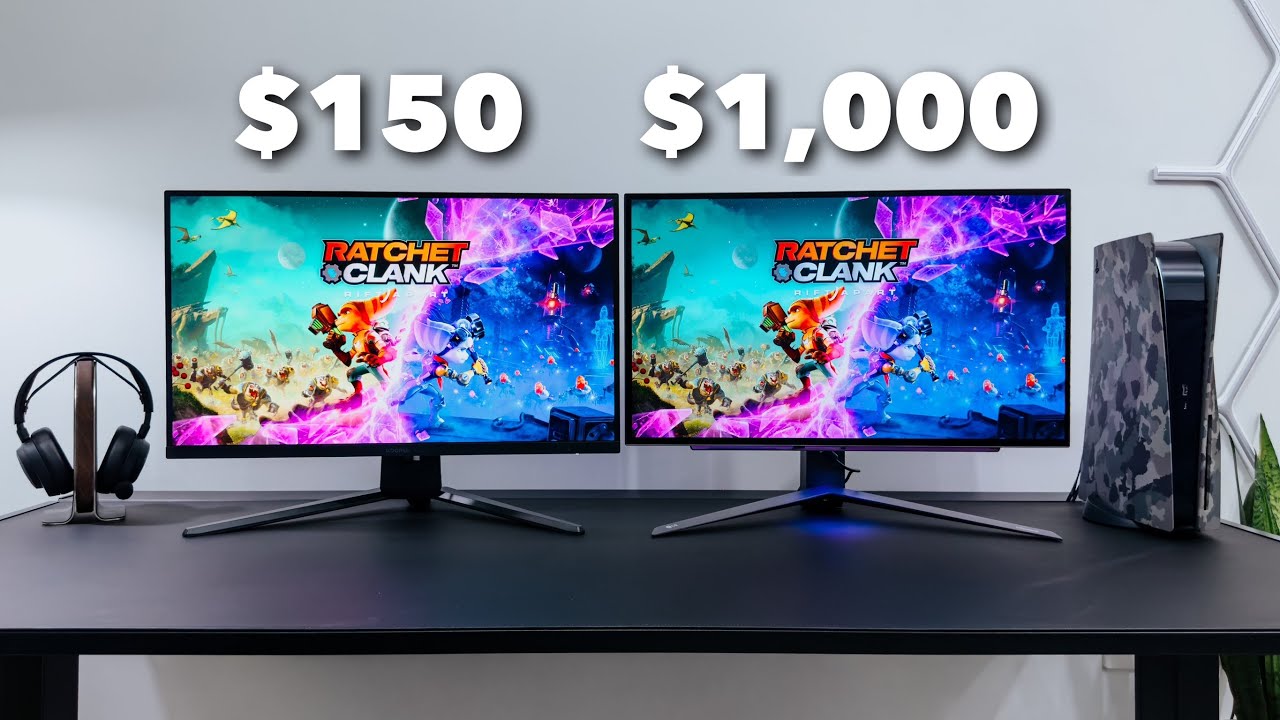
How to choose best gaming monitor for ps5
The right screen depends on the PS5 output you care about most: sharp 4K detail, smooth high-frame-rate play, or a comfortable size for your desk.
Resolution and PS5 output
Resolution determines how much fine detail the monitor can show. A 4K display such as the ASUS ROG Swift PG32UCDM is the clearest match for PS5 games designed around 3840 by 2160 output. QHD, as used by the Samsung Odyssey G55C, sits between 4K and Full HD and gives a noticeably denser image than the 1080p models.
Full HD is still practical on a smaller screen, particularly at 22 to 24 inches. At 27 or 32 inches, the same pixel count is spread over more area, so the image can look softer from a close desk position.
For PS5 gaming, a larger screen is not automatically better. Match screen size to resolution before chasing refresh rate.
Refresh rate and response time
Refresh rate describes how often the monitor can update the image. The PS5 supports gameplay modes that can use high refresh rates, but a monitor rated at 200Hz or 240Hz will not make every console game run at that speed. Those ratings are more useful when the same display will also connect to a gaming PC.
Response time claims such as 1ms MPRT describe motion behavior under a particular measurement method. They should be considered alongside adaptive sync, panel type, and the actual game output rather than treated as a guarantee of perfect motion.
Screen size and curve
A 24-inch monitor is easy to scan from a close desk position and works well in tight spaces. A 27-inch screen gives games more presence without demanding the room needed by a 32-inch model. Curves from 1500R to 1800R can make a wide image feel more enveloping, while Samsung's 1000R curve is noticeably more aggressive.
Sit centered if you choose a curved display. A strong curve is less suitable if several people regularly watch from different angles or if the screen is used for precise straight-line work.
HDR, contrast, and color
HDR support varies considerably. A listing may mention HDR or HDR10 without providing the brightness and local-dimming hardware needed for a dramatic HDR result. The ASUS has DisplayHDR 400 True Black certification and a QD-OLED panel, while other models list HDR alongside brightness and contrast figures but do not provide the same certification.
Contrast affects how convincing dark scenes look. The SANSUI and Amzfast displays list ratios from 3000:1 to 4000:1, while OLED technology handles black levels differently. Wide sRGB or DCI-P3 coverage can produce richer colors, but it does not by itself guarantee accurate calibration.
Ports, audio, and mounting
For a PS5, HDMI is essential. Two HDMI inputs are useful when the monitor also connects to another console, streaming device, or computer. DisplayPort is mainly valuable for a PC, while a headphone jack can simplify private listening.
Built-in speakers appear on the Sceptre E225W-FW144, Sceptre C248W-1920RN, Amzfast AMZG27C1 Pro, and Amzfast AMZG27C1. The other models list headphone outputs or no built-in speakers. VESA support is useful when the included stand only tilts or when you need to raise the screen to a better eye level.
Frequently asked questions
Does the PS5 work with a 144Hz or 165Hz monitor?
Yes. A PS5 can connect to monitors with higher refresh ratings, but the console will only use the refresh modes supported by the game and connection. A 144Hz or 165Hz monitor can still be useful if you later connect a gaming PC.
Is 4K better than 240Hz for PS5 gaming?
For most PS5 owners, 4K offers the more visible image upgrade because it improves fine detail. A 240Hz monitor is more relevant to PC gaming or a buyer who prioritizes competitive motion and wants one display for multiple systems.
Is a curved monitor good for PS5?
A curved monitor can make a desk-based screen feel more immersive, especially at 27 or 32 inches. The effect works best when you sit centered and fairly close. A flat screen may be preferable for shared viewing or a setup where people sit at different angles.
Do these monitors include speakers?
Some do. The Sceptre E225W-FW144, Sceptre C248W-1920RN, Amzfast AMZG27C1 Pro, and Amzfast AMZG27C1 list built-in speakers. The SANSUI models list headphone outputs and specifically note no built-in speakers, while the supplied details for Samsung and Acer do not list speakers.
Can a PS5 use a monitor's full 240Hz refresh rate?
No, not in the way a compatible gaming PC can. The monitor can still accept the PS5 signal and may be useful for another device, but the console's supported output modes determine the actual refresh rate.
Do I need HDMI 2.1 for a PS5 monitor?
The products in this roundup list HDMI 2.0 or do not specify HDMI 2.1. HDMI 2.1 is useful when you specifically want supported 4K high-refresh console output and features such as variable refresh at the highest modes. Check the monitor's exact HDMI capabilities before buying for a particular setup.
The bottom line
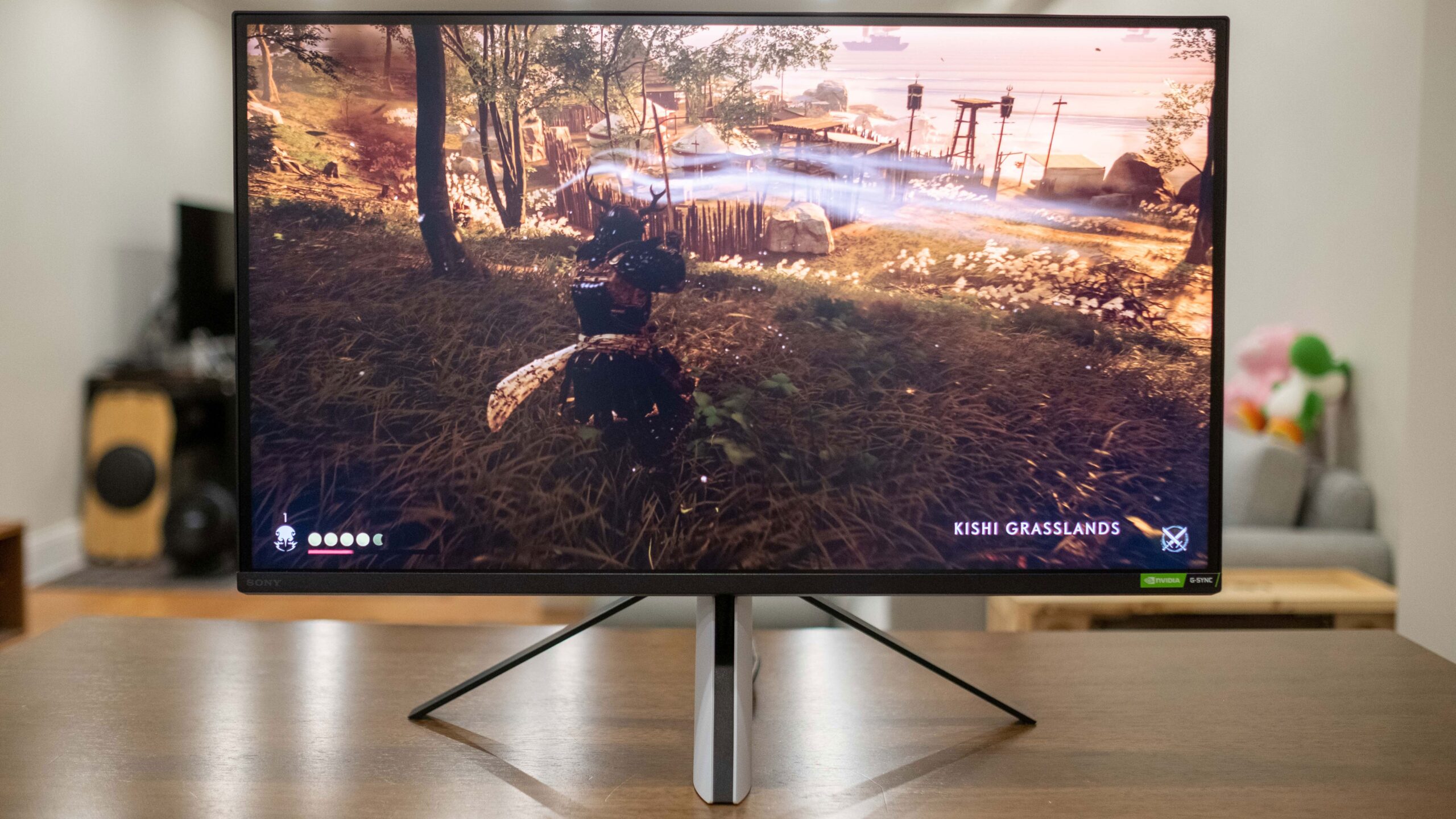
The Best gaming monitor for ps5 in this group is the ASUS ROG Swift PG32UCDM for buyers who want 4K detail, QD-OLED contrast, fast response, and a display that can serve a premium PC as well. The Samsung Odyssey G55C is the more broadly sensible pick for a large curved screen with QHD detail, HDR10, and a less specialized ownership experience.
For compact desks, the Acer Nitro KG241Y and Sceptre E225W-FW144 keep the image manageable, while the SANSUI 27-inch 240Hz and Amzfast AMZG27C1 Pro make more sense when high refresh and fast play matter more than resolution.
If you are undecided, choose the Samsung for the best balance of size, sharpness, and immersion, or choose the ASUS when image quality is the priority.
As an Amazon Associate we earn from qualifying purchases.