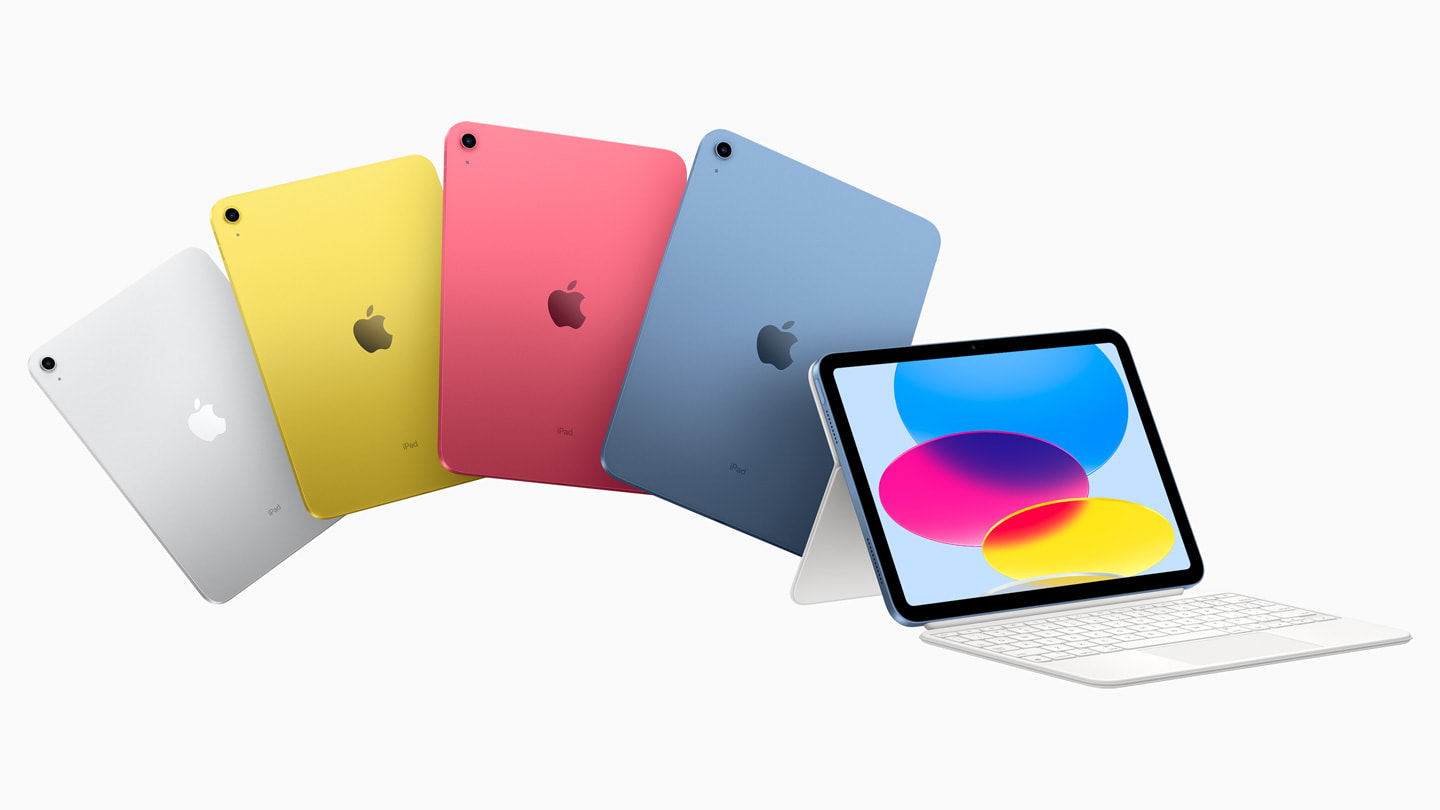

Apple’s newest iPad is the 11th generation model, released in 2025. It replaces the 10th generation and brings a faster processor, a repositioned front camera, and a few key refinements while keeping the same 10.9-inch Liquid Retina display and USB-C port. If you are shopping for a new iPad right now, this is the entry-level tablet Apple currently sells.
The 11th generation iPad is the successor to the 2022 iPad (10th gen). It uses the A16 Bionic chip, the same processor found in the iPhone 14 Pro, which gives it noticeably better performance than the A14 chip in the previous model. The front camera moves to the landscape edge (long side of the tablet), matching the iPad Air and iPad Pro, a change that makes video calls feel more natural when the iPad is in a keyboard case or landscape stand. The rear camera remains a 12MP wide lens, and the display is still a 10.9-inch LCD with 2360×1640 resolution and sRGB color. Storage options start at 64GB and go up to 256GB, and the tablet supports Wi‑Fi 6E and Bluetooth 5.3.
What Makes the Newest iPad Different from Earlier Models
If you are coming from an older iPad, say the 9th generation or earlier, the 11th gen is a significant upgrade. The biggest change is the move to a full-screen design with no Home button and Touch ID relocated to the top button. The Lightning port is gone; charging and data transfer happen over USB-C, which means you can use the same cable as a modern MacBook or Android phone. The display is larger (10.9 inches versus 10.2 inches on the 9th gen) and laminated to reduce glare, though it still lacks the anti-reflective coating of the iPad Air.
The A16 chip makes everyday tasks like web browsing, email, and streaming feel snappy, and it handles light photo editing and casual gaming without stutter. The 11th gen also supports the Apple Pencil (USB‑C), a slightly cheaper alternative to the second‑generation Pencil that charges via USB‑C rather than magnetically. Note that the 1st generation Apple Pencil (Lightning) does not work with this iPad without an adapter, so plan accordingly.
Compared to the 10th generation, the 11th gen is about 20 percent faster in CPU tasks and has a more modern wireless stack. The landscape front camera is the single most practical improvement: if you use your iPad for FaceTime or Zoom calls while attached to a keyboard case, the camera now points at your face rather than up your nose.
How the Newest iPad Stacks Up Against the Rest of the Lineup
Apple sells four iPad models in 2026: the standard iPad (11th gen), the iPad mini (7th gen), the iPad Air (M3), and the iPad Pro (M5). Here is how the newest base iPad compares.
iPad mini (7th gen): The mini has a smaller 8.3-inch display and the A17 Pro chip. It is more portable and supports the 2nd generation Apple Pencil, but it costs more than the standard iPad. Choose the mini if you need one-handed use or read a lot of books and comics; choose the standard iPad if you want a bigger screen for media or typing.
iPad Air (M3): The Air uses Apple’s M3 chip, which is substantially faster than the A16, especially for multitasking, video editing, and drawing. It has a fully laminated display with anti-reflective coating, supports the Apple Pencil Pro, and comes in 11-inch and 13-inch sizes. The standard iPad is the better value for basic tasks; the Air is worth the upgrade if you plan to use it as a laptop replacement or for creative work.
iPad Pro (M5): The Pro is in a different league. It has an M5 chip, an OLED display with ProMotion (120Hz), Thunderbolt / USB 4, Face ID, and support for the Apple Pencil Pro and Magic Keyboard. It is the best tablet Apple makes, but it costs roughly twice as much as the standard iPad. Most people do not need the Pro’s power; the standard iPad is perfectly capable for school, work, and entertainment.
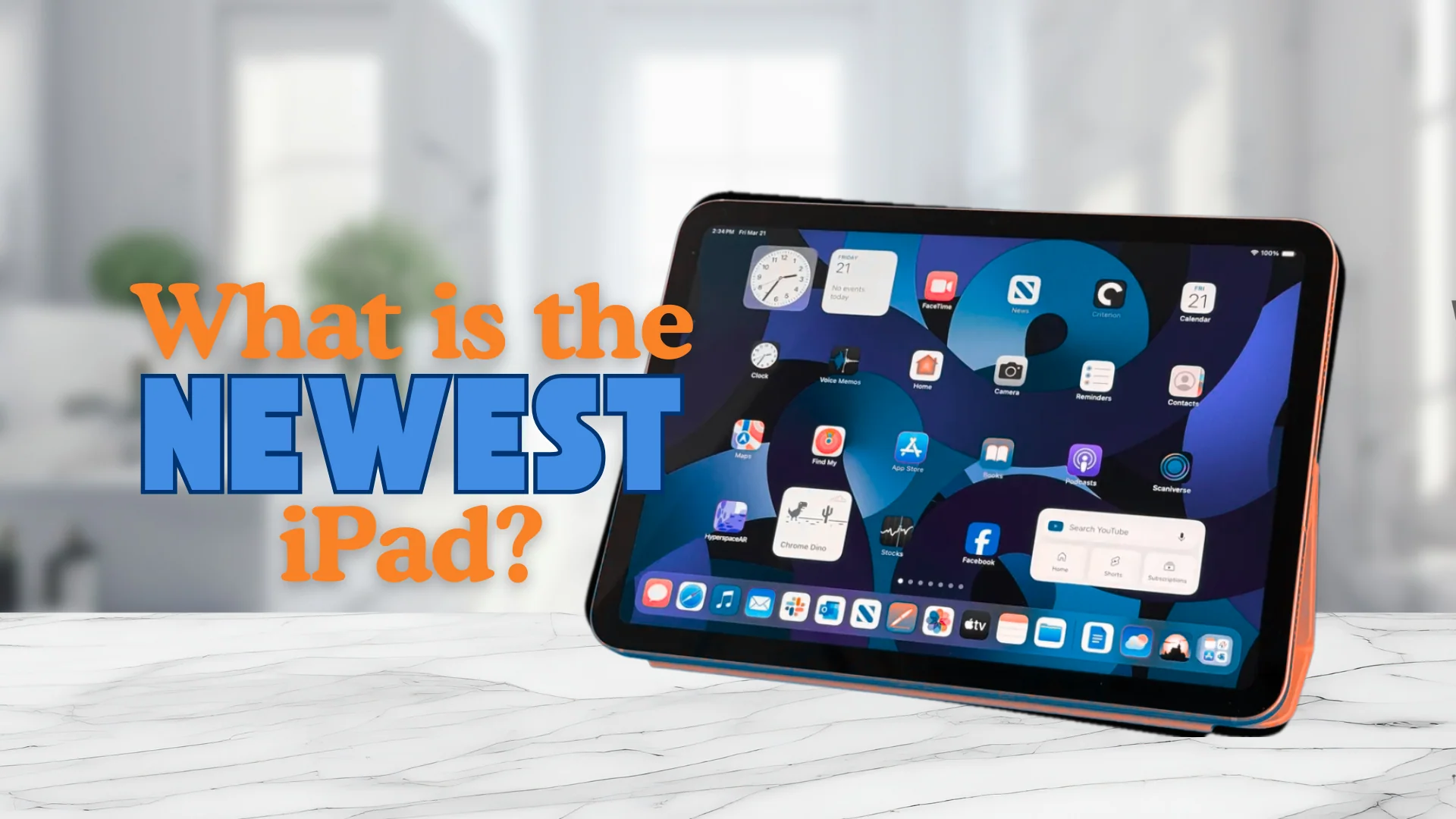
Who Should Buy the Newest iPad
The 11th generation iPad is the right choice for three kinds of people:
- First-time tablet buyers who want an iPad without spending iPad Air or Pro money.
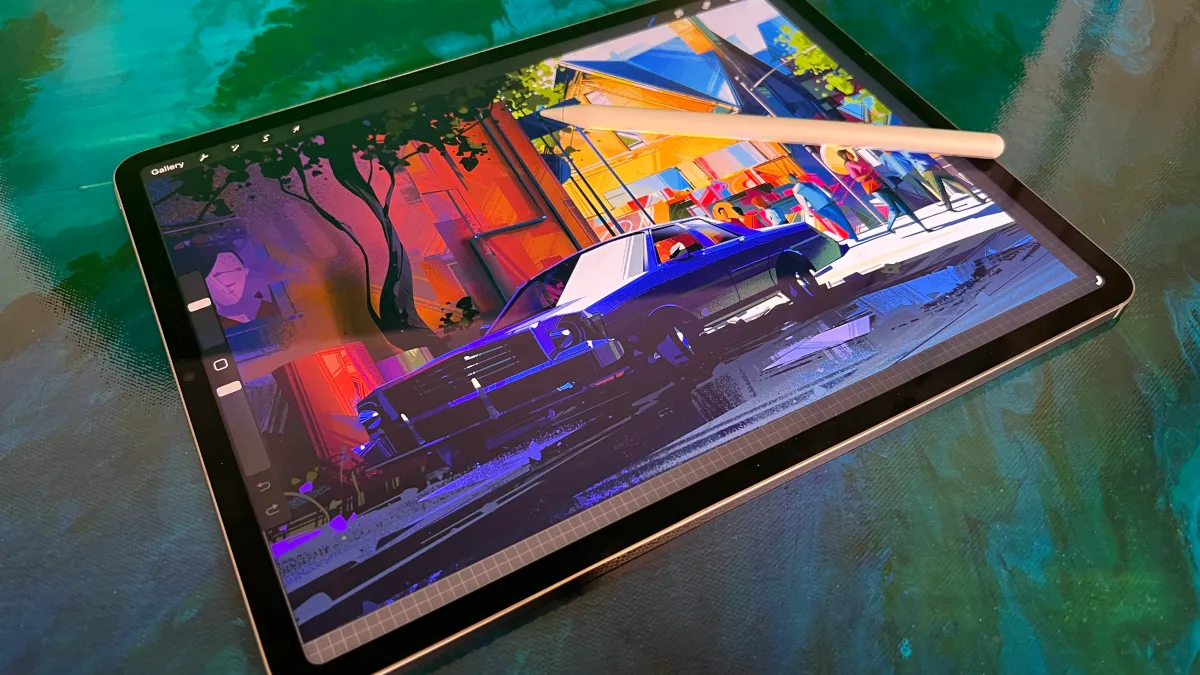
- Students who need a device for note‑taking, reading textbooks, and attending online classes. The Apple Pencil (USB‑C) works well for handwriting, and the 10.9-inch screen is large enough for split‑screen studying.
- Household tablets shared by family members for streaming, light gaming, and web browsing. The 11th gen’s durability and long battery life (up to 10 hours) make it a solid shared device.
If you already own a 10th generation iPad, there is no urgent reason to upgrade unless the landscape camera or faster processor matters to your workflow. If you own an iPad from 2020 or earlier, the jump in speed, screen quality, and USB‑C convenience is substantial.
How to Check Which iPad Model You Have
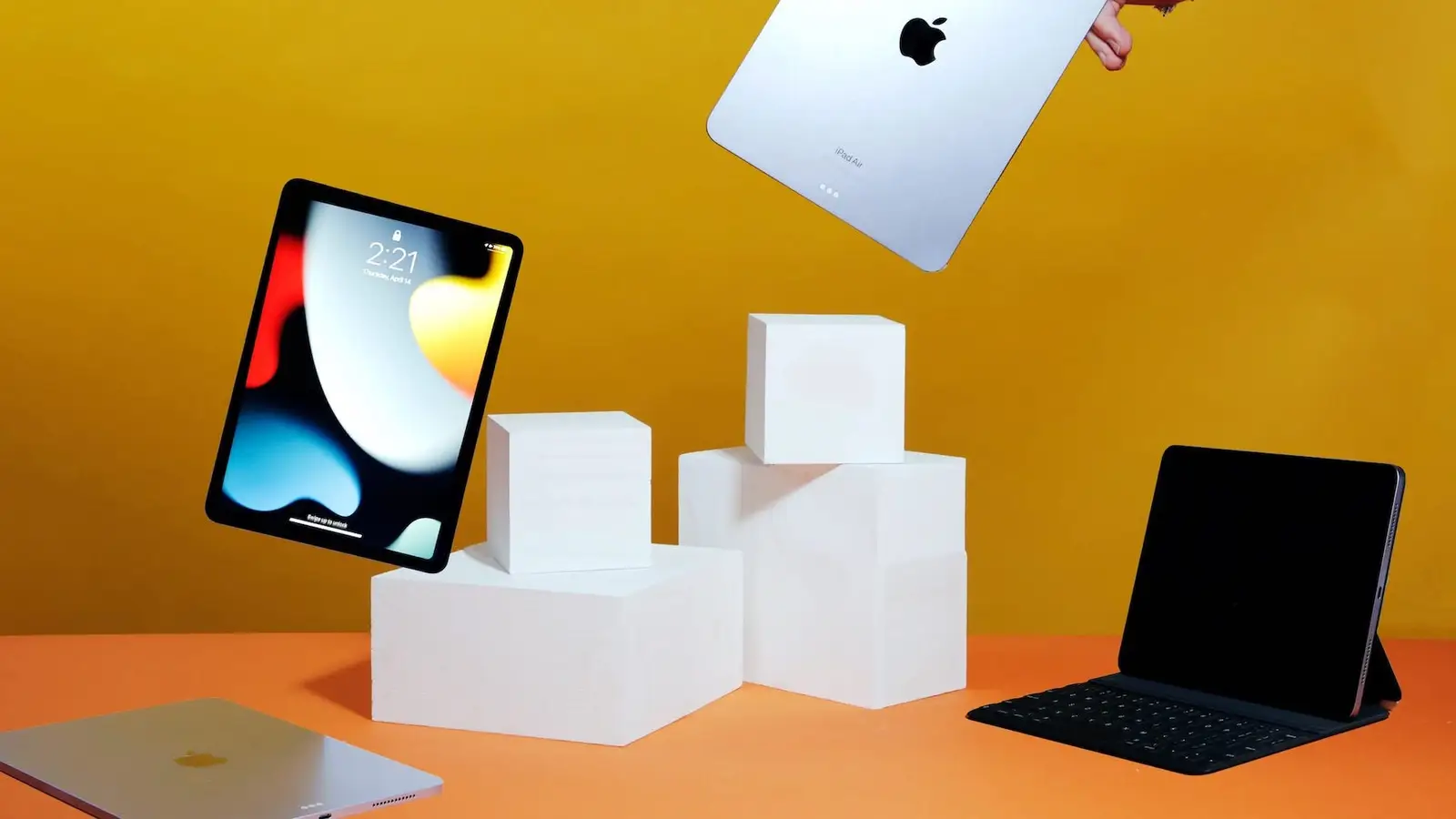
If you are not sure whether your current iPad is the newest model, look at the back of the device. The 11th generation iPad has a flat back with a single camera lens and no visible antenna bands. The model number is printed in tiny text near the bottom. You can also check in Settings: go to General > About and tap Model Name. The 11th generation iPad shows as “iPad (11th generation).” The 10th generation shows as “iPad (10th generation).”
Another quick check: if your iPad has a Home button with Touch ID on the front, it is a 9th generation or older model. If it has a full screen with a notch-less display and the power button on the top edge, it is a 10th or 11th generation. The 11th gen has the front camera on the landscape edge (the long side), while the 10th gen has it on the portrait edge (the short side).
Frequently Asked Questions
Is the 11th generation iPad compatible with the Magic Keyboard?
Yes, it works with the Magic Keyboard Folio designed for the 10th generation and later. It does not support the Magic Keyboard for iPad Air or iPad Pro, as the connector and magnet alignment differ.
Does the newest iPad support the Apple Pencil 2?
No. The 11th generation iPad supports the Apple Pencil (USB‑C) and the 1st generation Apple Pencil with a USB‑C to Lightning adapter. The 2nd generation Pencil (which charges magnetically) is not compatible.
How long will Apple support the 11th generation iPad with software updates?
Apple typically provides iPadOS updates for five to six years after a model’s release. The 11th gen launched in 2025, so it should receive updates until at least 2030 or 2031.
Is the 11th generation iPad good for gaming?
It handles most App Store games well, including graphically demanding titles like Genshin Impact and Call of Duty Mobile at medium settings. For high‑frame‑rate gaming, the iPad Air or Pro with ProMotion displays are better, but the A16 chip is no slouch.
Should I wait for the next iPad?
Apple updates the standard iPad roughly every 18 to 24 months. The 11th generation is less than two years old, so a successor is likely a year or more away. If you need a tablet now, the current model is a fine purchase. If you can wait, the next generation will likely bring an even faster chip and possibly an OLED display, but that is speculation.
For those considering how the iPad fits into a larger setup, it can serve as a secondary display or a controller for a smart TV, worth knowing what a smart TV actually does before you decide. If you plan to use the iPad for music production, the right audio interface for iPhone works with the iPad too, since they share the same USB‑C port. And if you are thinking about using the iPad as a streaming device, you might also want to know where to get a Roku device as an alternative for dedicated TV streaming.