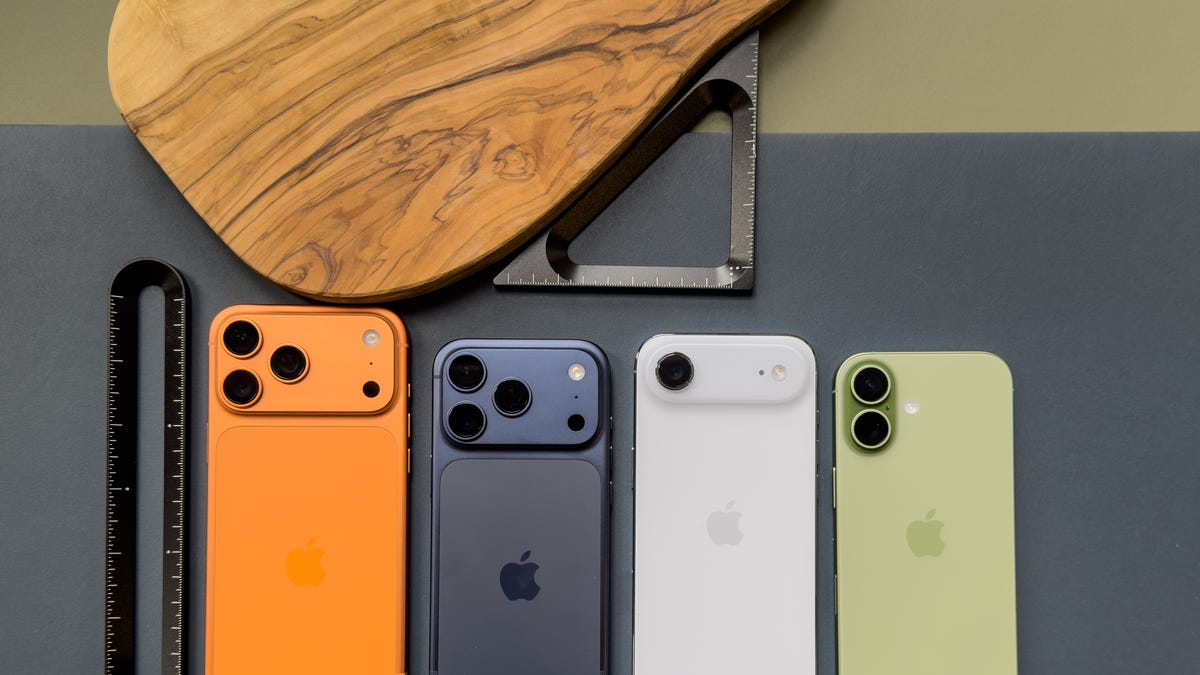

The best iPhone is the one that fits your priorities, not the one with the highest price tag. For most people, the latest Pro model offers the best combination of performance, camera quality, and display, but the phone that is best for you might be a larger model, a smaller one, or even a previous generation if you value battery life or a specific feature.
There is no single answer to “what is the best iPhone” because the lineup covers several distinct needs. This guide walks through the trade-offs that matter so you can decide which version is right for you.
The Short Answer: It Depends on What You Want Most
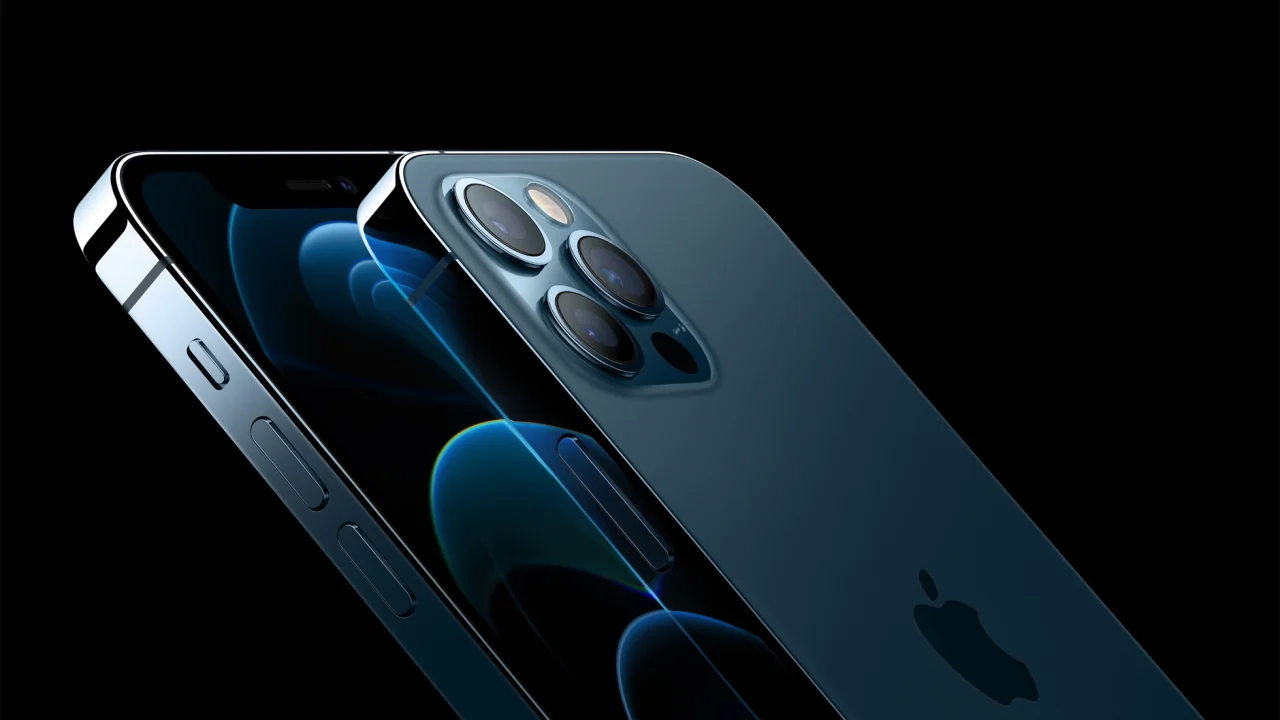
If you had to pick one iPhone that does everything well, the current top-tier Pro model is the obvious choice. It has the fastest processor, the most versatile camera system (including a telephoto lens for optical zoom), a high-refresh-rate display, and the best build materials. It suits anyone who wants the full experience and is willing to carry a phone that is slightly heavier and larger.
But “best” also means “best for your situation.” If you care about battery life above all else, the larger Pro Max model lasts longer because it has a bigger battery. If you want a phone that fits easily in one hand, the standard model (non-Pro) is lighter and smaller. If you rarely take photos and mostly use your phone for messaging, social media, and calls, the standard model or even the SE gives you the same core experience for far less.
What Matters Most in a Phone
Before you can decide which iPhone is best, you need to know what trade-offs you are willing to make. The major differences between models fall into a few categories:
- Performance: All current iPhones use the same generation of processor (the A-series chip), so day-to-day speed is nearly identical. The Pro models have an extra GPU core for graphics-heavy tasks, but most people will not notice the difference.
- Camera: This is the biggest differentiator. Pro models have three rear cameras (wide, ultrawide, telephoto) while standard models have two (wide and ultrawide). The Pro also has a LiDAR scanner for better low-light focus and AR. If you take lots of photos, especially in low light or with zoom, the Pro is worth it.
- Display: Pro models have ProMotion with a 120Hz refresh rate, making scrolling and animations feel smoother. Standard models are 60Hz, which is still fine but less fluid. The screen brightness is also higher on Pro models for outdoor use.
- Battery life: The larger the phone, the larger the battery. The Pro Max models typically last 2 to 4 hours longer than the standard Pro, and the standard model sits in between.
- Size and weight: The standard model is the lightest and most pocketable. The Pro is heavier, and the Pro Max is the heaviest. If you hold your phone for long periods or carry it in a small pocket, size matters.
- Storage: All models start at 128GB, but Pro models go up to 1TB. If you shoot a lot of video or keep many apps, higher storage matters.
- Connectivity: The Pro models have a USB-C port with faster transfer speeds (USB 3), while the standard models have USB 2 speeds. Wireless charging is identical across all models.
How Screen Size Affects Your Choice
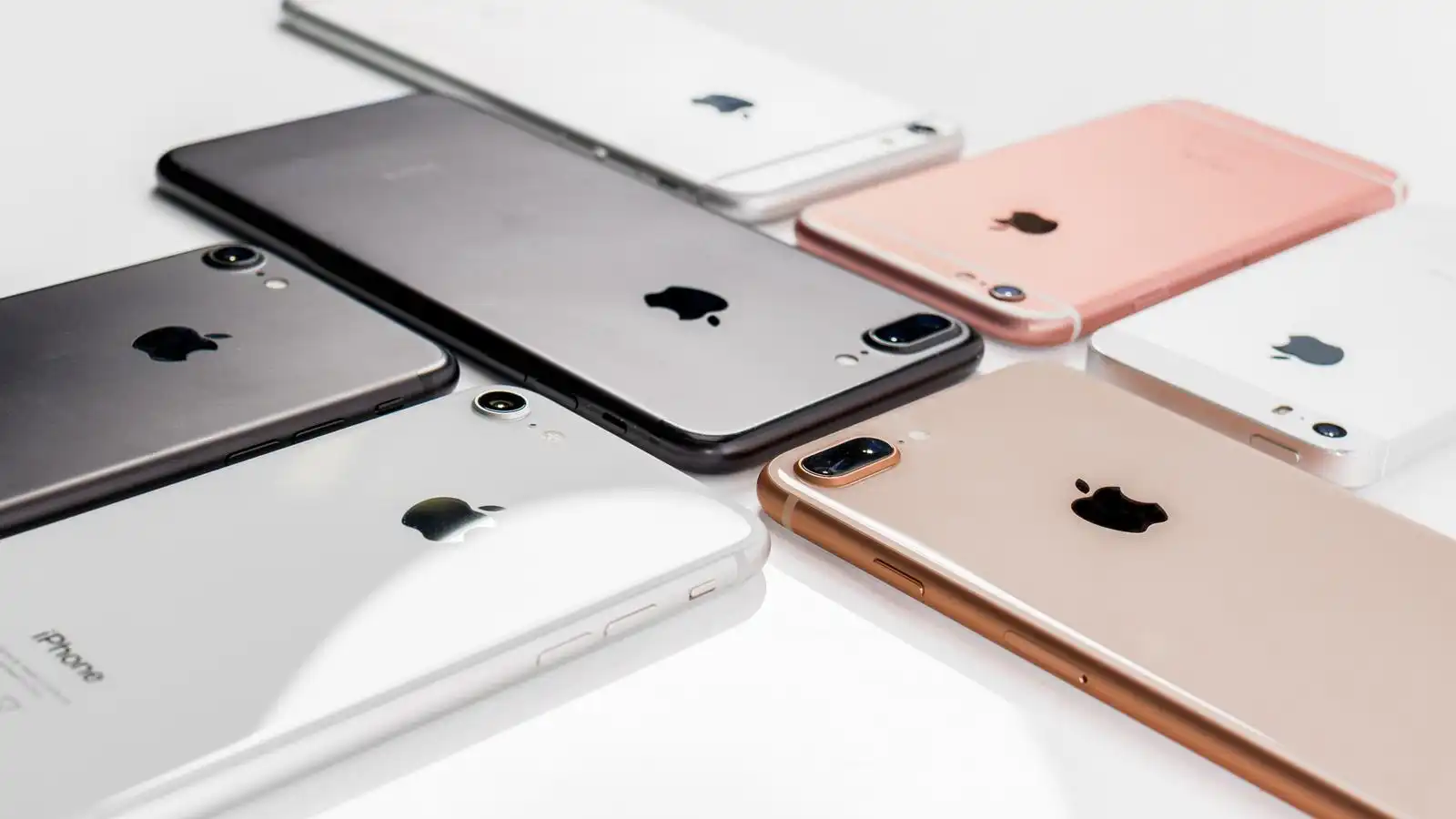
The display size directly impacts usability and portability. The smallest iPhone (the SE) has a 4.7-inch screen and a physical home button. It is the best choice for anyone who wants a truly compact phone, but the trade-off is a smaller battery and an older design with bezels.
The standard model (around 6.1 inches) is the sweet spot for most people. It fits in one hand for most users, has a modern edge-to-edge display, and is light enough to use comfortably for long periods.
The Pro Max model (around 6.7 inches) is best for people who watch a lot of video, play games, or need the extra screen real estate for reading and productivity. It is also the best for battery life. But it is noticeably heavier and harder to use with one hand.
If you are unsure which size is right, consider how you will actually use the phone day to day. Someone who constantly takes photos one-handed will prefer a smaller screen, while a heavy media consumer will appreciate the larger canvas.
Camera: What the Pro Models Offer
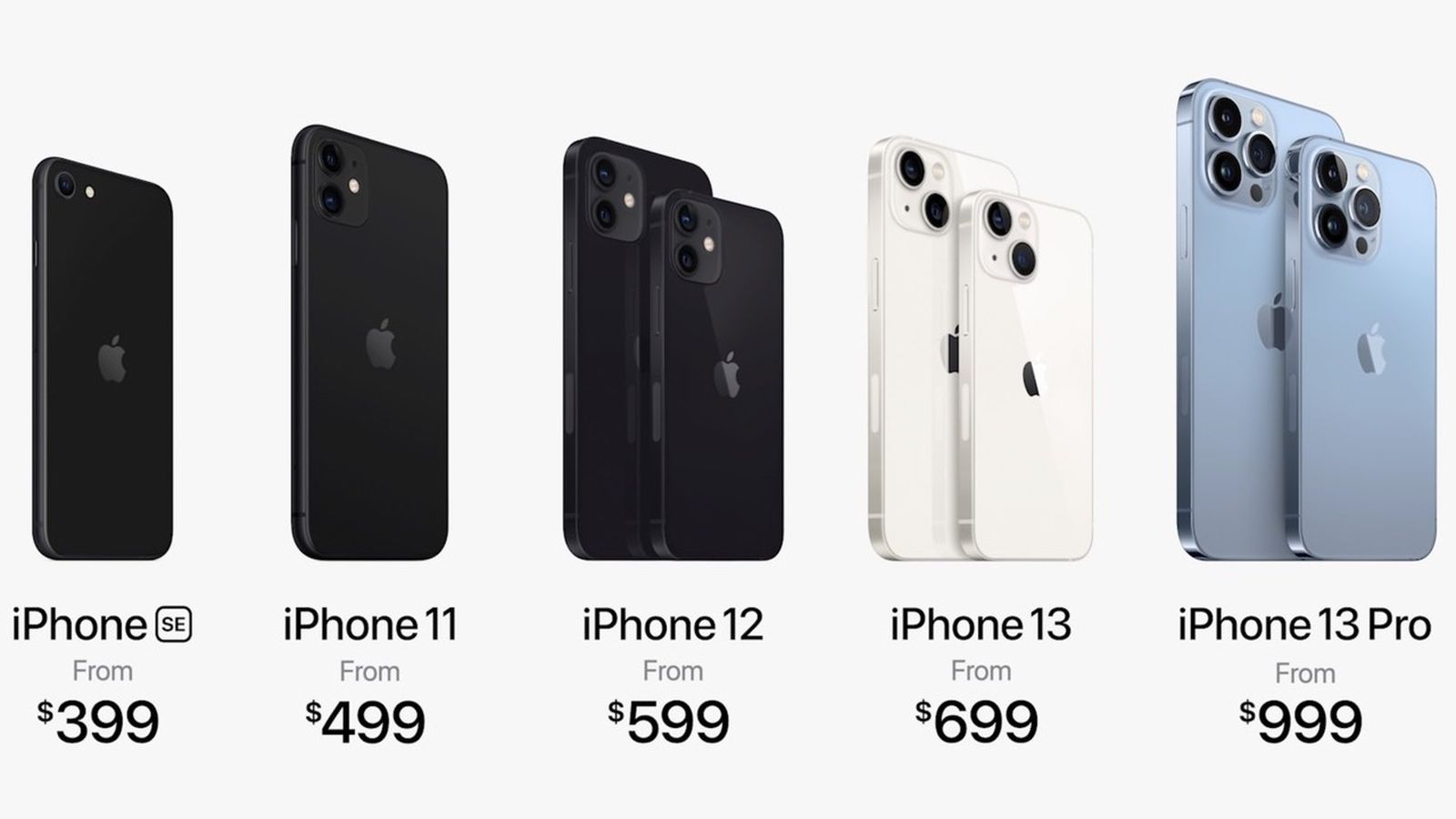
The camera is the most common reason people upgrade to a Pro iPhone. The third lens (telephoto) gives you optical zoom, which means you can get closer to a subject without losing detail. The standard model’s digital zoom is fine for social media but not for printing or cropping.
The Pro models also have a better ultrawide camera that performs better in low light, and the LiDAR scanner helps with portrait mode in the dark. If you shoot a lot of video, the Pro supports ProRes format and can record in Log, which gives you more flexibility in editing.
But for everyday snapshots, the standard model’s camera is excellent. The main sensor is the same as the Pro’s in most generations, so well-lit photos are nearly identical. The difference shows up in tricky lighting, zoom shots, and night mode.
If you are curious about how iOS compares to other platforms, we have a separate explanation of what an iOS phone is and how it differs from Android. That context can help if you are switching from another system.

Battery Life and Charging
Battery life is one of the hardest specs to compare because it depends on how you use the phone. Apple’s official numbers are estimates, and real-world results vary widely.
The Pro Max model consistently lasts a full day and then some for most users. The standard model usually lasts a full day with moderate use, but heavy users may need to charge before bedtime. The standard Pro falls in between, often lasting about 20% longer than the standard model thanks to its more efficient display.
All current iPhones support MagSafe wireless charging and fast wired charging (up to around 30W with a compatible charger). The Pro models have a slight advantage with faster wireless charging speeds, but the difference is small.
Storage and Connectivity
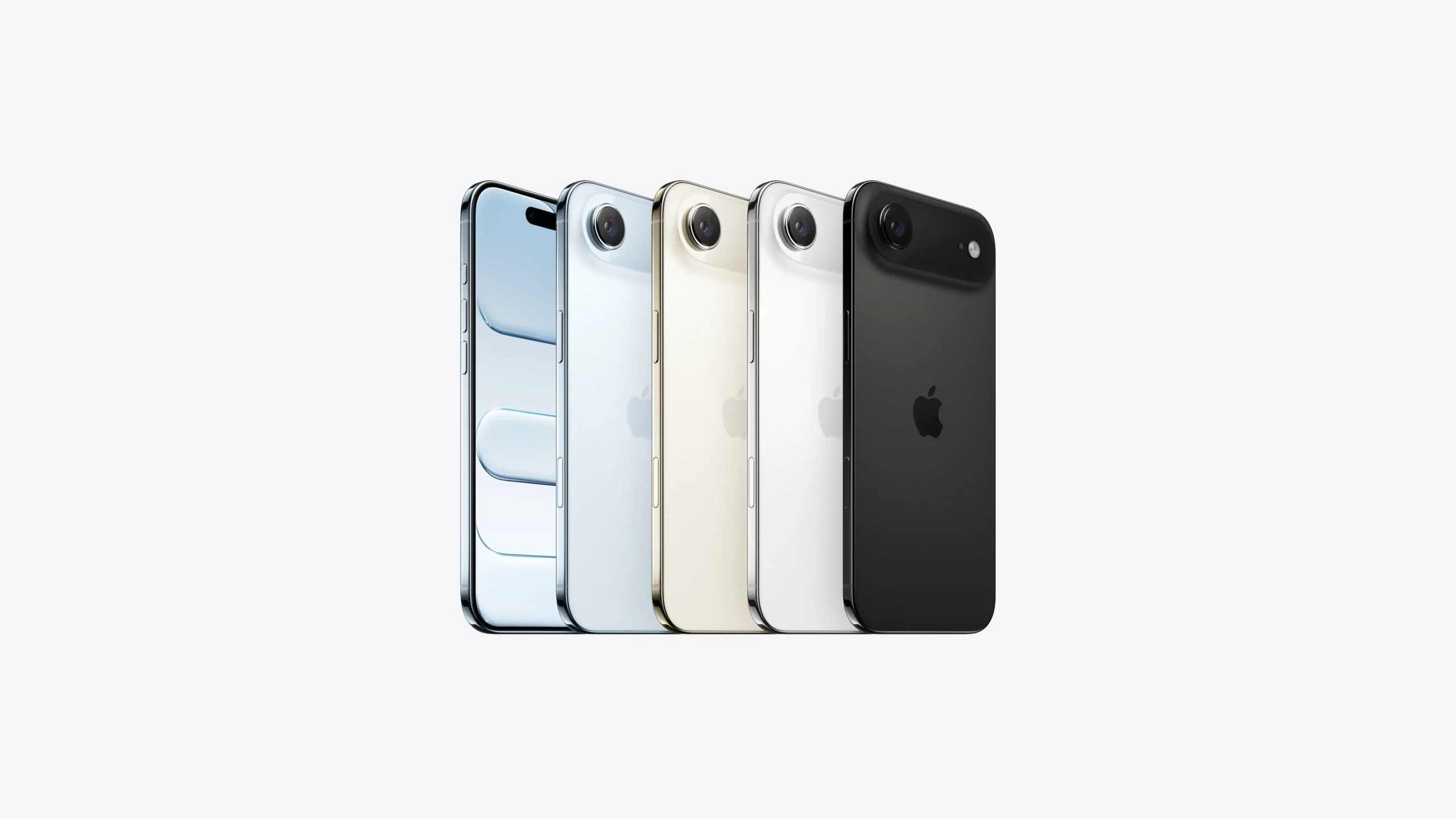
Storage is a personal choice, but here is a rule of thumb: if you take lots of videos (especially 4K or ProRes), go for 256GB or more. If you stream most of your media and don’t keep many photos locally, 128GB is fine.
All iPhones now have USB-C, which simplifies charging and connecting to accessories. The Pro models have faster USB 3 speeds (up to 10 Gbps), which matters if you transfer large files to a computer regularly. For most people, the standard USB 2 speeds are adequate.
For those who need to connect audio gear, we have a guide on the best audio interface for iPhone if you are a musician or podcaster.
What About the SE and Older Models?
The iPhone SE is the budget option, but it is not for everyone. It uses an older design with a home button, a smaller screen, and a single rear camera. Its battery life is below average, and the display is not as sharp. However, it has the same processor as the flagship models, so it runs all apps smoothly. It is best for someone who wants a small, light phone and does not care about photography or screen quality.
Older models (like the iPhone 14 or 15) are still sold by some carriers and retailers. They are cheaper but lack the latest features like the Dynamic Island, the 48MP main camera, and USB-C on the 14 and earlier. If you find a deal on a previous generation, it can be a good value, but you sacrifice future software support and some hardware improvements.
If you are buying a used or unlocked phone, understanding what an unlocked iPhone is and how it works is essential to avoid compatibility issues.
How to Check Compatibility Yourself
If you already have a specific model in mind, you can verify its features by checking Apple’s official specifications page. Look for the model number (e.g., A2849) and compare it to the list of supported features. Pay attention to:
- The number of cameras (one, two, or three).
- The screen size and whether it has ProMotion.
- The battery capacity (listed in mAh, but you can find reviews).
- The connector type (Lightning or USB-C).
- The cellular bands (if you are switching carriers).
If you are unsure which generation you have, go to Settings > General > About and look for the Model Name. That tells you exactly what you have.
Frequently Asked Questions
Is the Pro Max worth the extra weight?
Yes, if you prioritize battery life and a large screen for media consumption. For most people, the standard Pro or standard model is more comfortable to carry. The weight difference is noticeable, so try holding one in a store before buying.
How long do iPhones receive software updates?
Apple typically supports iPhones for 5 to 6 years after release. The current generation will receive updates until around 2030. Older models like the iPhone 14 will stop getting updates sooner, so factor that into your decision.
Can I use an iPhone with any carrier?
Yes, if you buy an unlocked model. Carrier-locked phones only work on that carrier’s network. Check what an unlocked iPhone is to understand the difference.
Does the standard model have a good enough camera for social media?
Absolutely. The main camera on the standard model is the same sensor as the Pro’s, so photos in good light are nearly identical. The Pro’s added telephoto and low-light advantages matter mostly for professional use or specific situations.
What about the iPhone 17 or future models?
If you are not in a rush, waiting for the next generation can bring improvements like a new design or better camera. But the current models are already excellent, and the next ones will cost more at launch. There is always a reason to wait, but the best phone is the one you buy and use now.