
An Android device is a smartphone, tablet, or other gadget that runs Google's Android operating system. It is the most widely used mobile platform on the planet, powering phones from Samsung, Google, Motorola, OnePlus, and dozens of other manufacturers. Unlike Apple's iPhone, which is made by one company, Android devices come in hundreds of shapes, sizes, and price points, and they share a common software foundation that Google controls.
If you have ever asked "what is an Android device, " the short answer is: it is any phone, tablet, smartwatch, TV box, or even a car infotainment system that runs Android. But the real answer is about what that OS means for you: the freedom to choose your hardware, your apps, and how much you customize the experience.
How Android Actually Works
Android is built on an open-source kernel called Linux, but the version you use on a phone includes Google's proprietary services: the Play Store, Google Maps, Gmail, and the Google Assistant. Manufacturers take Google's base Android code, add their own software layer (like Samsung's One UI or Motorola's My UX), and install it on their hardware. That is why an Android phone from Samsung looks and feels different from one by Google, even though both run the same core operating system.
The operating system manages everything from touch input to battery life, and it connects to the Google Play Store for apps. Most apps are written in Java or Kotlin, and they run inside a virtual machine called ART (Android Runtime), which translates the code into instructions the phone's processor can execute. From a user's perspective, Android is the platform that lets you install apps, browse the web, take photos, and send messages.
What Distinguishes Android from iOS
The main competitor to Android is Apple's iOS, which runs only on iPhones. The core difference is openness. Android allows you to install apps from outside the official app store (sideloading), change the default launcher, and even replace the entire operating system if you know how. iOS is locked down for security and consistency. The trade-off is that Android offers more flexibility but can be more vulnerable to malware if you install apps from untrusted sources.
If you are comparing the two platforms, it helps to understand what is an ios phone and how its walled garden approach differs from Android's more open ecosystem. Most people choose Android for the variety of hardware, the ability to customize, and the deeper integration with Google services.
What Counts as an Android Device
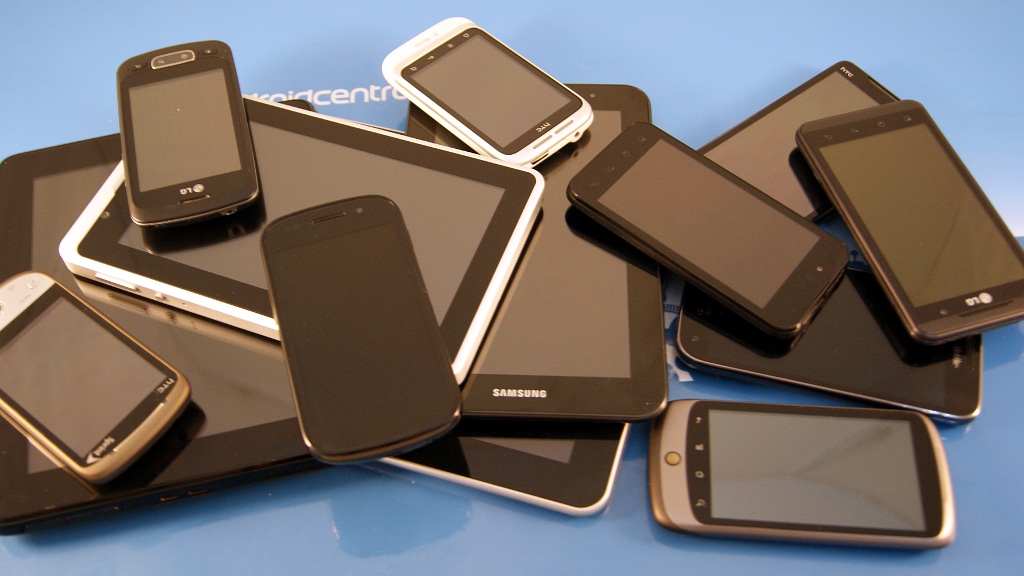
The term "Android device" covers several categories. The most common are smartphones and tablets, but the OS also runs on:
- Smartwatches: Wear OS, Google's watch-focused Android variant, powers watches from Samsung, Fossil, and others. If you need a companion wearable, it is worth knowing which watches that sync with Android work best.
- TVs and streaming boxes: Android TV and Google TV are Android-based platforms for smart TVs, set-top boxes, and streaming sticks.
- Car infotainment: Android Auto is a limited version of the OS designed for car dashboards.
- Chromebooks: Some Chromebooks can run Android apps, though the main OS is Chrome OS.
- Tablets: Android tablets from Samsung, Lenovo, and Amazon (Fire OS is a fork of Android) compete with the iPad.
Anything that carries the Google Play Store logo and uses Android as its primary OS qualifies as an Android device. Amazon's Fire tablets run a modified version of Android without Google services, so they are technically Android-based but not full Android devices in the way a Samsung Galaxy Tab is.
Why the Hardware Variety Matters
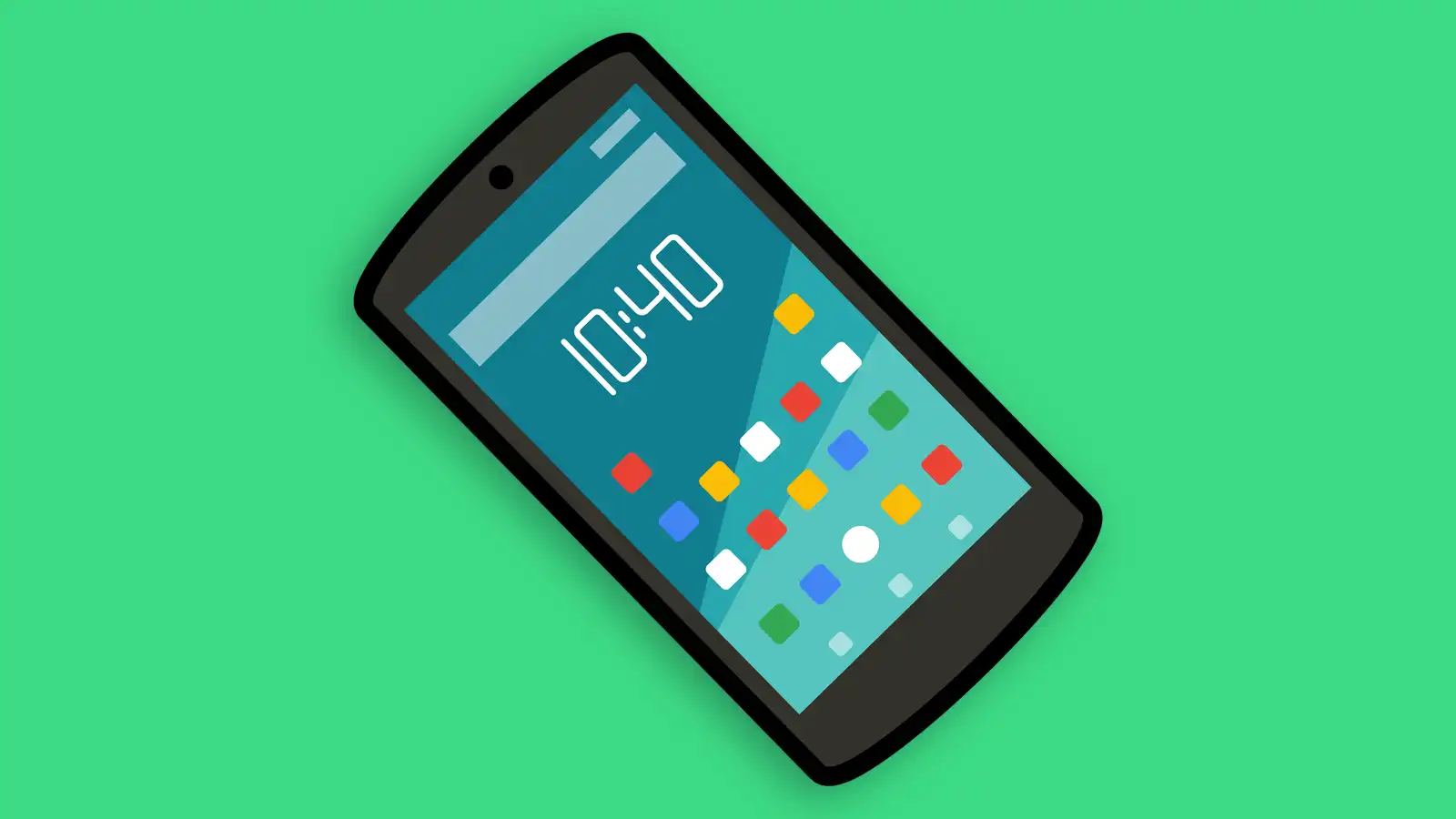
Android's biggest strength is also its biggest complication: the abundance of hardware choices. You can buy an Android phone for under $100 or over $1, 800, with screens ranging from 5 inches to 7 inches, and processors from low-end MediaTek chips to top-tier Qualcomm Snapdragon silicon. This variety means you can find a device that fits your exact needs, but it also means not all Android devices are equal.
A budget Android phone may run a stripped-down version of the OS and receive software updates for only a year or two. A flagship like a Samsung Galaxy S25 or a Google Pixel 10 will get regular updates for years and run the latest Android version smoothly. When you are shopping, the model number and the manufacturer's update policy matter just as much as the OS name.
The Update Problem
One honest limitation of Android is fragmentation. Unlike iPhones, which all get the same iOS update at the same time, Android updates depend on the manufacturer and carrier. Many phones never receive a major OS upgrade, and security patches can be delayed by months. Google has improved this through Project Treble and by making its own Pixel phones the update champions, but the problem persists across the broader market.
If you care about getting the latest features and security fixes quickly, a Google Pixel is your best bet. Samsung and OnePlus have also improved their update track records in recent years, offering four to seven years of support on their flagships. For cheaper phones, you should assume updates will be limited.
What You Can Do with an Android Device That You Cannot Do with an iPhone
Android's openness enables several features that iOS restricts. These include:
- Sideloading apps: Download APK files from the web and install them directly.
- Default app changes: Set a different browser, dialer, or SMS app permanently.
- File system access: Browse and manage files like on a desktop computer.
- Custom launchers: Replace the home screen completely with apps like Nova Launcher.
- Widgets and home screen freedom: Place widgets anywhere, resize them, and use overlapping layouts.
- Multiple user profiles: Hand the phone to a child or guest without sharing your data.
These capabilities matter to power users, but most people never use them. The average Android user treats the phone like any other smartphone: install apps from the Play Store, use the camera, and browse the web. The extra flexibility is there if you want it, but it is not required.
Common Misconceptions About Android
Many people confuse Android with specific brands. A Samsung phone runs Android, but so does a Motorola or a Nokia. Android is the OS, not the manufacturer. Similarly, "Android" is not the same as "Google". Google develops Android, but the open-source project (AOSP) is separate from Google's proprietary apps. Amazon's Fire OS is based on Android but does not include Google services, so it does not feel like a typical Android device.
Another confusion is between Android and "smartphone." All iPhones are smartphones, but not all smartphones are Android. Android is the dominant platform, but it is not the only one.
How to Know If an Android Device Is Right for You
Choosing Android comes down to priorities. If you want the widest selection of hardware, the ability to customize, and seamless integration with Google's ecosystem (Gmail, Drive, Photos, Assistant), Android is the natural choice. If you prefer a consistent experience, long software support, and a tightly controlled app environment, an iPhone may be better.
For many buyers, the decision also depends on carrier compatibility. Many Android phones are sold locked to a specific carrier, which limits your ability to switch networks. Before you buy, it is smart to understand what is an unlocked phone and whether you need one to keep your options open.
A Note on Messaging and Communication
Android's default messaging app is Google Messages, which now supports RCS (Rich Communication Services) as the standard. This gives you read receipts, typing indicators, and high-quality media sharing with other Android users, and increasingly with iPhones after Apple added RCS support in 2024. If texting is central to your phone use, you may want to know what is the best phone for texting and how Android's messaging ecosystem compares.

What Android Devices Are Not
Android devices are not the same as "smart TVs" in general, though many smart TVs run Android TV. If you are looking at a TV, check whether it uses Android TV or a proprietary system like LG's webOS or Samsung's Tizen. For a dedicated explainer, see what is a smart tv to understand the different platforms.
Android devices are also not the same as "burner phones", though you can use a cheap Android phone as a burner. The concept of a disposable phone is separate from the OS.
The Bottom Line on Android Devices
An Android device is any gadget running Google's Android operating system, with the flexibility to choose from a huge range of hardware and software experiences. It is the go-to platform for anyone who wants control over their phone, a wide variety of options, or deep ties to Google services. The trade-offs are inconsistent updates and a less uniform experience compared to iOS. If you value freedom over strict consistency, Android is the right ecosystem for you.
Frequently Asked Questions
What is the difference between Android and iOS?
Android is an open-source operating system used by many manufacturers, while iOS is a closed system used only on Apple iPhones. Android allows more customization, sideloading of apps, and hardware variety. iOS offers a more consistent experience, longer software support, and tighter integration with Apple services.
Is a Google Pixel an Android device?
Yes. Google's Pixel phones run pure Android (often called "stock Android" or "Pixel UI") and receive updates directly from Google. They are the closest you can get to the Android experience as Google designed it, without manufacturer modifications.
Do all Android phones use the same charger?
Most modern Android phones use USB-C for charging and data transfer. Some low-end models may still use Micro-USB, but that is increasingly rare. Fast charging standards vary by manufacturer, so a charger that works quickly on one phone may charge another slowly.
Can I use an Android phone without a Google account?
Technically, yes. You can set up an Android phone without signing into a Google account, but you lose access to the Play Store, Google Maps, Gmail, and most apps. The phone will still work for calls, texts, and basic web browsing, but it is not a full Android experience.
What is the latest version of Android?
As of mid-2026, the latest major version is Android 16, which was released in late 2025. Google releases new versions annually, usually around August or September. Older phones may not receive the update, depending on the manufacturer's support policy.