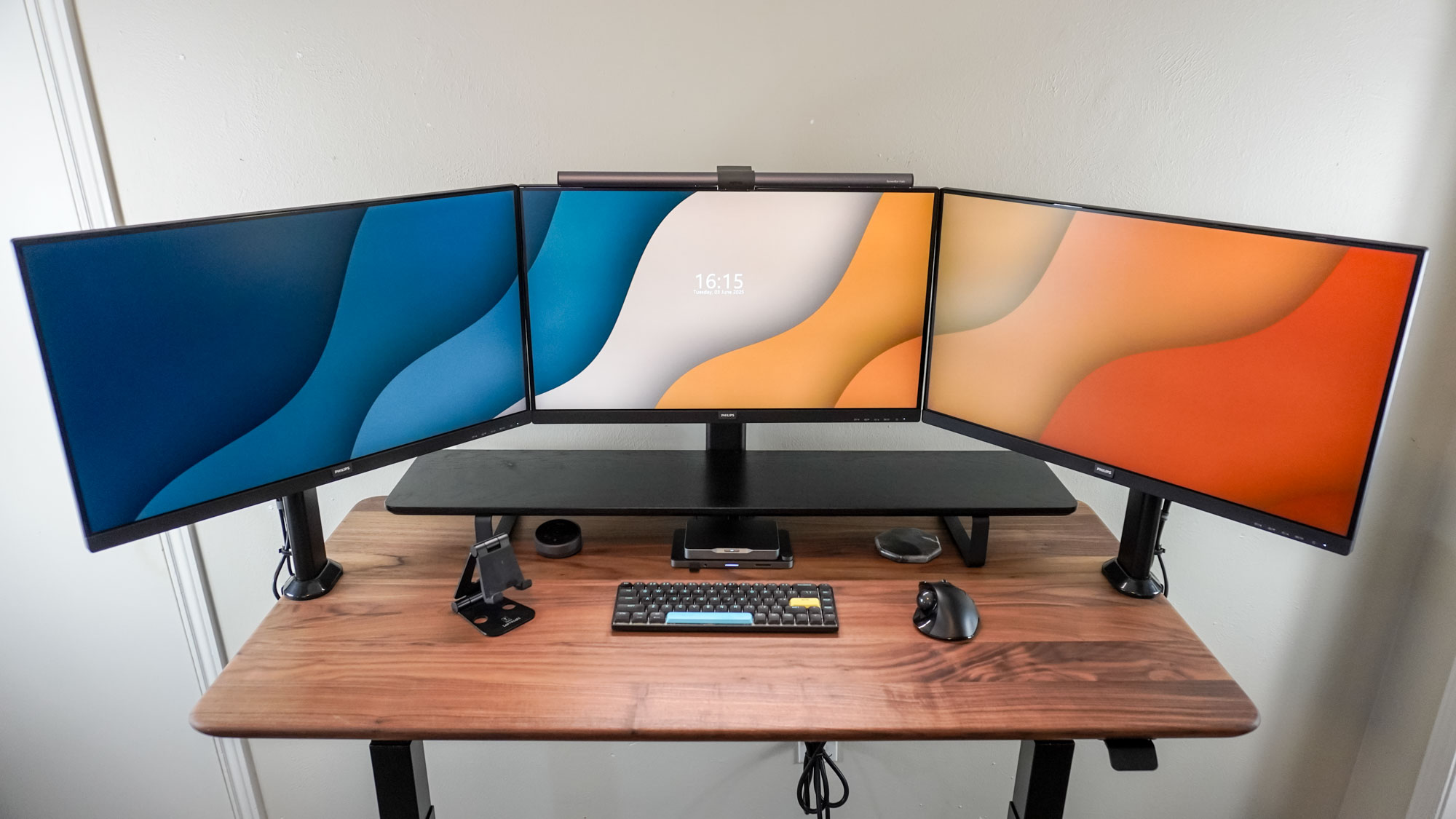

A three-screen desk can become a tangled wall of mismatched panels, unstable stands, and cables before the first game even loads. The right combination gives you a broad game view, room for chat and guides, and a cleaner posture at the desk.
Our Best 3 monitor gaming setup picks include complete Kado trios, high-refresh single monitors for custom builds, two HUANUO mounting systems, and a monitor light bar. Kado 27-inch Flat Trio is the best starting point for most buyers, while the rest cover smaller desks, curved screens, competitive play, and ergonomic upgrades.
Comparison of the Best 3 Monitor Gaming Setup Picks
| # | Product | Award | Key specifications | Best for |
|---|---|---|---|---|
| 1 | Kado 27-inch Flat Trio | Best overall | 27 inches, 1920x1080, 75Hz, 100% sRGB | A matched three-screen desk |
| 2 | Kado 22-inch Flat Trio | Best compact trio | 22 inches, 1920x1080, 75Hz, 99% sRGB | Smaller desks |
| 3 | Kado 27-inch Curved Trio | Best curved trio | 27 inches, 1500R, 1920x1080, 75Hz | A wraparound viewing angle |
| 4 | Kado 24-inch Curved Trio | Best mid-size curved trio | 24 inches, 1500R, 1920x1080, 75Hz | Curved immersion without 27-inch panels |
| 5 | SAMPHON Monitor Light Bar | Best desk-light upgrade | 15.75 inches, 900 lux, 3000K to 6500K | Reducing desk shadows |
| 6 | HUANUO 17 to 32 Triple Mount | Best large-screen mount | 17 to 32 inch screens, 75x75 or 100x100mm VESA | Three larger monitors |
| 7 | HUANUO 13 to 27 Triple Mount | Best adjustable mount | Up to 27 inches, 360 degree rotation, 12.2-inch height adjustment | Flexible positioning |
| 8 | Sceptre 24-inch Curved | Best single curved add-on | 24 inches, 1800R, 1920x1080, 75Hz | Building a trio one screen at a time |
| 9 | Sceptre 22-inch 144Hz | Best compact high-refresh screen | 22 inches, 1920x1080, up to 144Hz | A fast center display |
| 10 | SANSUI 32-inch 240Hz | Best high-refresh upgrade | 32 inches, 1920x1080, 240Hz, 1ms MPRT | Competitive gaming on one large panel |
1. Kado 27-inch Flat Trio: Best Overall

Pros
- Three matched flat screens in one package
- 100% sRGB coverage
- Built-in speakers
- 75Hz refresh rate
- Gaming modes for FPS and RTS play
Cons
- 1920x1080 is modest across a 27-inch panel
- Flat screens need careful angle positioning
- The trio needs substantial desk space
Best for: someone building a consistent three-screen gaming and work station.
The first thing that makes the Kado 27-inch Flat Trio appealing is consistency. Three screens with the same size, shape, resolution, and refresh rate are much easier to arrange than a collection of unrelated displays. The flat design also keeps the outer screens predictable when they are angled toward the player.
Each panel is 27 inches with a 1920x1080 resolution and a 75Hz refresh rate. That resolution is perfectly serviceable for a broad desktop, game map, browser window, or streaming panel, although text and fine details will not look as dense as they do on a smaller Full HD screen. The 75Hz refresh rate gives motion a modestly smoother feel than a conventional 60Hz display. Kado also claims 100% sRGB coverage, which makes this trio more useful for colorful games and general creative work than a narrow-gamut office display.
The built-in speakers save desk space and make the three-monitor arrangement easier to live with when headphones are not needed. Custom gaming modes aimed at FPS and RTS games are useful shortcuts, though they cannot turn a 75Hz screen into a competitive high-refresh display. The claimed fast response behavior should help reduce visible blur during transitions, but buyers who prioritize esports speed should look at the Sceptre 22-inch 144Hz or SANSUI 32-inch 240Hz instead.
The weakness is the physical footprint. Each monitor measures 24.13 inches wide and weighs 10.6 pounds, so three of them demand a wide, sturdy desk or a suitable monitor arm. The 27-inch size also makes Full HD less crisp up close than it is on the 22-inch Kado model. Choose this trio when matched screens and an easy starting point matter more than pixel density or top-end refresh speed.
2. Kado 22-inch Flat Trio: Best Compact Trio

Pros
- Compact three-screen format
- 1920x1080 resolution on each display
- 75Hz refresh rate
- 99% sRGB coverage
- Built-in speakers
Cons
- Smaller viewing area than the 24-inch and 27-inch trios
- Flat panels still require careful alignment
- Limited headroom for competitive gaming
Best for: a gamer who wants three screens on a narrower desk.
The Kado 22-inch Flat Trio solves the main problem with a three-screen desk: width. Each display is 19.93 inches wide, so the set is far easier to fit in a bedroom, office corner, or shallow gaming station than the larger Kado sets. The smaller panels also make it easier to keep all three within a comfortable field of view.
The specifications are sensible for a compact setup. Every screen uses 1920x1080 resolution at 75Hz, and the claimed 99% sRGB gamut should produce lively color for games, video, and everyday desktop work. Full HD is a better match for 22 inches than for 27 inches because the pixels are packed more tightly into the smaller display. That makes menus and text feel less stretched when you sit close to the desk.
Built-in speakers keep the setup free of another peripheral, and the included gaming modes are aimed at FPS and RTS titles. Kado also describes fast response behavior intended to limit ghosting and blur. This is a practical multi-screen arrangement, not a specialist competitive gaming rig. For a single fast center screen, the Sceptre 22-inch 144Hz has a clear refresh-rate advantage.
The trade-off is immersion. A 22-inch display gives less visual impact than the Kado 27-inch Flat Trio, and the smaller outer screens leave less room for large maps, editing timelines, or side-by-side windows. Still, the compact dimensions are meaningful. At 11.92 inches high and 8.25 pounds per monitor, these are the easiest Kado trio to position without making the desk feel overwhelmed.
3. Kado 27-inch Curved Trio: Best Curved Trio

Pros
- Three matching 1500R curved screens
- 100% sRGB coverage
- Built-in speakers
- 75Hz refresh rate
- Curved layout can feel more enveloping
Cons
- Wide and heavy arrangement
- Full HD is less sharp at 27 inches
- Curves can complicate alignment with a monitor mount
Best for: a player who wants a large, wraparound three-screen view.
The Kado 27-inch Curved Trio is the most theatrical of the complete Kado setups. Three 1500R panels can angle around the player, pulling the side screens into the field of view instead of leaving them sitting flat at the edges. That shape makes racing games, flight views, and wide strategy interfaces feel more continuous.
The 27-inch screens run at 1920x1080 and 75Hz. Their 100% sRGB claim points to a broad color range for games and multimedia, while the higher-than-standard refresh rate adds a little more fluidity to camera movement. The 1500R curve is the defining feature, and Kado presents it as a way to reduce eye strain and neck fatigue. In practice, the benefit depends on seating distance and how carefully the side panels are angled.
This trio also includes built-in speakers and gaming modes for FPS and RTS play. It beats the Kado 27-inch Flat Trio on the sense of enclosure, but the flat model is simpler to position and likely easier to combine with a conventional triple arm. The Kado 24-inch Curved Trio is the more manageable alternative when the desk cannot accommodate three large panels.
The main limitation is the familiar Full HD compromise. On a 27-inch display, individual pixels are more apparent from a short viewing distance, especially in text-heavy work. Each panel is 24.46 inches wide and weighs 12.24 pounds, so the combined footprint and mounting load deserve serious attention. Pick it for the curved, cockpit-like experience, not for compactness or maximum sharpness.
4. Kado 24-inch Curved Trio: Best Mid-Size Curved Trio

Pros
- Matching 1500R curved screens
- 100% sRGB coverage
- 75Hz refresh rate
- Built-in speakers
- Less bulky than the 27-inch curved trio
Cons
- Still needs a wide desk
- 1920x1080 limits fine detail
- No high-refresh mode for competitive play
Best for: someone who wants curved screens without the footprint of 27-inch panels.
The Kado 24-inch Curved Trio occupies the sensible middle ground in this group. Three curved screens give the desk a more immersive shape, but each one is less imposing than the 27-inch version. That makes the set easier to use in a normal room where the player cannot sit far back from the desk.
The panels are 24 inches, 1920x1080, and 75Hz, with a claimed 100% sRGB gamut. Full HD suits this size reasonably well, so the image should look more coherent at a typical desk distance than Full HD stretched across 27 inches. The 1500R curve is pronounced enough to pull the outer displays inward, and the three matching panels avoid the distracting height and color differences common in mixed-screen setups.
Kado includes built-in speakers and gaming modes for FPS and RTS games. The claimed fast response characteristics are useful for ordinary action gaming, but the Sceptre 22-inch 144Hz remains the sharper choice for fast competitive motion. Compared with the Kado 22-inch Flat Trio, this model gives up some compactness in exchange for a more enveloping layout.
Each screen is 21.17 inches wide and weighs 11.64 pounds. That is manageable individually, but a three-screen curved arrangement still needs a solid surface and careful placement. The curved edges can also make a flat triple-monitor mount less straightforward. This is the Kado trio to choose when the 27-inch option feels too large and the flat 22-inch option feels too plain.
5. SAMPHON Monitor Light Bar: Best Desk-Light Upgrade

Pros
- 15.75-inch ultrawide light bar
- 900 lux central brightness
- Three color temperatures
- Stepless brightness adjustment
- USB powered with memory function
Cons
- It is an accessory, not a monitor
- One bar cannot evenly light an entire three-screen wall
- Monitor compatibility still depends on the clip and screen shape
Best for: a gamer who needs cleaner keyboard and desk lighting around a multi-monitor setup.
The SAMPHON Monitor Light Bar addresses a problem that is easy to miss when planning a three-screen setup. Three displays can leave the keyboard and desktop in a deep pool of shadow, especially when the room lights are behind the player. A monitor-mounted bar adds task lighting without consuming the desk space needed for speakers, a microphone, or a mouse mat.
Its 15.75-inch body is designed to spread light across a broad area. SAMPHON claims 900 lux at the center and coverage across a 35 by 25 inch area. The 45-degree asymmetric lighting design aims the light onto the desk and keyboard rather than directly into the eyes or back at the screen. That matters when the bar sits above a center monitor and the player is already managing glare from several panels.
The lighting controls are unusually practical. There are three color temperatures from 3000K to 6500K, plus stepless brightness control. A short press handles power and color changes, while a long press adjusts brightness. USB power works with a computer, adapter, or power bank, and the memory function recalls the previous setting. The counterweight clip is tool-free and is described as suitable for thin, thick, flat, and curved screens.
This is best treated as a finishing piece for the Best 3 monitor gaming setup, not a substitute for proper room lighting. One 15.75-inch bar will not illuminate three 27-inch screens evenly from edge to edge. It also needs a suitable top edge for the clip to grip. Use it on the center display when the goal is a clearer keyboard area and less harsh contrast between a bright screen and a dark desk.
6. HUANUO 17 to 32 Triple Mount: Best Large-Screen Mount

Pros
- Supports screens from 17 to 32 inches
- Swivel, tilt, and rotation adjustment
- Landscape or portrait positioning
- C-clamp and grommet installation
- Works with 75x75mm and 100x100mm VESA patterns
Cons
- Monitor weight must be between 4.4 and 17.6 pounds
- Desk thickness must fit the selected mounting method
- Larger screens increase alignment demands
Best for: a three-screen arrangement using monitors larger than 27 inches or heavier panels within the supported range.
A triple monitor setup often fails at the furniture stage. Three stands consume desk depth, leave cables everywhere, and make it difficult to keep the screens at one comfortable height. The HUANUO 17 to 32 Triple Mount removes those individual bases and gives each display its own adjustment path.
This mount accepts screens from 17 to 32 inches, provided each monitor has 75x75mm or 100x100mm VESA holes and weighs between 4.4 and 17.6 pounds. Those limits are important. A screen that is too light, too heavy, or missing the correct mounting pattern is not a safe match. The range makes this mount a better companion for the Kado 27-inch Curved Trio than the smaller HUANUO model.
The arms allow swivel, tilt, and rotation, including the option to place a monitor in portrait orientation. That flexibility helps when the center screen is used for games while one side panel handles chat, documents, or a browser. The package includes both a C-clamp and a grommet option. The clamp fits desks from 0.39 to 3.15 inches thick, while the grommet option fits 0.39 to 2.36 inches.
The weakness is that a wide, curved trio still requires patient alignment. The mount can free space and improve posture, but it cannot overcome a desk that flexes under the load. Confirm the weight and VESA details for all three panels before buying. For 22 to 27-inch screens and more dramatic arm movement, the HUANUO 13 to 27 Triple Mount is the more flexible alternative.
7. HUANUO 13 to 27 Triple Mount: Best Adjustable Mount

Pros
- Supports monitors up to 27 inches
- 360-degree rotation
- Plus or minus 90-degree swivel
- Plus or minus 45-degree tilt
- 12.2-inch height adjustment
- Built-in cable clips
Cons
- Not intended for screens over 27 inches
- Requires compatible VESA mounting holes
- Three arm adjustments can take time to balance
Best for: a flexible desk where screen height, rotation, and cable control matter.
The HUANUO 13 to 27 Triple Mount is the more versatile choice for the common 22 to 27-inch screens in this roundup. Its arms can rotate through 360 degrees, swivel 90 degrees in either direction, and tilt 45 degrees in either direction. That range makes it possible to build a flat desktop arrangement, a gentle curve, or a mixed landscape and portrait layout.
HUANUO lists support for monitors up to 27 inches with 75x75mm or 100x100mm VESA patterns. Each arm is rated to hold up to 19.8 pounds, and the design includes a 12.2-inch height adjustment. That vertical range is useful when the center panel needs to sit at eye level while side displays are angled inward. It also makes it easier to switch between gaming posture and a more upright work position.
The mount fits desks from 0.39 to 3.15 inches thick and includes cable clips for routing wires along the arms. HUANUO describes aerospace-grade aluminum construction and testing through 20, 000 lift cycles. Those claims speak to the intended durability, but setup quality still depends on tightening the joints and securing the desk connection correctly.
Compared with the HUANUO 17 to 32 Triple Mount, this stand has more movement and a higher per-arm capacity, but it gives up compatibility with screens larger than 27 inches. It is a strong match for the Kado 22-inch, 24-inch, and 27-inch trios. If you are building around 32-inch displays, choose the larger HUANUO mount instead. Before mounting, the desk depth a multi-screen arrangement really needs is worth measuring, since arm reach and viewing distance affect the final layout.
8. Sceptre 24-inch Curved: Best Single Curved Add-On

Pros
- 24-inch curved display
- 1800R curvature
- 1920x1080 resolution
- 75Hz refresh rate
- HDMI, VGA, and PC audio connections
- VESA wall-mount ready
Cons
- A single screen is not a complete trio
- Fewer modern display connections than newer models
- Built-in speakers are not listed in the supplied features
Best for: adding one compatible curved screen to a custom three-monitor build.
The Sceptre 24-inch Curved makes sense for a different kind of buyer from the Kado trio products. Instead of committing to three identical displays, you can use one as a center screen or add it to existing hardware. Its 24-inch size is a sensible fit for a desk that cannot accommodate three large panels.
The display runs at 1920x1080 and 75Hz, with a pronounced 1800R curve. Sceptre lists 98% sRGB coverage, a 250 cd/m² brightness figure in the supplied features, and a pixel pitch of 0.27156mm horizontally and vertically. The 75Hz refresh rate is suitable for general gaming and desktop use, though it cannot match the speed of the Sceptre 22-inch 144Hz or SANSUI 32-inch 240Hz.
Connectivity includes two HDMI inputs, VGA, and PC audio input. The monitor is VESA wall-mount ready, which helps when a custom arrangement uses a wall mount or an arm rather than the supplied base. The 1800R curve is gentler than the 1500R curve used by the Kado curved trios, so it may be easier to blend into a mixed setup.
The limitation is consistency. One Sceptre beside two Kado panels can produce differences in curve, bezels, color, and controls. That is not a concern if the Sceptre is a side display for chat or reference material, but it is noticeable when all three screens show one continuous game view. For a truly matched curved arrangement, the Kado 24-inch Curved Trio is the cleaner choice.
9. Sceptre 22-inch 144Hz: Best Compact High-Refresh Screen

Pros
- Up to 144Hz refresh rate
- 1920x1080 resolution
- HDMI and DisplayPort
- Built-in speakers
- Blue-Light Shift technology
- Minimal-bezel design
Cons
- Only 22 inches
- The supplied features do not specify response time
- It is a single monitor rather than a matched trio
Best for: using a fast, compact screen as the main display in a three-monitor arrangement.
The Sceptre 22-inch 144Hz is the most focused gaming display in the list if refresh speed matters more than having three matching panels. A 22-inch Full HD screen is compact enough to sit between two side displays, and the smaller size keeps the image reasonably dense at normal desk distance.
Its headline feature is support for refresh rates up to 144Hz. That gives fast camera movement and mouse tracking more fluidity than the 75Hz displays in the Kado trios and the older Sceptre curved model. It is especially logical as the center screen, with two slower displays handling chat, maps, music, or a browser. The supplied information does not state a response-time figure, so buyers should not assume the refresh rate alone guarantees the clearest motion.
The connection selection is useful for a modern PC, with HDMI and DisplayPort listed. Built-in speakers keep the desk uncluttered, while Blue-Light Shift is intended to reduce blue-light emissions for more comfortable long sessions. Sceptre also highlights a minimal-bezel design that can help when placing two screens beside it.
The catch is that this is a custom-build component, not a ready-made three-monitor solution. Matching it with two other displays can produce visible differences in brightness, bezels, and color. If a uniform three-screen appearance matters, the Kado 22-inch Flat Trio is easier to arrange. If the center screen is where the game happens and the outer screens are secondary, this Sceptre is the more capable performer.
10. SANSUI 32-inch 240Hz: Best High-Refresh Upgrade

Pros
- 240Hz refresh rate
- 1ms MPRT response specification
- 1500R curved screen
- FreeSync technology
- HDMI and DisplayPort support
- 125% sRGB claim and HDR technology
Cons
- 32-inch size is difficult to combine with two side screens
- Full HD is relatively low for this screen size
- No built-in speakers
Best for: a player who wants one large, very fast center display.
The SANSUI 32-inch 240Hz is not the obvious choice for a uniform three-screen wall, but it is the most performance-oriented monitor here. Its role is clear: put it in the center, run the game at high refresh, and use smaller side screens for everything else.
SANSUI lists a 240Hz refresh rate, 1ms MPRT response, and built-in FreeSync technology. Those specifications are aimed at smoother, faster motion, particularly in games where quick camera movement and rapid target tracking matter. HDMI and DisplayPort are both listed as supporting up to 240Hz, giving a compatible graphics card the connection options needed to use the display's headline feature.
The panel is 32 inches with a 1920x1080 resolution, a 1500R curve, 300 nits of brightness, HDR technology, and a claimed 125% sRGB color gamut. The generous size makes games feel imposing, but Full HD is a compromise at this diagonal. Text and fine interface elements will look less crisp than they do on a smaller Full HD display, especially when seated close. The 3500:1 contrast specification should help depth in darker scenes, while the 178-degree viewing angle is useful when the side screens are positioned around it.
There are no built-in speakers, so sound needs headphones or separate speakers. The 32-inch body is also large enough to dominate a desk, making alignment with two 22-inch or 24-inch side screens visually uneven. Compared with the Kado 27-inch Flat Trio, it offers dramatically faster motion but far less uniformity. Choose it when the center display deserves priority and the three-screen arrangement is built around mixed roles.
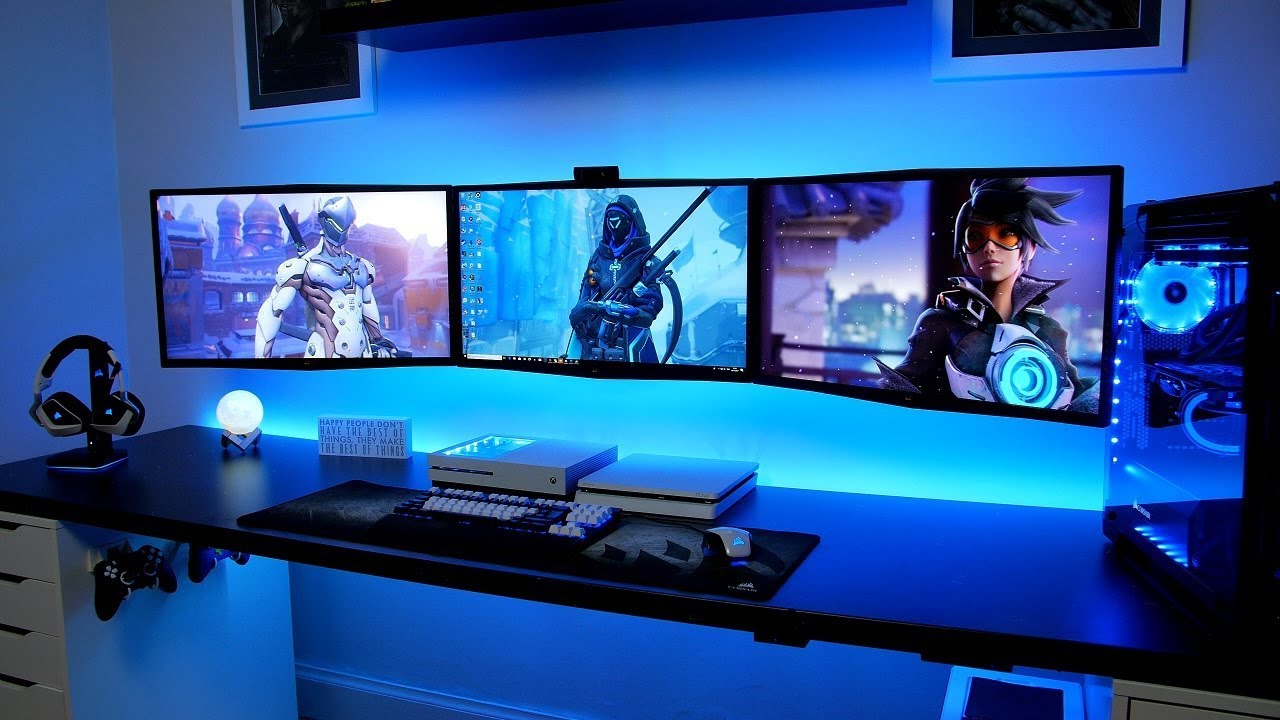
How to choose best 3 monitor gaming setup
A good three-screen desk is determined by the relationship between display size, viewing distance, mounting hardware, and the kind of games you play.
Screen size and resolution
A 22-inch Full HD screen keeps pixels relatively compact and is easier to fit beside two other displays. A 24-inch panel offers more room without overwhelming a normal desk. At 27 inches, 1920x1080 gives a broad image but can look less sharp up close, and 32 inches makes that compromise more obvious.
Refresh rate
The 75Hz panels in the Kado trios are suitable for general gaming and desktop work, while the Sceptre 22-inch display reaches 144Hz and the SANSUI reaches 240Hz. A high refresh rate matters most on the screen where the game runs. Side panels showing chat or a map do not need to match the center display's speed.
Put the fastest monitor in front of the game, not automatically in the middle of a mismatched wall.
Flat and curved layouts
Flat screens are easier to align and usually make a cleaner multi-screen desktop. Curved panels can pull the outer displays toward the player, with the Kado models using a 1500R curve and the Sceptre using 1800R. Mixing different curves can look uneven, so matched curved trios are preferable when one game spans all three panels.
Mount compatibility
Check the monitor's VESA pattern, weight, and size before choosing an arm. The HUANUO 17 to 32 model supports 75x75mm and 100x100mm mounting patterns and screens from 17 to 32 inches, while the HUANUO 13 to 27 model is aimed at smaller displays. The desk itself also needs to fit the clamp or grommet limits.
Connections and audio
A gaming PC needs enough outputs for three screens, and the displays need connections that match them. The Sceptre 22-inch model lists HDMI and DisplayPort, while the older Sceptre curved model lists HDMI, VGA, and PC audio. Built-in speakers are convenient on several picks, but the SANSUI does not include them.
For a wider look at arranging multiple screens, the differences between a two-screen and wider desk layout can help clarify how much room the outer panels need. If the desk also handles work, a setup that keeps documents and gaming controls separated offers useful guidance on screen roles and posture.
Frequently asked questions
Do I need three identical monitors for gaming?
No. Identical monitors make alignment, color matching, and one continuous game view easier, but a mixed setup can work well when each screen has a different role. A fast center display with slower side panels is a practical arrangement.
Is 75Hz enough for a three-monitor gaming setup?
75Hz is adequate for general gaming, strategy titles, simulation games, and ordinary desktop use. Players focused on competitive shooters may prefer the Sceptre 22-inch 144Hz or SANSUI 32-inch 240Hz for the main display.
Should the center monitor be curved?
A curved center screen can feel immersive, especially when side panels continue the curve. Flat screens are easier to align, and a complete matched trio avoids the uneven geometry that can appear when curves differ.
Can I mount all three monitors on one arm?
You can use a triple monitor mount when all three displays fit its size, weight, VESA, and desk requirements. The HUANUO models support different monitor ranges, so check each panel rather than assuming that any three displays will fit.
Is 1920x1080 suitable for 27-inch monitors?
It is usable, especially for gaming viewed from a little farther back, but it is less dense than Full HD on a 22-inch or 24-inch screen. Buyers who spend much of the day reading small text may prefer smaller panels or a higher-resolution display.
Where should a monitor light bar go?
A light bar is usually most useful on the center monitor, aimed toward the keyboard and desk. The SAMPHON bar uses asymmetric lighting and adjustable color temperature to limit direct glare, but room lighting still matters across a three-screen wall.
The bottom line
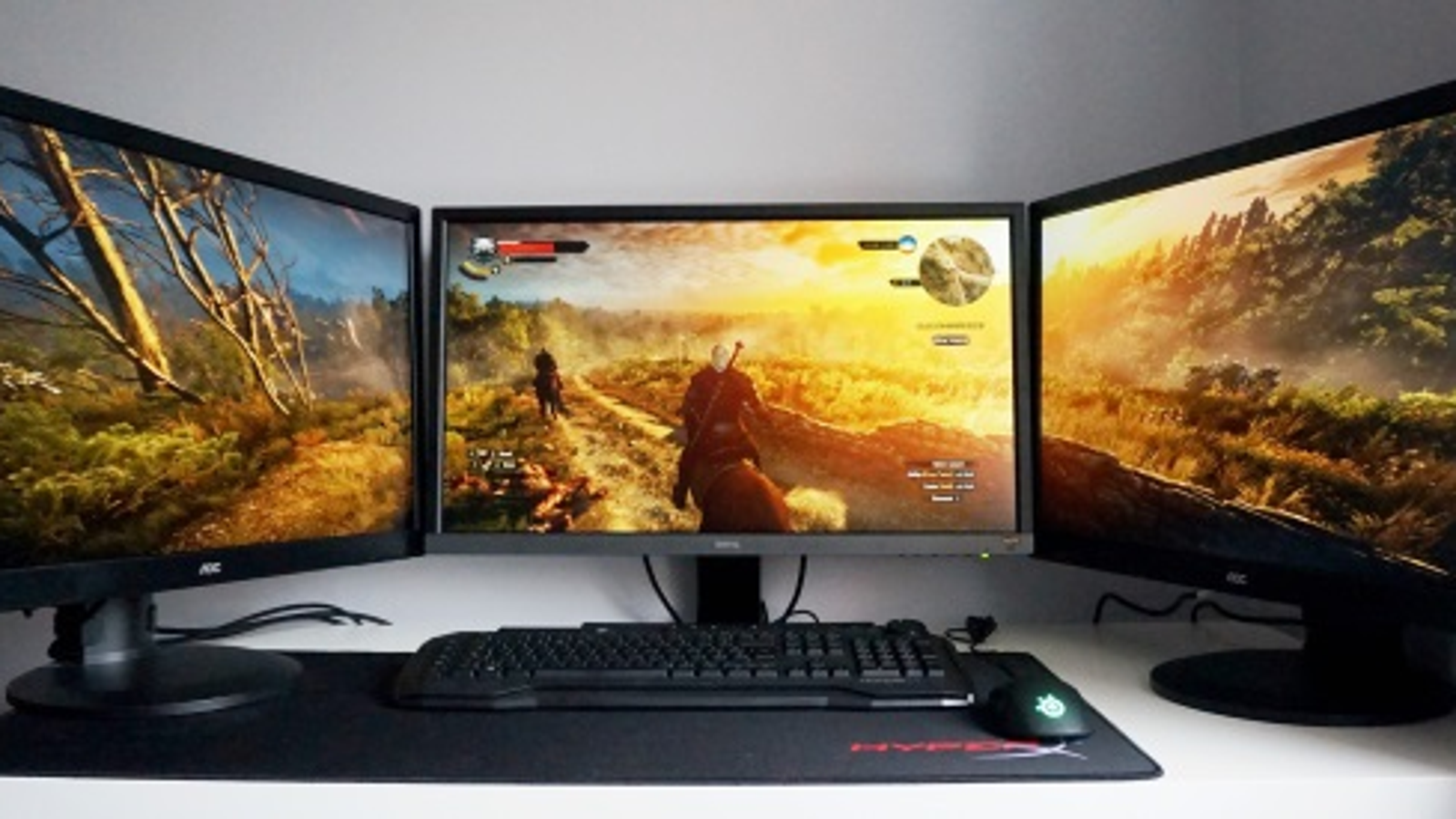
The Best 3 monitor gaming setup for most people is the Kado 27-inch Flat Trio because it provides three matched 27-inch displays, 100% sRGB coverage, built-in speakers, and a consistent 75Hz experience. It needs a wide desk, and Full HD is not especially dense at this size, but it is the simplest complete route to a broad gaming and work station.
For a smaller desk, the Kado 22-inch Flat Trio is the smarter fit. Competitive players should instead make the Sceptre 22-inch 144Hz or SANSUI 32-inch 240Hz the center screen, then add side displays for secondary tasks. The HUANUO mounts are the right next step when desk space and viewing height matter as much as the panels.
If you are undecided, choose matched Kado screens for simplicity, or build around one fast center display when gaming performance comes first.
As an Amazon Associate we earn from qualifying purchases.