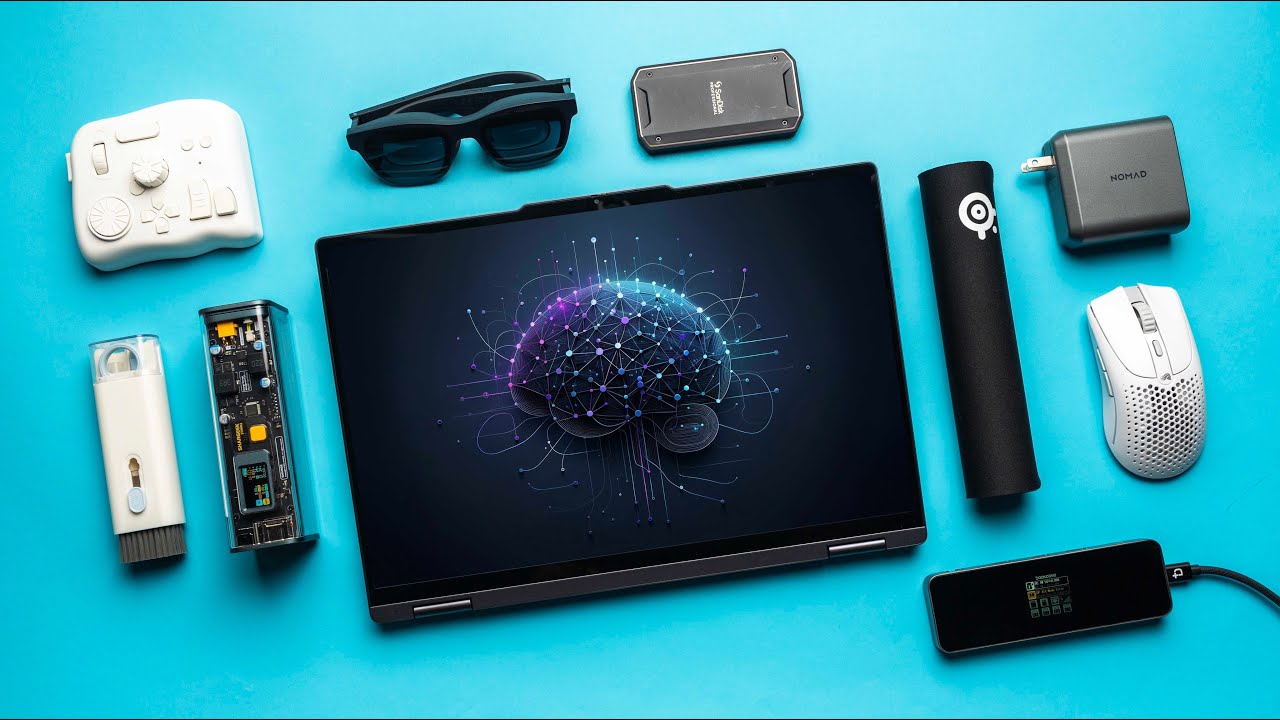

A laptop bag can carry a computer, but it rarely keeps the charger, mouse, cables, and small adapters from becoming one tangled pocket of clutter. The Best laptop accessories and gadgets should solve that daily friction without adding another awkward item to your setup.
This list covers practical upgrades for desks, commutes, cars, and travel. The OPNICE Monitor Stand Organizer is the best overall pick, while the other nine products serve more focused needs, from camera privacy to screen cleaning and portable dust removal.
Comparison table
| # | Product | Award | Type | Key detail | Best for |
|---|---|---|---|---|---|
| 1 | OPNICE Monitor Stand Organizer | Best overall | Desk riser | 2-tier design, drawer, 2 pen holders | A cleaner, more comfortable desk |
| 2 | Hiiooweiyi Travel Organizer | Best cable organizer | Travel pouch | 7.5 x 4.3 x 2.2 inches, 2 layers | Carrying a full charging kit |
| 3 | imComor Two-Pouch Organizer | Best two-size set | Travel pouch set | 9.05-inch and 6.3-inch pouches | Separating large and small gear |
| 4 | FINPAC Charger Case | Best compact case | Charger pouch | 5 x 5 x 2 inches, 600D polyester | A MacBook charger and essentials |
| 5 | Gadget Ray Webcam Cover | Best privacy upgrade | Camera cover | Adhesive-free, six covers | Laptop webcam privacy |
| 6 | KINMINGZHU Cable Organizer | Best slim organizer | Travel pouch | 7.48 x 4.33 x 1.1 inches | A shallow laptop-bag pocket |
| 7 | SAILHAPI Air Duster | Best cleaning tool | Rechargeable blower | Stepless control, 3 nozzles, 4 brushes | Dusting laptops and workspaces |
| 8 | CM Travel Organizer Case | Best large pouch | Travel case | 9 x 4 x 2 inches, outside pocket | A mouse, charger, and hard drive |
| 9 | Mketnymy Screen Cleaner | Best screen-care kit | Cleaner set | Two 10ml sprays, brushes, cloths | Removing fingerprints on the go |
| 10 | lebogner Steering Wheel Tray | Best car accessory | Vehicle tray | 16.5 x 11 x 1 inches, two sides | A parked mobile workspace |
1. OPNICE Monitor Stand Organizer: Best Overall

Pros
- Raises a monitor or laptop for a more comfortable viewing position
- Two-tier storage keeps supplies within reach
- Drawer and two pen holders reduce desk clutter
- Includes four adjustable non-slip pads
Cons
- Takes up substantial desk width and depth
- Not a portable laptop stand
- The drawer and riser make it more useful for a fixed workspace than a minimalist desk
Best for: someone building a tidier desk around a monitor or laptop.
The OPNICE Monitor Stand Organizer is the one accessory here that changes the shape of a workstation rather than simply storing something. Its 2-tier layout lifts a monitor or laptop and creates a useful shelf beneath it, so the items that normally spread across the desk have a defined place. The drawer and two hanging pen holders make it feel closer to a small workstation system than a basic riser.
The dimensions explain both its usefulness and its limitation. At 14.2 inches long, 9.1 inches wide, and 5.6 inches high, it creates meaningful separation between the screen and the desk, but it needs a desk with room to spare. Its metal construction is designed for stability, and the four adjustable non-slip pads help keep it steady while protecting the surface. The product is also described as suitable for a monitor or laptop, which makes it flexible for a mixed setup.
Compared with the portable organizers in this roundup, the OPNICE is a permanent upgrade. Hiiooweiyi Travel Organizer is better for a bag, and FINPAC Charger Case takes up far less space, but neither addresses screen height or desk organization. If you are arranging a second display, the practical relationship between a laptop and monitor setup matters more than adding another pouch, and this riser fits that kind of workspace.
The weakness is footprint. A narrow desk may feel more crowded after adding a 14.2 by 9.1-inch platform, and the 4.67-pound listed weight reinforces that this is not something to move around daily. It is also not a complete ergonomic solution by itself, since screen height, keyboard position, and chair height still need attention. Choose it when your laptop or monitor lives in one place and you want storage built into the riser.
2. Hiiooweiyi Travel Organizer: Best Cable Organizer

Pros
- Two-layer layout separates small cables from larger blocks
- Splash-resistant, dirt-resistant, and shockproof materials
- Holds chargers, adapters, cables, headphones, and power banks
- Compact 7.5 x 4.3 x 2.2-inch shape
Cons
- Too small for a large desktop power setup
- Two layers can make bulky items harder to arrange
- Designed for accessories rather than the laptop itself
Best for: travelers carrying several chargers and loose small electronics.
The Hiiooweiyi Travel Organizer gets the important travel-organizer decision right: small items have somewhere to go, but the main compartment still has room for a charger or power bank. Its double-layer arrangement is more useful than a single open pouch when you are carrying a mixture of short cables, adapters, and larger charging blocks.
At 7.5 inches long, 4.3 inches wide, and 2.2 inches high, it is compact enough for a laptop bag without being flat and restrictive. The upper layer uses elastic mesh pockets for items such as USB drives and SD cards, while the lower compartment is intended for chargers and power banks. That split makes it easier to find the small item you need without emptying the whole case.
The waterproof fabric, smooth zipper, and described dirt-scratch and shock-resistant construction give it a little more protection than a thin fabric pouch. It is still not a hard case, so it should not be treated as full impact protection for delicate equipment. Its 0.22-pound listed weight is helpful when a travel bag is already crowded.
CM Travel Organizer Case is larger at about 9 by 4 by 2 inches and makes more sense for a mouse or external drive. KINMINGZHU Cable Organizer is thinner and slides more easily into a shallow pocket. The Hiiooweiyi is the more balanced choice for someone who wants one small case for a complete everyday charging kit, but anyone carrying a large laptop power brick should check the fit carefully before packing.
3. imComor Two-Pouch Organizer: Best Two-Size Set

Pros
- Includes separate large and small pouches
- Water-resistant and washable exterior
- Soft lining helps protect stored accessories
- Interior mesh pockets keep smaller gear in place
Cons
- The two pouches can be less convenient than one organized case
- The larger pouch still has a slim profile
- No dedicated claim of protection for a laptop itself
Best for: people who want separate cases for everyday and backup accessories.
The imComor Two-Pouch Organizer is a smart answer to a common packing problem: the accessories used every day are not always the accessories needed for a longer trip. The set includes one larger pouch and one smaller pouch, allowing a mouse and power adapter to stay separate from spare cables, memory cards, or earbuds.
The larger case measures 9.05 by 4.3 by 1.96 inches, while the smaller one measures 6.3 by 4.3 by 1.96 inches. Both are described as having a canvas exterior and soft lining, with interior mesh pockets for cables, power banks, and chargers. The washable, water-resistant construction is a practical touch for travel, where a pouch can end up on a car seat, airport floor, or crowded desk.
This design is more flexible than the single-case approach used by FINPAC Charger Case, though FINPAC is neater when you only need to carry one compact charging kit. Hiiooweiyi Travel Organizer offers more built-in compartmental separation in one case. The imComor set wins when you value modular packing and want the option to leave one pouch behind.
The trade-off is that two separate bags can create another packing decision. The interior protection is useful against knocks, bumps, and scratches, but the cases are not presented as rigid shells. They also have limited height, so unusually bulky adapters may need to share space carefully. For students, commuters, and travelers who carry different accessory loads from one day to the next, the two sizes are the main reason to choose it.
4. FINPAC Charger Case: Best Compact Case

Pros
- Compact 5 x 5 x 2-inch design
- 600D water-repellent polyester exterior
- Mesh pockets and elastic loop help control cables
- YKK zipper and outside pocket provide quick access
Cons
- Less room than the larger organizers
- Designed around compact charging gear
- The product data identifies it as pink, which may not suit every setup
Best for: MacBook owners who want a small, structured charger pouch.
The FINPAC Charger Case is the easiest organizer here to justify when you dislike carrying a large accessory bag for only a charger, a few cords, and a small collection of digital extras. Its square 5 by 5 by 2-inch shape uses space efficiently in a backpack or handbag, while the big opening makes it easier to put in a charging block without forcing the zipper.
Inside, the mesh pockets and elastic loop are aimed at the small details that usually become tangled. The case can hold charging cords, earbuds, a power bank, hard drives, a mouse, flash drives, SD cards, and wall charger adapters, according to its listed features. The exterior is made from water-repellent 600D polyester, and YKK zippers add a useful quality signal for an item that will be opened often.
At 6 ounces, it remains a lighter option than a large multi-compartment case. KINMINGZHU Cable Organizer is slimmer at 1.1 inches high and may disappear more easily into a tight laptop sleeve pocket, while FINPAC offers better internal organization and a more protective shape. The outside zipper pocket is also handy for a cable or small item that needs to be reached without opening the main compartment.
Its limit is capacity. The compact form is an advantage until a large adapter, mouse, and power bank all need to travel together. The product is specifically positioned as a MacBook charger case, though its listed contents make it useful with other laptops as well. Pick it for a focused charging kit, not as a universal bag for every device in the house.
5. Gadget Ray Webcam Cover: Best Privacy Upgrade

Pros
- Adhesive-free installation leaves no residue
- Slides closed when the camera is not in use
- Thin profile allows the laptop lid to close
- Six covers provide spares for multiple laptops
Cons
- Not designed for tablets, phones, or thick device cases
- Requires a compatible laptop bezel
- Adds a physical slider over the camera
Best for: anyone who wants a simple physical webcam privacy control.
The Gadget Ray Webcam Cover solves one narrow problem cleanly. Instead of relying on software settings or a removable sticker, it gives the laptop camera a small sliding door. Push it closed when a video call ends, then open it with one finger when the camera is needed.
Its installation is push-on rather than adhesive. Flexible TPU holds the cover against the bezel, so removing it should not leave the sticky residue associated with adhesive camera covers. The six-pack is useful for people with more than one laptop, or for keeping spares in a desk drawer and travel bag.
The thin construction is the feature that matters most. The cover is designed to stay in place while the laptop closes enough to enter sleep mode, though fit still depends on the camera bezel and laptop design. It is made for MacBook, PC laptop, and Chromebook cameras, not tablets, phones, or devices inside thick cases. Check the available bezel space before installing.
This is a more focused buy than any of the storage cases, but it earns its place because privacy is one of the few laptop concerns a tiny accessory can address immediately. The weakness is compatibility, since the product is not universal across every camera location or case. Choose it if you want a physical reminder that the webcam is covered, and skip it if your laptop has an unusually narrow or recessed bezel.
6. SAILHAPI Air Duster: Best Cleaning Tool

Pros
- Stepless speed control adjusts the airflow
- Includes three nozzles and four cleaning brushes
- Rechargeable design avoids disposable air cans
- Listed runtime reaches up to 150 minutes
Cons
- Strong airflow requires care around delicate laptop parts
- The product is larger than a simple brush
- The precision nozzle may vary during packaging transition
Best for: cleaning laptops, keyboards, workspaces, and other dusty equipment.
The SAILHAPI Air Duster is the most substantial gadget in this roundup and the one with the broadest cleaning role. A rechargeable blower is more useful than a small manual brush when dust is lodged around a keyboard, vent, desk drawer, or PC case. The stepless control is especially important because not every surface needs the strongest blast.
SAILHAPI lists a 300, 000 RPM motor and up to 150 minutes of operation from a 2-hour recharge. Those are manufacturer-stated performance figures, not a guarantee that every cleaning task will use the same amount of power. The included three nozzles and four brushes make the kit more adaptable, with a storage bag and lanyard for keeping the pieces together.
The 6-inch tall, 2.9-inch long, and 1.7-inch wide body weighs 0.6 pounds. That is still portable enough for a desk drawer or travel kit, but it is not as effortless to carry as Mketnymy Screen Cleaner, which targets fingerprints rather than dust. The air duster can also be used for car vents, pet hair, and other tasks listed by the manufacturer, making it a broader cleaning tool than the screen kit.
Power is also the risk. Strong air can push dust deeper into a laptop or spin a fan too aggressively if used carelessly, so keep the airflow controlled and avoid treating it like a toy. SAILHAPI says not to use it while charging, and its packaging transition means some orders may not include the newer precision nozzle. It is the right choice for recurring dust removal, not for someone who only needs to wipe a display.
7. CM Travel Organizer Case: Best Large Pouch

Pros
- Large 9 x 4 x 2-inch main compartment
- Inside mesh pockets hold small accessories
- Outside pocket keeps pens and stationery accessible
- Built-in handle helps with carrying
Cons
- Case only, with accessories not included
- Less compartmentalized than some smaller organizers
- The larger size takes more room in a compact bag
Best for: carrying a mouse, power adapter, cables, and other larger accessories together.
The CM Travel Organizer Case is the straightforward large pouch in this group. It does not try to be a tiny charging wallet. Instead, it creates enough room for a laptop mouse, power bank, power adapter, hard drive, USB cables, and a phone, with the main compartment doing most of the carrying work.
Its approximately 9 by 4 by 2-inch dimensions put it ahead of the smaller organizers when bulky items are involved. Two internal mesh pockets help stop smaller pieces from vanishing into the main compartment, and the outside pocket provides a quick-access spot for a pen or stationery. One side uses mesh so it is easier to see what is inside, a small detail that can save time when the case is full.
Hiiooweiyi Travel Organizer has a more structured two-layer arrangement and better suits a mixed collection of tiny and large cables. CM is the better option when the contents are physically larger and you prefer one open compartment. Its built-in handle also makes it easier to move from a backpack to a meeting room or hotel desk.
The important caveat is in the name and listing: this is the case only. It is not a bundle of chargers or adapters, and its soft organizer construction is not the same as a rigid protective shell. The larger shape can also feel excessive for someone carrying only a phone cable and wall adapter. Pick it when a mouse and power brick need to share one travel case.
8. Mketnymy Screen Cleaner: Best Screen-Care Kit

Pros
- Compact spray-and-wipe format
- Two sprays with built-in 10ml cleaning solution
- Includes two small brushes and two microfiber cloths
- Intended for laptops, tablets, phones, and car displays
Cons
- The small bottles need refilling or replacing eventually
- A cleaning liquid requires care around electronics
- It is for surface marks, not internal dust
Best for: removing fingerprints and light grime from screens while traveling.
The Mketnymy Screen Cleaner is a pocket-sized answer to a screen covered in fingerprints. Its spray-and-wipe format is easier to keep in a handbag, backpack, or car than a full bottle of cleaning solution. The product is described for car displays, iPhones, iPads, laptops, MacBooks, and other touchscreens.
Each spray contains 10ml of cleaning solution, and the set includes two sprays, two small brushes, and two soft plush glasses-cleaning cloths. The microfiber cloth is intended to lift dust, grease, and fingerprints without shedding fibers. That makes it useful for the marks that appear during a normal workday, especially on touchscreens.
This product complements the SAILHAPI Air Duster rather than replacing it. The duster handles loose dust around keyboards and vents, while Mketnymy handles the display surface. If your laptop is also used with a tablet, the accessories that make a tablet easier to use at a desk can help you plan one cleaning kit for several screens.
The limitation is that screen cleaning needs restraint. Do not spray directly onto a laptop panel, and follow the device maker's care guidance before using any liquid. The kit is also not a substitute for an air blower or brush when dust is inside a keyboard. Choose it for a portable display-care routine, especially if fingerprints bother you more than cable clutter.
9. KINMINGZHU Cable Organizer: Best Slim Organizer

Pros
- Slim 7.48 x 4.33 x 1.1-inch profile
- Water-repellent nylon exterior
- Built-in carrying strap
- Holds chargers, drives, cards, cables, and phones
Cons
- Less vertical room than thicker pouches
- Internal layout is less specified than some competitors
- One case may not separate every type of accessory
Best for: slipping a basic electronics kit into a shallow laptop-bag pocket.
The KINMINGZHU Cable Organizer is built around a slim silhouette. At 7.48 inches long, 4.33 inches wide, and 1.1 inches high, it is notably flatter than the 2.2-inch-deep Hiiooweiyi Travel Organizer. That difference matters when a laptop bag has a narrow accessory compartment rather than a roomy central section.
The water-repellent nylon exterior should help with everyday splashes, while the built-in belt makes it possible to carry the pouch by hand or attach it in a convenient way. Its listed capacity is broad, covering chargers, batteries, power banks, hard drives, memory cards, flash drives, smartphones, and several USB cables.
The thin design means it is best used as a controlled kit rather than a place to throw every accessory you own. CM Travel Organizer Case has more room for a mouse and large adapter, and FINPAC Charger Case offers more clearly described mesh pockets and an elastic loop. KINMINGZHU is the one to choose when the main problem is bag space.
Its weakness is the same feature that makes it attractive. A 1.1-inch profile cannot comfortably accept every bulky power brick or multiple large devices. The listed weight is about 0.24 pounds, so it adds little by itself, but a full case can still become dense. It suits commuters who carry a few cables, a charger, and small storage media rather than a complete office in a pouch.
10. lebogner Steering Wheel Tray: Best Car Accessory

Pros
- Hooks onto the bottom of most steering wheels
- Reversible food and work surfaces
- Includes a cup holder and pen slot
- 16.5 x 11 x 1-inch tray has room for a laptop or notebook
Cons
- Must only be used while the vehicle is parked
- Not compatible with steering wheels that have a cover
- Too large for a typical laptop bag pocket
Best for: creating a temporary work or eating surface in a parked vehicle.
The lebogner Steering Wheel Tray is a specialist accessory, but it makes sense for people who work between appointments or spend long stretches on the road. It hooks onto the bottom of the steering wheel after the wheel is turned upside down, creating a flat surface for a laptop, notebook, or meal while the car is stationary.
The tray measures 16.5 by 11 by 1 inch and weighs about 1.21 pounds. One side is intended for food, with a deeper flat surface and cup holder. The other is a work surface with a flat table and pen slot. That reversible design is more useful than a single-purpose car board because it accommodates both a quick lunch and a short work session.
Unlike the storage products in this roundup, it does not belong in the same laptop bag as your charger. It is a vehicle accessory that lives in a seat pocket or another storage area. The product says it fits most steering wheels, excluding those with a cover, so the wheel shape and clearance should be checked before ordering.
The major limitation is context. It is not a driving aid and should never be used while the vehicle is moving. The tray also does not replace a proper desk for long typing sessions, since steering-wheel positioning is still a compromise. Choose it for parked work, road trips, and meals, not as a permanent laptop workstation.
How to choose Best laptop accessories and gadgets
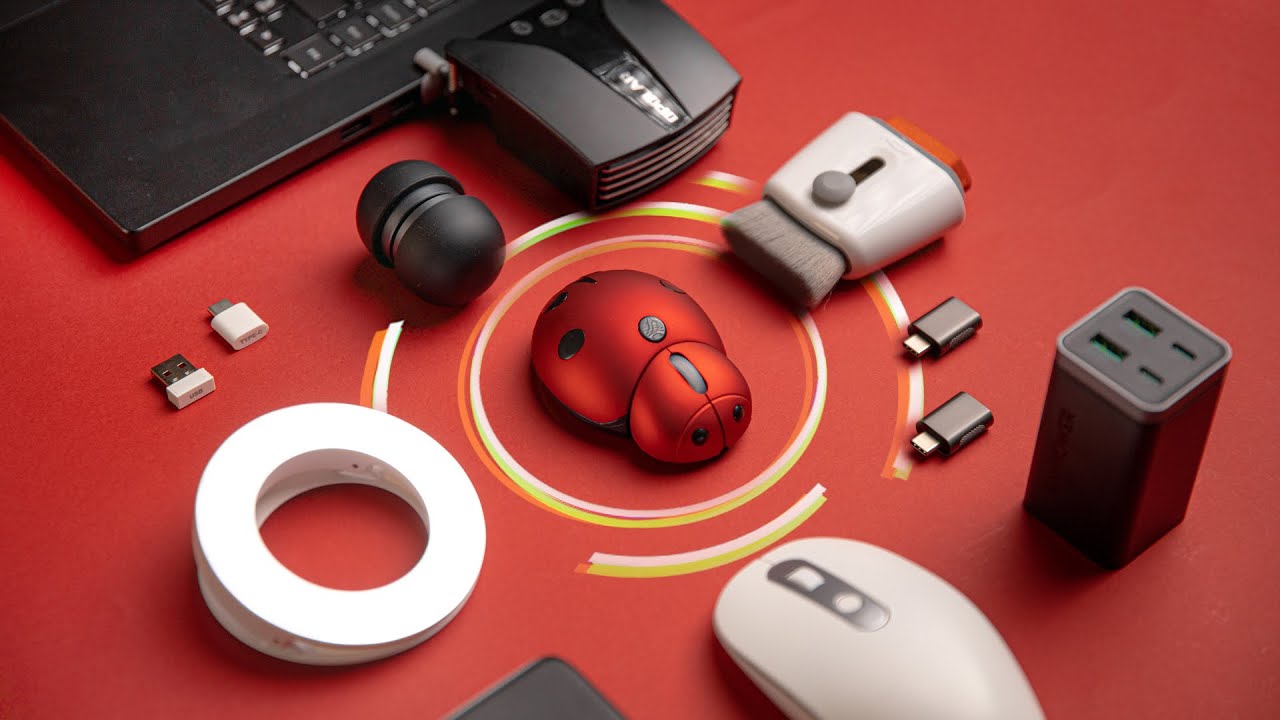
The right accessory depends less on adding more gear and more on removing one recurring annoyance. Start with the job, then compare the size, protection, and handling details that support it.
Storage layout
Cable organizers work best when their internal layout matches what you carry. Mesh pockets and elastic loops are useful for short cables, memory cards, and adapters, while a larger open compartment is better for a mouse, power bank, or laptop charger.
A pouch with no internal structure can still be useful for bulky gear, but it becomes frustrating when small items sink underneath everything else. Choose divided storage for mixed collections and a simple large compartment for a few oversized pieces.
Dimensions and portability
Measure the pocket where the accessory will live, not just the accessory itself. The 1.1-inch-high KINMINGZHU fits a different kind of bag than the 2.2-inch-deep Hiiooweiyi, and the 9-inch CM case needs more room than FINPAC's compact square shape.
Weight matters when the accessory is carried every day. A larger case can reduce clutter while also becoming another heavy object in a backpack, so match its capacity to the equipment you actually take with you.
A cable case should fit the pocket you use, not the pocket you wish your bag had.
Materials and protection
Water-repellent or splash-resistant fabric is useful protection against ordinary travel mishaps, but it does not make a pouch waterproof or crushproof. Soft lining can help with scratches, while a structured case offers more control over loose items.
Consider what needs protection. A charger and cables can usually live in a soft organizer, while fragile drives or delicate equipment may need a more purpose-built case.
Desk ergonomics
A riser should create a more comfortable screen position without making the desk unusable. Check the stand's width, depth, height, and stability, then think about where the keyboard and mouse will sit after the laptop or monitor is raised.
The OPNICE adds storage as well as height, but it needs a fixed workspace. If you are planning a display upgrade, the cable and monitor details that shape a clean workstation are worth considering before choosing a stand.
Cleaning and privacy
Screen cleaners, air dusters, and webcam covers solve different problems. A microfiber cloth and cleaning solution handle fingerprints, a blower handles loose dust, and a camera cover provides a visible physical barrier.
For cleaning electronics, use controlled airflow and avoid spraying liquid directly onto a display. For privacy covers, confirm that the laptop bezel has enough room and that the lid can close properly with the cover installed.

Frequently asked questions
What is the most useful laptop accessory for travel?
A well-organized cable pouch is usually the most useful starting point because it keeps chargers, cables, and adapters together. The right size depends on whether you carry only a charging kit or also a mouse, power bank, and storage drive.
Are laptop cable organizers waterproof?
The products in this roundup describe their materials as waterproof, water-repellent, or water-resistant, but those terms do not mean they can be submerged. They are intended to provide protection from splashes, dirt, and ordinary travel exposure.
Can a webcam cover damage a laptop screen?
A thin cover designed for a laptop bezel should be less likely to interfere with the lid than a thick accessory, but compatibility still matters. The Gadget Ray cover is intended for laptops and is not designed for tablets, phones, or devices inside thick cases.
Is a rechargeable air duster safe for a laptop?
Use an air duster carefully, with moderate airflow and the laptop powered down when appropriate. Avoid forcing dust deeper into vents and take care around fans, ports, and delicate components.
Can the lebogner tray be used while driving?
No. The steering wheel tray is intended for use while the vehicle is parked. It should be removed or stored before driving.
Does a monitor riser work with a laptop?
The OPNICE stand is described for use with a monitor or laptop. Check the laptop's footprint and stability on the stand, then use a separate keyboard and mouse if the raised position makes the built-in keyboard uncomfortable.

The bottom line
The Best laptop accessories and gadgets are the ones that solve a specific daily problem. OPNICE Monitor Stand Organizer is the strongest all-around desk upgrade because it combines screen elevation with a drawer, pen holders, and a second storage tier. For travel, Hiiooweiyi Travel Organizer is the better all-purpose choice, while FINPAC Charger Case is more suitable for a small, focused charging kit.
Choose Gadget Ray Webcam Cover for simple physical camera privacy, SAILHAPI Air Duster for recurring dust, and Mketnymy Screen Cleaner for fingerprints. The remaining organizers each make sense when their particular size or layout matches your bag.
If you are undecided, start with the accessory that removes the most repeated annoyance from your laptop routine.
As an Amazon Associate we earn from qualifying purchases.