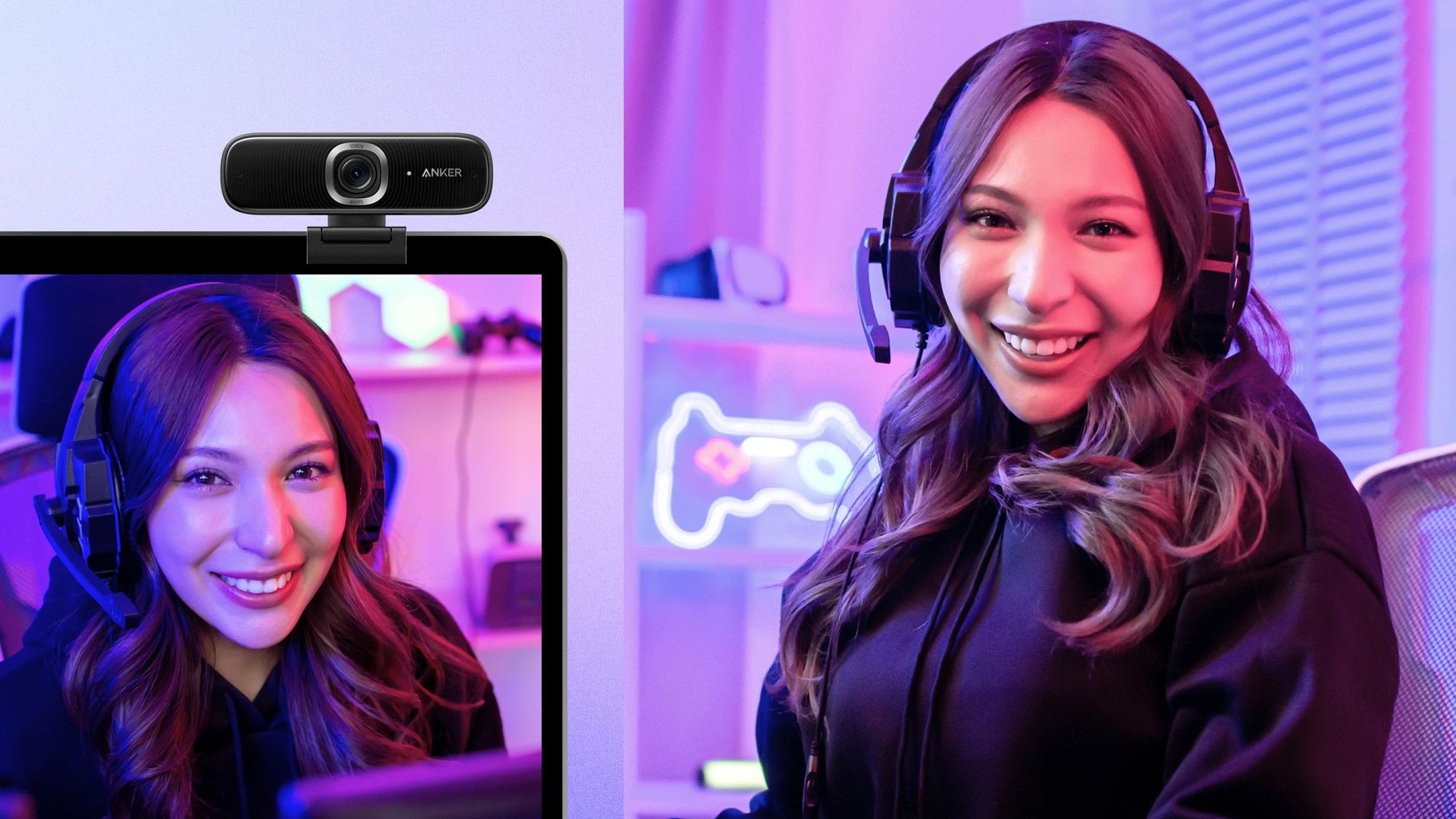

A stream can look polished in every other respect and still feel amateurish when the camera hunts for focus, clips bright windows, or leaves your voice buried under keyboard noise. The right webcam has to handle more than resolution. It needs dependable exposure, useful framing, and audio that does not force viewers to work to hear you.
Our Best webcam for streaming picks cover straightforward 1080p cameras, full 4K models, and unusual designs with dual lenses or remote-controlled zoom. Logitech MX Brio is the single best pick for most serious streamers, while the other nine cover lighter, simpler, more flexible, and more privacy-focused setups.
Comparison table
| # | Product | Award | Resolution and frame rate | Sensor or focus | Audio | Best for |
|---|---|---|---|---|---|---|
| 1 | Logitech MX Brio | Best overall | 4K at 30fps, 1080p at 60fps | Auto focus, auto exposure, auto white balance | Dual beamforming noise reduction mics | Serious streamers and creators |
| 2 | EMEET S600 | Best 4K detail | 4K at 30fps, 1080p at 60fps | Sony 1/2.55-inch sensor, PDAF | Noise filtering mics | Sharp face-to-camera streaming |
| 3 | Logitech Brio 4K | Best framing controls | 4K at 30fps | Auto focus, 5x digital zoom | Dual omnidirectional mics | Multiple seating positions |
| 4 | Acer 4K Webcam | Best metal design | 4K | Sony 1/2-inch sensor, PDAF | Two noise reduction mics | Portable premium setups |
| 5 | EMEET C60E | Best dual-camera design | 4K, with up to 11x hybrid zoom | PDAF, wide-angle and telephoto cameras | Two omnidirectional mics | Demonstrations and changing compositions |
| 6 | EMEET NOVA | Best simple 4K setup | 4K at 30fps | PDAF, fixed 73-degree FOV | Dual omnidirectional mics | Plug-and-play 4K video |
| 7 | EMEET C960 | Best focused framing | 4K | PDAF, 73-degree FOV | Dual omnidirectional mics | Head-and-shoulders framing |
| 8 | Logitech C920x | Best established 1080p pick | 1080p at 30fps | Auto focus, light adjustment | Stereo dual mics | Reliable everyday streaming |
| 9 | Logitech Brio 101 | Best compact 1080p camera | 1080p | Auto-Light Balance | Built-in mic | Basic streams and calls |
| 10 | Shcngqio TWC29 | Best privacy-focused basic camera | 1080p at 30fps | Auto light correction | Noise-reducing mic | Simple laptop streaming |
1. Logitech MX Brio: Best Overall

Pros
- 4K at 30fps and 1080p at 60fps
- Large-pixel sensor improves face visibility
- Strong manual image controls
- Dual beamforming microphones
- Rotating privacy cover
Cons
- Heavier and larger than simpler webcams
- Advanced controls require Logitech software
- Show Mode is useful mainly for desk demonstrations
Best for: streamers who want high image quality and meaningful control over their presentation.
The Logitech MX Brio is the camera we would keep when streaming quality matters more than a bare-minimum setup. Its 4K image at 30fps gives fine detail for a clean face-to-camera shot, while 1080p at 60fps is the more natural choice for fast gestures, gaming commentary, and a smoother live image. The sensor has 70% larger pixels than the previous generation according to Logitech, which is a meaningful design choice for difficult indoor lighting.
Its automatic exposure, white balance, autofocus, and noise reduction take care of the tedious work, but the camera does not lock you into automatic processing. Logitech software exposes ISO, shutter speed, tint, vibrance, lighting, and white balance controls. That makes the MX Brio much more useful than the EMEET NOVA when you are trying to match a stream’s established look or keep skin tones consistent from one session to the next.
The dual beamforming microphones use noise reduction to make speech easier to understand, though a built-in webcam microphone remains a compromise beside a dedicated model. Streamers who want the cleanest voice should plan around a separate microphone for a more controlled streaming setup. The camera also works with Windows, macOS, ChromeOS, and Linux, and is certified for Streamlabs along with common meeting platforms.
The weakness is physical bulk. At 0.84 pounds, it is considerably heavier than the Logitech Brio 101 and the Acer 4K Webcam, and its advanced software options can be more than a casual streamer needs. Show Mode, which tilts the camera down toward notes and sketches, is a distinctive collaboration feature but not essential for a gaming desk.
Choose the MX Brio if you want a camera that can grow with your production setup. It beats the Logitech C920x on resolution and control, and it is more polished than the EMEET S600, but the S600 is easier to justify when you mainly want sharp 4K video without a deep control panel.
2. EMEET S600: Best 4K Detail

Pros
- Sony 1/2.55-inch sensor
- 4K at 30fps and 1080p at 60fps
- PDAF autofocus
- Adjustable FOV at 1080p
- Integrated privacy cover
Cons
- FOV is fixed at 73 degrees in 4K
- Noise cancellation is enabled by default
- Requires software for deeper customization
Best for: creators who want sharp 4K video and fast focus without moving into a larger camera system.
The EMEET S600 gets the central webcam decision right: it gives you a detailed 4K mode when you need maximum clarity and a 1080p at 60fps mode when motion matters more. Its Sony 1/2.55-inch sensor is a substantial part of the appeal. A larger, capable sensor can make a face-to-camera image look less brittle than a basic webcam feed, particularly when the room is not evenly lit.
PDAF autofocus is designed to make focus changes faster and more stable than ordinary autofocus. That matters if you hold products up to the camera, lean toward the lens to read chat, or move around during a live presentation. At 1080p, the field of view can be adjusted from 40 to 73 degrees, so you can choose a tighter portrait view or include more of the room. The 4K mode fixes the FOV at 73 degrees to preserve image quality and reduce distortion.
The microphones apply background-noise filtering, and the EMEETLINK software can turn that feature off. That flexibility is useful because aggressive noise processing can sometimes make voices sound processed, while a quiet room may benefit from a more natural signal. Setup is plug and play over USB 2.0 and 3.0, with the software available for users who want to tune image or sound settings.
Compared with the Logitech MX Brio, the S600 offers fewer creator-focused controls and lacks the Logitech camera’s Show Mode. It is also less distinctive for multi-purpose collaboration. Its real limitation is the fixed 73-degree view at 4K, so it is not the best fit for a very tight desk or a streamer who wants a narrow portrait composition.
The S600 is the sensible choice for a creator who wants the detail of 4K and the fluidity of 1080p at 60fps in one compact camera. Pick it over the EMEET NOVA when adjustable framing and a Sony sensor matter more than the NOVA’s flexible mounting stand.
3. Logitech Brio 4K: Best Framing Controls

Pros
- 4K at 30fps
- Three diagonal FOV presets
- 5x digital zoom
- RightLight 3 exposure and contrast adjustment
- Windows Hello support
Cons
- Privacy shutter is attachable rather than integrated
- No 60fps mode listed
- Older design than MX Brio
Best for: streamers who regularly change framing or share a desk with other presenters.
The Logitech Brio 4K remains a particularly adaptable webcam. Its standout feature is not simply the 4K resolution. The three diagonal FOV presets let you choose 65 degrees for a head-and-shoulders view, 78 degrees for a little more context, or 90 degrees when the room and your gestures are part of the presentation.
That framing range is more useful than it sounds. A narrow view keeps a cluttered room out of the stream, while the wider settings work for a standing explanation or a second person sharing the shot. The 5x digital zoom gives another way to adjust composition without physically shifting the camera. RightLight 3 also adjusts exposure and contrast to handle glare and backlighting.
Dual omnidirectional microphones capture audio from up to 1.2 meters away and use noise cancellation. They are practical for calls and casual broadcasts, though dedicated streaming audio remains the better path for a voice-first channel. The camera works with Windows, Mac, and ChromeOS, and the Logi Options+ app handles zoom, color presets, manual focus, and firmware updates.
The most noticeable disadvantage against the MX Brio is age and refinement. The Brio 4K supports 4K at 30fps, but the newer MX Brio adds 1080p at 60fps, larger pixels, deeper image controls, and an integrated rotating privacy cover. The Brio 4K’s attachable privacy shade is functional, but it is easier to misplace and less elegant.
Buy this model when framing flexibility is central to your setup. It is a stronger fit than the EMEET S600 for presenters who move between tight and wide compositions, but the MX Brio is the better long-term pick for streamers who want smoother motion and a more modern control system.
4. Acer 4K Webcam: Best Metal Design

Pros
- Sony 1/2-inch sensor
- PDAF autofocus
- All-metal unibody construction
- Two noise reduction microphones
- Magnetic privacy cover
Cons
- The listed features do not specify a frame rate
- Privacy cover is a separate magnetic piece
- Fewer software controls are described
Best for: mobile creators and streamers who care about a compact, durable camera body.
The Acer 4K Webcam feels deliberately different from the plastic clip-on norm. Its aerospace-grade aluminum unibody is CNC machined and finished with a matte surface, giving it a more substantial construction than the Logitech Brio 101 or EMEET C960. That matters for a camera that gets packed into a bag, moved between desks, or mounted repeatedly.
The image hardware is also promising on paper. Acer lists a Sony 1/2-inch CMOS sensor, HDR, 4K resolution, and PDAF autofocus. The larger sensor is intended to capture more light and preserve detail in dim rooms, while PDAF should help keep a moving presenter sharp. Acer does not list a frame rate in the supplied product details, so buyers who specifically need 60fps should not assume this camera provides it.
Two high-sensitivity digital microphones are designed to capture speech from up to 2.5 meters away while filtering wind, keyboard clicks, and other ambient noise. That pickup range suits a standing presentation better than a tight desktop camera, although distance and room acoustics still determine how natural a built-in microphone sounds. The camera connects through USB-C to USB-A, with an adapter included, and requires no drivers, app, Wi-Fi, or Bluetooth.
The all-metal body adds confidence, but it also means the Acer is competing on build as much as on controls. The MX Brio gives streamers more ways to shape the image, and the Logitech Brio 4K offers more explicit FOV choices. The Acer’s magnetic privacy cover is secure when attached, but it is a loose accessory rather than a built-in shutter.
This is the camera for someone who wants a compact 4K unit that feels designed rather than disposable. It is especially appealing for mobile workstations, travel streaming, and creators who value material quality, but skip it if a documented 60fps mode or extensive image software is essential.
5. EMEET C60E: Best Dual-Camera Design

Pros
- Wide-angle and telephoto cameras
- Up to 11x hybrid zoom
- PDAF autofocus
- Remote and software controls
- Two omnidirectional microphones
Cons
- Zoom is unavailable in 4K and 60fps modes
- More complex than a conventional webcam
- RGB lighting may not suit every setup
Best for: streamers who switch between a room view, close-ups, and product demonstrations.
The EMEET C60E is the most inventive camera here. Instead of asking one lens to handle every composition, it uses a wide-angle camera for people and backgrounds plus a telephoto camera for close-up detail. That makes it unusually well suited to teaching, crafts, product demonstrations, and streams where the presenter needs to move between a full scene and a specific object.
The hybrid zoom reaches up to 11x, with intermediate choices such as 3x, 5x, and 7x. PDAF autofocus is intended to keep those changes sharp and stable. There is an important catch: zoom is not supported in 4K, 60fps, or YUY2 modes. The camera therefore makes the most sense when remote framing is more important than combining maximum resolution or frame rate with zoom.
Control is the C60E’s main advantage over the EMEET NOVA and EMEET C960. A remote can adjust zoom and color during a stream, while EMEET STUDIO provides more precise brightness, focus, and RGB controls. The two microphones capture sound within a listed 9.8-foot radius. USB 2.0 Type-A connectivity and a 1/4-inch tripod mount make it straightforward to add to an existing setup.
The dual-eye design and red, green, and blue lighting add personality, but they are not universal positives. RGB can become a distraction in a clean studio, and the camera’s expanded controls create more setup decisions than a basic plug-and-play model. The Logitech MX Brio is better when the priority is a polished single-lens image with extensive image tuning.
Choose the C60E when your content genuinely benefits from changing perspective. It is a poor fit for someone who only wants a centered head-and-shoulders shot, but a strong match for demonstrations, tutorials, and streams where moving the camera would interrupt the presentation.
6. EMEET NOVA: Best Simple 4K Setup

Pros
- 4K at 30fps
- PDAF focus
- 360-degree horizontal rotation
- Tripod thread and adjustable stand
- Dual microphones
Cons
- Video defaults to 1080p
- Fixed 73-degree FOV
- USB 2.0 connection
Best for: users who want 4K capability and flexible mounting without a complicated camera design.
The EMEET NOVA is a practical 4K webcam with a particularly useful mount. The camera rotates 360 degrees horizontally, adjusts vertically by 15 degrees, and sits on a stand that opens through 180 degrees. A standard 1/4-inch thread also allows tripod mounting, so it can move from a monitor to a small stand without requiring a new accessory system.
The camera records 4K at 30fps, but the default video resolution is 1080p. You need built-in camera software or an application such as PotPlayer or OBS to switch to 4K. That is not difficult, but it is an important ownership detail for anyone expecting the highest mode to appear automatically. PDAF keeps subjects sharp within the listed focus range of 7.9 to 118 inches, while the 73-degree FOV gives a consistent head-and-shoulders composition.
Two microphones are designed to capture voices clearly from up to 8 feet away. EMEET recommends keeping the microphones unobstructed, positioning them close to the speaker, and using the camera in a quiet environment. Those qualifications are sensible. The microphones can handle ordinary calls and streams, but a noisy room will still favor a dedicated audio setup.
The NOVA is more adjustable physically than the EMEET C960, yet its FOV cannot be changed and autofocus cannot be disabled. The Logitech MX Brio is more capable for a creator who wants to tune an image, while the Acer 4K Webcam offers a more compact metal body. The NOVA wins when mount flexibility and a straightforward USB connection matter most.
It is a good choice for a desk that changes jobs between calls, lessons, and streaming. Skip it if you need facial tracking, manual focus, a narrow portrait view, or 1080p at 60fps.
7. EMEET C960: Best Focused Framing

Pros
- True 4K CMOS sensor
- PDAF autofocus
- Fixed 73-degree FOV
- Dual omnidirectional microphones
- Privacy cover and tripod thread
Cons
- Defaults to 1080p
- No adjustable FOV
- USB-A connection
Best for: streamers who want a consistent head-and-shoulders frame and simple autofocus.
The EMEET C960 takes a focused approach to composition. Its 73-degree FOV is wide enough to show natural movement and some background, but narrow enough to keep attention on the presenter. That fixed perspective is helpful when a stream has a repeatable layout and you do not want to spend time correcting an overly wide shot.
EMEET lists a genuine 4K CMOS sensor rather than an upscaled image. As with the NOVA, the camera defaults to 1080p and requires camera software or a compatible application such as OBS to switch to 4K. PDAF autofocus and automatic light correction help it respond to movement and changing brightness, though this is not a camera for users who want to turn autofocus off or reshape the field of view.
The dual omnidirectional microphones capture speech clearly, and EMEET says users should select the C960 as the default microphone device for optimal performance. USB plug and play keeps setup uncomplicated, while compatibility extends across Windows 7, 10, and 11, macOS 10.14 and later, Android TV 7.0 and later, and Linux. The mount rotates 360 degrees horizontally, adjusts 15 degrees vertically, and includes a 1/4-inch tripod thread.
Compared with the EMEET NOVA, the C960 offers much the same fixed-view philosophy but in a smaller listed body. The NOVA has a more elaborate 180-degree stand adjustment, while the C960 is the better fit when a simple centered frame is the priority. The Logitech C920x has a longer track record as a 1080p option, but it gives up the C960’s 4K mode and PDAF focus.
The C960 suits a streamer who wants a clean, contained composition without chasing cinematic controls. Choose something else if your content includes frequent product close-ups, wide room shots, or fast motion that would benefit from a documented 60fps mode.
8. Logitech C920x: Best Established 1080p Pick

Pros
- 1080p at 30fps
- Autofocus and automatic light adjustment
- Stereo dual microphones
- Broad everyday software compatibility
- Compact, familiar design
Cons
- No privacy shutter
- No 4K mode
- No 60fps mode listed
Best for: streamers who want dependable Full HD video without 4K-specific setup.
The Logitech C920x is the conventional choice in this group, and that is its appeal. It produces Full HD 1080p video at 30fps, uses autofocus, and adjusts lighting automatically. For a centered streaming shot, those fundamentals matter more than a resolution label if the rest of the setup is modest.
Stereo audio comes from dual microphones, giving the C920x a more deliberate audio design than the single built-in microphone in the Brio 101. It also includes Logitech capture software support and a three-month XSplit VCam license for background removal, replacement, and blur without a green screen. That software feature is useful for streamers who want a cleaner background without adding physical studio equipment.
The C920x works with Windows 11 and is positioned for desktop, laptop, calls, and recorded video. It is easy to place on a monitor and simple to understand. Compared with the Shcngqio TWC29, it has a clearer brand support path and stereo microphones, while the EMEET C960 gives more resolution and a privacy cover.
Its major omission is privacy. There is no privacy shutter, so you need to disconnect the camera, cover it manually, or rely on software when it is not in use. The C920x also stays at 30fps and 1080p, which makes the Logitech MX Brio a better choice for fast movement or a higher-detail studio look.
Get the C920x when you want a familiar Full HD camera for everyday streaming and do not need 4K. It remains a sensible fit for a stable desk setup, but privacy-conscious buyers should move to the Brio 101 or one of the EMEET models.
9. Logitech Brio 101: Best Compact 1080p Camera

Pros
- Full HD 1080p video
- Integrated sliding privacy cover
- Automatic light balance
- Plug-and-play USB-A connection
- Lightweight 0.31-pound body
Cons
- Built-in mic is basic
- No 4K or 60fps mode listed
- USB-A cable limits some modern setups
Best for: first-time streamers who want a small, uncomplicated Full HD camera with physical privacy.
The Logitech Brio 101 is the least demanding camera here. Connect its built-in USB-A cable, place it on the display, and it is ready for common platforms such as Teams, Zoom, and Google Meet. For a simple face-to-camera stream, that ease can be more valuable than settings that never get changed.
Its Full HD 1080p image is supported by Logitech’s Auto-Light Balance, which the company says can boost brightness by up to 50% compared with previous-generation Logitech webcams. The useful part is the goal rather than the headline: reducing shadows and keeping a face visible when desk lighting is uneven. The supplied information does not list a frame rate, 4K mode, or adjustable FOV, so this is clearly a straightforward camera rather than a production tool.
The integrated sliding cover is one of its strongest practical features. It gives physical confirmation that the lens is blocked, unlike the C920x, which has no privacy shutter. The Brio 101 weighs 0.31 pounds and measures roughly 2.87 inches wide, 2.62 inches high, and 1.26 inches deep, making it easy to leave on a laptop or small monitor.
The built-in microphone is adequate for calls and basic streams, but the C920x’s stereo microphones and the EMEET models’ dual microphone systems offer a more substantial audio design. Logitech’s Logi Options+ app can adjust zoom, framing, and camera settings, though the camera does not offer the MX Brio’s deeper controls.
Pick the Brio 101 for a compact, privacy-conscious starting point. It is easier to live with than the Shcngqio TWC29 when physical coverage matters, but it is not the right choice for a creator who needs high frame rates, 4K detail, or a carefully tuned audio chain.
10. Shcngqio TWC29: Best Privacy-Focused Basic Camera

Pros
- 1080p at 30fps
- Wide-angle lens
- Noise-reducing microphone
- Sliding privacy cover
- Five-foot USB cable
Cons
- Less established software ecosystem
- No 4K mode
- Wide view may show more background than needed
Best for: basic streaming, video calls, and laptop use where a long cable and privacy cover matter.
The Shcngqio TWC29 covers the essentials without trying to be a studio camera. It records 1080p video at 30fps through a wide-angle lens, making it suitable for gaming, live streaming, online teaching, and calls. The wider view can include another person or more of a desk, though it may also reveal background clutter that a tighter camera would crop out.
Automatic light correction adjusts brightness and color as room conditions change. That is useful for a laptop setup that moves between a bright office and a dim bedroom, but it is not the same as the more advanced exposure and white balance controls on the Logitech MX Brio. The built-in microphone uses noise reduction to keep speech clear around ordinary distractions.
Privacy comes from a sliding cover that physically blocks the lens. Plug and play works across USB 2.0, 3.0, and 3.1 interfaces, as well as OTG, and the five-foot cable gives more placement freedom than a short fixed lead. No additional driver is required, which keeps the initial setup simple.
The trade-off is a thinner feature ecosystem. The Logitech Brio 101 offers a similar Full HD role with Logitech’s software and a compact design, while the C920x adds stereo microphones and established capture tools. The TWC29 makes more sense when the wide-angle lens, longer cable, and privacy shield are the features you actually need.
This is a reasonable basic camera for a secondary computer, student setup, or occasional stream. Skip it when sharp 4K detail, advanced framing, or a supported creator software workflow is more important than uncomplicated installation.
How to choose best webcam for streaming
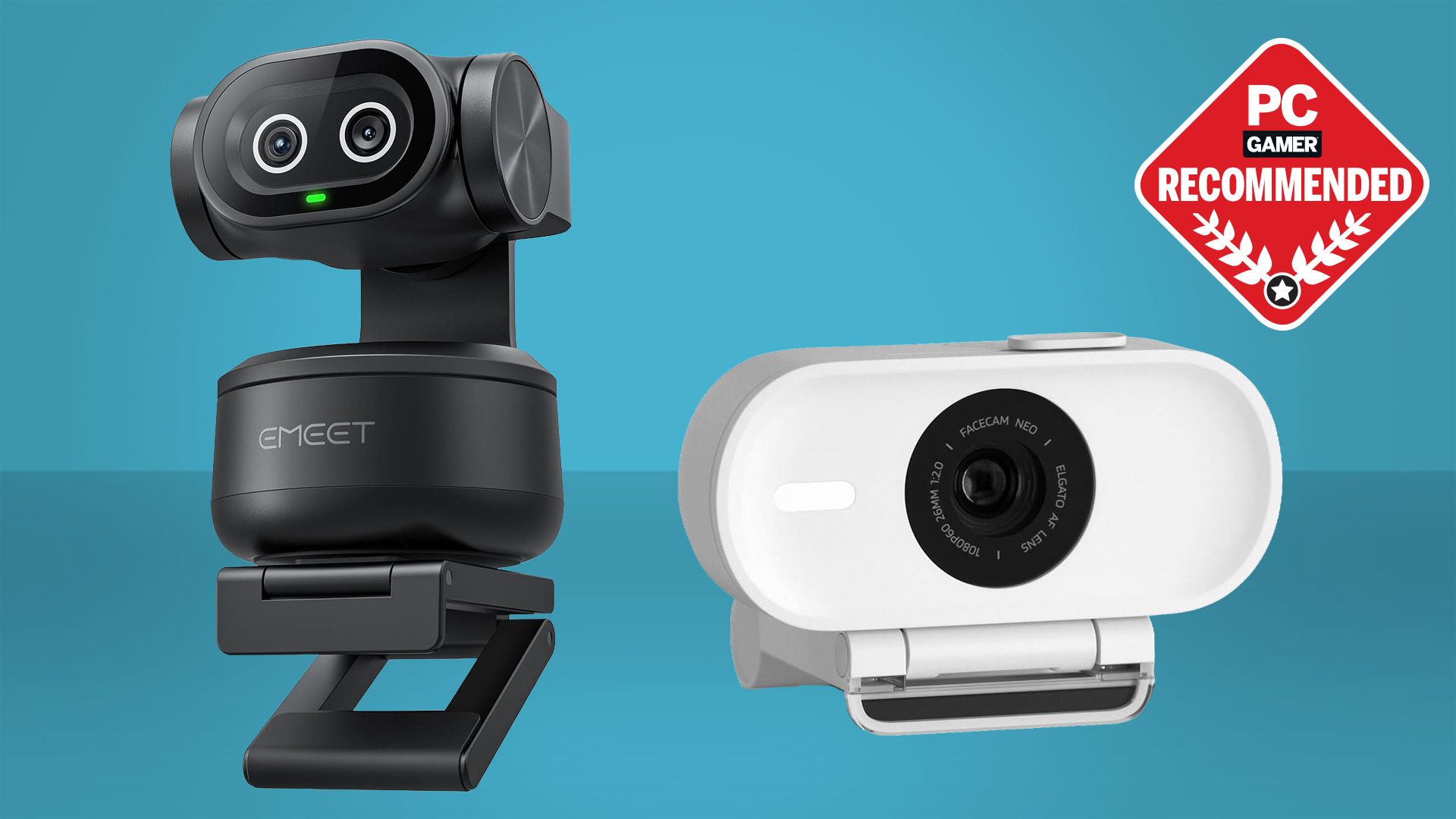
The right camera depends on the kind of shot you keep on screen, how much movement your stream includes, and whether the webcam microphone is part of the plan.
Resolution and frame rate
4K provides more detail and gives you room to crop, but it is not automatically the right streaming mode. A 1080p camera at 60fps can look smoother during movement than a 4K camera limited to 30fps. The MX Brio and S600 offer both combinations, while the C920x and TWC29 stay at 1080p and 30fps.
Sensor and low-light handling
A larger sensor can capture more light and preserve detail in a room that is not perfectly illuminated. The S600 lists a Sony 1/2.55-inch sensor, the Acer lists a Sony 1/2-inch sensor, and the MX Brio uses larger pixels than its previous generation. Automatic light correction helps, but it cannot replace sensible placement of a light source.
Autofocus and framing
PDAF is useful when you lean toward the camera, hold up an object, or move during a presentation. A fixed 73-degree view, as found on the NOVA and C960, keeps composition predictable. Adjustable FOV presets on the Brio 4K and the S600’s 40 to 73-degree range suit creators who change their shot more often.
Microphone quality
Built-in microphones are convenient, but they remain close to the camera and the room. Look for dual microphones, beamforming, or noise reduction if you plan to use them, then keep the webcam near your face and away from obstructions. Streamers who rely on voice clarity should compare the camera with the microphone features that matter in a busy streaming room.
Privacy and mounting
A physical shutter is more reassuring than a software toggle. The Brio 101, MX Brio, S600, NOVA, C960, and TWC29 include physical privacy solutions, while the C920x does not. A tripod thread and a flexible stand matter if the camera will move between a monitor, desk, and standing presentation.
For streaming, a stable 1080p image with good framing is more useful than 4K pointed at the wrong part of the room.
Frequently asked questions
Is 4K necessary for streaming?
No. A well-framed 1080p image can look excellent, especially when the stream platform or connection compresses the video. 4K is most useful when you want extra detail, cropping room, or a camera that can also serve recorded content.
Is 30fps enough for a webcam stream?
30fps is enough for face-to-camera streams, calls, lessons, and many product demonstrations. A 60fps mode is preferable for fast gestures, active gaming commentary, or a smoother presentation, which is why the MX Brio and S600 stand out.
Do these webcams need special software?
Most work through USB plug and play with compatible apps. The EMEET NOVA and C960 default to 1080p and require camera software or an application such as OBS to switch to 4K. Logitech and EMEET software adds image, framing, or audio controls rather than being mandatory for basic use.
Can a webcam microphone replace a streaming microphone?
It can handle a simple stream in a quiet room, but a dedicated microphone usually gives you more control over distance, tone, and background noise. The webcam should still be positioned close enough for its microphones to capture a clear voice.
Which webcam is best for a narrow head-and-shoulders shot?
The Logitech Brio 4K offers a 65-degree diagonal FOV preset, and the EMEET S600 can adjust from 40 to 73 degrees at 1080p. The EMEET NOVA and C960 use a fixed 73-degree FOV, which creates a consistent medium-wide frame.
Do all of these webcams include privacy covers?
No. The Logitech C920x explicitly has no privacy shutter. The Brio 101 has an integrated sliding cover, while several others use an integrated or attachable physical cover.
The bottom line
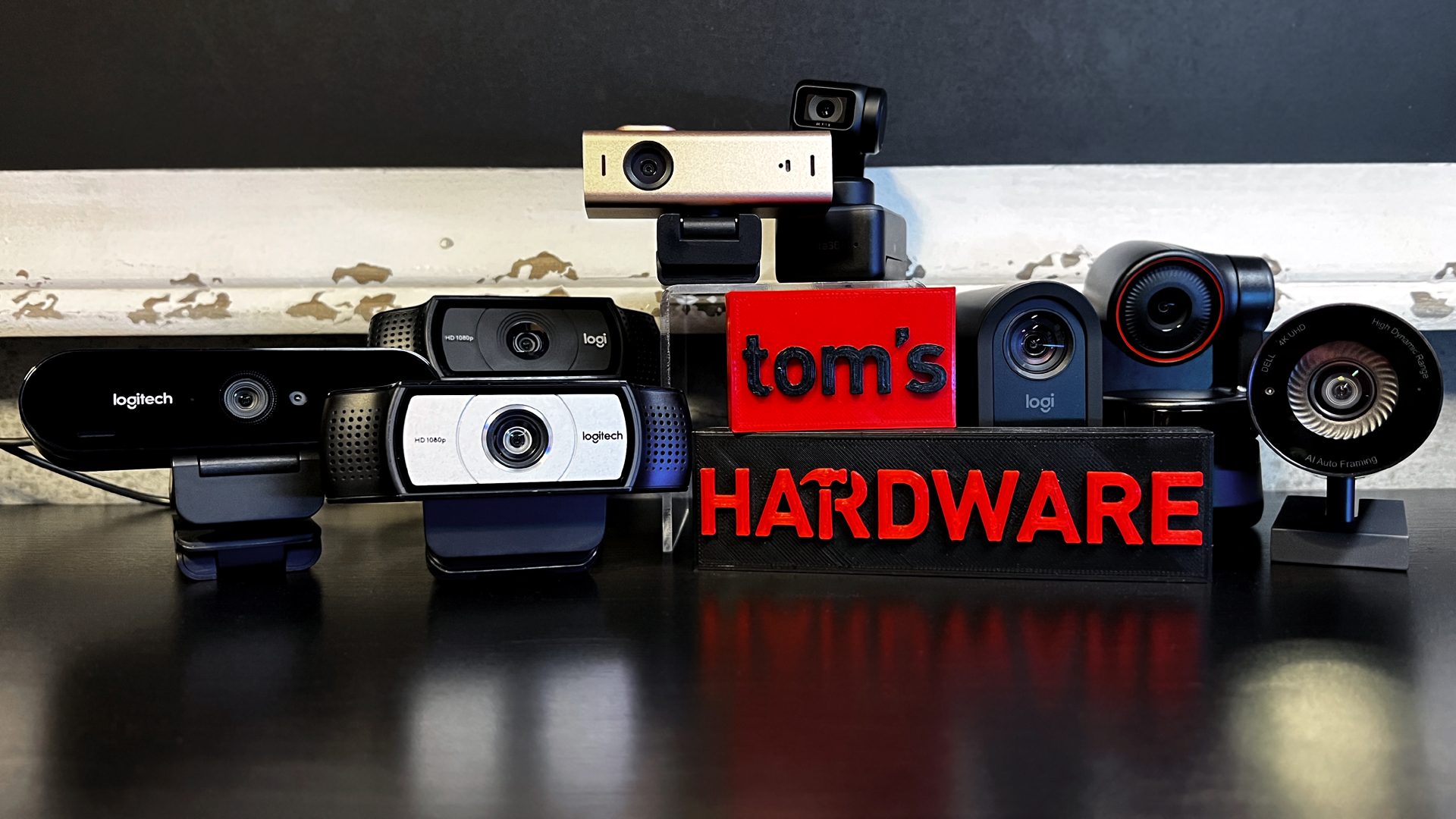
The Logitech MX Brio is the Best webcam for streaming for creators who want sharp 4K video, smoother 1080p at 60fps, useful manual controls, and strong automatic processing in one camera. The EMEET S600 is the better alternative for a simpler 4K setup with PDAF autofocus, a Sony sensor, and adjustable framing at 1080p.
For a basic Full HD stream, choose the Logitech Brio 101 when privacy and simplicity matter, or the Logitech C920x when stereo microphones and established capture tools matter more. The EMEET C60E earns its place for demonstrations and changing compositions, while the Acer 4K Webcam is the unusual pick for a compact metal body.
If you are undecided, buy the MX Brio for a long-term creator setup, or the Brio 101 for a straightforward camera that you can connect and use immediately.
As an Amazon Associate we earn from qualifying purchases.