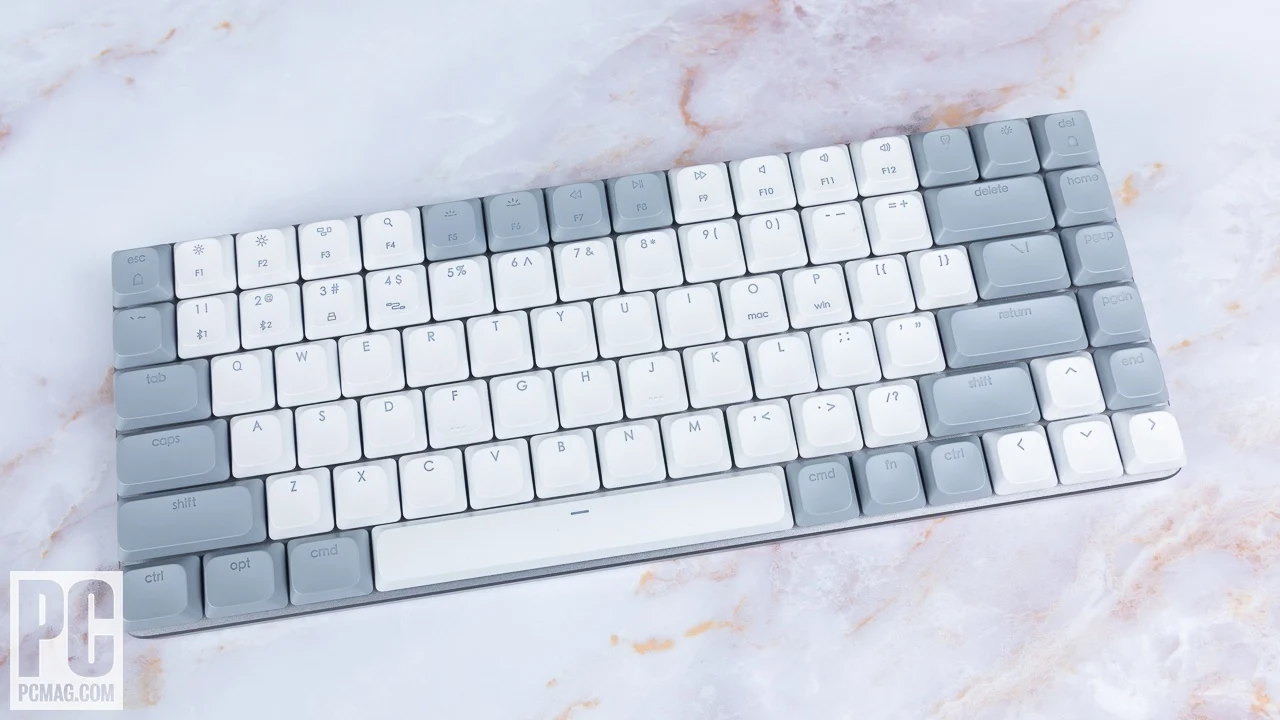

A Mac keyboard should make switching between a desktop, laptop, and iPad feel effortless, not force you to relearn an unfamiliar layout or hunt for a receiver. The awkward choices are usually practical ones: compact versus numeric keypad, rechargeable versus replaceable batteries, and Apple focused compatibility versus broader device support.
We compared eight Bluetooth keyboards and keyboard combos with those tradeoffs in mind. The Best Bluetooth keyboards for Mac include slim travel friendly models, full size workstations, and bundles that add a mouse without requiring a USB port.
Our top pick is the ProtoArc KM100-A, but the range includes a quieter compact combo, reliable Logitech options, two Apple keyboards, and a flexible multi device Macally.
Comparison table
| # | Product | Award | Layout | Connectivity or battery | Best for |
|---|---|---|---|---|---|
| 1 | ProtoArc KM100-A | Best overall | Full size, numeric keypad, backlit | Three Bluetooth devices, rechargeable | A complete Mac desk setup |
| 2 | seenda SKM64-2 White | Best compact combo | Compact Apple layout | Three Bluetooth channels, Type C rechargeable | Small desks and Apple users |
| 3 | seenda SKM64-2 Black | Best dark finish combo | Compact Apple layout | Three Bluetooth channels, Type C rechargeable | A quiet compact setup |
| 4 | Logitech K250 | Best simple keyboard | Compact layout with number pad | Bluetooth, replaceable batteries | Straightforward Mac typing |
| 5 | Logitech MK250 | Best keyboard and mouse bundle | Compact layout with number pad | Bluetooth, long battery life | A dependable two piece setup |
| 6 | Apple Magic Keyboard with Numeric Keypad | Best full size Apple keyboard | Extended layout with numeric keypad | Bluetooth, rechargeable | Spreadsheets and Apple workflows |
| 7 | Apple Magic Keyboard | Best compact Apple keyboard | Slim standard layout | Bluetooth, rechargeable | A clean MacBook or iMac desk |
| 8 | Macally Wireless Keyboard | Best multi device layout | 110 keys, numeric keypad | Three Bluetooth devices, rechargeable | Mac, PC, and mobile users |
1. ProtoArc KM100-A: Best Overall

Pros
- Full size layout includes a numeric keypad
- Three Bluetooth channels make device switching simple
- Three brightness levels illuminate the keys
- Includes a matching rechargeable mouse
Cons
- Takes more desk space than compact keyboards
- No USB receiver is included
- Backlight must be turned on again after sleep
Best for: someone who wants a full Mac keyboard and mouse setup with backlighting and multi device support.
The ProtoArc KM100-A is the easiest keyboard here to recommend to someone setting up a Mac desk from scratch. It has the familiar shape of a full size Apple style keyboard, adds a numeric keypad, and includes a mouse that uses the same general low profile approach. The result is more practical for spreadsheets and desktop work than the compact Apple Magic Keyboard, while remaining much slimmer than a traditional office keyboard.
Its white backlight is a particularly useful distinction. Three brightness levels let you keep the keys visible in a dim room without turning the keyboard into a bright desk lamp. The scissor switches are designed for responsive, quiet typing, and the flat profile keeps the wrists relatively level. That combination makes it better suited to late night writing or a shared office than the deeper keys on the Logitech K250 and Logitech MK250.
The keyboard and mouse can each work across three Bluetooth channels, so one setup can cover a Mac, iPad, and another compatible device. ProtoArc specifies support for macOS 10.12 or later, iOS and iPadOS 13 or later, and Bluetooth 5.1 or above. It is a Bluetooth only design, with no USB dongle included, so an older Mac or a computer with unreliable Bluetooth is not a good match. The keyboard has a 1200mAh rechargeable battery, while the mouse has a 300mAh battery. Both enter sleep after 60 minutes of inactivity.
The mouse adds three sensitivity settings, 1000, 1600, and 2400 DPI, which is helpful when moving between a large desktop display and a smaller laptop screen. Readers who already have a preferred pointing device can still use the keyboard alone, but the bundle is most coherent as a complete set. For more advice on pairing a Mac keyboard with a suitable pointing device, the right mouse shape for long Mac sessions matters as much as the keyboard layout.
The weakness is physical rather than functional. A full size keyboard, numeric keypad, and mouse need more room than the seenda SKM64-2 or Apple Magic Keyboard. The backlight also needs to be reactivated after the keyboard wakes from its 60 minute sleep state. Choose it if you want illuminated keys, number entry, three device connections, and a mouse in one setup. Skip it if your desk is narrow or you want the thinnest possible keyboard.
2. seenda SKM64-2 White: Best Compact Combo

Pros
- Compact Apple focused layout
- Three Bluetooth channels for Mac and iPad
- Type C rechargeable keyboard and mouse
- Thin stainless steel and ABS construction
- Quiet typing suited to shared spaces
Cons
- No USB receiver is included
- Not fully compatible with Windows systems
- Compact layout gives up some full size workspace
Best for: Apple users who want a slim keyboard and mouse combo for a small desk or travel bag.
The seenda SKM64-2 White is the compact option that feels designed around the Apple ecosystem rather than adapted to it. The keyboard and mouse are both slim, and the white and silver finish should sit naturally beside a MacBook or iPad. It is a sensible choice when a full size numeric keypad would simply consume desk space you do not have.
The keyboard connects through three Bluetooth channels, labeled BT1, BT2, and BT3. That lets you keep a Mac, MacBook, and iPad paired and move between them without visiting system settings each time. The stated compatibility begins at macOS 10.12+, iPadOS 13.0+, and iOS 13.0+. Bluetooth 4.0 or above is required, and there is no USB connection or receiver, so this is deliberately an Apple focused wireless setup rather than a universal keyboard.
Typing is intended to be quiet while retaining a tactile click. That balance should appeal to students, writers, and people sharing a room with someone who does not want a loud mechanical board nearby. The keyboard is listed at 0.12 inches thick, while the mouse is listed at 0.9 inches, making the set unusually easy to slide into a bag. The stainless steel and premium ABS construction gives the slim design a more substantial basis than a purely plastic travel board.
Both pieces use Type C rechargeability, and the combo claims up to 200 hours of standby time. Auto sleep and an on or off switch help keep the battery from draining while it is packed away. The tradeoff is that compact keyboards can feel less relaxed for sustained number entry and wide editing tasks than the ProtoArc KM100-A or Apple Magic Keyboard with Numeric Keypad.
This white version and the seenda SKM64-2 Black share the same listed features, dimensions, and intended use. The difference is the finish, so choose this one when a lighter desk setup suits your Mac hardware. If the keyboard will travel often, the layout decisions that make a wireless keyboard easier to carry are more important than matching the finish.
3. seenda SKM64-2 Black: Best Dark Finish Combo

Pros
- Compact layout saves desk space
- Three Bluetooth channels support multiple Apple devices
- Quiet key design
- Type C rechargeable battery system
- Slim construction for travel
Cons
- No USB receiver or wired connection
- Windows compatibility is limited
- No full size numeric keypad
Best for: someone who wants the seenda compact combo in a darker black and gray finish.
The seenda SKM64-2 Black offers the same core idea as the white version, but its black and gray finish makes it a more discreet fit for a darker desk or laptop setup. It is small enough for a compact workstation and includes a mouse, which keeps the entire arrangement wireless without adding a separate accessory search.
Its strongest feature is the three channel Bluetooth system. BT1, BT2, and BT3 let the keyboard and mouse serve up to three devices, including a Mac, MacBook, and iPad. Support is listed for macOS 10.12+, iPadOS 13.0+, and iOS 13.0+, with Bluetooth 4.0 or above required. The lack of a USB receiver is worth understanding before buying. This is for devices with dependable Bluetooth, not for a desktop that needs a receiver to add wireless input.
The compact keyboard uses a standard Apple oriented layout and aims for a tactile but quiet keystroke. Enhanced key stability is intended to reduce sound while retaining responsiveness. That makes it more appropriate for an office, library, or evening work than a deeper profile keyboard. Its stated 0.12 inch thickness and 0.9 inch mouse thickness also make the combination easy to store beside a laptop.
Type C charging is more convenient than keeping loose batteries nearby, and the listed standby time reaches up to 200 hours. Auto sleep reduces unnecessary drain, while the physical power switch helps when the set is being carried. The compact form is the main compromise. People who work with financial figures or frequent number entry will have a more comfortable time on the ProtoArc KM100-A, Macally Wireless Keyboard, or Apple Magic Keyboard with Numeric Keypad.
The black model is not a performance upgrade over the white seenda SKM64-2. It is the same compact, quiet, Apple focused design in a different finish. Pick it when appearance and portability matter, especially for a MacBook and iPad pairing. If you need the mouse to work across many operating systems, Logitech MK250 is a safer direction.
4. Logitech K250: Best Simple Keyboard

Pros
- Compact shape retains a number pad
- Deep profile keys and adjustable tilt legs
- Spill resistant design
- Bluetooth connection does not require a dongle
- Battery life is rated for 12 months of daily use
Cons
- Uses replaceable batteries rather than a rechargeable battery
- No backlighting
- Keyboard only, with no mouse included
Best for: Mac users who want a practical keyboard with a number pad and minimal setup.
The Logitech K250 is a straightforward office keyboard that avoids unnecessary complications. It connects over Bluetooth without consuming a USB port, keeps arrow keys and a numeric keypad, and uses a compact layout to reduce the footprint of a conventional extended board. It is less sleek than the Apple options and less feature rich than the ProtoArc, but it makes sense for a Mac user who wants familiar desktop functionality.
The deep profile keys provide a more pronounced press than the low profile scissor designs from Apple, ProtoArc, and seenda. Some typists will prefer that extra key travel because it makes each press easier to feel. The adjustable tilt legs allow the typing angle to be changed, and the spill resistant construction adds a little reassurance around a busy desk. It is not an ergonomic keyboard, but it offers more physical adjustability than the flat Apple Magic Keyboard.
Despite its compact dimensions of 14.56 by 5.39 inches, the K250 includes a number pad, arrow keys, and F key shortcuts. That layout is useful for spreadsheets without requiring the nearly 18 inch width of the Logitech MK250 combo or Macally Wireless Keyboard. Logitech rates the keyboard for 12 months of daily use before its batteries need changing, which favors people who would rather avoid regular charging.
The K250 does not have backlighting, and it is not a multi device keyboard in the way the ProtoArc and seenda models are. It is best treated as a single Mac workstation keyboard. It also arrives without a mouse, so anyone starting with no accessories will need to add one separately. Guidance on choosing a mouse that tracks well beside a MacBook can help complete the setup.
Compared with the Apple Magic Keyboard with Numeric Keypad, the K250 feels deeper and less refined, but its adjustable tilt and spill resistance are useful desk features. Compared with the seenda SKM64-2, it offers a fuller typing layout but loses rechargeability and multi device switching. Choose it for reliable, uncomplicated Mac typing with a number pad.
5. Logitech MK250: Best Keyboard and Mouse Bundle

Pros
- Keyboard includes a compact number pad
- Matching mouse has an ambidextrous shape
- Spill resistant keyboard design
- Bluetooth pairing needs no dongle
- 12 months of stated keyboard battery life
Cons
- No backlighting
- Deeper keys are less MacBook like
- Larger and heavier than compact rechargeable combos
Best for: a Mac desk that needs both a full function keyboard and a simple wireless mouse.
The Logitech MK250 is the sensible bundle for someone who needs both input devices and does not care about illuminated keys or USB charging. The keyboard uses a compact office layout with a numeric keypad, arrow keys, and F key shortcuts. The included mouse is small, smooth, and ambidextrous, so it does not force a right handed grip.
The keyboard has deep profile keys and adjustable tilt legs, which gives it a more traditional desktop feel than the Apple Magic Keyboard or ProtoArc KM100-A. That can be a benefit for users who like a distinct press under each finger. The spill resistant design and long lasting keys also suit a general purpose home office. Logitech rates the keyboard battery for 12 months of daily use, keeping maintenance simple.
At 18.03 inches long and 5.98 inches wide, the MK250 is not especially small once the mouse is placed beside it. Its 1.4 pound listed weight also makes it less attractive as a travel companion than the seenda SKM64-2. The keyboard does connect through Bluetooth without a dongle, and Logitech lists compatibility with MacBook Neo laptops, but the product is less specifically shaped around Apple shortcuts than the Apple and Macally alternatives.
The biggest omission is backlighting. If you often type in a dim room, the ProtoArc KM100-A is the more capable bundle, while the seenda options offer a slimmer rechargeable setup. If the mouse is the priority, the MK250 is more convenient than buying the Logitech K250 and then finding a separate pointer. For readers comparing pointer shapes, a compact mouse that works for either hand is a useful feature to prioritize.
The MK250 is a practical choice for a fixed desk, especially when number entry and basic mouse control matter more than a thin profile. Skip it if you want a clean Apple style appearance, a rechargeable battery, or easy switching among several devices.
6. Apple Magic Keyboard with Numeric Keypad: Best Full Size Apple Keyboard

Pros
- Precise Apple typing feel
- Full size layout with numeric keypad
- Document navigation controls and full size arrows
- Bluetooth support for Mac, iPad, and iPhone
- Rechargeable battery lasts about a month or more
Cons
- Larger than the standard Apple Magic Keyboard
- No backlighting
- Uses a Lightning to USB cable for charging
Best for: Mac users who want Apple's full size layout for spreadsheets, finance, and document work.
The Apple Magic Keyboard with Numeric Keypad is the keyboard to choose when Apple’s own typing feel matters and a number pad is non negotiable. Its extended layout includes full size arrow keys, document navigation controls, and the extra keys that make spreadsheet work less cramped. It feels more purpose built for a desktop Mac than the standard Magic Keyboard, while retaining the same clean, low profile approach.
The keyboard connects over Bluetooth to a Mac, iPad, or iPhone. Apple lists Mac compatibility from macOS 10.12.4, iPad compatibility from iPadOS 13.4, and iPhone or iPod touch compatibility from iOS 10.3. Pairing is intended to be quick, which is a benefit for people who want a keyboard that behaves like part of the Apple system rather than a generic Bluetooth accessory.
The rechargeable internal battery runs for about a month or more between charges, depending on use. That is considerably easier to live with than regularly replacing batteries, though it does not match the longer stated charge interval of the Macally Wireless Keyboard. This model includes a Lightning to USB cable for pairing and charging. Users standardizing on newer USB C accessories should note that the cable connection is older than the USB C arrangement on the standard Apple Magic Keyboard.
At 16.48 inches long and 4.52 inches wide, it occupies more horizontal space than the compact Apple model but less than the Logitech MK250 and Macally. The one inch listed weight is also manageable for occasional relocation, though this is clearly a desk keyboard rather than a travel board. There is no backlight, so the ProtoArc remains better for low light work.
The keyboard is more precise and Apple coherent than the Logitech K250, but it gives up the Logitech’s tilt legs and spill resistant design. It also costs more desk space than the standard Magic Keyboard. Choose it for a Mac centered workflow involving spreadsheets, accounting, or frequent arrow and navigation commands. If you rarely use a number pad, the smaller Apple Magic Keyboard is the cleaner choice.
7. Apple Magic Keyboard: Best Compact Apple Keyboard

Pros
- Clean, precise Apple typing experience
- Slim standard layout
- Rechargeable internal battery
- USB C port and woven USB C charging cable
- Pairs automatically with a Mac
Cons
- No numeric keypad
- No backlighting
- Fewer physical controls than the extended Apple model
Best for: a MacBook or iMac user who wants the smallest Apple desktop keyboard without sacrificing rechargeability.
The Apple Magic Keyboard is the most compact route to Apple’s familiar desktop typing experience. At 12.13 inches long and 6 inches wide, it takes noticeably less room than the extended Apple model, and its 0.9 pound listed weight makes it easy to move between a desk and a shelf. The standard layout is a natural partner for a MacBook when you want a separate keyboard without building a large workstation.
Apple says the keyboard pairs automatically with a Mac, which removes one of the small irritations that can make third party Bluetooth accessories feel disconnected from the operating system. It is also rechargeable, with an internal battery rated for about a month or more between charges depending on use. The USB C port and included woven USB C cable are a better fit for current Mac accessories than the Lightning cable supplied with the numeric keypad model.
The typing experience is precise and comfortable, but the low profile design will not suit someone who prefers deep keys or adjustable tilt. There is no backlight, so the ProtoArc KM100-A remains the more useful option for dim rooms. The lack of a number pad is also a real limitation for spreadsheets, finance, and data entry. Apple’s extended model solves that problem, but it is less compact and less flexible on a small desk.
Compared with the seenda SKM64-2, the Apple keyboard is a simpler one keyboard product rather than a keyboard and mouse bundle. It also does not offer three device channels in the product details provided here. What it does offer is a focused Mac experience, USB C charging, and a compact footprint with no extra controls to get in the way.
This is the right pick for a MacBook owner who values a clean desk and Apple’s own key feel. Choose the Apple Magic Keyboard with Numeric Keypad instead if the missing number row will interrupt your work. If you want to use one keyboard across a Mac, PC, and tablet, Macally Wireless Keyboard is more flexible.
8. Macally Wireless Keyboard: Best Multi Device Layout

Pros
- 110 scissor flex keys
- Numeric keypad and 20 Mac shortcuts
- Pairs with up to three devices
- Works with Mac, PC, iOS, Android, and TVs
- Rechargeable battery lasts up to three months
Cons
- Wide footprint
- No mouse included
- Older design than the newest Apple keyboard
Best for: someone who needs one rechargeable keyboard for Mac, PC, and mobile devices.
The Macally Wireless Keyboard takes the full size Mac keyboard idea and adds broader device support. It has 110 scissor flex keys, a numeric keypad, and 20 macOS shortcuts, so it is better suited to a desktop workload than a compact travel keyboard. The aluminum body and thin black keys also give it a more deliberate Apple inspired appearance than the Logitech K250.
Its multi sync feature can pair with up to three Bluetooth devices. Mac, PC, iOS, Android, and TVs are all listed among the supported platforms, which makes it the most versatile keyboard in this group for a mixed household. That broader compatibility is the main reason to choose it over the Apple Magic Keyboard. It can stay on a desk shared by a Mac and another type of computer instead of being limited to one ecosystem.
The keyboard is 18.11 inches long and 6.3 inches wide, so the full layout takes substantial desk depth and width. Its listed weight is 0.93 pounds, which is fairly manageable for the size, but the broad body is not intended for a small laptop tray. The 110 keys include a number pad and shortcut row, while the scissor mechanism is intended to keep typing quiet and smooth.
Macally claims up to three months between charges with average use of three hours per day, followed by a one hour charge time. That is a strong maintenance schedule for a rechargeable full size board. The ProtoArc KM100-A is more appealing if you want backlighting and a bundled mouse, while the Apple Magic Keyboard with Numeric Keypad has a more cohesive Apple first experience.
The age of the design is its main drawback. It is not as compact as the standard Apple Magic Keyboard, and there is no mouse in the box. Still, the cross platform support and three device pairing make it a strong choice for a home office with mixed hardware. Pick it when one keyboard needs to serve several operating systems and a numeric keypad matters.
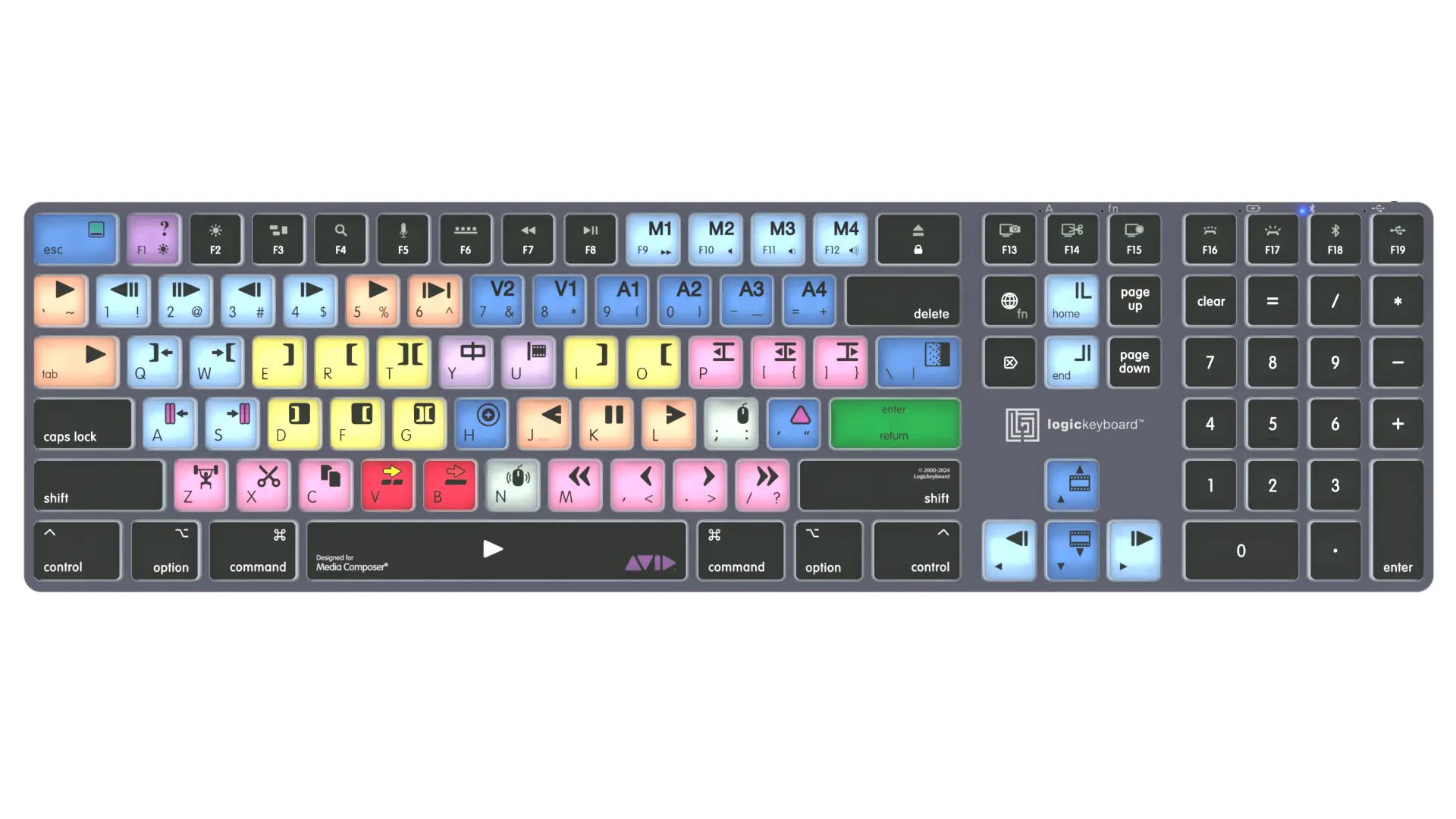
How to choose best bluetooth keyboards for mac
The right keyboard depends on how much desk space you have, how often you switch devices, and whether your work needs a number pad more than a thin profile.
Apple layout and compatibility
Mac users should look for Command, Option, and macOS shortcut placement that feels natural. Apple focused models such as the ProtoArc, seenda, and Apple keyboards list compatibility with recent macOS versions, while the Macally also supports PC, iOS, Android, and TVs. Check the stated operating system requirements before buying, especially if the keyboard will move between platforms.
Full size and compact layouts
A numeric keypad is useful for spreadsheets, finance, and frequent number entry, but it adds width. The Apple Magic Keyboard is the smallest keyboard here, while the Apple Magic Keyboard with Numeric Keypad, ProtoArc KM100-A, and Macally provide more extensive layouts. Compact does not always mean fewer useful keys, since the Logitech K250 retains a number pad in a smaller office layout.
Bluetooth device switching
Three channel pairing is valuable if you move between a Mac, MacBook, and iPad. ProtoArc, both seenda models, and Macally support multiple paired devices. The Apple Magic Keyboard is better suited to a focused single Mac setup based on the listed features, while the Logitech models emphasize quick Bluetooth pairing without a receiver.
A good multi device keyboard should make switching feel like pressing a button, not opening Bluetooth settings.
Rechargeable battery
Rechargeable keyboards reduce the need for loose batteries, but charging connections differ. The Apple Magic Keyboard uses USB C, the extended Apple model uses a Lightning to USB cable, and the seenda, ProtoArc, and Macally models have rechargeable batteries with their listed charging arrangements. Logitech K250 and MK250 are designed around long intervals between battery changes rather than USB charging.
Key feel and lighting
Low profile scissor keys generally create a flatter, quieter typing experience, while the Logitech keyboards use deeper profile keys with adjustable tilt legs. ProtoArc adds three brightness levels, but the Apple, seenda, Logitech, and Macally models listed here do not include backlighting in their features. If you work in a dim room, illumination should be treated as a deciding feature rather than a cosmetic extra.
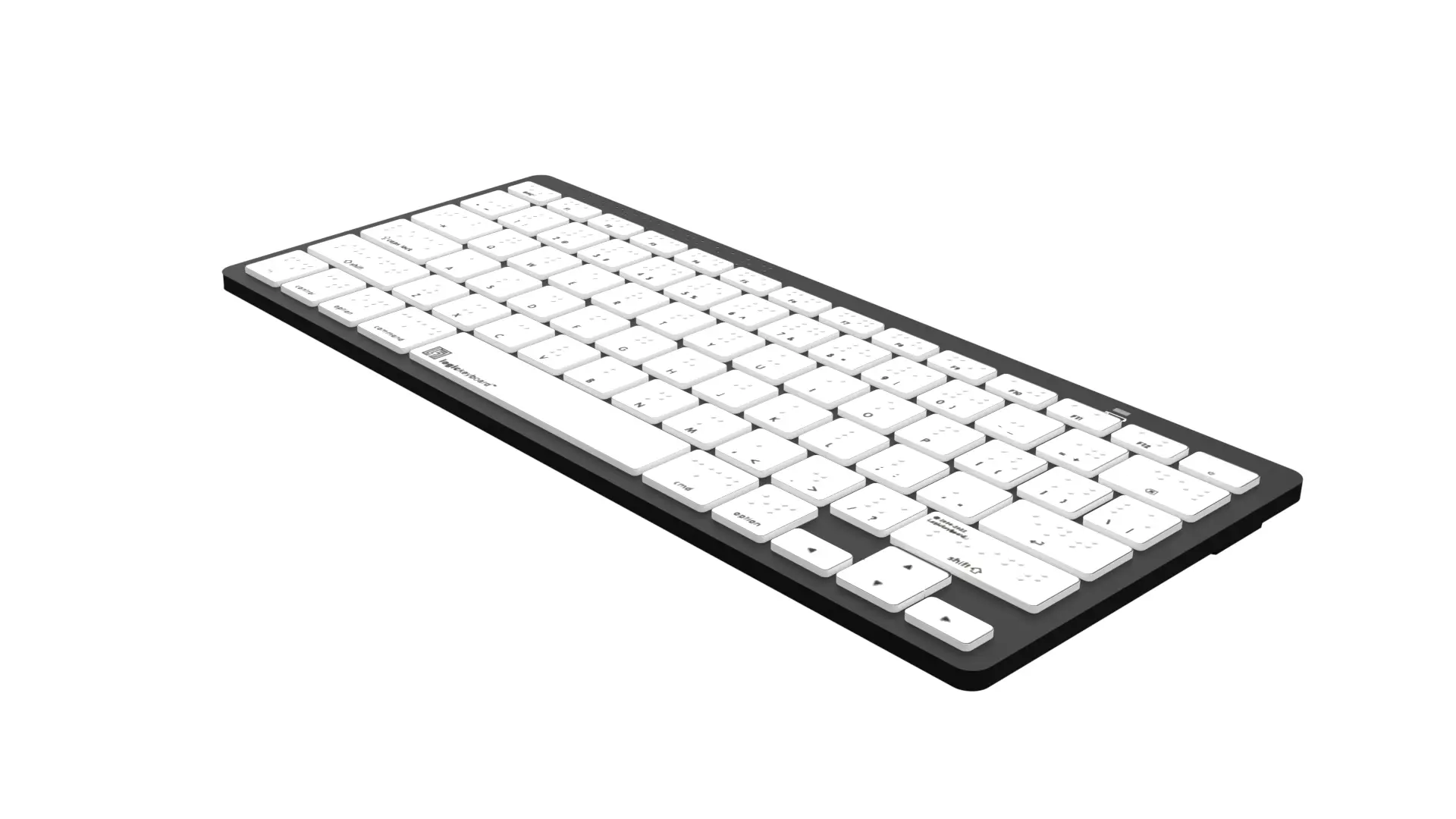
Frequently asked questions
Do Bluetooth keyboards work with every Mac?
No. Compatibility depends on the Mac’s Bluetooth support and the keyboard’s stated operating system requirements. ProtoArc lists macOS 10.12 or later and Bluetooth 5.1 or above, while seenda requires Bluetooth 4.0 or above and supports macOS 10.12 or later.
Is a numeric keypad useful on a Mac keyboard?
It is useful for spreadsheets, accounting, finance applications, and any work involving frequent number entry. If you mostly write, browse, or use a MacBook, the standard Apple Magic Keyboard takes up less room and may feel more comfortable on a small desk.
Can these keyboards connect to an iPad?
Several can. ProtoArc supports iPadOS 13 or above, seenda supports iPadOS 13.0 or above, Apple Magic Keyboard with Numeric Keypad supports iPadOS 13.4 or later, and Macally lists iOS and Android compatibility.
Which models connect to three devices?
ProtoArc KM100-A, seenda SKM64-2 White, seenda SKM64-2 Black, and Macally Wireless Keyboard can pair with up to three devices according to their listed features. The Logitech and Apple models in this roundup emphasize direct Bluetooth pairing, but their provided details do not specify three device switching.
Are any of these keyboards backlit?
The ProtoArc KM100-A is the only model here with stated backlighting. It has soft white illumination with low, medium, and high brightness levels. The other products do not list backlighting in their supplied features.
Do any of these keyboards include a mouse?
ProtoArc KM100-A, seenda SKM64-2 White, seenda SKM64-2 Black, and Logitech MK250 include a mouse. Logitech K250, both Apple Magic Keyboard models, and Macally Wireless Keyboard are keyboard only.
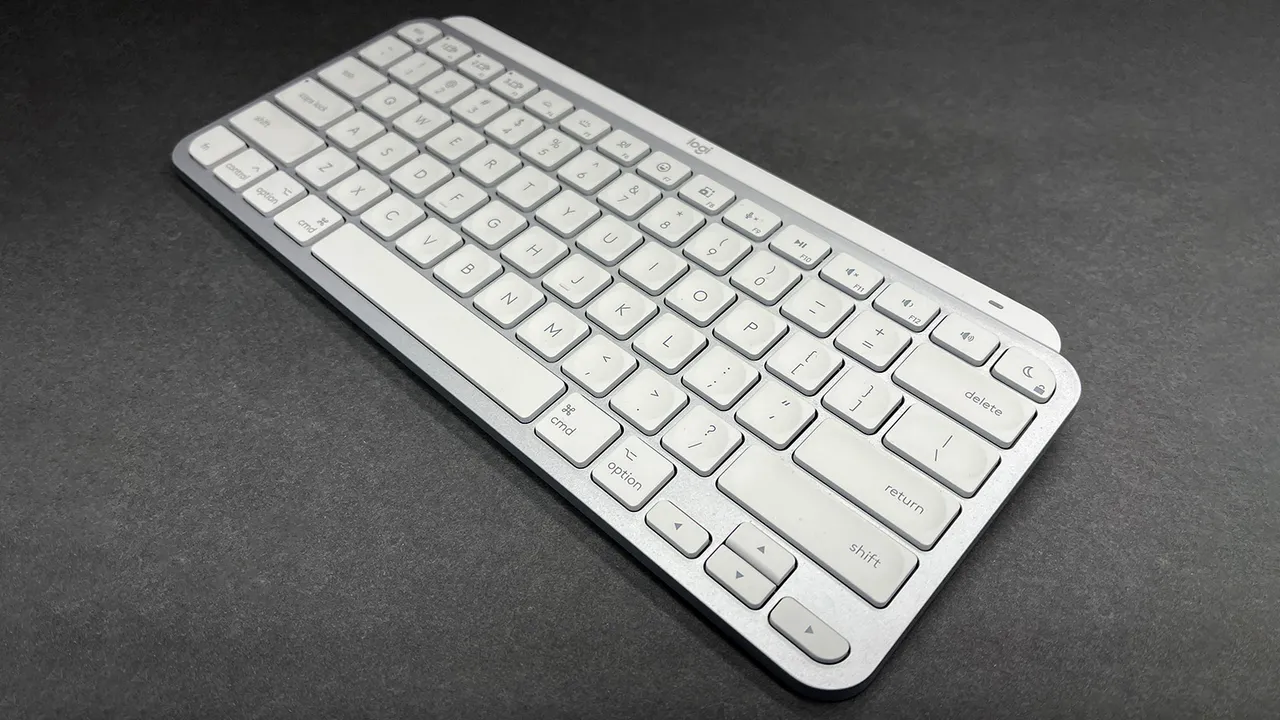
The bottom line
The Best Bluetooth keyboards for Mac start with the ProtoArc KM100-A for most desktop users. Its full size layout, number pad, backlighting, three Bluetooth channels, rechargeable keyboard and mouse, and quiet scissor keys cover more situations than any other option here. Its wide footprint and Bluetooth only connection are the drawbacks to accept.
Choose the Apple Magic Keyboard for the cleanest compact Mac setup, or the Apple Magic Keyboard with Numeric Keypad when spreadsheets and navigation controls matter. The seenda SKM64-2 models are better for a compact keyboard and mouse bundle, while the Macally Wireless Keyboard makes more sense for a mixed Mac, PC, and mobile household.
If you are undecided, choose the ProtoArc KM100-A unless your desk is too small for a full size keyboard and mouse.
As an Amazon Associate we earn from qualifying purchases.