
If you have heard the term "iOS phone" and wondered what it means, the answer is simple: an iOS phone is any iPhone. iOS is the operating system that runs on Apple's iPhones, so every iPhone you can buy today is an iOS phone. No other brand makes phones running iOS. This guide explains what that operating system does, how it differs from Android, and what you should know before buying one.
What iOS Actually Is
iOS stands for "iPhone Operating System, " though Apple now just calls it iOS. It is the software that controls everything on the screen: how apps run, how notifications appear, how you navigate between tasks, and how the phone connects to accessories and services. Every iPhone ships with iOS preinstalled, and Apple releases major updates each fall that work on iPhones going back five or six years.
The core difference between iOS and Android is that Apple controls both the hardware and the software. That means the company can optimize the operating system tightly for the specific chips and cameras in each iPhone model. On Android phones, Google makes the software but phone makers like Samsung and Google themselves adapt it to different hardware. The result is that iOS tends to feel more consistent across generations of iPhones, and updates arrive for all supported models on the same day.
What You Get with an iOS Phone
The App Ecosystem
The App Store is the only way to install software on an iPhone. Apple reviews every app before it is listed, which keeps malware rates very low compared to Android. The trade-off is that you cannot sideload apps from outside the store. That matters if you want emulators, alternative app stores, or software not approved by Apple. For most people this is not an issue, but it is worth understanding before switching.
Integration with Apple Devices
An iOS phone works seamlessly with other Apple products. Your messages appear on a Mac or iPad when you are signed into the same iCloud account. AirDrop lets you share files between devices wirelessly without needing a cloud service. AirPods switch automatically between an iPhone and a Mac when you start playing audio. If you already own an iPad, a Mac, or Apple Watch, an iPhone will fit right in. The same advantage extends to peripherals: a good audio interface for recording with your iPhone can be a simple plug-and-play affair, and how well that interface works with an iPhone often depends more on app compatibility than on the hardware.
iMessage and FaceTime
The built-in messaging app on iOS is iMessage. When you text another iPhone user, the message appears in blue bubbles and uses end-to-end encryption. When you text an Android phone, the message falls back to SMS and appears in green bubbles. Apple has not opened iMessage to Android, which means an iOS phone gives you access to features like read receipts, typing indicators, and high-quality photo sharing that only work within Apple's ecosystem. This is frequently cited as a reason people stay with iPhone.
Consistency and Longevity
Because Apple makes only a few iPhone models each year, iOS developers do not have to test against hundreds of different screen sizes and hardware configurations. Apps on iOS tend to feel more polished as a result. Apple also supports iPhones with software updates for five to seven years after a model is released. Most Android phones receive updates for three years at most, with some exceptions like Google's Pixel line.
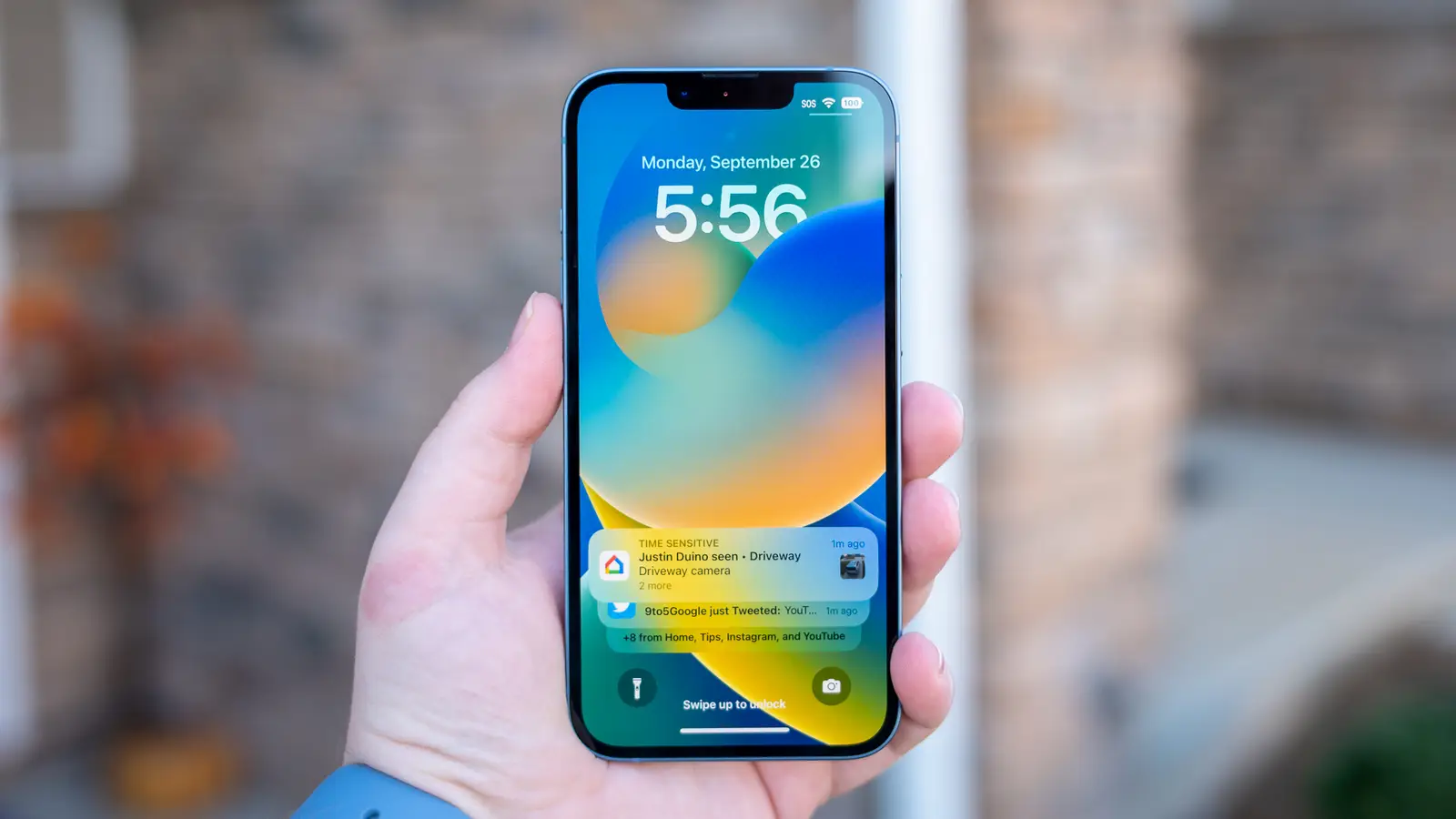
How iOS Differs from Android in Daily Use
Navigation and Customization
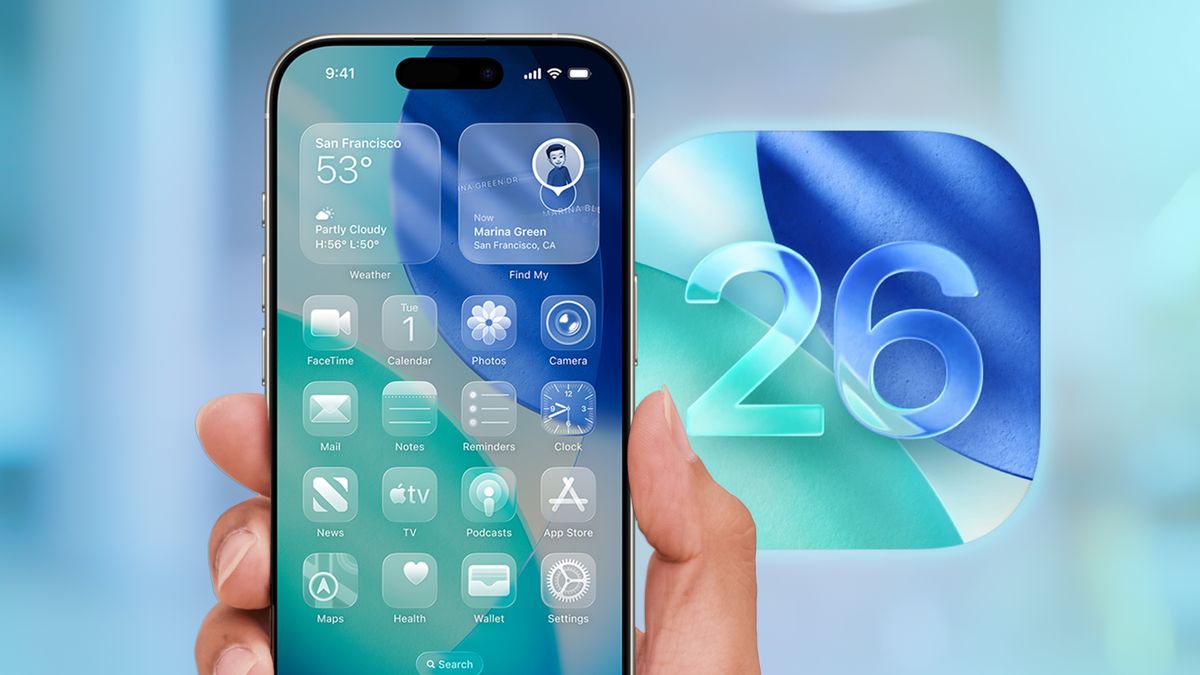
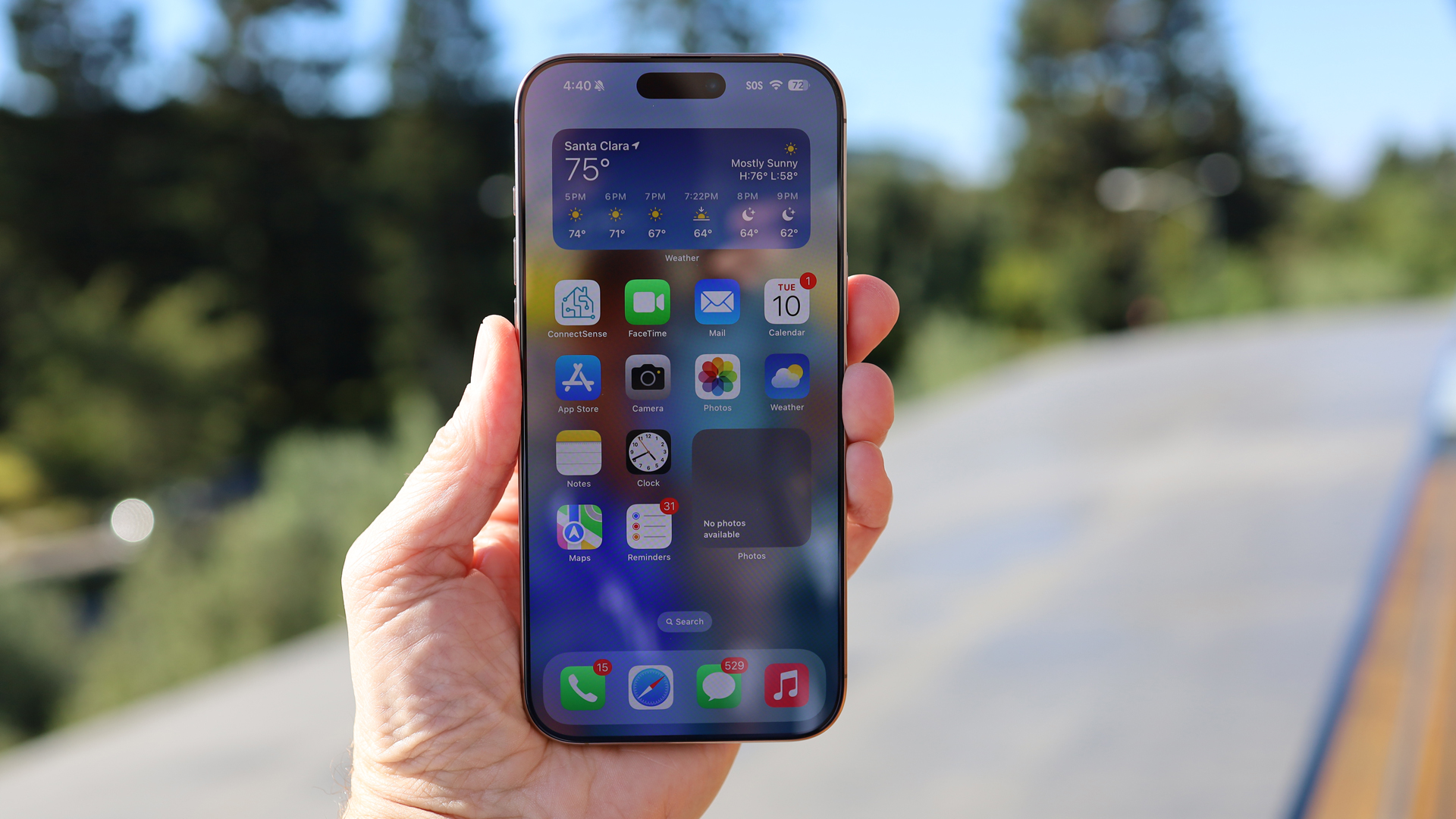
An iOS phone uses a simple home screen with app icons arranged in a grid. You cannot place icons wherever you want; they snap to a top-left fill pattern. Adding widgets is possible since iOS 14, but they sit on the same grid as apps. Android lets you place icons and widgets anywhere on the screen, change default apps for almost everything, and install custom launchers that completely alter the interface. If you enjoy tweaking the look and feel of your phone, iOS will feel restrictive.
Notifications
iOS groups notifications by app in a chronological list. Android groups notifications and lets you reply inline from the notification shade. Both systems allow notification channels (muting certain categories of alerts from an app), but Android has had this feature longer and gives you more granular control. iOS has improved over the years, but power users still find Android's notification system more capable.
File Management
iOS does not give you full access to the file system. The Files app lets you browse folders that apps share, but you cannot see the system directory or manage files the way you can on a desktop or on an Android phone. This matters mostly if you need to transfer files between a phone and a computer frequently. If you plan to connect your iPhone to a PC or Mac often, check which phones connect to a computer with the least friction. In general, iPhones rely on cloud sync (iCloud, Dropbox) or AirDrop rather than USB file transfer.
Default Apps
Since iOS 14, you can change your default web browser and email client, but you still cannot change the default for phone calls, maps, or messaging. On Android you can set almost any app as the default for any action. This is one of the most common frustrations for people moving from Android to iPhone.
Is an iOS Phone Right for You?
An iOS phone is a good choice if you value privacy, long software support, and a consistent experience across apps. It is also the obvious choice if you already own other Apple devices. It is a less good choice if you want deep customization, side-loading apps, or the ability to set defaults for every action. The hardware itself is generally very well built, with cameras and performance that compete with the best Android phones.
One practical consideration is that iPhones are sold in both locked and unlocked versions. A locked iPhone is tied to a specific carrier until you meet certain conditions, while an unlocked one works with any compatible carrier. If you are buying secondhand or switching carriers, it helps to understand what an unlocked iPhone means for network compatibility before you commit.
Another point: if your primary use of a phone is heavy texting with many contacts, iOS offers iMessage but does not dominate that use case if most of your contacts are on Android. If you want a phone purely for texting, what the best phone for texting looks like depends on whether your network is iMessage or SMS.
The Honest Limitation that Marketing Leaves Out
Apple markets iPhones as simple, secure, and powerful. Those claims are mostly fair. But the trade-off is that Apple decides what you can do with your device. You cannot install an app that Apple disapproves of. You cannot replace the default keyboard with one that captures more data than Apple allows. You cannot root the phone or install an alternative operating system. For most people these restrictions never matter, but they are real limitations that do not exist on Android.
The other limitation is the price point. iPhones cost more than many comparable Android phones, and Apple does not offer budget models that compete with the cheapest Android devices. The iPhone SE is the most affordable current model, but its design and screen size lag behind what Android offers at the same price.
FAQ
Is an iOS phone the same as an iPhone?
Yes. Every iPhone runs iOS, and no other phone does. If you see "iOS phone" in a spec sheet or an article, it means the device is an iPhone.
Can I change the operating system on an iPhone?
No. You cannot install Android or any other OS on an iPhone. The bootloader is locked, and Apple does not allow it. If you want to run Android, you need to buy an Android phone.
Do iOS phones get viruses?
They are much less common than on Android. Apple's closed ecosystem and app review process mean that malware almost never reaches the App Store. That said, no phone is completely immune to phishing or social engineering attacks.
How long does an iPhone get software updates?
Apple typically supports an iPhone model with iOS updates for five to seven years after its launch. For example, the iPhone 6S from 2015 received iOS 15 in 2021, which is six years of support.
Can I transfer data from an Android phone to an iOS phone?
Yes. Apple provides a "Move to iOS" app on the Google Play Store that transfers contacts, messages, photos, videos, and some app data to a new iPhone during setup. It works reasonably well for most people.